
Vizzywig
Pro Video Capture and Editor
Conçue pour iPhone, iPad
Gratuit · Achats intégrés
- Classification d’âge4+
- CatégoriePhoto et vidéo
- Développeuri4software
- LanguesAnglais
- Taille45,5 Mo
Renvoie vers la page App Store officielle
Download.org n’héberge aucun fichier de Vizzywig. Le bouton ouvre la page de l’application sur App Store, où i4software la publie. Fiche vérifiée pour la dernière fois le 07/11/2026.
Captures d’écran


À propos
Le développeur n’a pas fourni ce texte dans votre langue.
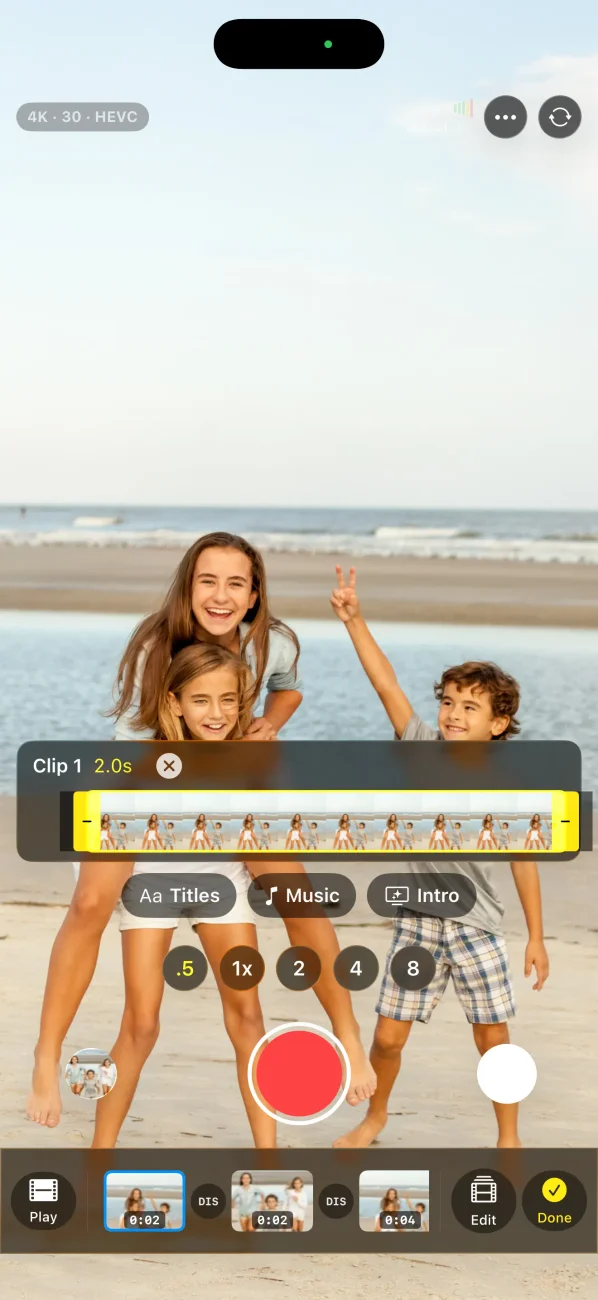
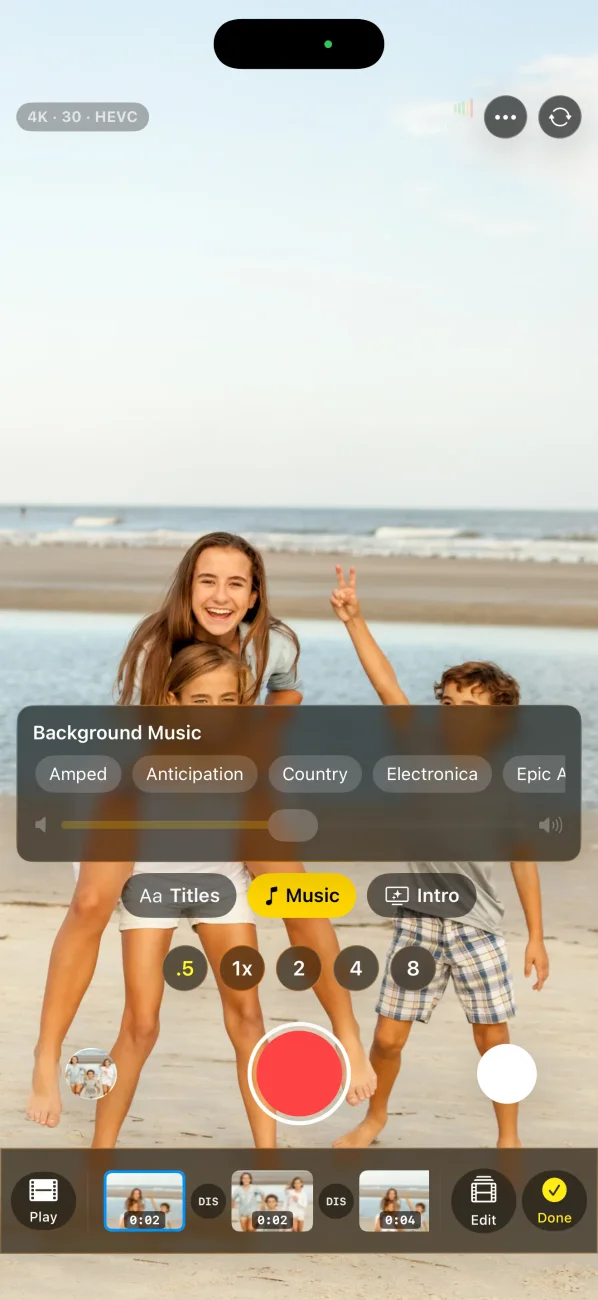
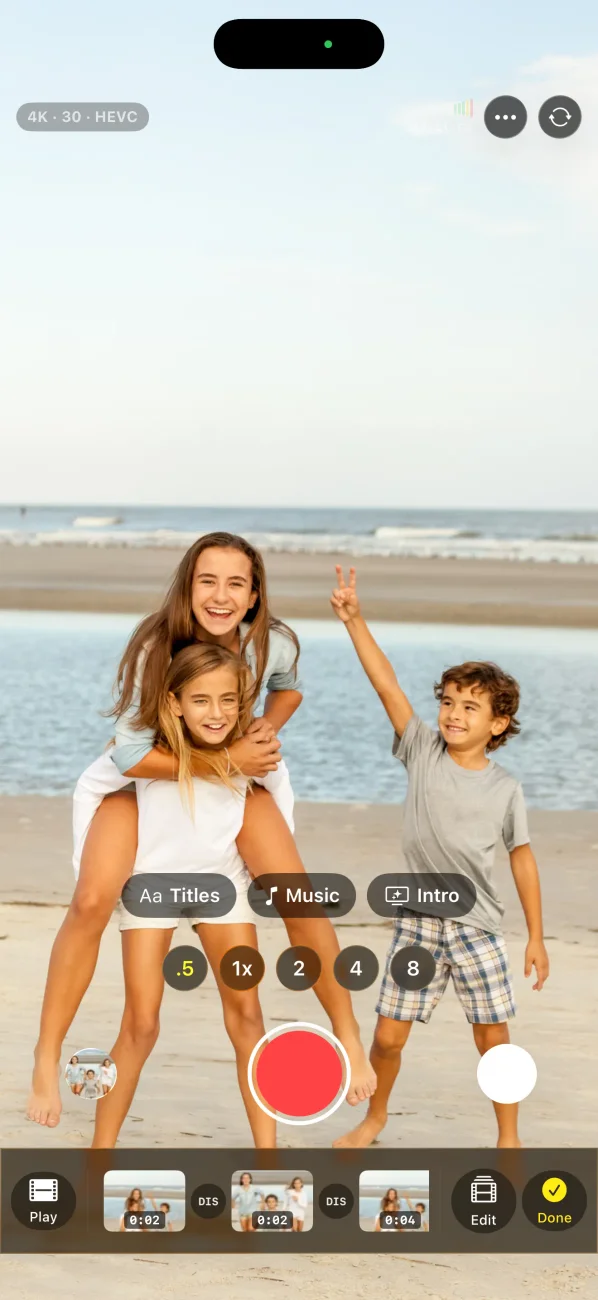
Shoot and edit in the same place. Vizzywig lets you trim clips, add titles, choose music and pick a studio intro without ever leaving the camera — so your video comes together between takes, not afterwards.
EDIT WHILE YOU SHOOT
• Tap any clip to trim it while the camera keeps running
• Add titles and credits on set
• Choose background music between takes
• Pick a studio intro before you have finished shooting
• Reorder clips as you go
CAMERA
• Record in 4K, 5K anamorphic, HD, and high-resolution 4:3
• ProRes 422 HQ and Apple Log
• HDR 10-bit video recording (Rec. 2020 / HLG)
• Anamorphic desqueeze — full-sensor capture, widescreen output
• Frame rates from 12fps to 60fps
• Manual white balance, focus, and exposure
• Real-time filters with Metal pipeline
• Dual capture — front and rear cameras simultaneously
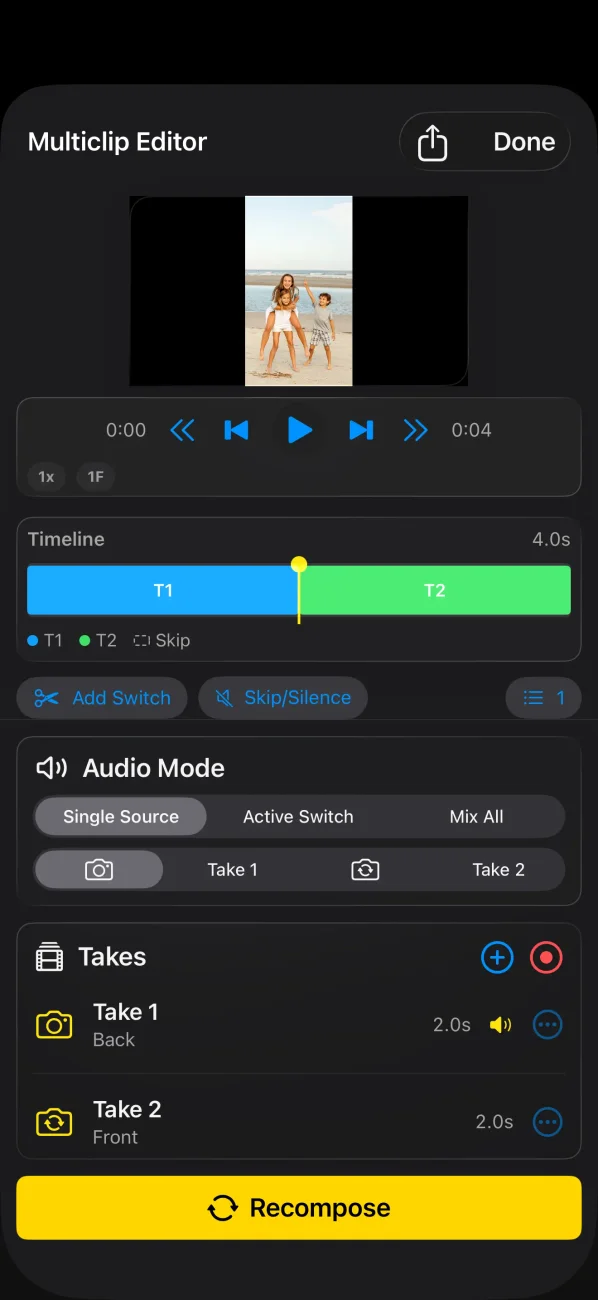
• Multiclip pause/resume with camera switching
• Edit-while-you-shoot timeline
EDITOR
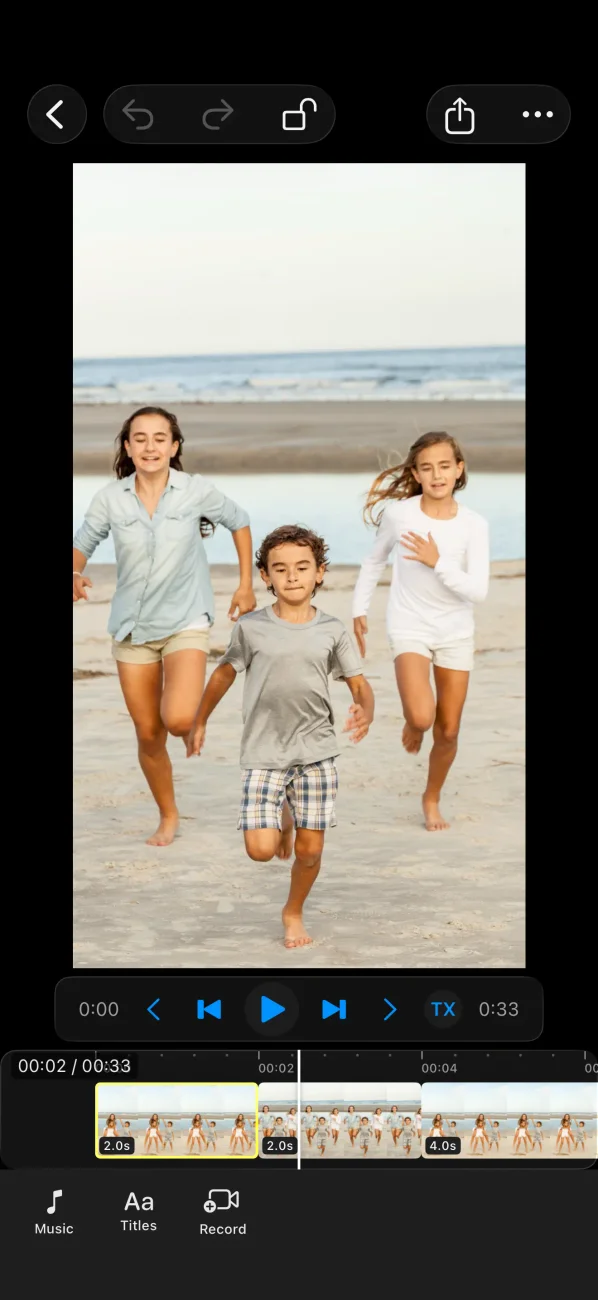
• Zoomable timeline with a fixed playhead and filmstrip previews
• Undo and redo any edit
• Timeline-based multi-clip editor
• 16 transition types including dissolve, wipe, and slide
• Ken Burns pan and zoom effects
• Trim, split, and rearrange clips
• Per-clip volume control and background music mixing
• Title and credits overlays with custom fonts
• Multiclip editor for switching between camera angles
• Export to Camera Roll or share directly
BUILT FOR MODERN IPHONE
• Completely rebuilt in Swift and SwiftUI
• Liquid Glass design
• Portrait-first camera inspired by Apple Camera
• Dynamic focal length pills for lens switching
• Automatic legacy project migration
Vizzywig Pro subscription unlocks recording and exporting.
Terms of Use (EULA): https://www.apple.com/legal/internet-services/itunes/dev/stdeula/
Privacy Policy: https://i4software.com/privacy
Nouveautés
Version 12.0 · 03/09/2026
Edit while you shoot. Trim clips, add titles, music and a studio intro without ever leaving the camera.
A SIMPLER START
• Vizzywig opens clean now, with just the essentials
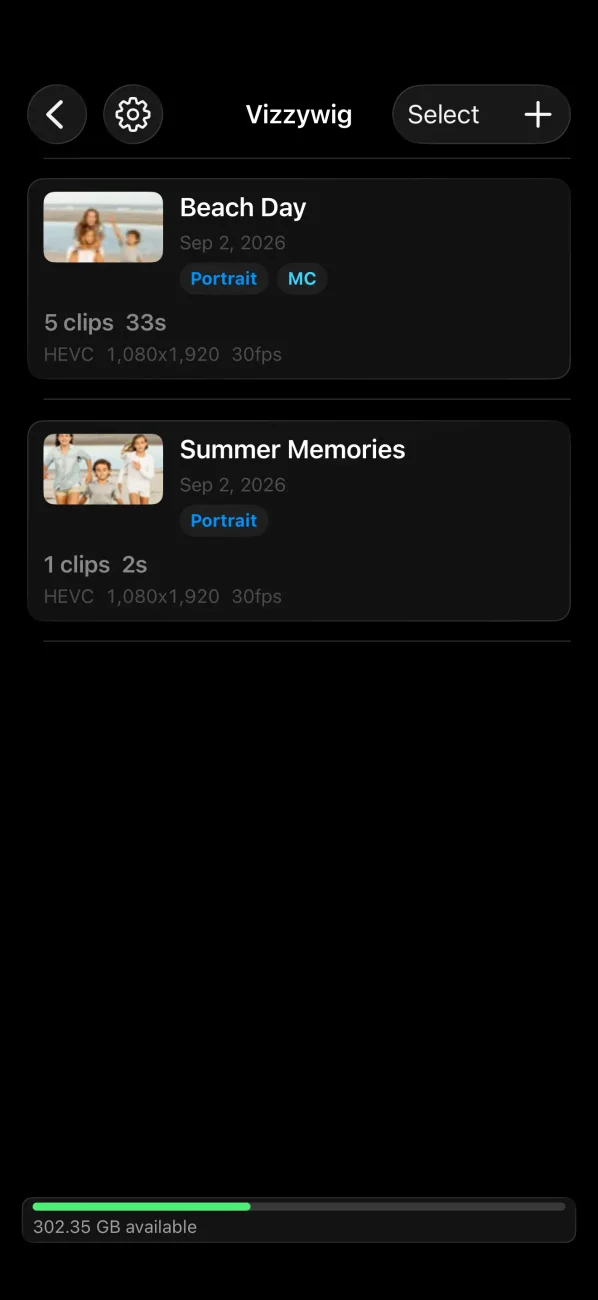
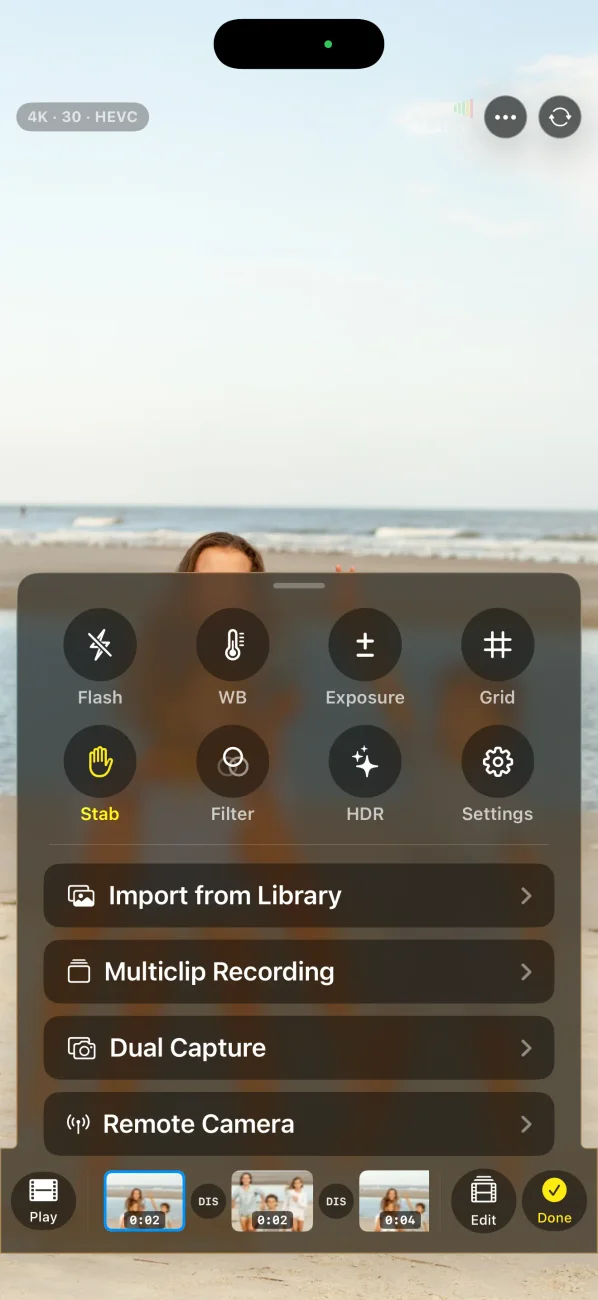
• Tap + for recording, projects and import
• Press and hold + to start recording straight away
• Double-tap for a photo, or hold and swipe up to import from your library
EDIT WITHOUT LEAVING THE CAMERA
• Tap any clip in the timeline to trim it while the camera keeps running
• Choose background music between takes
• Type your title and credits on set
• Pick a studio intro before you have finished shooting
A REBUILT EDITOR TIMELINE
• Pinch to zoom and scrub against a fixed playhead
• Real filmstrip previews on every clip
• Undo and redo any edit
• Bigger trim handles that stay usable even on very short clips
• A larger video preview
FIXES
• Your subscription is recognised again on a new phone or after reinstalling
• The front camera no longer opens sideways
• Lens options now match the camera you are actually using
• Trimming a clip no longer springs it back to full length
• Tapping a clip no longer jumps the playhead to the start of it
Confidentialité de l’application
Ce que i4software déclare sur l’App Store au sujet du traitement des données par cette application.
-
Données n’établissant aucun lien avec vous
Peuvent être collectées, mais ne sont pas liées à votre identité.
- Identifiants
- Données d’utilisation
- Diagnostic
Les pratiques en matière de confidentialité peuvent varier, notamment en fonction des fonctionnalités que vous utilisez ou de votre âge.
Informations
- Vendeur
- ESS International Corporation
- Catégorie
- Photo et vidéo
- Version
- 12.0
- Mis à jour
- 03/09/2026
- Publié
- 14/09/2014
- Taille
- 45,5 Mo
- Nécessite
- iOS 17.0 ou version ultérieure
- Classification d’âge
- 4+
- Prix
- Gratuit
- Achats intégrés
- Oui
- Langues
- Anglais
- Copyright
- © i4software
Vous aimerez peut-être aussi
-
 MembitPhoto et vidéo
-
 Video Recorder ProPhoto et vidéo
-
 TopDirector (NDI,SRT,UVC,RTSP)Photo et vidéo
-
 REC - Pro Video CameraPhoto et vidéo
-
 Enregistreur d'écran et VidéoScreen Recorder: Record & Edit
-
 Filmic Firstlight-Appli photoPhotos au rendu analogique
-
 Screen Recorder: vidéo Éditeuren ligne jeux Enregistrement
-
 Cinema P3 Pro CameraPhoto et vidéo
-
 Caméra Manuelle Pro DSLR | RAWProRAW ISO BdB Vitesse Obturat
-
 écran vert vidéos et photosFond vert & incrustation vidéo