
VKO1
Pro visuals, zero learning
Conçue pour iPhone, iPad, Mac
12,99 € · Achats intégrés
- Classification d’âge4+
- CatégoriePhoto et vidéo
- DéveloppeurJuan Maguid
- LanguesAnglais
- Taille49,3 Mo
Renvoie vers la page App Store officielle
Download.org n’héberge aucun fichier de VKO1. Le bouton ouvre la page de l’application sur App Store, où Juan Maguid la publie. Fiche vérifiée pour la dernière fois le 23/11/2026.
Captures d’écran


À propos
Le développeur n’a pas fourni ce texte dans votre langue.
WHAT IS VKO1 (VisualKO)
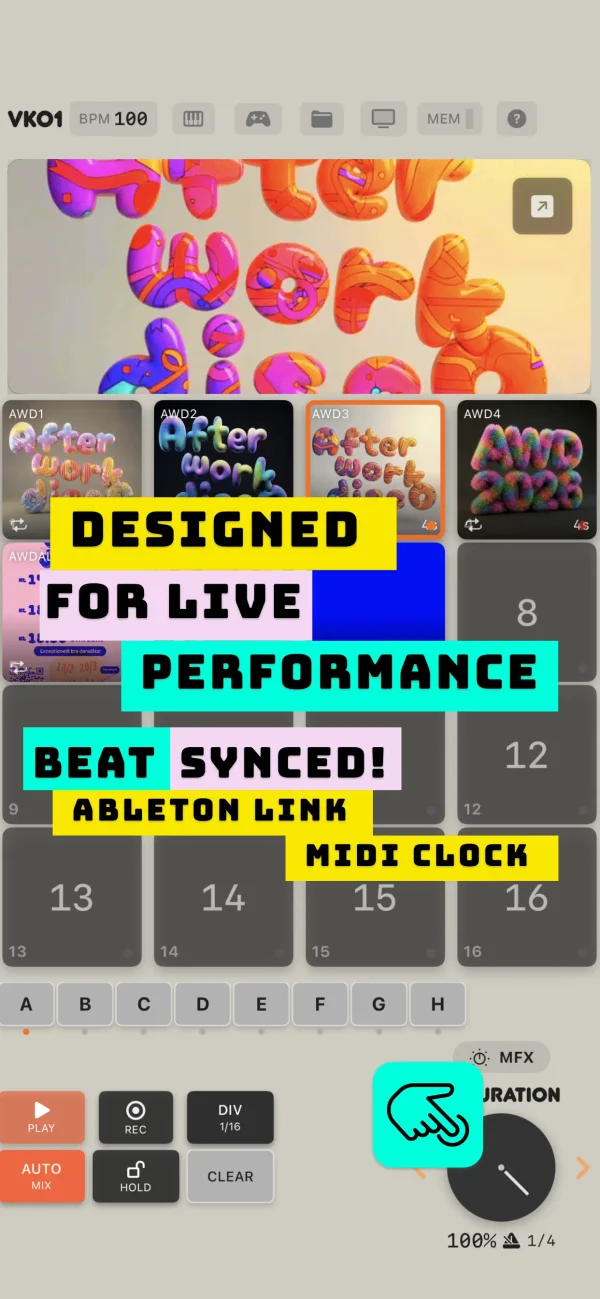
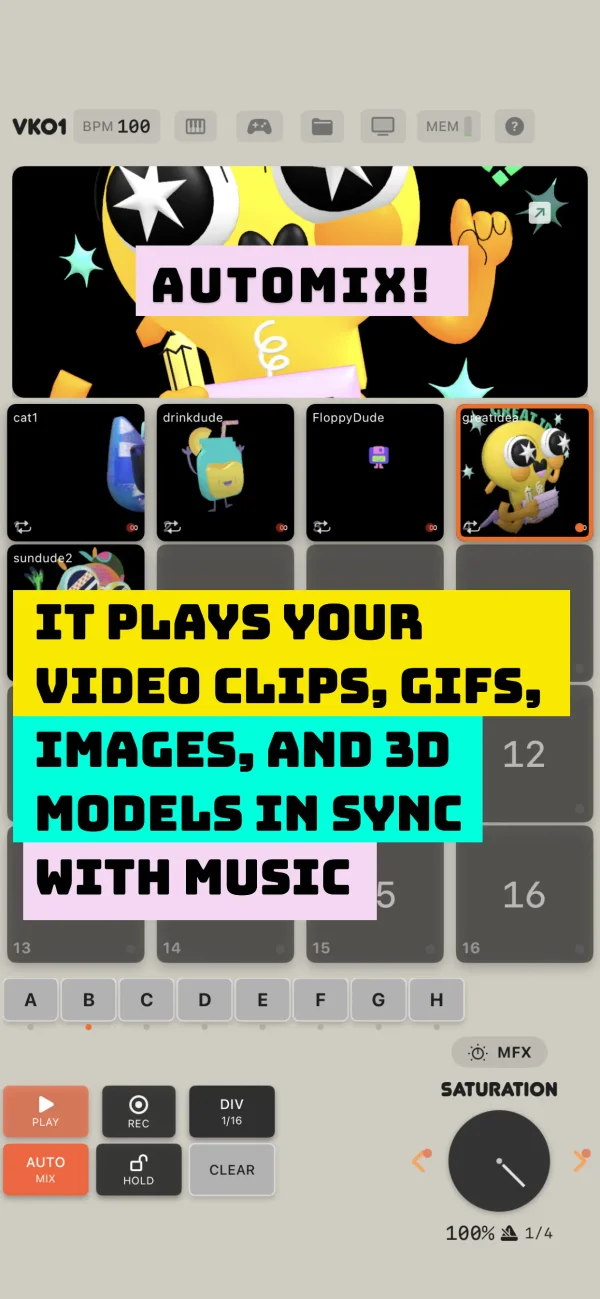
VKO1 is a visual performance app for iPad, iPhone, and Apple Silicon Mac — built for musicians and DJs who want stunning visuals without a dedicated VJ. Load your clips, set your BPM, and let it run.
Made for performers
You're playing. VKO1 stays locked to your music and keeps visuals moving — no babysitting required.
Automix does the work
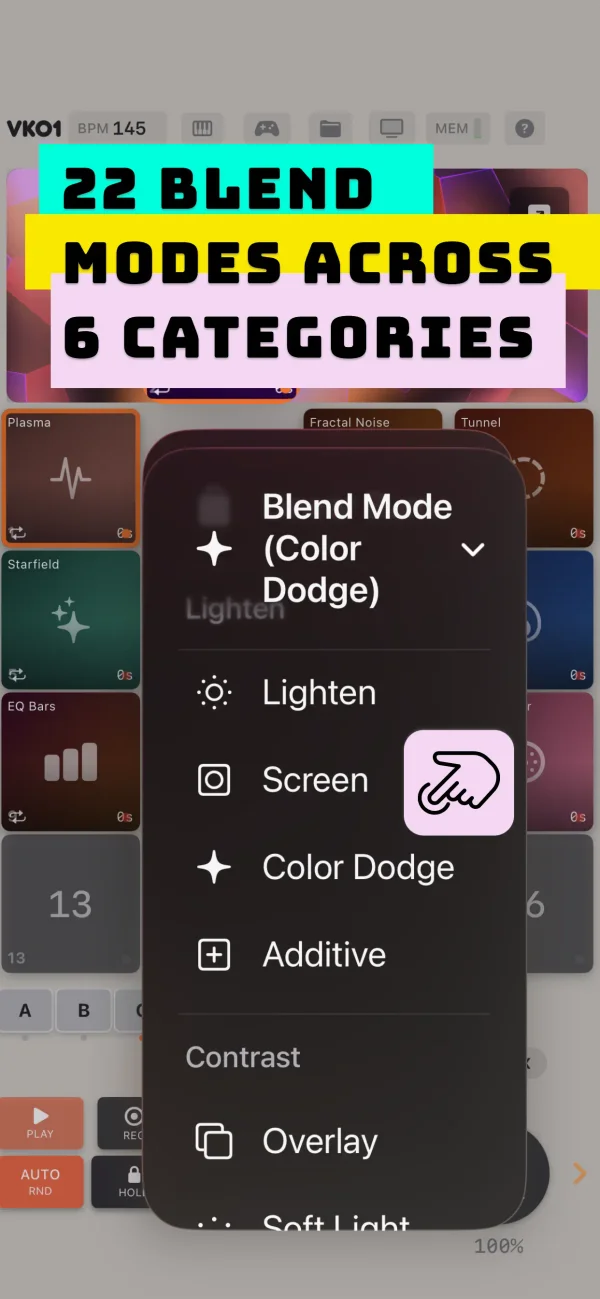
MIX mode pulls from all 8 banks, auto-switches on the beat, and rotates effects automatically. A full visual set, hands-free.
Build your own visuals
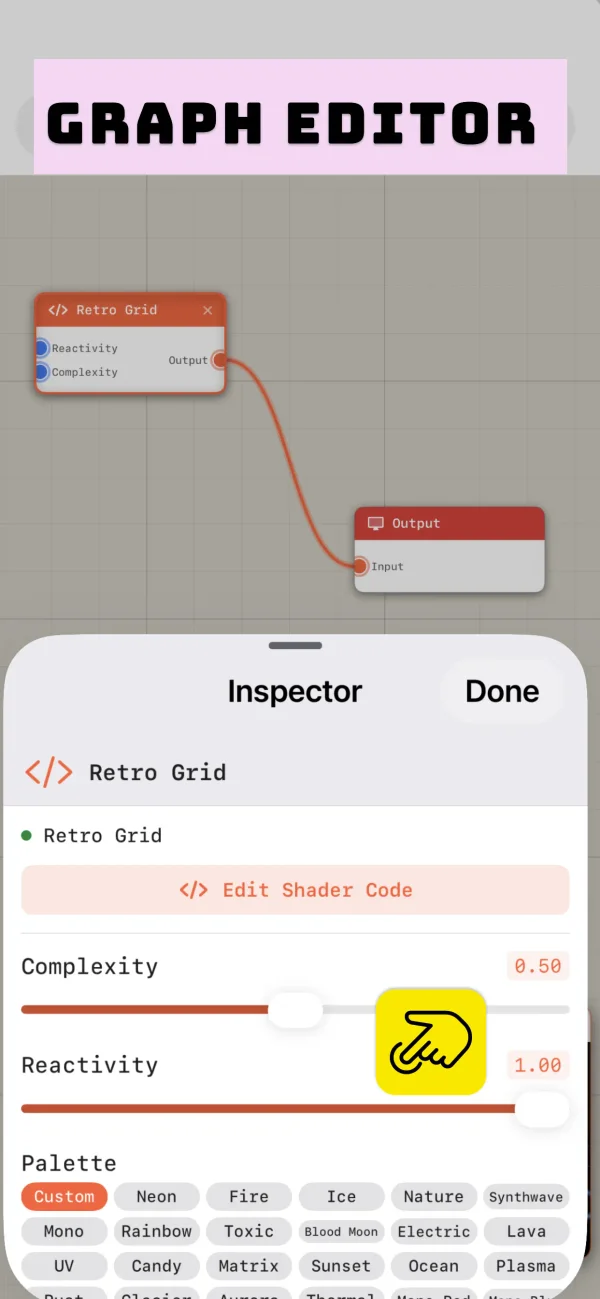
The Node Editor lets you wire together generators, modifiers, and combiners into custom reactive visuals — no coding needed. Import your own Metal shaders or start from scratch.
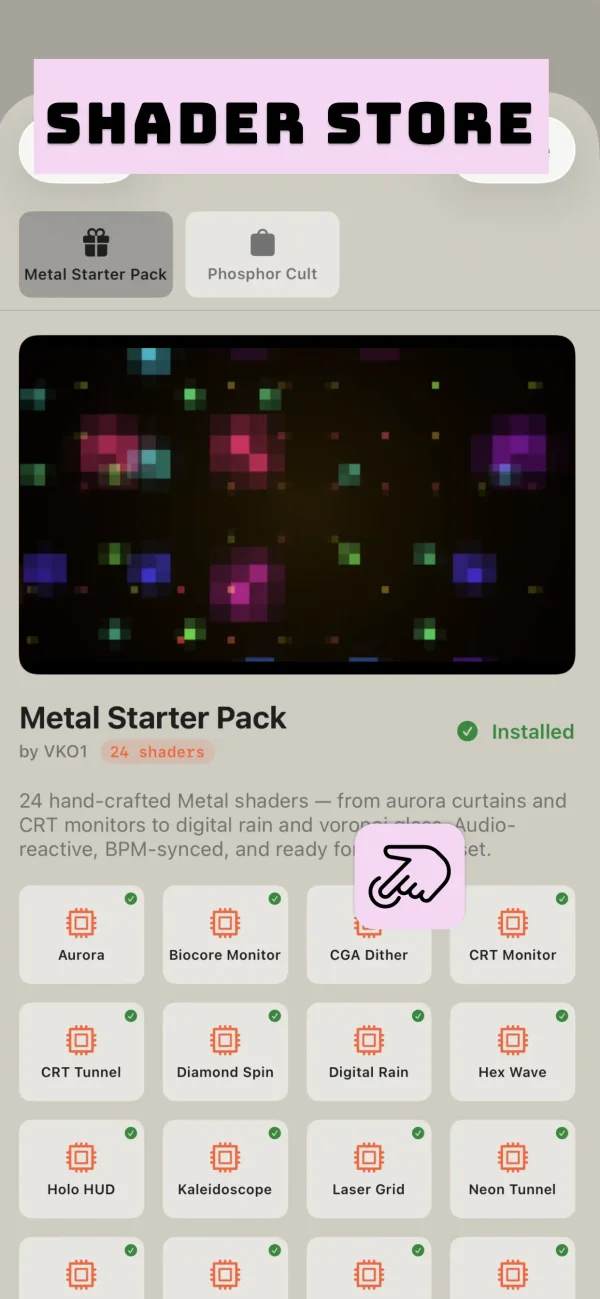
Browse the Store
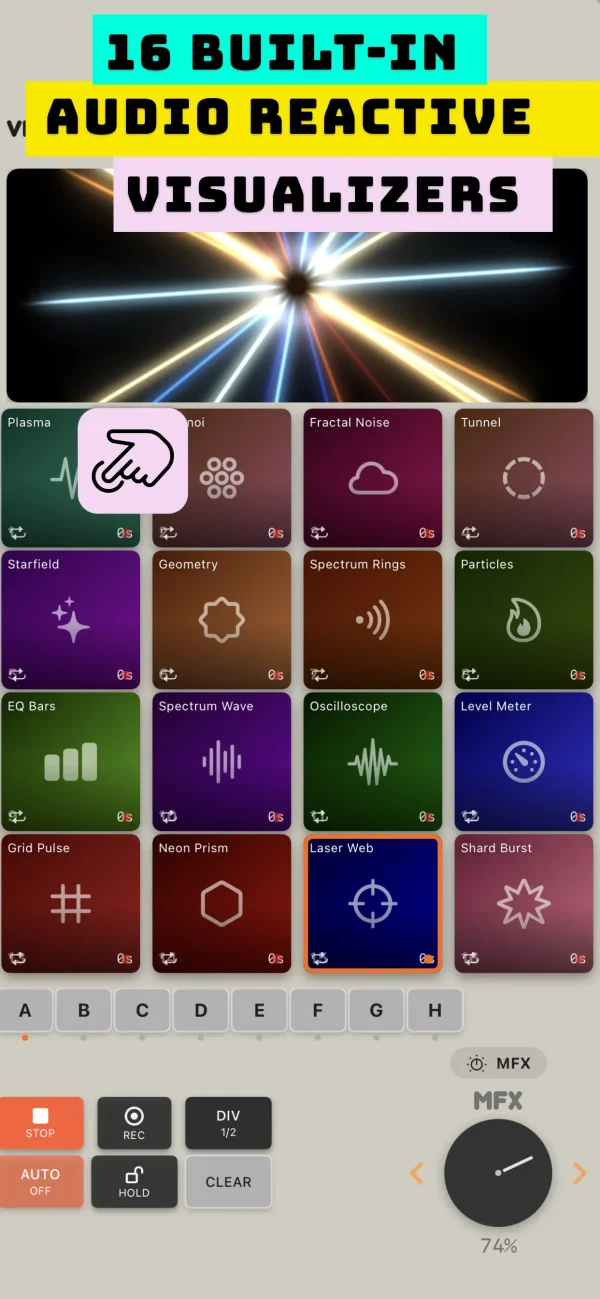
Download free and premium GPU visualizers — real-time Metal shaders that run directly on your device. No video files. No lag. Drop them straight into your set and go.
Control from anywhere
iPhone in your pocket, iPad on a stand, MIDI controller on your table, Bluetooth gamepad in your hand. AirPlay to the big screen — no cables.
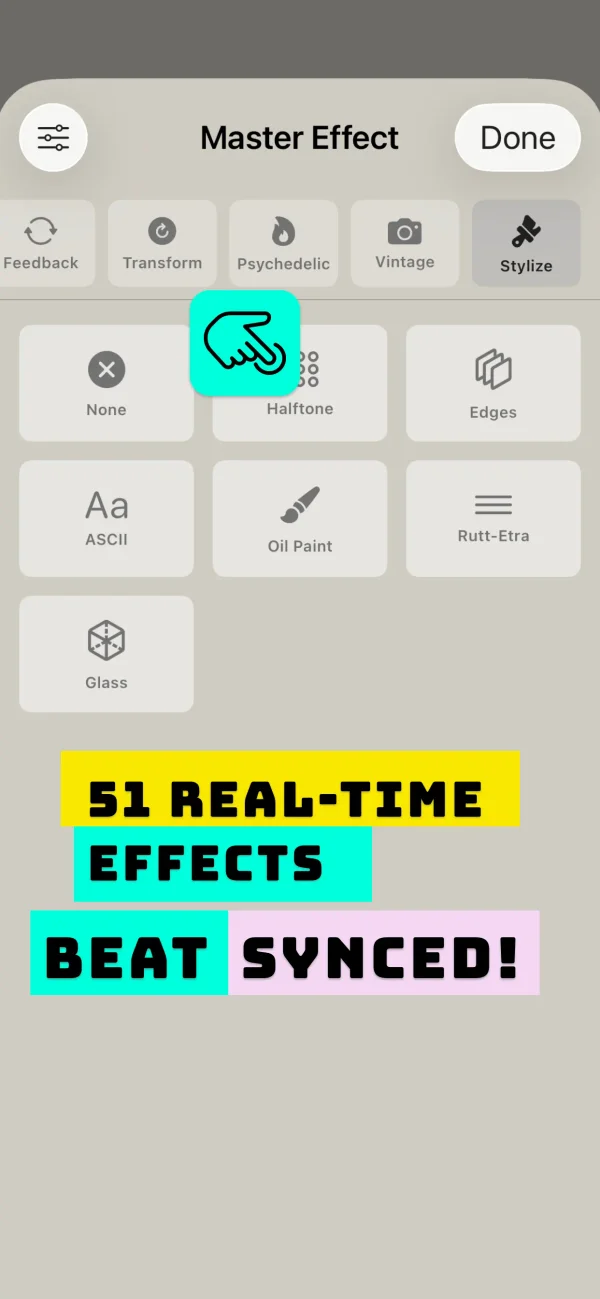
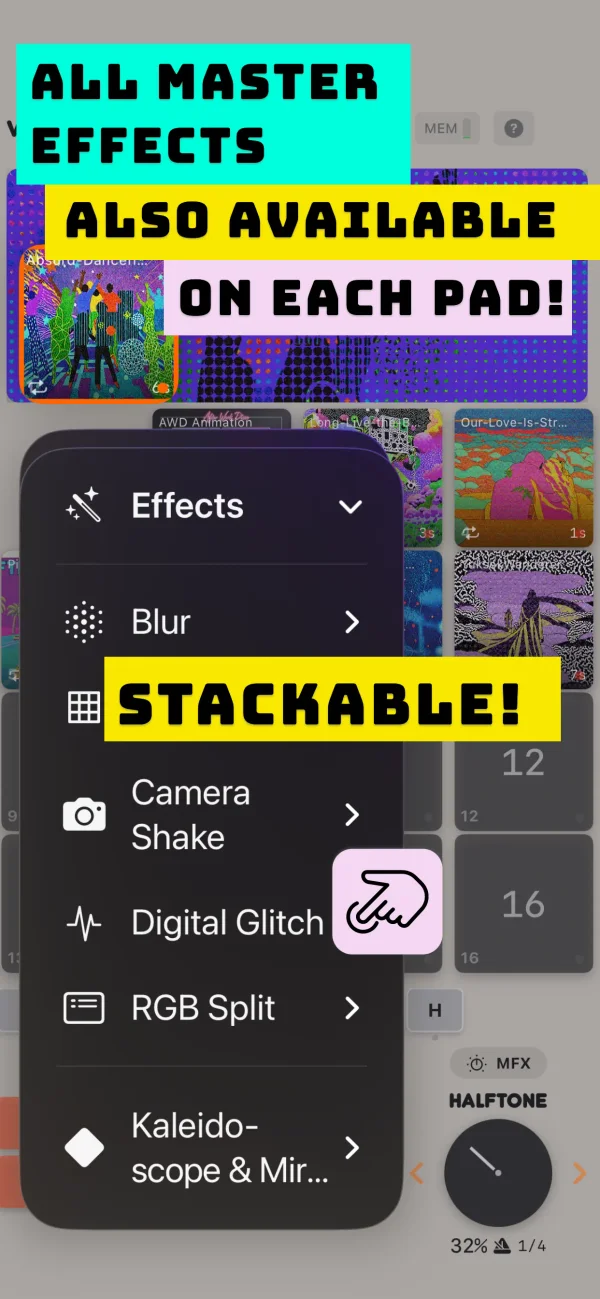
51 real-time effects
All BPM-synced, all GPU-accelerated via Metal. One knob controls everything playing.
Stays in sync
Tap tempo, MIDI clock, Ableton Link — four ways to lock visuals to your music.
Nouveautés
Version 1.33.3 · 19/11/2026
MIDI Learn keeps listening
- Fixed: MIDI Learn could stop without mapping anything. While a pad or button was waiting for a note, a stray CC from your controller ended the learn, and a knob could be cut off by a stray note. Each Learn now waits for the kind of message it needs and lets everything else through as normal live input, so controllers and apps that send a steady stream of CCs can be learned again.
Confidentialité de l’application
Ce que Juan Maguid déclare sur l’App Store au sujet du traitement des données par cette application.
-
Données non collectées
Le développeur ne collecte aucune donnée à partir de cette application.
Les pratiques en matière de confidentialité peuvent varier, notamment en fonction des fonctionnalités que vous utilisez ou de votre âge.
Informations
- Vendeur
- Juan Maguid
- Catégorie
- Photo et vidéo
- Version
- 1.33.3
- Mis à jour
- 19/11/2026
- Publié
- 11/03/2026
- Taille
- 49,3 Mo
- Nécessite
- iOS 18.6 ou version ultérieure
- Classification d’âge
- 4+
- Prix
- 12,99 €
- Achats intégrés
- Oui
- Langues
- Anglais
- Copyright
- © Juan Maguid
Vous aimerez peut-être aussi
-
 rhodopsinPhoto et vidéo
-
 A«iDPhoto et vidéo
-
 Phantom CamRévélez l’invisible
-
 Turing PatternsPhoto et vidéo
-
 MeltCam: Caméra et filtresPhotos et vidéos rétro, glitch
-
 GoPromptPhoto et vidéo
-
 GenR8Test Pattern Generator
-
 Atelier AlbumsPhoto et vidéo
-
 Hypergram - Custom Filter ArtPhoto et vidéo
-
 BeatCut - Sampler for VideoPhoto et vidéo