Whisper Caption
AI Video Captions On-Device
Conçue pour iPhone
Gratuit · Achats intégrés
- Classification d’âge4+
- CatégoriePhoto et vidéo
- DéveloppeurKevin Tang
- LanguesAnglais
- Taille12,2 Mo
Renvoie vers la page App Store officielle
Download.org n’héberge aucun fichier de Whisper Caption. Le bouton ouvre la page de l’application sur App Store, où Kevin Tang la publie. Fiche vérifiée pour la dernière fois le 12/11/2026.
Captures d’écran

À propos
Le développeur n’a pas fourni ce texte dans votre langue.
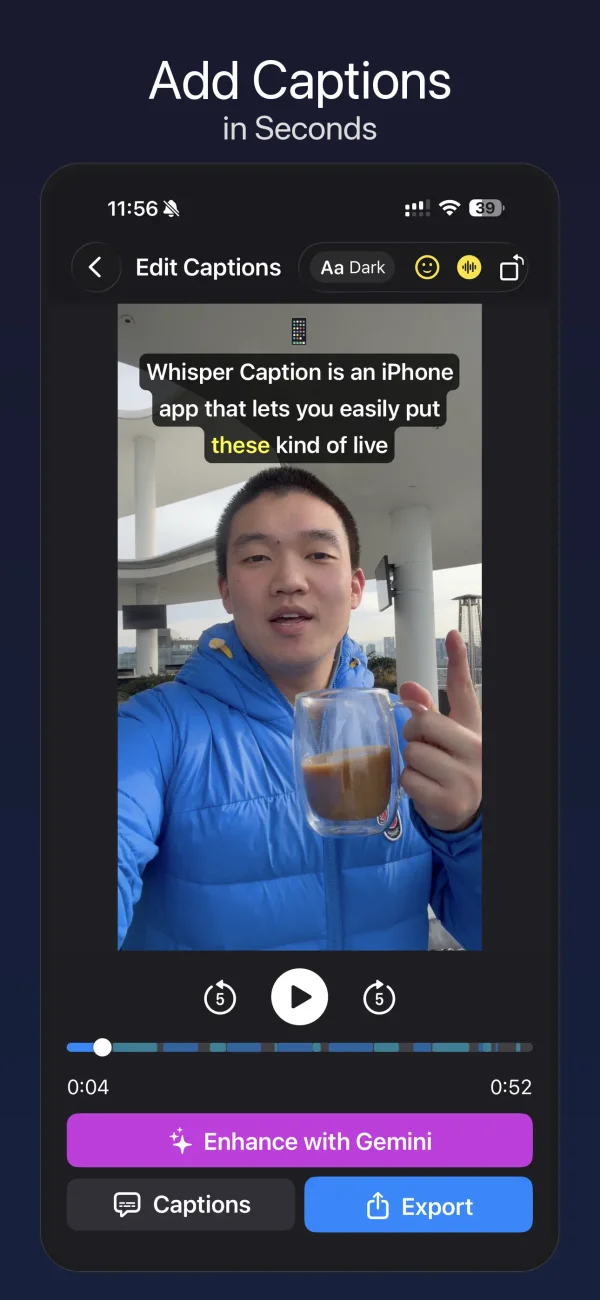
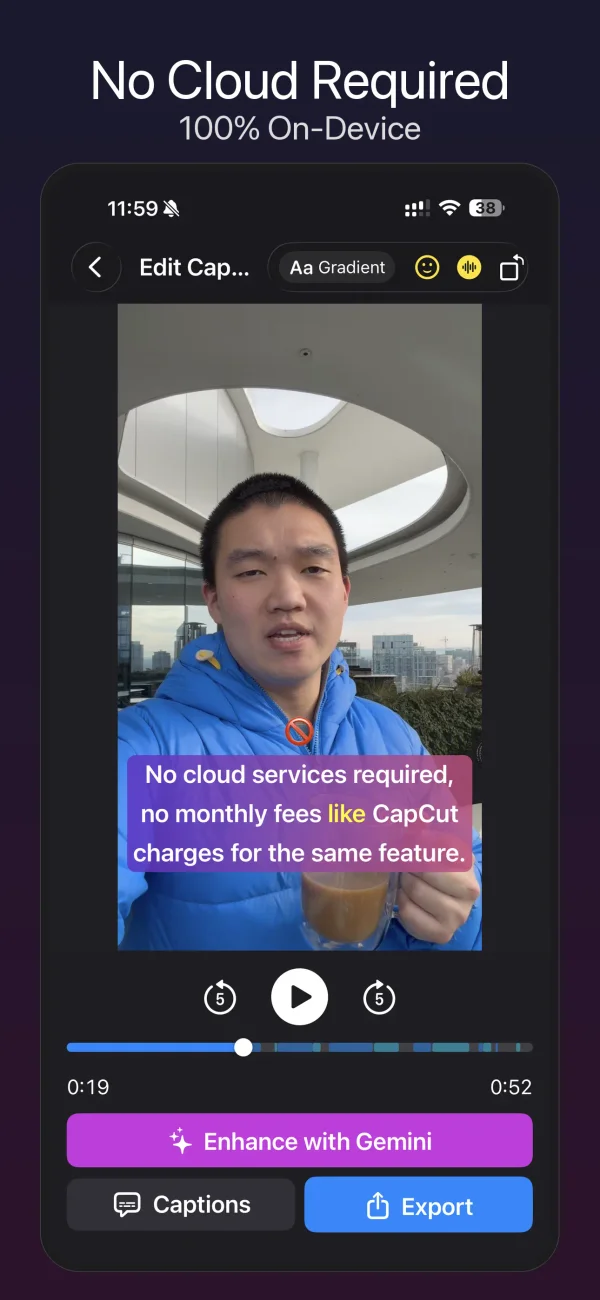
Add beautiful captions to your videos with the power of Whisper AI — completely on-device. No uploads, no subscriptions, no privacy concerns.
POWERED BY WHISPER AI
The new AI Whisper model runs directly on your iPhone, delivering accurate speech-to-text in over 90 languages. Works offline, works fast.
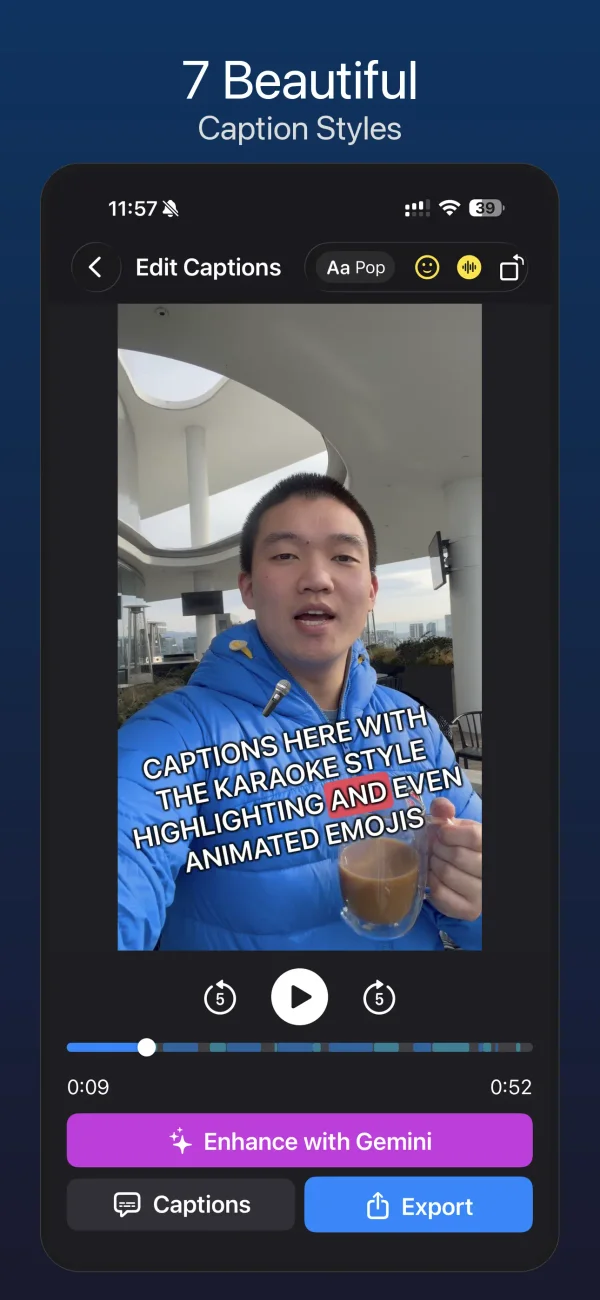
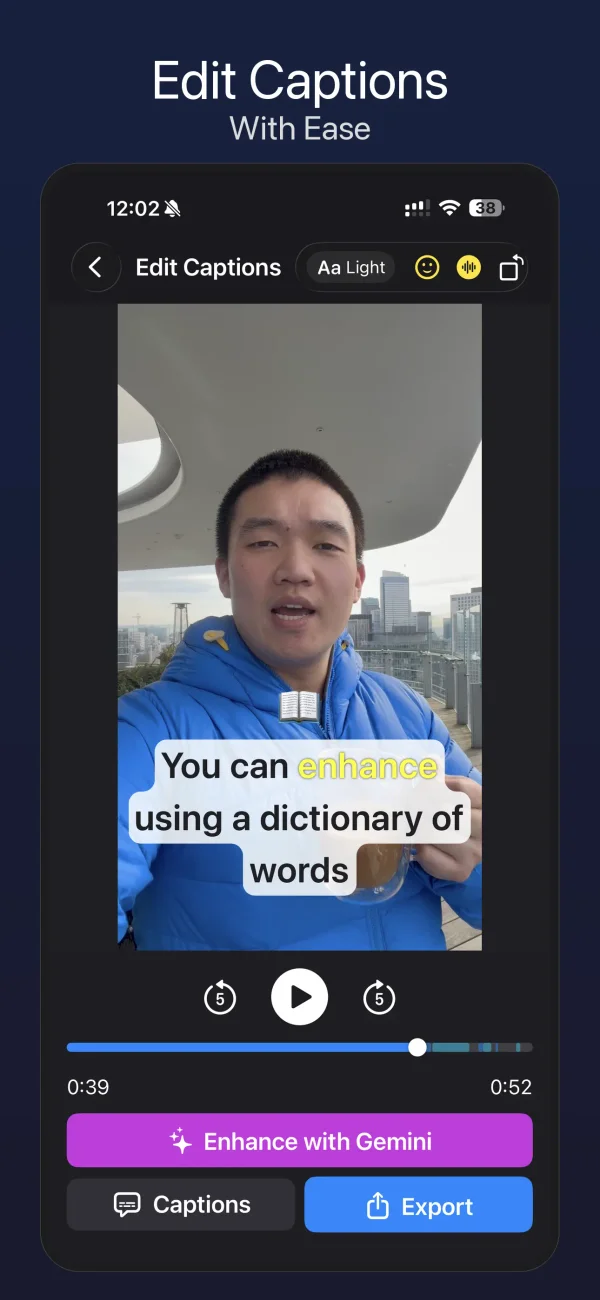
KARAOKE-STYLE HIGHLIGHTING
Watch words light up as they're spoken with smooth, word-by-word highlighting. Perfect for music videos, tutorials, or social content.
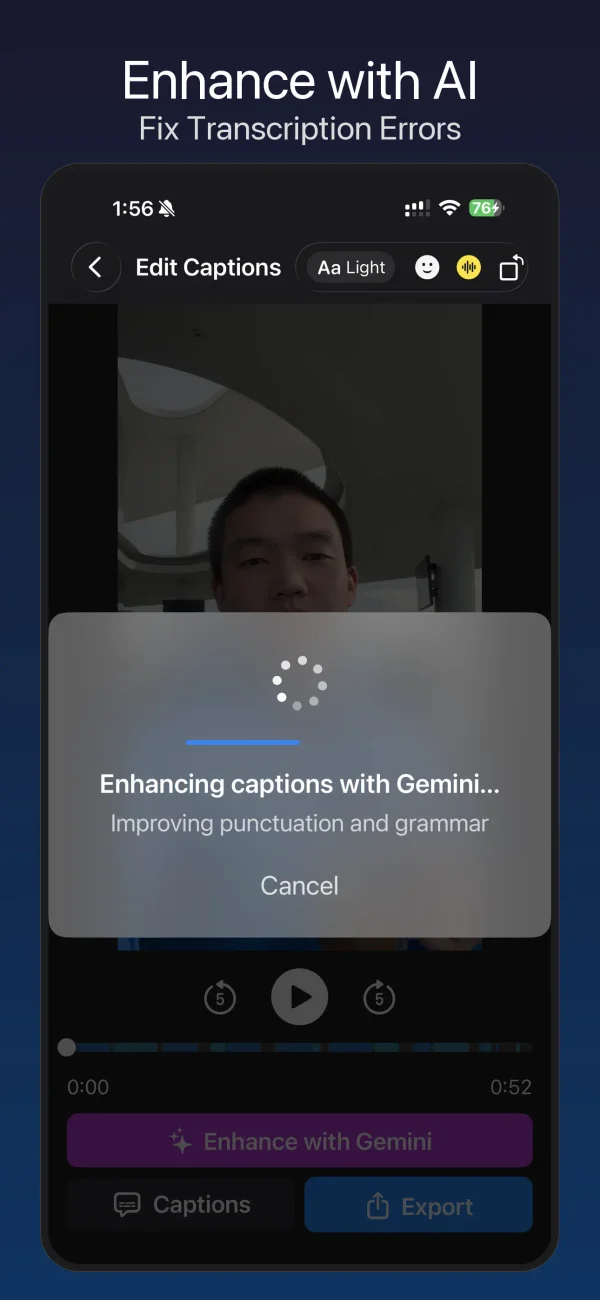
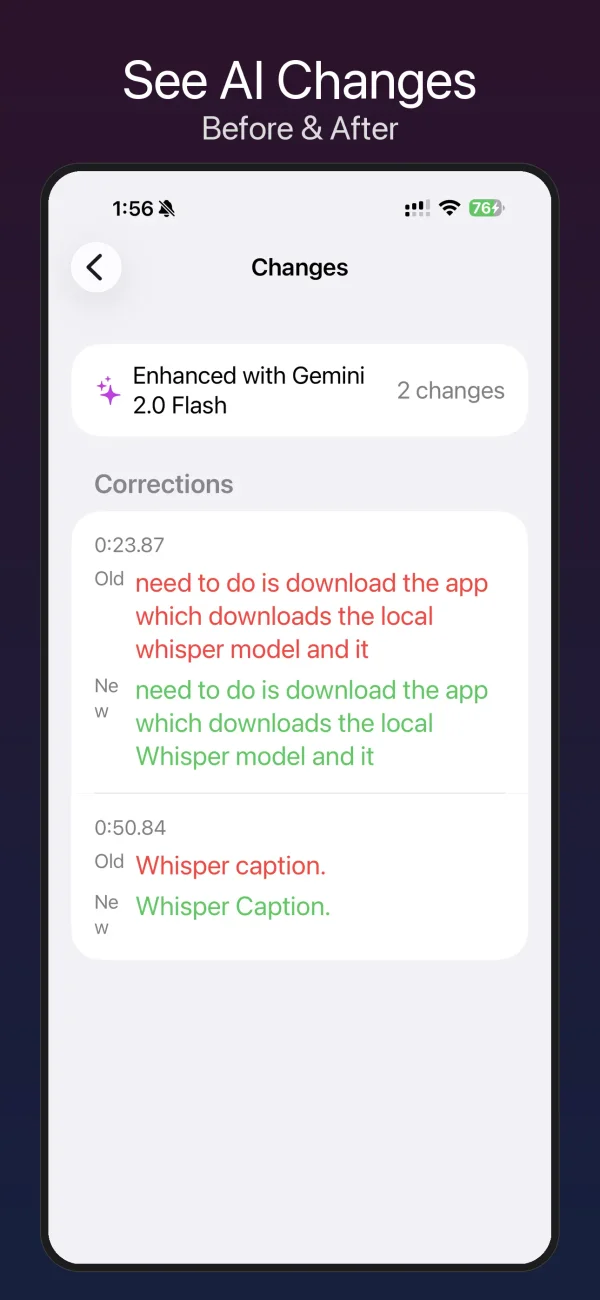
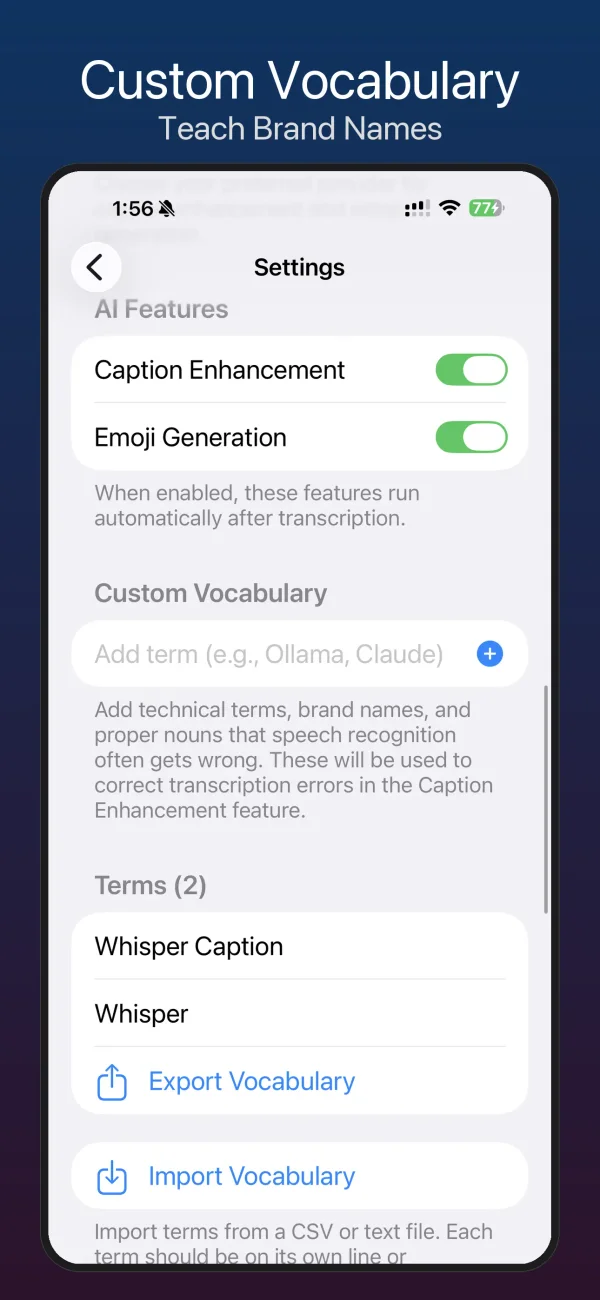
SMART ENHANCEMENT
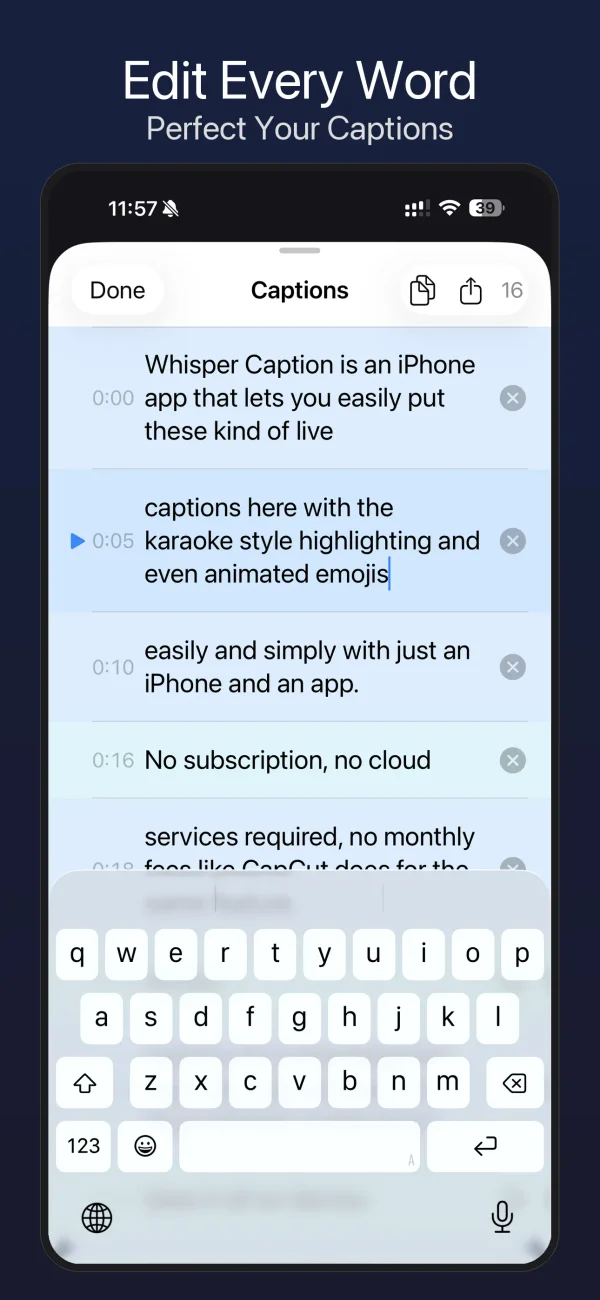
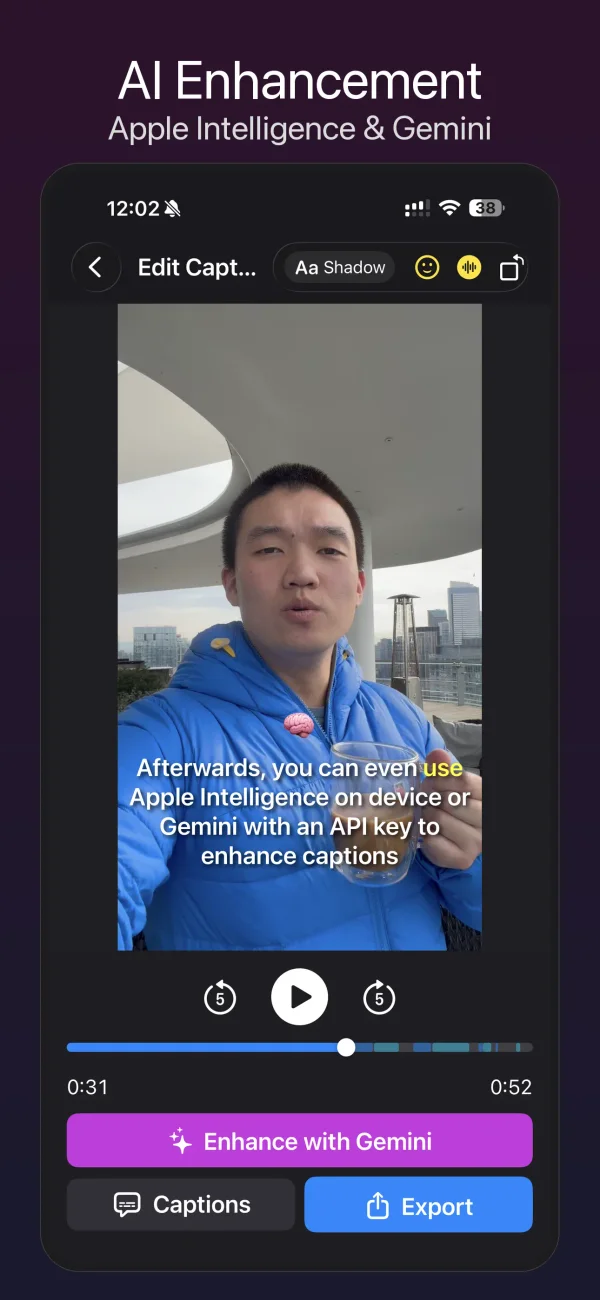
Fix transcription errors automatically with Apple Intelligence. Proper punctuation, capitalization, and grammar — all on-device.
7 BEAUTIFUL CAPTION STYLES
• Light - Black text on white background
• Dark - White text on dark background
• Gradient - Eye-catching gradient background
• Pop - Bold uppercase with red highlight box
• Bold - Uppercase with thick drop shadow
• Shadow - Clean text with soft drop shadow
• Outline - White text with crisp black outline
AUTO EMOJI GENERATION
Let AI add relevant emojis to your captions automatically for extra engagement.
PRIVACY FIRST
All processing happens on your device. Your videos never leave your phone. No cloud uploads required.
EXPORT & SHARE
Export your captioned videos and share directly to TikTok, Instagram, YouTube, or any platform.
Perfect for content creators, educators, accessibility, language learners, and anyone who wants professional captions without the hassle.
Nouveautés
Version 1.2.2 · 24/10/2026
Made the ad-supported export choice clearer and improved privacy handling.
Confidentialité de l’application
Ce que Kevin Tang déclare sur l’App Store au sujet du traitement des données par cette application.
-
Données utilisées pour vous suivre
Peuvent être utilisées pour vous suivre sur des applications et des sites web appartenant à d’autres sociétés.
- Identifiants
- Données d’utilisation
-
Données établissant un lien avec vous
Peuvent être collectées et liées à votre identité.
- Identifiants
- Données d’utilisation
Les pratiques en matière de confidentialité peuvent varier, notamment en fonction des fonctionnalités que vous utilisez ou de votre âge.
Informations
- Vendeur
- Kevin Tang
- Catégorie
- Photo et vidéo
- Version
- 1.2.2
- Mis à jour
- 24/10/2026
- Publié
- 16/02/2026
- Taille
- 12,2 Mo
- Nécessite
- iOS 17.0 ou version ultérieure
- Classification d’âge
- 4+
- Prix
- Gratuit
- Achats intégrés
- Oui
- Langues
- Anglais
- Copyright
- © 2026 Kevin Tang
Vous aimerez peut-être aussi
-
 CaptionAddr: Auto CaptionsPhoto et vidéo
-
 VCAP : AI Caption For VideoPhoto et vidéo
-
 SubTitler - Auto CaptionsPhoto et vidéo
-
 Subtext: Auto CaptionsPhoto et vidéo
-
 Auto Captions Video-CaptionixPhoto et vidéo
-
 CC Captions: Auto Subtitles AIPhoto et vidéo
-
 Captions AI Amélioration vidéoTraducteur vidéo - Capnova
-
 AutoSub - TraducteurSous-titres vidéo AI
-
 Subtitles AI: Sous-titres autoTranscription et traduction IA
-
 Sorelo: Sous-titres AutoMontage vidéo pour Reels