- Classification d’âge4+
- CatégorieUtilitaires
- DéveloppeurEvan Stone
- LanguesAnglais
- Taille3,0 Mo
WorkLedger Pro n’est peut-être pas disponible sur App Store pour le moment
La fiche de la boutique était inaccessible lors de notre dernière vérification. Le lien mène toujours à la page App Store officielle.
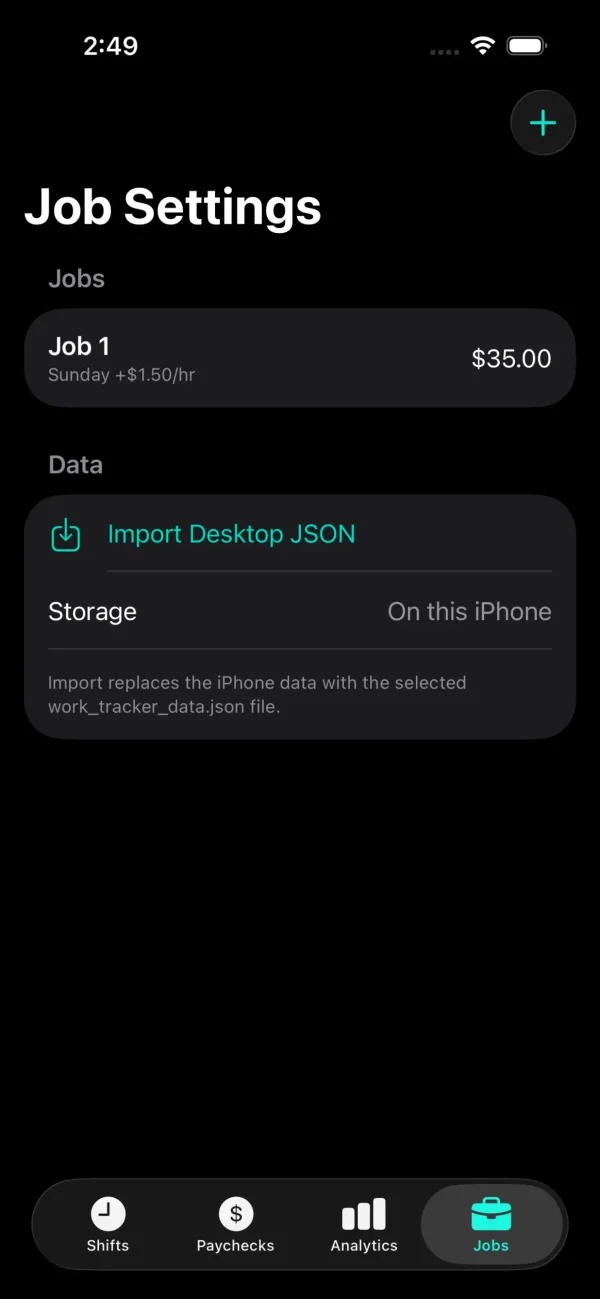
Captures d’écran

À propos
Le développeur n’a pas fourni ce texte dans votre langue.
WorkLedger Pro is a powerful work hours and earnings tracker designed for employees who want complete control over their time, pay, and financial insights.
Whether you work one job or multiple employers, WorkLedger Pro helps you accurately track every shift, calculate earnings, compare gross and net pay, and analyze your work history with an intuitive, modern interface.
Unlike basic time trackers, WorkLedger Pro is built with real-world payroll scenarios in mind—including overnight shifts, different company pay rules, optional breaks, and custom hourly rates.
Shift Tracking
Quickly record your workday with:
• Clock In
• Break Start (optional)
• Break End (optional)
• Clock Out
WorkLedger Pro automatically calculates:
• Total hours worked
• Gross earnings
• Applied hourly rate
• Overnight shifts crossing midnight
• Company-specific pay rules
Perfect for retail, healthcare, hospitality, warehouses, and anyone with changing schedules.
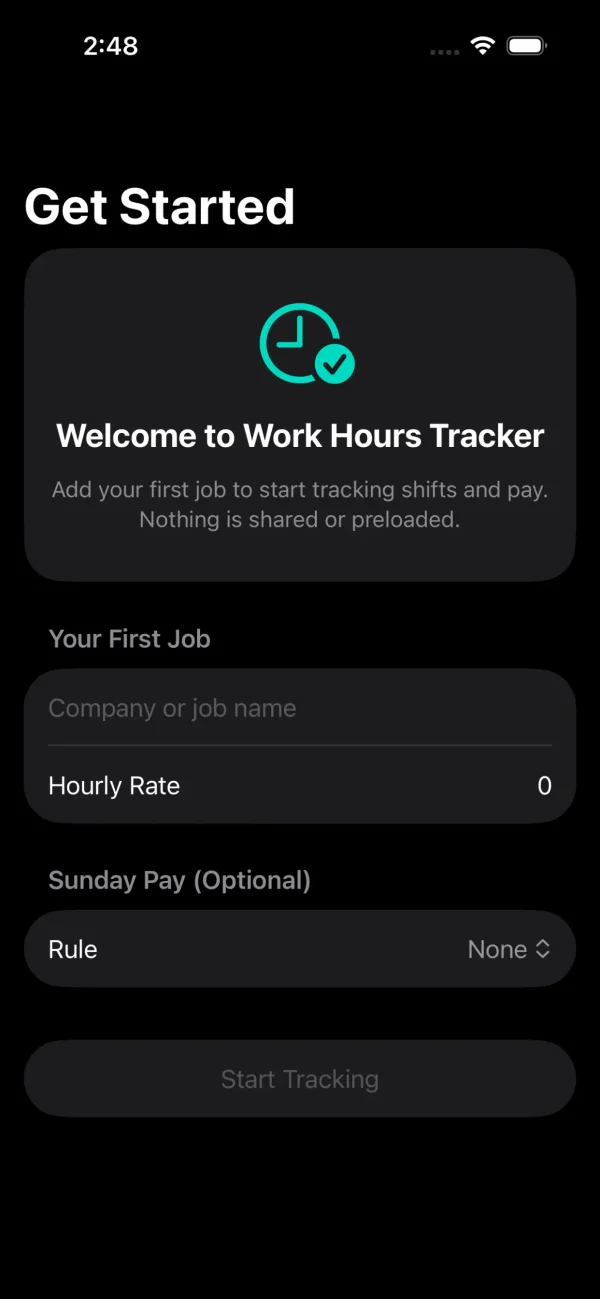
Multiple Employers
Manage multiple jobs in one place.
Each employer can have:
• Different hourly rates
• Different overtime rules
• Different Sunday or holiday pay
• Optional breaks
• Custom pay calculations
Switch between employers instantly while keeping all your history organized.
Smart Pay Calculations
WorkLedger Pro automatically handles:
• Regular hourly pay
• Time-and-a-half
• Shift differentials
• Overnight shifts
• Manual rate overrides
• Hours-only entries when clock times aren't available
No spreadsheets or calculators required.
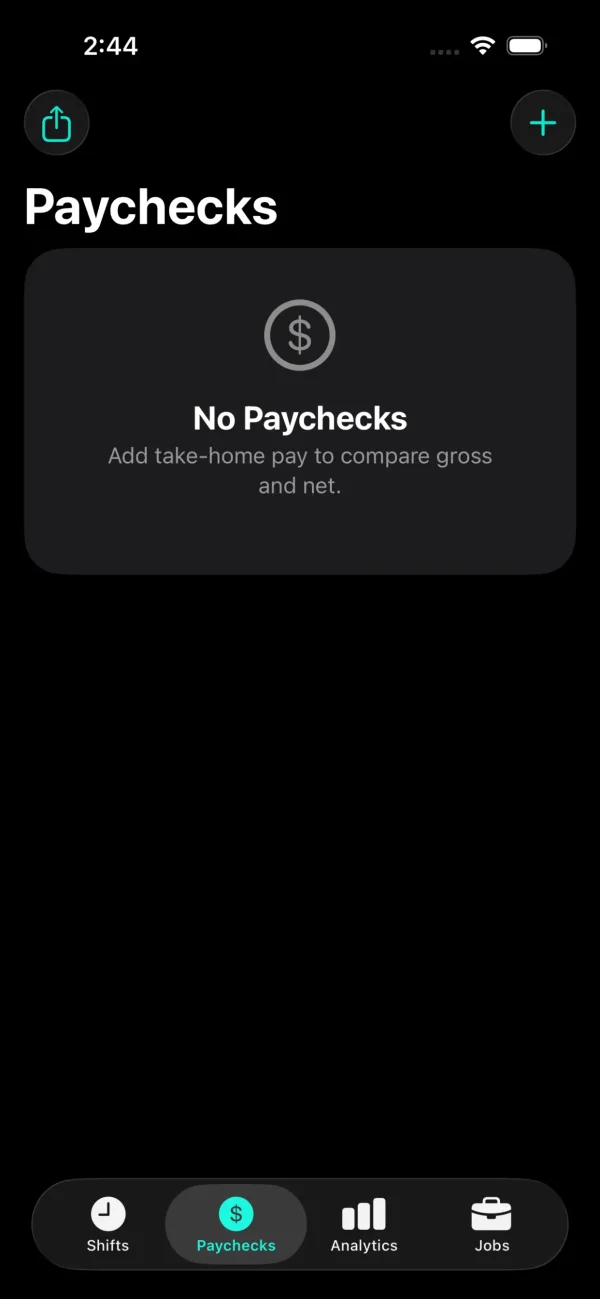
Weekly Paycheck Tracking
Compare what you earned versus what you actually took home.
Track:
• Weekly gross pay
• Weekly net pay
• Tax and deduction differences
• Sunday–Saturday pay periods
• Company-specific paychecks
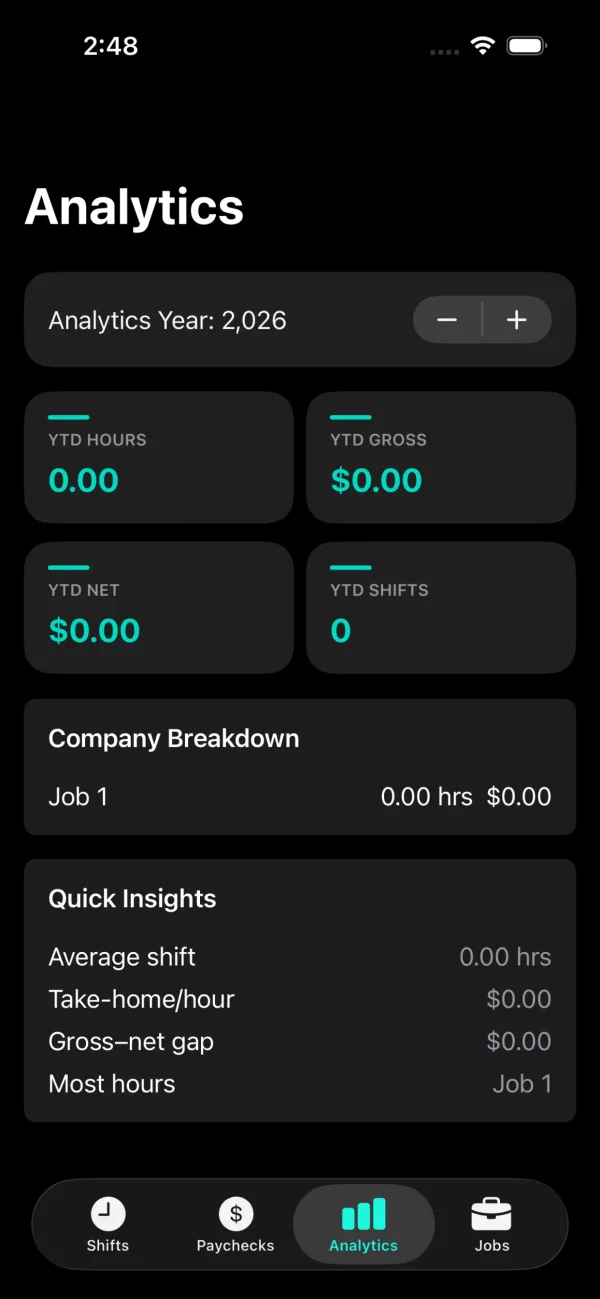
Analytics
See how your work adds up over time.
View:
• Monthly hours
• Monthly earnings
• Total shifts
• Average shift length
• Year-to-date hours
• Year-to-date gross income
• Year-to-date net income
• Company earnings breakdown
Need to look at previous years?
Simply switch the analytics year to compare historical data.
Search & Organization
Quickly find any shift using:
• Company filters
• Month filters
• Search by notes or shift details
• Editable shift history
Update or correct past shifts at any time.
Export Your Data
Export your records whenever you need them.
Generate CSV files for:
• Shift history
• Weekly paychecks
• Year-to-date summaries
Perfect for budgeting, taxes, or personal records.
Built for Accuracy
WorkLedger Pro understands that every workplace is different.
Features include:
• Optional unpaid breaks
• Automatic time formatting
• Company-specific pay rules
• Manual hours override
• Editable hourly rates
• Reliable overnight calculations
Clean, Modern Interface
Designed with productivity in mind.
• Simple navigation
• Dark mode inspired design
• Fast data entry
• Large analytics dashboard
• Organized tables and summaries
Your Personal Payroll Companion
Whether you're tracking one part-time job or balancing multiple employers, WorkLedger Pro gives you a complete picture of your hours, earnings, and work history.
Stay organized.
Understand your paycheck.
Know exactly what you've earned.
WorkLedger Pro — Work smarter. Track every hour.
Confidentialité de l’application
Ce que Evan Stone déclare sur l’App Store au sujet du traitement des données par cette application.
-
Données non collectées
Le développeur ne collecte aucune donnée à partir de cette application.
Les pratiques en matière de confidentialité peuvent varier, notamment en fonction des fonctionnalités que vous utilisez ou de votre âge.
Informations
- Vendeur
- Evan Stone
- Catégorie
- Utilitaires
- Version
- 1.0
- Mis à jour
- 09/07/2026
- Publié
- 09/07/2026
- Taille
- 3,0 Mo
- Nécessite
- iOS 17.0 ou version ultérieure
- Classification d’âge
- 4+
- Langues
- Anglais
- Copyright
- © 2026 Stone