WorldSounding
Hear, play and layer music
Conçue pour iPhone, iPad
Gratuit · Achats intégrés
- Classification d’âge4+
- CatégorieMusique
- DéveloppeurMasayuki Akamatsu
- LanguesJaponais+ 1 de plus
- Taille13,3 Mo
Renvoie vers la page App Store officielle
Download.org n’héberge aucun fichier de WorldSounding. Le bouton ouvre la page de l’application sur App Store, où Masayuki Akamatsu la publie. Fiche vérifiée pour la dernière fois le 22/11/2026.
Captures d’écran

À propos
Le développeur n’a pas fourni ce texte dans votre langue.
WorldSounding gathers the music of the WorldMusic series into one app. Listen to each piece, play it with your fingers, and layer several at once. Sounds are synthesized on the spot or stretched from their material, so the performance never repeats.
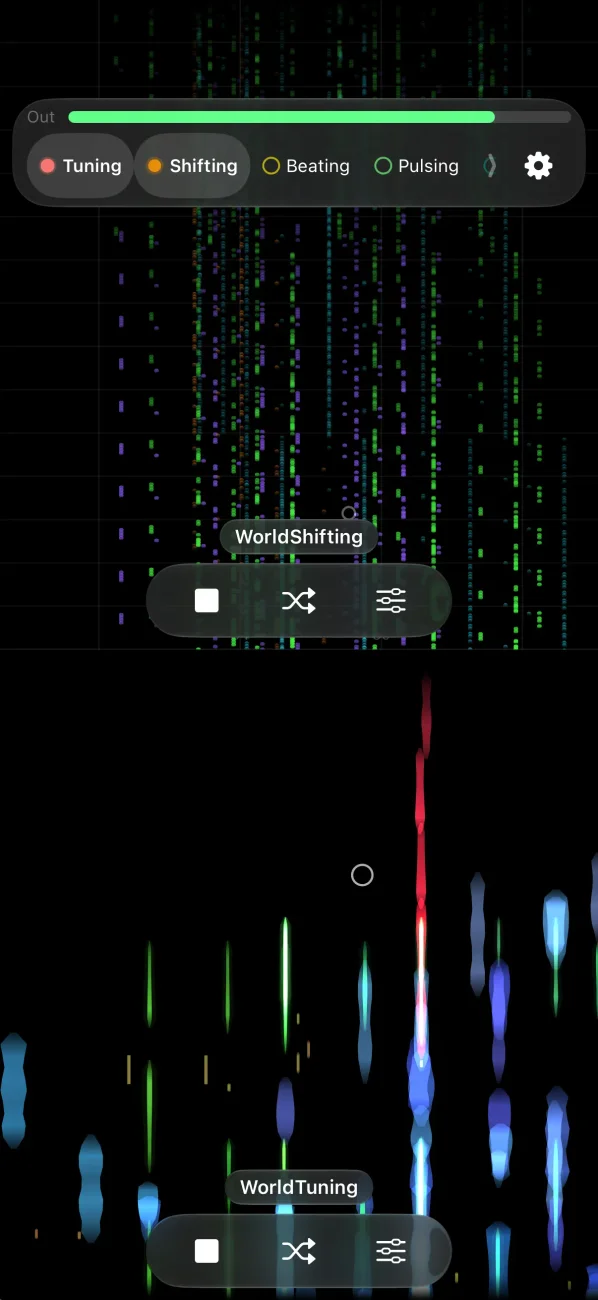
- WorldTuning — an eternal drone that begins with an orchestra tuning up.
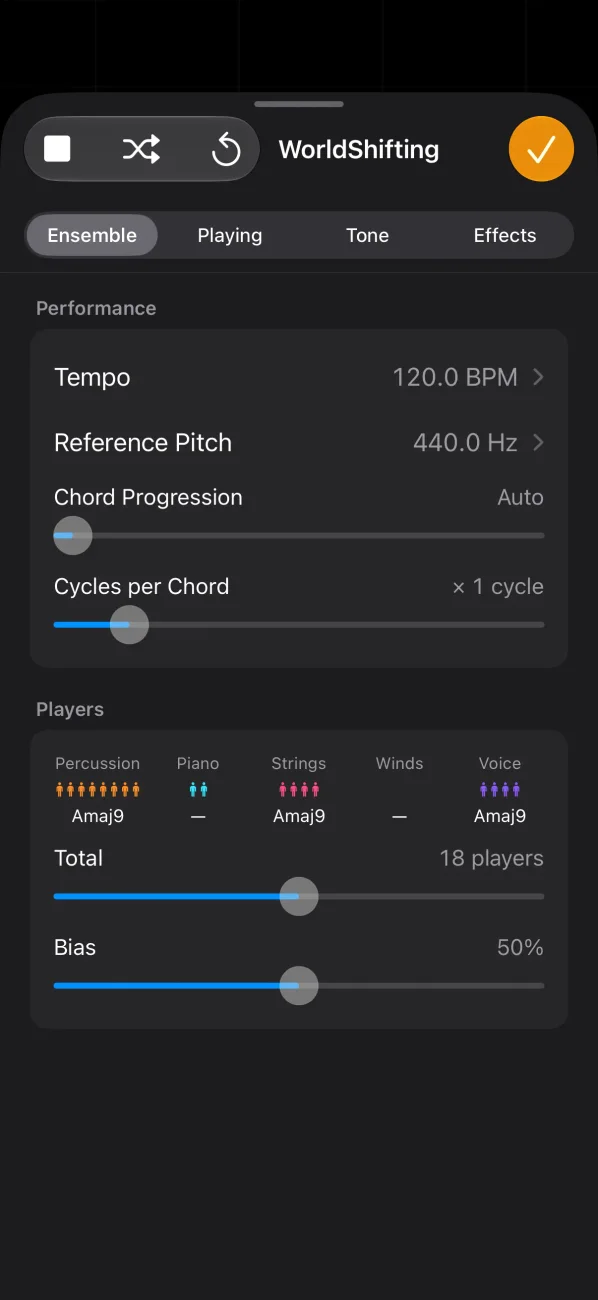
- WorldShifting — timeless minimal music in which repeating short patterns drift apart and overlap.
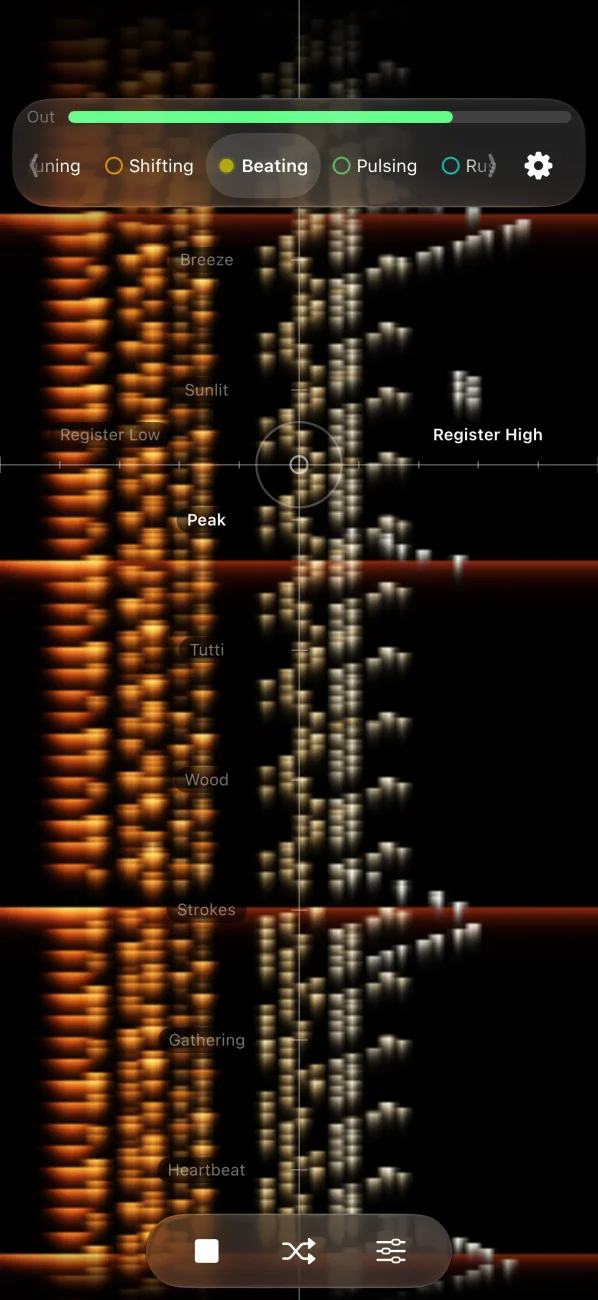
- WorldBeating — relentless percussion music in which an ensemble of drums, marimbas and a xylophone pounds on without end.
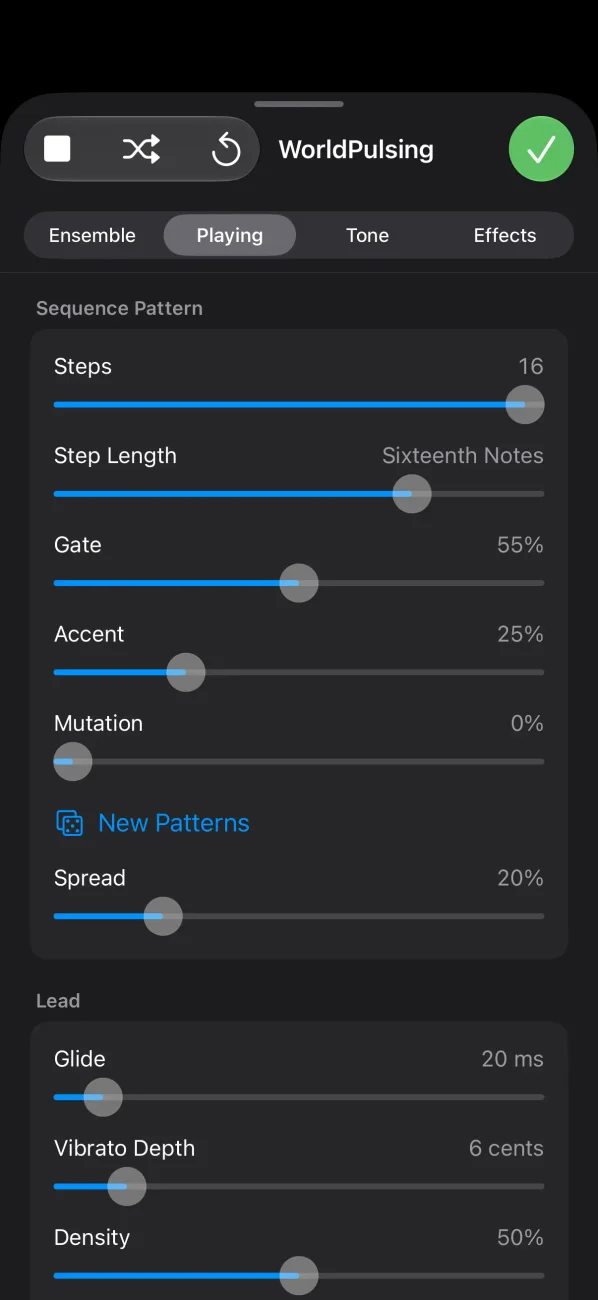
- WorldPulsing — hypnotic sequencer music in which synthesizer patterns of different lengths pulse and drift beneath a choir and strings.
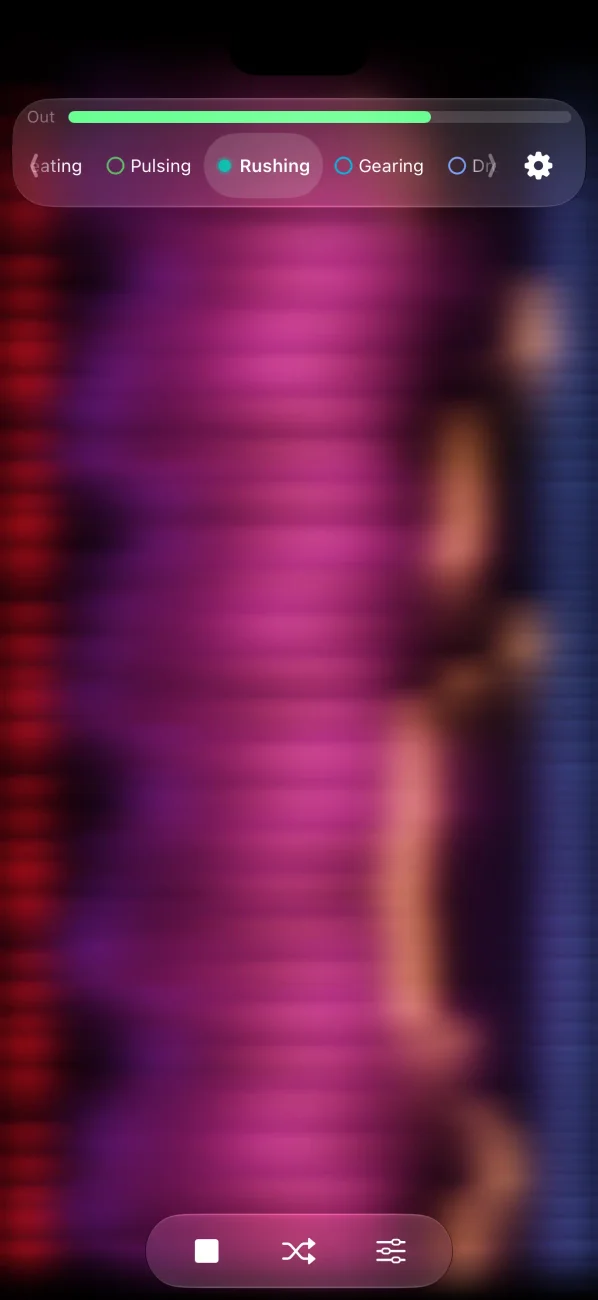
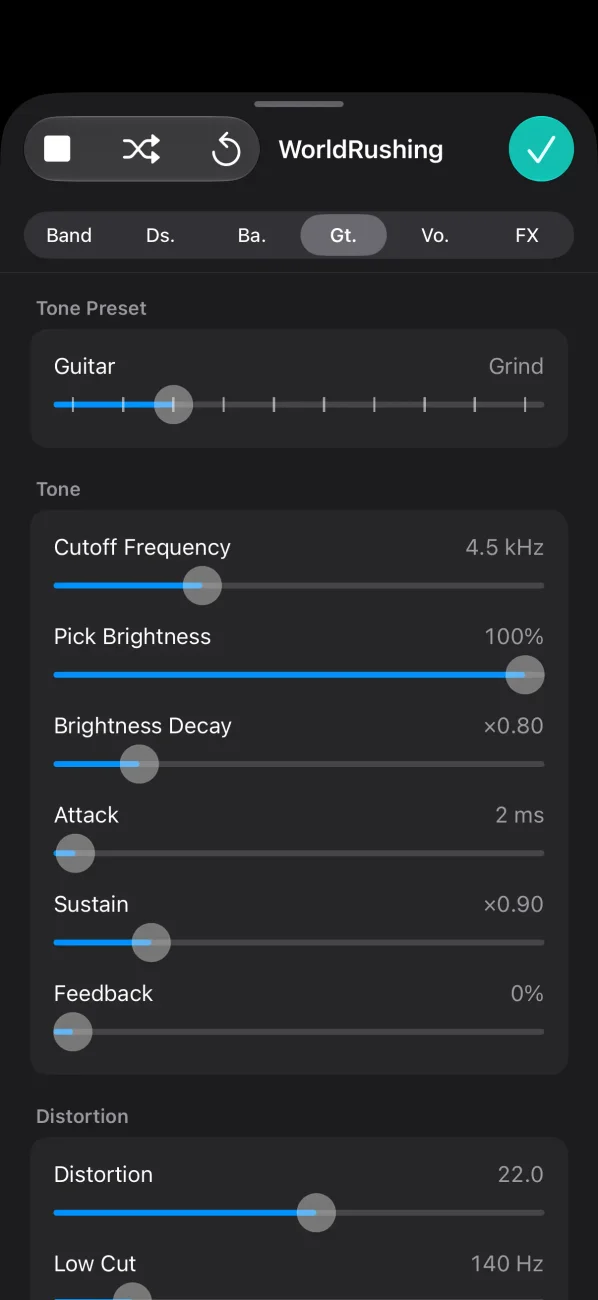
- WorldRushing — harsh music in which a beautiful melody drifts through one mass of layered, distorted roar.
- WorldGearing — glitch music in which a skipping disc, radio static and a failing machine keep breaking, while a quiet chord hides behind the noise.
- WorldDropping — tranquil ambient music in which raindrops of piano and bells fall one by one beneath a chorus of voices and strings that swells and fades, among wind, rain, a stream, birds, insects and frogs.
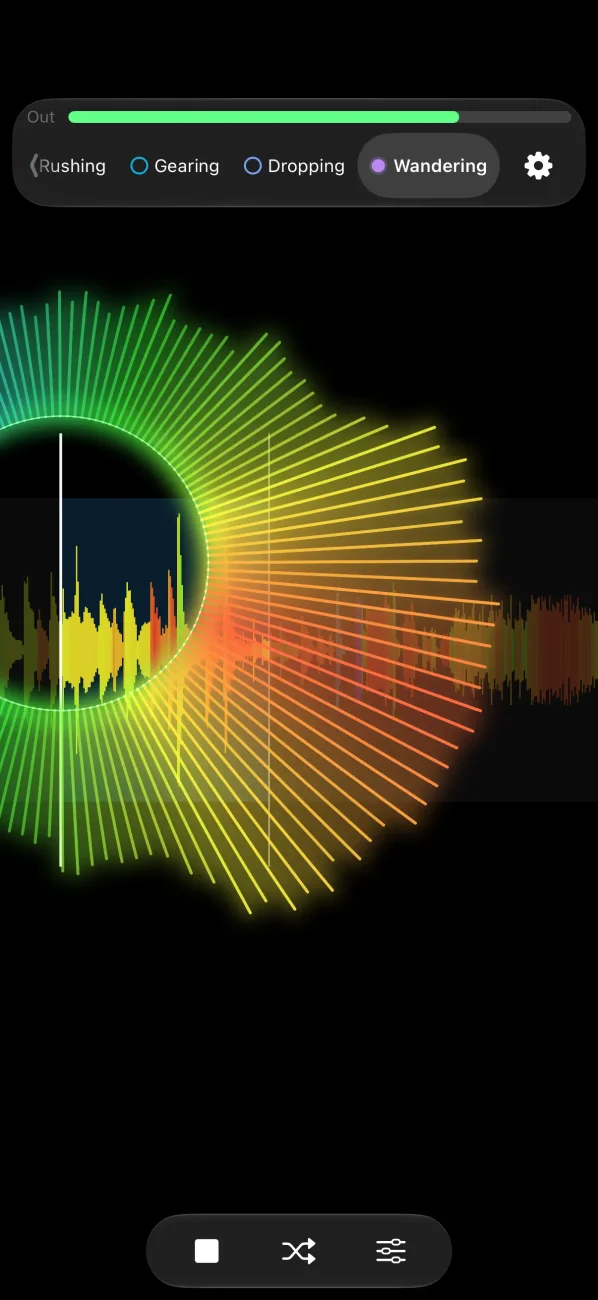
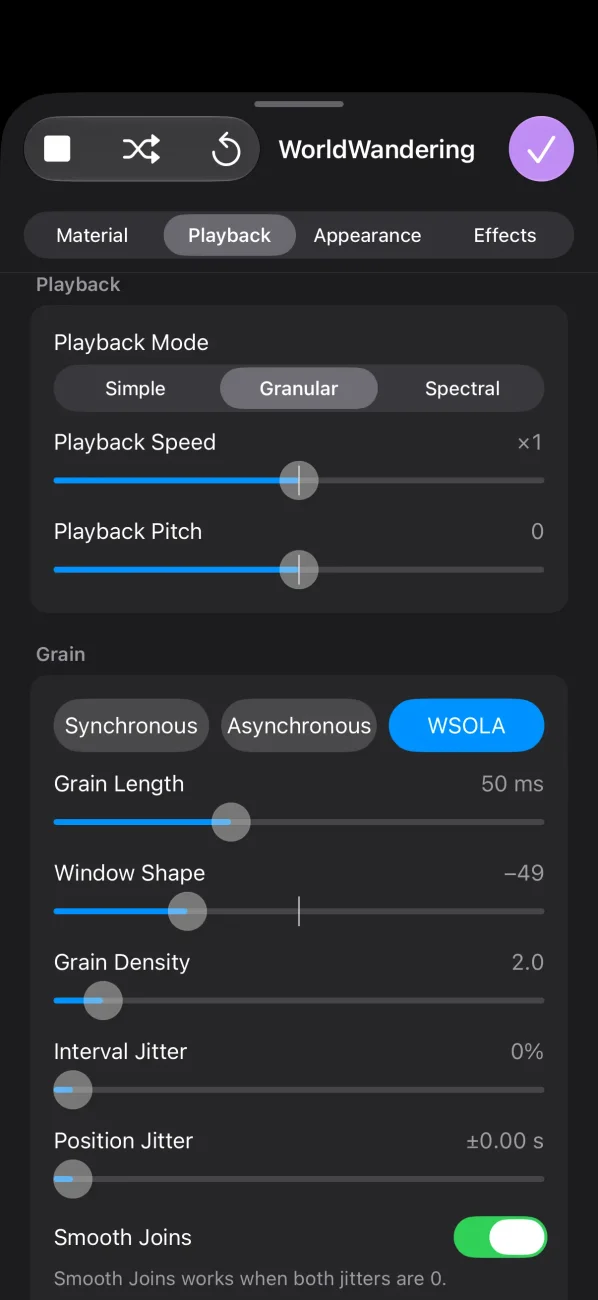
- WorldWandering — infinite granular music that stretches sound to extremes and repeats short fragments.
The bar at the top shows every piece and whether it is sounding. Tap a name to bring it to the screen, where you can also change the performance. A piece keeps playing when it is not on screen, and there is no limit on how many can sound together. Turn on Dual Display to show two pieces at once.
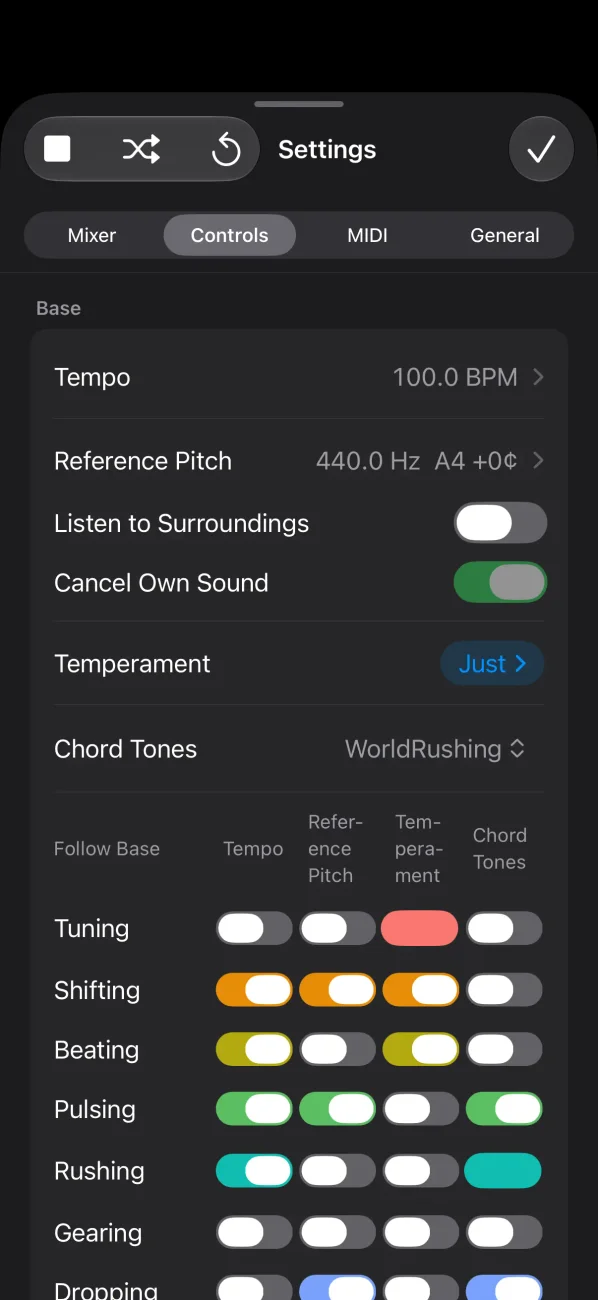
You can also fit layered pieces together. Each piece can match a shared tempo and a shared pitch, and follow the chord tones of another piece. Every piece switches these on and off on its own, and notes that do not agree can bring surprises.
Each piece keeps its own screen: touch the picture to travel, shape the sound in the Sound sheet, and let it wander on its own. Randomize and Auto Change work across every piece, with how much they change set in one place. Send the sound to Bluetooth speakers, AirPlay speakers such as HomePod, or a USB audio interface, and control everything from Control Center and the Lock Screen. Record exactly what you hear, every piece together, as a 48 kHz / 24-bit WAV file. Connect a MIDI controller, including over Bluetooth, and assign its knobs, faders and keys to the values of each piece and the mixer with MIDI Learn.
The built-in microphone can also listen to the sounds around you. The app analyzes them and makes the result the reference pitch of the performance. The sound is analyzed on this device: nothing is recorded, and nothing is sent. While Listening is on, AirPlay speakers cannot be chosen.
WorldSounding is free with a banner ad, and every feature, including the Sound sheet and settings, is available. A piece you have not bought plays for three minutes each time you open the app. Each piece is a one-time in-app purchase that removes the limit for that piece, and buying any one removes the ad. The Complete Set also lets you buy every piece together.
Nouveautés
Version 2.3.0 · 18/11/2026
- A new piece joins: WorldGearing, glitch music in which a skipping disc, radio static and a failing machine keep breaking, while a quiet chord hides behind the noise. The Complete Set includes it.
- WorldNaturing has become part of WorldDropping: its wind, rain, stream, birds and insects now surround the raindrops, joined by evening cicadas and frogs. If you bought WorldNaturing, you now own every piece.
- MIDI: connect a MIDI controller, including over Bluetooth, and assign its knobs, faders and keys to the values of each piece and the mixer with MIDI Learn.
- While a piece is stopped, tap its screen to start playing from that place. If its volume in the mixer is at zero, it is raised to 20%.
- A small circle marks the place you chose and pulses with the tempo while playing.
- Changes on the Mixer tab now follow Value Change Time, so volumes and effects glide instead of jumping.
- Auto Change is counted in bars and moves at the start of a bar.
- WorldTuning: the Sound sheet has been rearranged.
Confidentialité de l’application
Ce que Masayuki Akamatsu déclare sur l’App Store au sujet du traitement des données par cette application.
-
Données utilisées pour vous suivre
Peuvent être utilisées pour vous suivre sur des applications et des sites web appartenant à d’autres sociétés.
- Identifiants
-
Données établissant un lien avec vous
Peuvent être collectées et liées à votre identité.
- Emplacement
- Identifiants
- Données d’utilisation
-
Données n’établissant aucun lien avec vous
Peuvent être collectées, mais ne sont pas liées à votre identité.
- Emplacement
- Données d’utilisation
- Diagnostic
Les pratiques en matière de confidentialité peuvent varier, notamment en fonction des fonctionnalités que vous utilisez ou de votre âge.
Informations
- Vendeur
- 正行 Akamatsu
- Catégorie
- Musique
- Version
- 2.3.0
- Mis à jour
- 18/11/2026
- Publié
- 14/09/2026
- Taille
- 13,3 Mo
- Nécessite
- iOS 17.6 ou version ultérieure
- Classification d’âge
- 4+
- Prix
- Gratuit
- Achats intégrés
- Oui
- Langues
- Japonais, Anglais
- Copyright
- © Masayuki Akamatsu