YT Create
Create Videos in Minutes
Conçue pour iPhone, iPad
Gratuit · Achats intégrés
- Classification d’âge4+
- CatégoriePhoto et vidéo
- DéveloppeurBrijesh Bodariya
- LanguesAnglais
- Taille44,0 Mo
Renvoie vers la page App Store officielle
Download.org n’héberge aucun fichier de YT Create. Le bouton ouvre la page de l’application sur App Store, où Brijesh Bodariya la publie. Fiche vérifiée pour la dernière fois le 24/11/2026.
Captures d’écran
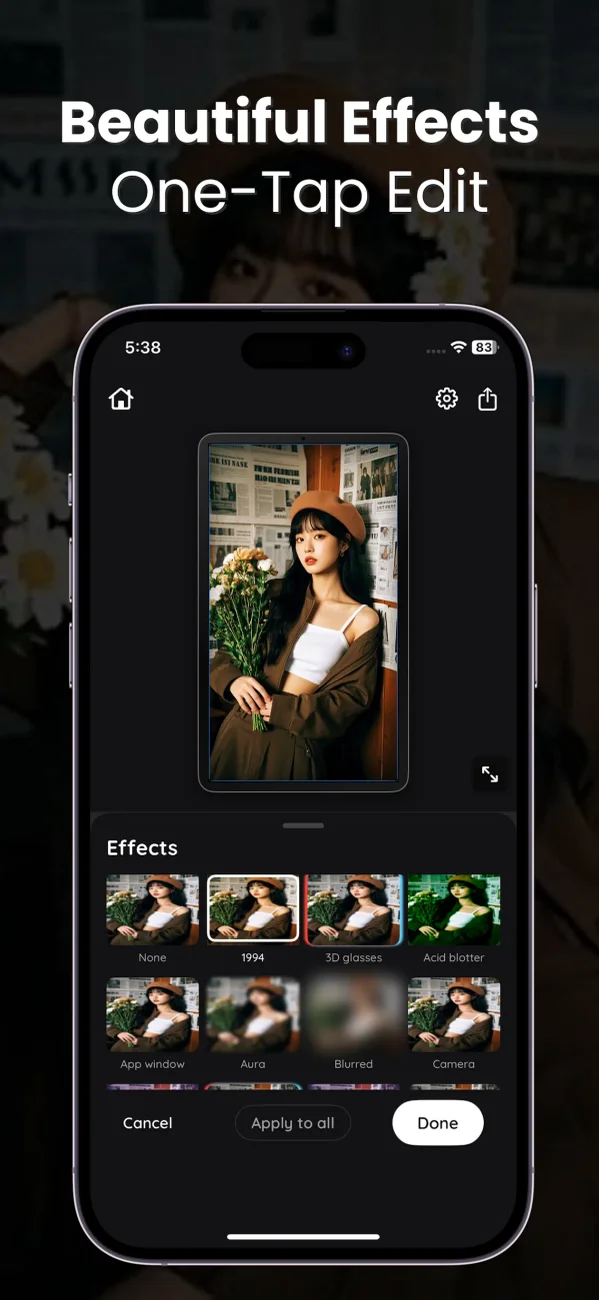
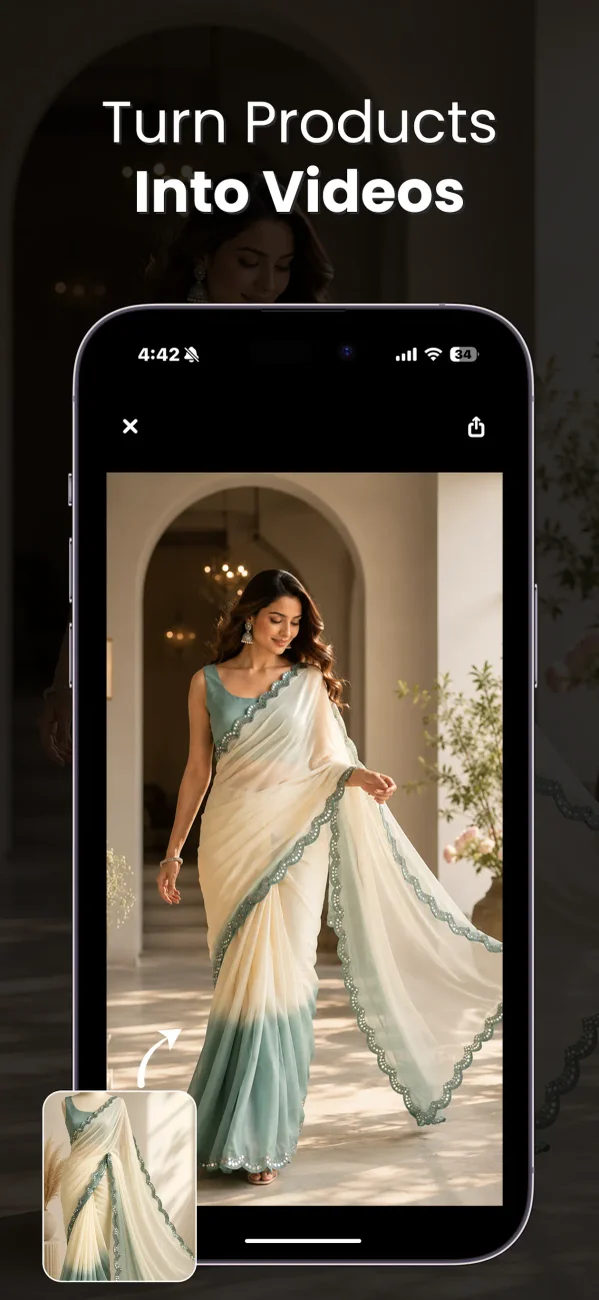
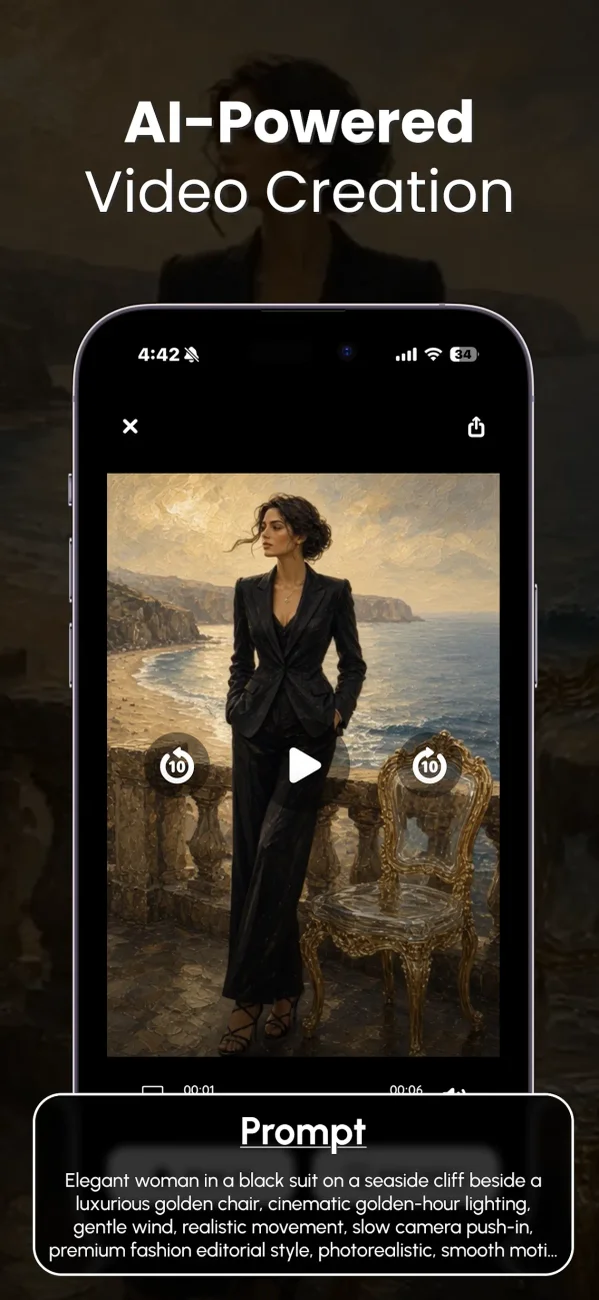
À propos
Le développeur n’a pas fourni ce texte dans votre langue.
Create Amazing Shorts, Reels & Videos in Minutes
YT Create is an all-in-one AI-powered video editor designed for creators, influencers, businesses, students, and anyone who loves creating high-quality videos.
Create stunning short videos, Reels, vlogs, slideshows, social media content, travel memories, family videos, tutorials, marketing videos, and cinematic stories using powerful editing tools in an easy-to-use interface.
PROFESSIONAL VIDEO EDITING
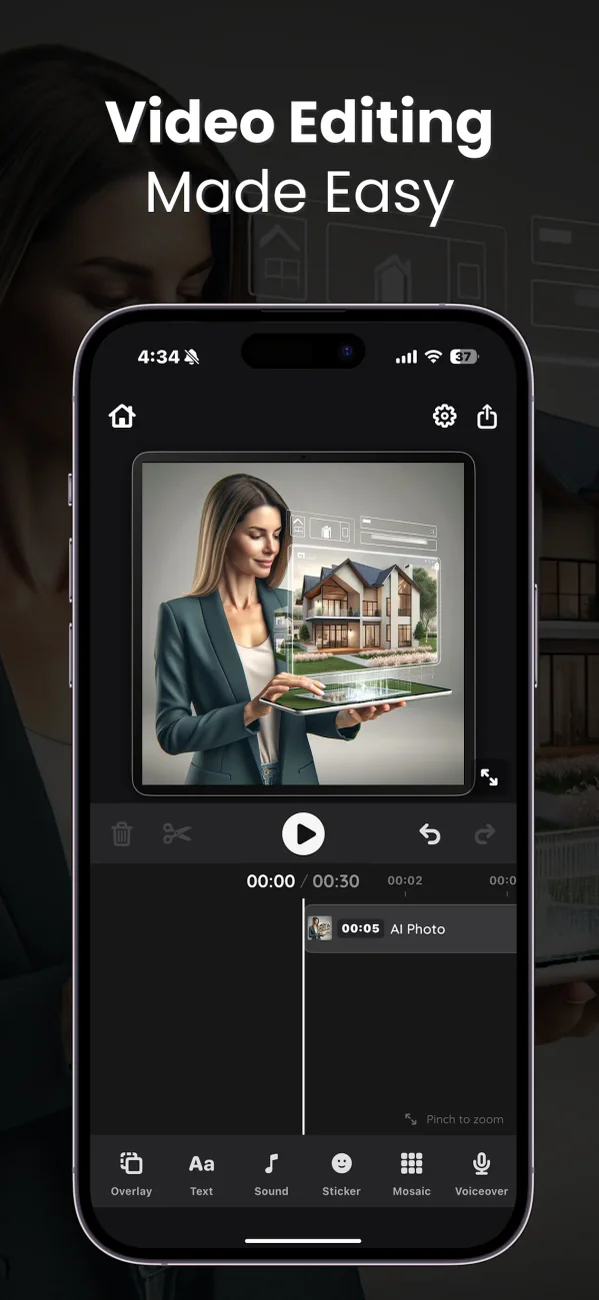
Create amazing videos with powerful timeline editing tools.
• Create projects from photos and videos
• Multi-track timeline editing
• Combine videos, photos, and audio in one project
• Split, trim, cut, crop, delete, duplicate, and rearrange clips
• 15+ smooth transitions for seamless editing
• Speed up or slow down videos with speed controls and speed curves
• Undo and redo editing actions
• Save unlimited draft projects
• Resume editing anytime
AI-POWERED EDITING FEATURES
Create professional videos faster with smart editing tools.
• Auto captions and subtitles in supported languages
• Remove video backgrounds with AI cutout
• Reduce distracting background noise with audio cleanup
• Blur and mosaic effects
• Full-screen preview for precise editing
ADD CREATIVE ELEMENTS
Bring your videos to life with creative content.
• Stylish text and animated captions
• Stickers
• GIFs
• Emoji
• Shapes
• Overlays
• Background music
• Sound effects
• Voice recording
• Voiceovers
POWERFUL EDITING TOOLS
Fine-tune every clip with professional controls.
• Crop and rotate
• Opacity controls
• Volume adjustment
• Audio fade in and fade out
• Audio slip editing
• Filters and visual effects
• Brightness, contrast, saturation, and color adjustments
MUSIC & AUDIO
Make every video sound amazing.
• Import audio clips, music, and sound effects
• Beat matching to sync clips with music
• Record voiceovers directly inside the app
• Add background music
• Fine-tune audio volume and timing
FILTERS & EFFECTS
Transform everyday videos into eye-catching creations.
• Professional filters
• Cinematic effects
• Creative visual effects
• Color enhancements
• Adjustable brightness, contrast, saturation, and more
HIGH-QUALITY EXPORT & SHARING
Export your creations exactly the way you want.
Choose from multiple:
• Resolution options
• Frame rates (FPS)
• High-quality export settings
Save finished videos directly to your gallery or device storage and easily share your creations across your favorite social platforms.
Create and resize videos for popular formats:
• Portrait (9:16)
• Landscape (16:9)
• Square (1:1)
Perfect for short videos, Reels, social media posts, stories, status videos, vlogs, promotional videos, and more.
EASY PROJECT MANAGEMENT
Stay organized while creating.
• Auto-save draft projects
• Rename projects
• Delete projects
• Continue editing anytime
PERFECT FOR
• Short Video Maker
• Reels Video Maker
• Social Media Video Editor
• Vertical Video Maker
• Status Video Maker
• Birthday Video Maker
• Wedding Video Maker
• Anniversary Video Maker
• Baby Video Maker
• Travel Video Maker
• Festival Video Maker
• Mother's Day Video Maker
• Father's Day Video Maker
• Graduation Video Maker
• Business Promo Video Maker
• Product Showcase Videos
• Marketing Videos
• Educational Videos
• Tutorials
• Vlogs
• Photo Slideshow Maker
• Family Memories
• Event Highlights
• Creative Storytelling
Whether you're creating content for social media, growing your business, sharing your creativity, or preserving life's special memories, YT Create gives you everything you need to edit quickly, creatively, and professionally.
YT (Your Take) Create - Your Story. Your Creativity.
Start creating amazing videos with YT Create today.
Terms of Use (EULA): https://www.apple.com/legal/internet-services/itunes/dev/stdeula/
Nouveautés
Version 4.0 · 24/11/2026
This update brings new AI tools, performance enhancements, and important improvements to make your editing experience faster and smoother.
- Enhanced editing tools for a smoother, faster, and more intuitive experience.
- Added offline features for a better editing experience without an internet connection.
- Added pagination support for AI videos for faster loading and smoother browsing.
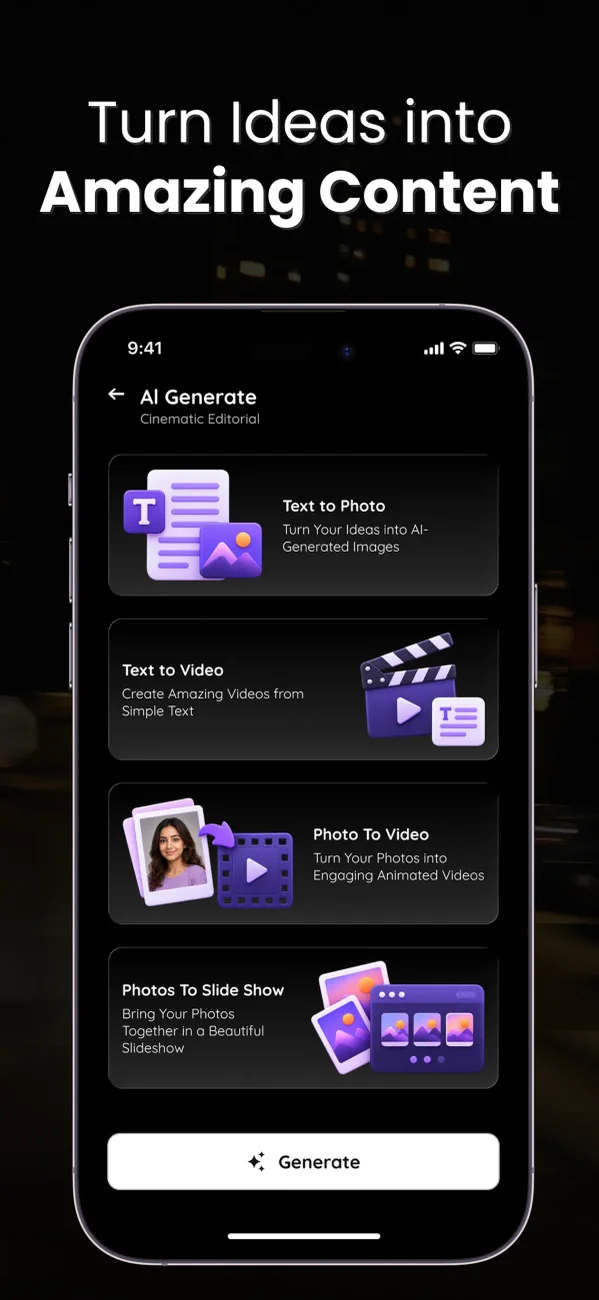
- Added AI slideshow creation for turning photos into videos.
- Improved the AI generation experience with better prompts, error handling, and reliability.
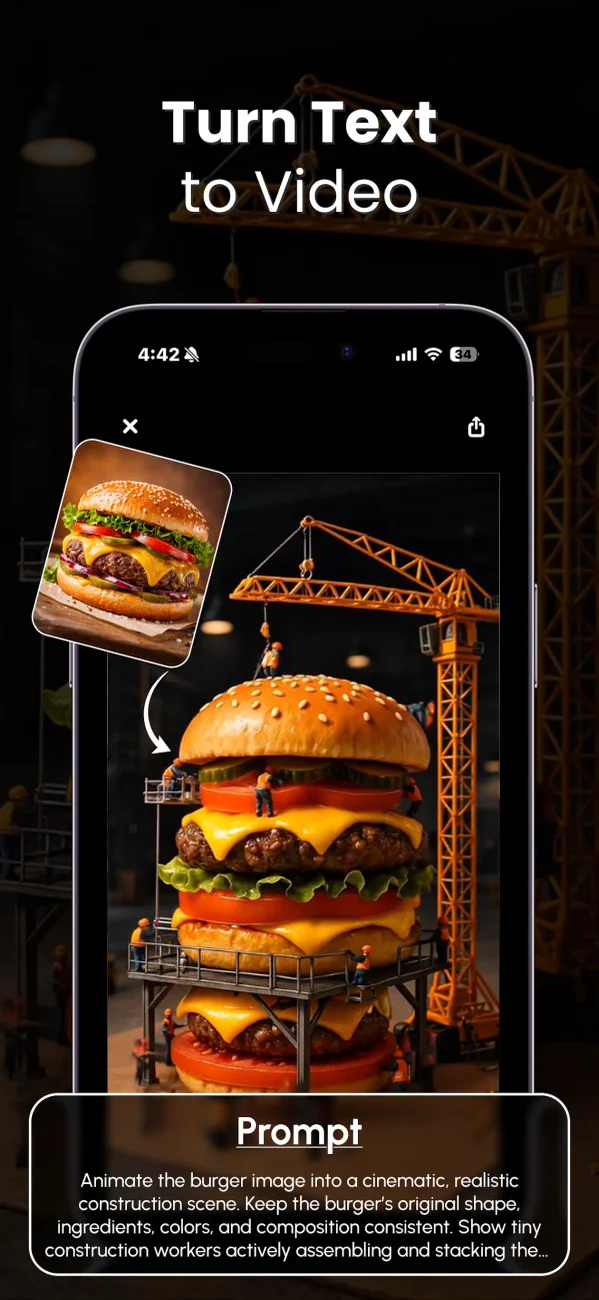
- Added AI generation for Photo or Text to Photo, Text to Video, and Photo to Video.
- Improved video editing performance and export speed.
- Enhanced timeline stability and responsiveness.
- Optimized text, stickers, and transition editing.
- Improved overall app performance and reduced crashes.
- Fixed minor bugs and UI issues for a more reliable experience.
Update now and enjoy a faster, smoother, and more powerful video editing experience.
Confidentialité de l’application
Ce que Brijesh Bodariya déclare sur l’App Store au sujet du traitement des données par cette application.
-
Données utilisées pour vous suivre
Peuvent être utilisées pour vous suivre sur des applications et des sites web appartenant à d’autres sociétés.
- Données d’utilisation
- Diagnostic
-
Données n’établissant aucun lien avec vous
Peuvent être collectées, mais ne sont pas liées à votre identité.
- Données d’utilisation
- Diagnostic
Les pratiques en matière de confidentialité peuvent varier, notamment en fonction des fonctionnalités que vous utilisez ou de votre âge.
Informations
- Vendeur
- StackApp Infotech
- Catégorie
- Photo et vidéo
- Version
- 4.0
- Mis à jour
- 24/11/2026
- Publié
- 30/06/2026
- Taille
- 44,0 Mo
- Nécessite
- iOS 16.6 ou version ultérieure
- Classification d’âge
- 4+
- Prix
- Gratuit
- Achats intégrés
- Oui
- Langues
- Anglais
- Copyright
- © 2026 Stackapp Infotech. All rights reserved.
Vous aimerez peut-être aussi
-
 YouTube Create : éditeur vidéoYouTube Video Maker officiel
-
 Flow AI 2.0 - Video MakerPhoto et vidéo
-
 GenV - AI Video GeneratorPhoto et vidéo
-
 Create AI: Générateur Vidéo IACréer des videos avec du texte
-
 King AI: Générateur vidéo IAPhoto en vidéo, créer un film
-
 Anijam: Créateur de vidéos IAPhotos, vidéos et animations
-
 Générateur Vidéo IA: VivideoTexte et image en vidéo
-
 Hey AI : Générateur VidéoCréez des vidéos avec l’IA
-
 Thumbnail Maker For YouTube -Photo et vidéo
-
 AI Video Generator – Reel AIvidéos à partir d’images