ZMDX Player
X68000 MDX & Z-MUSIC player
Conçue pour iPhone, iPad, Mac
Gratuit · Achats intégrés
- Classification d’âge4+
- CatégorieMusique
- DéveloppeurCONEX, K.K.
- LanguesJaponais+ 1 de plus
- Taille12,8 Mo
Renvoie vers la page App Store officielle
Download.org n’héberge aucun fichier de ZMDX Player. Le bouton ouvre la page de l’application sur App Store, où CONEX, K.K. la publie. Fiche vérifiée pour la dernière fois le 20/11/2026.
Captures d’écran

À propos
Le développeur n’a pas fourni ce texte dans votre langue.
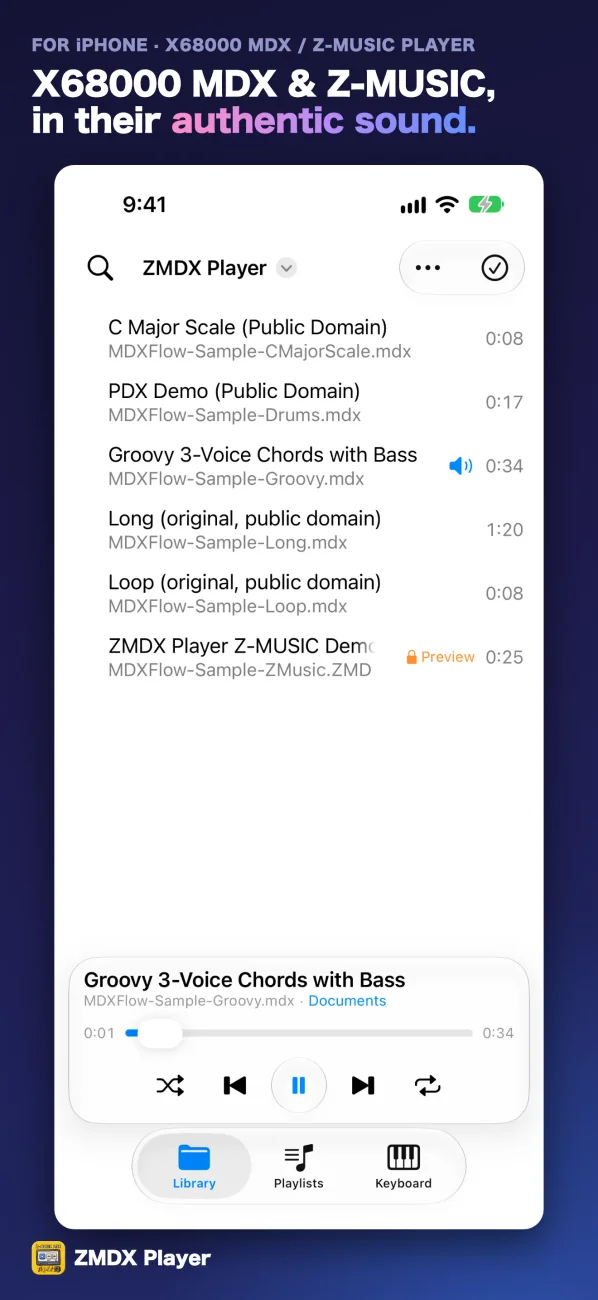
ZMDX Player (formerly MDX Flow) is a lightweight, modern music player for X68000 MDX and Z-MUSIC songs, available for Mac, iPhone, and iPad. It synthesizes YM2151 (OPM) FM sound and the ADPCM samples in PDX and ZPD sample files.
Features
- Faithful playback with the app’s own playback drivers and YM2151 (OPM) emulator.
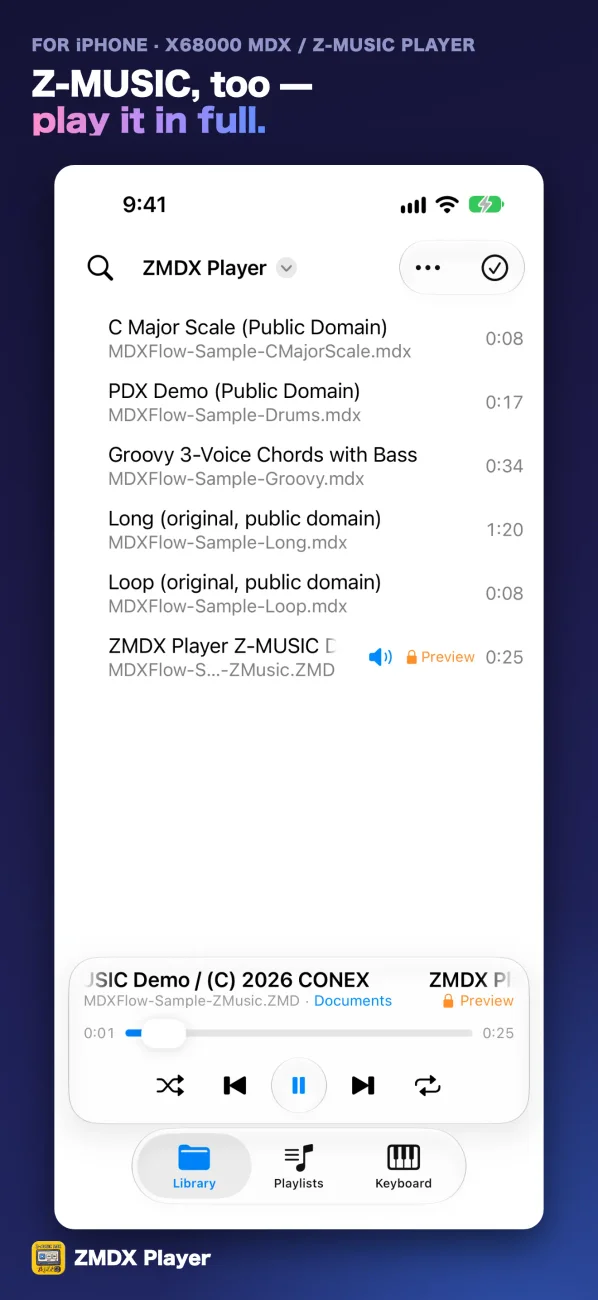
- Z-MUSIC playback (.zmd, .z3s, and .zms). In addition to compiled .zmd files, it plays MML source files (.z3s and .zms) directly, with no separate compile step.
- Z-MUSIC playback is unlocked by an optional one-time in-app purchase; until then, Z-MUSIC songs play a 20-second preview.
- Z-MUSIC songs written for an external MIDI sound module can’t be played, even after you purchase Z-MUSIC playback, because the app plays only the X68000’s built-in FM and ADPCM sound. Songs that combine FM, PCM, and MIDI parts play only their FM and PCM parts.
- Opens songs (.mdx, .zmd, .z3s, .zms, and compressed .mdx.szip) and their sample files (.pdx, .zpd, and compressed .pdx.szip) from iCloud Drive or other supported folders. On iPhone and iPad, choose the folder in the Files app.
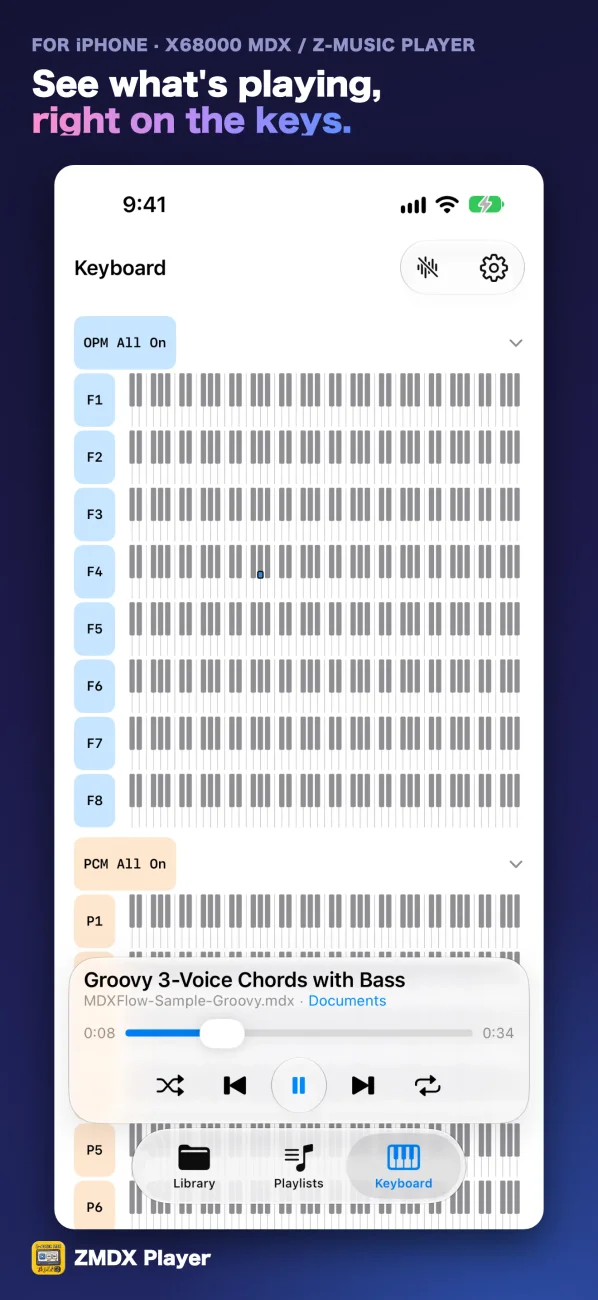
- Browse songs in folders and playlists, with scrolling song titles and a piano keyboard visualizer.
- Search by title or filename (multiple words, "exact phrases", and exclusions; full-width and half-width characters are treated the same).
- For songs with in-song loops, set the number of loops or loop indefinitely. Repeat and shuffle work with songs in a folder, search results, and playlists.
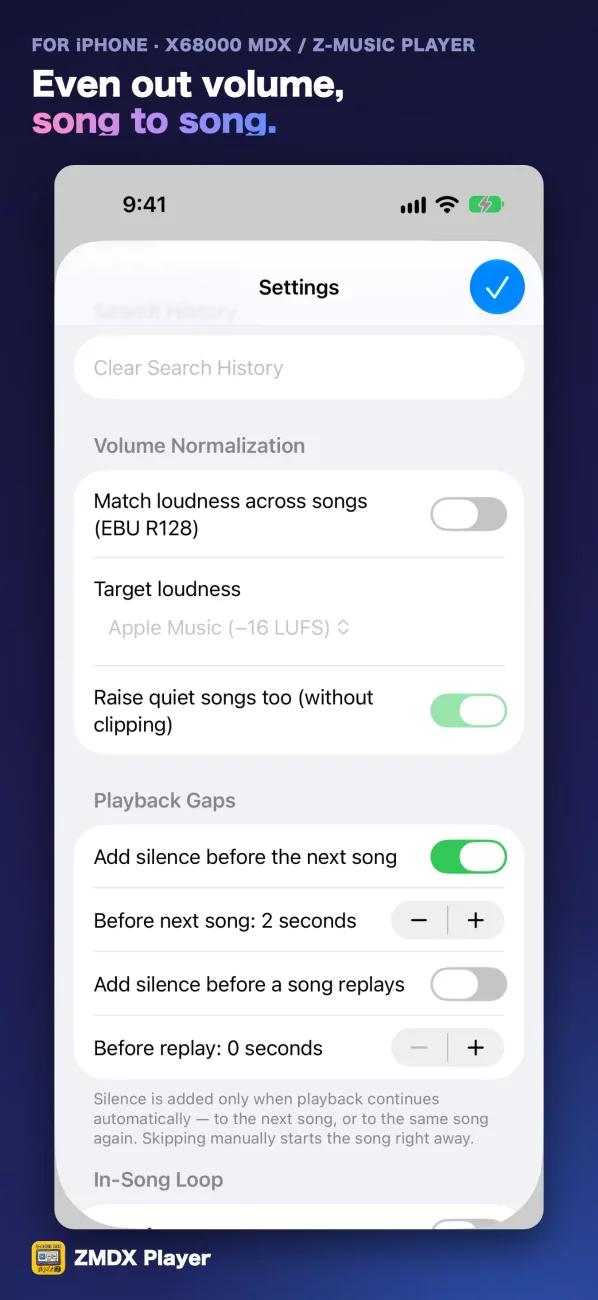
- Optional loudness normalization (EBU R128, off by default) with a selectable target (−16, −18, or −14 LUFS) to even out volume between songs.
- Optional aperture correction for PCM (restores up to 3.9 dB of treble lost in D/A conversion). It’s off by default, so you hear the raw stepped output of the original hardware.
- Now Playing integration (Control Center, Lock Screen, menu bar).
- Adjustable text size (including accessibility sizes) and a Japanese or English language setting.
Playlists
On iPhone, iPad, and Mac, you can add songs or folders to playlists. When you add a folder, all songs it contains are added, including songs in its subfolders. You can reorder and remove songs in a playlist, and rename, duplicate, or delete the playlists themselves.
Playlists are stored on your device and aren’t synced to your other devices. Playlists created in version 3 of the Mac app are carried over automatically when the app loads your library folder on the same Mac. The version 3 playlist file is left unchanged.
Pricing and privacy
- No ads, ever. MDX playback and all core features are free — no purchase required.
- Z-MUSIC playback is an optional one-time in-app purchase (Family Sharing supported) and the only purchase that unlocks a feature. An optional Tip Jar lets you support development; tips don’t unlock any features.
- No tracking or analytics. When you turn on the optional community sharing on iPhone or iPad (off by default), song info is posted to Apple’s CloudKit public database, which anyone can read. Posts include the song file’s hash (SHA-256), its stored title, a data version number, eligible analysis and measurement results (duration, loudness, peak level, and loop timing), and a random identifier created on your device, and CloudKit records an identifier for the iCloud account that posted them. The Mac app doesn’t post song info. Even with sharing off, the app sends song file hashes and a data version number to look up song info (on Mac, too). Posted data can’t be deleted from within the app and remains in the public database even after you turn sharing off. When you first use the app, add many songs, or update to version 4, the app may send the hashes of many songs within a short period to look up song info it doesn’t have yet. The app never sends music files, filenames, or playback history. We don’t operate our own server. Search history is stored on your device.
Only play music and sample files that you own or have permission to play.
Nouveautés
Version 4.1.1 · 17/11/2026
Fixed an issue where PCM sounds could be silent or play the wrong sample in songs that use multiple PCM banks.
Fixed an issue where some PDX files couldn’t be loaded, leaving those songs without PCM sounds.
Confidentialité de l’application
Ce que CONEX, K.K. déclare sur l’App Store au sujet du traitement des données par cette application.
-
Données établissant un lien avec vous
Peuvent être collectées et liées à votre identité.
- Contenu utilisateur
- Identifiants
- Autres données
Les pratiques en matière de confidentialité peuvent varier, notamment en fonction des fonctionnalités que vous utilisez ou de votre âge.
Informations
- Vendeur
- CONEX, K.K.
- Catégorie
- Musique
- Version
- 4.1.1
- Mis à jour
- 17/11/2026
- Publié
- 22/06/2026
- Taille
- 12,8 Mo
- Nécessite
- iOS 26.0 ou version ultérieure
- Classification d’âge
- 4+
- Prix
- Gratuit
- Achats intégrés
- Oui
- Langues
- Japonais, Anglais
- Copyright
- © 2026 CONEX