AI Space A
AIwatch- Rating 3+Batasan usia
- PersonalisasiKategori
- 5/8/2026Diperbarui
- Rp 29.000Harga
Tertaut ke halaman resmi com.watchfacestudio.ai_space_a di Google Play. Terakhir diperiksa pada 15/11/2026.
Tangkapan layar

Tentang aplikasi ini
Terjemahan otomatis oleh Google. Bahasa asli: Inggris (Amerika Serikat).
Animasi & Konstelasi
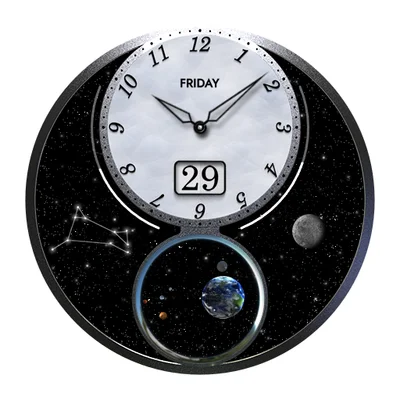
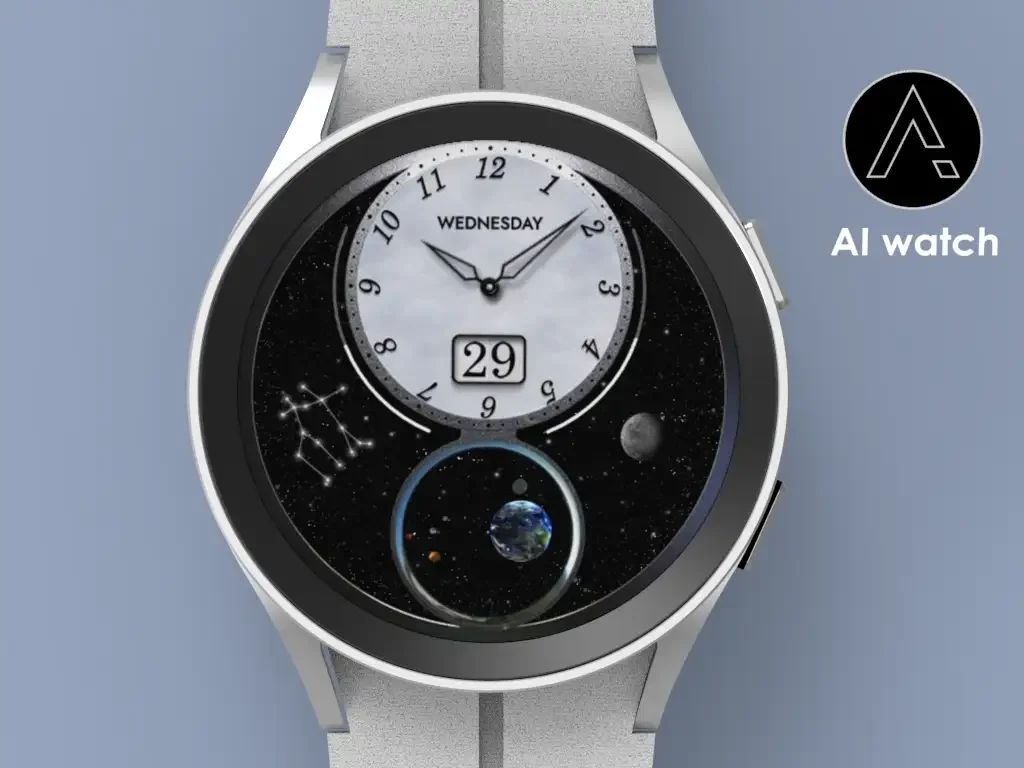
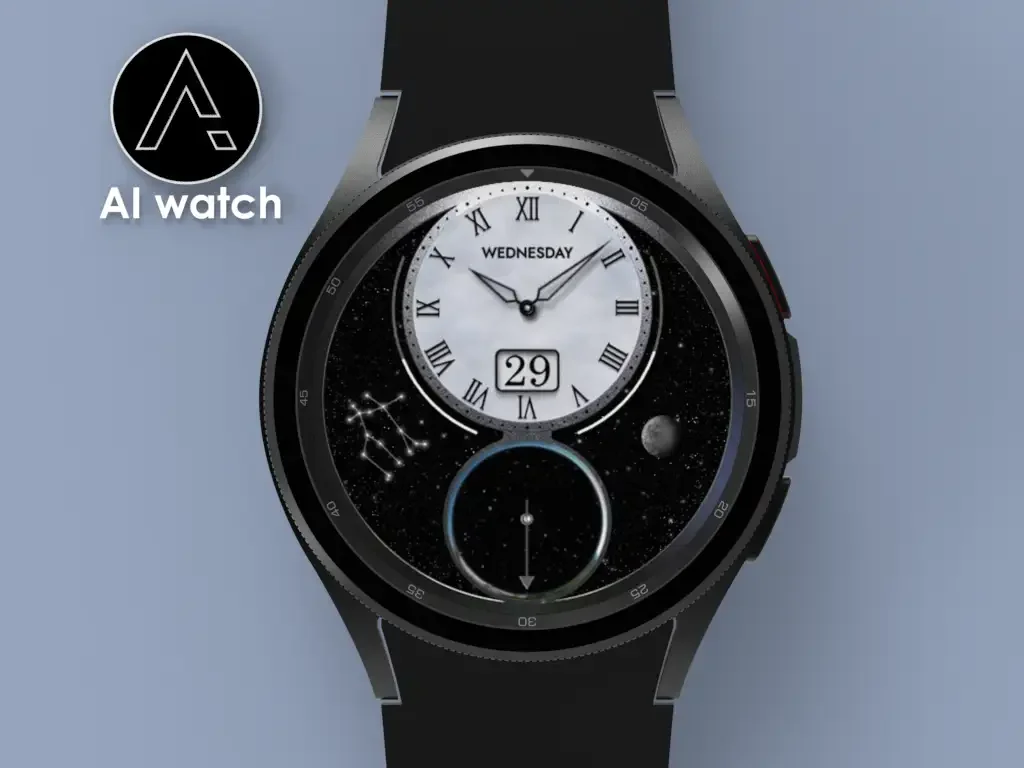
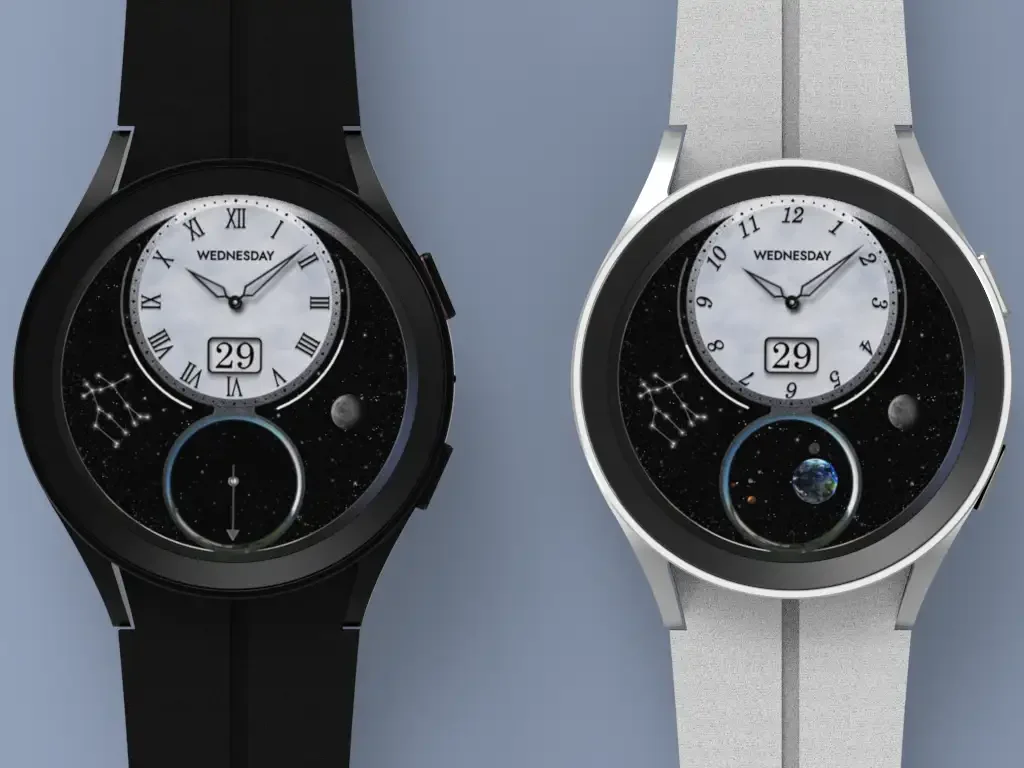
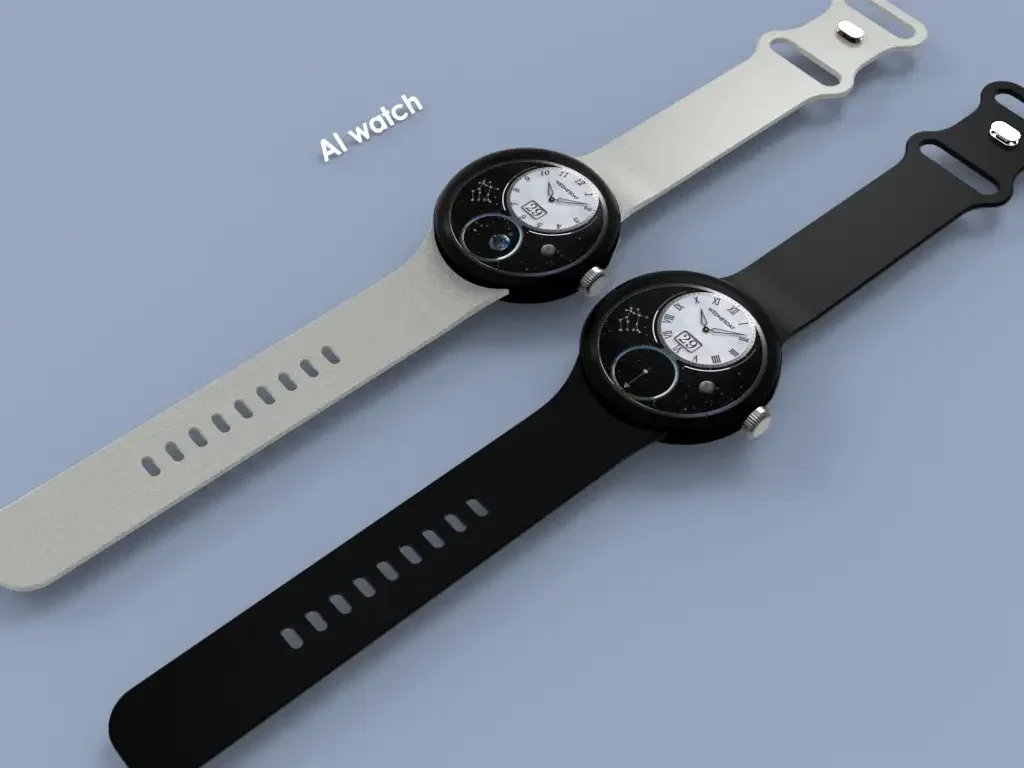
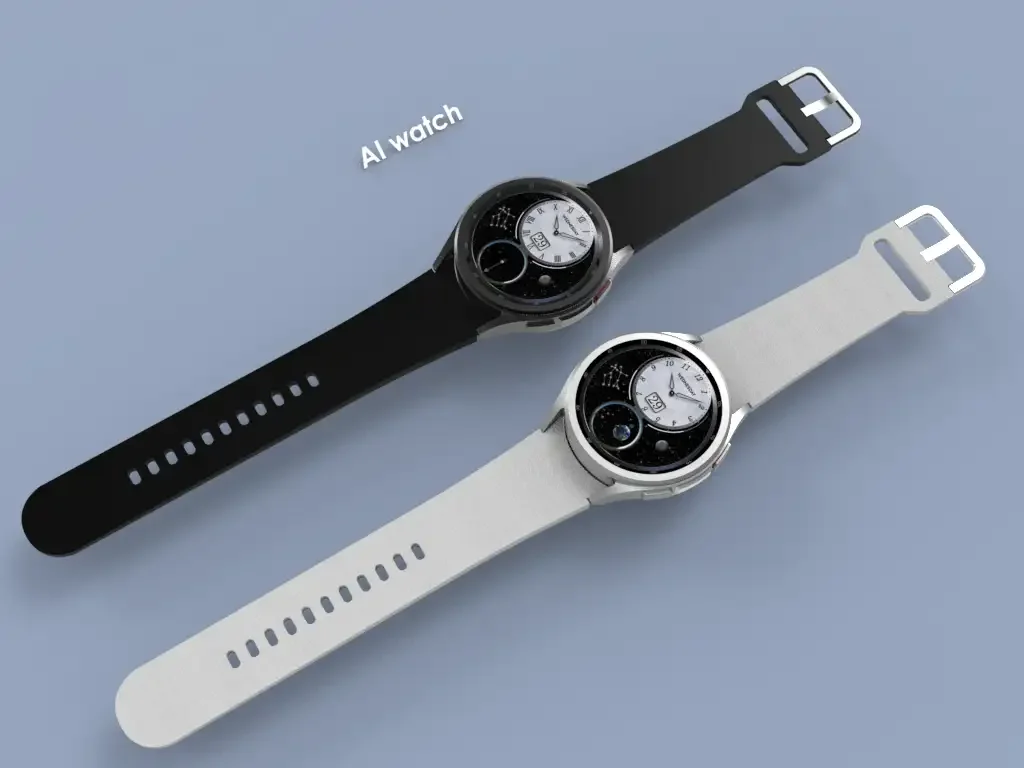
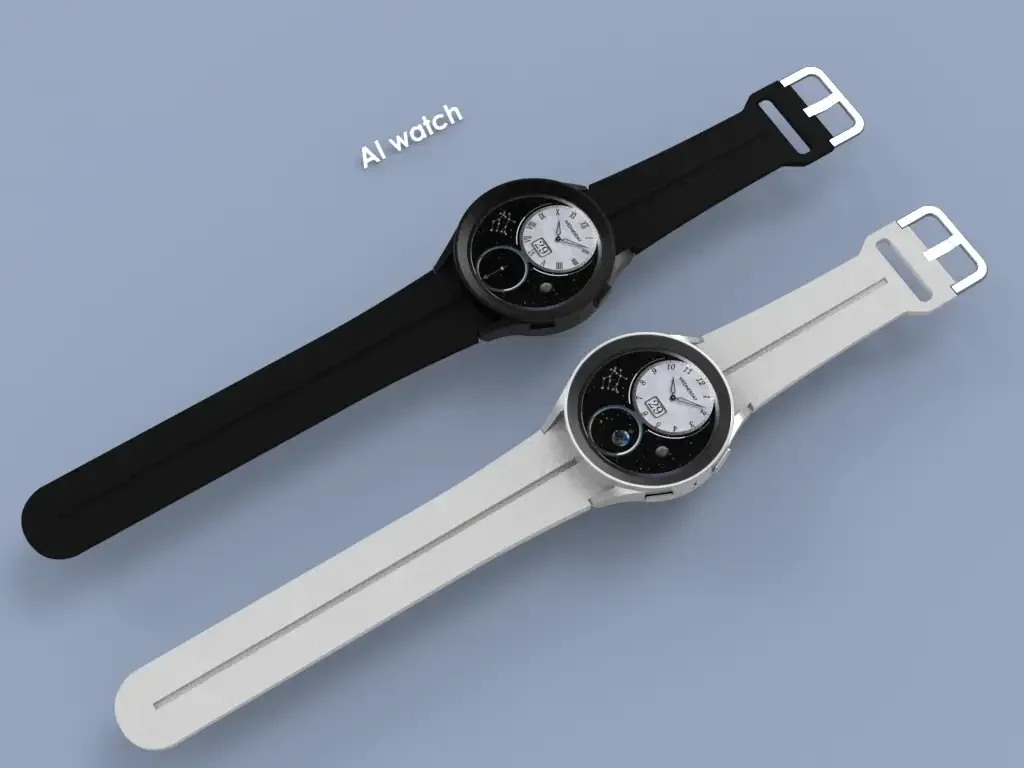
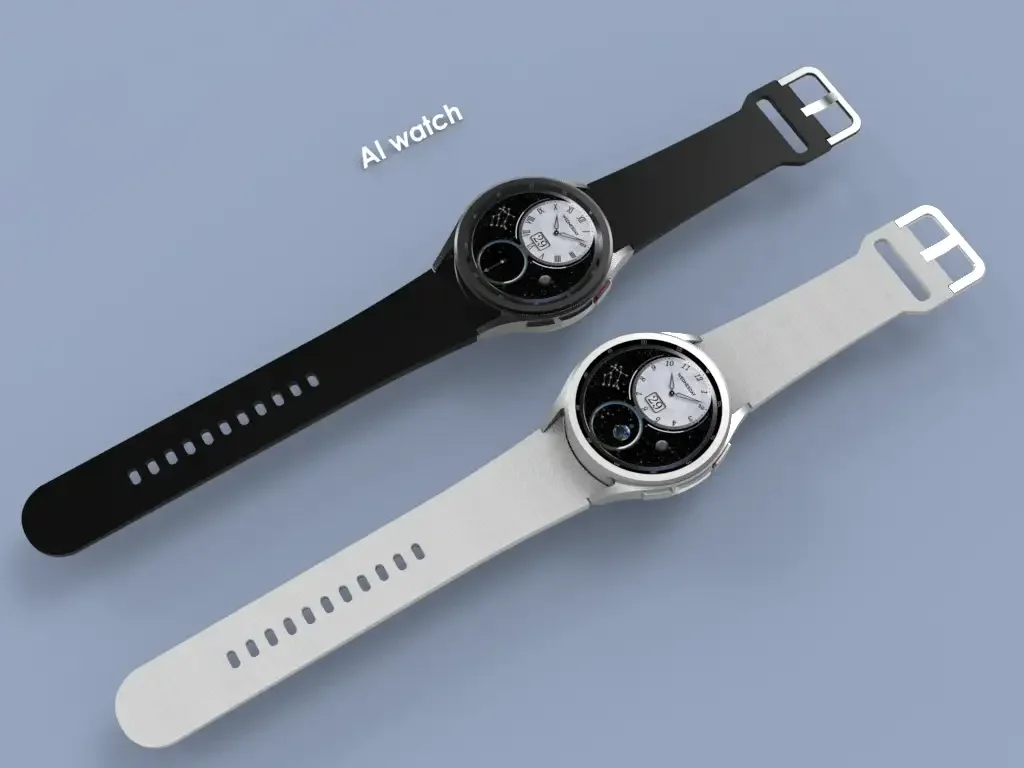
Tampilan jam analog AIwatch.
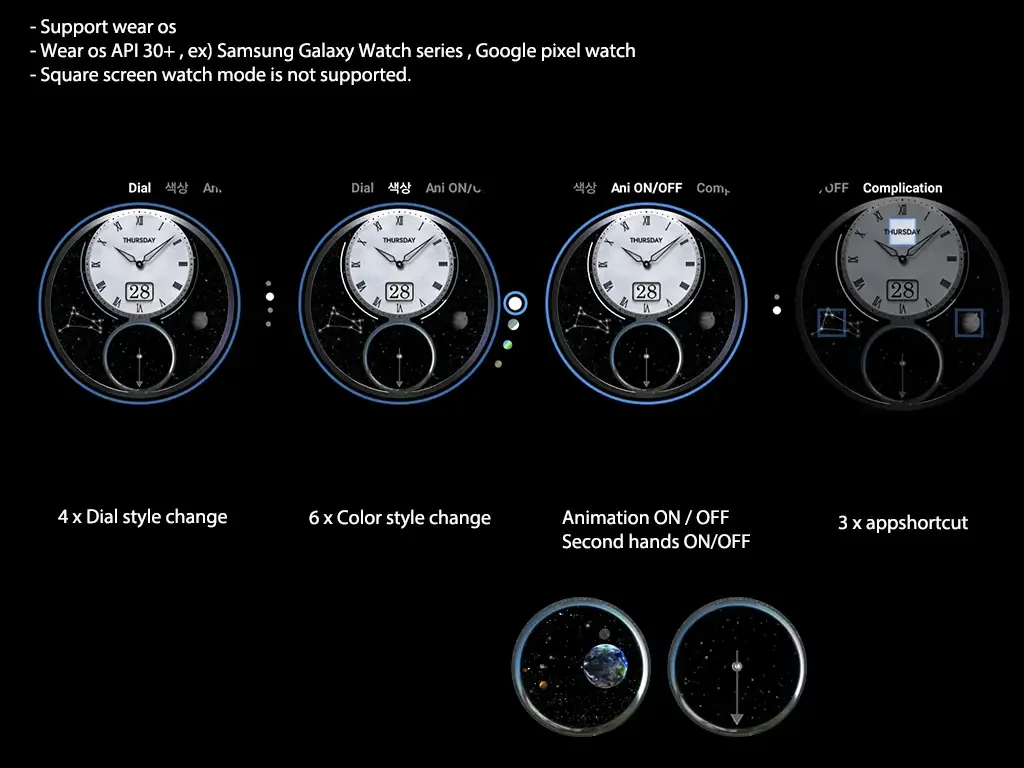
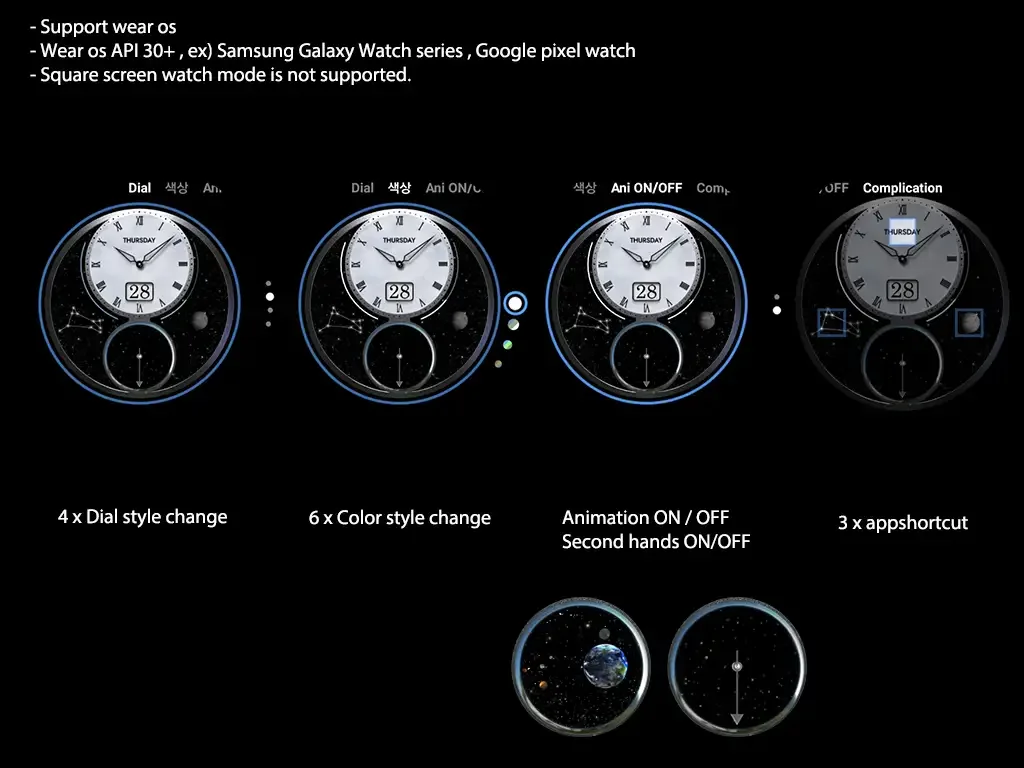
- Mendukung wear os
- Wear os API 30+, mis.) Seri Samsung Galaxy Watch, Google Pixel Watch
- Mode jam layar persegi tidak didukung.
Kustomisasi
- Perubahan gaya dial 4 x Jenis dial
- Perubahan gaya warna 6 x warna
- Animasi AKTIF/NONAKTIF & Jarum detik AKTIF/NONAKTIF
- 3 x pintasan aplikasi
Fase bulan
Zodiak
12.22~01.19 Capricornus
01.20~02.18 Aquarius
02.19~03.20 Pisces
03.21~04.19 Aries
04.20~05.20 Taurus
05.21~06.21 Gemini
06.22~07.22 Cancer
07.23~08.22 Leo
08.23~09.22 Virgo
09.23~10.23 Libra
10.24~11.22 Scorpio
11.23~12.21 Sagitarius
*** Panduan Instalasi ***
Aplikasi seluler adalah aplikasi pembantu untuk menginstal aplikasi jam tangan.
1. Jam tangan dan ponsel harus terhubung melalui Bluetooth.
2. Ketuk tombol "KLIK" pada aplikasi pendamping ponsel Anda.
3. Ikuti layar jam tangan untuk memasang tampilan jam dalam beberapa menit.
Anda juga dapat langsung mencari tampilan jam di aplikasi Google jam tangan dan memasangnya.
Anda dapat mencari dan memasangnya di peramban web seluler Anda.
Dukungan: aiwatchdesign@gmail.com
* Dukungan Wear OS *
Tampilkan teks asli
AIwatch analog watch face.
- Support wear os
- Wear os API 30+ , ex) Samsung Galaxy Watch series , Google pixel watch
- Square screen watch mode is not supported.
Customizing
- Dial style change 4 x Dial type
- color style change 6 x color
- Animation ON/OFF & Second hands ON/OFF
- 3 x appshortcut
Moonphase
Zodiac signs
12.22~01.19 Capricorn
01.20~02.18 Aquarius
02.19~03.20 Pisces
03.21~04.19 Aries
04.20~05.20 Taurus
05.21~06.21 Gemini
06.22~07.22 Cancer
07.23~08.22 Leo
08.23~09.22 Virgo
09.23~10.23 Libra
10.24~11.22 Scorpio
11.23~12.21 Sagittarius
*** Installation Guide ***
The mobile app is a helper app for installing the watch app.
1. The watch and mobile phone must be connected via Bluetooth.
2. Tap the "CLICK" button on your phone's companion app.
3. Follow the screen of the watch to install the watch face in a few minutes.
You can also directly search for the watch face in the watch's Google app and install it.
You can search and install it in your mobile Mobile web browser.
support : aiwatchdesign@gmail.com
* Support Wear OS *
Keamanan data
Yang dinyatakan AIwatch di Google Play tentang data yang dikumpulkan dan dibagikan aplikasi ini.
- Tidak ada data yang dibagikan kepada pihak ketigaPelajari lebih lanjut cara developer menyatakan pembagian data
- Tidak ada data yang dikumpulkanPelajari lebih lanjut cara developer menyatakan pengumpulan data
Kontak pengembang
- Situs webinstagram.com
- Emailaiwatchdesign@gmail.com
- Kebijakan Privasisites.google.com
- Alamat완정로65번안길 17 (마전동, 금호어울림아파트) 101동204호 검단구, 인천광역시 23469 South Korea
Informasi
- Ditawarkan oleh
- AIwatch
- Kategori
- Personalisasi
- Versi
- 1.0.0
- Diperbarui
- 5/8/2026
- Dirilis
- 29/3/2024
- Batasan usia
- Rating 3+
- Harga
- Rp 29.000
- Nama paket
- com.watchfacestudio.ai_space_a