Classic Army MOD V2
WinWatchfaces- Rating 3+Batasan usia
- PersonalisasiKategori
- 11/10/2026Diperbarui
- Rp 20.000Harga
Tertaut ke halaman resmi com.watchfacestudio.classicarmyv2mod di Google Play. Terakhir diperiksa pada 21/11/2026.
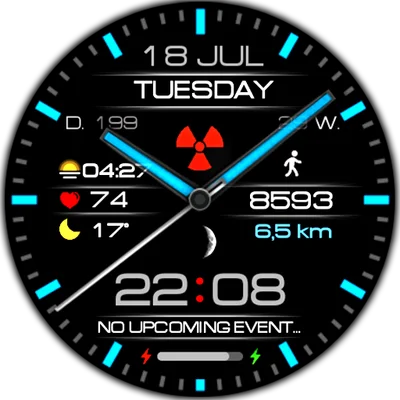
Tangkapan layar
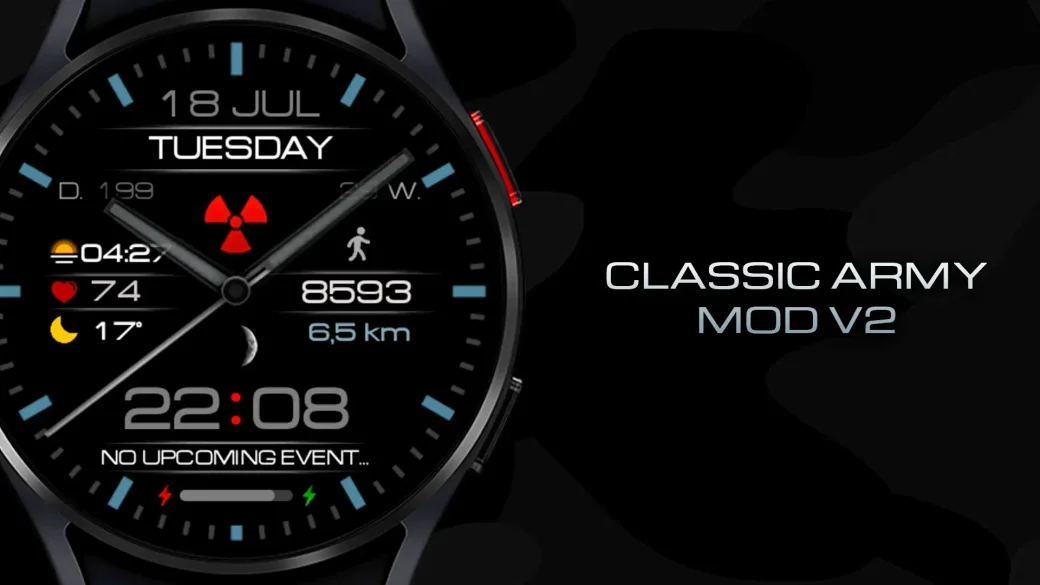
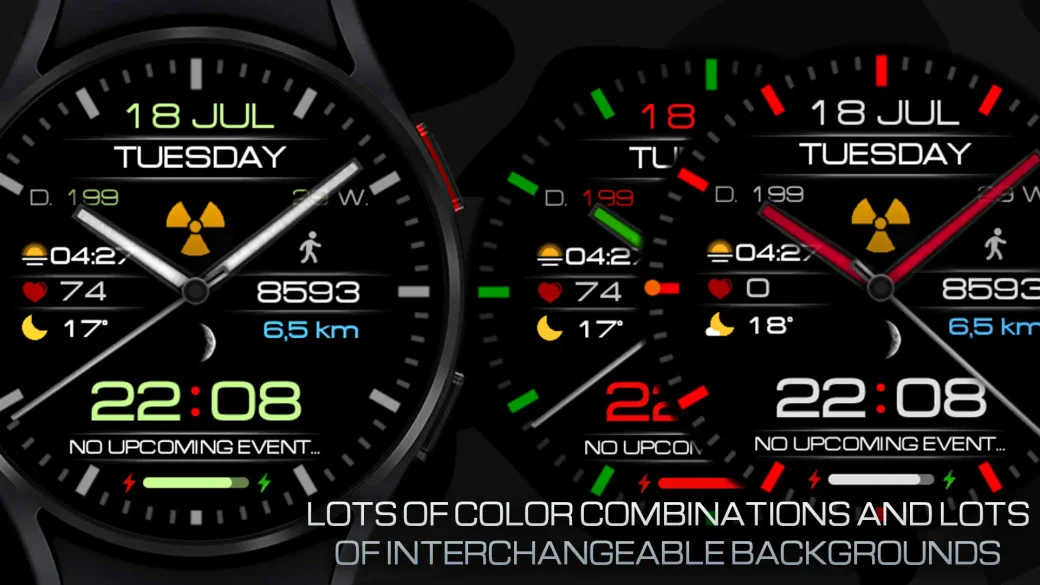
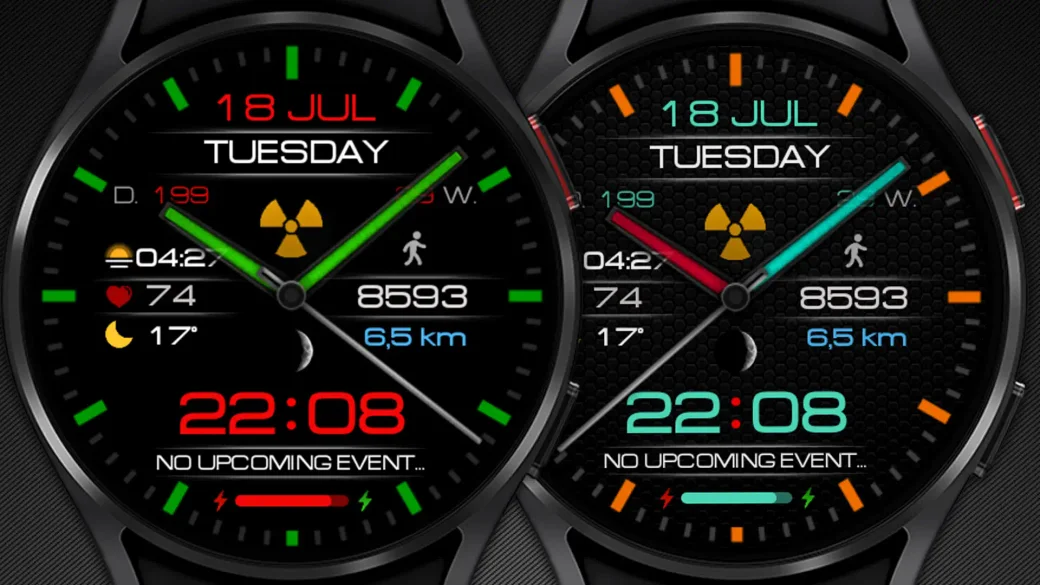
Tentang aplikasi ini
Terjemahan otomatis oleh Google. Bahasa asli: Inggris (Amerika Serikat).
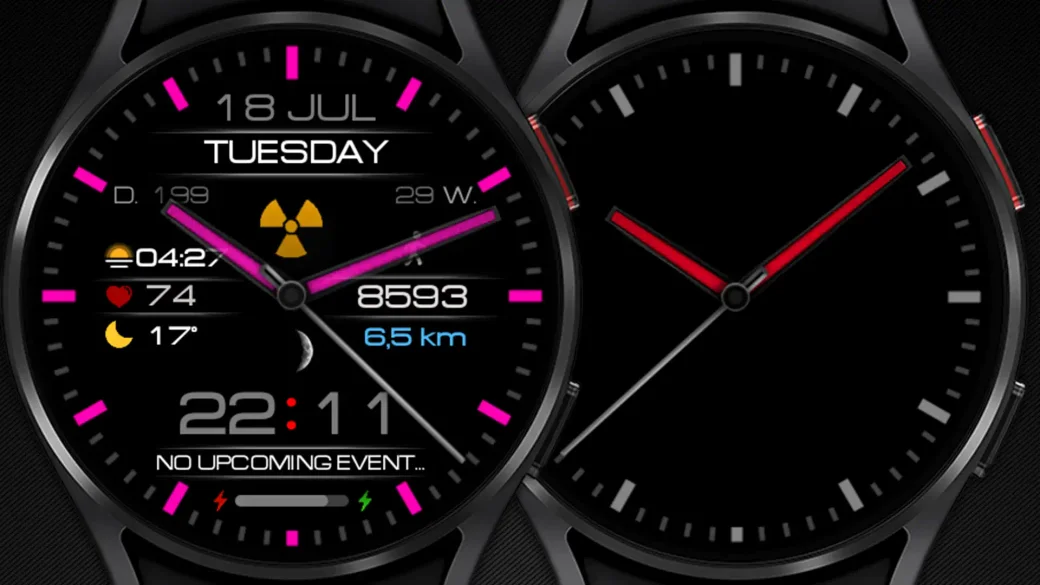
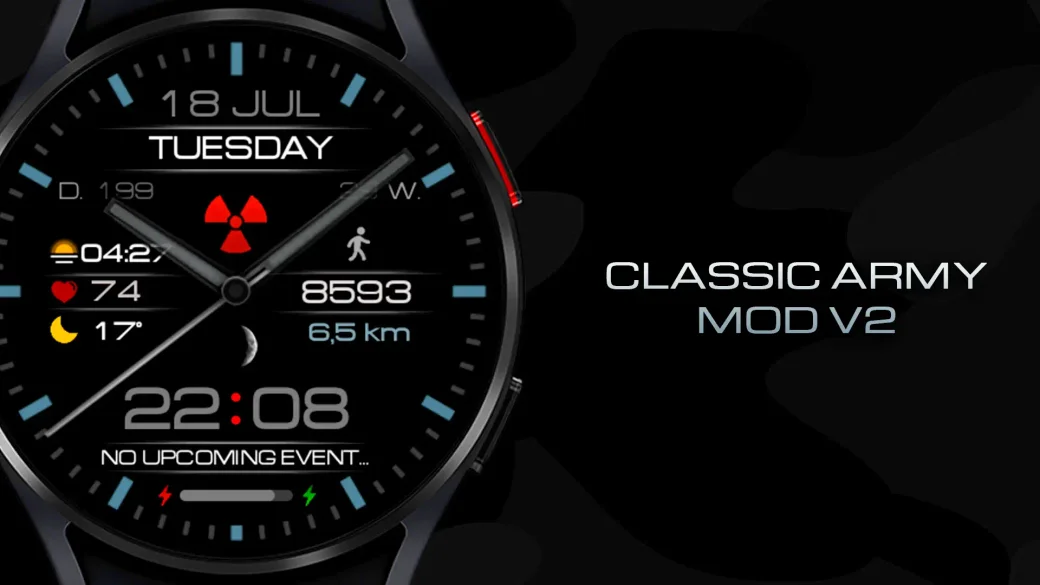
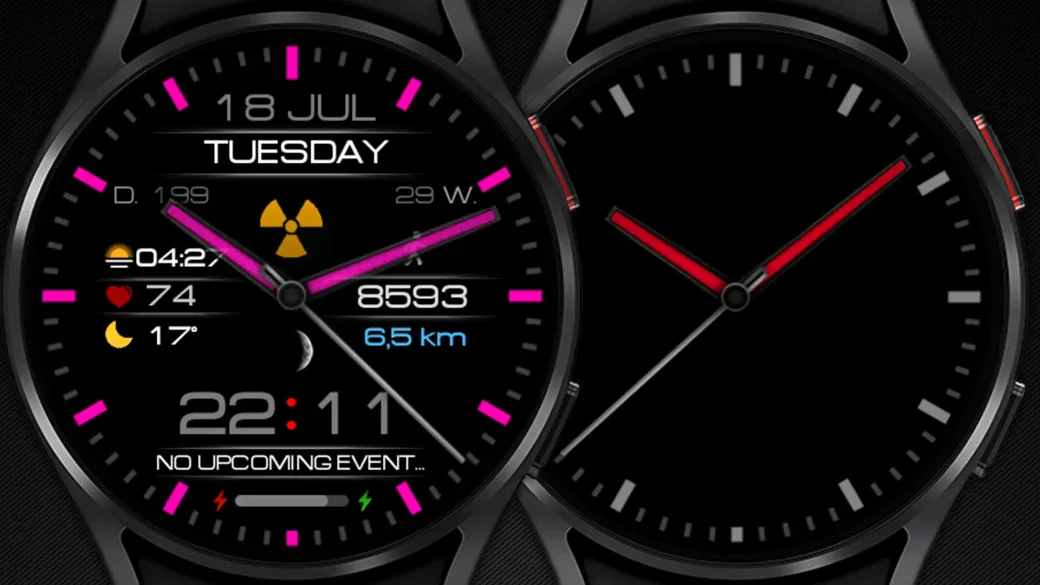
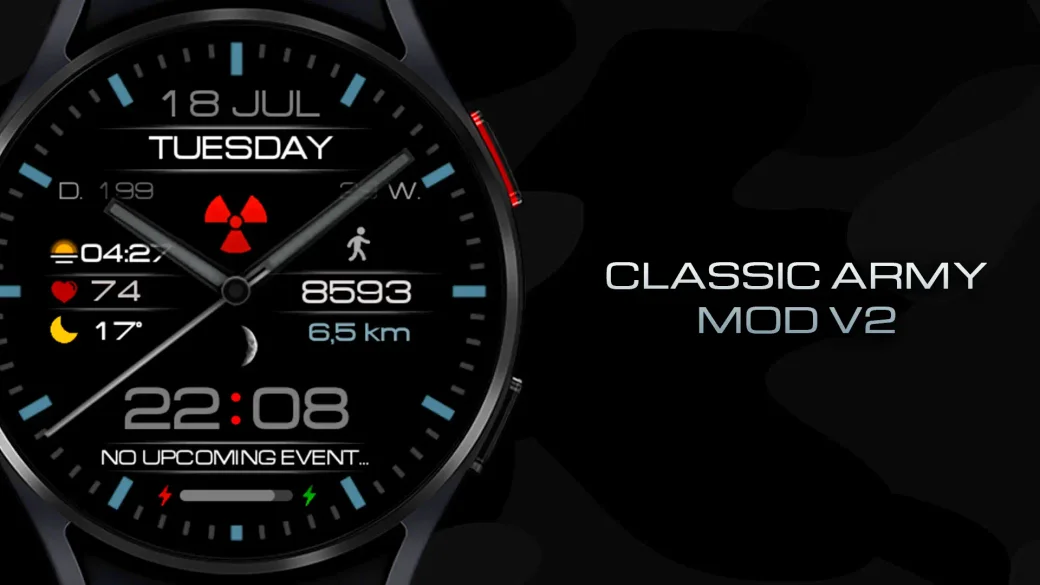
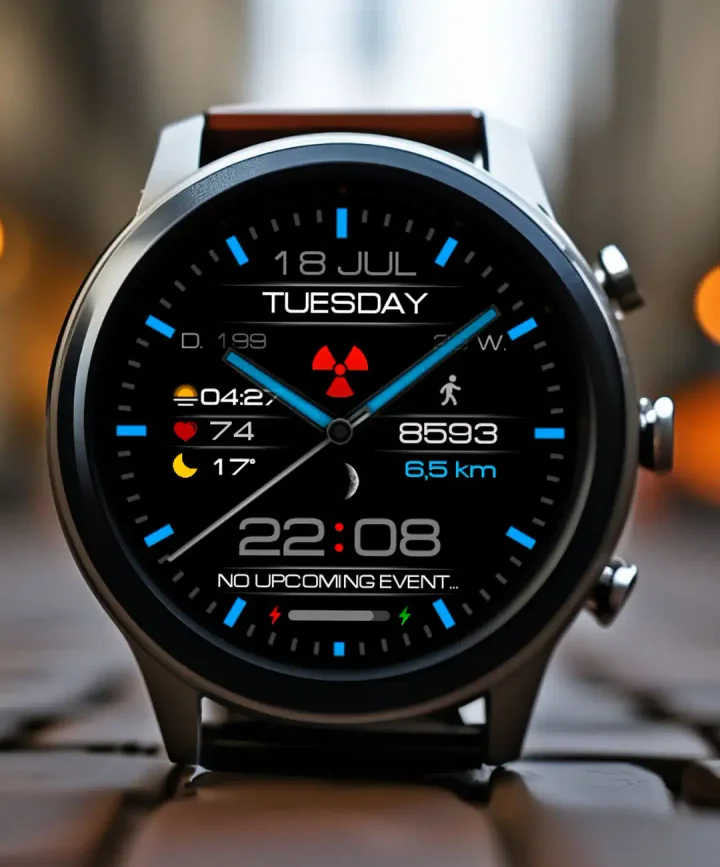
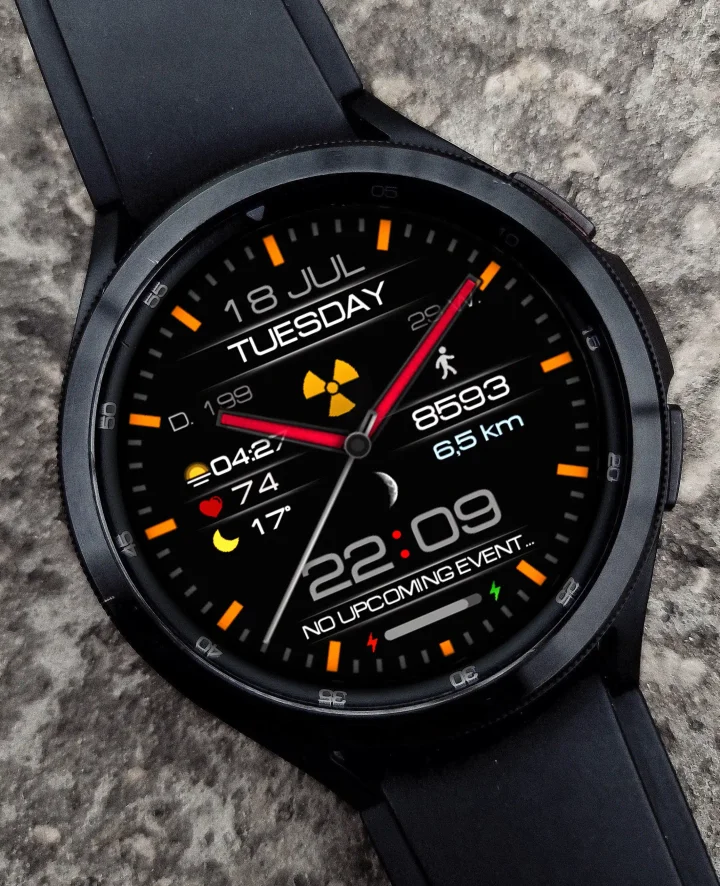
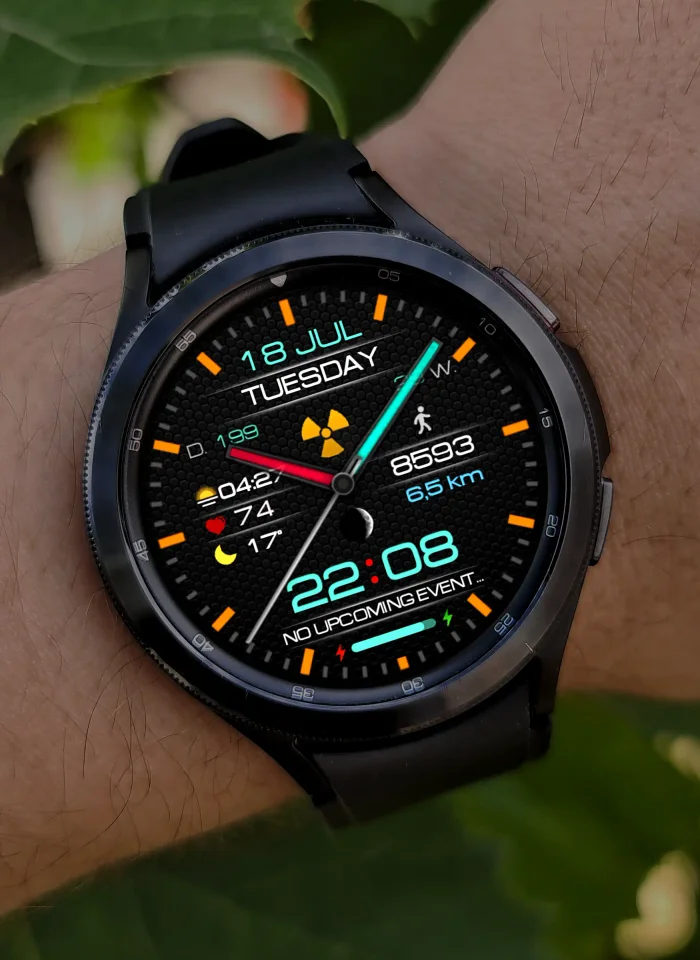
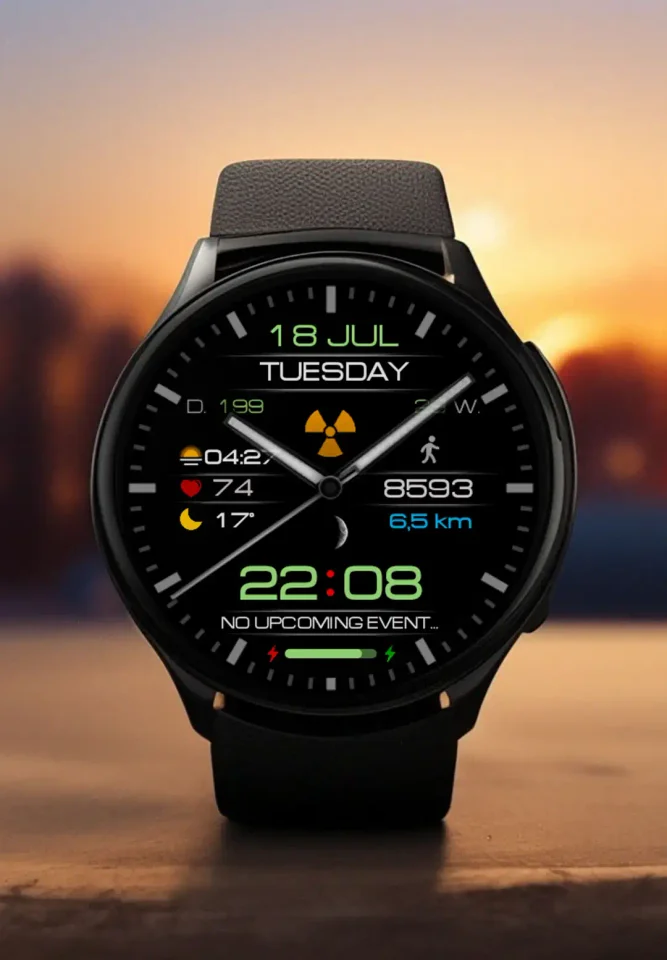
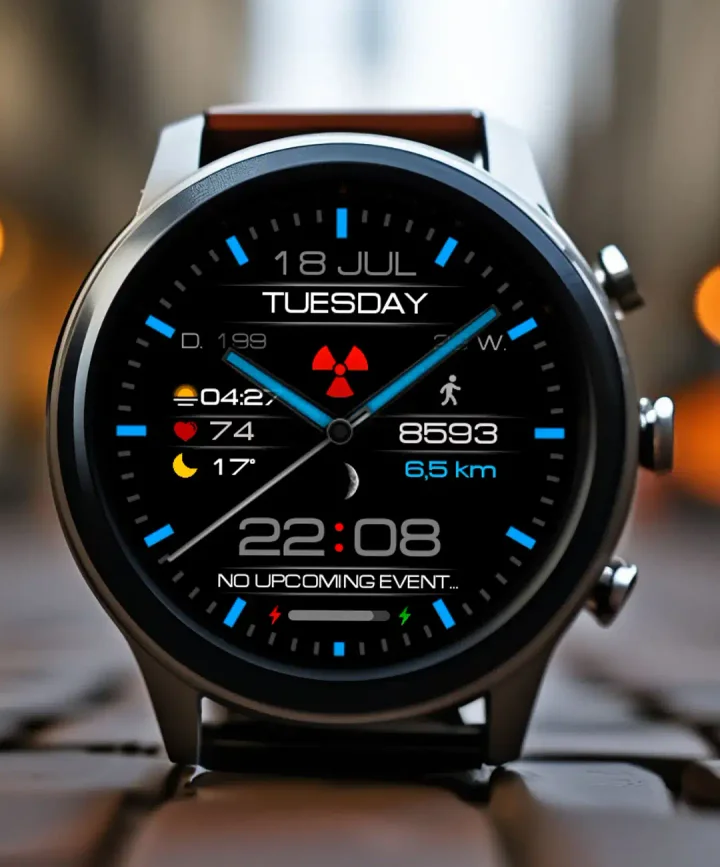
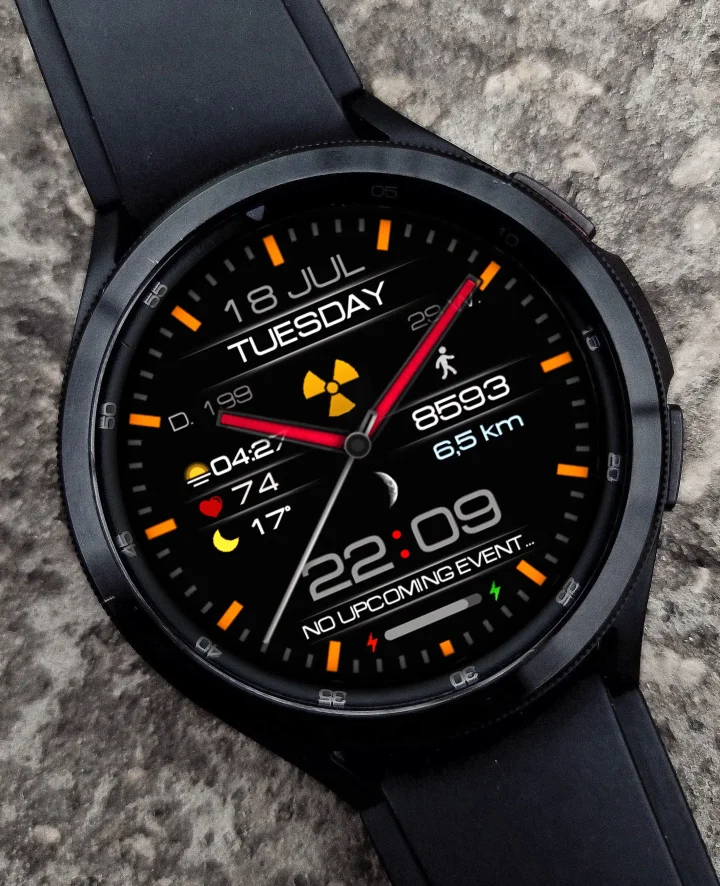
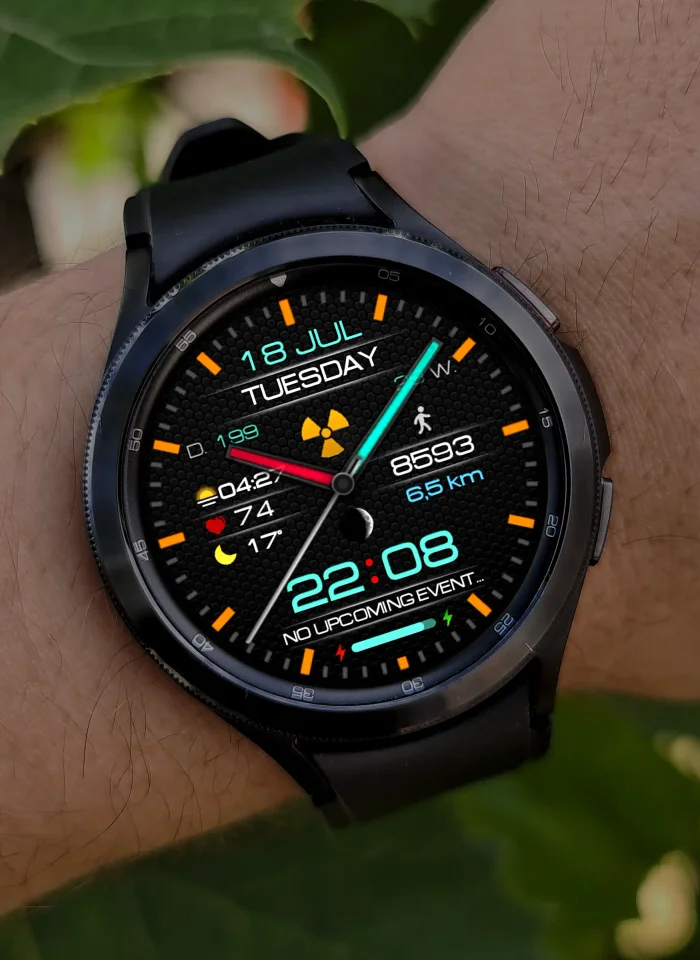
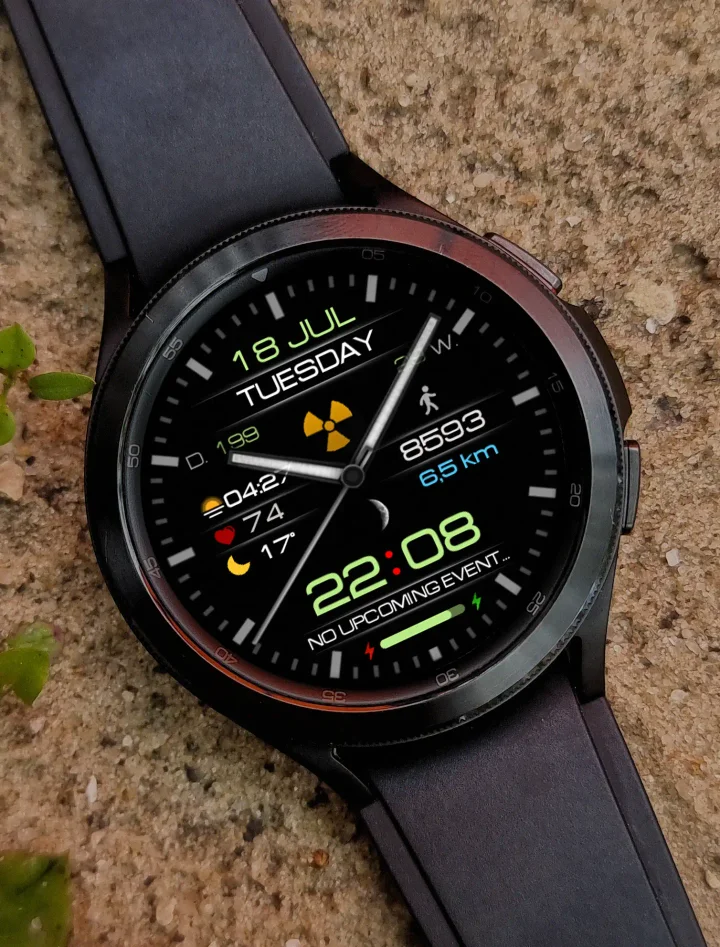
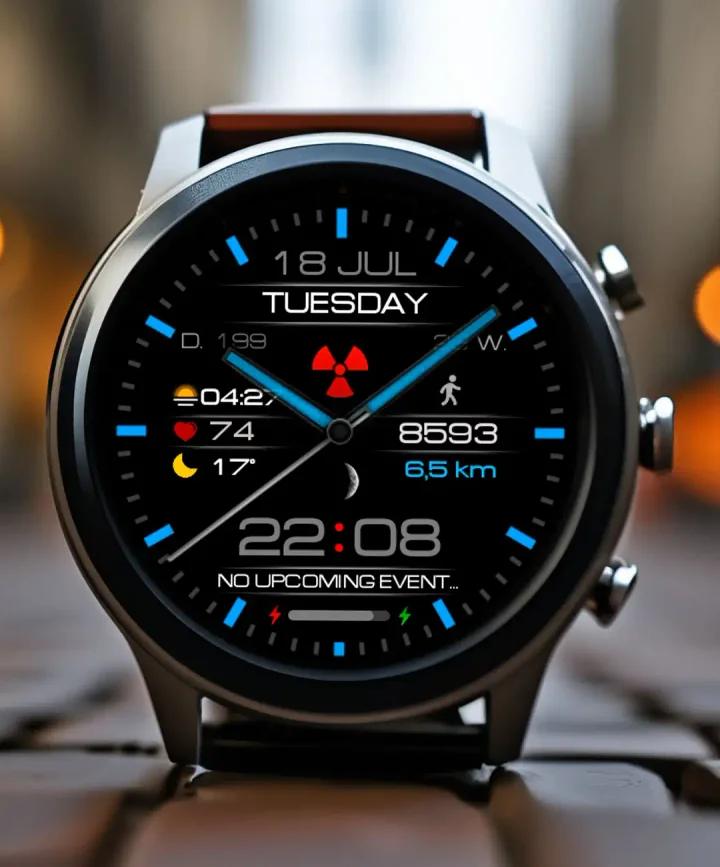
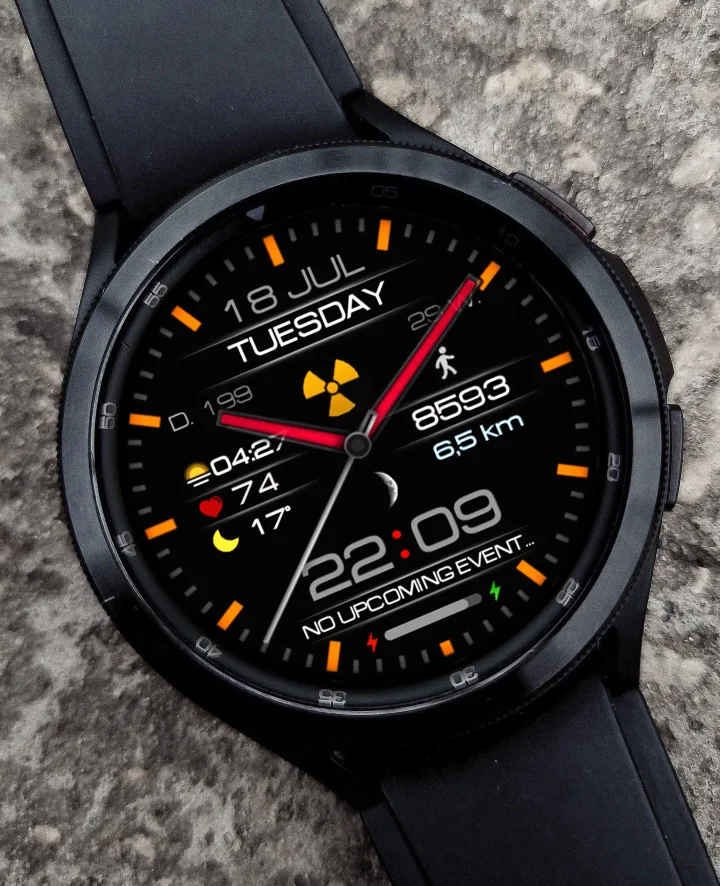
Tampilan jam yang bergaya, modern, hybrid, sporty, dan multifungsi dengan banyak pengaturan
Tampilan jam untuk perangkat Wear OS
Klasik hibrida dengan fungsionalitas hebat
Fitur dasar:
- Resolusi tinggi;
- Waktu digital dalam format 12/24 jam.
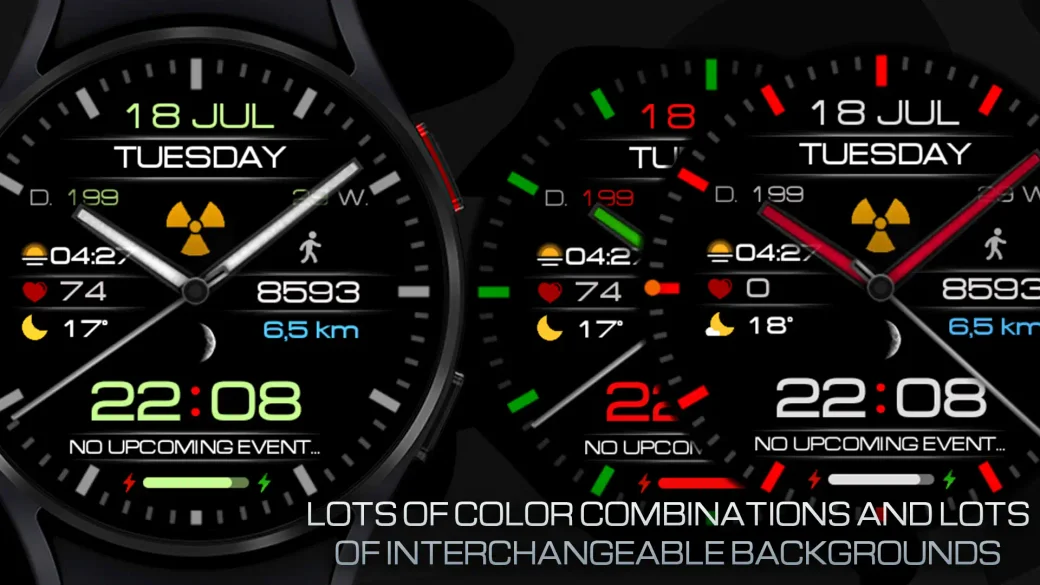
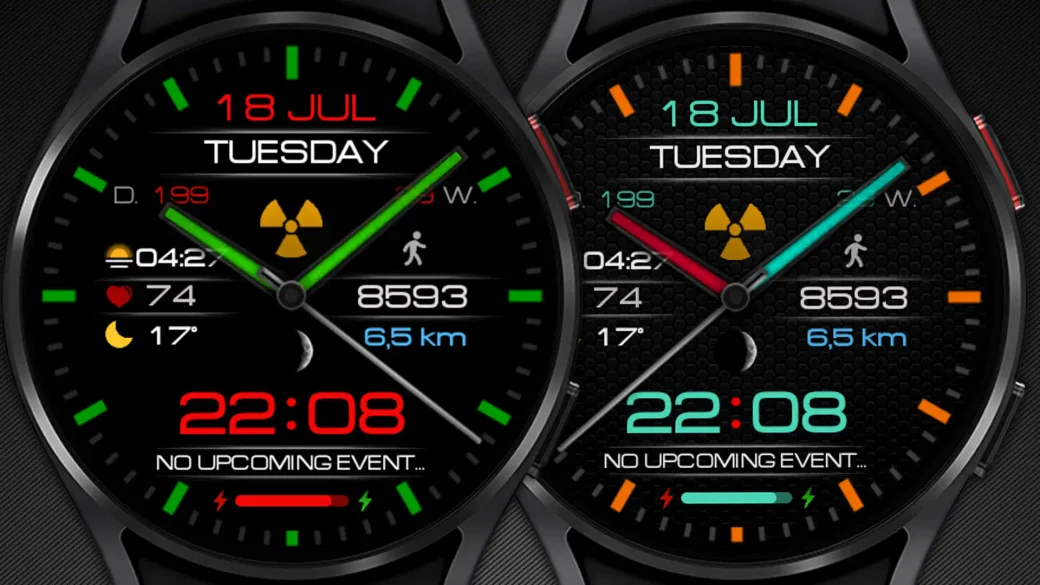
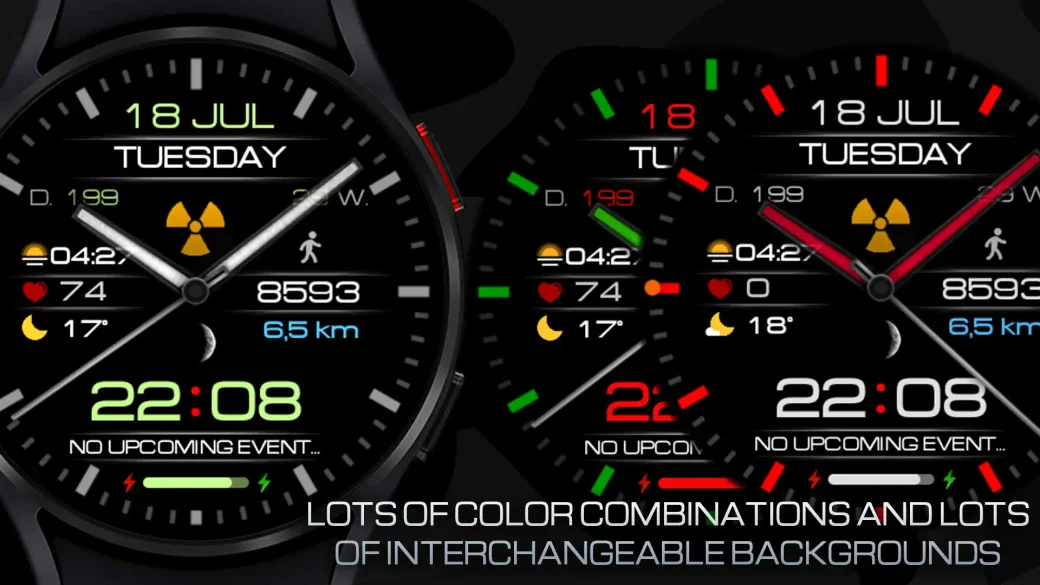
- Warna yang dapat diubah
- Mengubah warna jarum jam dan menit
- Kemampuan untuk mengubah latar belakang (gaya)
- Komplikasi kustom
- Menampilkan nomor hari dalam setahun
- Menampilkan nomor minggu dalam setahun
- Mode Always On Display (AOD) penuh dan minimal
Kompatibel dengan perangkat Wear OS yang menjalankan API level 30 ke atas, termasuk Samsung Galaxy Watch 4, 5, 6, 7, 8 dan Pixel Watch.
**Instalasi**
1. Instal aplikasi tampilan jam di ponsel Anda.
2. Pastikan jam tangan Wear OS Anda terhubung ke ponsel Anda dan menggunakan akun Google yang sama.
3. Pilih jam tangan Anda sebagai perangkat instalasi dan selesaikan instalasi.
4. Setelah instalasi, pilih tampilan jam dari galeri tampilan jam Anda.
Jika instalasi tertunda, periksa koneksi internet di kedua perangkat, tunggu satu atau dua menit, atau mulai ulang jam tangan Anda dan coba lagi.
**Kustomisasi**
• Sentuh dan tahan tampilan jam, lalu ketuk **Kustomisasi** untuk mengakses pengaturan yang tersedia.
• Untuk pengalaman terbaik, kami sarankan untuk mengkonfigurasi tampilan jam langsung di jam tangan Anda. Panduan video:
https://youtu.be/YPcpvbxABiA
**Dukungan**
Jika Anda memiliki pertanyaan atau masalah instalasi, silakan hubungi: srt48rus@gmail.com
**Lebih banyak tampilan jam dari WIN**
Jelajahi tampilan jam lainnya:
https://play.google.com/store/apps/dev?id=6789054753742990227
Tampilkan teks asli
Watchface for Wear OS devices
Hybrid classic with great functionality
Basic moments:
- A high resolution;
- Digital time in 12\24 hour format.
- Changeable colors
- Change the color of the hour and minute hands
- ability to change backgrounds (styles)
- Custom complications
- Display the number of the day of the year
- Display the week number of the year
- AOD mode full and minimal
Compatible with Wear OS devices running API level 30 and above, including Samsung Galaxy Watch 4, 5, 6, 7, 8 and Pixel Watch.
**Installation**
1. Install the watch face app on your phone.
2. Make sure your Wear OS watch is connected to your phone and uses the same Google account.
3. Select your watch as the installation device and complete the installation.
4. After installation, select the watch face from your watch face gallery.
If installation is delayed, check the internet connection on both devices, wait a minute or two, or restart your watch and try again.
**Customization**
• Touch and hold the watch face, then tap **Customize** to access the available settings.
• For the best experience, we recommend configuring the watch face directly on your watch. Video guide:
https://youtu.be/YPcpvbxABiA
**Support**
If you have any questions or installation issues, please contact: srt48rus@gmail.com
**More watch faces by WIN**
Explore other watch faces:
https://play.google.com/store/apps/dev?id=6789054753742990227
Keamanan data
Yang dinyatakan WinWatchfaces di Google Play tentang data yang dikumpulkan dan dibagikan aplikasi ini.
- Tidak ada data yang dibagikan kepada pihak ketigaPelajari lebih lanjut cara developer menyatakan pembagian data
- Tidak ada data yang dikumpulkanPelajari lebih lanjut cara developer menyatakan pengumpulan data
Yang baru
11/10/2026
Wear OS update:
- Fixed date display issues in 12-hour format
- Fixed text display issues in custom complications
Kontak pengembang
- Emailsrt48rus@gmail.com
- Kebijakan Privasisites.google.com
- Alamatул. Ескалиева, д. 148 кв. 21 090000 Уральск Kazakhstan
Informasi
- Ditawarkan oleh
- WinWatchfaces
- Kategori
- Personalisasi
- Diperbarui
- 11/10/2026
- Dirilis
- 18/7/2023
- Batasan usia
- Rating 3+
- Harga
- Rp 20.000
- Nama paket
- com.watchfacestudio.classicarmyv2mod
Aplikasi serupa
-
 Nuclear Classic PRO Watchface
Personalisasi
-
 DF081
Personalisasi
-
 h1702 Emotion Watch Face
Personalisasi
-
 Classic Minimal INF MOD
Personalisasi
-
 WIN Classic INF MOD
Personalisasi
-
 NTV001 - N-Minimal Watch face
Personalisasi
-
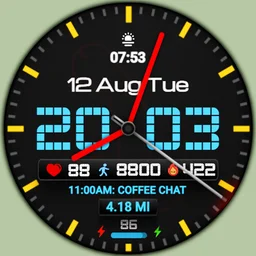 WIN - Super Hybrid SP 2
Personalisasi
-
 ClassicWIN Sport V2 Watch face
Personalisasi
-
 MFT WF 24
Personalisasi
-
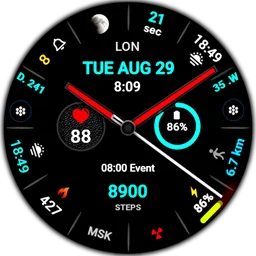 Classic informative Black 26
Personalisasi
-
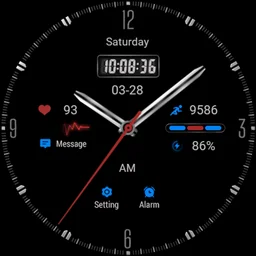 Siaga Sederhana
Personalisasi
-
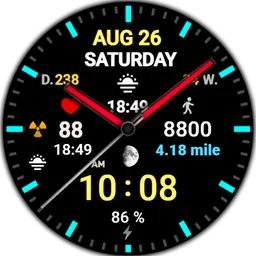 WIN Classic Army MOD WatchFace
Personalisasi