CNRwatch014
CNRwatch- Rating 3+Batasan usia
- PersonalisasiKategori
- 4/8/2024Diperbarui
- Rp 14.000Harga
Tertaut ke halaman resmi com.watchfacestudio.cnrwatch014 di Google Play. Terakhir diperiksa pada 17/11/2026.

Tangkapan layar
Tentang aplikasi ini
Terjemahan otomatis oleh Google. Bahasa asli: Inggris (Amerika Serikat).
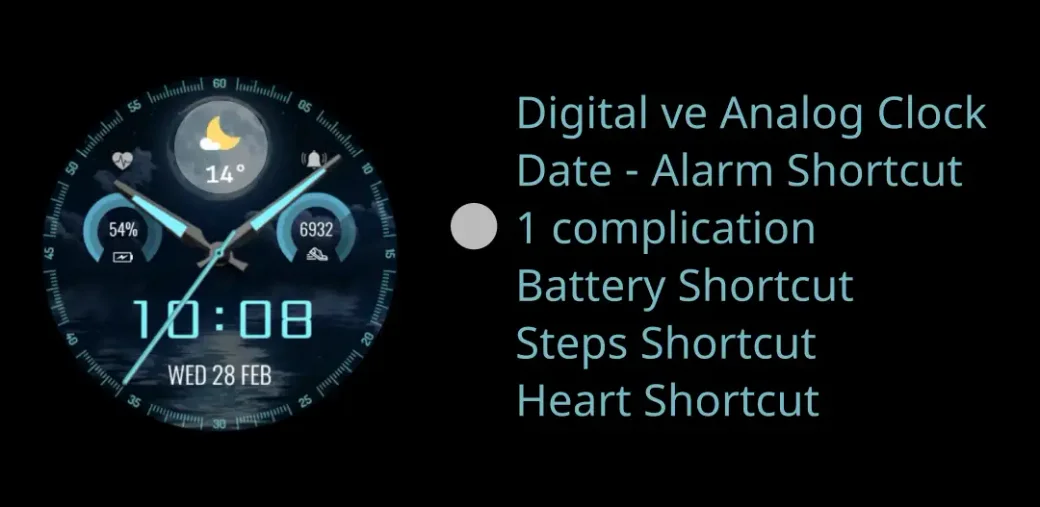
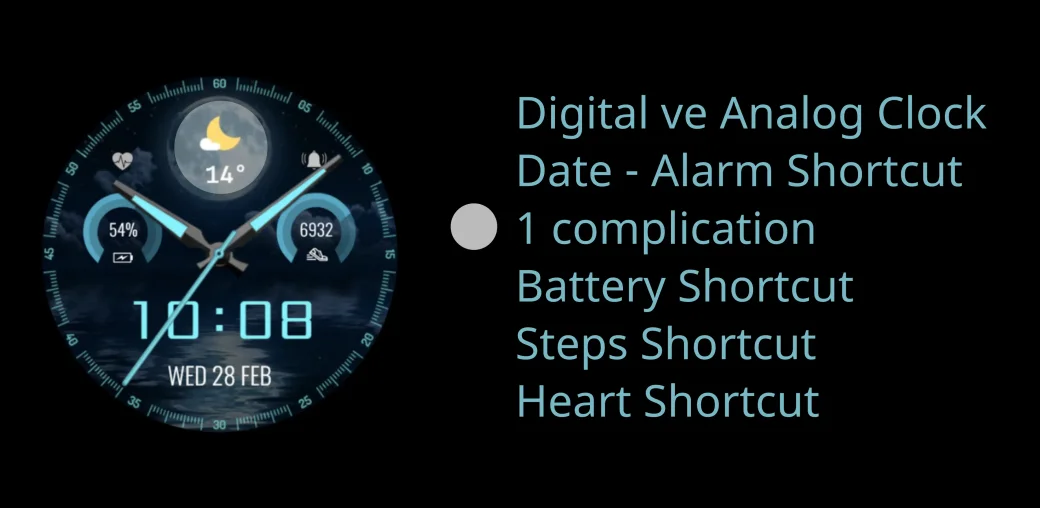
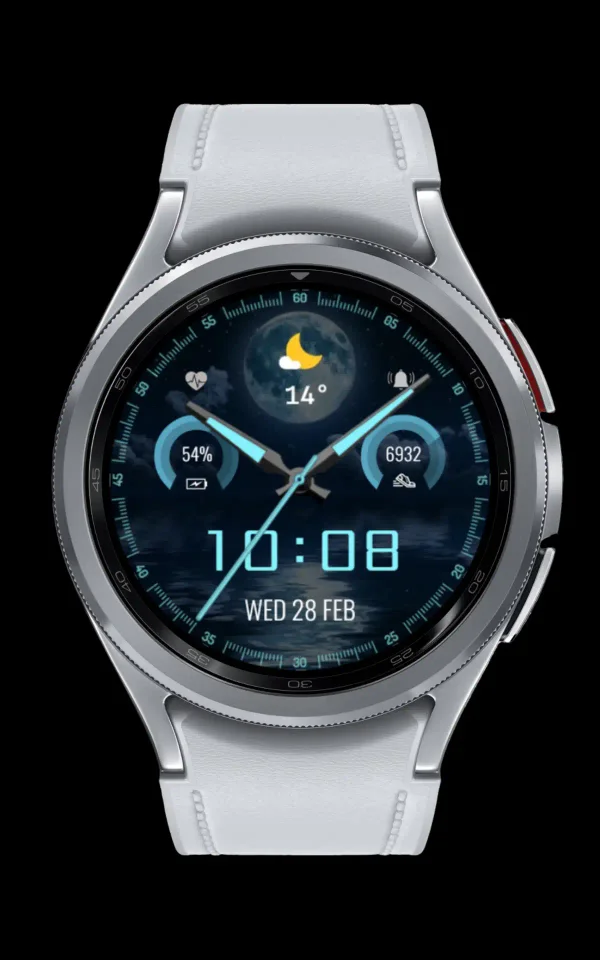
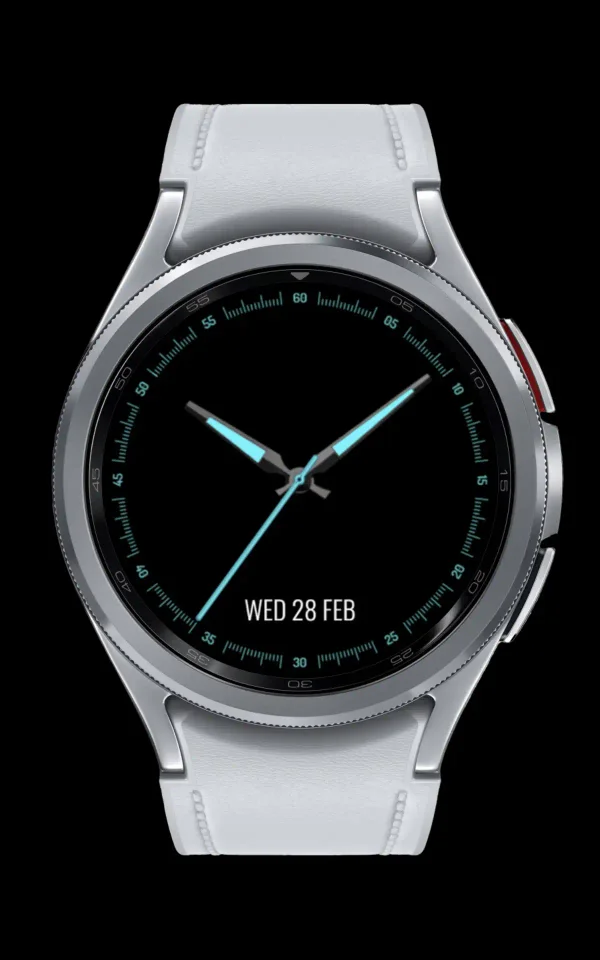
Tampilan jam untuk Wear OS
Jam Digital dan Analog
Tanggal - Pintasan Alarm
1 komplikasi
Pintasan Baterai
Langkah Pintasan
Pintasan Jantung
PANDUAN INSTALASI ↴
Anda mungkin mengalami berbagai masalah saat mencoba memasang tampilan jam dari aplikasi resmi Google Play Android.
Jika tampilan jam dipasang di ponsel Anda tetapi tidak di jam tangan Anda, pengembang telah menambahkan aplikasi pembantu untuk meningkatkan visibilitas di Play Store. Anda dapat menghapus instalasi aplikasi pembantu dari ponsel Anda dan mencari ikon segitiga di sebelah tombol Instal di aplikasi Play Store (https://i.imgur.com/OqWHNYf.png). Simbol ini menunjukkan menu tarik-turun di mana Anda dapat memilih jam tangan sebagai tujuan pemasangan.
Alternatifnya, Anda bisa mencoba membuka Play Store di web browser di laptop, Mac, atau PC Anda. Ini akan memungkinkan Anda memilih secara visual perangkat yang tepat untuk instalasi (https://i.imgur.com/Rq6NGAC.png).
[Jika Anda telah mengikuti petunjuk yang disebutkan di atas dan tampilan jam masih tidak muncul di jam tangan Anda, buka aplikasi Galaxy Wearable. Buka bagian Unduhan aplikasi dan Anda akan menemukan tampilan jam di sana (https://i.imgur.com/mmNusLy.png). Cukup klik untuk memulai instalasi.
Tampilkan teks asli
Digital ve Analog Clock
Date - Alarm Shortcut
1 complication
Battery Shortcut
Steps Shortcut
Heart Shortcut
INSTALLATION MANUAL ↴
You may encounter various problems when trying to install a watch face from the official Google Play Android app.
In cases where the watch face is installed on your phone but not on your watch, the developer has added a helper app to improve visibility in the Play Store. You can uninstall the helper app from your phone and look for a triangular icon next to the Install button in the Play Store app (https://i.imgur.com/OqWHNYf.png). This symbol indicates a drop-down menu where you can select your watch as the installation destination.
Alternatively, you can try opening the Play Store in a web browser on your laptop, Mac or PC. This will allow you to visually select the correct device for installation (https://i.imgur.com/Rq6NGAC.png).
[If you have followed the instructions mentioned above and the watch face still does not appear on your watch, open the Galaxy Wearable app. Go to the Downloads section of the app and you will find the watch face there (https://i.imgur.com/mmNusLy.png). Simply click on it to start the installation.
Keamanan data
Yang dinyatakan CNRwatch di Google Play tentang data yang dikumpulkan dan dibagikan aplikasi ini.
- Tidak ada data yang dibagikan kepada pihak ketigaPelajari lebih lanjut cara developer menyatakan pembagian data
- Tidak ada data yang dikumpulkanPelajari lebih lanjut cara developer menyatakan pengumpulan data
Yang baru
Versi 1.0.0 · 4/8/2024
CNR WATCH FACES Wear OS
Kontak pengembang
- Emailhircingokhan@gmail.com
- Kebijakan Privasifreeprivacypolicy.com
- AlamatGoncalar Mh. 6029 sokak No : 22 35650 Izmir Türkiye
Informasi
- Ditawarkan oleh
- CNRwatch
- Kategori
- Personalisasi
- Versi
- 1.0.0
- Diperbarui
- 4/8/2024
- Dirilis
- 24/2/2024
- Memerlukan
- Android 11 atau yang lebih baru
- Batasan usia
- Rating 3+
- Harga
- Rp 14.000
- Nama paket
- com.watchfacestudio.cnrwatch014