Document Scanner - PDF Creator
LUFICK TECHNOLOGY PRIVATE LIMITEDBerisi iklan · Pembelian dalam aplikasi
- Rating 3+Batasan usia
- ProduktivitasKategori
- 23/11/2026Diperbarui
- GratisHarga
Tertaut ke halaman resmi com.cv.docscanner di Google Play. Terakhir diperiksa pada 24/11/2026.
Tangkapan layar
Tentang aplikasi ini
Terjemahan otomatis oleh Google. Bahasa asli: Inggris (Amerika Serikat).
Pemindai Dokumen (DocScanner) dan Aplikasi Pembuat PDF untuk memindai dokumen dengan cepat
Kadang-kadang dalam satu hari Anda membutuhkan berbagai dokumen yang dipindai beberapa kali. Dalam situasi itu jika semuanya direncanakan, Anda pasti tidak akan menderita lagi. Tetapi jika kebutuhan untuk memindai dokumen itu muncul satu per satu, itu pasti akan menjadi bencana.
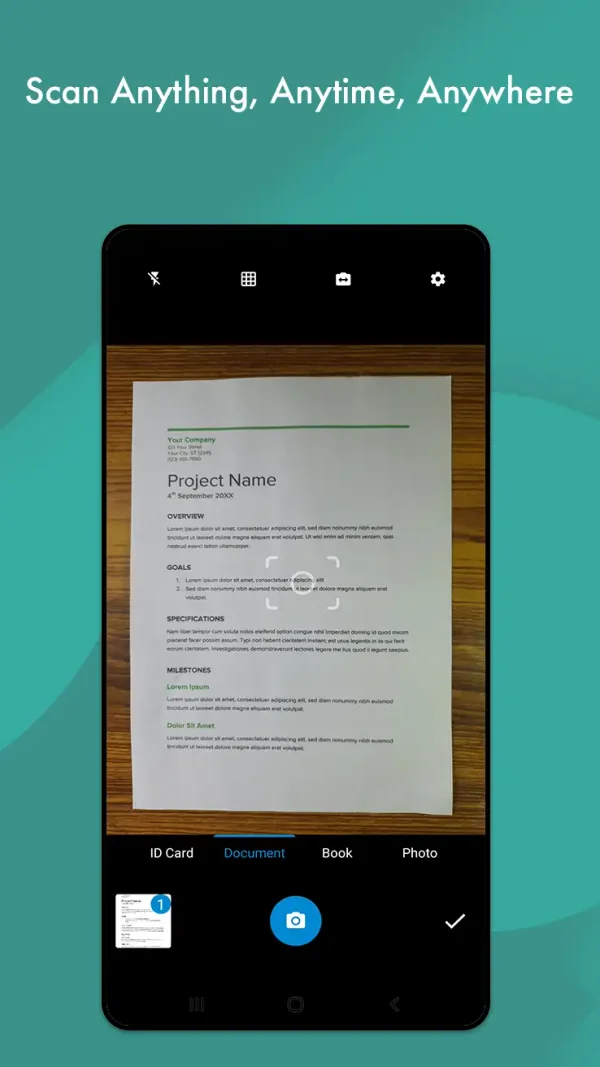
Untuk menyelamatkan Anda dari situasi itu, kami menghadirkan Pemindai Dokumen portabel untuk Anda. Pemindai Dokumen (Dokumen) ini memungkinkan Anda memindai dokumen Anda kapan saja di mana saja.
Ada beberapa fitur tambahan juga di aplikasi yang membuat dokumen Anda setelah pemindaian lebih profesional dan bagus untuk dilihat.
Mari kita lihat fitur-fitur menarik itu ::
* Pindai dokumen Anda.
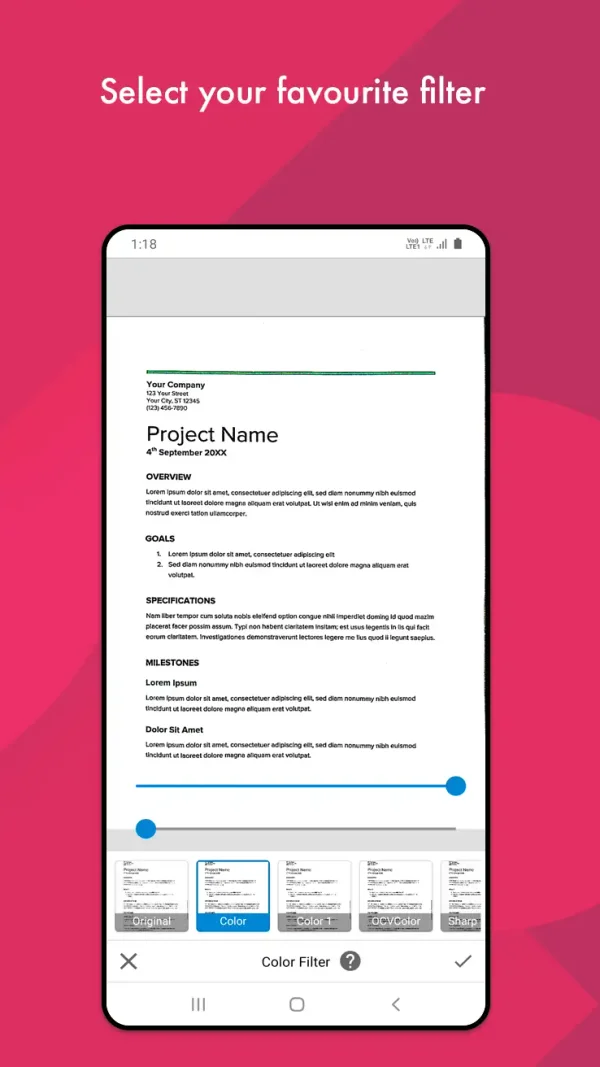
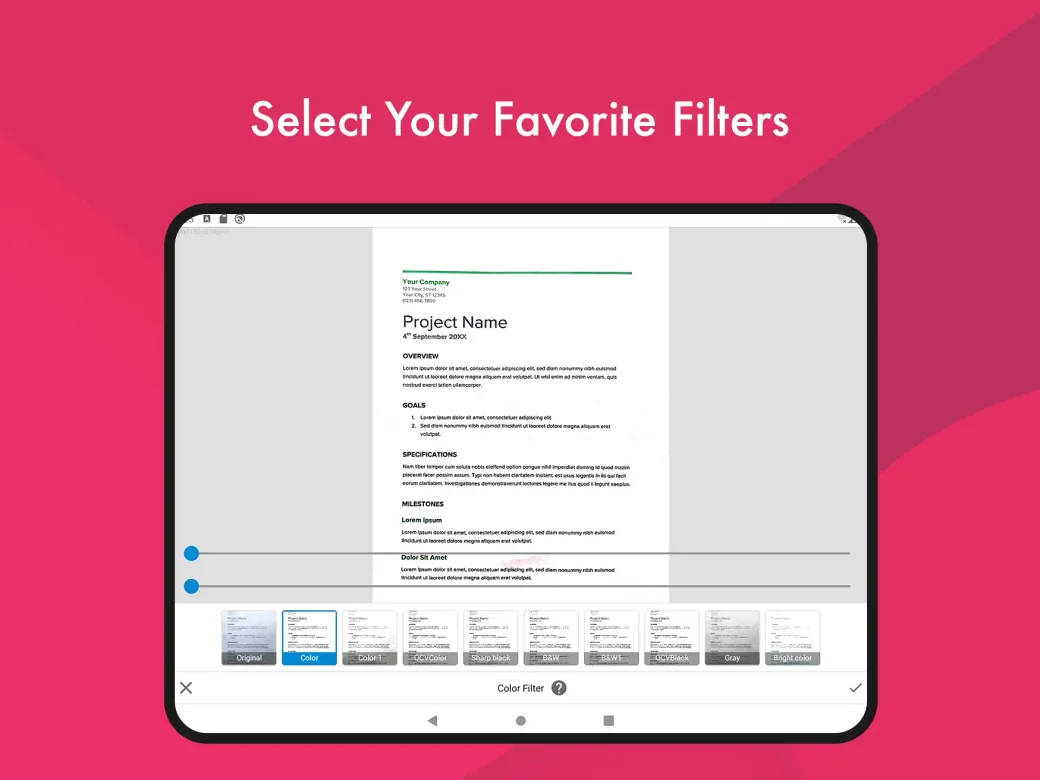
* Tingkatkan kualitas pemindaian secara otomatis/Manual.
* Enhancement mencakup smart cropping dan banyak lagi.
* Optimalkan PDF Anda ke dalam mode seperti B/W, Lighten, Color dan dark.
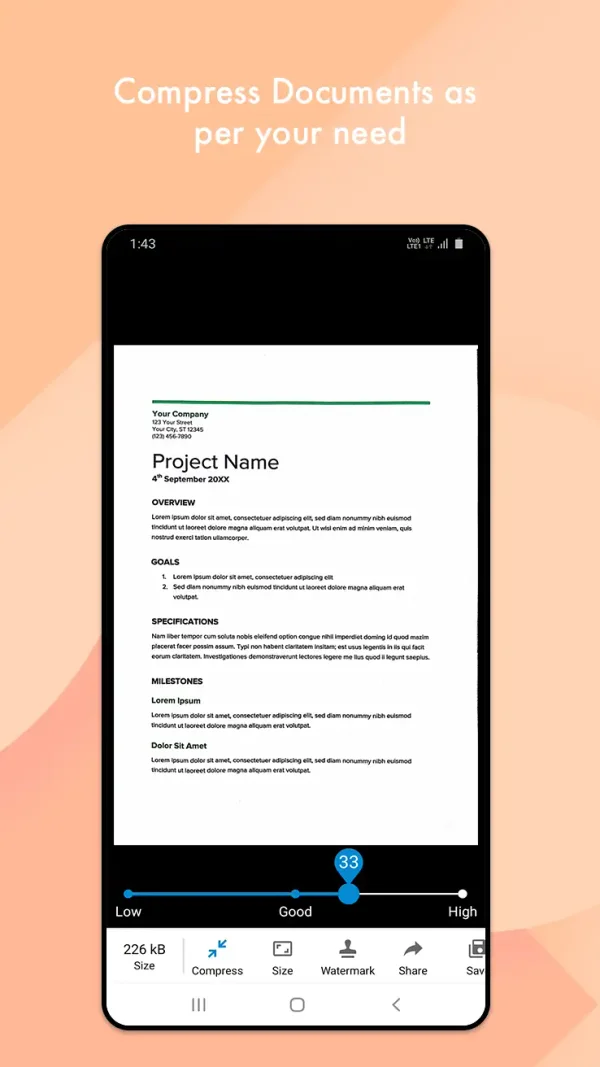
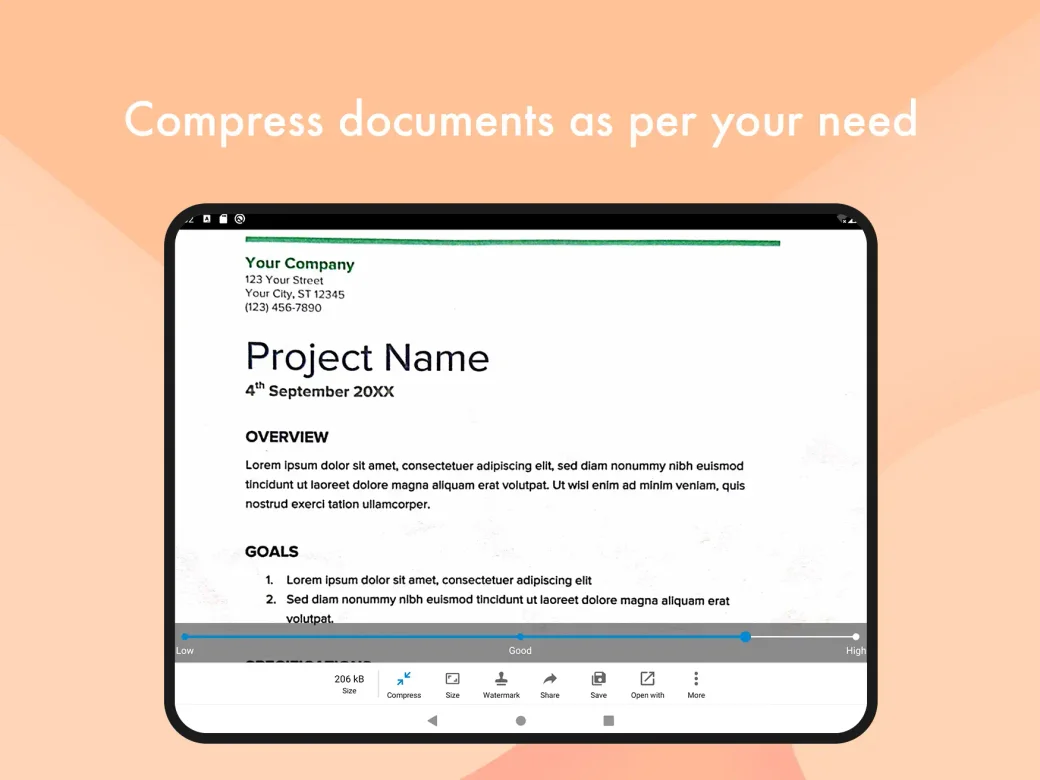
* Ubah pindaian menjadi PDF yang jelas dan tajam.
* Atur dokumen Anda dalam folder dan sub folder.
* Bagikan file PDF/JPEG.
* Cetak dan faks dokumen yang dipindai langsung dari aplikasi.
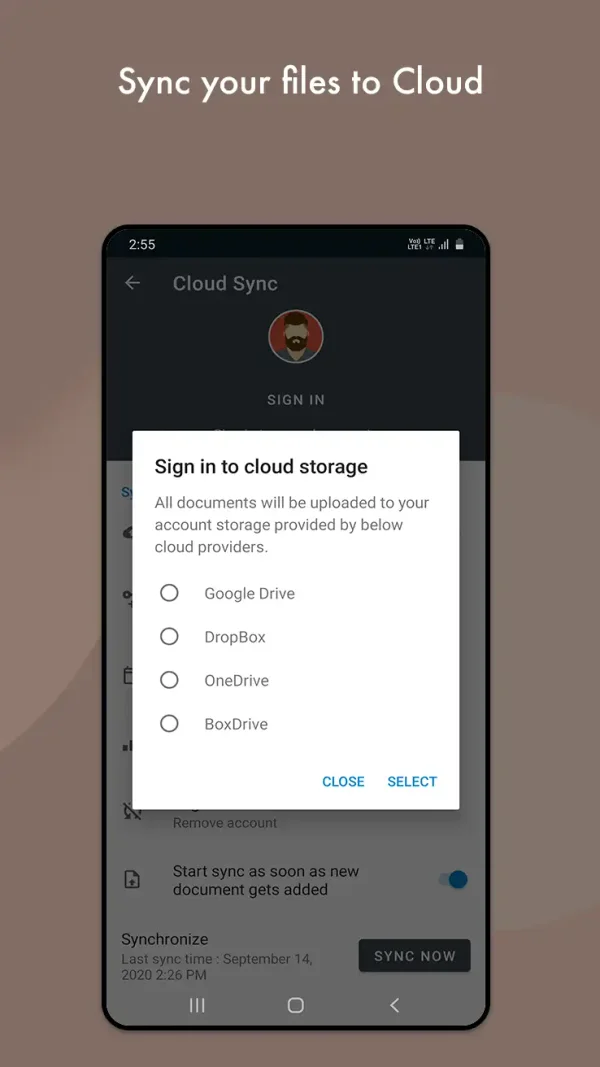
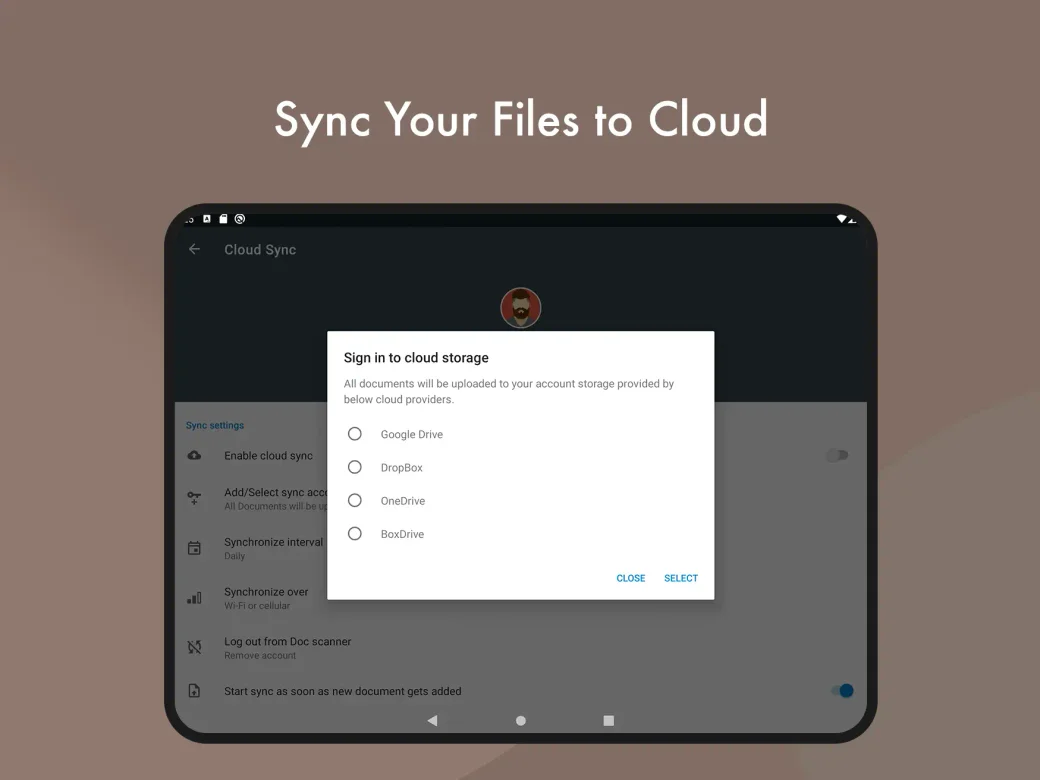
* Unggah dokumen ke cloud seperti Google Drive, Dropbox, dll.
* Pindai Kode QR / Kode batang.
* Buat Kode QR.
* Bagikan Kode QR yang dipindai.
* Mengubah dokumen lama Anda menjadi jelas dan tajam dengan menghilangkan noise.
* Dapat membuat PDF dalam berbagai ukuran dari A1 hingga A-6 dan seperti Kartu Pos, surat, Catatan, dll.
Bantu kami untuk Menerjemahkan aplikasi
Bantuan Anda dengan terjemahan akan sangat dihargai.
URL terjemahan: http://cvinfotech.oneskyapp.com/collaboration/project?id=121989
Fitur sekilas :
- Pemindai Dokumen Terbaik - Memiliki semua fitur yang harus dimiliki oleh pemindai.
- Pemindai Dokumen Portabel - Dengan memiliki pemindai dokumen ini di telepon Anda, Anda dapat menghemat waktu dan tenaga dengan memindai apa saja dengan cepat.
- Pemindai Kertas - Aplikasi ini menawarkan penyimpanan cloud pihak ketiga (Drive, Foto) tempat Anda dapat memindai kertas dan menghemat penyimpanan cloud.
- Best Document Scanner Lite - Pemindaian disimpan ke perangkat Anda dalam format gambar atau PDF.
- Pemindai Dokumen PDF - Memindai PDF dengan fitur deteksi tepi tambahan.
- Semua jenis Pemindaian Dokumen - Pemindaian dalam warna, Abu-abu, Biru Langit.
- Pemindai Mudah - Pindai dan Cetak instan dokumen dalam berbagai ukuran seperti A1, A2, A3, A4… dll.
- Pemindai Portabel - Pemindai Dokumen setelah diinstal dapat mengubah setiap ponsel cerdas menjadi pemindai portabel.
- Pembuat PDF - Konversikan gambar yang dipindai ke file PDF kualitas terbaik.
- Pemindai Kode QR - Aplikasi ini juga memiliki fitur Pemindai Kode QR.
- Pemindai kode batang - Fitur hebat lainnya Pemindai kode batang juga terintegrasi dalam aplikasi ini.
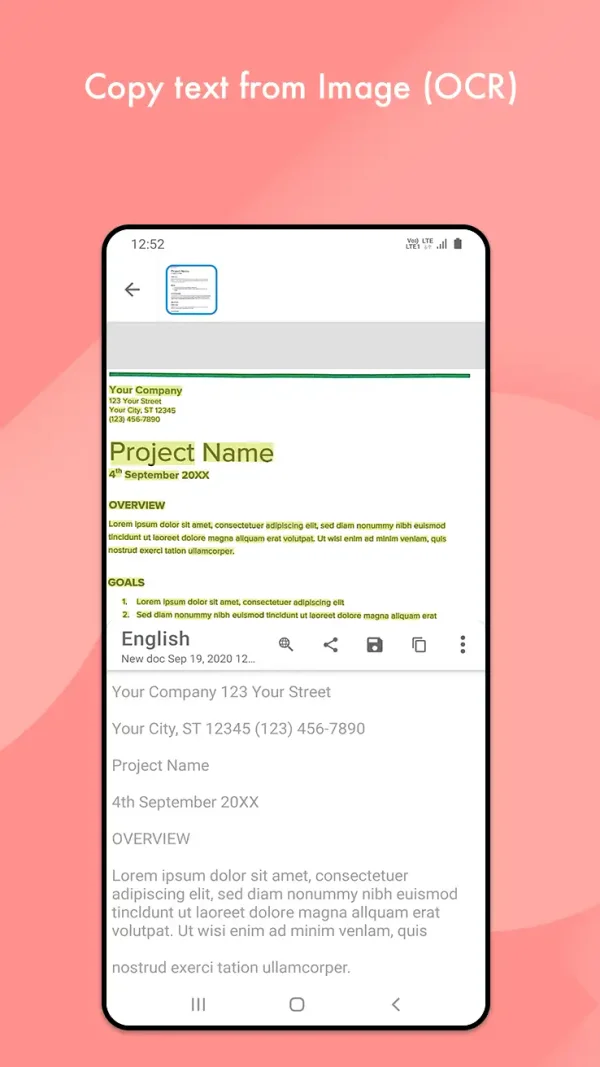
- Pengenalan Teks OCR (Fitur Mendatang di Pembaruan Berikutnya) - Pengenalan Teks OCR memungkinkan Anda mengenali teks dari gambar lalu mengedit teks atau membagikan teks ke aplikasi lain.
- Pemindaian Berkualitas Tinggi - Kualitas pemindaian tidak ada tandingannya, Anda hanya mendapatkan dokumen asli digital.
- Konverter Gambar ke PDF - Anda dapat memilih beberapa gambar dari Galeri Gambar dan mengubahnya menjadi file PDF sebagai dokumen.
- Cam Scanner - Ambil gambar papan tulis atau papan tulis dan hasilkan persis sama dengan bantuan Doc Scanner di rumah meskipun Anda sedang offline. Tidak diperlukan internet agar aplikasi berfungsi.
- Hapus butiran/noise dari dokumen/gambar lama - Hapus Noise dari gambar lama Menggunakan berbagai teknik filter canggih dan membuatnya lebih jelas dan tajam dari sebelumnya.
- Senter - Aplikasi pemindai ini juga memiliki fitur lampu Flash yang membantu Anda melakukan pemindaian di lingkungan yang kurang cahaya.
- Pemindai Dokumen A+ - Aplikasi ini diberi peringkat A+ oleh pengguna berdasarkan berbagai peringkat dan ulasan.
Tampilkan teks asli
Document Scanner and PDF Creator app - An Indian scanner app that provides you with more advanced scan options compare to any other apps on the store.
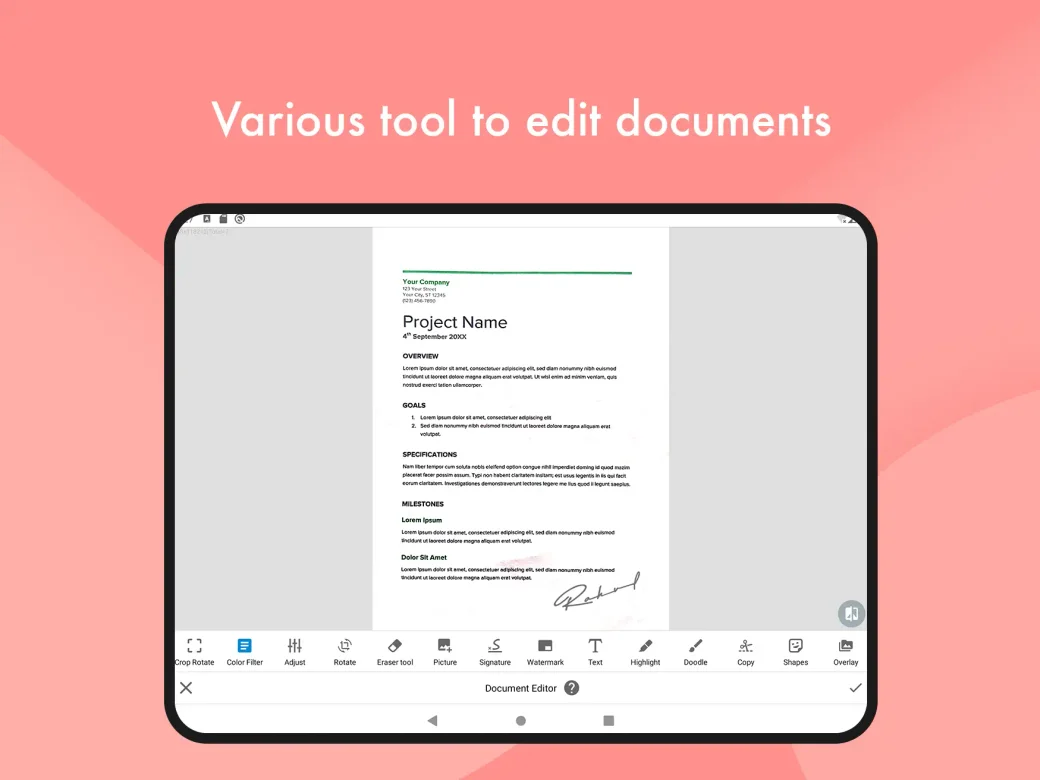
We provide more than 50 tools to edit and manage documents. Let us start a detailed description of the app.
Sometimes in a single day you need your different documents scanned multiple times. In that situation if everything is planned you will definitely not suffer more. But if the need to scan that document arises one by one it will be a disaster for sure.
To rescue you from that situation we brings you a portable Doc Scanner. This Doc scanner you let you scan your documents anytime anywhere.
There are some additional features as well in the app which makes your document after scanning more professional and good to look at.
Let's take a tour of that attractive features::
* Scan your document.
* Enhance the scan quality automatically/Manually.
* Enhancement includes smart cropping and many more.
* Optimize your PDF into modes like B/W, Lighten, Color and dark.
* Turn scans into clear and and sharp PDF.
* Arrange your doc in folder and sub folders.
* Share PDF/JPEG files.
* Print and fax the scanned doc directly from the app.
* Upload doc’s to the cloud like Google Drive, Dropbox etc.
* Scan QR Code/Bar-code.
* Create QR Code.
* Share scanned QR Code.
* Turns your old documents into a clear and sharp one by removing the noise.
* Can create PDF in different sizes from A1 to A-6 and like Postcard, letter ,Note etc.
Help us to Translate the app
Your help with translation will be really appreciated.
Translation URL: http://cvinfotech.oneskyapp.com/collaboration/project?id=121989
Features at a glance :
- Best Document Scanner - It has all of the features that a scanner should have.
- Portable Document Scanner - By having this document scanner in your phone, you can save your time and efforts by quickly scanning anything on the fly.
- Paper Scanner - The app offers third party cloud storage(Drive,Photos) where you can scan papers and save on cloud storage.
- Best Document Scanner Lite - Scans are saved to your device in image or PDF format.
- PDF Document Scanner - Scans PDF with edge detection feature additionally.
- All type of Doc Scan - Scan in color, Grey, Sky Blue.
- Easy Scanner - Scan and Instant print out documents in any size like A1, A2,A3,A4… etc.
- Portable Scanner - The Doc scanner once installed can turn every smartphone into a portable scanners.
- PDF Creator - Convert scanned images to the best quality PDF file.
- QR Code Scanner - This app also have QR Code Scanner feature.
- Bar-code Scanner - Another great feature Bar-code scanner is also integrated in this app.
- OCR Text Recognition (Upcoming Feature in Next Update) - The OCR Text Recognition let you recognize text from images then edit texts or share text to other apps.
- High Quality Scans - The scan quality is of no match, You just get your documents digitally original.
- Images to PDF Converter - You can select some image from Image Gallery and convert it into a PDF file as document.
- Cam Scanner - Take a picture of the whiteboard or blackboard and produce it exactly same with the help of Doc Scanner at home even if you're offline. No internet required for the app to function.
- Remove grain/noise from old document/picture - Remove Noise from old image Using various advanced filter techniques and make it more clear and sharp than before.
- Flashlight - This scanner app also have Flash light feature that helps you in taking scans in low-light environment.
- A+ Document Scanner - This App is rated A+ by users based upon multiple ratings and reviews.
Keamanan data
Yang dinyatakan LUFICK TECHNOLOGY PRIVATE LIMITED di Google Play tentang data yang dikumpulkan dan dibagikan aplikasi ini.
- Aplikasi ini dapat membagikan jenis data ini kepada pihak ketigaNomor telepon
- Aplikasi ini dapat mengumpulkan jenis data berikutInfo pribadi, Foto dan video, dan 4 lainnya
- Data dienkripsi saat dalam pengiriman
- Data tidak dapat dihapus
Yang baru
Versi 6.9.9 · 23/11/2026
• ✨ New premium document filters
• ✂️ Smarter Split with advanced options
• 📌 Pin documents for quick access
• 🔍 Search Settings faster
• 🕒 Improved date & time settings
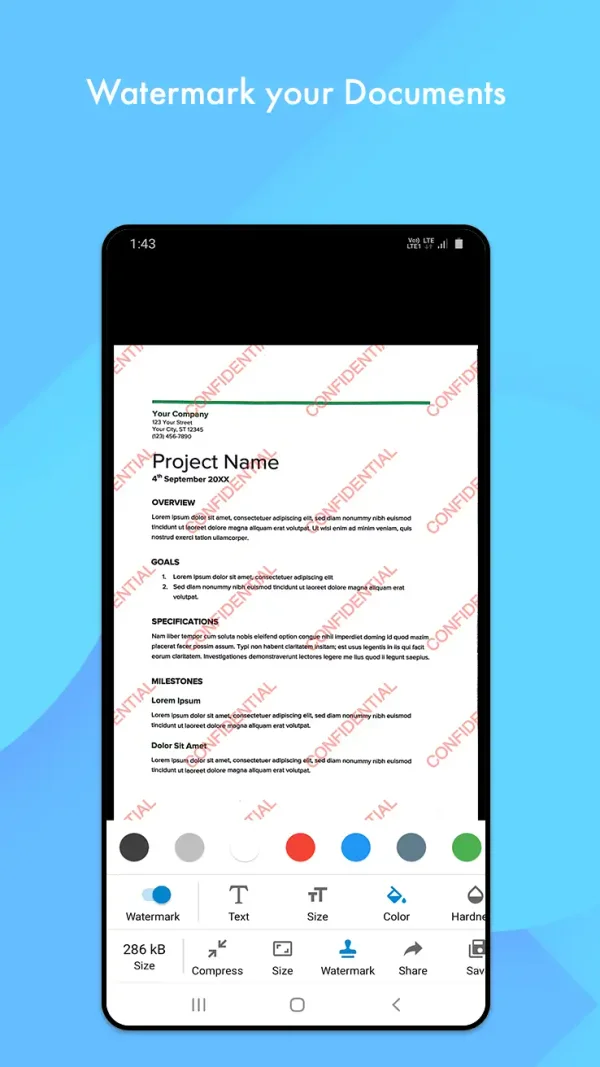
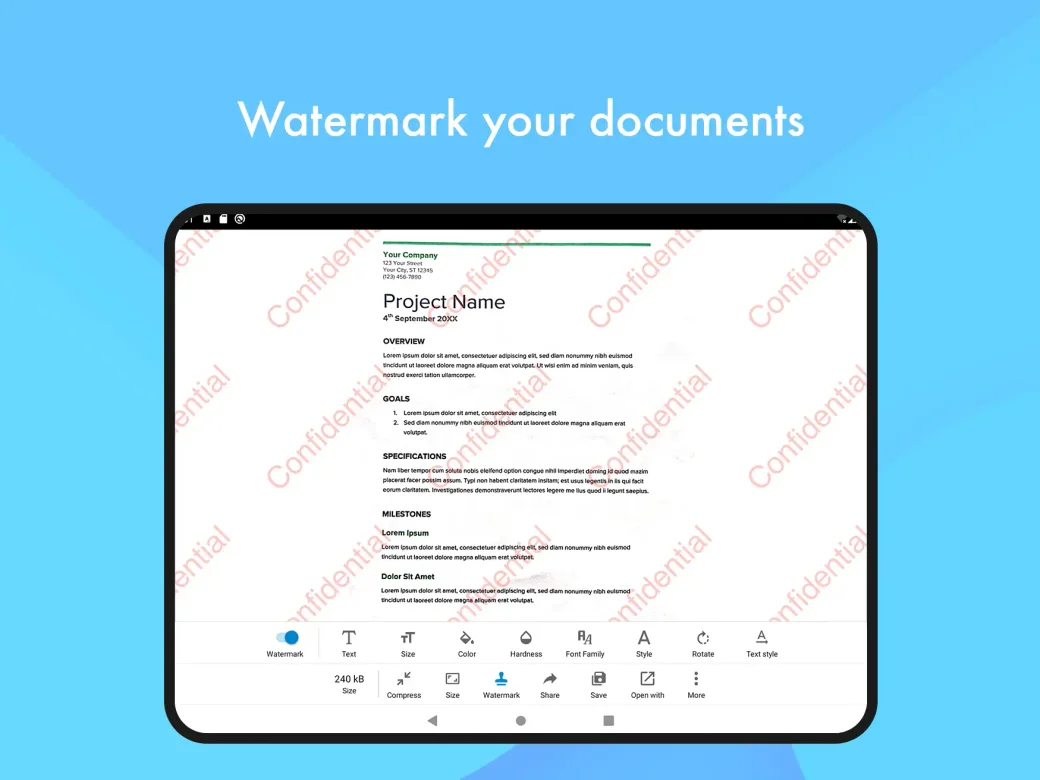
• 🖼️ New image watermark tool
• 📂 Set a default folder for new scans
• ⚡ Apply crop to all pages added.
• ⚡ Improved crop performance and fixed related issues.
• ⚡ Bug fixes and performance improvements
Kontak pengembang
- Situs webdocscanner.in
- Emailsupport@lufick.com
- Kebijakan Privasilufick-dev.github.io
- Alamat90B DELHI- JAIPUR EXPY SECTOR-18 Gurugram, Haryana 122001 India
Informasi
- Ditawarkan oleh
- LUFICK TECHNOLOGY PRIVATE LIMITED
- Kategori
- Produktivitas
- Versi
- 6.9.9
- Diperbarui
- 23/11/2026
- Dirilis
- 8/3/2017
- Memerlukan
- Android 7.0 atau yang lebih baru
- Batasan usia
- Rating 3+
- Harga
- Gratis
- Pembelian dalam aplikasi
- Rp 28.000 - Rp 1.790.000 per item
- Nama paket
- com.cv.docscanner
Aplikasi serupa
-
 Semua Pembaca Dokumen
Alat
-
 Brother Mobile Connect
Alat
-
 CamScanner - PDF scanner, QR
Produktivitas
-
 PDF Scanner — iScanner
Produktivitas
-
 ACE Scanner - PDF Scanner App
Produktivitas
-
 Apl Pemindai PDF -Pemindai PDF
Produktivitas
-
 Pemindai PDF Plus - Scanner
Produktivitas
-
 Mobile Scanner App - Scan PDF
Produktivitas
-
 Pemindai Kode QR & Kode Batang
Produktivitas
-
 Pemindai ke PDF -TapScanner
Bisnis
-
 PDF Converter - Foto ke PDF
Produktivitas
-
 WPS Office-PDF, Word, Sheet
Produktivitas