Holiday Watchface
Bloomfield Watchfaces- Rating 3+Batasan usia
- PersonalisasiKategori
- 14/1/2026Diperbarui
- Rp 16.000Harga
Tertaut ke halaman resmi com.bloomfield.christmas1 di Google Play. Terakhir diperiksa pada 25/11/2026.
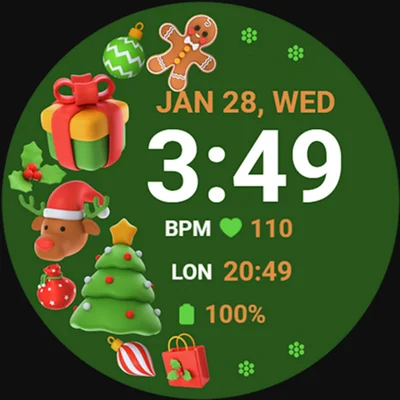
Tangkapan layar

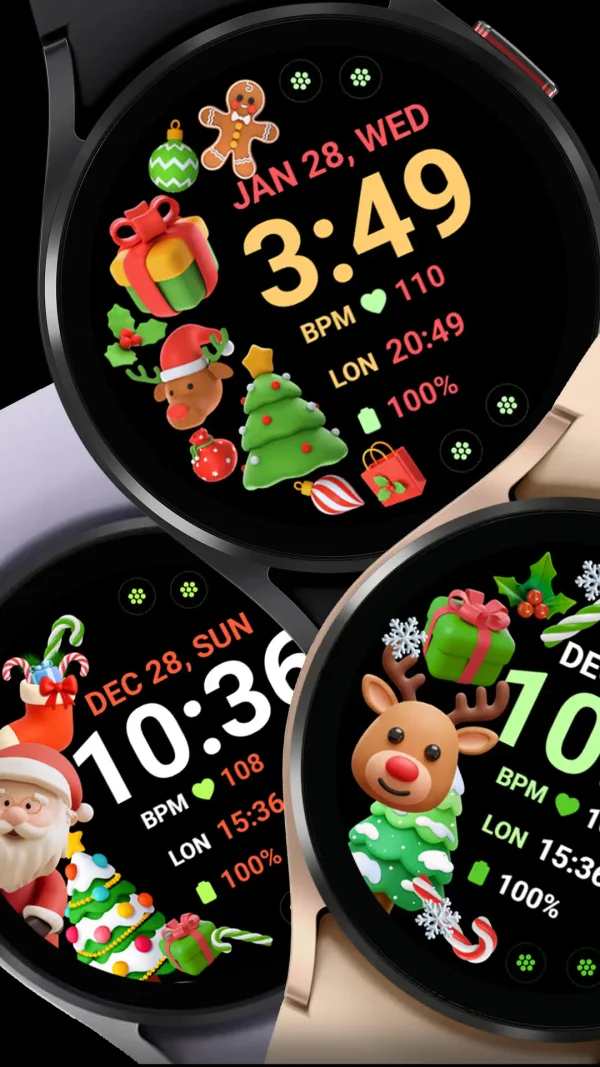


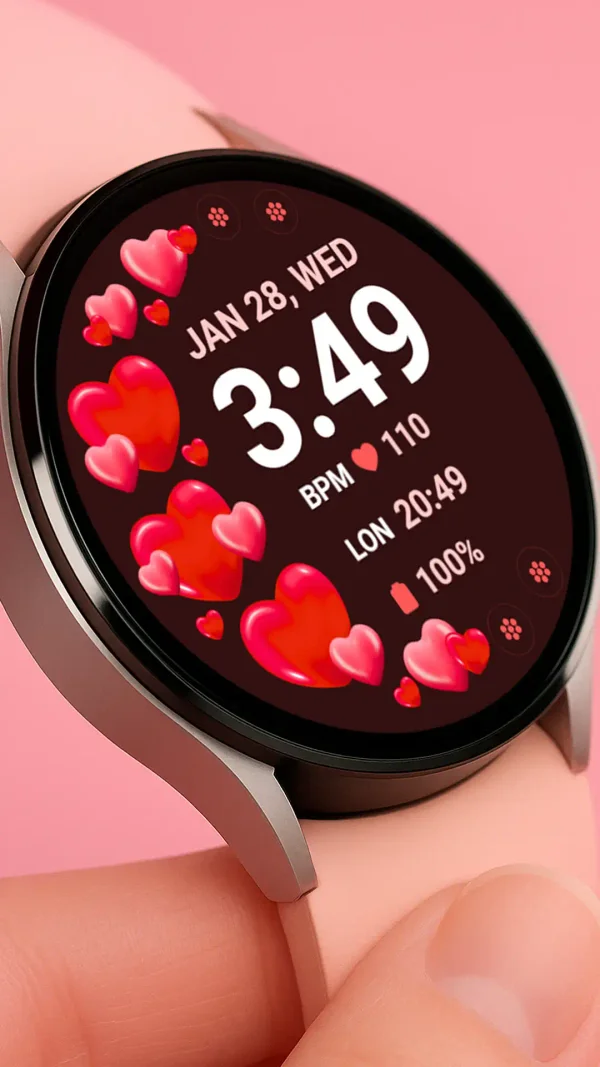
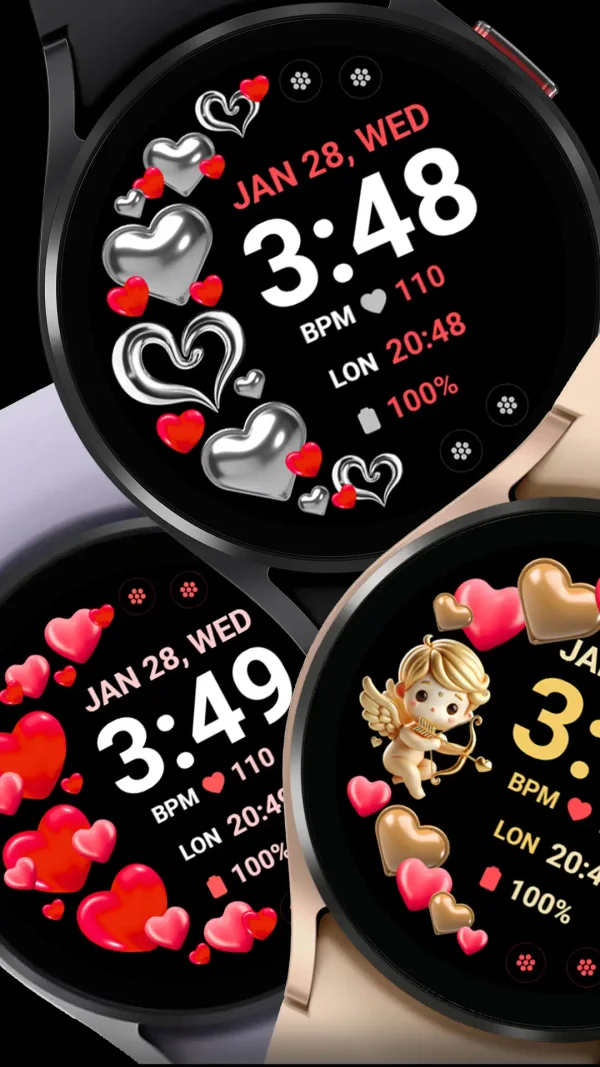
Tentang aplikasi ini
Terjemahan otomatis oleh Google. Bahasa asli: Inggris (Amerika Serikat).
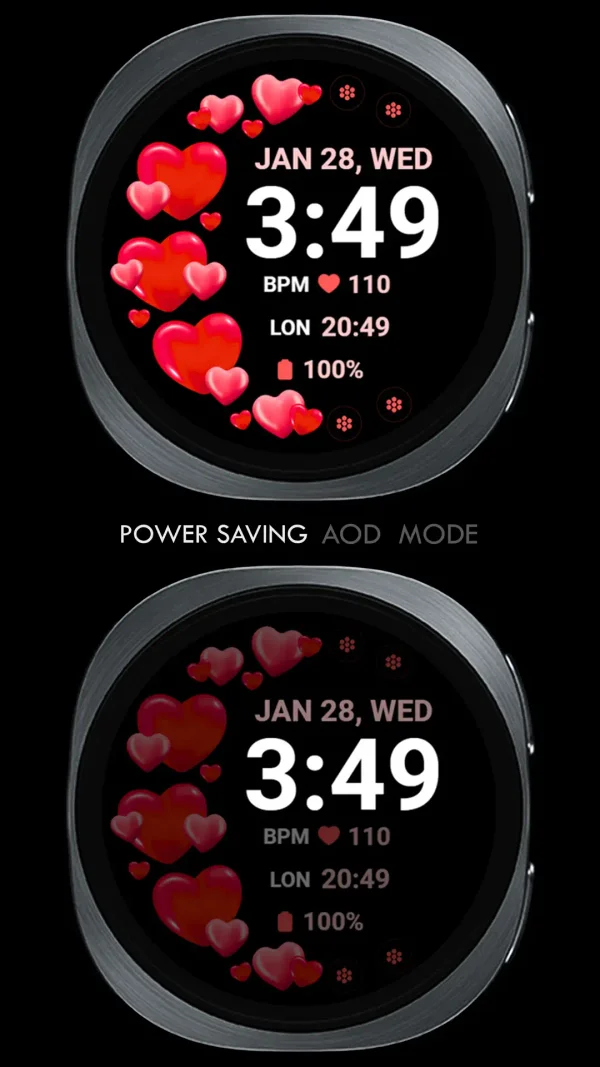
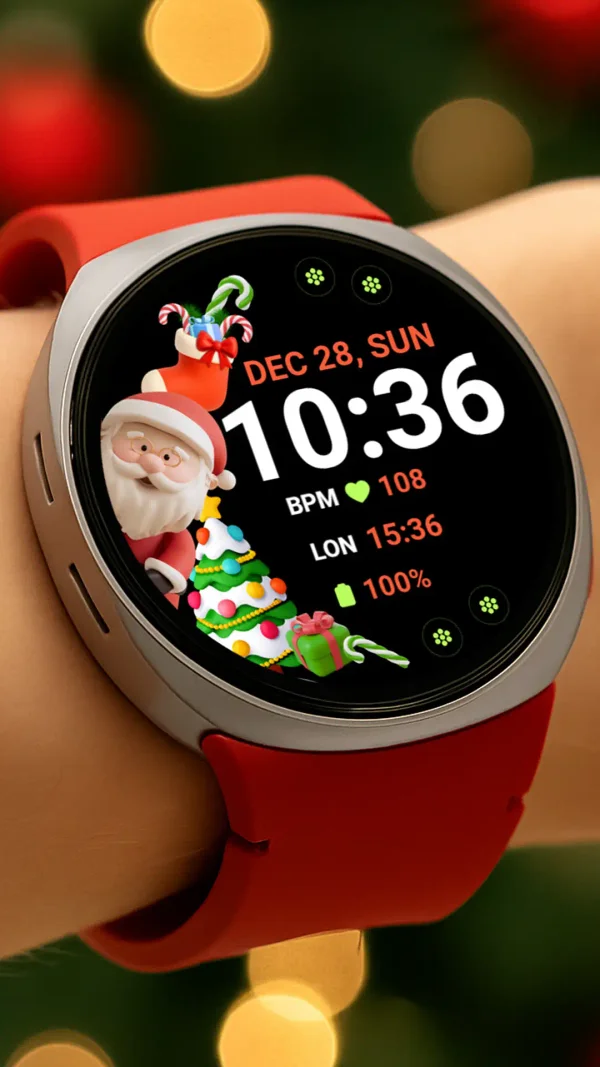
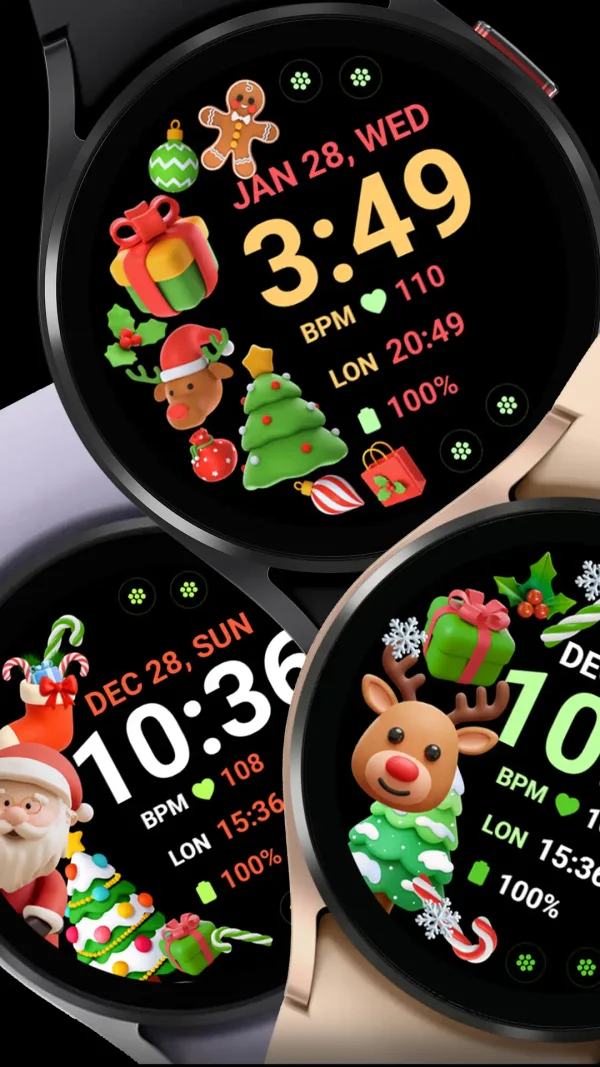
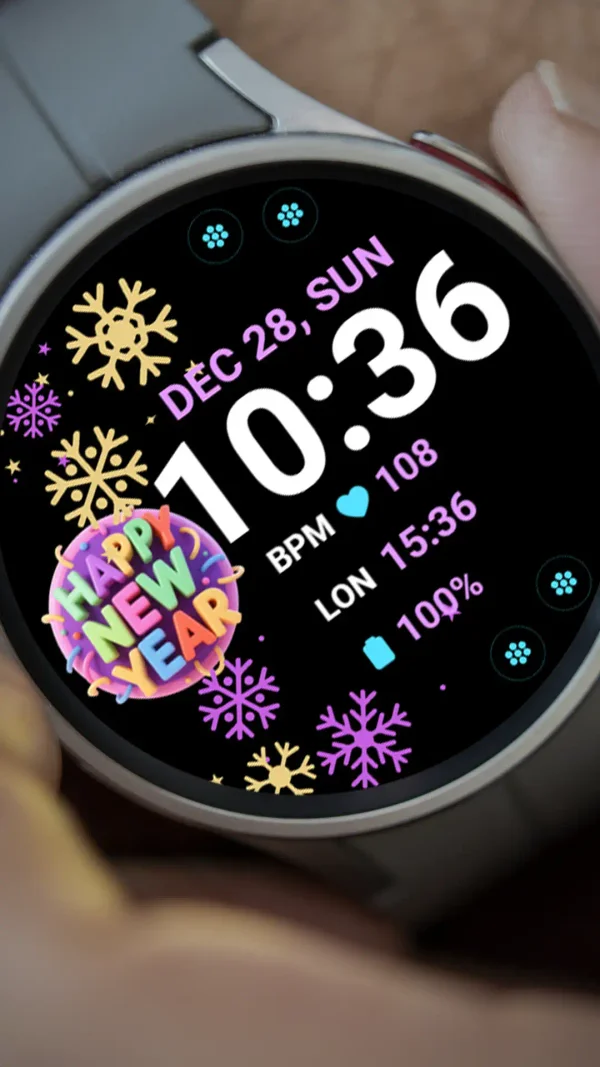
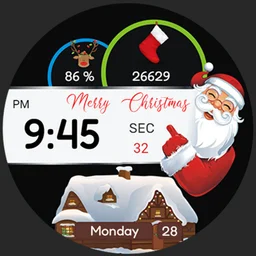
Tampilan Jam Bertema Liburan untuk Wear OS
📍CATATAN INSTALASI
⭐️Catatan untuk Pengguna Galaxy Watch: Editor tampilan jam di aplikasi Samsung Wearable seringkali gagal sinkronisasi dan memuat tampilan jam yang kompleks.
Ini bukan masalah pada tampilan jam. Disarankan untuk menyesuaikan tampilan jam langsung di jam tangan hingga Samsung menyelesaikan masalah ini.
📍Tampilan jam ini mendukung semua perangkat Wear OS dengan API Level 34+ | Wear OS 4 dan versi yang lebih baru
(Beberapa fitur mungkin tidak tersedia di beberapa jam tangan)
⭐️FITUR UTAMA:
- Jam Digital Bertema Valentine, Natal, dan Tahun Baru
- Pintasan Aplikasi yang Sudah Ditetapkan - TETAP (Alarm dan Kalender)
- 4 Pintasan Aplikasi Kustom
- 3 Komplikasi Kustom (Anda dapat menyesuaikan komplikasi dengan data apa pun yang Anda inginkan)
Misalnya, Anda dapat memilih Tanggal, cuaca, langkah, jam dunia, matahari terbenam/terbit, janji temu berikutnya, jarak yang ditempuh, dan banyak lagi.
***Anda mungkin perlu menginstal komplikasi pihak ketiga tambahan.
- Tema Kustom
PERHATIKAN❗️❗️❗️
1️⃣ Tampilan jam otomatis terpasang di jam tangan WEAR OS.
2️⃣ PASTIKAN JAM TANGAN TERSINKRONISASI DENGAN PONSEL ANDA MENGGUNAKAN ALAMAT EMAIL YANG SAMA UNTUK PEMASANGAN YANG LANCAR.
3️⃣ Setelah diunduh, TUNGGU beberapa menit hingga tampilan jam ditransfer ke jam tangan. (Akan ada notifikasi di jam tangan Anda jika tampilan jam berhasil ditransfer.)
4️⃣ Jika tidak ada notifikasi, Buka PLAYSTORE DI JAM TANGAN ANDA dan ketik di KOTAK PENCARIAN "Holiday Art"
⭐️ Tampilan jam tidak otomatis ditampilkan/berubah setelah pemasangan berhasil. Kembali ke layar utama. Ketuk dan tahan layar, geser hingga akhir dan ketuk + untuk menambahkan tampilan jam. Putar Bezel atau gulir untuk menemukan tampilan jam.
📍IZINKAN/AKTIFKAN semua izin dari pengaturan -> aplikasi -> izin.
⚠️⚠️⚠️ Pengembalian dana HANYA diperbolehkan dalam waktu 24 jam.
Hubungi kami di: bloomfieldwatchfaces@gmail.com
Tutorial Instalasi: https://www.youtube.com/watch?v=vMM4Q2-rqoM
Tampilkan teks asli
📍INSTALLATION NOTES
⭐️Note for Galaxy Watch Users: The watch face editor in the Samsung Wearable app often fails to sync and load complex watch faces.
This is not an issue with the watch face. It is recommended to customize the watch face directly on the watch until Samsung resolves this issue.
📍This watch face supports all Wear OS devices with API Level 34+ | Wear OS 4 and later versions
(Some features may not be available on some watches)
⭐️KEY FEATURES:
- Valentines, Christmas and New Year Themed Digital Clock
- Pre-Set App Shortcut - FIXED (Alarm and Calendar)
- 4 Custom App Shortcuts
- 3 Custom Complication (you can customize the complication with the any data you want)
For example, you can select Date, weather, steps, world clock, sunset/sunrise, next appointment, distance walked and more.
***You may need to install additional third-party complications.
- Custom Themes
TAKE NOTE❗️❗️❗️
1️⃣ Watch faces automatically install on WEAR OS watch.
2️⃣ MAKE SURE THE WATCH IS SYNCED TO YOUR PHONE USING THE SAME EMAIL ADDRESS FOR SEAMLESS INSTALLATION.
3️⃣ After download, WAIT for a few minutes for the watch face to be transferred on watch. (There will be a notification on your watch if the watch face was successfully transferred.)
4️⃣ If incase there is no notification, Go to PLAYSTORE ON YOUR WATCH and type on the SEARCH BOX "Holiday Art"
⭐️ Watch faces don't automatically display/change after successful installation. Go back to home display. Tap and hold display, swipe until the end and tap + to add the watch face. Rotate Bezel or scroll to find the watch face.
📍ALLOW / ENABLE all permissions from settings -> applications -> permissions.
⚠️⚠️⚠️ Refund is ONLY allowed within 24 hours.
Contact us at: bloomfieldwatchfaces@gmail.com
Installation Tutorial: https://www.youtube.com/watch?v=vMM4Q2-rqoM
Keamanan data
Yang dinyatakan Bloomfield Watchfaces di Google Play tentang data yang dikumpulkan dan dibagikan aplikasi ini.
- Tidak ada data yang dibagikan kepada pihak ketigaPelajari lebih lanjut cara developer menyatakan pembagian data
- Tidak ada data yang dikumpulkanPelajari lebih lanjut cara developer menyatakan pengumpulan data
Kontak pengembang
- Situs webfacebook.com
- Emailbloomfieldwatchfaces@gmail.com
- Kebijakan Privasisites.google.com
- Alamat0015 BLOCK 5 BLK Beverly Homes Hugo Perez, Trece Martirez City 4109 Philippines
Informasi
- Ditawarkan oleh
- Bloomfield Watchfaces
- Kategori
- Personalisasi
- Diperbarui
- 14/1/2026
- Dirilis
- 5/12/2022
- Batasan usia
- Rating 3+
- Harga
- Rp 16.000
- Nama paket
- com.bloomfield.christmas1
Aplikasi serupa
-
 Christmas Countdown | WearOS
Personalisasi
-
 XMAS
Personalisasi
-
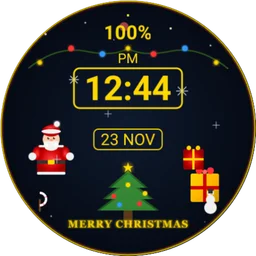 Holiday Pulse Watch Face
Personalisasi
-
 ML2U 157 Watch Face
Personalisasi
-
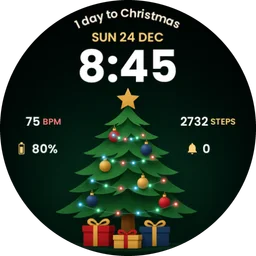 Xmas Tree Lights Watch Face
Personalisasi
-
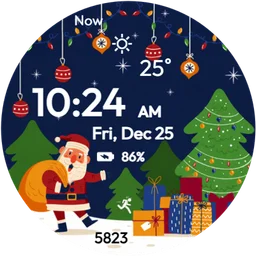 Christmas Watch Face Santa
Personalisasi
-
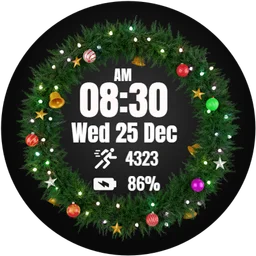 Christmas Frames Watch
Personalisasi
-
 Christmas Digital Watchface
Personalisasi
-
 Christmas Tracker WatchFace
Alat
-
 LMwatch christmas lights
Personalisasi
-
 Animated Xmas Countdown Watch
Personalisasi
-
 Santa Countdown WatchFace
Alat