LetsView TV: Screen Mirroring
WangxuTech- Rating 3+Batasan usia
- Alat Kategori
- 14/9/2026Diperbarui
- GratisHarga
Tertaut ke halaman resmi com.apowersoft.letsview.tv di Google Play. Terakhir diperiksa pada 21/11/2026.

Tangkapan layar

Tentang aplikasi ini
Terjemahan otomatis oleh Google. Bahasa asli: Inggris (Amerika Serikat).
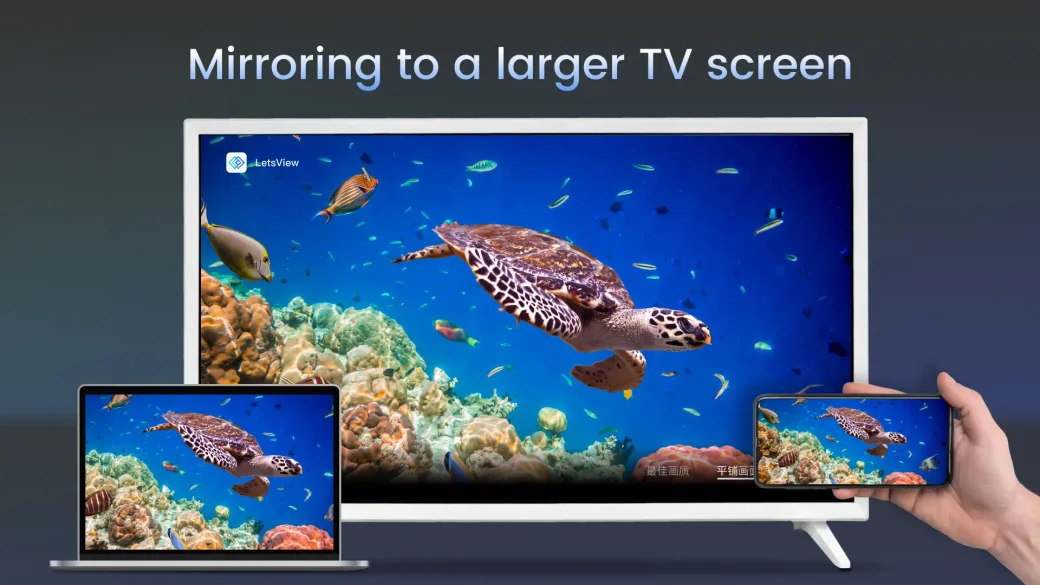
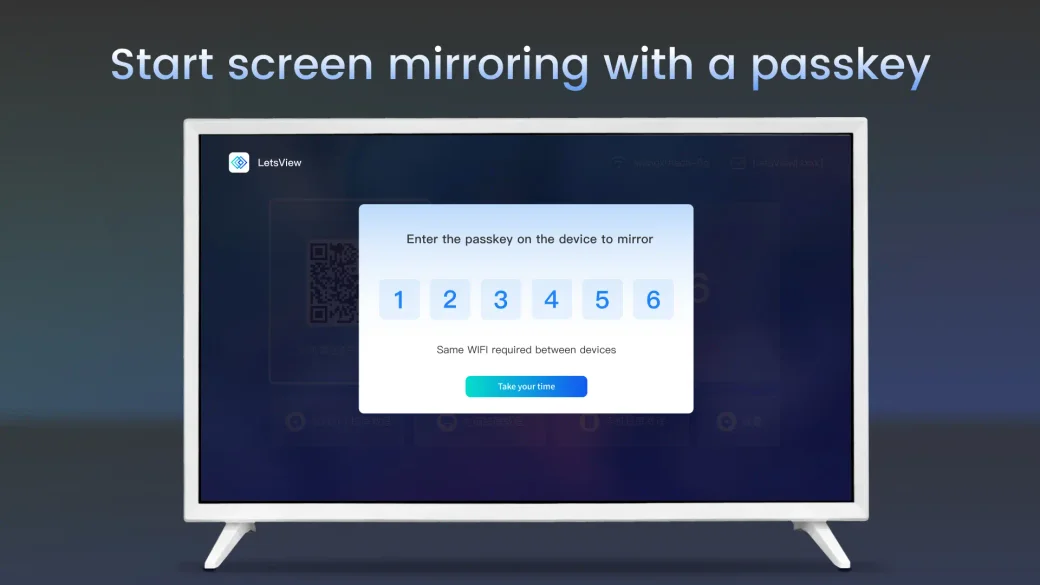
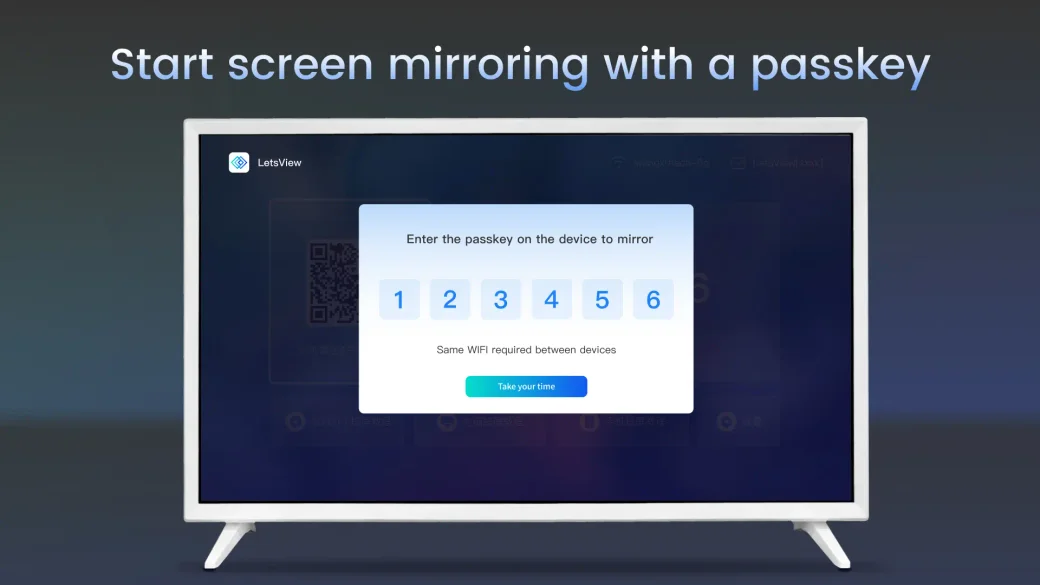
LetsView for TV adalah aplikasi pencerminan layar nirkabel di TV.
LetsView for TV adalah aplikasi pencerminan layar yang memungkinkan Anda menampilkan layar ponsel atau komputer dengan mudah di TV.
Fitur utama:
1. Pencerminan Layar
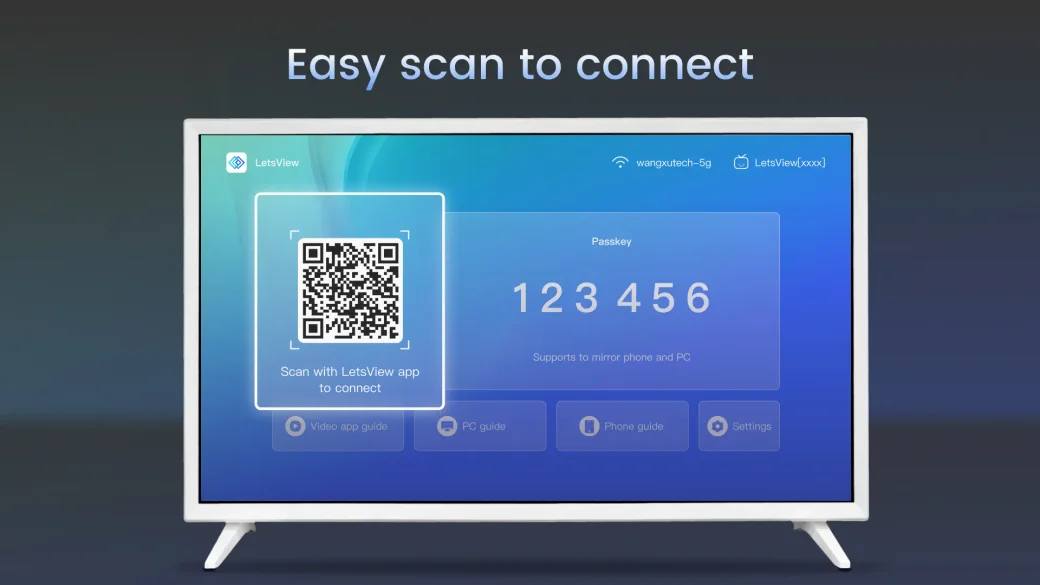
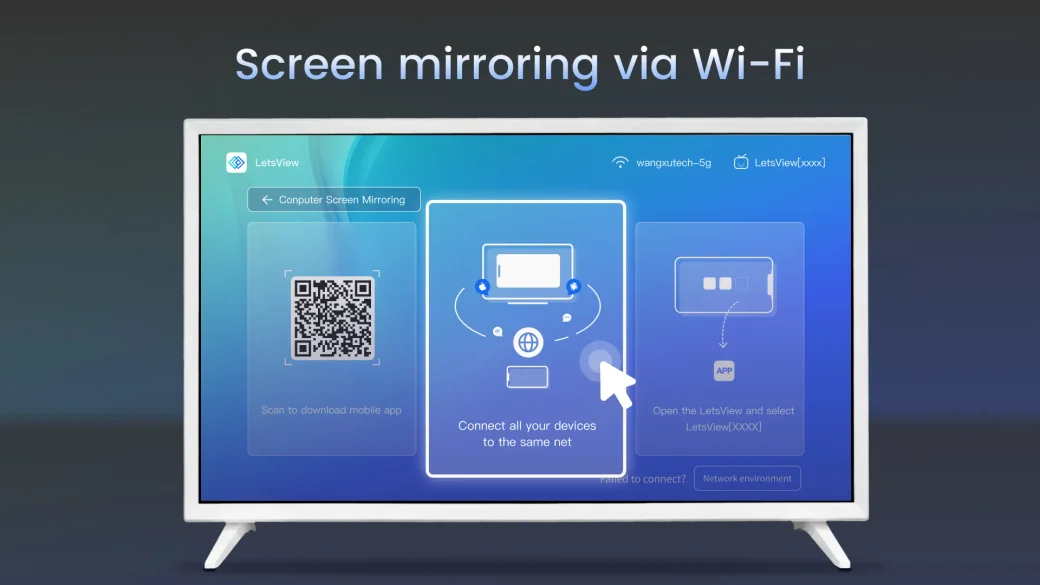
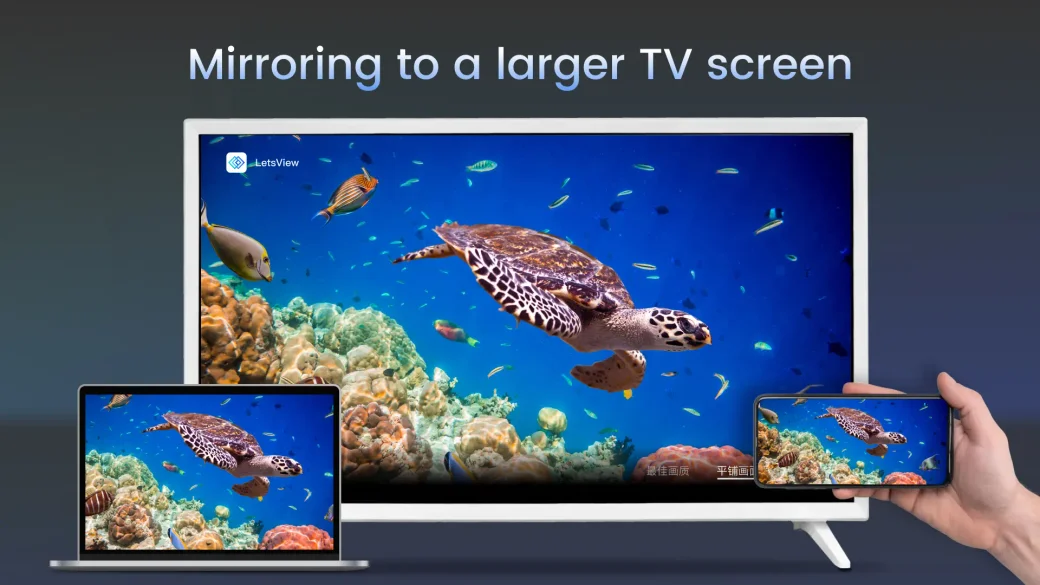
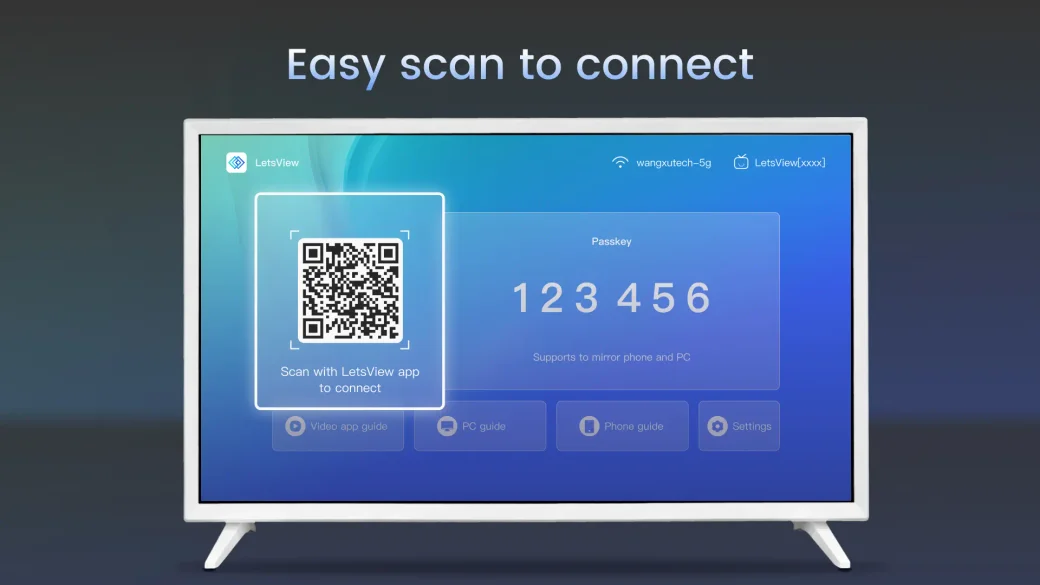
LetsView memungkinkan Anda untuk mencerminkan layar ponsel, tablet, dan komputer Anda ke TV dengan satu klik. Anda dapat berbagi konten apa pun dengan teman dan keluarga sesuka Anda.
2. Pencerminan Video
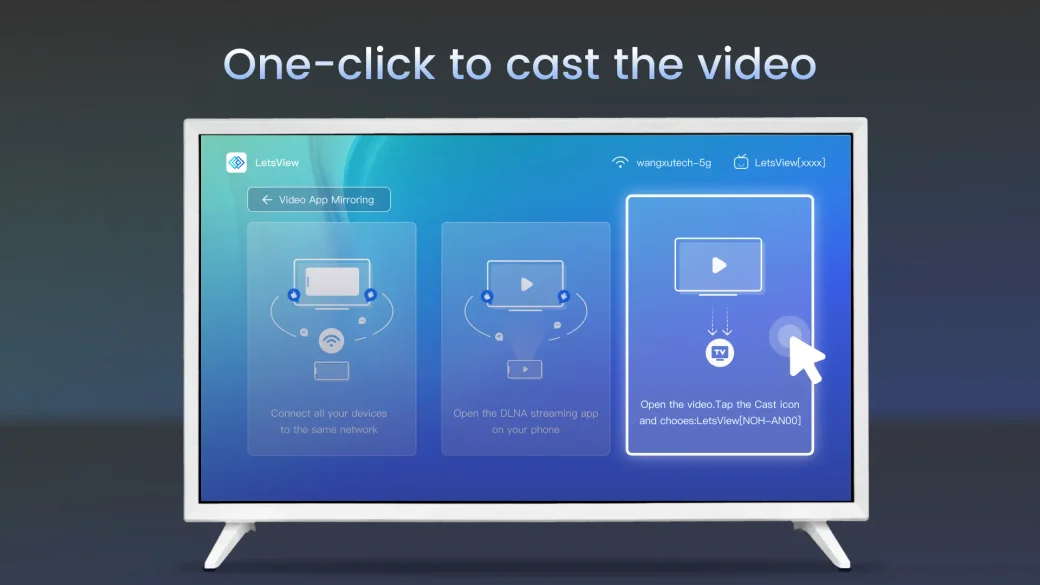
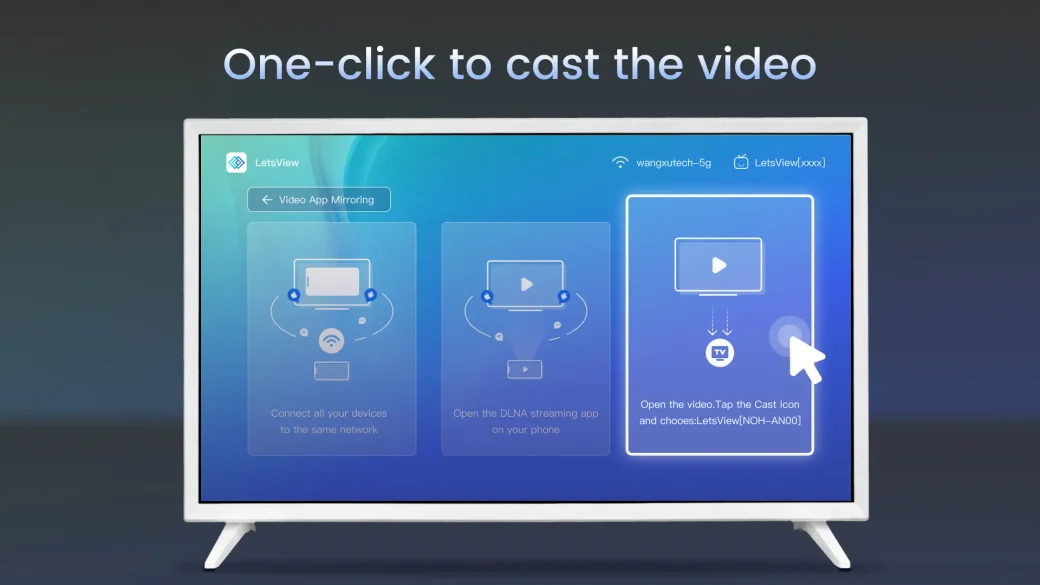
Video di perangkat Android, iOS, atau aplikasi streaming DLNA lainnya dapat dengan mudah dialirkan ke TV menggunakan LetsView. Mari Lihat dunia yang lebih luas dan nikmati bersama!
3. Streaming Game Seluler
LetsView mendukung streaming game seluler ke TV dengan resolusi tinggi. Jika Anda ingin berbagi gameplay dengan orang lain, Anda tidak boleh melewatkan aplikasi streaming layar yang berguna ini untuk menikmati pesta visual yang menawan.
4. Streaming Musik
LetsView memungkinkan Anda mentransmisikan musik dari perangkat seluler dan komputer ke TV, yang memungkinkan Anda merasakan suara surround dan menikmati konser yang luar biasa di rumah.
5. Presentasi
Baik Anda ingin menggunakan TV untuk presentasi atau mendemonstrasikan Aplikasi, LetsView dapat dengan mudah membantu Anda mencapainya. Ini mendukung pembukaan PPT, PDF, Word, Excel, atau dokumen lain di ponsel, komputer, atau tablet Anda tanpa kerumitan.
6. Kontrol TV dari Telepon
Setelah perangkat Anda berhasil ditampilkan di TV, Anda dapat menggunakan ponsel atau tablet sebagai remote control untuk memutar atau menjeda video, menyesuaikan volume, maju atau mundur, dll.
Persyaratan sistem:
LetsView for TV kompatibel dengan Smart TV yang menjalankan Android 5.0 dan sistem yang lebih tinggi.
Tampilkan teks asli
LetsView for TV is a screen mirroring app that enables you to easily display the screen of your mobile phone or computer on a TV.
Main features:
1. Screen Mirroring
LetsView enables you to mirror your mobile phone, tablet and computer screen to TV with one click. You can share any content with your friends and family as you like.
2. Video Mirroring
The videos on Android, iOS device or any other DLNA streaming app can be easily streamed to TV using LetsView. Let’s View a wider world and enjoy it together!
3. Mobile Games Streaming
LetsView supports streaming mobile games to TV with high resolution. If you want to share your gameplay with other people, you cannot miss this useful screen streaming app to have a charming visual feast.
4. Music Streaming
LetsView allows you to cast music from mobile device and computer to TV, which lets you experience surround sound and enjoy a wonderful concert at home.
5. Presentation
Whether you want to use your TV for a presentation or to demonstrate the App, LetsView can easily help you achieve it. It supports opening PPT, PDF, Word, Excel, or any other document on your phone, computer, or tablet without hassle.
6. Control TV from Phone
After your device is displayed on TV successfully, you can use your phone or tablet as a remote control to play or pause a video, adjust the volume, forward or rewind, etc.
System requirements:
LetsView for TV is compatible with Smart TVs running Android 5.0 and higher systems.
Keamanan data
Yang dinyatakan WangxuTech di Google Play tentang data yang dikumpulkan dan dibagikan aplikasi ini.
- Tidak ada data yang dibagikan kepada pihak ketigaPelajari lebih lanjut cara developer menyatakan pembagian data
- Aplikasi ini dapat mengumpulkan jenis data berikutNomor telepon
- Data tidak dienkripsi
- Data tidak dapat dihapus
Kontak pengembang
- Situs webletsview.com
- Emailsupport@letsview.com
- Kebijakan Privasiletsview.com
- AlamatRm B15 3/F HOWARD FTY BLDG 66 TSUN YIP ST 觀塘 九龍 Hong Kong
Informasi
- Ditawarkan oleh
- WangxuTech
- Kategori
- Alat
- Versi
- 1.2.15
- Diperbarui
- 14/9/2026
- Dirilis
- 10/1/2020
- Memerlukan
- Android 5.0 atau yang lebih baru
- Batasan usia
- Rating 3+
- Harga
- Gratis
- Nama paket
- com.apowersoft.letsview.tv