LogMeIn Pro & Central
GoTo Group, Inc.- Rating 3+Batasan usia
- ProduktivitasKategori
- 4/8/2026Diperbarui
- GratisHarga
Tertaut ke halaman resmi com.logmein.ignitionpro.android di Google Play. Terakhir diperiksa pada 27/11/2026.

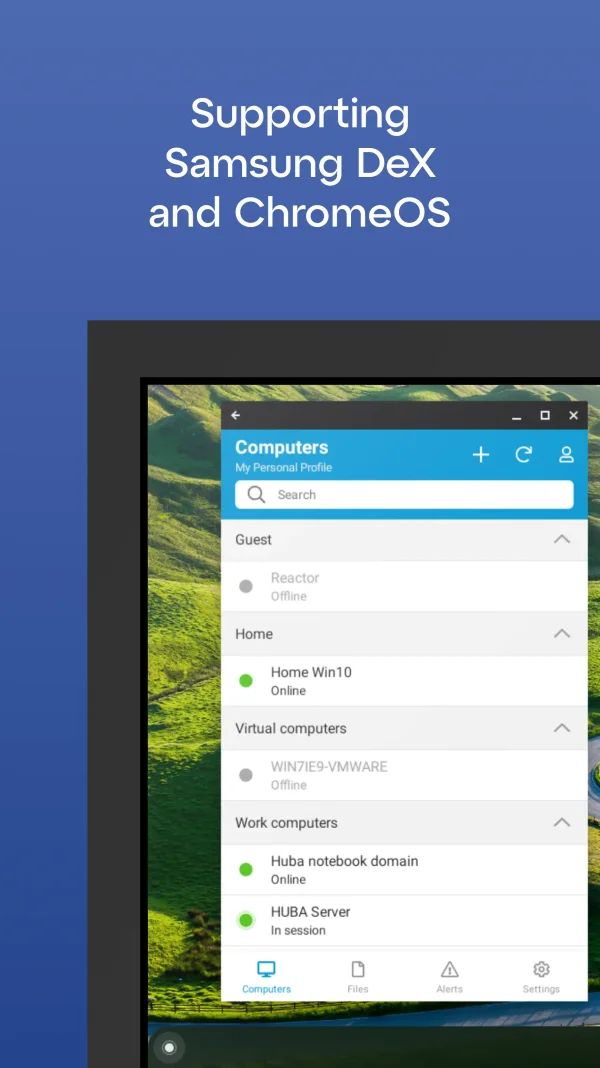
Tangkapan layar



Tentang aplikasi ini
Terjemahan otomatis oleh Google. Bahasa asli: Inggris (Amerika Serikat).
Mengakses komputer Anda dari Android Anda, dan tidak pernah meninggalkan sesuatu di belakang.
Dapatkan akses aman kapan saja, di mana saja ke komputer Anda dari perangkat Android Anda.
LogMeIn Pro & Central memberi pelanggan LogMeIn Pro dan Central akses jarak jauh ke PC dan Mac melalui Wi-Fi atau data seluler.
Catatan: untuk menggunakan aplikasi gratis ini Anda harus terlebih dahulu berlangganan LogMeIn di komputer yang ingin Anda akses.
****************
Cara menggunakan:
1. Instal aplikasinya
2. Buka PC atau Mac yang ingin Anda akses dan instal perangkat lunak LogMeIn.
3. Luncurkan aplikasi dari perangkat Android Anda untuk mengakses komputer Anda
Untuk petunjuk langkah demi langkah yang terperinci, silakan baca Panduan Memulai LogMeIn.
Dengan LogMeIn Pro & Central Anda dapat:
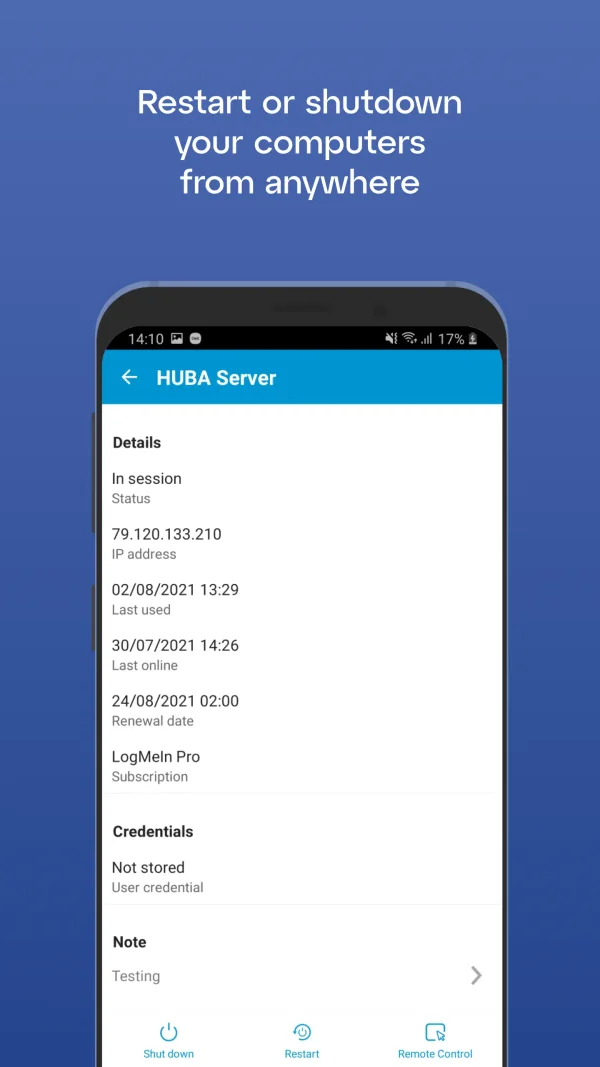
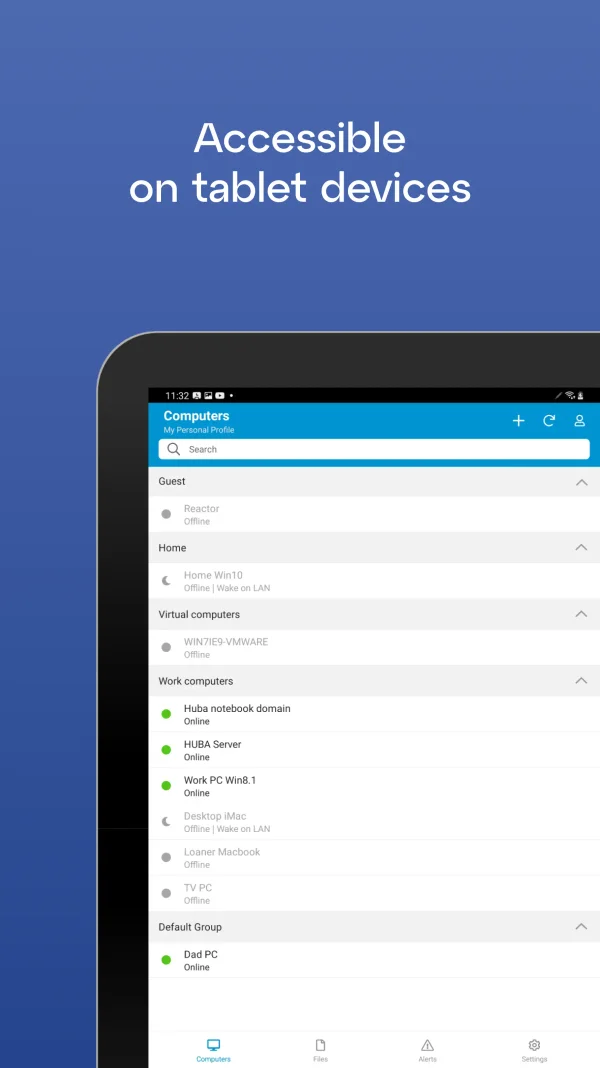
• Akses komputer di rumah dan kantor Anda saat bepergian
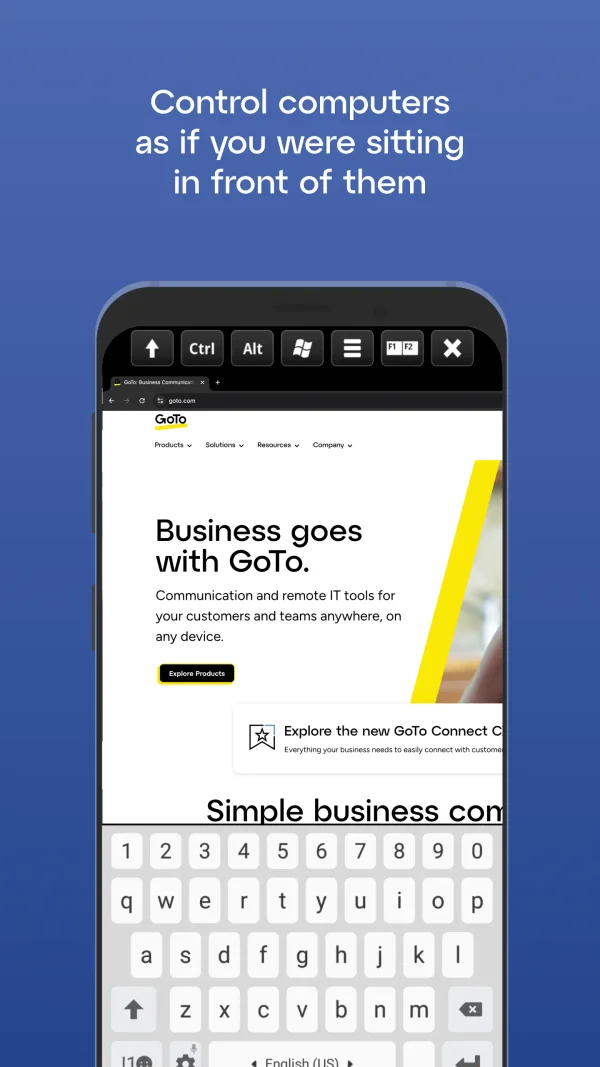
• Kontrol Mac atau PC Anda seolah-olah Anda sedang duduk tepat di depannya
• Buka file komputer Anda dan edit dari perangkat Android Anda
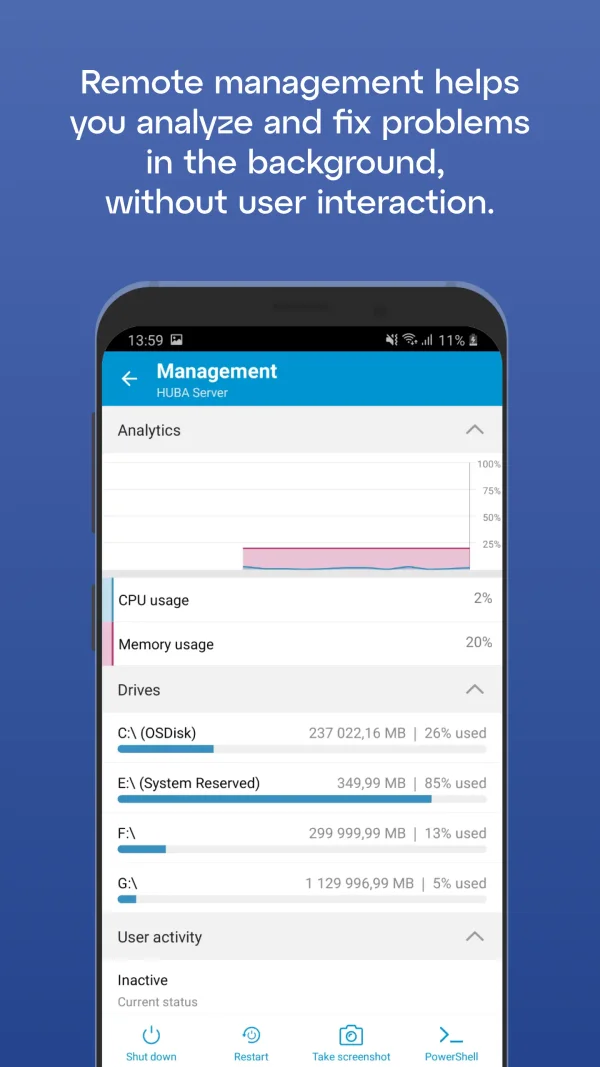
• Jalankan aplikasi apa pun di komputer Anda dari perangkat Android dari jarak jauh
Fitur-fiturnya meliputi:
• Pengaturan mouse dan layar – pilih metode kendali jarak jauh pilihan Anda dengan mode gulir
• Kaca pembesar dan penggeser zoom – memperbesar dengan mouse, menggeser, atau dengan jari Anda
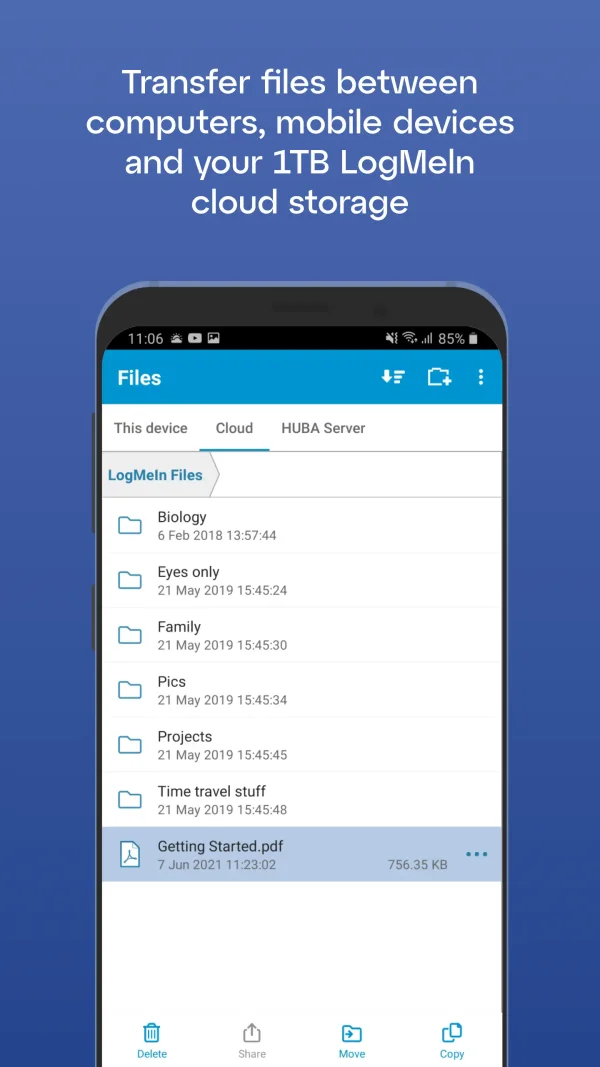
• Akses cepat ke file Anda dengan Manajer File – simpan file langsung ke perangkat Android Anda sehingga Anda dapat mengerjakannya secara offline, atau memindahkan dan menyalin file antar perangkat.
• Ubah warna tampilan, resolusi dan kecepatan jaringan untuk memaksimalkan kinerja kendali jarak jauh.
• Video dan suara HD – menonton video yang ada di komputer Anda dalam format HD dan aliran suara dari jarak jauh
• Manajemen Aplikasi Foto – mengakses dan mentransfer foto dengan mudah
• Lampirkan sejumlah file, termasuk foto dan email
• Tampilan multi-monitor – goyangkan perangkat Anda atau geser dengan tiga jari untuk beralih antar monitor
****************
Kami menyukai tanggapan Anda!
X/Twitter: @GoTo
Tampilkan teks asli
Get secure anytime, anywhere access to your computers from your Android device.
LogMeIn Pro & Central gives LogMeIn Pro and Central subscribers remote access to PCs and Macs over Wi-Fi or mobile data.
Note: to use this free app you must first have a LogMeIn subscription on the computer(s) you want to access.
****************
How to use:
1. Install the app
2. Go to the PC or Mac you want to access and install the LogMeIn software.
3. Launch the app from your Android device to access your computer
For detailed step-by-step instructions, please read the LogMeIn Getting Started Guide.
With LogMeIn Pro & Central you can:
• Access your home and work computers on the go
• Control your Mac or PC as if you’re sitting right in front of it
• Get to your computer files and edit them from your Android device
• Remotely run any application on your computer from your Android device
Features include:
• Mouse and screen settings – choose your preferred method of remote control with scroll mode
• Magnifying glass and zoom slider – zoom by mouse, slide or with your fingers
• Quick access to your files with File Manager – save files directly to your Android device so you can work on them offline, or move and copy files between devices.
• Change display color, resolution and network speed to maximize remote control performance.
• HD video and sound – watch videos located on your computer in HD and sound stream remotely
• Photo App Management – easily access and transfer photos
• Attach any number of files, including photos and emails
• Multi-monitor view – shake your device or three-finger swipe to switch between monitors
****************
We love your feedback!
X/Twitter: @GoTo
Keamanan data
Yang dinyatakan GoTo Group, Inc. di Google Play tentang data yang dikumpulkan dan dibagikan aplikasi ini.
- Aplikasi ini dapat membagikan jenis data ini kepada pihak ketigaNomor telepon
- Aplikasi ini dapat mengumpulkan jenis data berikutInfo pribadi, Aktivitas aplikasi, dan 2 lainnya
- Data dienkripsi saat dalam pengiriman
- Anda dapat meminta agar data dihapus
Yang baru
Versi 4.0.2050 · 4/8/2026
• Stability and security improvements
Kontak pengembang
- Situs websecure.logmein.com
- Emailandroid-feedback@logmein.com
- Kebijakan Privasigoto.com
- Alamat333 Summer St Fl 5 Boston, MA 02210 United States
Informasi
- Ditawarkan oleh
- GoTo Group, Inc.
- Kategori
- Produktivitas
- Versi
- 4.0.2050
- Diperbarui
- 4/8/2026
- Dirilis
- 14/7/2010
- Memerlukan
- Android 11 atau yang lebih baru
- Batasan usia
- Rating 3+
- Harga
- Gratis
- Nama paket
- com.logmein.ignitionpro.android