Modular Colours - Watch Face
EK Watch Faces ™- Rating 3+Batasan usia
- PersonalisasiKategori
- 22/9/2026Diperbarui
- Rp 32.000Harga
Tertaut ke halaman resmi com.ekwatchfaces.modularcolours di Google Play. Terakhir diperiksa pada 25/11/2026.
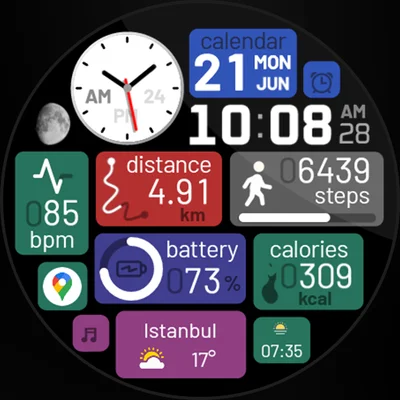
Tangkapan layar

Tentang aplikasi ini
Terjemahan otomatis oleh Google. Bahasa asli: Inggris (Amerika Serikat).
Pilih warna sesuai gayamu..
🌟 Dibuat untuk Wear OS
[ Hanya untuk perangkat Wear OS - API 33+ ]
🎨 Pilih warna sesuai gaya Anda..
FITUR
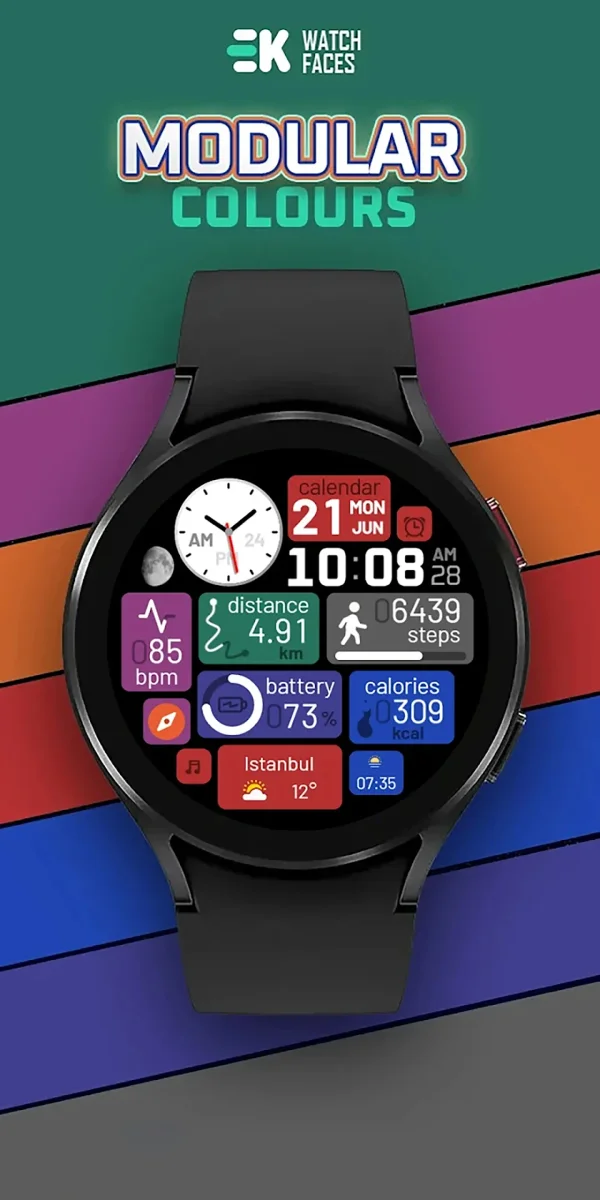
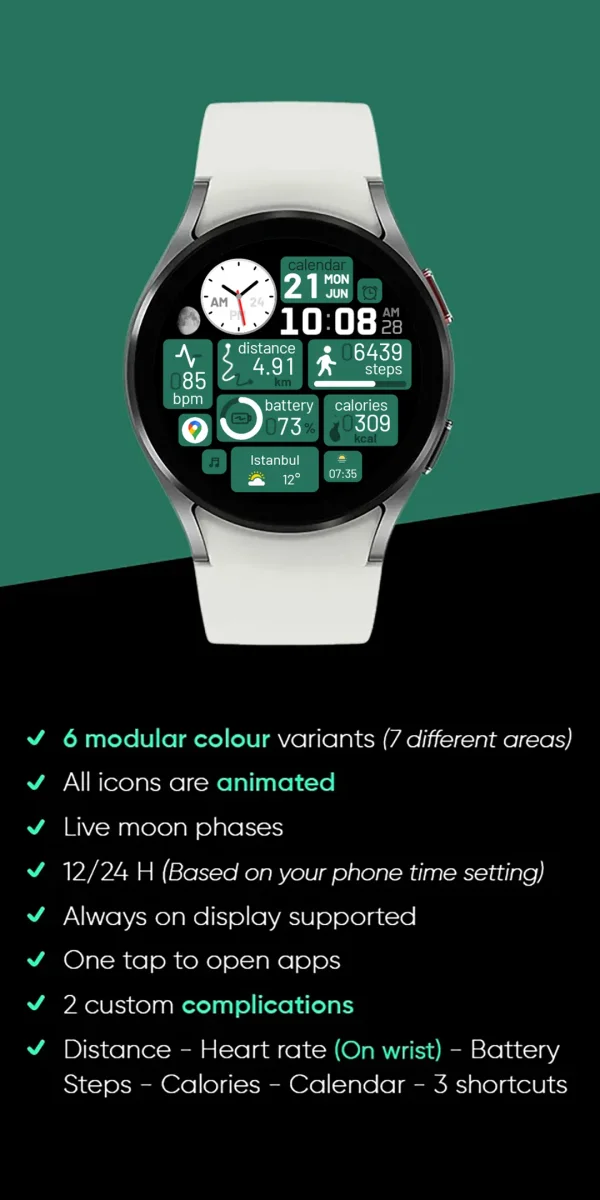
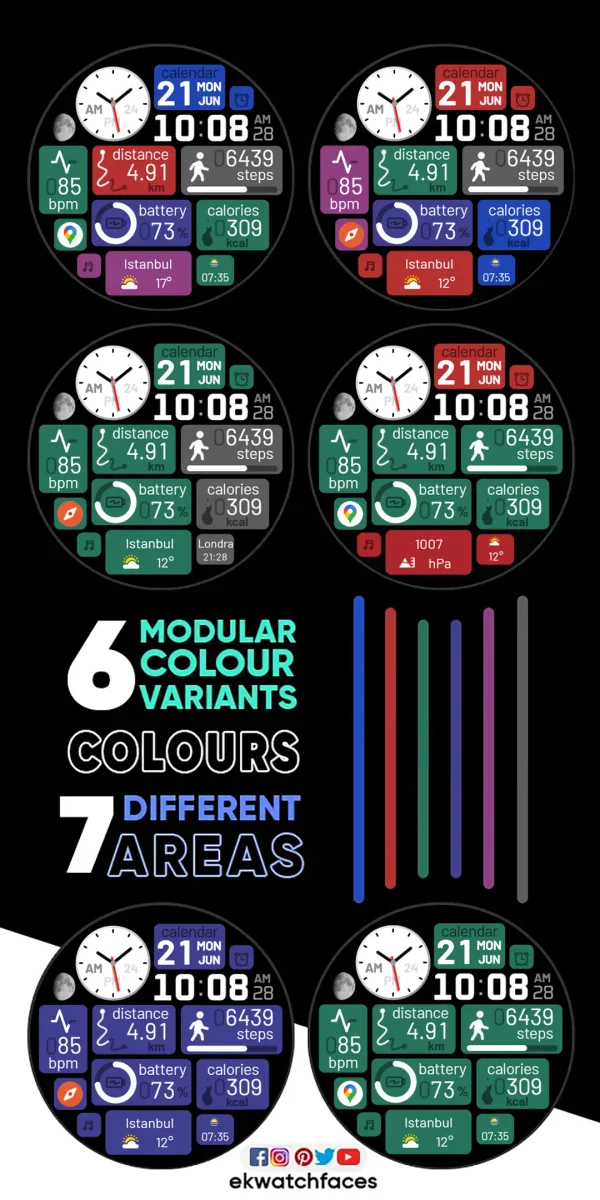
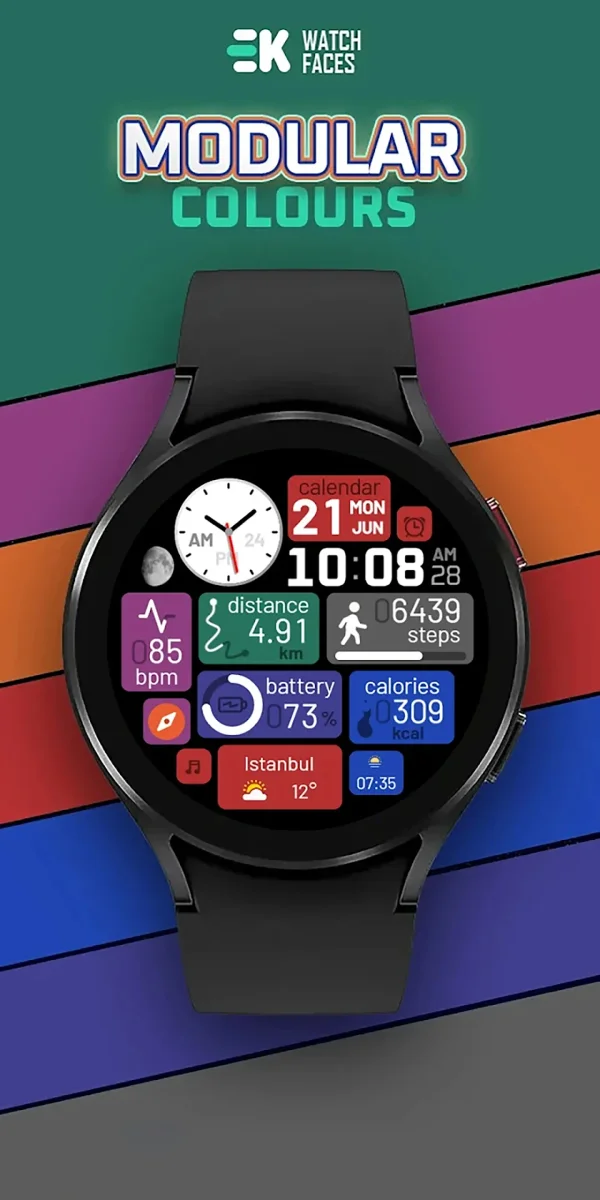
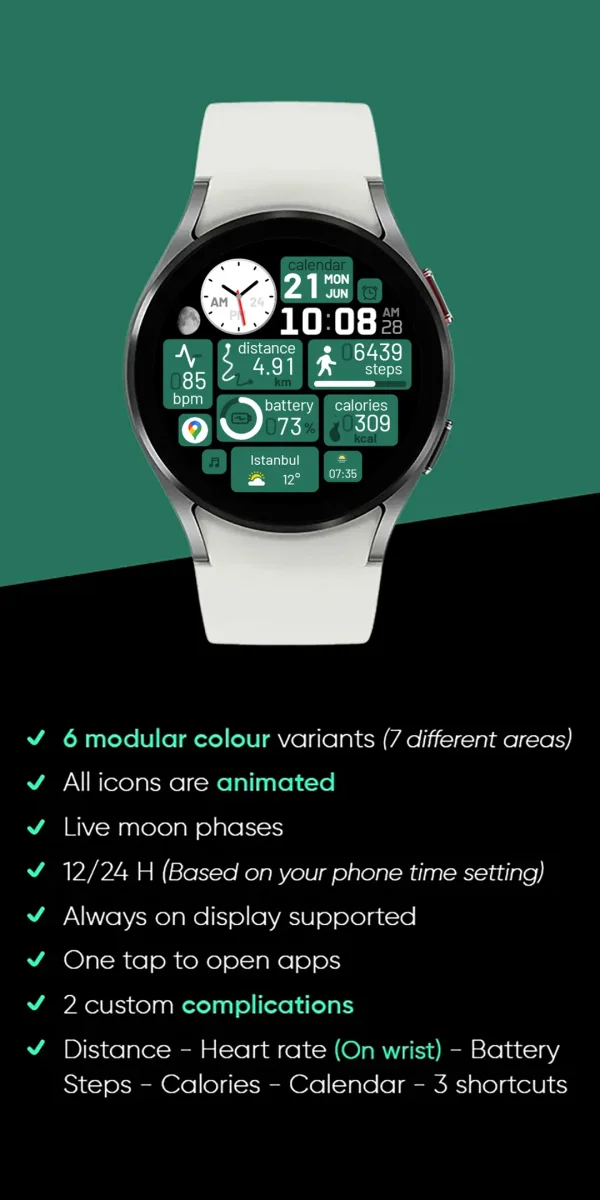
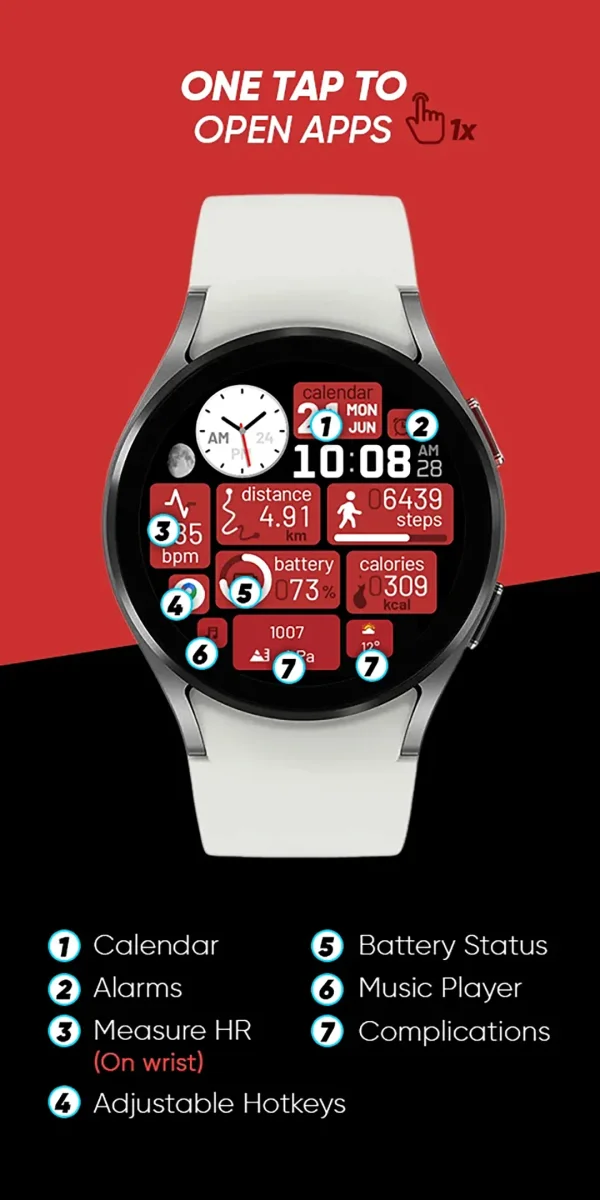
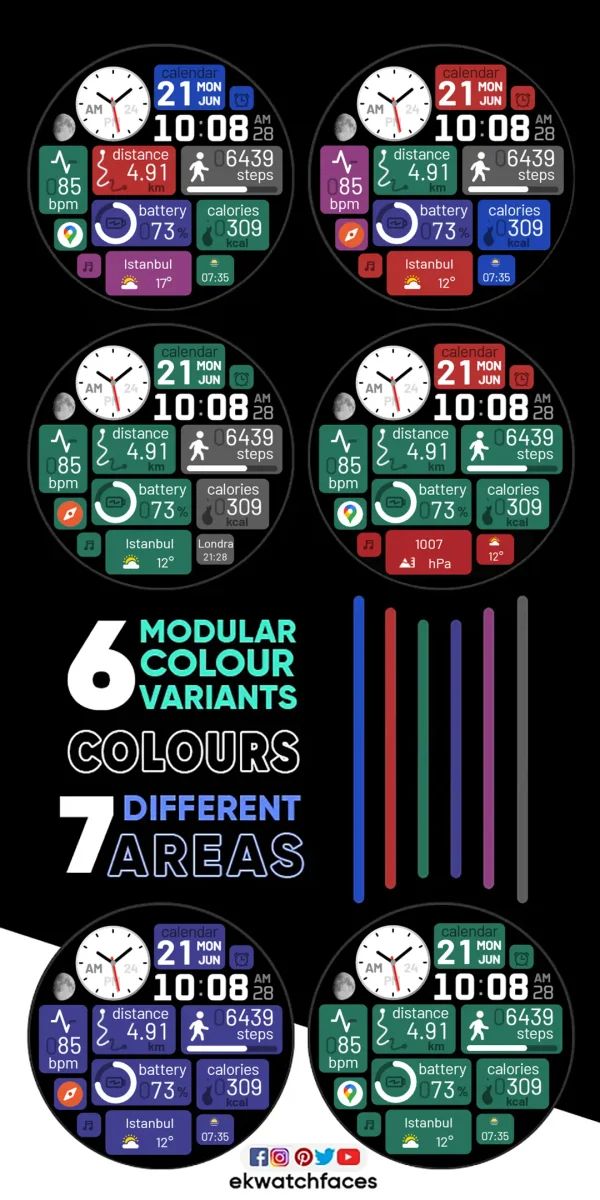
● 🎨 6 varian warna modular (7 area berbeda)
● 📺 Semua ikon beranimasi
● 💖 Ukur detak jantung (Di pergelangan tangan)
● 🌕 Fase bulan langsung
● 🕒 12/24 jam (Berdasarkan pengaturan waktu ponsel Anda)
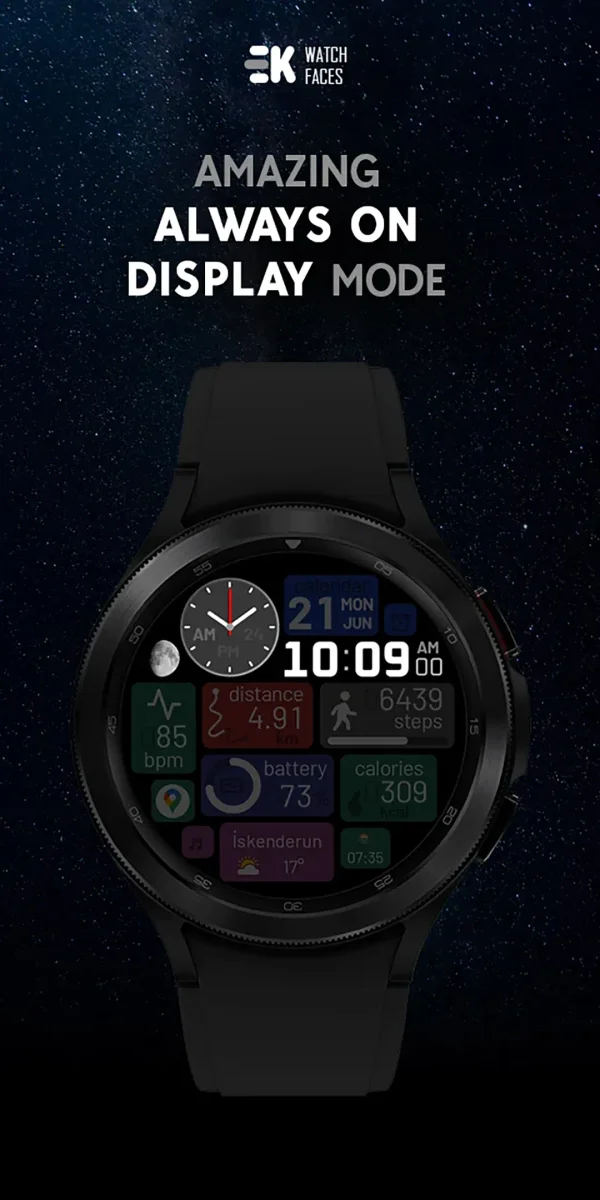
● 👀 Selalu aktif (Always on display) didukung
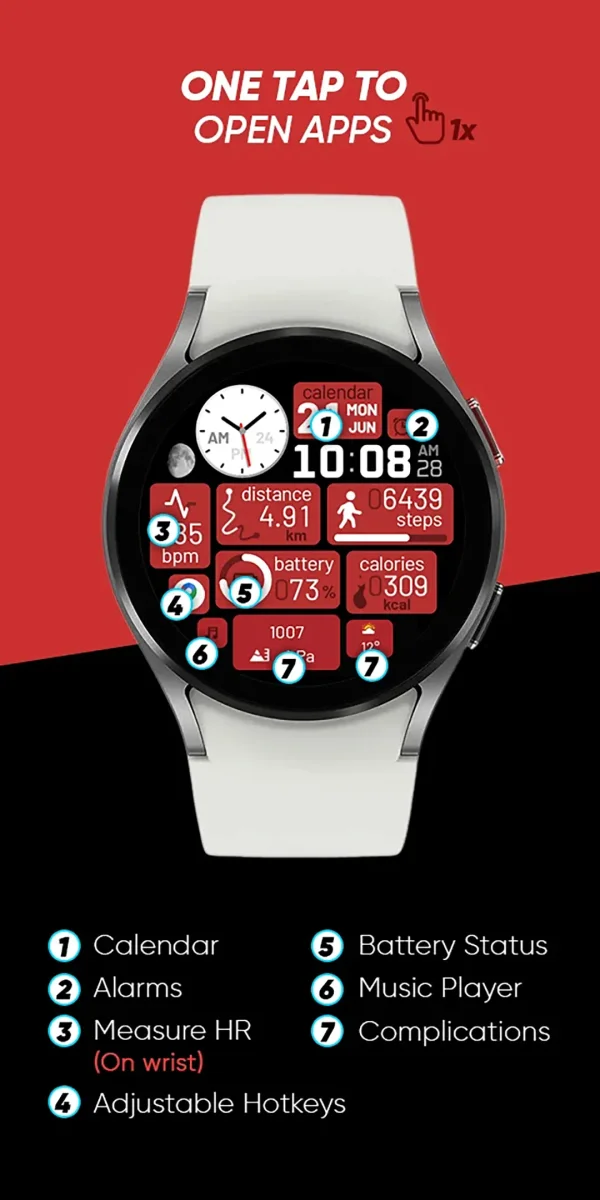
● 🖱️ Satu ketukan untuk membuka aplikasi
● 🧩 2 komplikasi khusus
● 📊 Jarak - Detak jantung (Di pergelangan tangan) – Baterai - Langkah - Kalori - Kalender - 3 pintasan
📌 CATATAN INSTALASI:
1 - 🔗 Pastikan jam tangan Anda terhubung dengan benar ke ponsel Anda. Buka Aplikasi Telepon di ponsel Anda dan ketuk "UNDUH KE JAM TANGAN", lalu ikuti petunjuk di jam tangan Anda.
⌛ Beberapa menit setelah mengetuk tombol instal di jam tangan Anda, tampilan jam akan terpasang. Anda kemudian dapat memilih tampilan jam baru Anda!
📱 Aplikasi telepon berfungsi sebagai tempat penampung untuk memudahkan instalasi dan menemukan tampilan jam di perangkat Wear OS Anda.
⚠️ Catatan: Jika Anda terjebak dalam lingkaran pembayaran, jangan khawatir! Anda hanya akan dikenakan biaya sekali, meskipun diminta untuk membayar lagi. Tunggu 5 menit atau mulai ulang jam tangan Anda dan coba lagi. Ini mungkin masalah sinkronisasi antara perangkat Anda dan server Google.
2 - 💻 Atau, Anda dapat mencoba menginstal tampilan jam dari peramban web di PC Anda.
⚠️ Harap dicatat bahwa masalah apa pun di pihak ini BUKAN bergantung pada pengembang. Pengembang tidak memiliki kendali atas Play Store dari pihak ini. Terima kasih.
🔑 Untuk fungsionalitas penuh, harap aktifkan izin Sensor & penerimaan data komplikasi secara manual!
WEB
https://www.ekwatchfaces.com
INSTAGRAM
https://www.instagram.com/ekwatchfaces
FACEBOOK
https://www.facebook.com/ekwatchfaces
TWITTER
https://twitter.com/ekwatchfaces
PINTEREST
https://www.pinterest.com/ekwatchfaces
YOUTUBE
https://bit.ly/2TowlDE
Tampilkan teks asli
🌟 Built for Wear OS
[ Only for Wear OS devices - API 33+ ]
🎨 Choose the color for your style..
FEATURES
● 🎨 6 modular colour variants (7 different areas)
● 📺 All icons are animated
● 💖 Measure HR (On wrist)
● 🌕 Live moon phases
● 🕒 12/24 H (Based on your phone time setting)
● 👀 Always on display supported
● 🖱️ One tap to open apps
● 🧩 2 custom complications
● 📊 Distance - Heart rate (On wrist) – Battery - Steps - Calories - Calendar - 3 shortcuts
📌 INSTALLATION NOTES:
1 - 🔗 Ensure your watch is properly connected to your phone. Open the Phone App on your phone and tap on "DOWNLOAD TO THE WATCH", then follow the instructions on your watch.
⌛ A few minutes after tapping the install button on your watch, the watch face will be installed. You can then select your new watch face!
📱 The phone app serves as a placeholder to make it easier to install and find the watch face on your Wear OS device.
⚠️ Note: If you find yourself stuck in a payment loop, don’t worry! You will only be charged once, even if prompted to pay again. Wait 5 minutes or restart your watch and try again. This could be a synchronization issue between your device and Google servers.
2 - 💻 Alternatively, you can try installing the watch face from a web browser on your PC.
⚠️ Please note that any issues on this side are NOT developer-dependent. The developer has no control over the Play Store from this side. Thank you.
🔑 For full functionality, please manually enable Sensors & receive complication data permissions!
WEB
https://www.ekwatchfaces.com
INSTAGRAM
https://www.instagram.com/ekwatchfaces
FACEBOOK
https://www.facebook.com/ekwatchfaces
TWITTER
https://twitter.com/ekwatchfaces
PINTEREST
https://www.pinterest.com/ekwatchfaces
YOUTUBE
https://bit.ly/2TowlDE
Keamanan data
Yang dinyatakan EK Watch Faces ™ di Google Play tentang data yang dikumpulkan dan dibagikan aplikasi ini.
- Tidak ada data yang dibagikan kepada pihak ketigaPelajari lebih lanjut cara developer menyatakan pembagian data
- Tidak ada data yang dikumpulkanPelajari lebih lanjut cara developer menyatakan pengumpulan data
Yang baru
22/9/2026
- Security update performed.
Kontak pengembang
- Situs webekwatchfaces.com
- Emailsupport@ekwatchfaces.com
- Kebijakan Privasiekwatchfaces.com
- AlamatNUMUNE EVLER MAH. SOYER 1 SK. DURMUŞ DENİZ APT. SİTESİ HACI DURMUŞ DENIZ APT BLOK NO: 44 İÇ KAPI NO: 4 31600 DÖRTYOL/Hatay Türkiye
Informasi
- Ditawarkan oleh
- EK Watch Faces ™
- Kategori
- Personalisasi
- Diperbarui
- 22/9/2026
- Dirilis
- 8/2/2022
- Batasan usia
- Rating 3+
- Harga
- Rp 32.000
- Nama paket
- com.ekwatchfaces.modularcolours
Aplikasi serupa
-
 Widget Blok Kaca
Personalisasi
-
 Kejelasan Angka Besar
Personalisasi
-
 RW89 Multi-Slot Data Hub
Personalisasi
-
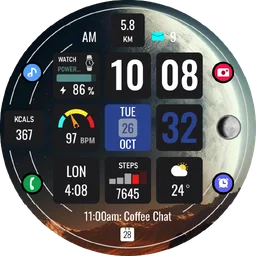 HKR055
Seni & Desain
-
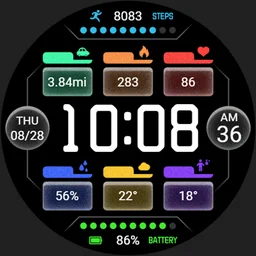 Komponen Jeli
Personalisasi
-
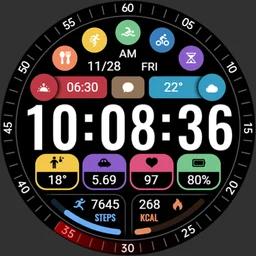 Jam Teks yang Menawan
Personalisasi
-
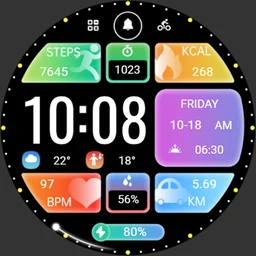 Widget Warna-warni
Personalisasi
-
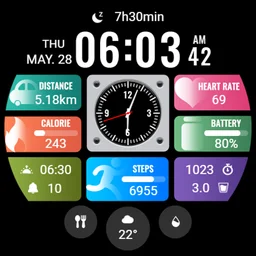 Widget Jam Kecil
Personalisasi
-
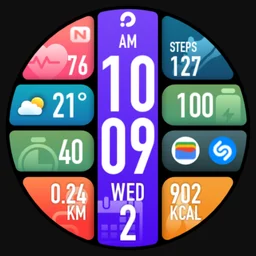 PRADO 45 Blocks & Tiles
Personalisasi
-
 SamWatch InfoBlock 12
Personalisasi
-
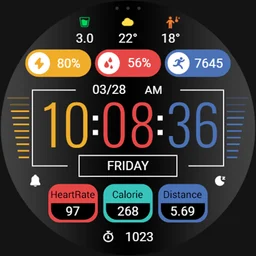 Data Warna Hitam
Personalisasi
-
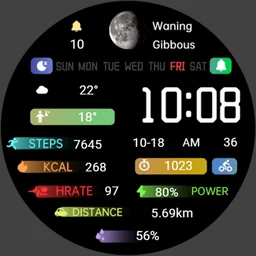 Colorful Icon Tail ZKin Watch
Personalisasi