OfficeSuite Pro + PDF
MobiSystemsPembelian dalam aplikasi
- Rating 3+Batasan usia
- BisnisKategori
- 29/7/2024Diperbarui
- Rp 429.000Harga
Tertaut ke halaman resmi com.mobisystems.editor.office_registered di Google Play. Terakhir diperiksa pada 20/11/2026.
Tangkapan layar

Tentang aplikasi ini
Terjemahan otomatis oleh Google. Bahasa asli: Inggris (Amerika Serikat).
KANTOR MOBILE TERBAIK ANDROID - Word, Excel, PowerPoint dan PDF di ujung jari Anda
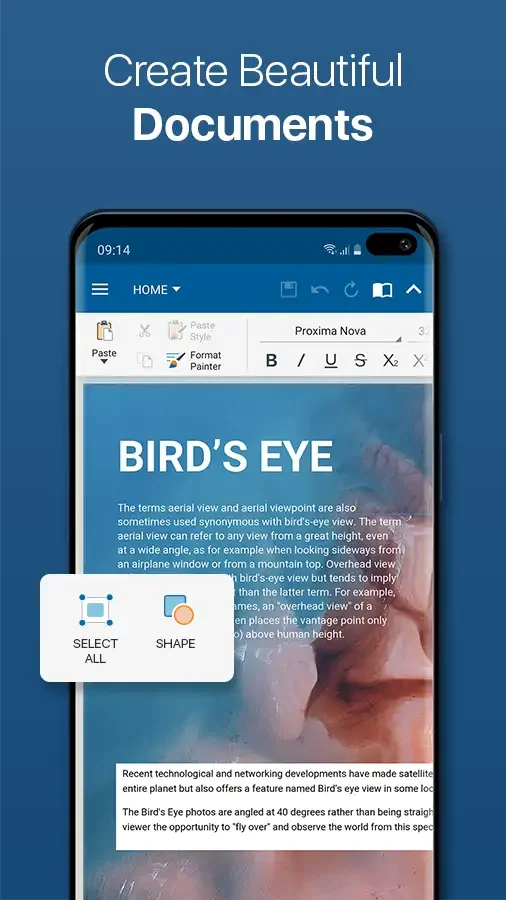
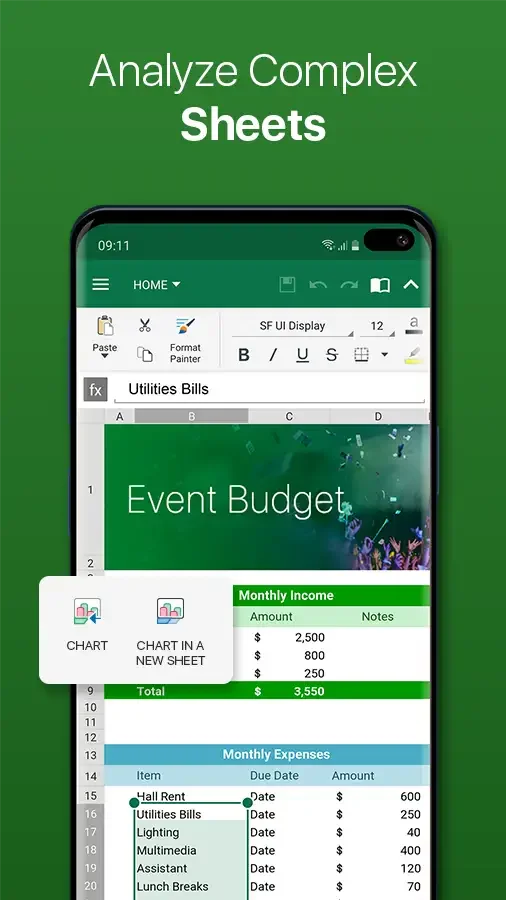
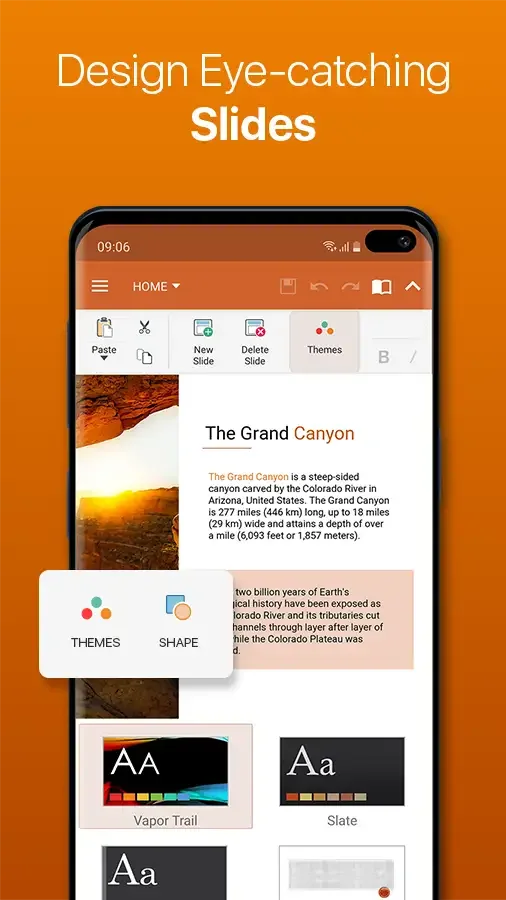
Ini adalah versi PRO fitur lengkap dari aplikasi OfficeSuite yang memenangkan penghargaan yang memungkinkan Anda dengan mudah melihat, mengedit, dan membuat dokumen Word, Excel, dan PowerPoint, mengonversi ke PDF, dan mengelola file Anda.
• Aplikasi kantor yang paling banyak diunduh di Google Play
• Menghadirkan fitur paling eksklusif di atas aplikasi kantor lainnya
• Dipasang di 200 juta perangkat di 195 negara dan terus bertambah
Dimuat oleh produsen terkemuka termasuk Sony, Amazon, Acer, Alcatel, Toshiba, Sharp, Kyocera dan banyak lagi.
PILIHAN GOOGLE PLAY EDITORS ’
KANTOR MOBILE TOP INFOWORLD
APP KANTOR ANDROID TERBAIK LIFEHACKER
PILIHAN PILIHAN EDITOR PCMAG
FITUR UTAMA:
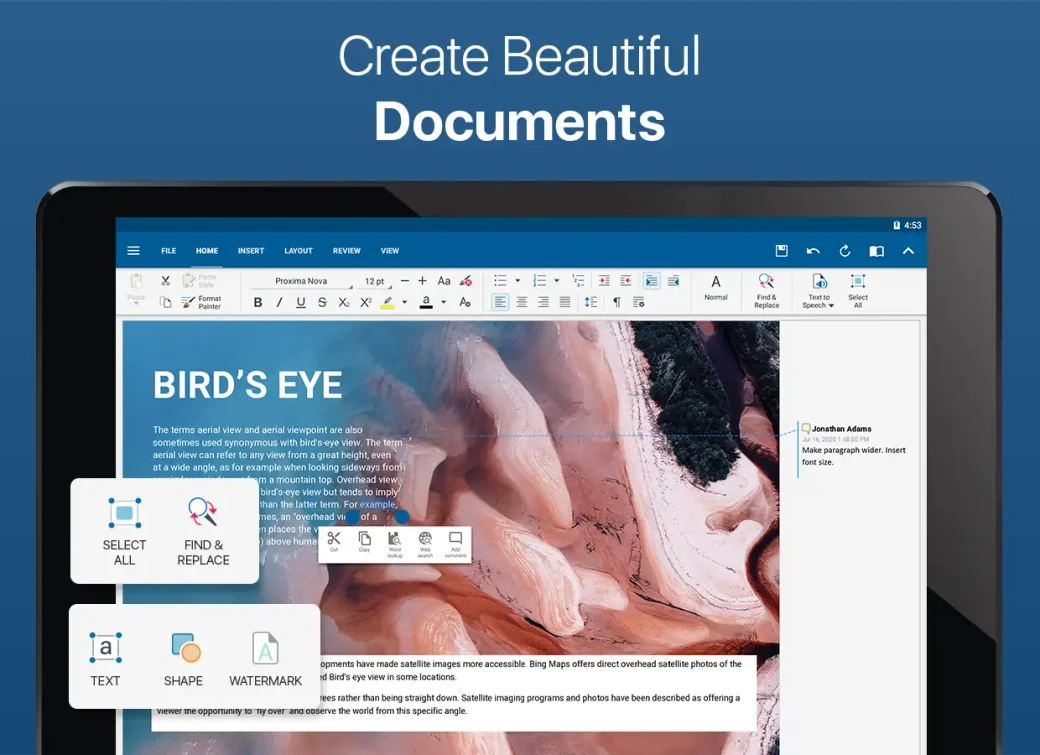
• Lihat, buat, dan edit dokumen kantor yang kompleks menggunakan antarmuka gaya desktop yang akrab
• Kompatibilitas penuh dengan format Microsoft termasuk DOC, DOCX, DOCM, XLS, XLSX, XLSM, PPT, PPTX, PPS, PPSX, PPTM, PPSM
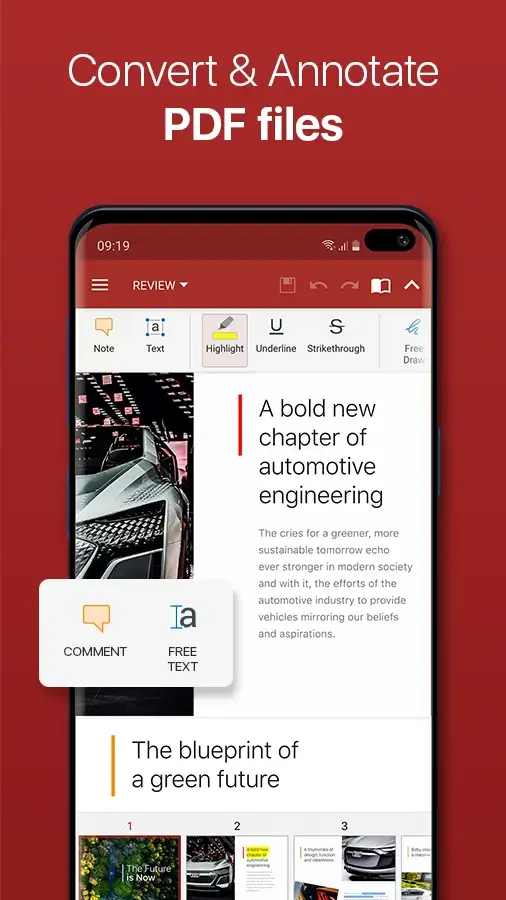
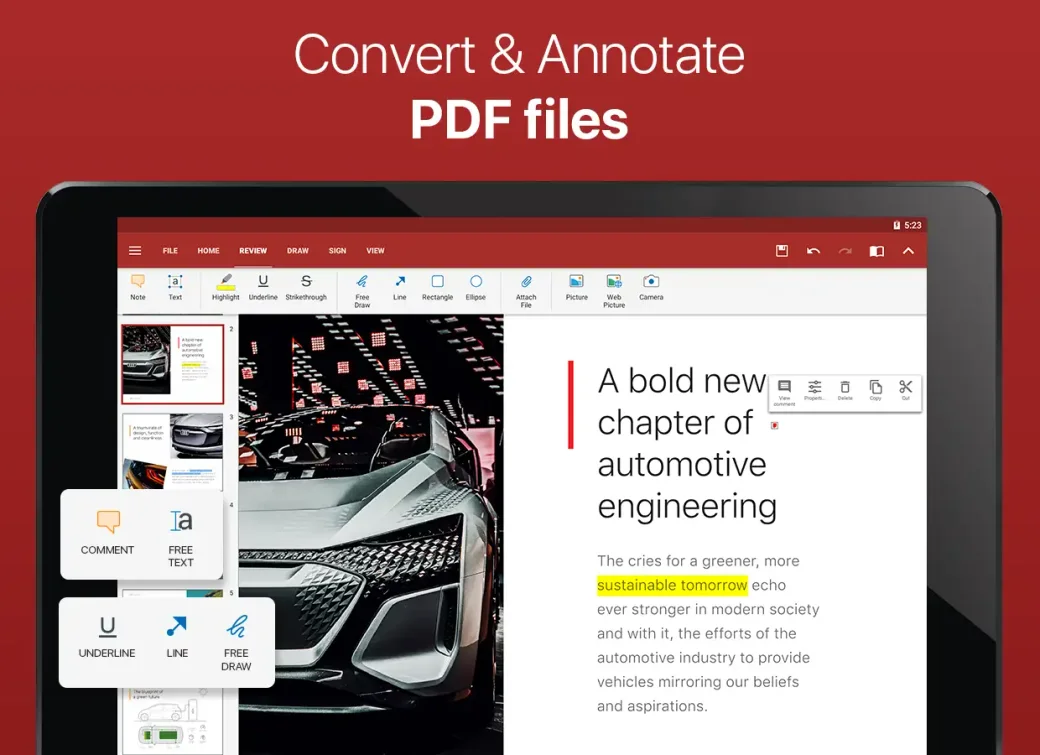
• Dukungan untuk file PDF termasuk pemindaian kamera PDF, Ekspor ke PDF, dan formulir yang bisa diisi
• Dukungan tambahan untuk format umum seperti RTF, TXT, LOG, CSV, EML, ZIP; (Open Office - ODT, ODS dan ODP - dukungan tersedia sebagai pembelian dalam aplikasi)
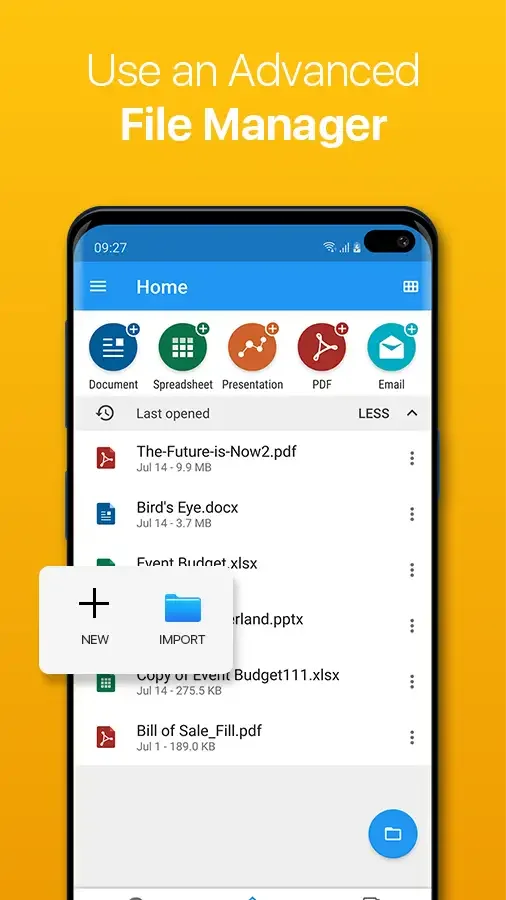
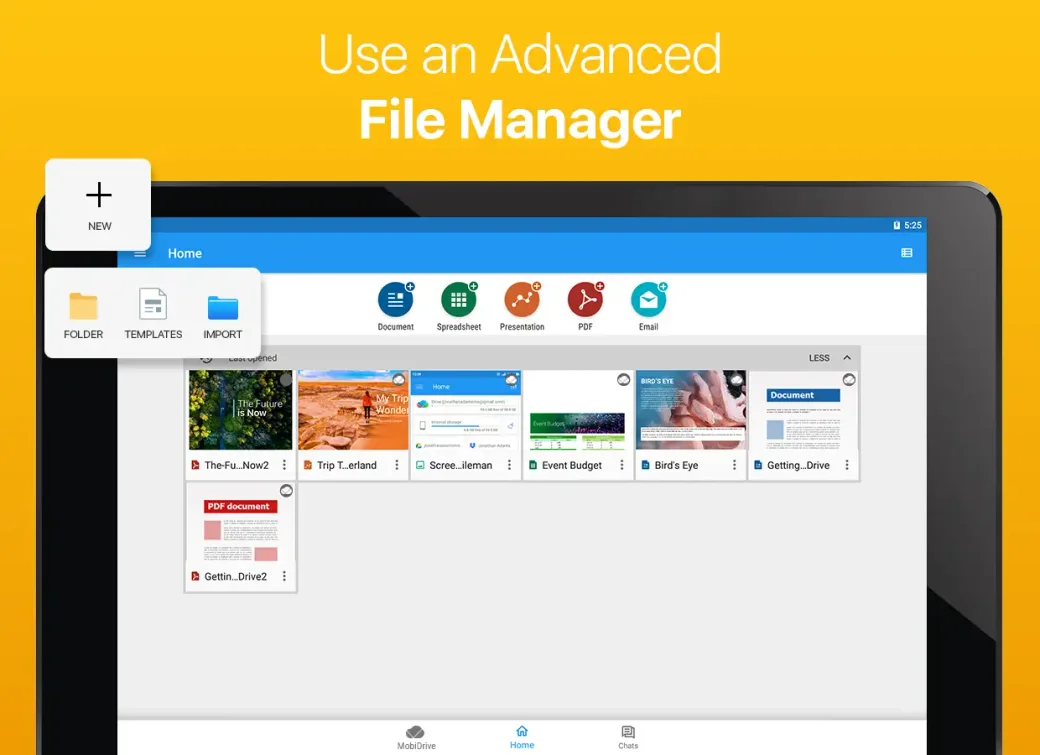
• Terintegrasi dengan Komandan File untuk sinkronisasi tingkat lanjut dan akses cepat dan mudah ke file lokal dan jarak jauh
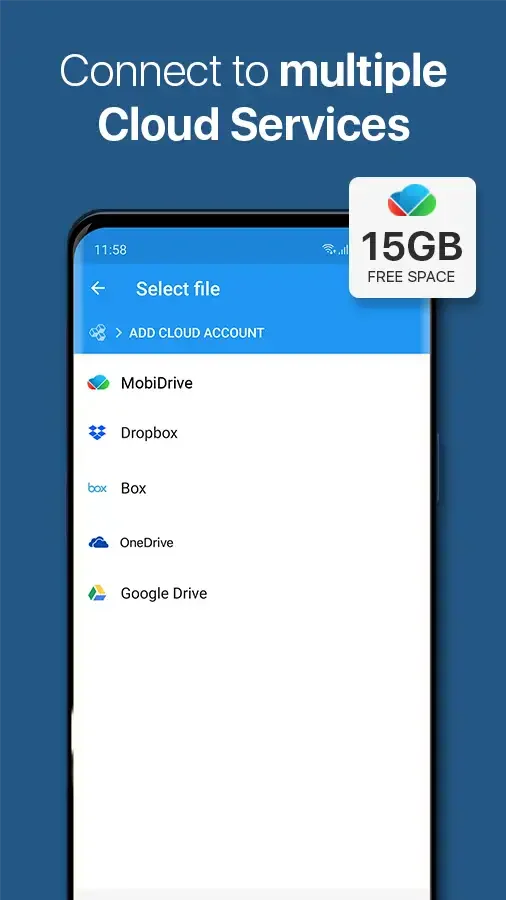
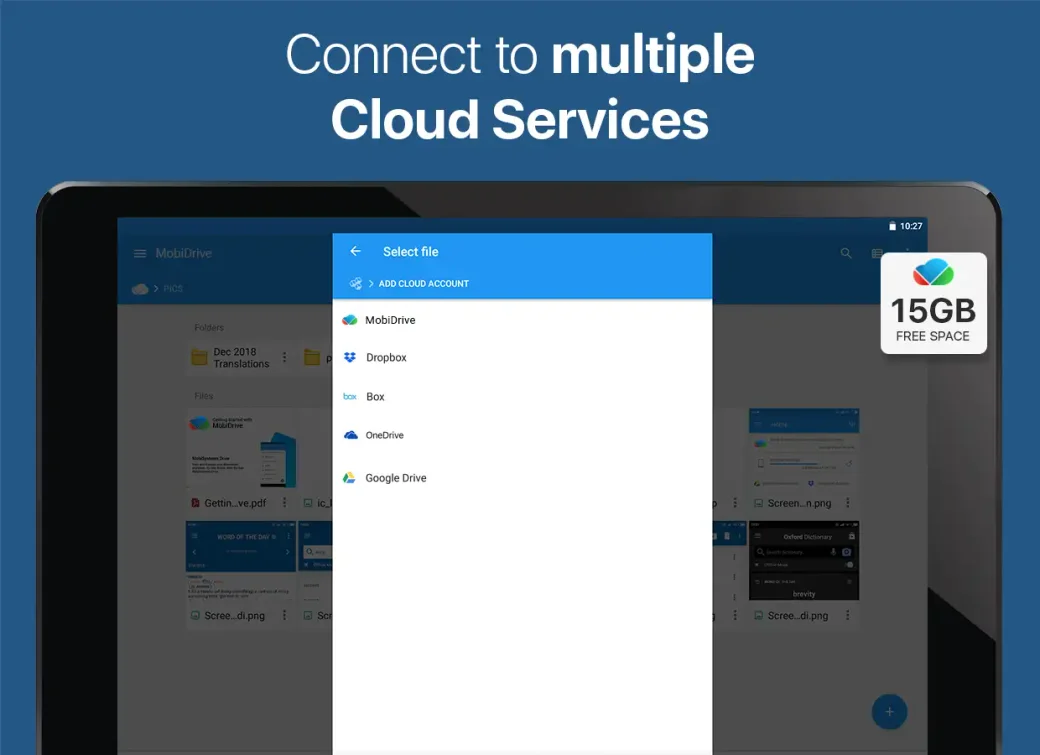
• Drive Sistem Mobi - Anda sekarang dapat menyimpan hingga 15,0 GB dokumen di cloud
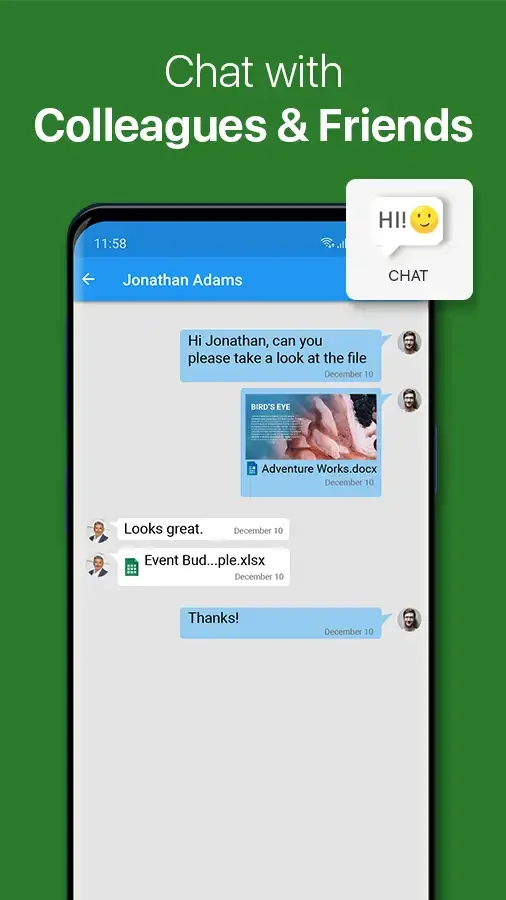
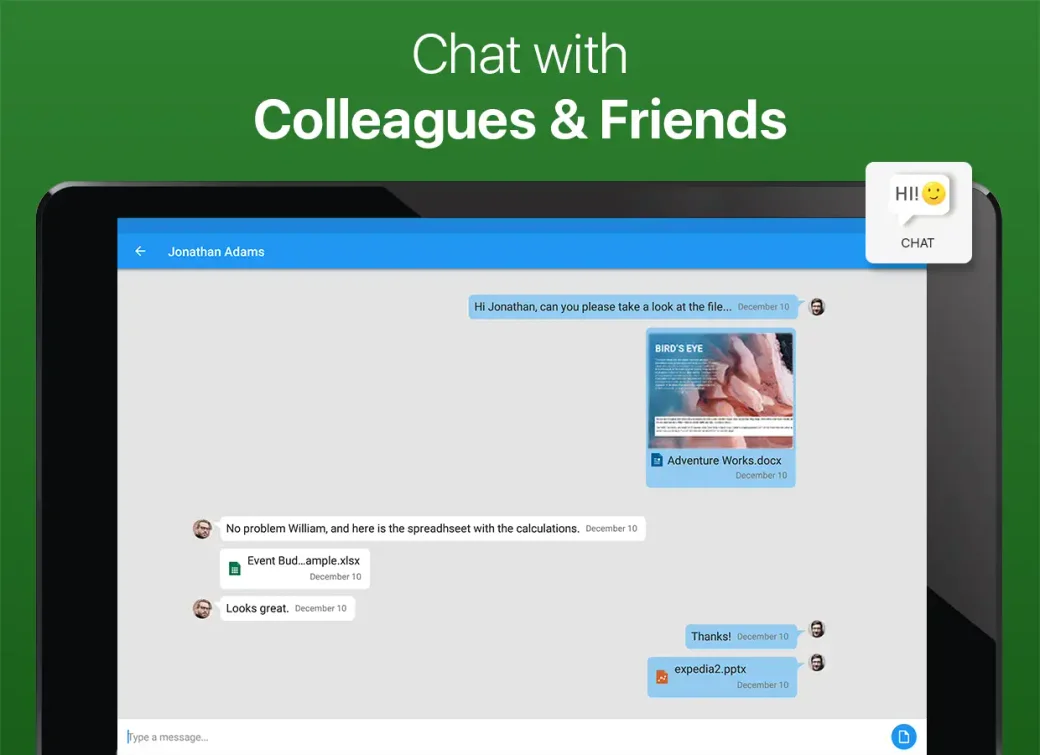
• BARU! Obrolan OfficeSuite - Mengobrol dan bertukar dokumen dengan teman dan kolega Anda
• Pemeriksa ejaan terintegrasi - Tersedia dalam lebih dari 40 bahasa pemeriksa ejaan menjamin bahwa pekerjaan Anda di Dokumen, Slide, dan Sprei ditulis dengan sempurna
• Berbagi melalui layanan cloud seperti OfficeSuite Drive, Box, DropBox, Google Drive, OneDrive, serta melalui email dan Bluetooth
• fitur keamanan dan pengeditan PDF termasuk dukungan tanda tangan digital, manajemen izin, teks ke PDF, dan anotasi
• Dukungan Text-to-Speech untuk dokumen dan PDF
• Lihat dokumen sebagaimana seharusnya dilihat dengan Paket Font Jepang, Diperpanjang dan Diperluas & Jepang (tersedia sebagai tambahan)
• Buat profil dan sinkronkan pengaturan Anda di semua perangkat Android, iOS dan Windows Desktop (lisensi OfficeSuite Personal) Anda
• Dukungan layar ganda Chromecast
• Tersedia dalam 56 bahasa
OFFICESUITE TERBARU DIRANCANG KHUSUS DI SEKITAR ANDROID T DAN JUGA TERMASUK:
• BARU! Dengan Obrolan OfficeSuite Anda dapat dengan mudah mengirim dokumen, berkolaborasi dengan kolega, atau sekadar mengobrol dengan teman saat bepergian
• BARU! Masuk ke OfficeSuite Now menggunakan nomor telepon
• Konversi dan buka file yang dibuat dengan Apple Halaman, Angka, atau aplikasi Keynote
• Buka beberapa dokumen dan kerjakan dua dokumen secara bersamaan menggunakan mode layar terbagi dengan dukungan seret dan lepas (Android 7 dan lebih tinggi)
• Buka dokumen atau buat yang baru lebih cepat dari sebelumnya dengan laci pemberitahuan akses cepat yang baru
• Dengan dukungan mouse yang ditingkatkan untuk Chromebook sekarang pengguna dapat bekerja lebih cepat dan lebih mudah dari sebelumnya
• Pilih antara tema baru yang indah untuk membuat presentasi yang luar biasa
• Lindungi setiap lembar dan sel di Spreadsheets untuk keamanan ekstra
• Keluarkan presentasi di beberapa perangkat di jaringan yang sama dengan Share Cast
• Gunakan Tanda Cepat untuk dengan mudah menandatangani PDF menggunakan tanda tangan digital Anda
BAGAIMANA PRO OFFICESUITE LEBIH BAIK DARIPADA OFFICESUITE GRATIS?
• Fitur keamanan - berfungsi dengan file yang dilindungi kata sandi
• Format Painter dalam dokumen Word
• Lacak perubahan dengan dukungan banyak penulis
• Masukkan gambar menggunakan kamera Anda atau dari file eksternal
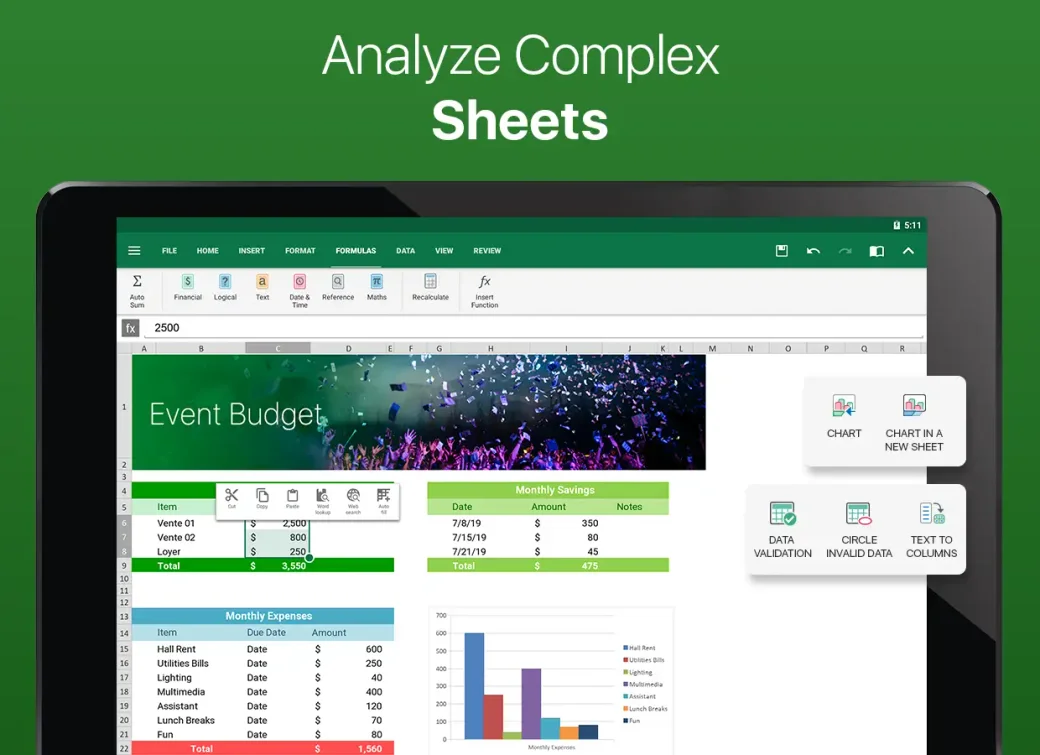
• Opsi tambahan di Excel termasuk Sisipkan Filter, Pemformatan Bersyarat, Tentukan Nama, Impor Gambar, Edit Bagan, dan Simpan sebagai CSV
• Dukungan formulir interaktif untuk PDF: kotak centang, tombol radio, bidang teks, dll.
• Dukungan format dokumen Microsoft Warisan (.DOC, .XLS, .PPT) bersama dengan format .ODF
OfficeSuite memberikan izin- http://www.mobisystems.com/android_office/full-features.html#permissions
Tampilkan teks asli
This is the full-feature PRO version of the award-winning OfficeSuite application that lets you easily view, edit, and create Word, Excel, and PowerPoint documents, convert to PDF, and manage your files.
• The most downloaded office app on Google Play
• Delivers the most exclusive features over any other office app
• Installed on 200 million devices in 195 countries and growing
Preloaded by top manufacturers including Sony, Amazon, Acer, Alcatel, Toshiba, Sharp, Kyocera and more.
GOOGLE PLAY EDITORS’ CHOICE
INFOWORLD'S TOP MOBILE OFFICE
LIFEHACKER'S BEST ANDROID OFFICE APP
PCMAG EDITORS’ CHOICE AWARD
KEY FEATURES:
•View, create and edit complex office documents using a familiar desktop-style interface
•Full compatibility with Microsoft formats including DOC, DOCX, DOCM, XLS, XLSX, XLSM, PPT, PPTX, PPS, PPSX, PPTM, PPSM
•Support for PDF files including PDF camera scanning, Export to PDF and Fillable forms
•Additional support for common formats like RTF, TXT, LOG, CSV, EML, ZIP; (Open Office - ODT, ODS and ODP - support available as in-app purchase)
•Integrated with File Commander for advanced synchronization and quick and easy access to both local and remote files
•MobiSystems Drive - you can now store up to 15.0 GB of documents in the cloud
•NEW! OfficeSuite Chats – Chat and exchange documents with your friends and colleagues
•Integrated spell checker - Available in more than 40 languages the spell checker guarantees that your work in Documents, Slides and Sheets is impeccably written
•Sharing via cloud services like OfficeSuite Drive, Box, DropBox, Google Drive, OneDrive, as well as over email and Bluetooth
•PDF security and editing features including digital signatures support, permissions management, text to PDF, and annotations
•Text-to-Speech support for documents and PDFs
•View documents the way they're meant to be seen with the Japanese, Extended and Extended & Japanese Font Pack (available as an add-on)
•Create a profile and sync your settings across all your Android, iOS and Windows Desktop (OfficeSuite Personal license) devices
•Chromecast dual screen support
•Available in 56 languages
THE LATEST OFFICESUITE IS SPECIALLY DESIGNED AROUND ANDROID Q AND ALSO INCLUDES:
•NEW! With OfficeSuite Chats you can easily send documents, collaborate with colleagues or simply chat with your friends on the go
•NEW! Sign into OfficeSuite Now using a phone number
•Convert and open files created with Apple Pages, Numbers, or Keynote apps
•Open multiple documents and work on two documents simultaneously using split-screen mode with drag-and-drop support (Android 7 and up)
•Open documents or create new ones faster than ever with the new Quick access notification drawer
•With the enhanced mouse support for Chromebooks users can now work faster and easier than ever
•Choose between beautiful new themes to create great presentations
•Protect individual sheets and cells in Spreadsheets for extra security
•Cast presentations across multiple devices on the same network with Share Cast
•Use Quick Sign to easily sign a PDF using your digital signature
HOW IS OFFICESUITE PRO BETTER THAN OFFICESUITE FREE?
• Security features - work with password protected files
• Format Painter in Word documents
• Track changes with multiple author support
• Insert pictures using your camera or from an external file
• Additional options in Excel including Insert Filter, Conditional Formatting, Define Name, Import Image, Edit Chart, and Save as CSV
• Interactive form support for PDFs: checkboxes, radio buttons, text fields, etc.
• Legacy Microsoft document formats support (.DOC, .XLS, .PPT) along with .ODF formats
OfficeSuite granted permissions- http://www.mobisystems.com/android_office/full-features.html#permissions
Keamanan data
Yang dinyatakan MobiSystems di Google Play tentang data yang dikumpulkan dan dibagikan aplikasi ini.
- Tidak ada data yang dibagikan kepada pihak ketigaPelajari lebih lanjut cara developer menyatakan pembagian data
- Aplikasi ini dapat mengumpulkan jenis data berikutInfo pribadi, Foto dan video, dan 5 lainnya
- Data dienkripsi saat dalam pengiriman
- Anda dapat meminta agar data dihapus
Yang baru
Versi 14.4.51693 · 29/7/2024
Check out our latest OfficeSuite updates:
Optimized for Android 14: Seamlessly enjoy our app on the newest Android platform.
Effortless File Sync: Access recent and favorite files across devices with MobiSystems account sync.
Enhanced Asian Language Support: Edit documents in traditional Asian languages with improved visualization.
Fully Compliant with Google's Consent Management Platform: Your privacy and data control are our priorities.
Kontak pengembang
- Situs webmobisystems.com
- Emailofficesuite-android@mobisystems.com
- Kebijakan Privasimobisystems.com
- Alamat4501 Mission Bay Dr Ste 3A San Diego, CA 92109 United States
Informasi
- Ditawarkan oleh
- MobiSystems
- Kategori
- Bisnis
- Versi
- 14.4.51693
- Diperbarui
- 29/7/2024
- Dirilis
- 5/7/2010
- Memerlukan
- Android 7.0 atau yang lebih baru
- Batasan usia
- Rating 3+
- Harga
- Rp 429.000
- Pembelian dalam aplikasi
- Rp 34.505 - Rp 564.487 per item
- Nama paket
- com.mobisystems.editor.office_registered
Aplikasi serupa
-
 MobiOffice: Word, Sheets, PDF
Produktivitas
-
 Semua Pembaca Dokumen
Alat
-
 WPS Office (BETA)
Produktivitas
-
 KoboCollect
Alat
-
 Pembaca Semua File Dokumen
Produktivitas
-
 Polaris Office - Edit,View,PDF
Produktivitas
-
 DOCX Editor: PDF, DOC, XLSX
Produktivitas
-
 Office Reader - PDF,Word,Excel
Produktivitas
-
 DAVx⁵ – CalDAV CardDAV WebDAV
Produktivitas
-
 SCRIBZEE®
Produktivitas
-
 AI Email, Text Writer: Xemail
Produktivitas
-
 Blue Mail - Email & Kalender
Produktivitas