RoverOne Watch Face
RichFaceBerisi iklan · Pembelian dalam aplikasi
- Rating 3+Batasan usia
- PersonalisasiKategori
- 9/10/2024Diperbarui
- GratisHarga
Tertaut ke halaman resmi watch.richface.androidwear.roverone di Google Play. Terakhir diperiksa pada 25/11/2026.
Tangkapan layar


Tentang aplikasi ini
Terjemahan otomatis oleh Google. Bahasa asli: Inggris (Amerika Serikat).
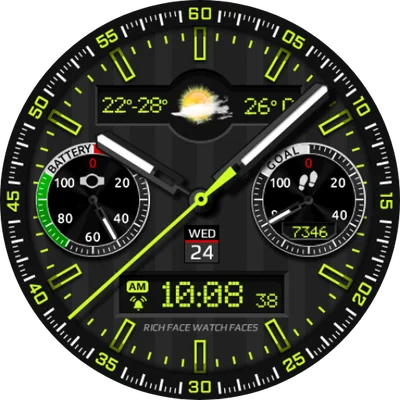
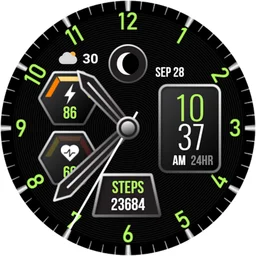
Tampilan jam dengan komplikasi analog dan digital untuk jam tangan pintar Wear OS
Tonton Face RoverOne untuk Wear OS benar-benar menarik perhatian dengan karakteristik digital dan fungsi interaktif.
Tampilan jam berisi sejumlah besar pengaturan ramah pengguna pada jam tangan dan aplikasi pendamping telepon.
Wear OS hadir dengan komplikasi eksternal yang didukung sepenuhnya oleh tampilan jam ini.
★ Watch Face RoverOne sepenuhnya didukung Wear OS
★ Integrasi WEAR OS 2.0
• Sepenuhnya mandiri! (Kompatibel dengan iPhone dan Android)
• Data komplikasi eksternal untuk indikator
★ Kompatibel dengan semua jam tangan Wear OS
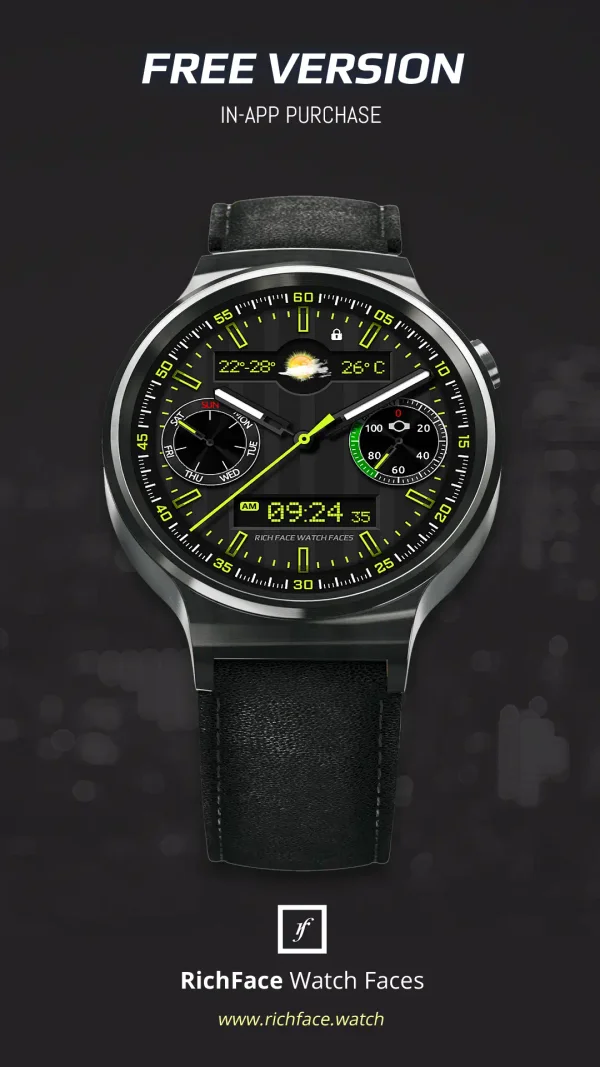
★ Versi gratis
Komplikasi:
• Baterai telepon
• Tanggal
Pilihan:
• Ganti warna
• Format 24 jam
• Di depan angka nol
• Waktu layar
★ Opsi BARU untuk versi berbayar ★
• Bergetar setiap jam
★ Versi berbayar
Komplikasi bawaan
• Pintasan alarm
• Langkah
• Jarak
• Sedang berjalan
• Berlari
• Bersepeda
• Kalori
• Statistik kecocokan
• Penghitung air
• Konter kopi
Pilihan:
• Komplikasi eksternal
• Ganti warna
• Format 24 jam
• Di depan angka nol
• Waktu layar
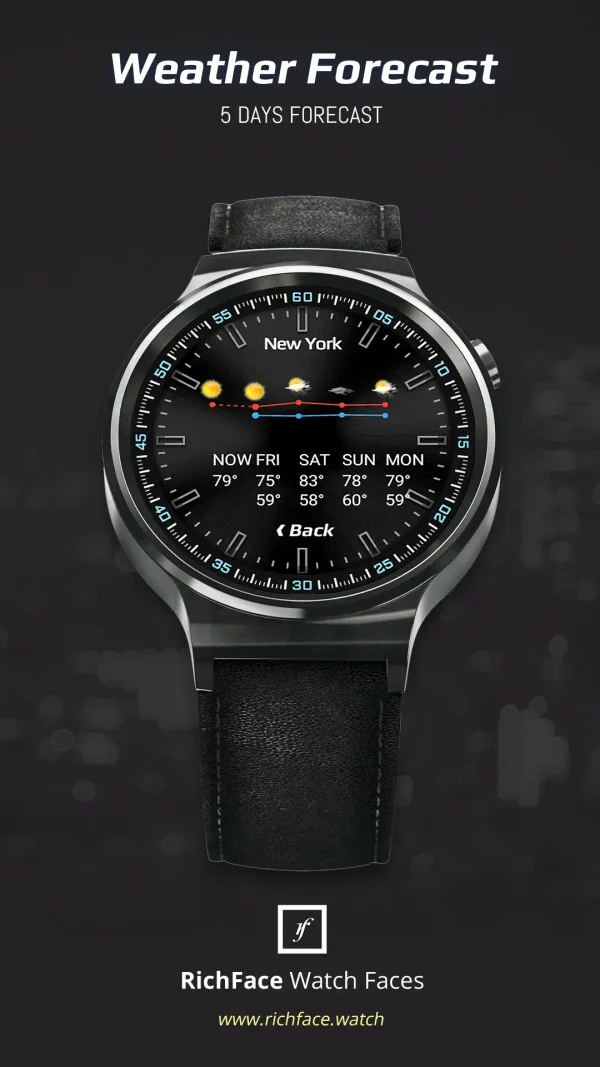
• Ramalan
• Opsi mode ambien penuh
• Ubah preset warna pada ketukan
• Ketuk indikator
• Integrasi Google FIT
• Pengaturan cuaca (lokasi, penyedia, pembaruan frekuensi, unit)
★ PENAFIAN ★
Versi gratisnya tidak memiliki fungsi tap. Itu hanya menampilkan data dan pengguna tidak dapat mengubahnya sampai membuka kunci versi PREMIUM.
★ Pertanyaan Umum
!! Silakan hubungi kami jika Anda memiliki masalah dengan aplikasi ini !!
richface.watch@gmail.com
Bagaimana cara memasang tampilan jam di Wear OS?
1. Instal dari Google Play Store di jam tangan pintar Wear OS Anda.
2. Instal aplikasi pendamping untuk penyesuaian penuh (perangkat ponsel Android).
★ IZIN Dijelaskan
https://richface.watch/privacy
Tampilkan teks asli
Watch Face RoverOne for Wear OS is true eye-catcher with digital characteristics and interactive functions.
Watch face contains a huge number and user friendly settings on the watch and the phone companion app.
The Wear OS comes with external complication which this watch face supports completely.
★ Watch Face RoverOne is fully Wear OS supported
★ WEAR OS 2.0 integration
• Fully standalone! (iPhone and Android compatible)
• External complication data for the indicators
★ Compatible with all Wear OS watches
★ Free version
Complications:
• Phone battery
• Date
Options:
• Change color
• 24 hour format
• Leading zero
• Screen time
★ NEW option for paid version ★
• Vibrate on every hour
★ Paid version
Built-in complications
• Alarm shortcut
• Steps
• Distance
• Walking
• Running
• Biking
• Calories
• Fit statistics
• Water counter
• Coffee counter
Options:
• External complications
• Change color
• 24 hour format
• Leading zero
• Screen time
• Forecast
• Full ambient mode option
• Change color preset on tap
• Tap indicator
• Google FIT integration
• Weather settings (location, providers, frequency update, units)
★ DISCLAIMER ★
The free version doesn't have a tap functionality. It just shows data and the user is not able to change it until unlock the PREMIUM version.
★ FAQ
!! Please contact us if you have any trouble with the app !!
richface.watch@gmail.com
How do I install the watch face on Wear OS ?
1. Install it from Google Play Store on your Wear OS smartwatch.
2. Install the companion app for fully customization (Android phone devices).
★ PERMISSIONS Explained
https://richface.watch/privacy
Keamanan data
Yang dinyatakan RichFace di Google Play tentang data yang dikumpulkan dan dibagikan aplikasi ini.
- Tidak ada data yang dibagikan kepada pihak ketigaPelajari lebih lanjut cara developer menyatakan pembagian data
- Tidak ada data yang dikumpulkanPelajari lebih lanjut cara developer menyatakan pengumpulan data
- Data tidak dienkripsi
- Data tidak dapat dihapus
Kontak pengembang
- Situs webrichface.watch
- Emailrichface.watch@gmail.com
- Kebijakan Privasirichface.watch
- AlamatZentagasse 6/20 1050 Wien Austria
Informasi
- Ditawarkan oleh
- RichFace
- Kategori
- Personalisasi
- Diperbarui
- 9/10/2024
- Dirilis
- 26/4/2018
- Memerlukan
- Android 6.0 atau yang lebih baru
- Batasan usia
- Rating 3+
- Harga
- Gratis
- Pembelian dalam aplikasi
- Rp 29.000 per item
- Nama paket
- watch.richface.androidwear.roverone
Aplikasi serupa
-
 Hybrid DORSUG Watch face
Personalisasi
-
 KF157 WATCH FACE
Personalisasi
-
 Neon Sport X02 Watch Face
Personalisasi
-
 PRADO X36 Hybrid Watch face
Personalisasi
-
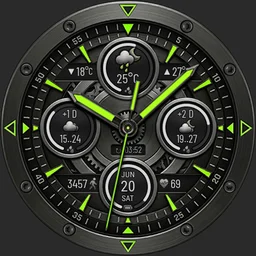 Core X Weather Watch Face
Personalisasi
-
 IWF AB35 gA | ISACWATCH
Personalisasi
-
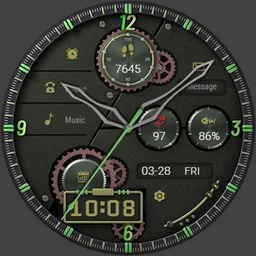 Mekanik Hijau
Personalisasi
-
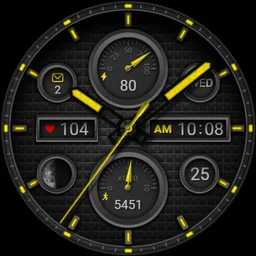 Watch face CNW0018
Personalisasi
-
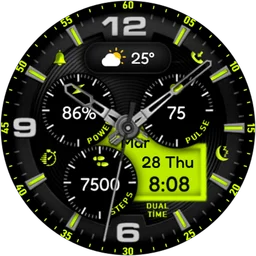 KZY053
Personalisasi
-
 Gearex - Hybrid Watch Face
Personalisasi
-
 Metallic 4
Personalisasi
-
 Minimalist Watchface — NDW066
Personalisasi