SHARE to PRINT.Intent
402D, TOO- Rating 3+Batasan usia
- Pustaka & DemoKategori
- 1/1/2025Diperbarui
- GratisHarga
Tertaut ke halaman resmi ru.a402d.texttoprint di Google Play. Terakhir diperiksa pada 26/11/2026.
Tangkapan layar


Tentang aplikasi ini
Terjemahan otomatis oleh Google. Bahasa asli: Inggris (Amerika Serikat).
Mencetak dari aplikasi yang hanya bisa berbagi teks.
1. Jangan menginstal aplikasi sebelum Anda dapat mencetak dokumen dari Chrome, dll.
2. Aplikasi tidak mencetak sendiri, itu hanya mengirim pekerjaan ke driver printer .
Dengan tombol cetak, PrintDocumentAdapter standar untuk WebView dibuat.
3. Ini adalah aplikasi gratis dengan kemampuan mengucapkan terima kasih kepada penulis (donasi). Setelah pembelian dalam aplikasi, Anda hanya akan menerima pesan "Terima kasih".
Sangat aneh membuat donasi balik.
-------------------------------------
Karena pengembang perangkat lunak lain terlalu malas untuk mengimplementasikan pencetakan,
Saya melakukannya untuk mereka.
Aplikasi ini paling sederhana. Satu layar. WebView dan tombol cetak.
Dapatkan teks melalui pemrosesan Intent.View dan Intent.SEND ("Buka dengan" dan "Bagikan"). Setelah menerima teks menjadikannya html paling sederhana.
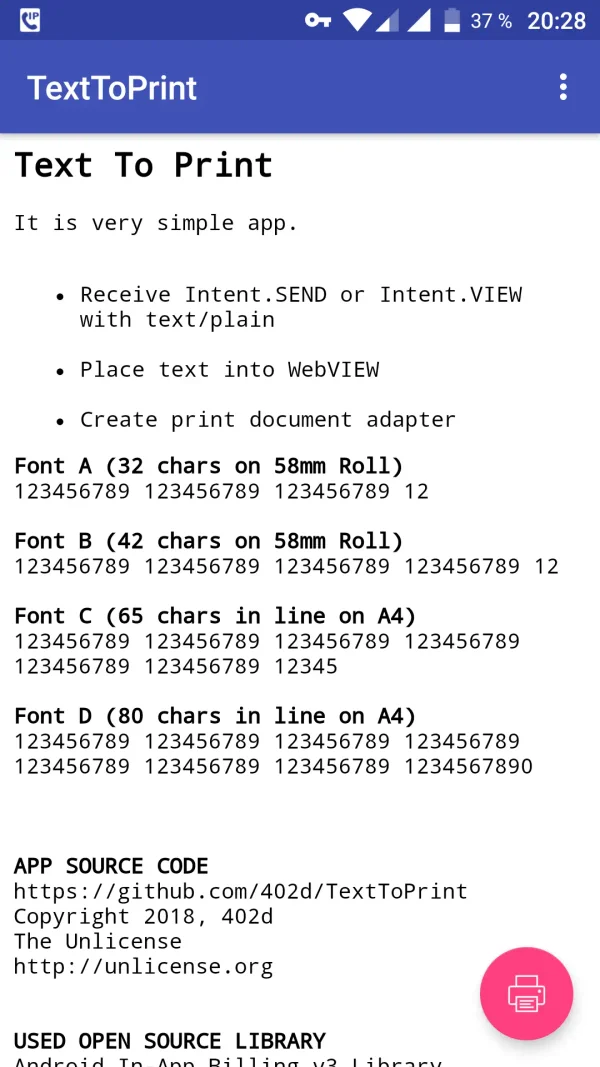
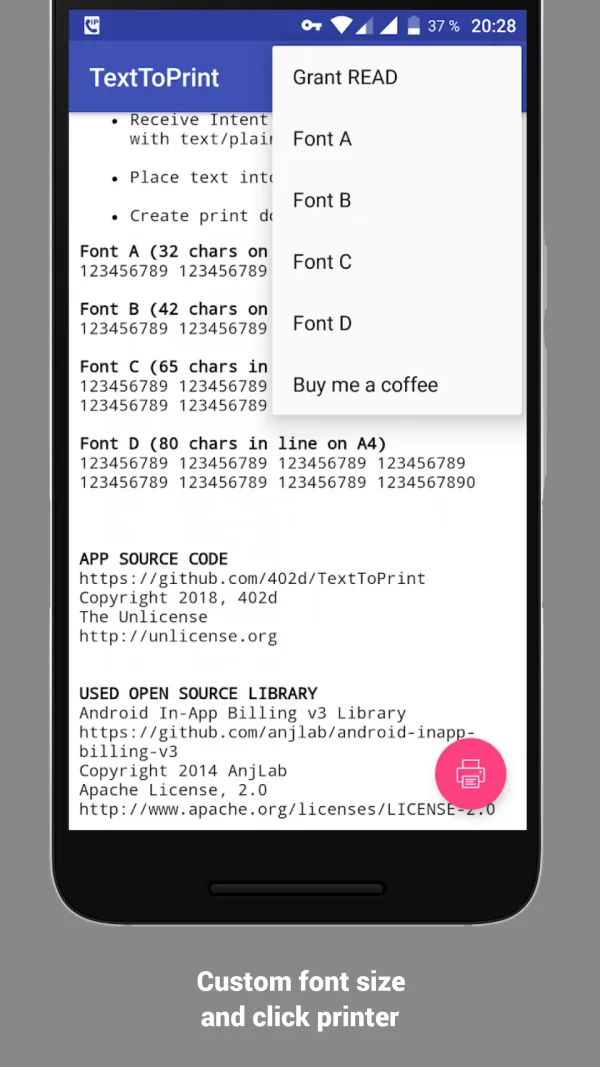
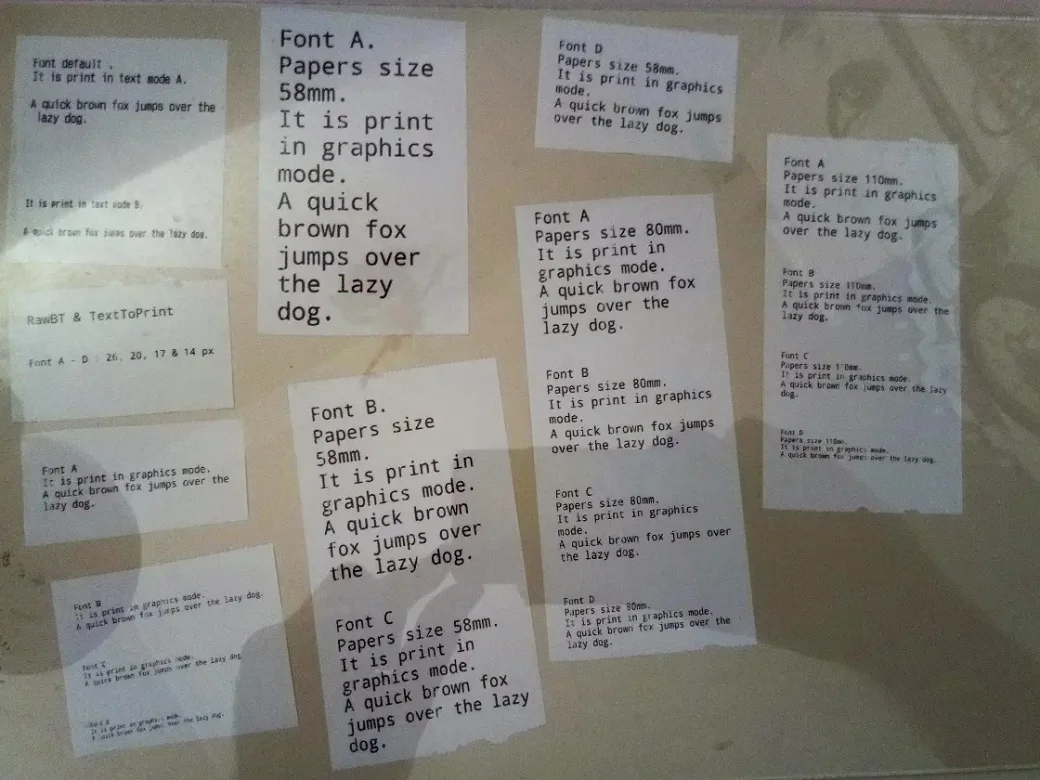
Dalam pengaturan 4 ukuran font.
Font A dan Font B cocok untuk mencetak pada printer termal (gulungan kas 58mm)
Font D - terkecil (80 karakter per baris pada printer A4)
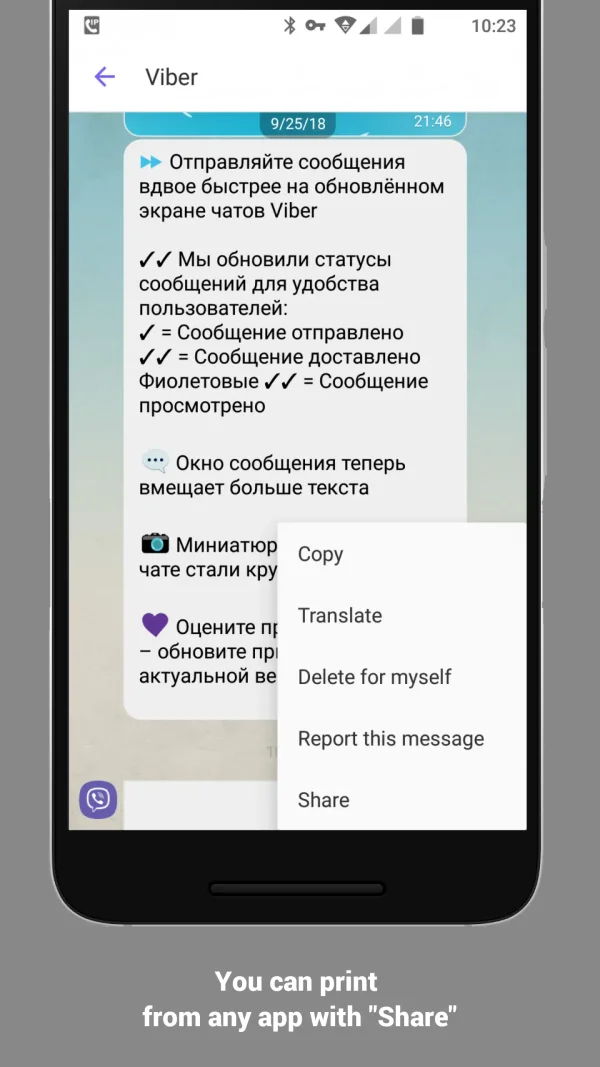
Cara menggunakan contoh clipboard.
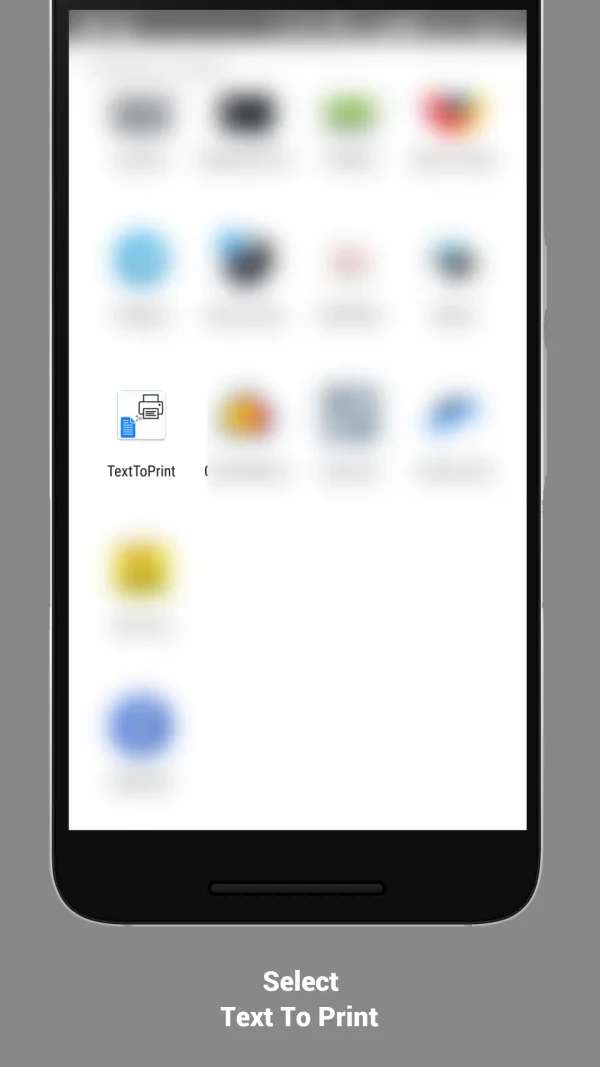
Pilih teks -> Bagikan -> TextToPrint -> Ikon Printer -> Dialog Pratinjau Cetak Standar.
Kode sumber terbuka
github.com/402d/TextToPrint
Tampilkan teks asli
1. Do not install the application before you can print documents from Chrome, etc.
2. The application does not print alone, it only sends the job to the printer driver.
By the print button, a standard PrintDocumentAdapter for WebView is created.
3. This is a free application with the ability to thank the author (donate). After in-app purchase, you will receive only the message "Thank you".
It is very strange make return donations.
-------------------------------------
Since other software developers are too lazy to implement printing,
I did it for them.
The application is the simplest. One screen. WebView and print button.
Gets text through the processing of Intent.View and Intent.SEND ("Open with" and "Share"). Having received the text makes it the simplest html.
In the settings 4 font sizes.
Font A and Font B are suitable for printing on a thermal printer (58mm roll of cash tape)
Font D - the smallest (80 characters per line on A4 printer)
How to use the example of the clipboard.
Select text -> Share -> TextToPrint -> Printer Icon -> Standard Print Preview Dialog.
Open source code
github.com/402d/TextToPrint
Keamanan data
Yang dinyatakan 402D, TOO di Google Play tentang data yang dikumpulkan dan dibagikan aplikasi ini.
- Tidak ada data yang dibagikan kepada pihak ketigaPelajari lebih lanjut cara developer menyatakan pembagian data
- Tidak ada data yang dikumpulkanPelajari lebih lanjut cara developer menyatakan pengumpulan data
Yang baru
Versi 1.7 · 1/1/2025
Fix error
Kontak pengembang
- Situs web402d.ru
- Emailoleg@muraveyko.ru
- Kebijakan Privasi402d.ru
- AlamatDom 5/2, Vp 4, ulitsa Dostyq Astana Kazakhstan
Informasi
- Ditawarkan oleh
- 402D, TOO
- Kategori
- Pustaka & Demo
- Versi
- 1.7
- Diperbarui
- 1/1/2025
- Dirilis
- 29/9/2018
- Memerlukan
- Android 5.0 atau yang lebih baru
- Batasan usia
- Rating 3+
- Harga
- Gratis
- Nama paket
- ru.a402d.texttoprint