Squid: Take Notes, Markup PDFs
Steadfast Innovation, LLCPembelian dalam aplikasi
- Rating 3+Batasan usia
- ProduktivitasKategori
- 31/10/2026Diperbarui
- GratisHarga
Tertaut ke halaman resmi com.steadfastinnovation.android.projectpapyrus di Google Play. Terakhir diperiksa pada 26/11/2026.

Tangkapan layar




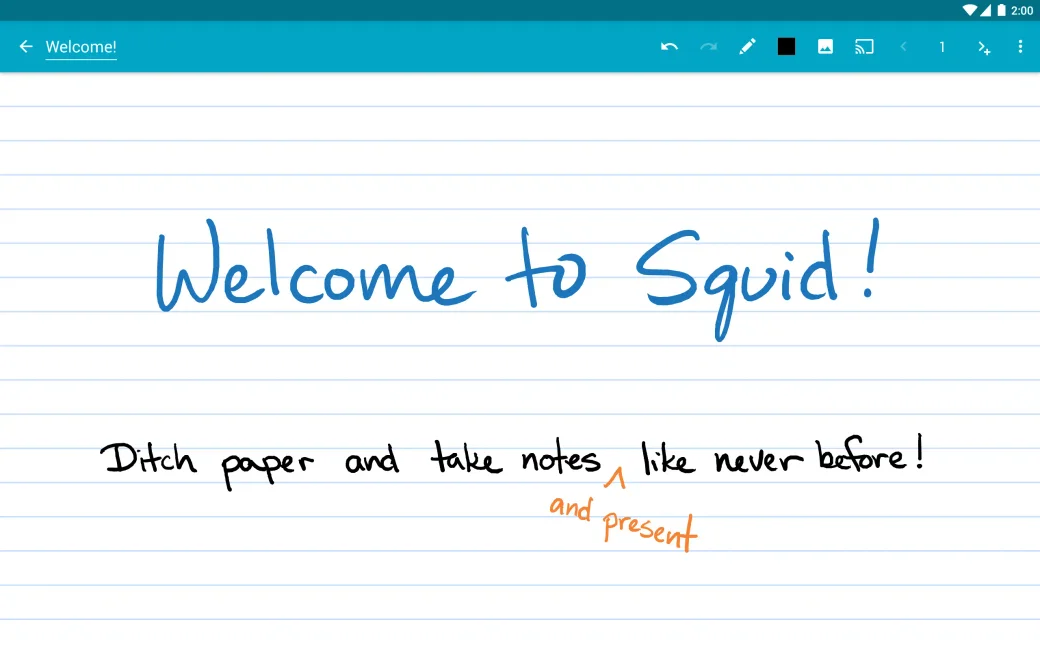
Tentang aplikasi ini
Terjemahan otomatis oleh Google. Bahasa asli: Inggris (Amerika Serikat).
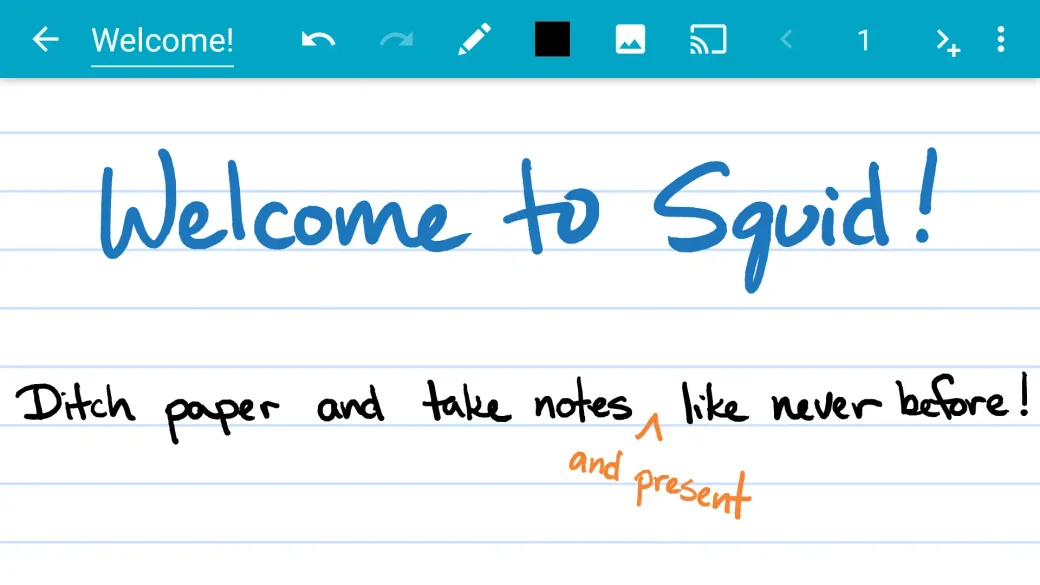
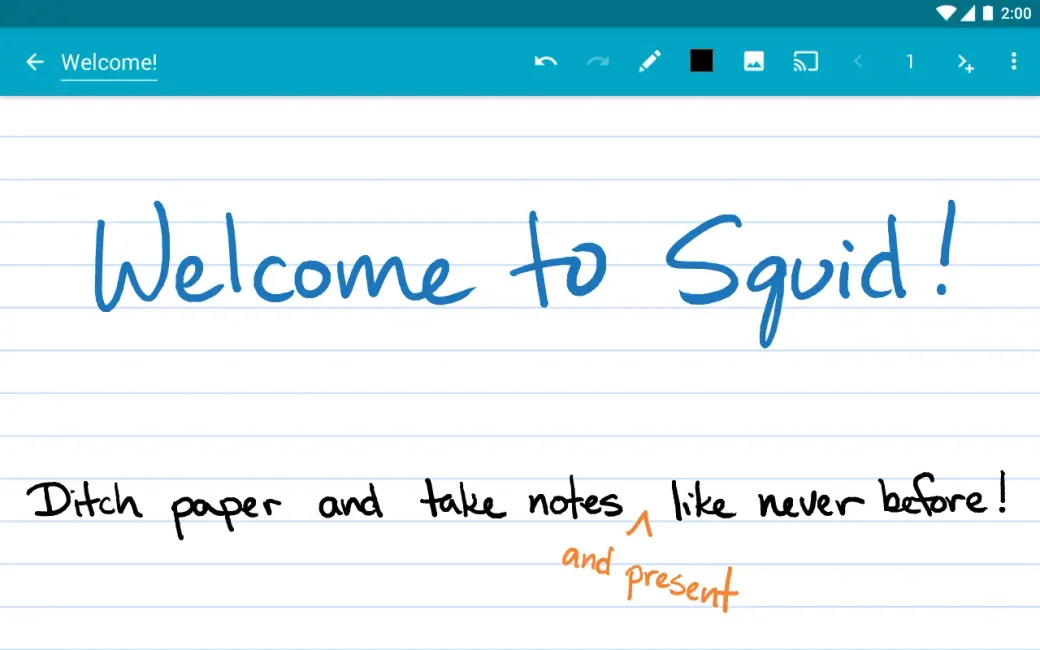
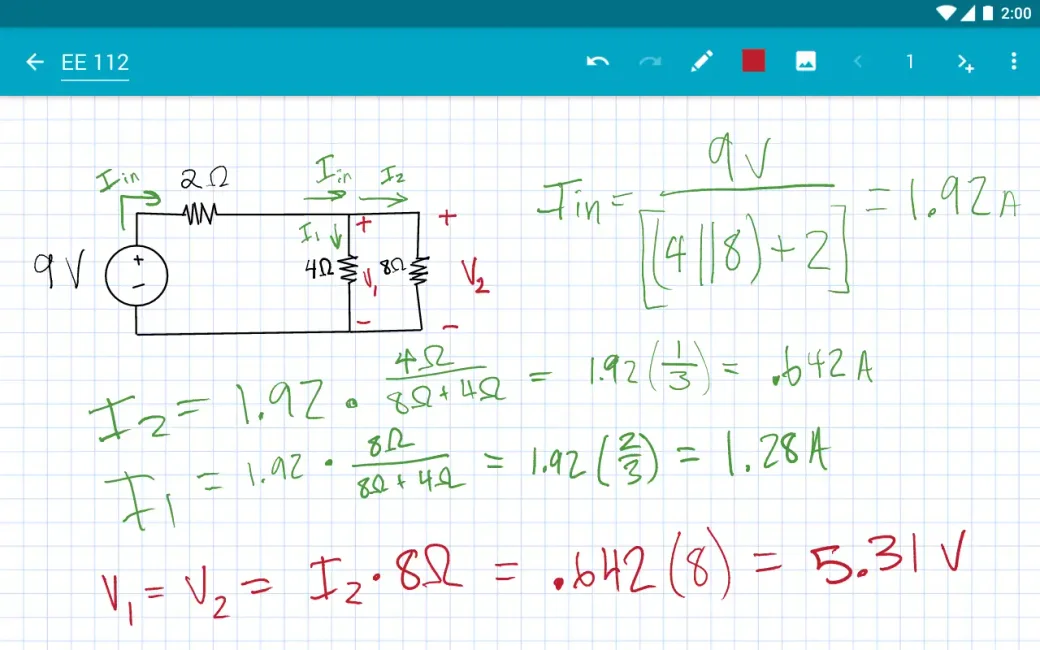
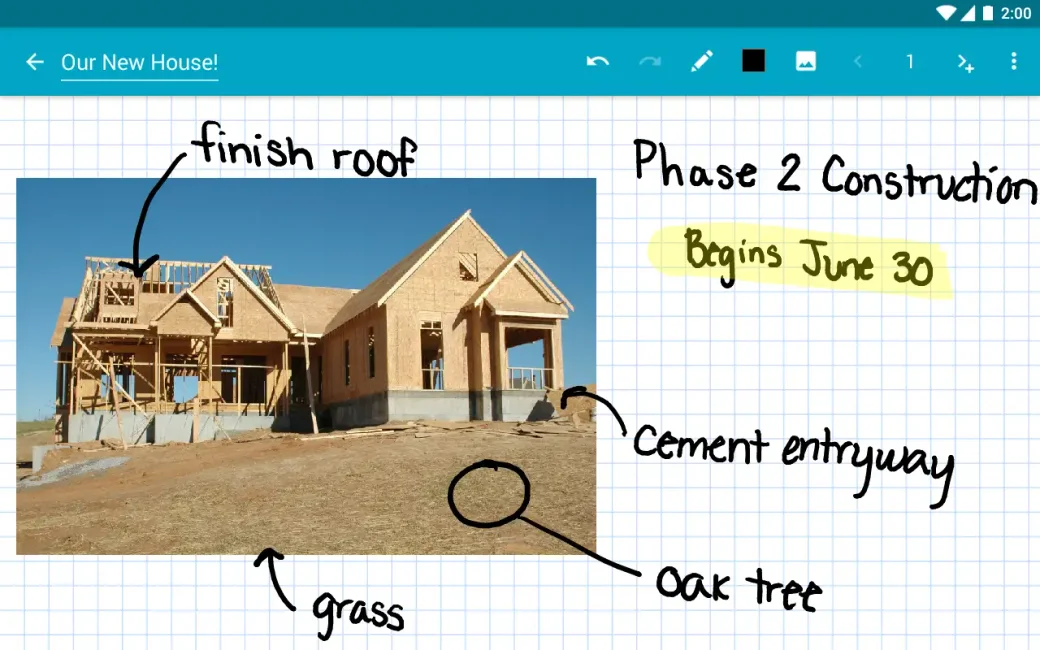
Buat catatan tulisan tangan untuk kelas, pekerjaan, atau kesenangan! Markup PDF dan bagikan dengan mudah…
Ubah pengalaman mencatat Anda dengan Squid! Selama lebih dari 12 tahun, Squid telah menjadi aplikasi tepercaya dengan lebih dari 12 juta pemasangan, membantu pengguna mengganti kertas, menghemat uang, dan mengurangi limbah. Menulis seperti yang Anda lakukan di atas kertas di tablet Android, ponsel, atau Chromebook!
✨ Fitur Utama:
• ✍️ Tulisan Alami: Menulis dengan mulus menggunakan pena dan menghapus dengan jari Anda di perangkat aktif yang mendukung pena seperti perangkat Samsung dengan S Pen. Gunakan jari Anda atau stylus kapasitif di perangkat lain.
• ⚡ Tinta Latensi Rendah: Nikmati pengalaman menulis yang mulus dan responsif dengan dukungan untuk tinta latensi rendah¹.
• 🔒 Pribadi: Catatan disimpan di perangkat Anda dan sepenuhnya bersifat pribadi. Tidak diperlukan akun atau masuk. Cadangkan catatan Anda ke lokasi yang Anda inginkan.
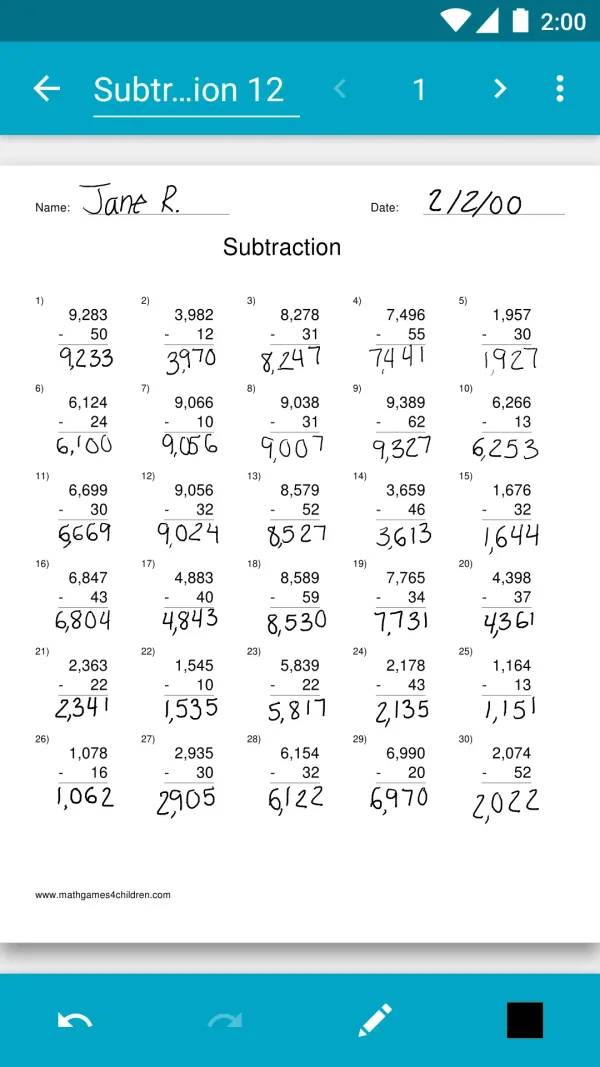
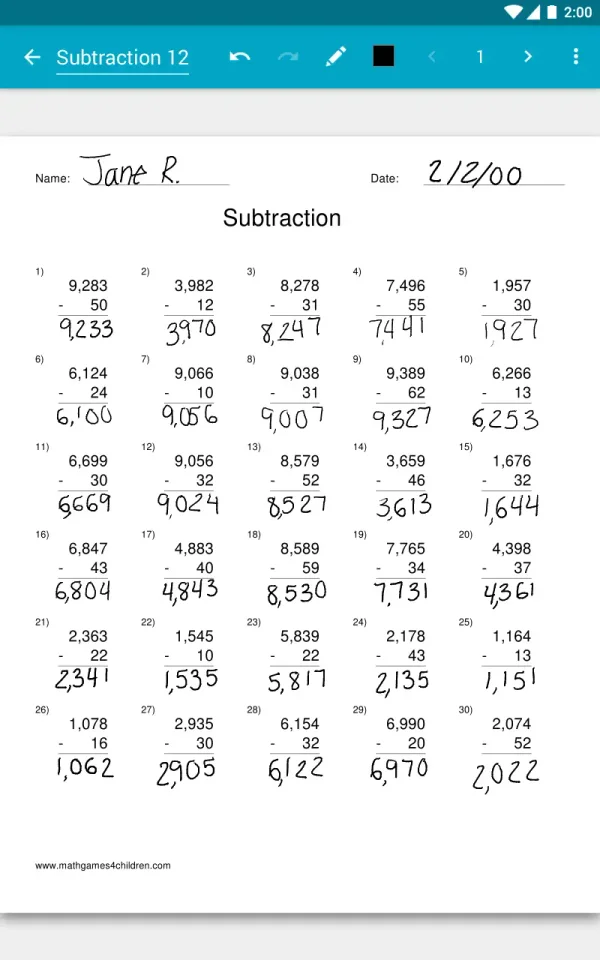
• 📝 Markup PDF: Membuat anotasi PDF dengan mudah, mengisi formulir, mengedit/menilai makalah, dan menandatangani dokumen.
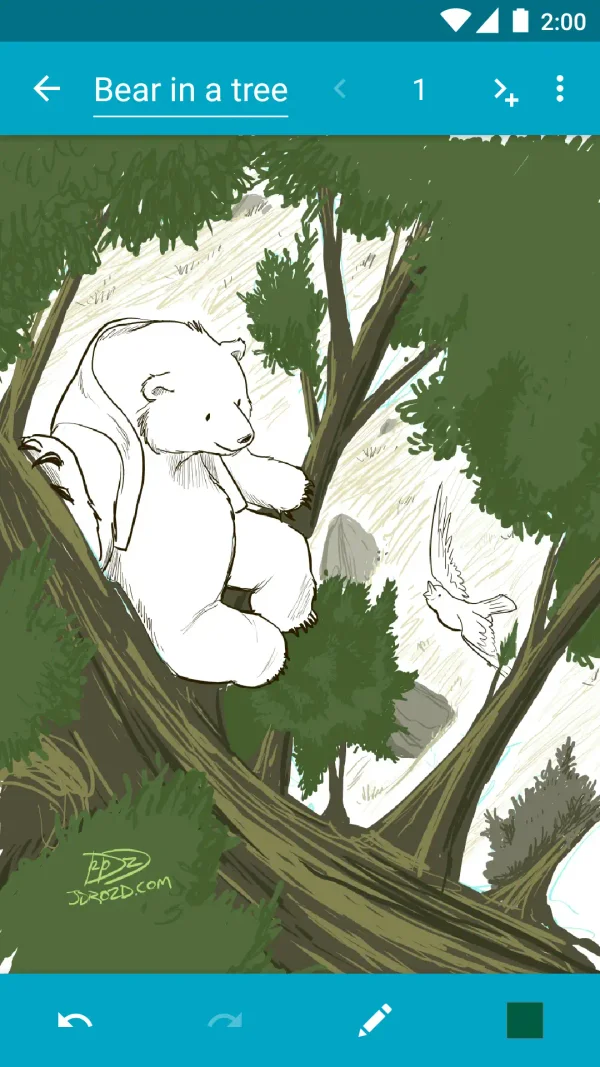
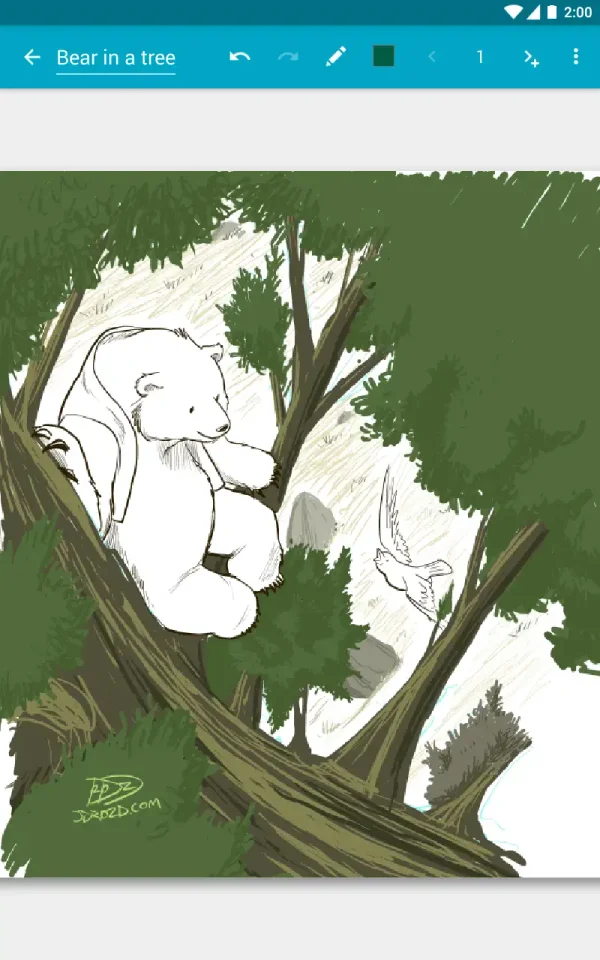
• 🧰 Alat Serbaguna: Gunakan pena warna atau penyorot apa pun, impor gambar, gambar bentuk, dan tambahkan teks yang diketik.
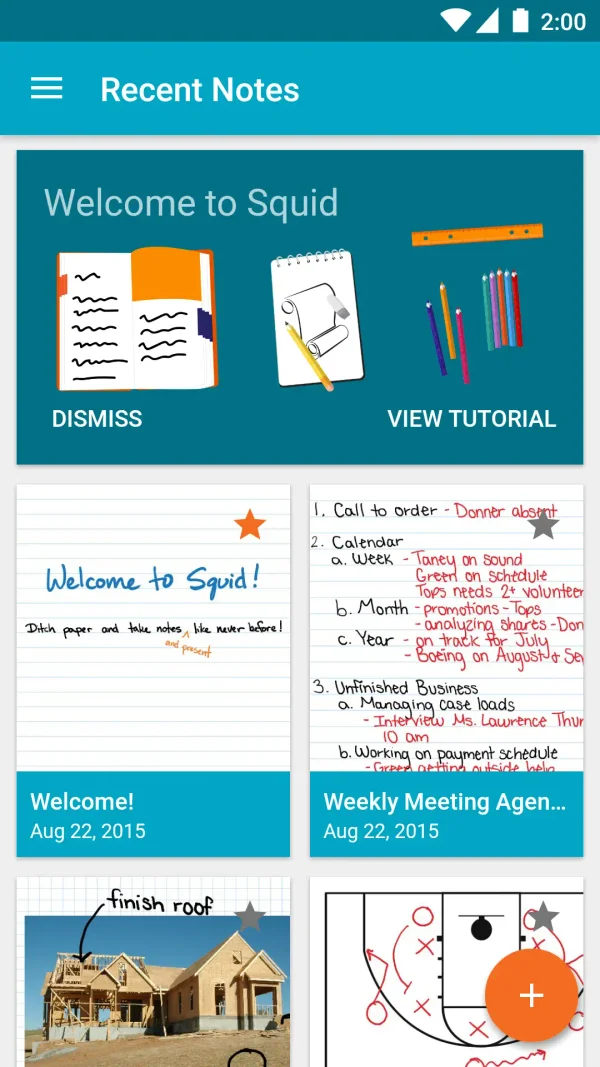
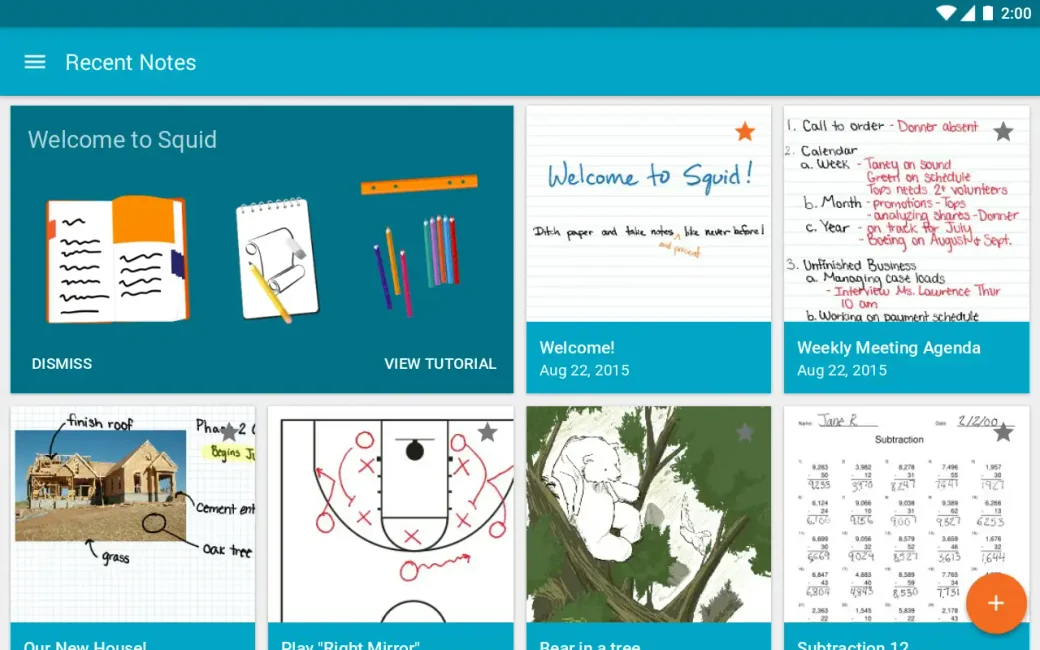
• 📁 Atur: Pilih, salin/tempel, dan pindahkan konten antara halaman dan catatan. Tempatkan catatan di folder agar tetap teratur.
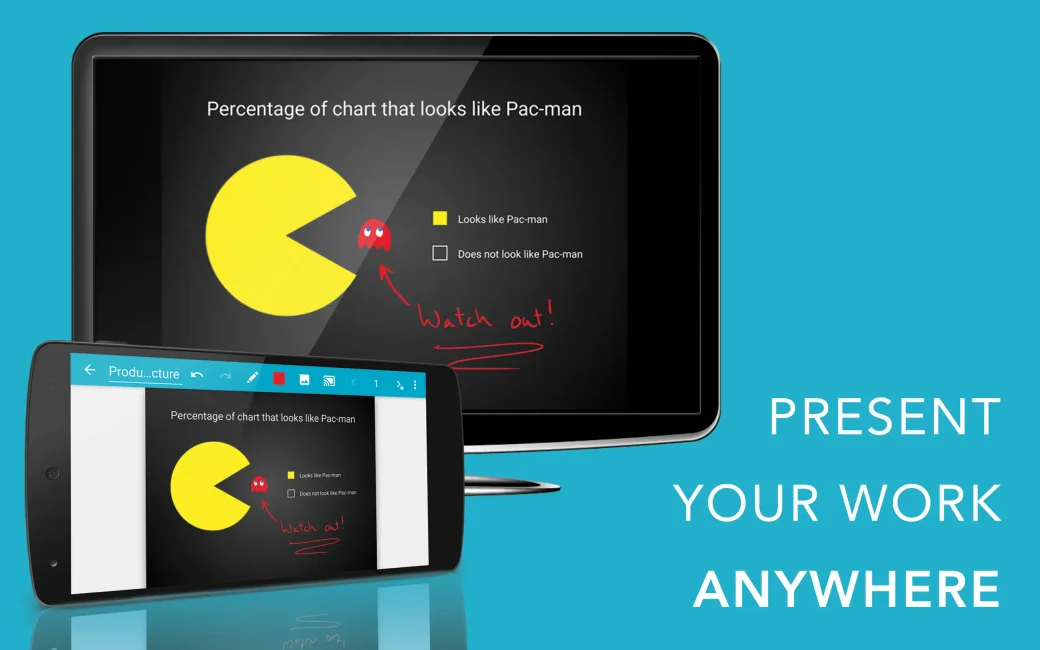
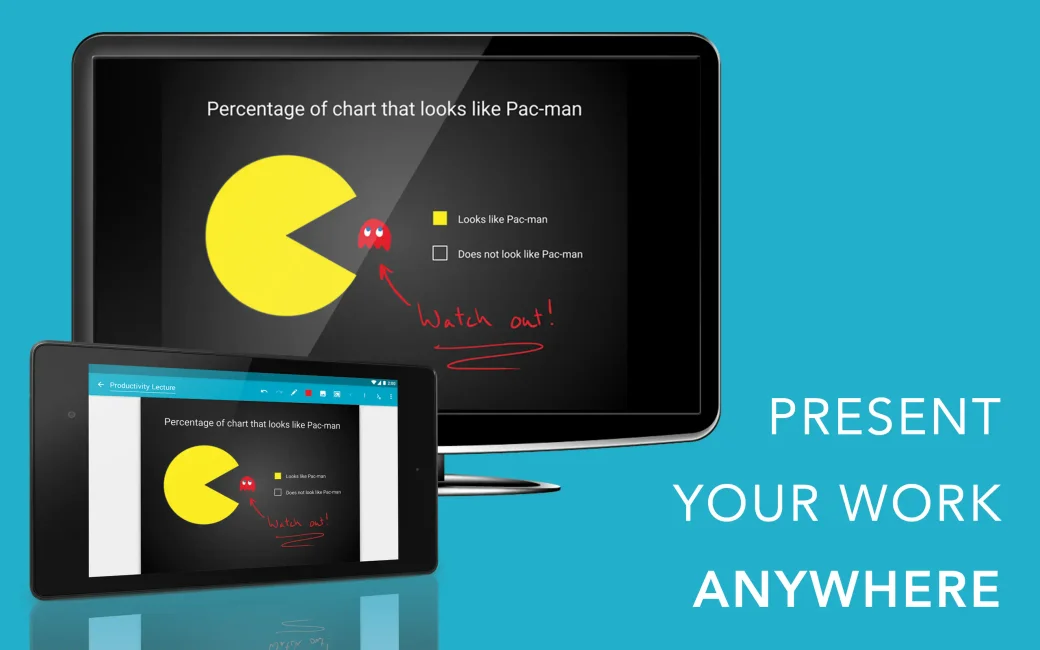
• 📊 Presentasi: Ubah perangkat Anda menjadi papan tulis virtual dan transmisikan catatan Anda ke TV/proyektor.
• 📤 Ekspor: Ekspor catatan sebagai PDF, gambar, atau format Squid Note dan bagikan atau simpan di cloud.
• 💰 Hemat: Kurangi biaya alat tulis dan ganti buku catatan kertas dengan Squid untuk pembuatan catatan ramah lingkungan!
🏆 Penghargaan/Pengakuan:
• 🌟 Aplikasi Unggulan dan Pilihan Editor di Google Play
• 📈 Kategori Penghargaan Terhormat untuk Produktivitas dalam Tantangan Aplikasi Samsung Galaxy Note S Pen
• 🎉 Penghargaan Pilihan Populer dalam Tantangan Aplikasi Layar Ganda
👑 Cumi-cumi Premium:
• Latar belakang makalah premium: matematika, teknik, musik, olahraga, perencanaan, & lagi
• Impor dan markup PDF
• Alat tambahan: penyorot, penghapus sebenarnya, bentuk, teks
• Cadangkan/pulihkan dan ekspor catatan secara massal sebagai PDF ke Google Drive, Dropbox, atau Box
🛠️ Fitur Dasar:
• Mesin grafis vektor menjaga catatan Anda tetap indah pada tingkat zoom apa pun dan pada perangkat apa pun
• Berbagai latar belakang kertas (kosong, bergaris, grafik) dan ukuran (tak terbatas, letter, A4)
• Hapus seluruh huruf atau kata dengan cepat menggunakan penghapus guratan
• Batalkan/ulangi, pilih, pindahkan, dan ubah ukuran
• Mengubah warna dan berat item yang dipilih
• Memotong, menyalin, dan menempelkan item di antara catatan
• Gulir dengan dua jari, cubit untuk memperbesar, dan ketuk dua kali untuk memperbesar dengan cepat
• Menyortir dan mengatur catatan dan folder
• Impor, potong, dan ubah ukuran gambar
• Ekspor catatan ke format PDF, PNG, JPEG, atau Squid Note
• Bagikan catatan melalui email, Google Drive, Evernote, dll.
• Dukungan Multi-Jendela (membuat catatan sambil menonton video)
• Cara pintas untuk membuat catatan baru atau membuka folder
• Tema gelap
🎓 Pelanggan Google Workspace for Education dapat membeli Squid Premium dalam jumlah besar di https://squidnotes.com/edu
🐞 Jika Anda menemukan bug, silakan kirim email kepada kami di help@squid.app dengan deskripsi.
💡 Kami akan sangat senang mendengar tanggapan Anda atau permintaan fitur di https://idea.squidnotes.com
¹Tinta latensi rendah kini tersedia di Chromebook dan segera hadir di perangkat Android.
🎯 Tingkatkan produktivitas Anda dan keluarkan kreativitas Anda dengan catatan tulisan tangan digital. 👉 Coba Squid GRATIS hari ini!
Tampilkan teks asli
Transform your note-taking experience with Squid! For over 12 years, Squid has been a trusted app with over 12 million installs, helping users replace paper, save money, and reduce waste. Write just like you would on paper on your Android tablet, phone, or Chromebook!
✨ Key Features:
• ✍️ Natural Writing: Seamlessly write with a pen and erase with your finger on active pen enabled devices like Samsung devices with S Pen. Use your finger or capacitive stylus on other devices.
• ⚡ Low Latency Ink: Enjoy a seamless and responsive writing experience with support for low latency ink¹.
• 🔒 Private: Notes are stored on your device and are completely private. No account or sign-in required. Backup your notes to your desired location.
• 📝 PDF Markup: Easily annotate PDFs, fill out forms, edit/grade papers, and sign documents.
• 🧰 Versatile Tools: Use any color pen or highlighter, import images, draw shapes, and add typed text.
• 📁 Organize: Select, copy/paste, and move content between pages and notes. Place notes in folders to stay organized.
• 📊 Presentations: Turn your device into a virtual whiteboard and cast your notes to a TV/projector.
• 📤 Export: Export notes as PDFs, images, or Squid Note format and share or store in the cloud.
• 💰 Save: Reduce stationery costs and replace paper notebooks with Squid for eco-friendly note-taking!
🏆 Awards/Recognition:
• 🌟 Featured App and Editors' Choice in Google Play
• 📈 Category Honorable Mention for Productivity in the Samsung Galaxy Note S Pen App Challenge
• 🎉 Popular Choice Award in the Dual Screen App Challenge
👑 Squid Premium:
• Premium paper backgrounds: math, engineering, music, sports, planning, & more
• Import and markup PDFs
• Additional tools: highlighter, true eraser, shapes, text
• Backup/restore and bulk export notes as PDFs to Google Drive, Dropbox, or Box
🛠️ Base Features:
• Vector graphics engine keeps your notes beautiful at any zoom level and on any device
• Various paper backgrounds (blank, ruled, graph) and sizes (infinite, letter, A4)
• Erase entire letters or words quickly with the stroke eraser
• Undo/redo, select, move, and resize
• Change color and weight of selected items
• Cut, copy, and paste items between notes
• Two-finger scroll, pinch-to-zoom, and double tap for quick zoom
• Sort and organize notes and folders
• Import, crop, and resize images
• Export notes to PDF, PNG, JPEG, or Squid Note format
• Share notes via email, Google Drive, Evernote, etc.
• Multi-Window support (take notes while watching a video)
• Shortcuts to create new notes or open folders
• Dark theme
🎓 Google Workspace for Education customers can purchase Squid Premium in bulk at https://squidnotes.com/edu
🐞 If you encounter any bugs, please email us at help@squid.app with a description.
💡 We would love to hear your feedback or feature requests at https://idea.squidnotes.com
¹Low latency ink is available now on Chromebooks and coming soon to Android devices.
🎯 Increase your productivity and unleash your creativity with digital handwritten notes. 👉 Try Squid for FREE today!
Keamanan data
Yang dinyatakan Steadfast Innovation, LLC di Google Play tentang data yang dikumpulkan dan dibagikan aplikasi ini.
- Tidak ada data yang dibagikan kepada pihak ketigaPelajari lebih lanjut cara developer menyatakan pembagian data
- Aplikasi ini dapat mengumpulkan jenis data berikutAktivitas aplikasi dan Info dan performa aplikasi
- Data dienkripsi saat dalam pengiriman
- Anda dapat meminta agar data dihapus
- Berkomitmen untuk mematuhi Kebijakan Keluarga Play
Yang baru
31/10/2026
Squid is over 10 years old! We’ve been working hard on some big updates, which we've coined "Squid10". Squid10 is not yet fully featured and is available via opt-in to get your feedback and make improvements. Just tap "Try Squid10" and be sure to send us your feedback!
Latest Highlights
• Improved app startup reliability
• Fixed bulk exports when names contain consecutive periods
• Under-the-hood compatibility improvements
• Misc bug fixes and improvements
Full changelog: http://goo.gl/EsAlNK
Kontak pengembang
- Situs websquidnotes.com
- Emailsupport+android@squidnotes.com
- Kebijakan Privasisquidnotes.com
- Alamat890 Monterey St Ste D San Luis Obispo, CA 93401-3291 United States
Informasi
- Ditawarkan oleh
- Google Commerce Ltd
- Kategori
- Produktivitas
- Diperbarui
- 31/10/2026
- Dirilis
- 28/3/2012
- Batasan usia
- Rating 3+
- Harga
- Gratis
- Pembelian dalam aplikasi
- Rp 13.500 - Rp 135.000 per item
- Nama paket
- com.steadfastinnovation.android.projectpapyrus
Aplikasi serupa
-
 Noteshelf - Notes, Annotations
Produktivitas
-
 Huion Note
Produktivitas
-
 Catatan, Note, Color Notepad
Produktivitas
-
 Notepad Notes
Produktivitas
-
 Notepad - simple notes
Produktivitas
-
 Goodnotes: AI Notes, docs, PDF
Produktivitas
-
 Noteshelf 3: AI Notes & PDF
Produktivitas
-
 Jnotes: Note-Taking, AI, PDF
Produktivitas
-
 Catatan: Folder Warna & Daftar
Produktivitas
-
 Infinite Painter
Seni & Desain
-
 Inkpad - Catatan & Daftar
Produktivitas
-
 Notepad - Notes、Todo、Memo
Produktivitas