WatchBase. illuminator
WatchBase- Rating 3+Batasan usia
- Gaya HidupKategori
- 10/7/2022Diperbarui
- Rp 13.000Harga
Tertaut ke halaman resmi wb.illuminator.hybrid di Google Play. Terakhir diperiksa pada 24/11/2026.
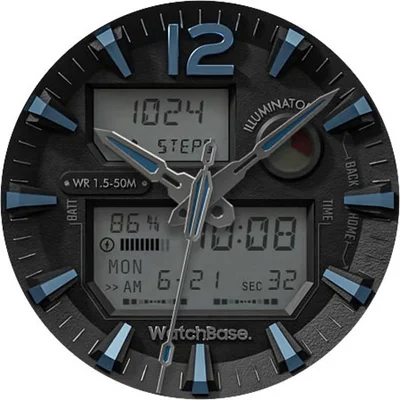
Tangkapan layar

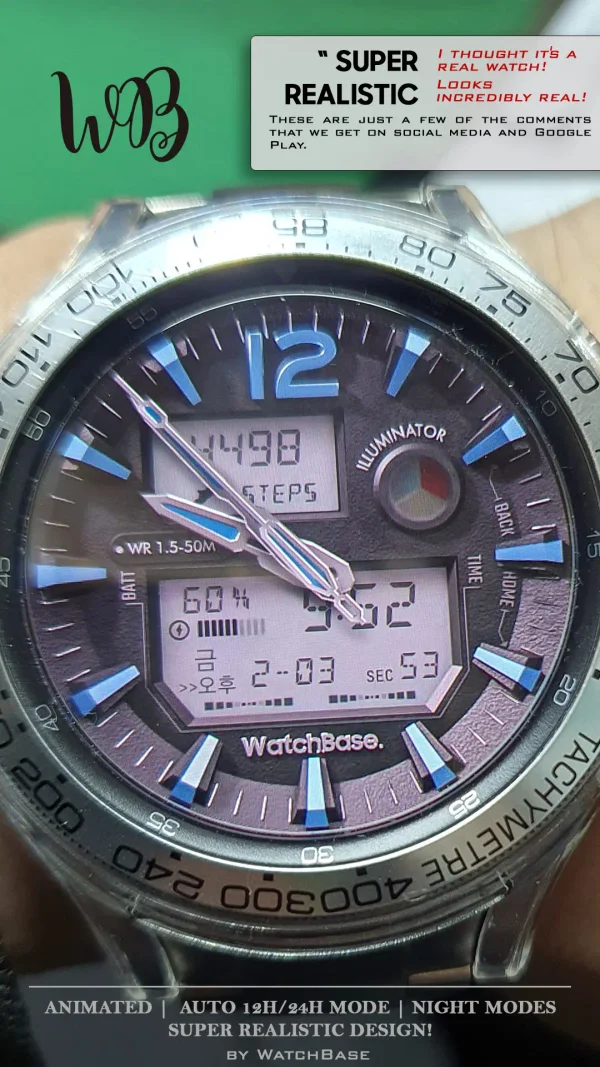
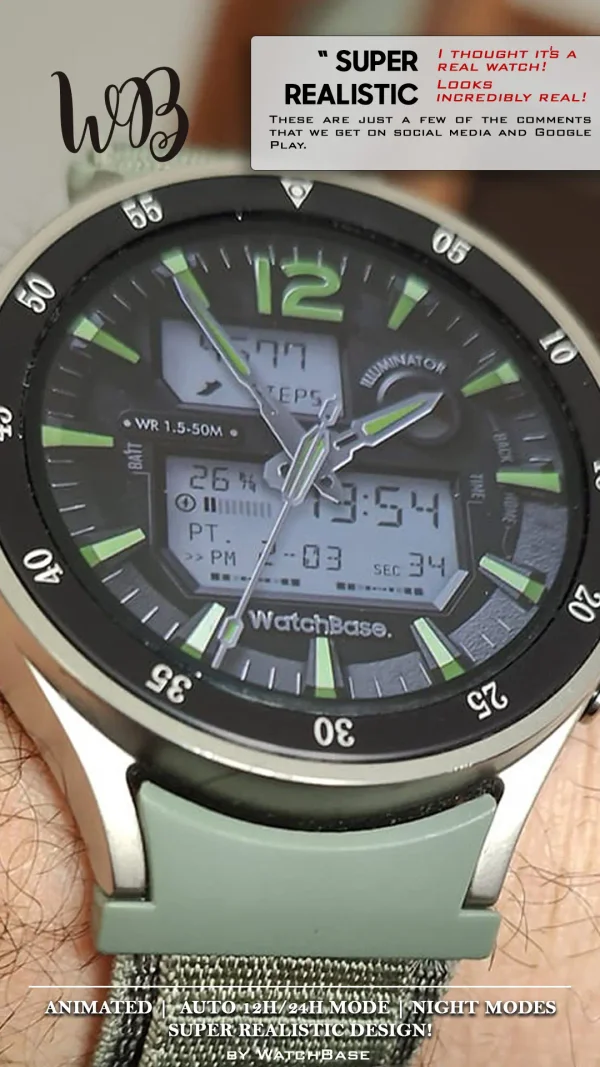
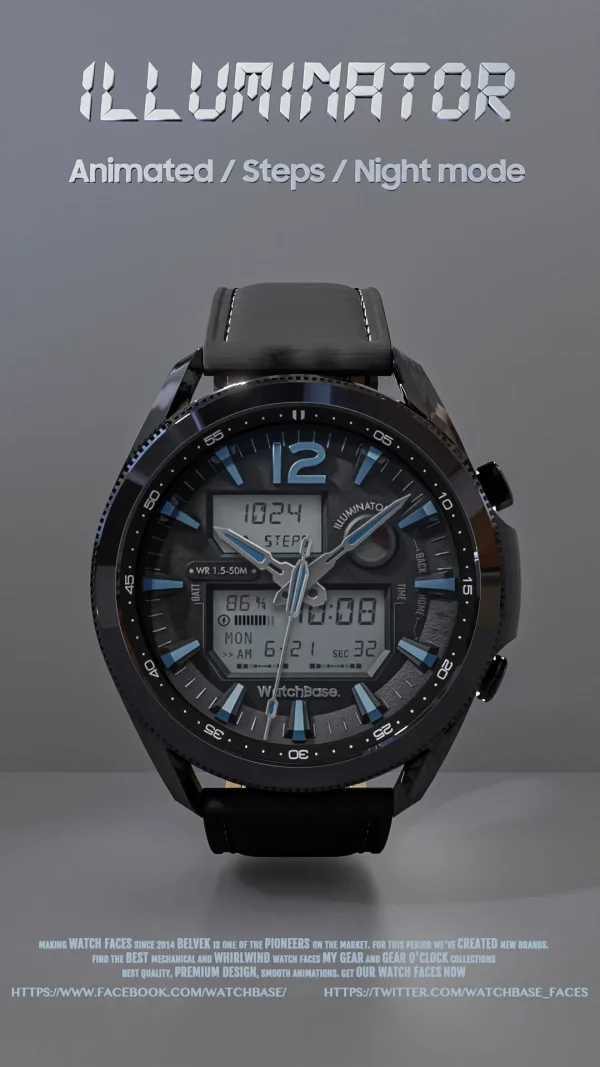

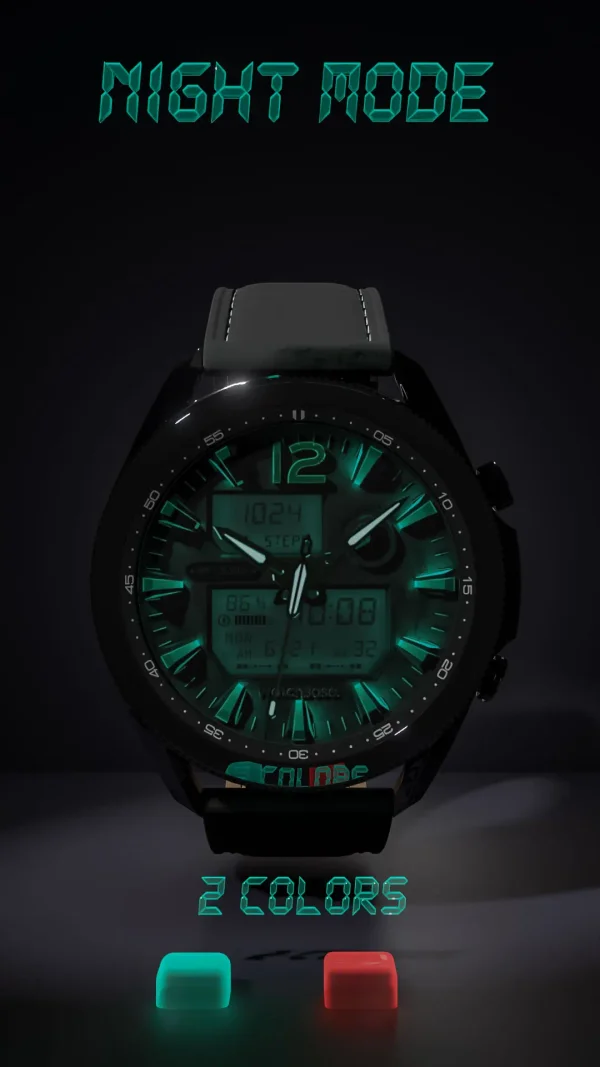
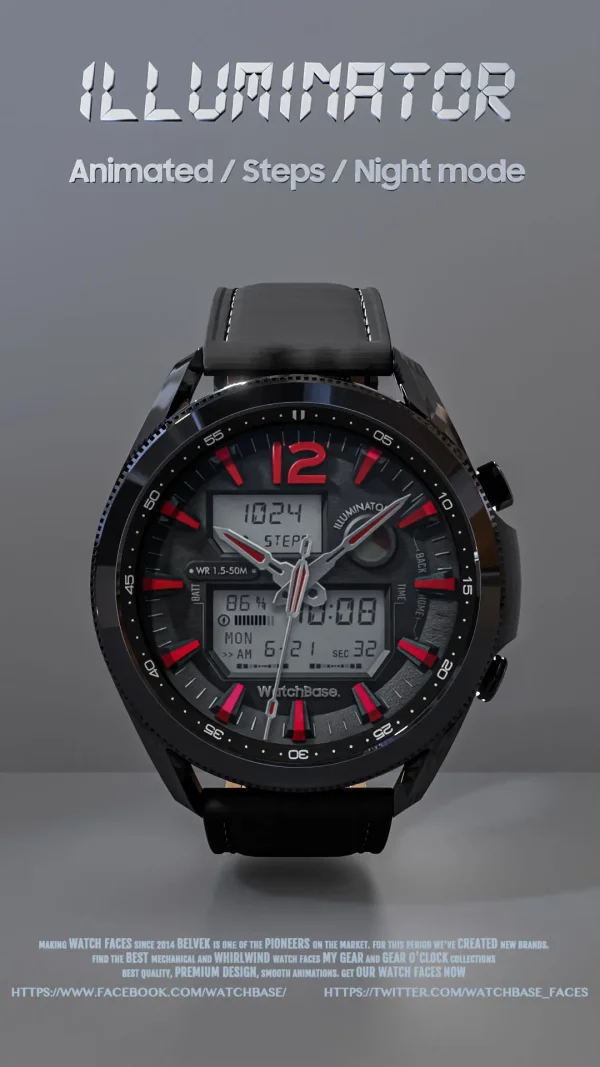
Tentang aplikasi ini
Terjemahan otomatis oleh Google. Bahasa asli: Inggris (Amerika Serikat).
Tampilan jam bergaya retro yang realistis dan mudah dibaca
Tampilan jam bergaya retro yang realistis dan mudah dibaca untuk Wear OS dengan langkah-langkah serta mode malam dan animasi yang indah.
CATATAN: Silakan baca bagian cara dan bagian instalasi!!!
Fitur:
- Animasi
- Langkah
- Mode otomatis 12 jam/24 jam.
- Mode malam
- Waktu dan tanggal
- Desain realistis
- Indikator baterai
Cara:
- Untuk mengganti warna, ketuk dua kali pada layar.
- Tekan lama pada layar untuk menyesuaikan warna tangan
Ingin tampilan jam SUPER REALISTIS lainnya? Ini dia:
https://play.google.com/store/apps/details?id=wb.luna.benedicta
Instalasi
Cara menginstal: https://watchbase.store/static/ai/
Setelah instalasi: https://watchbase.store/static/ai/ai.html
Jika Anda mengalami masalah saat memasang tampilan jam, harap diperhatikan bahwa kami tidak memiliki kendali atas proses pemasangan atau proses Google Play/Tonton lainnya. Masalah paling umum yang dihadapi orang adalah setelah mereka membeli tampilan jam dan memasangnya, mereka tidak dapat melihat/menemukannya.
Untuk menerapkan tampilan jam setelah Anda menginstalnya, sentuh dan tahan pada layar utama (tampilan jam Anda saat ini) geser ke kiri untuk mencarinya. Jika Anda tidak dapat melihatnya, ketuk tanda "+" di akhir (tambahkan tampilan jam) dan temukan tampilan jam kami di sana.
Kami menggunakan aplikasi pendamping untuk ponsel untuk mempermudah proses instalasi. Jika Anda membeli tampilan jam kami, ketuk tombol instal (di aplikasi ponsel), Anda harus memeriksa jam tangan Anda.. sebuah layar akan muncul dengan tampilan jam.. ketuk instal lagi dan tunggu hingga instalasi selesai. Jika Anda sudah membeli tampilan jam dan masih meminta Anda untuk membelinya lagi di jam tangan tersebut, jangan khawatir Anda tidak akan dikenakan biaya dua kali. Ini adalah masalah sinkronisasi yang umum, tunggu sebentar atau coba mulai ulang jam tangan Anda.
Solusi lain untuk memasang tampilan jam adalah mencoba memasangnya dari browser, login dengan akun Anda (akun google play yang Anda gunakan di jam tangan).
Tampilkan teks asli
Realistic and easy to read retro-like style watch face for Wear OS with steps and beautiful night modes and animations.
NOTE: Please read the how to section and installation section !!!
ⓘ Features:
- Animated
- Steps
- Auto 12h/24h mode.
- Night modes
- Time and date
- Realistic design
- Battery indicator
ⓘ How to:
- To switch colors, double tap on the screen.
- Long press on the screen to customize hands color
Want another SUPER REALISTIC watch face? Here you go:
https://play.google.com/store/apps/details?id=wb.luna.benedicta
ⓘ Installation
How to install: https://watchbase.store/static/ai/
After installation: https://watchbase.store/static/ai/ai.html
If you have any issues installing the watch face, please note that we have no control over the installation process or any other Google Play / Watch processes. The most common issue that people face is after they buy the watch face and install it, they can't see/find it.
In order to apply the watch face after you install it, touch and hold on the main screen (your current watch face) the swipe left to look for it. If you can't see it, tap on the " + " sign at the end (add a watch face) and find our watch face there.
We use a companion app for the phone to make the installation process easier. If you buy our watch face, tap on the install button (on the phone app) you must check your watch.. a screen will appear with the watch face.. tap install again and wait for the installation to finish. If you already bought the watch face and it still asks you to buy it again on the watch, don't worry you will not be charged twice. This is a common synchronization issue, just wait a little or try to restart your watch.
Another solution for installing the watch face is to try to install it from a browser, logged with your account (google play account that you use on the watch).
Keamanan data
Yang dinyatakan WatchBase di Google Play tentang data yang dikumpulkan dan dibagikan aplikasi ini.
- Tidak ada data yang dibagikan kepada pihak ketigaPelajari lebih lanjut cara developer menyatakan pembagian data
- Tidak ada data yang dikumpulkanPelajari lebih lanjut cara developer menyatakan pengumpulan data
Kontak pengembang
- Emailsupport@belvek.com
- Kebijakan Privasiwatchbase.store
- Alamat6 Prof. Georgi Bradistilov str./blvd. 1700 Sofia Bulgaria
Informasi
- Ditawarkan oleh
- WatchBase
- Kategori
- Gaya Hidup
- Diperbarui
- 10/7/2022
- Dirilis
- 3/11/2021
- Batasan usia
- Rating 3+
- Harga
- Rp 13.000
- Nama paket
- wb.illuminator.hybrid
Aplikasi serupa
-
 Maveric Vintage Watch Face V18
Personalisasi
-
 AE OMNICENTE
Personalisasi
-
 SD144
Personalisasi
-
 Voron METAL-LCD Watch Face
Personalisasi
-
 Jubilee Watch Face Preview
Personalisasi
-
 Deep Blue Diver Wear OS
Personalisasi
-
 Gshock1
Personalisasi
-
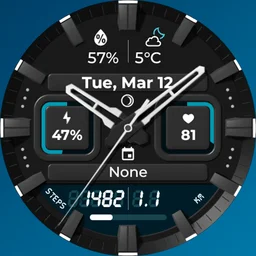 Chester Cybersport watch face
Personalisasi
-
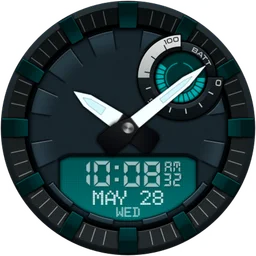 Hybrid SHOCK DW01 Watch face
Personalisasi
-
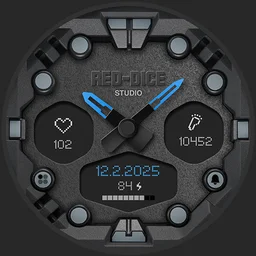 Fortis Analog DSH11
Personalisasi