3D Printer Toolkit
Print Fit & QR Inventory
Dirancang untuk iPhone, iPad
Gratis · Pembelian dalam aplikasi
- Batasan usia4+
- KategoriKegunaan
- PengembangPaul Matthew
- BahasaInggris
- Ukuran3,4 MB
Tertaut ke halaman resmi App Store
Download.org tidak menyimpan file 3D Printer Toolkit apa pun. Tombol ini membuka halaman aplikasi di App Store, tempat Paul Matthew menerbitkannya. Halaman terakhir diperiksa pada 24/11/2026.
Tangkapan layar
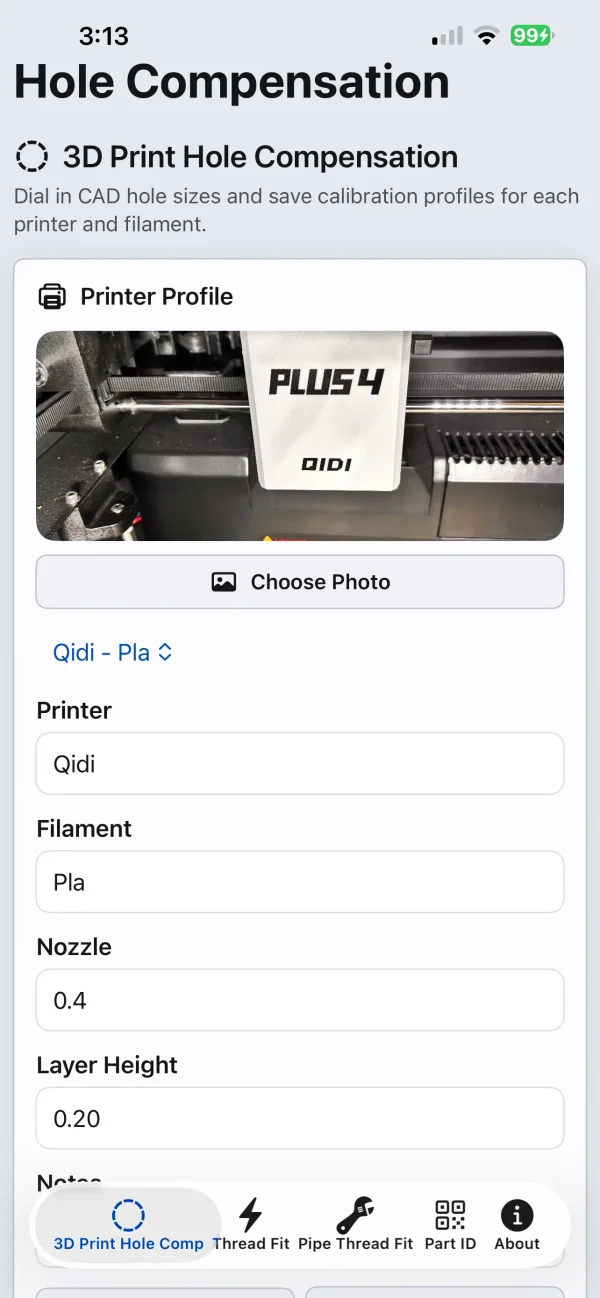
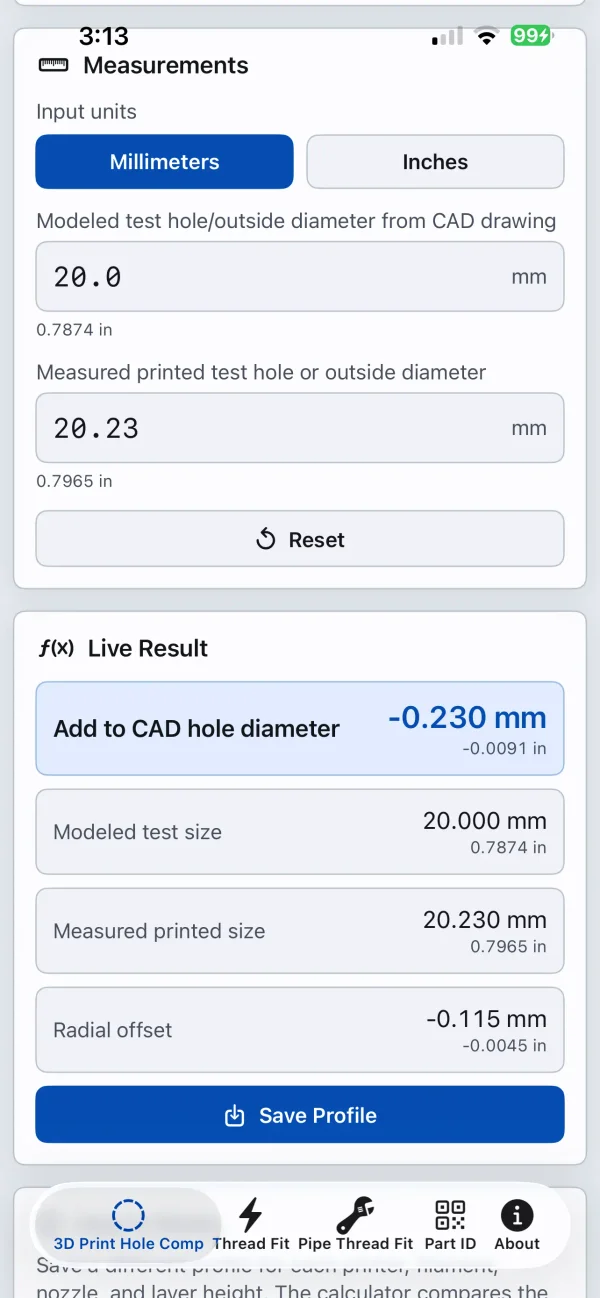
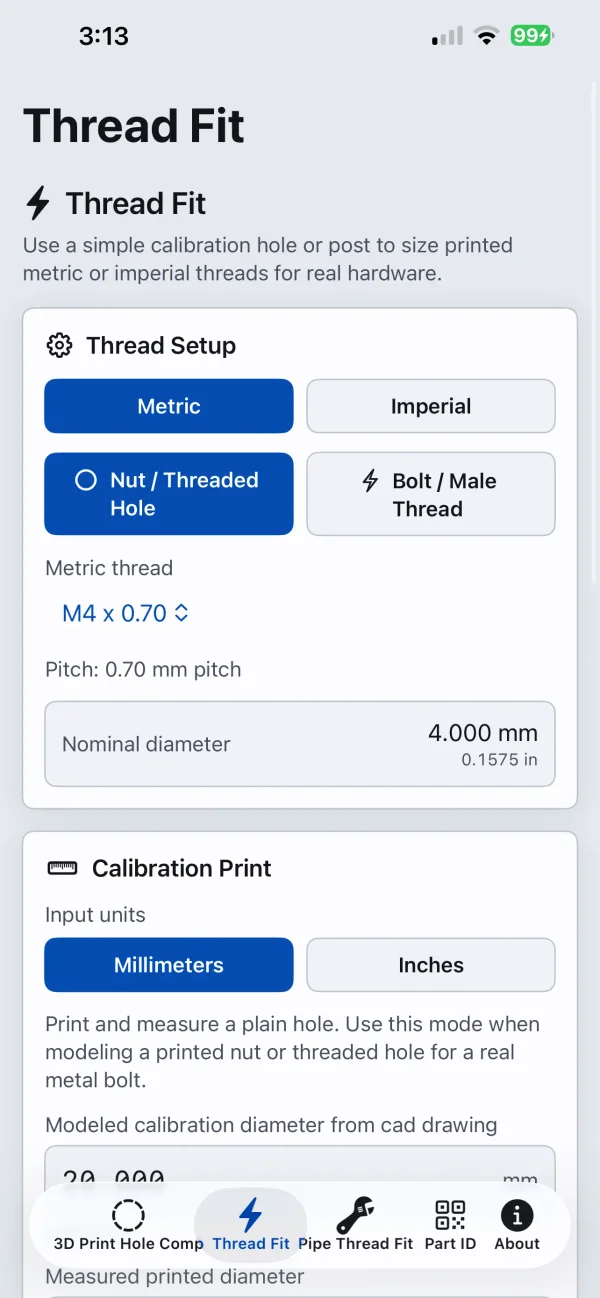
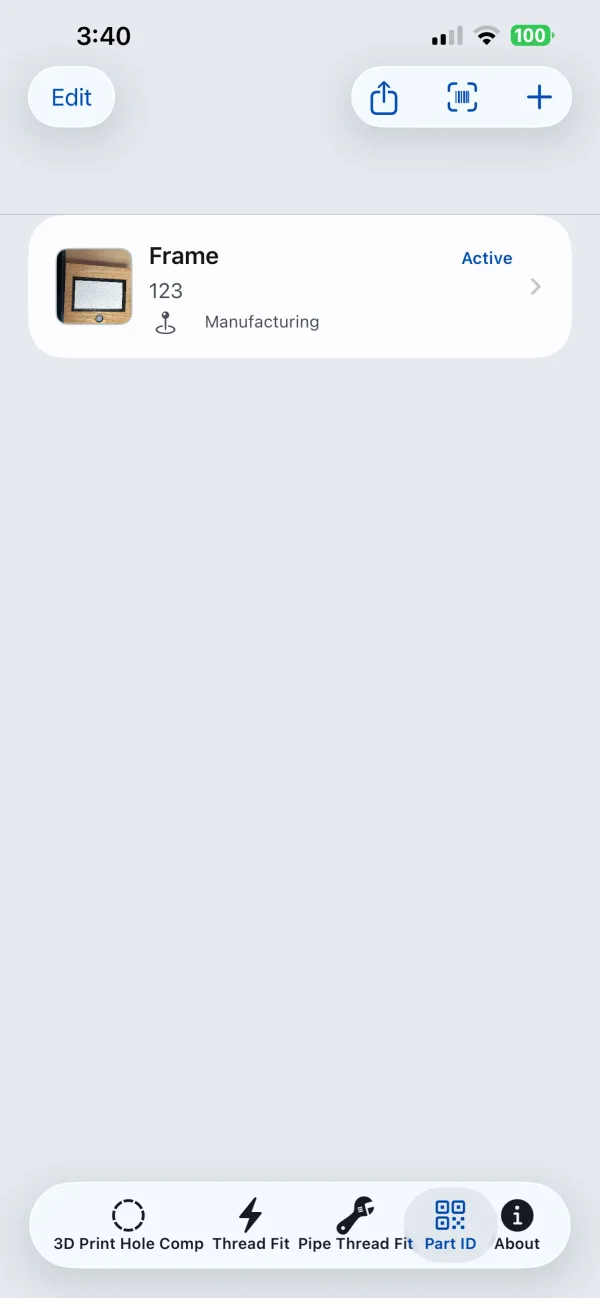

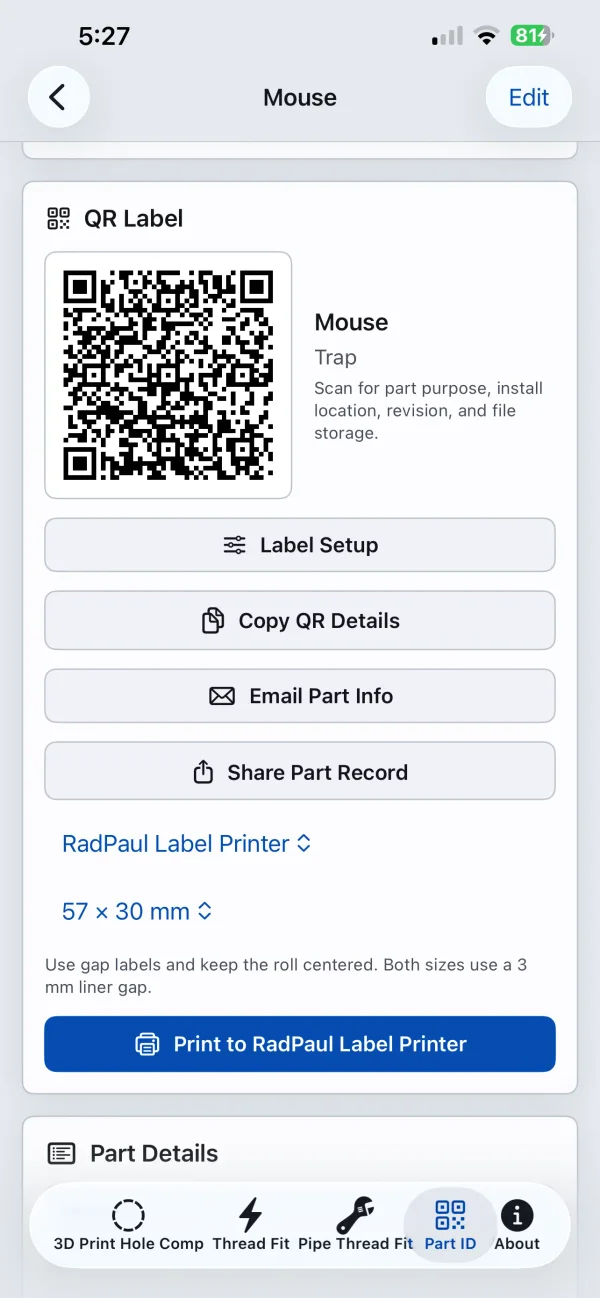
Tentang
Pengembang belum menyediakan teks ini dalam bahasa Anda.
3D Print Toolkit
Design better-fitting 3D printed parts with powerful calculators built specifically for makers, hobbyists, engineers, and machine shops.
3D Print Toolkit helps eliminate guesswork when creating functional printed parts by providing tools for hole sizing, thread compensation, and thread reference calculations—all in one easy-to-use app.
Whether you're printing bolt holes, threaded adapters, enclosures, or precision mechanical parts, these tools can help reduce trial-and-error and improve first-print success.
Features
Hole Compensation Calculator
• Calculate the diameter adjustment needed for holes that print undersized.
• Improve bolt, pin, shaft, and bearing fits.
• Supports both inch and metric measurements.
• Displays recommended compensation instantly.
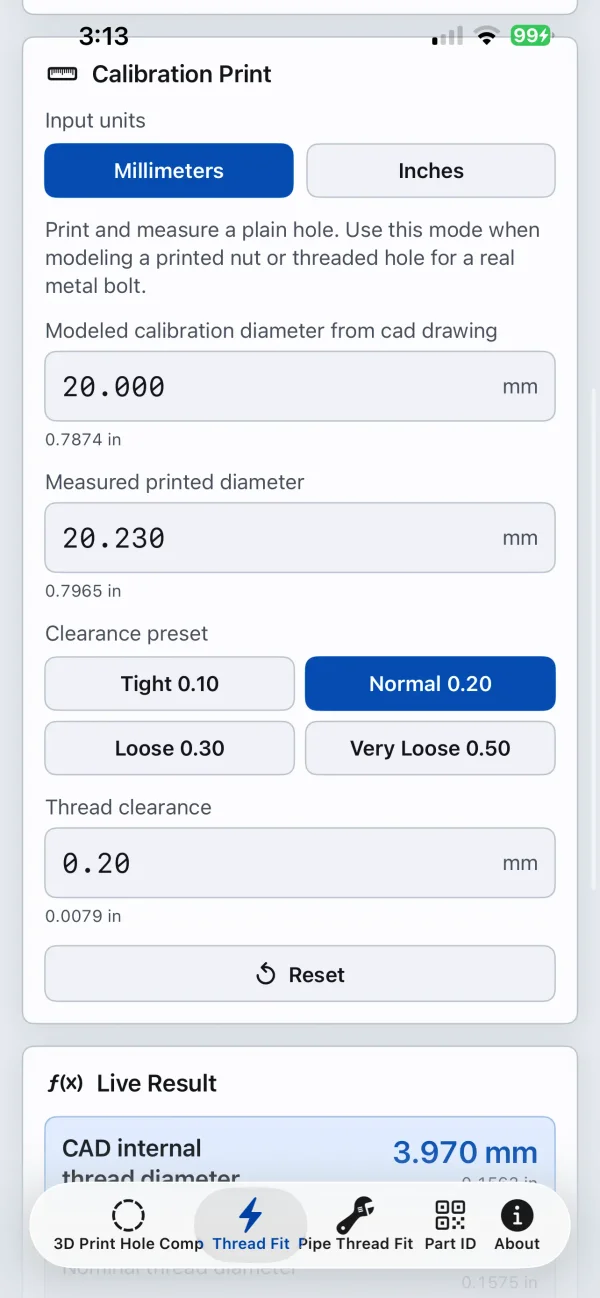
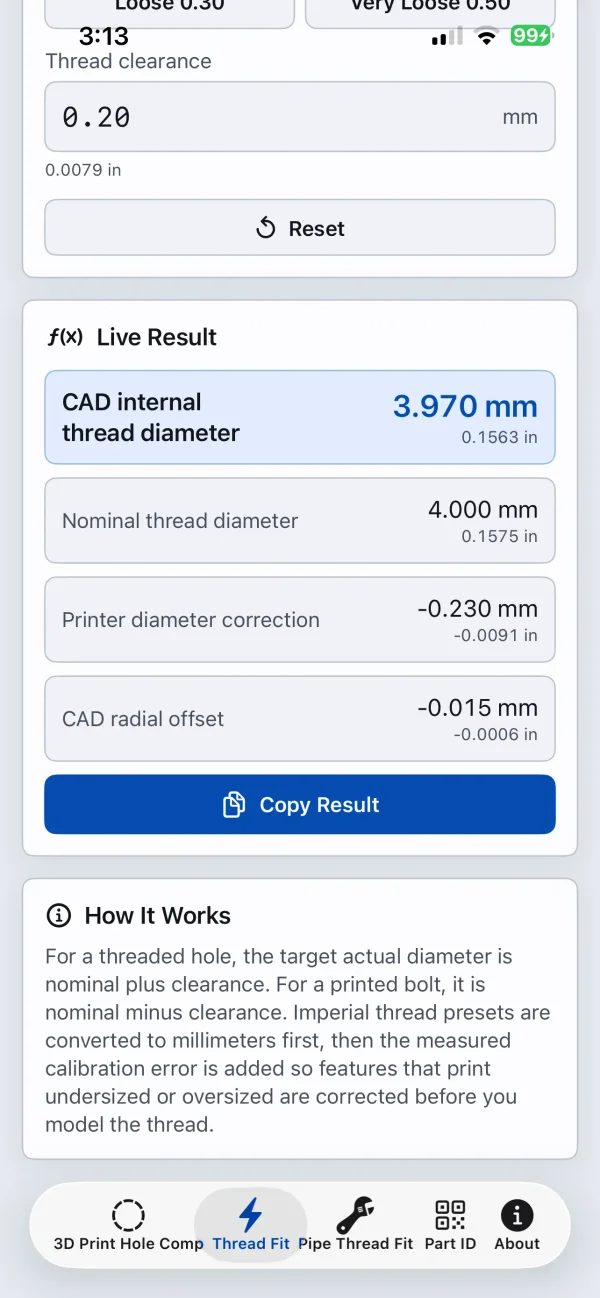
Thread Compensation Calculator
• Adjust internal and external thread sizes for your specific 3D printer.
• Fine-tune thread clearance based on real printed measurements.
• Save calibration values for different printers, materials, and nozzle sizes.
• Reduce repeated test prints and improve thread fit.
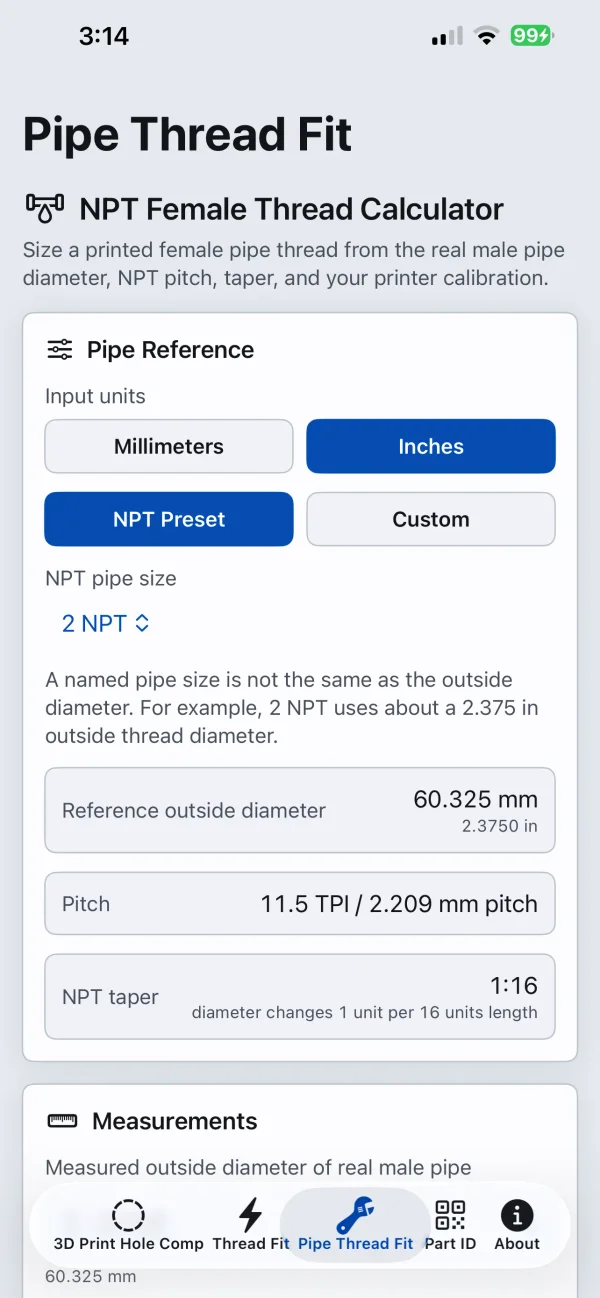
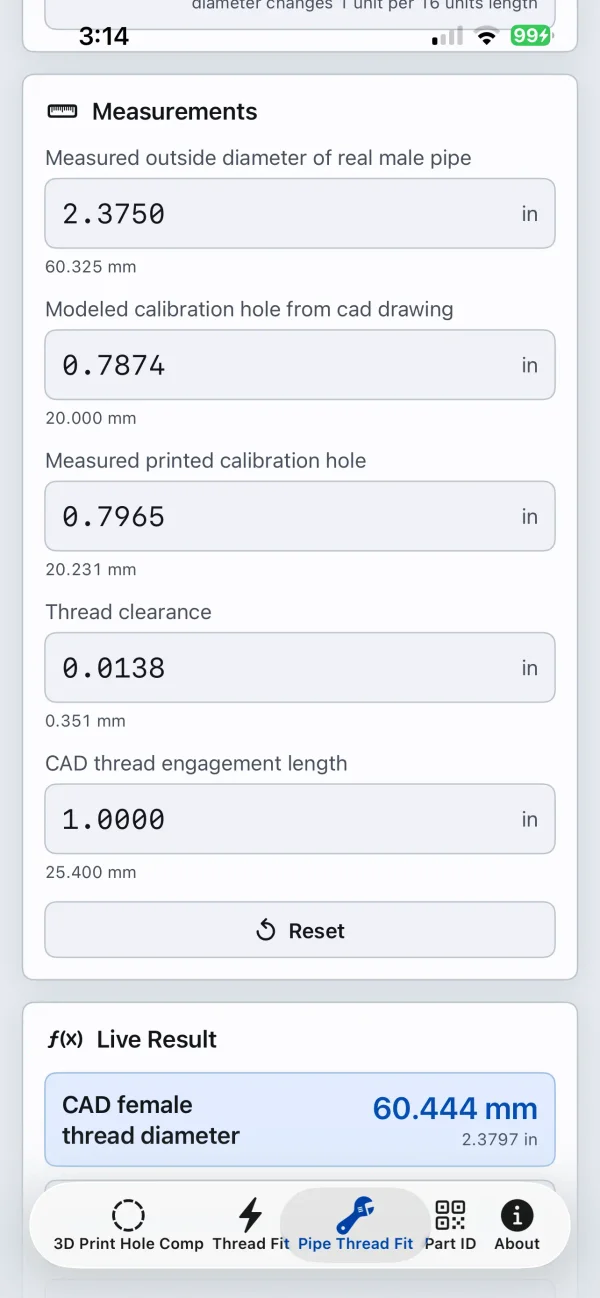
Thread Reference Calculator
• Quickly look up common thread dimensions.
• Supports both Metric and Unified (UNC/UNF) thread standards.
• Displays major diameter, pitch, tap drill size, and other useful machining references.
• Great for designing printable threaded parts or preparing CAD models.
Printer Profiles
• Save calibration settings for multiple printers.
• Store different offsets for PLA, PETG, ABS, TPU, and other materials.
• Keep notes on successful print settings.
Designed for Real-World Printing
Perfect for:
Functional parts
Threaded adapters
Replacement parts
CNC and CAD projects
Mechanical assemblies
Workshop fabrication
Engineering prototypes
Privacy
• No account required.
• No subscriptions.
• No internet connection required.
• No ads.
• All calculations and saved data remain on your device.
Spend less time printing test parts and more time creating parts that fit the first time.
Yang baru
Versi 5.4 · 23/11/2026
Print Part ID labels directly from your iPhone with select Bluetooth-enabled RadPaul printers.
Choose your printer from the Label Printer menu. For compatible Bluetooth models, the app connects automatically when you tap Print.
Bluetooth labels feature a centered QR code with part details below.
RadPaul Wi‑Fi printing and Brother/AirPrint options remain supported.
Privasi aplikasi
Yang dinyatakan Paul Matthew di App Store tentang cara aplikasi ini menangani data.
-
Data tidak dikumpulkan
Pengembang tidak mengumpulkan data apa pun dari aplikasi ini.
Praktik privasi dapat bervariasi, misalnya berdasarkan fitur yang Anda gunakan atau usia Anda.
Informasi
- Penjual
- Paul Matthew
- Kategori
- Kegunaan
- Versi
- 5.4
- Diperbarui
- 23/11/2026
- Dirilis
- 2/7/2026
- Ukuran
- 3,4 MB
- Memerlukan
- iOS 17.6 atau yang lebih baru
- Batasan usia
- 4+
- Harga
- Gratis
- Pembelian dalam aplikasi
- Ya
- Bahasa
- Inggris
- Hak cipta
- © 2026 RadPaul
Mungkin Anda juga suka
-
 CoCryptKegunaan
-
 Vaultory Authenticator 2FA AppKegunaan
-
 Nucleo LLM by Marte AIKegunaan
-
 PhotoBench : AI Photo ToolsKegunaan
-
 BabelVoice - Speech to TextKegunaan
-
 Hido: Hide FaceKegunaan
-
 EasyBeauty-Beauty is so easyKegunaan
-
 Screnly: Screenshot CleanerKegunaan
-
 Padme - Custom keypad for MacKegunaan
-
 GPS Speed Altimeter ProKegunaan