- Batasan usia4+
- KategoriPendidikan
- PengembangJeff Weeks
- BahasaInggris+ 2 lainnya
- Ukuran5,5 MB
Tertaut ke halaman resmi App Store
Download.org tidak menyimpan file 4D Draw apa pun. Tombol ini membuka halaman aplikasi di App Store, tempat Jeff Weeks menerbitkannya. Halaman terakhir diperiksa pada 19/11/2026.
Tangkapan layar

Tentang
Pengembang belum menyediakan teks ini dalam bahasa Anda.
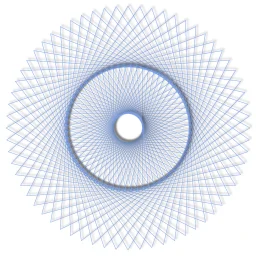
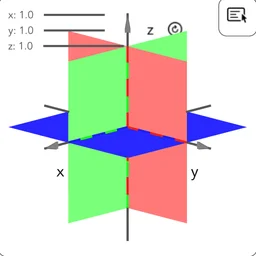
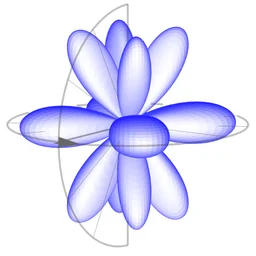
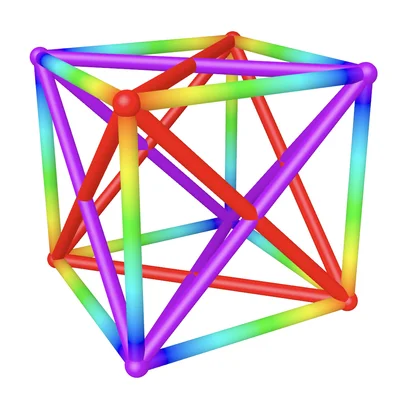
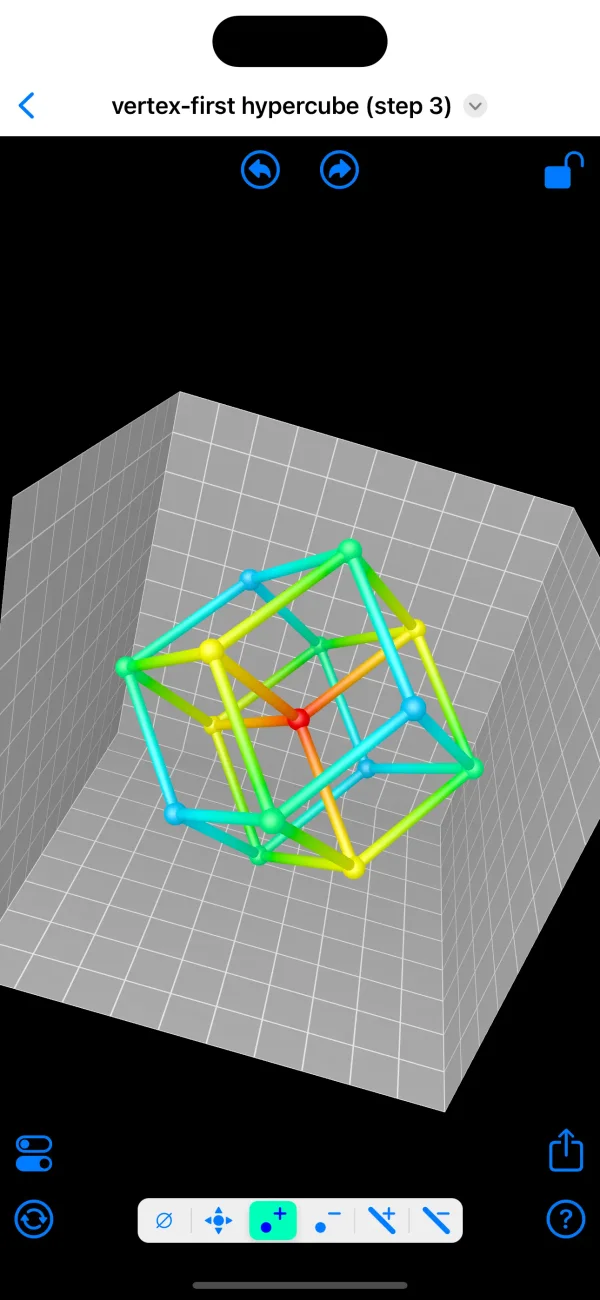
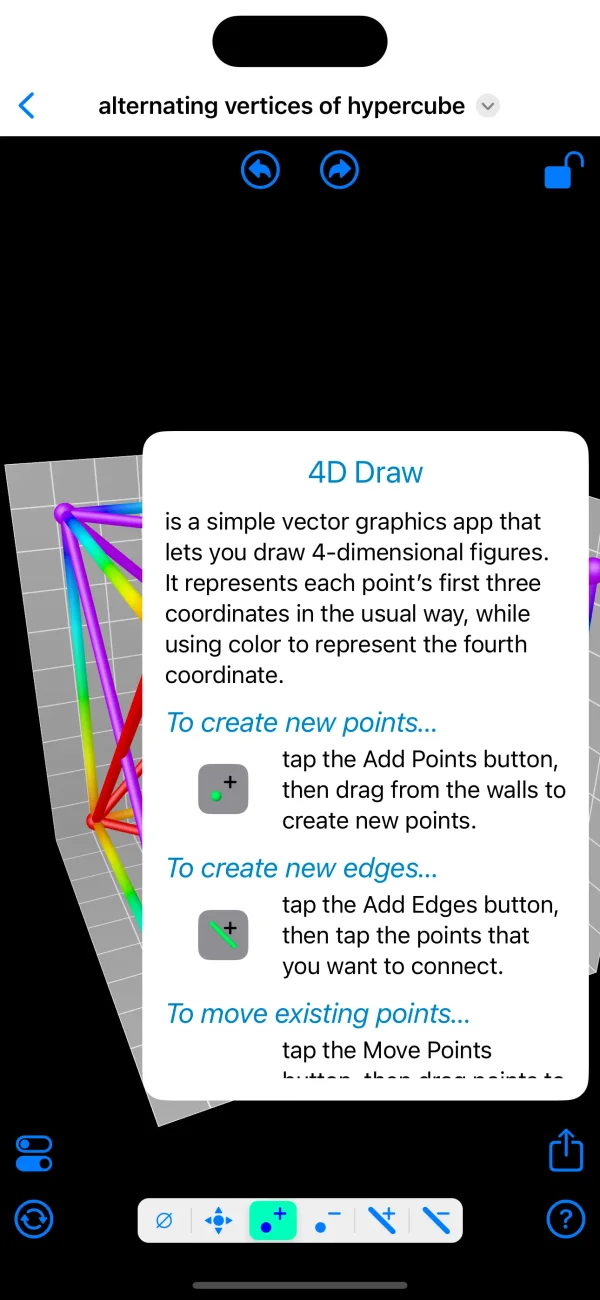
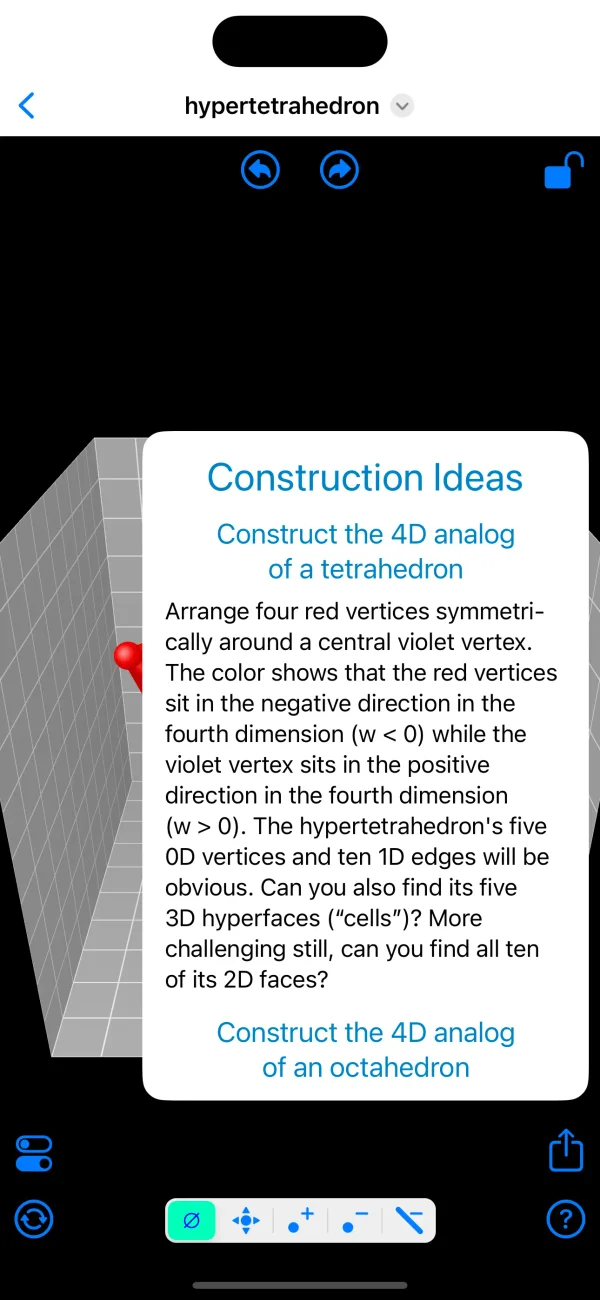
4D Draw is a simple vector-graphics app that lets you draw 4‑dimensional figures. It represents each point's first three coordinates in the usual way, while using color to represent the fourth coordinate. A built-in Help menu includes a “How to draw” page for an easy start, followed by a page of “4D construction ideas” to set you on your way towards visualizing 4-dimensional space.
4D Draw is intended for geometry students who want to learn to visualize 4‑dimensional space. People looking for a more recreational introduction to 4D should begin with 4D Maze instead. People looking for an even more recreational introduction to modern concepts of space and symmetry may enjoy the Torus Games or KaleidoPaint.
Yang baru
Versi 1.13.1 · 10/10/2026
*** New Behavior (v 1.13.0) and bug fix (v 1.13.1) ***
v 1.13.0 In Add Points mode, you now tap (you don't drag) to add points. Afterwards you may move your newly created points (and other points too) using Move Points mode.
Why the change? In the previous version of 4D Draw, you could create a new point and drag it, all with a single gesture. This approach still works fine on iOS 26, but unfortunately on iOS 27 it produces two points instead of one. The new approach works correctly on all supported versions of iOS and macOS.
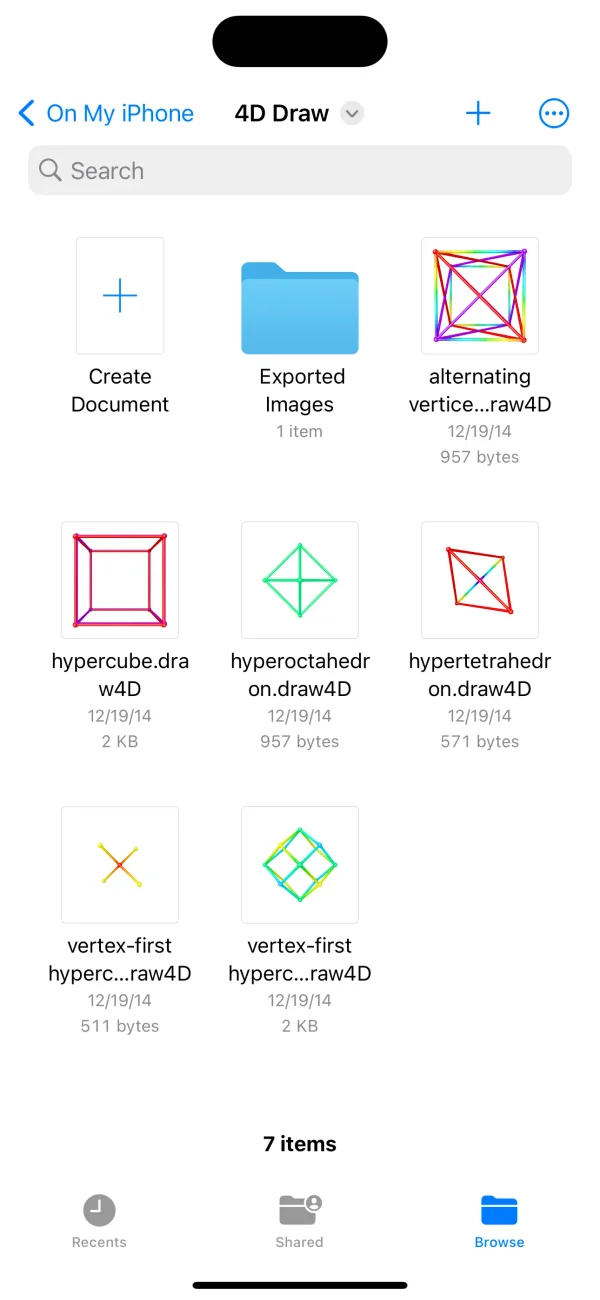
v 1.13.1 Bug fix: When running on iOS 27, version 1.13.0 of 4D Draw (which was the current version from 20 September to 9 October 2026) would duplicate all drawing elements when saving a drawing, leading to files that were much larger and slower than necessary. Version 1.13.1 corrects that bug. Users may wish to reconstruct (or manually edit) any drawings that they modified during those two-and-a-half weeks. Please accept my sincere apologies for that inconvenience. Note that users running iOS 26 were completely unaffected.
Privasi aplikasi
Yang dinyatakan Jeff Weeks di App Store tentang cara aplikasi ini menangani data.
-
Data tidak dikumpulkan
Pengembang tidak mengumpulkan data apa pun dari aplikasi ini.
Praktik privasi dapat bervariasi, misalnya berdasarkan fitur yang Anda gunakan atau usia Anda.
Informasi
- Penjual
- Jeff Weeks
- Kategori
- Pendidikan
- Versi
- 1.13.1
- Diperbarui
- 10/10/2026
- Dirilis
- 5/10/2014
- Ukuran
- 5,5 MB
- Memerlukan
- iOS 17.1 atau yang lebih baru
- Batasan usia
- 4+
- Harga
- Gratis
- Bahasa
- Inggris, Italia, Portugis
- Hak cipta
- © 2026 Jeff Weeks