
- Batasan usia4+
- KategoriMakanan & Minuman
- Pengembangacaia
- BahasaInggris
- Ukuran24,2 MB
Tertaut ke halaman resmi App Store
Download.org tidak menyimpan file Acaia Orbit apa pun. Tombol ini membuka halaman aplikasi di App Store, tempat acaia menerbitkannya. Halaman terakhir diperiksa pada 14/11/2026.
Tangkapan layar

Tentang
Pengembang belum menyediakan teks ini dalam bahasa Anda.
Acaia Orbit App
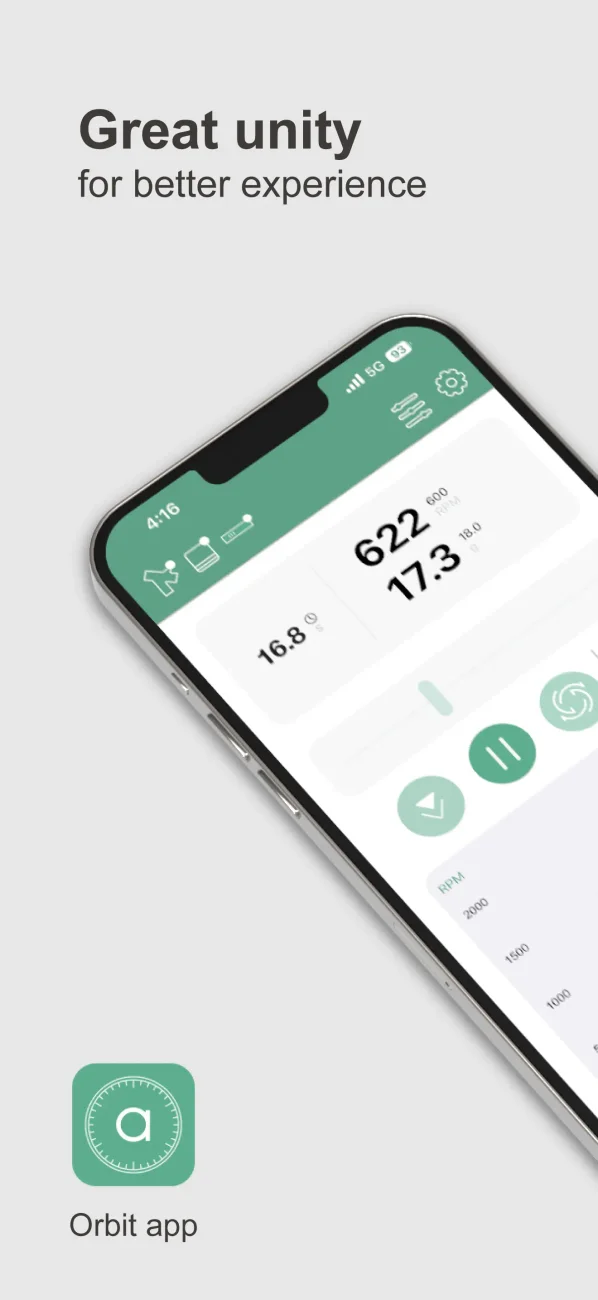
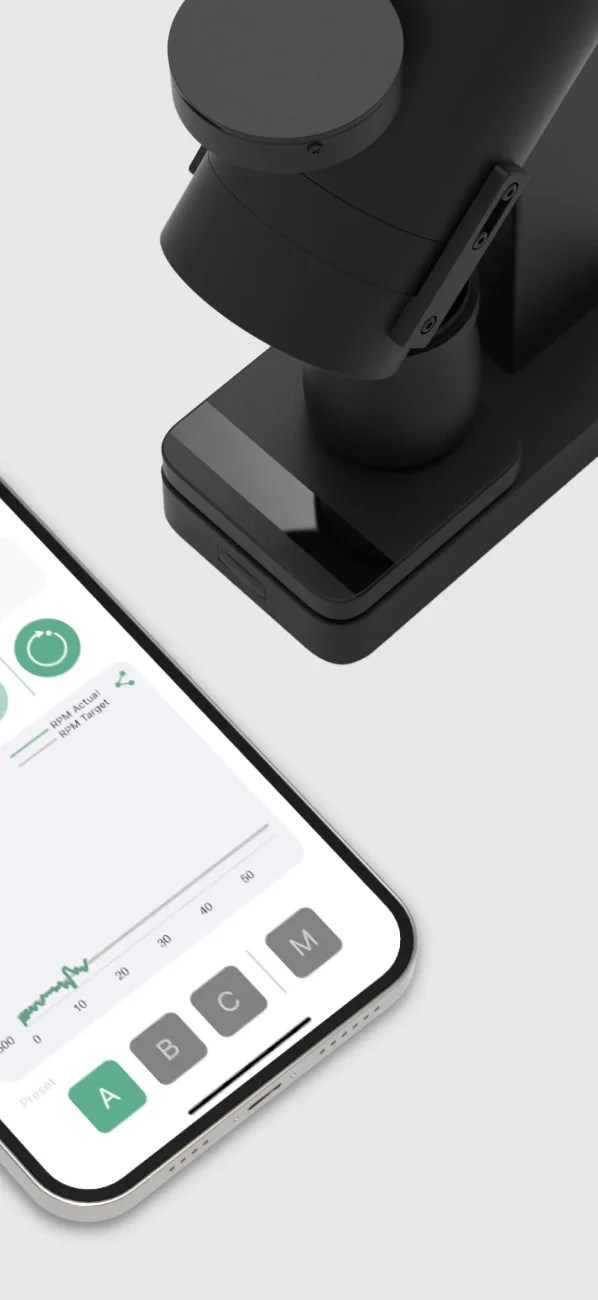
Introducing the companion app to the Acaia Orbit grinder. Access, customize, and control your grinder through this one interface and take your coffee to the next level. Use the app to tailor your grinding experience: adjust the grinding speed (600-1500 RPM), change the Orbit button’s actions, save profiles for grind by weight or grind by time, and more.
Features:
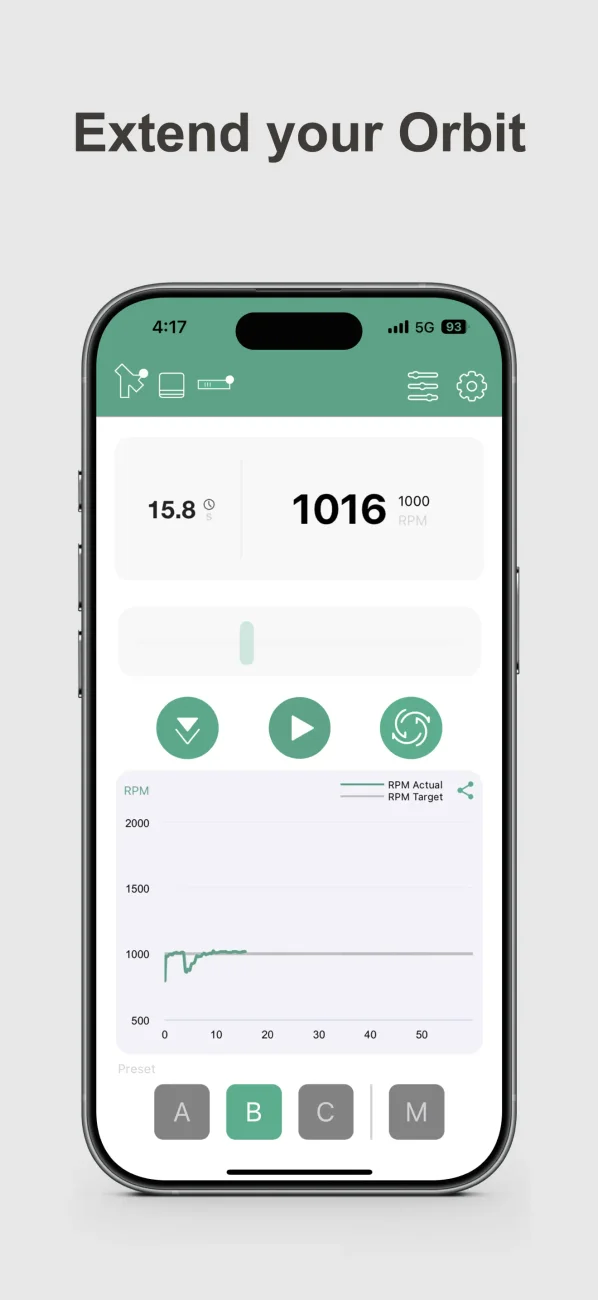
- Connect and Grind: A suite of immediate actions including a sliding RPM bar for burr control, initiating grind on demand, and enabling reverse burr.
- RPM Presets: Three highly customizable RPM presets for your grinder.
- Grinder Status: Button functions, total motor running time information, Orbit serial number, Orbit firmware version, and the power usage of your last grinding session.
- Orbit Button Action: Customize your grinder’s main button and its actions to suit your workflow including pulse, clean, and pause
- Auto Settings: Automatically start and stop your grinding depending on if your grinder is connected to a scale, clean sequences, and set your Orbit to switch off after being left idle to save on energy.
- Advanced Settings: Clear your paired scale connection, reset your grinder to default, toggle your scale connection permissions.
About the Presets
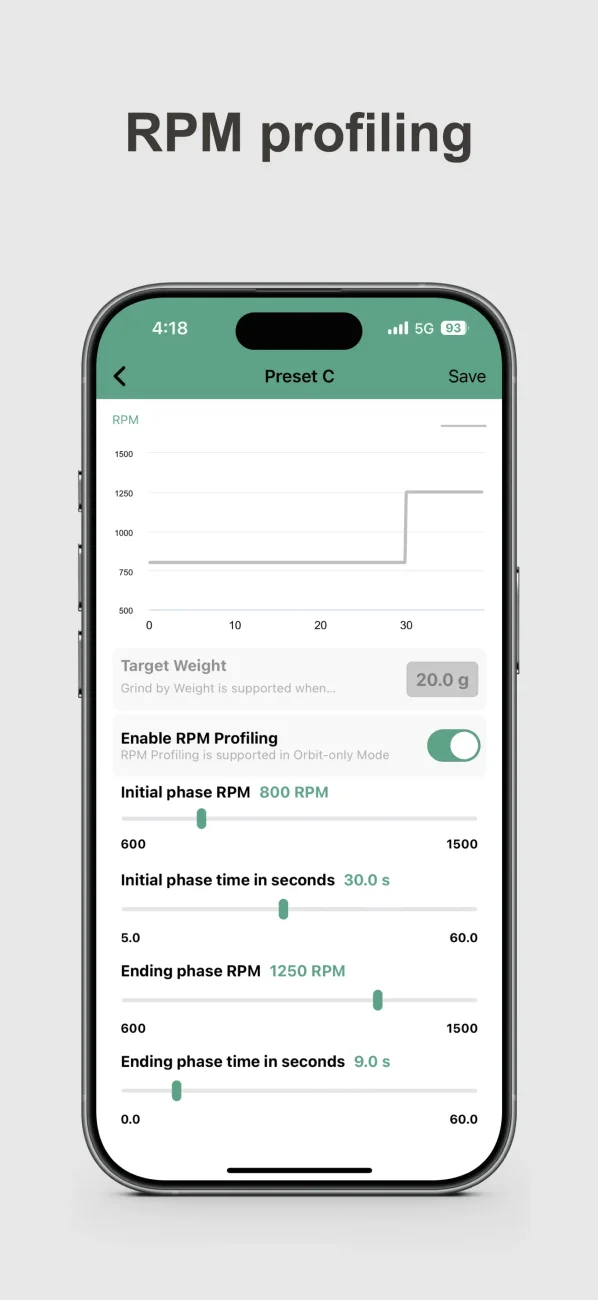
One of the key features of the companion app is the ability to adjust your grinder with finite detail. Even when not connected to your grinder, you can set three grinding programs by both speed and target weights. In a dedicated section, choose your target weight, enable RPM profiling, and receive readings from previous sessions. Receive data about every grind you perform.
Grinder Connection
Turn on the Orbit by plugging it into a power source and switching the main button on the back of the platform to on. Press the front button of the Orbit. On the Orbit App select “connect to Orbit” to connect.
Purchase the Orbit and discover other Acaia products by visiting our official website at https://www.acaia.co
Need any help? Visit support.acaia.co or email support@acaia.co
This is the first public version of the Orbit companion app. We appreciate any feedback so we can elevate and maintain your experience in the future. Please send your thoughts to our support team by email and include screenshots and explanations of any issues or suggestions.
Note:
This is the first public version of the Orbit companion app and we will be adding even more features in weeks to come. We appreciate any feedback so we can elevate and maintain your experience in the future. Please send your thoughts to our support team by email and include screenshots and explanations of any issues or suggestions.
Yang baru
Versi 1.0.11 · 17/4/2025
his update includes minor text corrections.
Have a question or comment? Contact our team directly at support@acaia.co or discover the Acaia Help Center at https://help.acaia.co/hc/en-us
Privasi aplikasi
Yang dinyatakan acaia di App Store tentang cara aplikasi ini menangani data.
-
Data tidak dikumpulkan
Pengembang tidak mengumpulkan data apa pun dari aplikasi ini.
Praktik privasi dapat bervariasi, misalnya berdasarkan fitur yang Anda gunakan atau usia Anda.
Informasi
- Penjual
- ACAIA CORP
- Kategori
- Makanan & Minuman
- Versi
- 1.0.11
- Diperbarui
- 17/4/2025
- Dirilis
- 27/10/2022
- Ukuran
- 24,2 MB
- Memerlukan
- iOS 14.0 atau yang lebih baru
- Batasan usia
- 4+
- Harga
- Gratis
- Bahasa
- Inggris
- Hak cipta
- © Acaia Corp
Mungkin Anda juga suka
-
 Smart Espresso ProfilerMakanan & Minuman
-
 La MarzoccoMakanan & Minuman
-
 La Marzocco App TechMakanan & Minuman
-
 BeanconquerorMakanan & Minuman
-
 MeticulousMakanan & Minuman
-
 Mahlkönig HomeMakanan & Minuman
-
 IKAWA ProMakanan & Minuman
-
 iBrewCoffee - Coffee JournalMakanan & Minuman
-
 shotStopper CompanionMakanan & Minuman