
AddCalc PRO
Adder & normal Calculator
Dirancang untuk iPhone, iPad, iPod touch
Rp 19ribu
- Batasan usia4+
- KategoriProduktivitas
- PengembangShinichi Aokawa
- BahasaJepang+ 9 lainnya
- Ukuran3,5 MB
Tertaut ke halaman resmi App Store
Download.org tidak menyimpan file AddCalc PRO apa pun. Tombol ini membuka halaman aplikasi di App Store, tempat Shinichi Aokawa menerbitkannya. Halaman terakhir diperiksa pada 12/11/2026.
Tangkapan layar
Tentang
Pengembang belum menyediakan teks ini dalam bahasa Anda.
Do you know the calculator of optimal adder method for an accounting calculation?
(with the calculation method change function)
Try it on iPhone and iPad you always carry around.
【Feature】
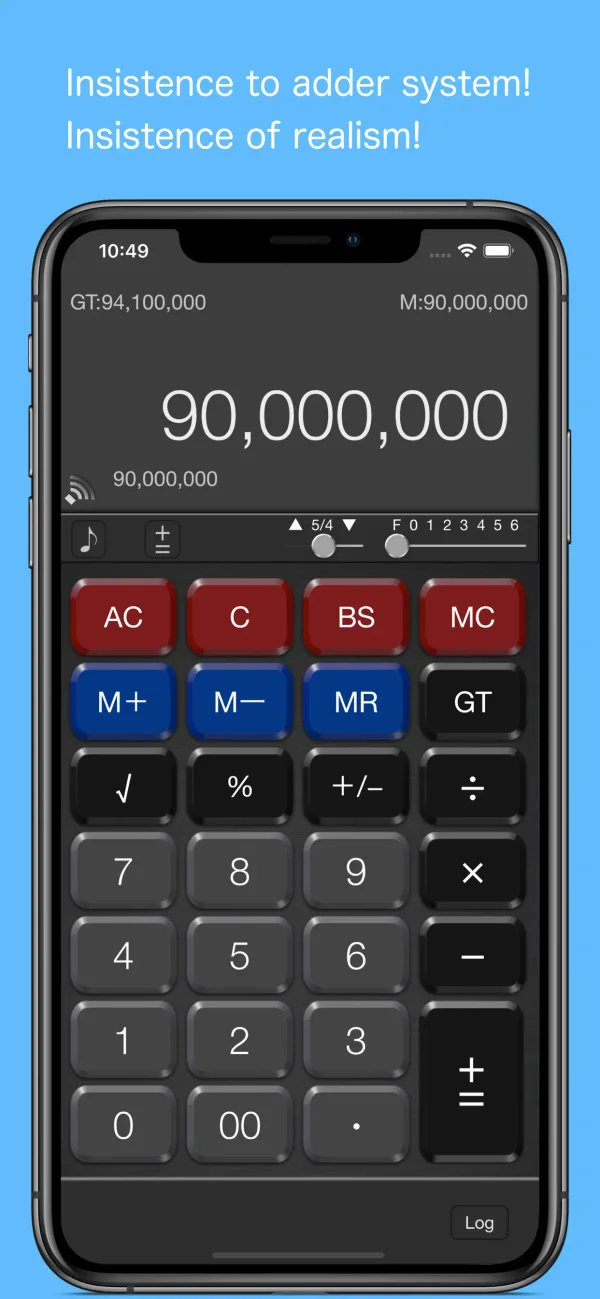
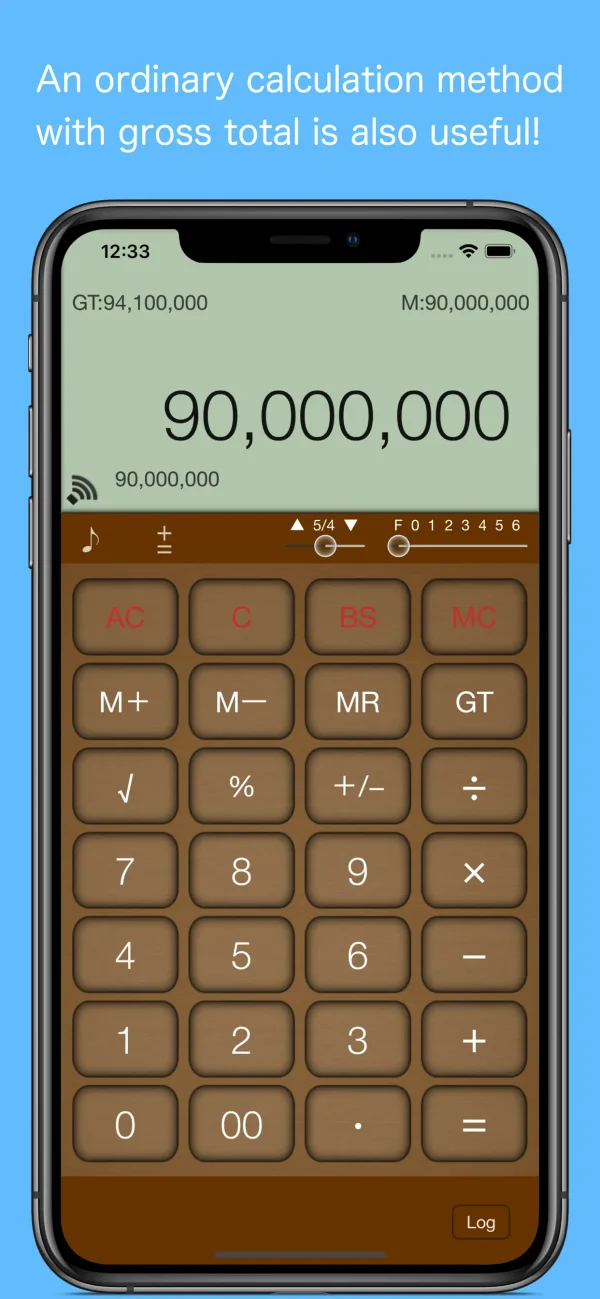
- This can switch an "adder calculator" and "ordinary calculator"
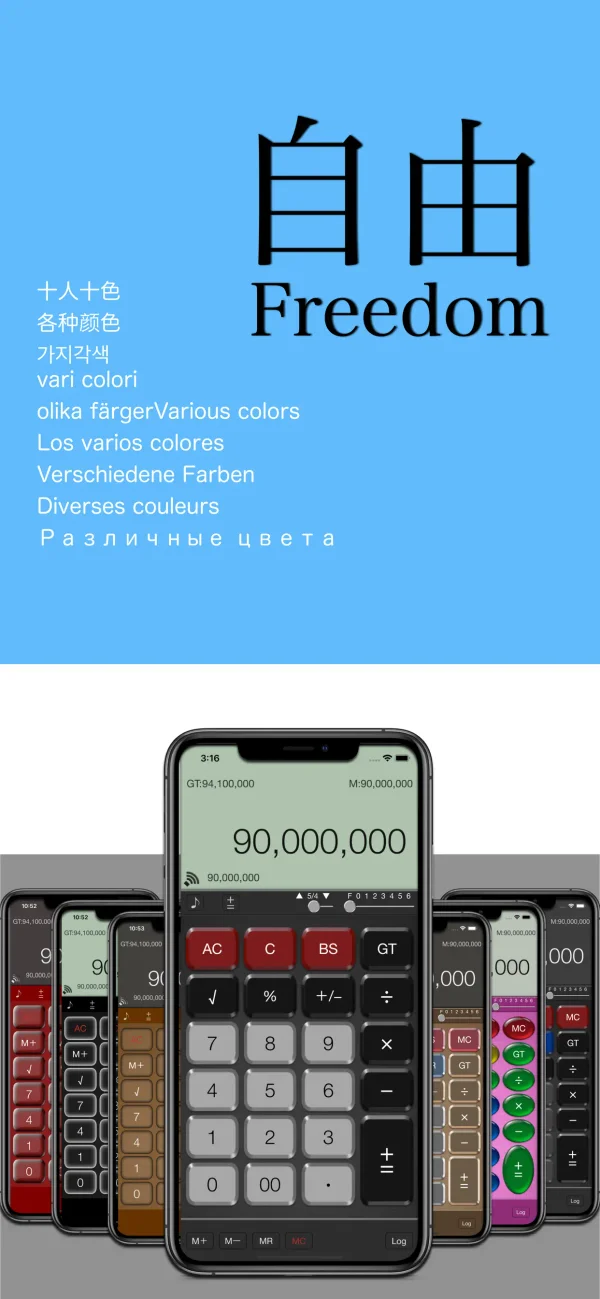
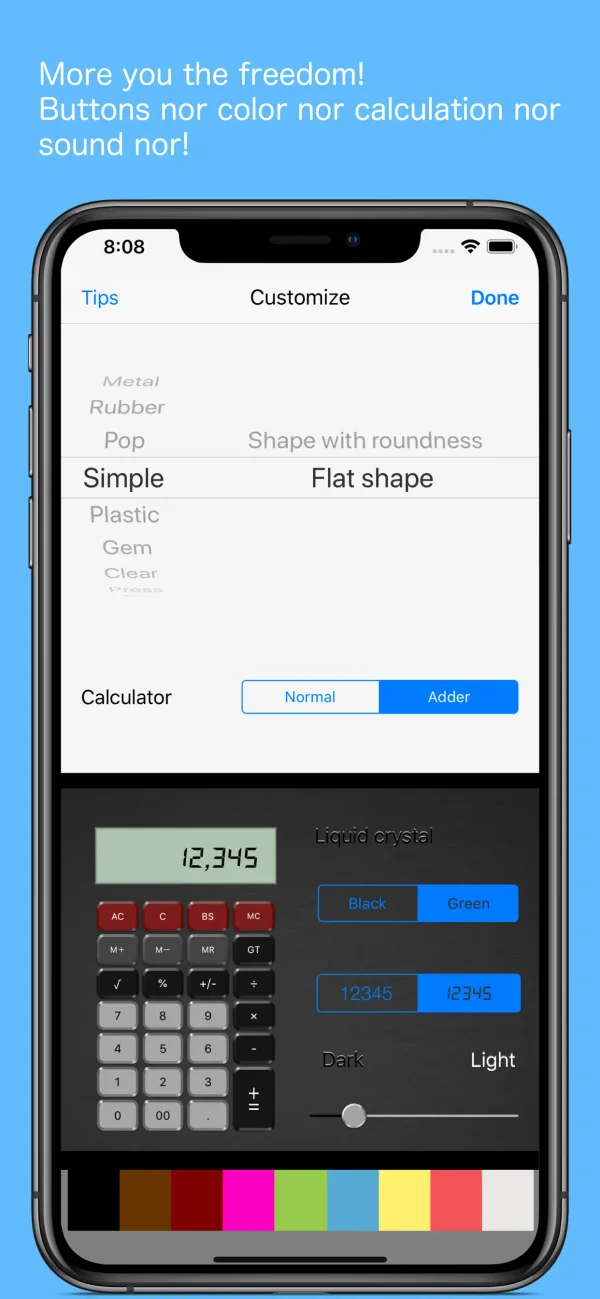
- The design of a button can be chosen
- The regulating function of a background color and brightness
- Select your favorite sound from sound effects
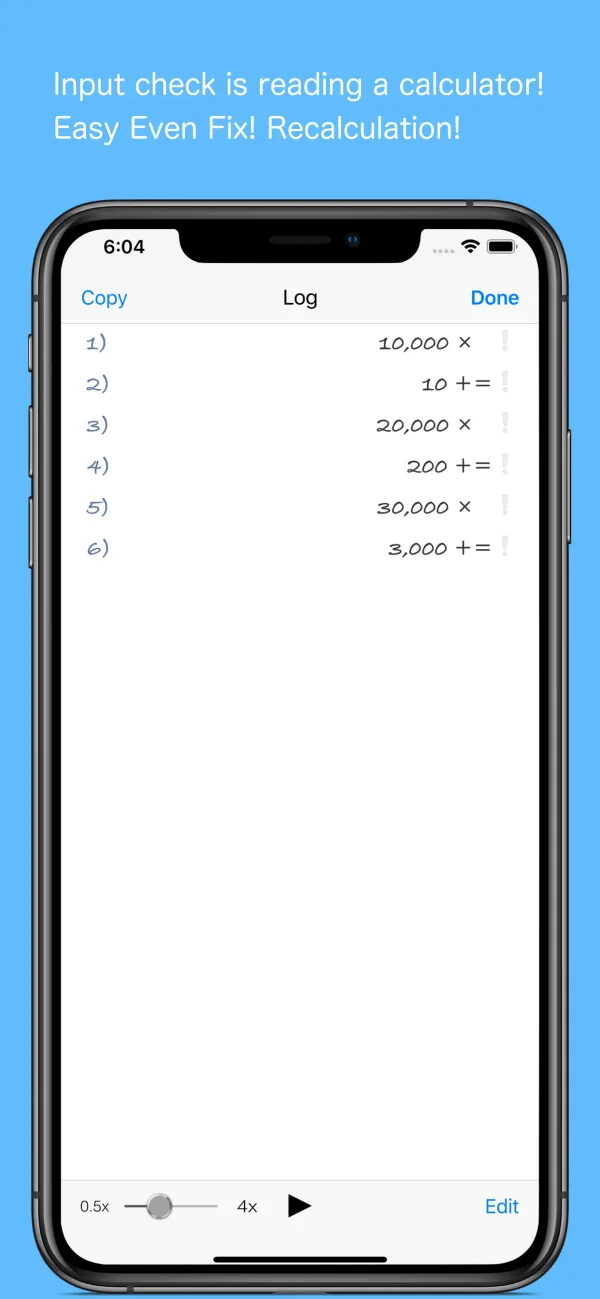
- Input log editing + recalculation function
- Voice reading of the input log
- Copy the log and total (paste to memo etc)
- Display switching function digit after the decimal point (FULL · 0 ~ 6 digits)
- The (up-truncation Ri rounded-off) Rounding switching function
- 14 Number of significant digits
- Always display "GT:Grand Total"
- Always display "MR:Memory"
- BS:BackSpace function
【How to use an adder calculator】
”(10×10)+(5×5)-(6×5)=95”
10 [×] 10 [+=] 5 [×] 5 [+=] 6 [×] 5 [-] [GT]
(10×10)Add(5×5)Add(6×5)Pull
% Calculation example : 500 + (500 × 12%) = 560
500 [+=] 12 [%] [+=]
【How to use an ordinary calculator】
”(10×10)+(5×5)-(6×5)=95”
10 [×] 10 [=][M+] 5 [×] 5 [=][M+] 6 [×] 5 [=] [M-][MR]
Added to the Grand Total by "="
The continuous input will be "10×10+5×5-6×5=2595"
% Calculation example : 500 + (500 × 12%) = 560
500 [+] 12 [%] [=]
Yang baru
Versi 19.10 · 15/8/2026
Thank you for using “AddCalc”.
We have fixed bugs and improved performance so that you can use it more comfortably.
Privasi aplikasi
Yang dinyatakan Shinichi Aokawa di App Store tentang cara aplikasi ini menangani data.
-
Data tidak dikumpulkan
Pengembang tidak mengumpulkan data apa pun dari aplikasi ini.
Praktik privasi dapat bervariasi, misalnya berdasarkan fitur yang Anda gunakan atau usia Anda.
Informasi
- Penjual
- Shinichi Aokawa
- Kategori
- Produktivitas
- Versi
- 19.10
- Diperbarui
- 15/8/2026
- Dirilis
- 22/2/2012
- Ukuran
- 3,5 MB
- Memerlukan
- iOS 15.6 atau yang lebih baru
- Batasan usia
- 4+
- Harga
- Rp 19ribu
- Bahasa
- Jepang, Italia, Spanyol, Jerman, Prancis, Rusia, Tionghoa Sederhana, Tionghoa Tradisional, Inggris, Korea
- Hak cipta
- © 2014 Si-best
Mungkin Anda juga suka
-
 Auto Scroller+ for SafariBaca tanpa sentuh layar
-
 A-NoteCatatan tersusun per grup
-
 ObsideckProduktivitas
-
 スマート出席管理&出席簿 - 出欠を簡単集計Produktivitas
-
 悦色-色彩搭配专家Produktivitas
-
 DeepinkProduktivitas
-
 Time : Calculator++PProduktivitas
-
 ORDERNET(職人・商社用)Produktivitas
-
 汇率换算-出国必备Produktivitas
-
 SSHPanel: SSH & Server AdminProduktivitas