Ajar - SSH Terminal
SSH & tmux wherever you work
Dirancang untuk iPhone, iPad
Gratis · Pembelian dalam aplikasi
- Batasan usia4+
- KategoriAlat Pengembang
- PengembangRobert Torres
- BahasaInggris
- Ukuran32,4 MB
Tertaut ke halaman resmi App Store
Download.org tidak menyimpan file Ajar - SSH Terminal apa pun. Tombol ini membuka halaman aplikasi di App Store, tempat Robert Torres menerbitkannya. Halaman terakhir diperiksa pada 10/11/2026.
Tangkapan layar
Tentang
Pengembang belum menyediakan teks ini dalam bahasa Anda.
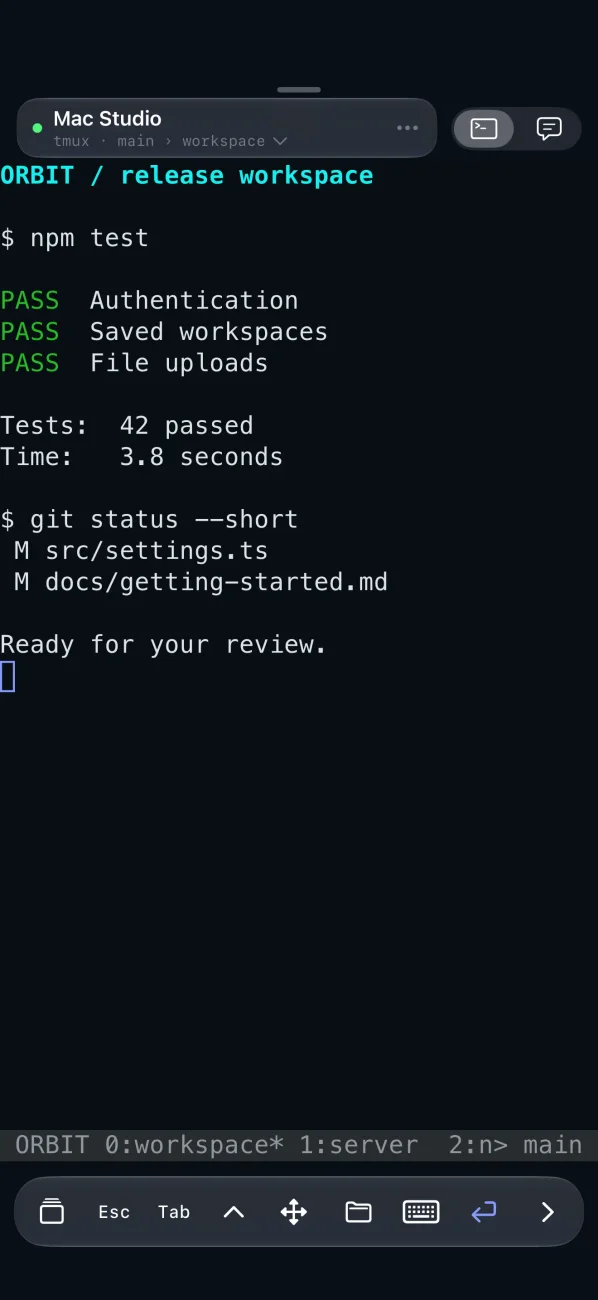
Ajar is a native SSH terminal for returning to your Mac, Linux computer, or server from iPhone and iPad. Connect with your own SSH key and keep work running in tmux while you move between devices.
Free features:
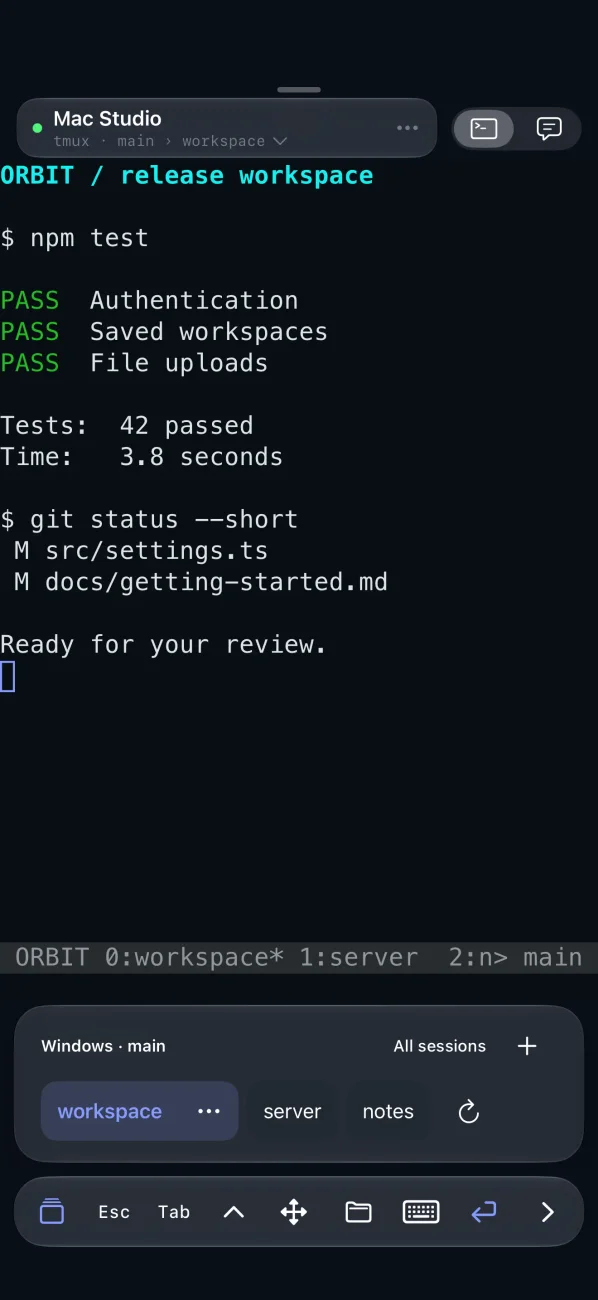
• SSH and tmux: reattach named sessions, switch windows, and create, rename, or close tmux windows.
• Multiple app windows on iPad: open different connections alongside your work.
• Touch controls for Escape, Control, arrows, and Tab, plus hardware keyboard support.
• Select and copy terminal output. Full-screen programs may keep their own history separately from tmux scrollback.
• Saved connections, optional secure key storage protected by device authentication, and light and dark terminal themes.
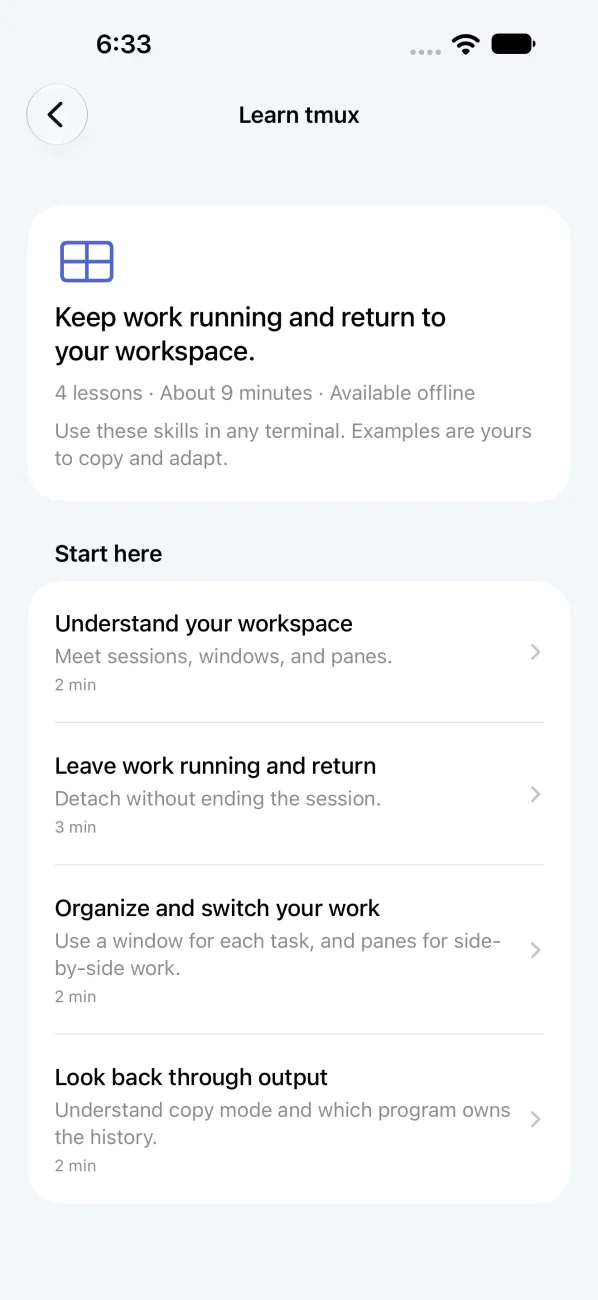
• Offline SSH and tmux guides with practical examples.
Ajar Pro adds:
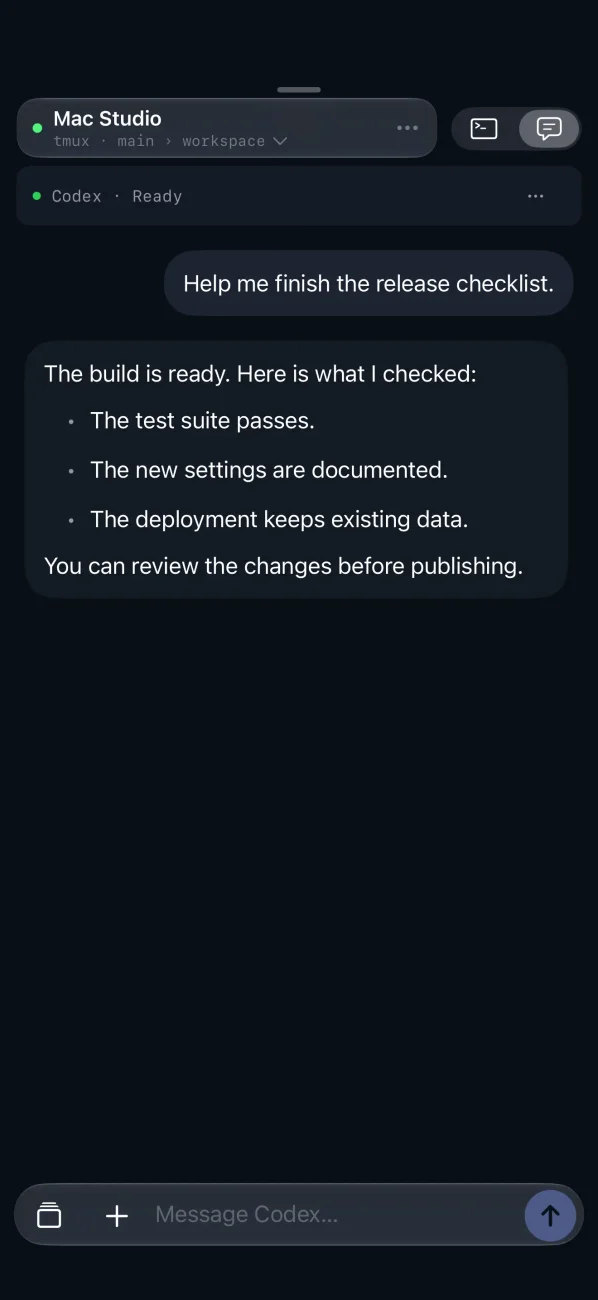
• Conversation view of Claude Code and Codex from their own session logs, with read-aloud controls.
• Screenshot paste and file transfer between your device and your connected computer.
• Alerts when a shell command or agent turn finishes or an agent needs input. Tap an alert to return to its tmux window.
Your computer must be reachable over SSH. tmux is required for persistent sessions. Conversation view requires Claude Code or Codex running in tmux and Python 3. Alerts require the completion helper, internet access, and notification permission. Some agent hooks require review in the agent’s own settings. No AI account is needed for the SSH terminal; coding-agent accounts are separate.
Ajar Pro offers monthly and yearly auto-renewable subscriptions. Prices and any eligible free trial are shown before purchase. Payment is charged to your Apple Account. Subscriptions renew automatically unless canceled at least 24 hours before the current period ends. Manage or cancel in App Store account settings.
Privacy Policy: https://portlight-notifications.torresrobert.workers.dev/privacy
Terms of Use: https://www.apple.com/legal/internet-services/itunes/dev/stdeula/
Yang baru
Versi 1.0.2 · 3/11/2026
Copy several screenshots and paste them together: Ajar uploads each one and inserts all their paths.
Completion alerts are quieter and more reliable. Ajar no longer alerts you about the window you're already watching, keeps alerts in order after a dropped connection, and improves completion and approval alerts for Codex conversations started from Ajar.
New windows open right away with the keyboard ready, and Ajar now finds tmux installed with MacPorts, Nix or in your home folder.
On iPhone Duo, the terminal and toolbar use more of the front screen in landscape, and the Touch ID hint points to the right button after you rotate.
Privasi aplikasi
Yang dinyatakan Robert Torres di App Store tentang cara aplikasi ini menangani data.
-
Data yang ditautkan dengan Anda
Dapat dikumpulkan dan ditautkan dengan identitas Anda.
- Pembelian
- Pengenal
- Data penggunaan
-
Data yang tidak ditautkan dengan Anda
Dapat dikumpulkan, tetapi tidak ditautkan dengan identitas Anda.
- Diagnostik
Praktik privasi dapat bervariasi, misalnya berdasarkan fitur yang Anda gunakan atau usia Anda.
Informasi
- Penjual
- Robert Torres
- Kategori
- Alat Pengembang
- Versi
- 1.0.2
- Diperbarui
- 3/11/2026
- Dirilis
- 16/10/2026
- Ukuran
- 32,4 MB
- Memerlukan
- iOS 27.0 atau yang lebih baru
- Batasan usia
- 4+
- Harga
- Gratis
- Pembelian dalam aplikasi
- Ya
- Bahasa
- Inggris
- Hak cipta
- © 2026 Robert Torres
Mungkin Anda juga suka
-
 BentoTermAlat Pengembang
-
 SSH Client - Remote TerminalAlat Pengembang
-
 CodeSSH - Code EditorAlat Pengembang
-
 AgentmuxAlat Pengembang
-
 MTerm - SSH TerminalAlat Pengembang
-
 Onepilot: SSH Shell TerminalAlat Pengembang
-
 MT - Mosh TerminalAlat Pengembang
-
 SSH TerminatorAlat Pengembang
-
 Conduit: SSH, Mosh & SFTPAlat Pengembang
-
 PG Orbit - Postgres ClientAlat Pengembang