- Batasan usia4+
- KategoriKegunaan
- PengembangJONATHAN DAVID FREEDMAN
- BahasaInggris
- Ukuran1,2 MB
Tertaut ke halaman resmi App Store
Download.org tidak menyimpan file AngleMeasurer apa pun. Tombol ini membuka halaman aplikasi di App Store, tempat JONATHAN DAVID FREEDMAN menerbitkannya. Halaman terakhir diperiksa pada 12/11/2026.
Tangkapan layar

Tentang
Pengembang belum menyediakan teks ini dalam bahasa Anda.
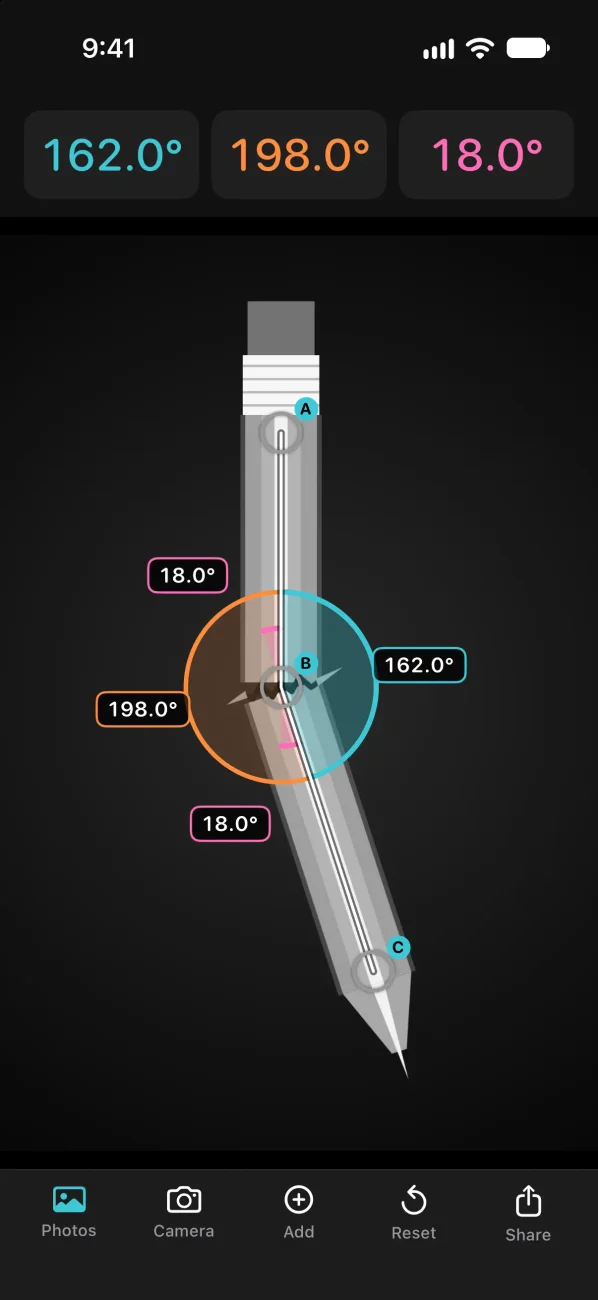
Angle Measurer turns any photo into something you can measure. Drop three points and you get the angle, the other side, and how far the line bends, all updating live as you drag.
PRECISE PLACEMENT
• A magnifier appears while you drag, so every point lands exactly where you want it
• Pinch to zoom up to 10x, double-tap to fit
• See-through points so you can see what's underneath
TWO WAYS TO MEASURE AN ANGLE
• 3-point angle: drag A, B and C to measure the angle at B, the other side, and the bend
• Two-line angle: draw two separate lines and measure the angle where they would meet
• Add extra arms (A′ and C′) to compare against an existing line
• Put as many angles on one photo as you need
MEASURING TOOLS
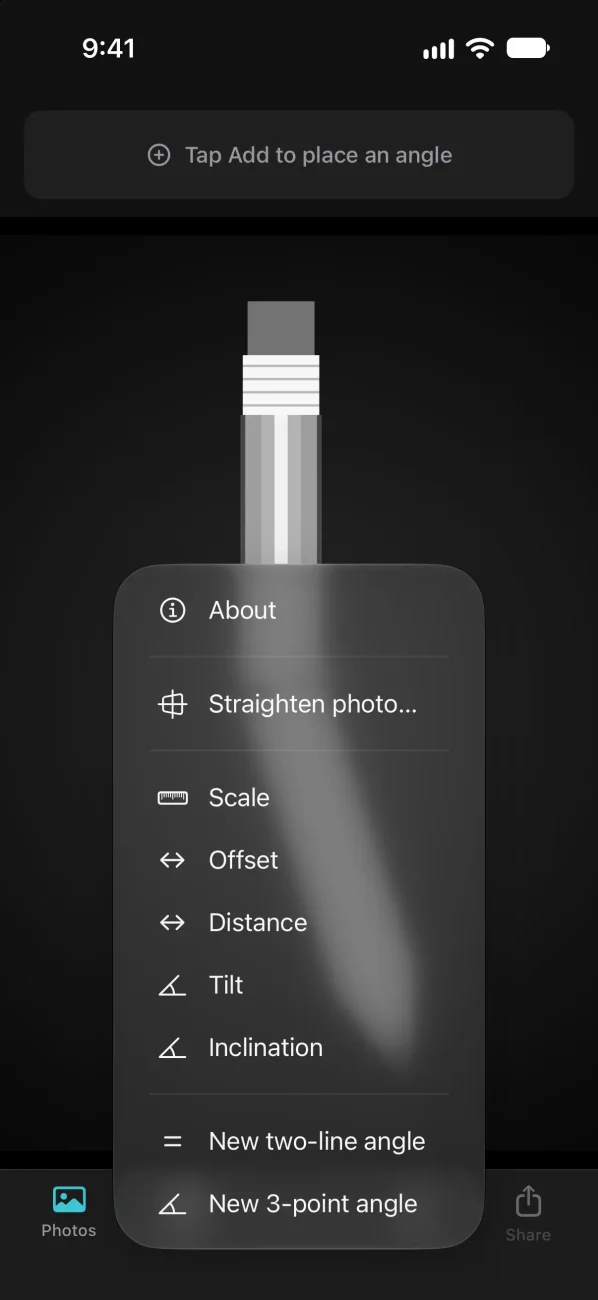
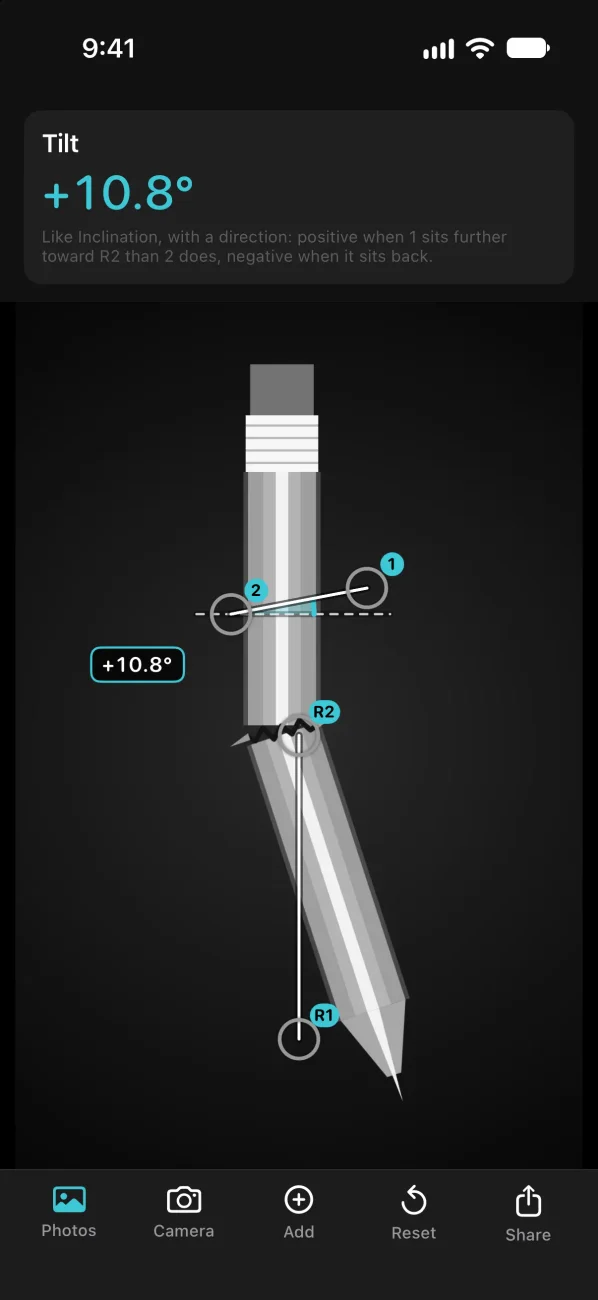
• Inclination: how far an edge is from square to a reference line
• Tilt: the same, with a direction (+ or −)
• Distance: the gap between two points, in millimeters
• Offset: how far one point sits past another along a reference line
• Scale: set real-world size from anything of known length
STRAIGHTEN PHOTOS
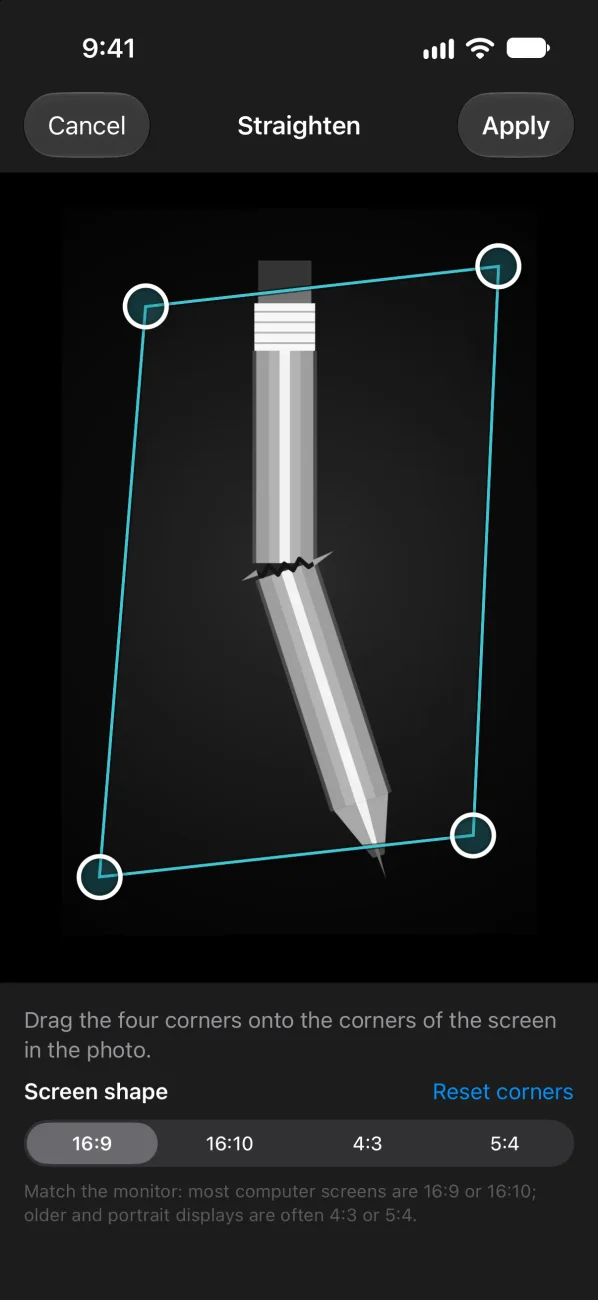
Took a photo of a screen at a slant? Drag the four corners onto the screen and Angle Measurer flattens it, so your angles come out true instead of stretched.
SAVE AND SHARE
• Save the marked-up image to Photos
• Create a PDF report with the image and a table of results
• Save a project to Files and reopen it later to keep editing
• Copy the measurements as text, or share anywhere
THOUGHTFUL TOUCHES
• Shake to undo
• Tap the numbers at the top to hide or show them on the photo
• Press and hold Photos to jump straight to your library
• Tap any line to delete it
PRIVATE BY DESIGN
No accounts, no ads, no tracking. The app doesn't connect to the internet. Your photos never leave your phone unless you save or share them.
Angle Measurer is a general-purpose measuring tool. It is not a medical device and is not intended for diagnosis or treatment.
Privasi aplikasi
Yang dinyatakan JONATHAN DAVID FREEDMAN di App Store tentang cara aplikasi ini menangani data.
-
Data tidak dikumpulkan
Pengembang tidak mengumpulkan data apa pun dari aplikasi ini.
Praktik privasi dapat bervariasi, misalnya berdasarkan fitur yang Anda gunakan atau usia Anda.
Informasi
- Penjual
- JONATHAN DAVID FREEDMAN
- Kategori
- Kegunaan
- Versi
- 1.0
- Diperbarui
- 6/11/2026
- Dirilis
- 6/11/2026
- Ukuran
- 1,2 MB
- Memerlukan
- iOS 17.0 atau yang lebih baru
- Batasan usia
- 4+
- Harga
- Gratis
- Bahasa
- Inggris
- Hak cipta
- © 2026 Jonathan Freedman
Mungkin Anda juga suka
-
 Smart Angle Meter 360Kegunaan
-
 Bubble Level: Pro Measure ToolKegunaan
-
 Plumb: Bubble Spirit LevelKegunaan
-
 SenserAlignKegunaan
-
 BrickSnap: AI Brick DesignsKegunaan
-
 Arabic Keyboard TranslatorKegunaan
-
 Online Company LTDKegunaan
-
 Busur Derajat - Ukur SudutFoto, video & kamera langsung
-
 Image to Text: Scan to ConvertKegunaan
-
 Angulus Pro - Sudut PresisiUkur sudut secara profesional