- Batasan usia4+
- KategoriProduktivitas
- Pengembangbyus&co. 株式会社
- BahasaInggris+ 1 lainnya
- Ukuran59,8 MB
Tertaut ke halaman resmi App Store
Download.org tidak menyimpan file カシカン apa pun. Tombol ini membuka halaman aplikasi di App Store, tempat byus&co. 株式会社 menerbitkannya. Halaman terakhir diperiksa pada 24/11/2026.
Tangkapan layar


Tentang
Pengembang belum menyediakan teks ini dalam bahasa Anda.
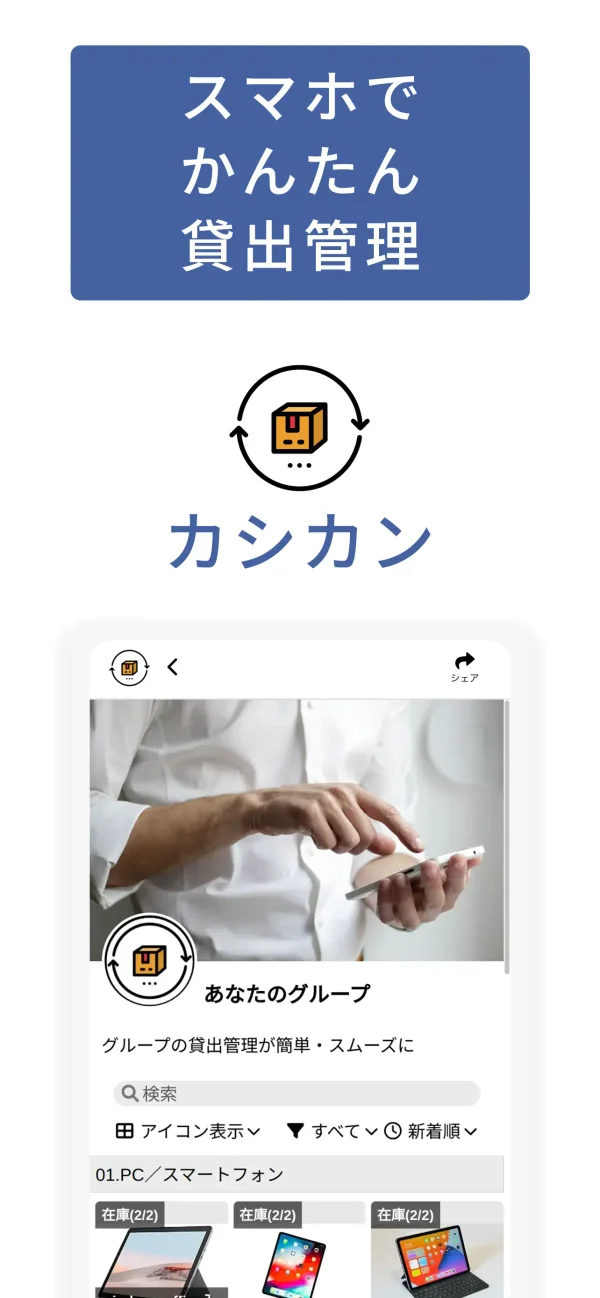
Manage borrowing and lending of supplies within your team, whether it's in your company or a club, all through your smartphone!
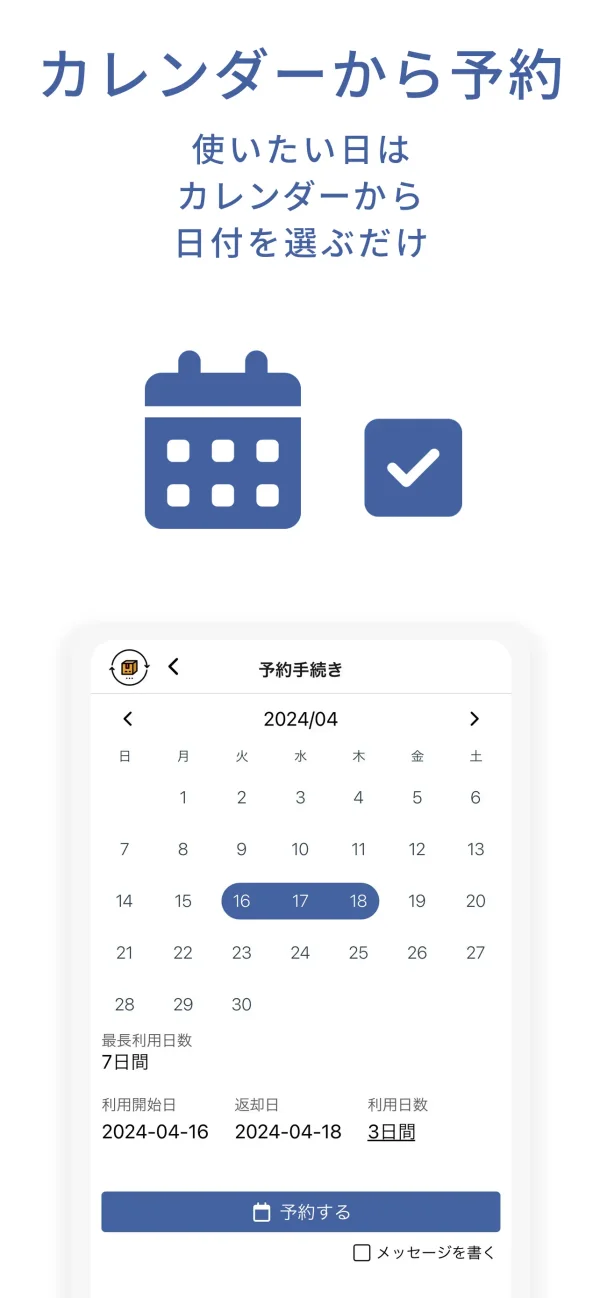
Complete the entire process, from reservation to return, with simple and straightforward operations.
Use Casican with your team to streamline the sharing of supplies.
※ Casican account registration is required for use.
◆ Share books and supplies of all kinds within a group
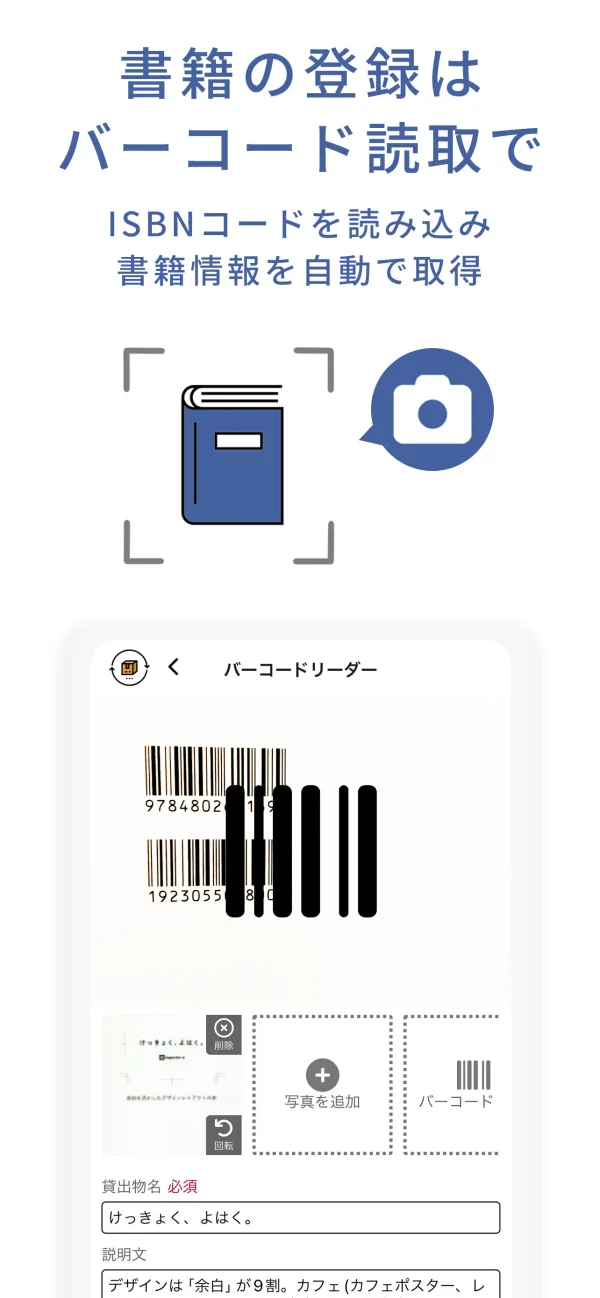
◆ Easily register books by scanning barcodes. Importing Excel files is also possible!
◆ Use hashtags and folder functions for easy visibility anytime!
--------------------------------------------
Features of Casican
--------------------------------------------
Casican is an app designed to share all kinds of "things" within a group.
It is used in various scenarios, such as tablet management in offices, sports club equipment sharing, and libraries in childcare facilities.
Casican has the following features to ensure anyone can use it easily and immediately.
■ Easy registration of items to share
- Register items from the home screen and start lending right away.
- There is no limit to the number of items you can register. Share many items with everyone.
- Easily register books using barcode scans or ISBN entry.
- Automatically obtain and register book covers, titles, and descriptions for scanned barcode books.
- For bulk registration, import data from CSV or Excel files.
- Create multiple groups and even register items across groups.
■ Quick and easy borrowing & returning
- Borrowing and returning can be done with simple operations! No hassle.
- Supports both all-day and time-specific lending.
- Comprehensive reminder functions to prevent borrowing or returning forgetfulness.
- Attach printed QR codes to books or items for direct scanning and reservation.
- If you like what you borrowed, mark it with "Like!" and add to your favorites.
- Extend the borrowing period for items you're using.
■ Easy to view and search
- Search by keywords even if items increase.
- Narrow down searches using hashtags.
- Simultaneously register author names and publisher names for books.
- View lists by group with tab switching. It's okay to be in multiple groups.
- Sort lists by "Newest," "Most Popular," and "Alphabetical Order."
- Filter to display only currently available items.
■ Membership Cards
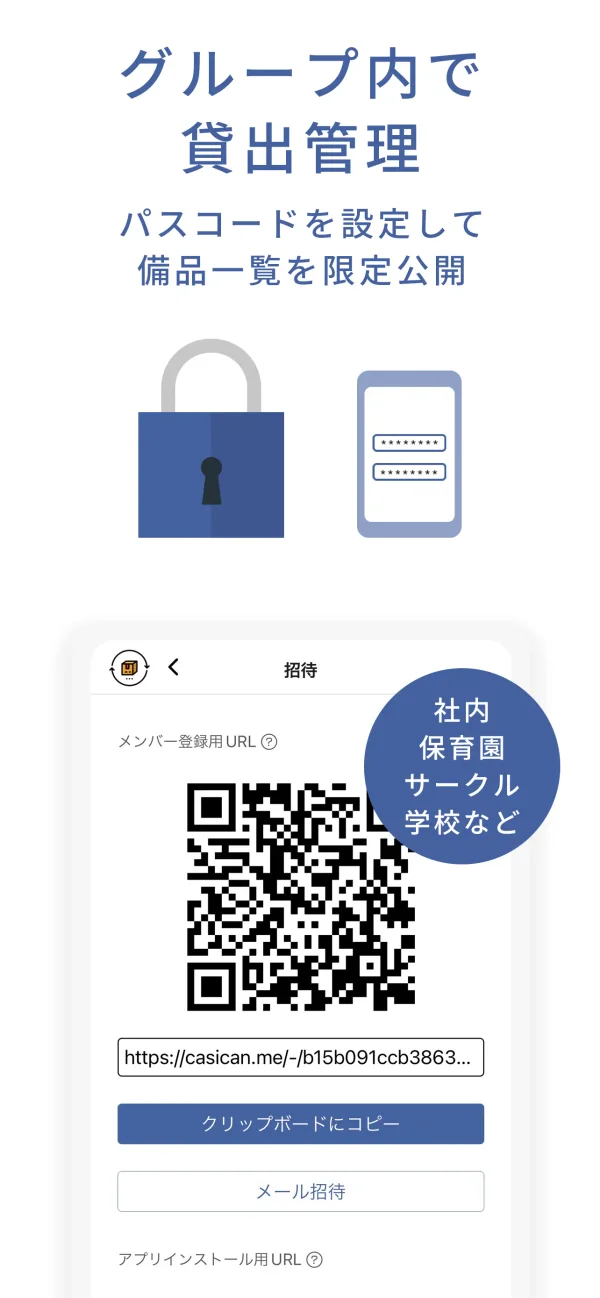
- Convert the login link to a QR code for the group page and print it.
- Use membership cards so everyone can use Casican even with a single device.
- Issue membership cards that don't require account registration. No email address needed.
■ CSV and Excel data compatibility
- If you have a spreadsheet list of books or items to register, you can import it all at once.
- Export registered loan items in CSV format and make bulk setting changes.
- Issue membership cards by importing the roster in bulk (use batches for over 100 items).
■ Share recommendations
- Post notices on the group's homepage. Introduce recommended items and share hot topics.
- Post reviews to evaluate loan items and recommend them to others.
■ Loan item settings
Configure loan settings in detail for each loan item.
- Name
- Photo
- Description of the loan item
- Hashtags
- Tag registration of author name and publisher name (for books)
- Maximum usage days
- Grace period before and after reservation
- Number of items in stock
- Hourly lending availability
- Groups to which the item belongs (multiple groups possible)
- Permission to lend to non-group members
■ Compatible with all devices
- Casican is available not only as a smartphone app but also in a browser.
■ English mode
- Change the interface language to "English."
■ Hiragana mode
- Change the interface language to "Hiragana."
--------------------------------------------
Support
--------------------------------------------
If you have any problems, please contact us through "Support" at the top right of the app's homepage.
Yang baru
Versi v0.87.4 · 8/9/2026
Images can now be attached to reservation messages
Reservation dates can now be restricted
Admins can now delete item comments
Books ending with "X" are now supported
Improved UX for barcode reader
Improved ISBN import screen
Improved group selection when changing account
"User return" setting can now be overridden per item
Overall service speed improved
Enhanced security
Other minor fixes and improvements
If you encounter any issues, please contact us via the in-app inquiry form.
Privasi aplikasi
Yang dinyatakan byus&co. 株式会社 di App Store tentang cara aplikasi ini menangani data.
-
Data yang digunakan untuk melacak Anda
Dapat digunakan untuk melacak Anda di aplikasi dan situs web milik perusahaan lain.
- Data penggunaan
-
Data yang ditautkan dengan Anda
Dapat dikumpulkan dan ditautkan dengan identitas Anda.
- Info kontak
- Pengenal
-
Data yang tidak ditautkan dengan Anda
Dapat dikumpulkan, tetapi tidak ditautkan dengan identitas Anda.
- Konten pengguna
- Data penggunaan
- Diagnostik
Praktik privasi dapat bervariasi, misalnya berdasarkan fitur yang Anda gunakan atau usia Anda.
Informasi
- Penjual
- byus&co. ltd.
- Kategori
- Produktivitas
- Versi
- v0.87.4
- Diperbarui
- 8/9/2026
- Dirilis
- 20/4/2021
- Ukuran
- 59,8 MB
- Memerlukan
- iOS 15.1 atau yang lebih baru
- Batasan usia
- 4+
- Harga
- Gratis
- Bahasa
- Inggris, Jepang
- Hak cipta
- © byus&co. ltd