App Debug Assistant
File transfer, network debug
Dirancang untuk iPhone
Gratis
- Batasan usia4+
- KategoriAlat Pengembang
- PengembangJunjie Li
- BahasaInggris+ 4 lainnya
- Ukuran31,6 MB
Tertaut ke halaman resmi App Store
Download.org tidak menyimpan file App Debug Assistant apa pun. Tombol ini membuka halaman aplikasi di App Store, tempat Junjie Li menerbitkannya. Halaman terakhir diperiksa pada 15/11/2026.
Tangkapan layar
Tentang
Pengembang belum menyediakan teks ini dalam bahasa Anda.
App Debug Assistant is a versatile toolkit designed for developers and testers, streamlining your daily debugging workflow.
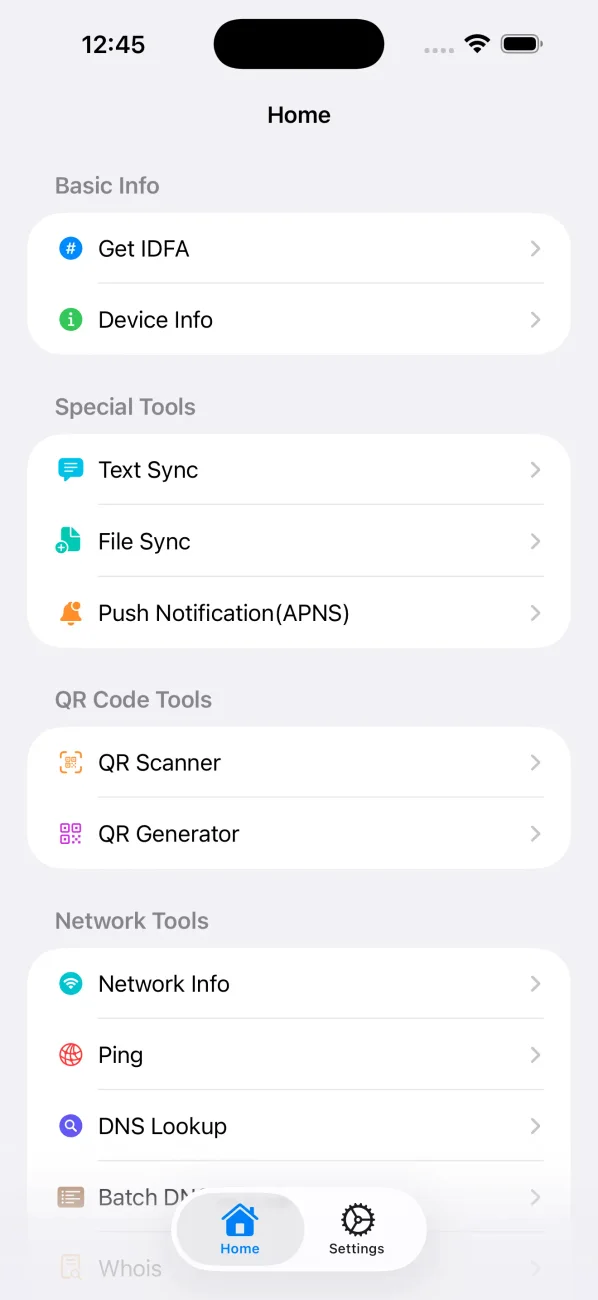
【Device Info】
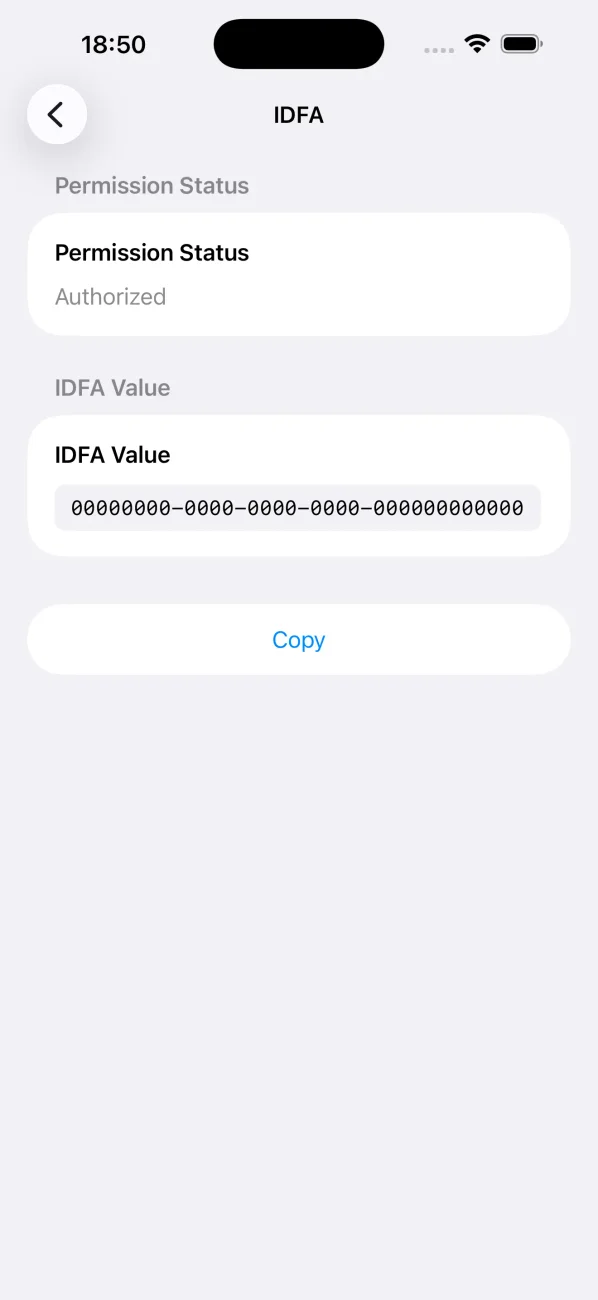
• IDFA Viewer - Instantly access the device advertising identifier with one-tap copy for attribution testing
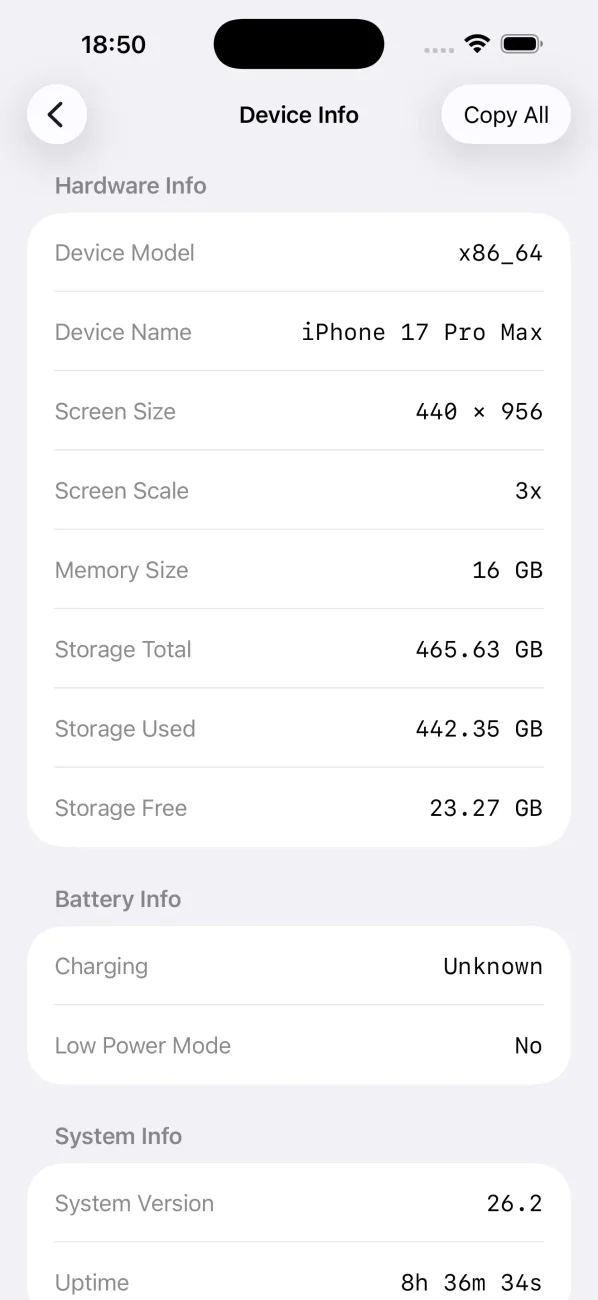
• Device Details - View comprehensive device info including model, screen, memory, storage, battery, and system version
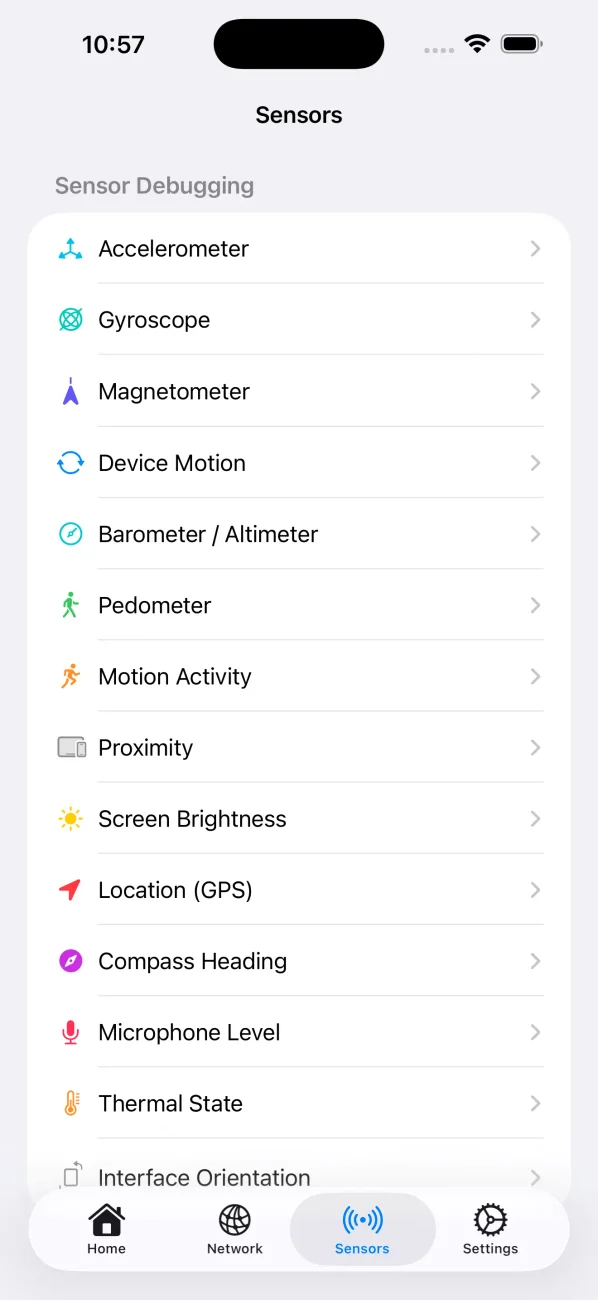
【Sensor Debugging】
• Motion & Attitude - Accelerometer, gyroscope, magnetometer, and fused device-motion data with live multi-axis readings for motion- and AR-related debugging
• Environment & Activity - Barometer (pressure and relative altitude), pedometer, and motion-activity recognition for health- and context-aware features
• Location & Heading - GPS-style location plus true and magnetic heading for maps and compass-style behavior
• Device & Ambient Status - Proximity, screen brightness, device orientation, thermal state, and microphone level metering to troubleshoot hardware, sensors, and permissions
【Bluetooth Debugging】
• Device Scan - Discover nearby BLE peripherals with live name, identifier, and RSSI to quickly find test targets
• Connect & GATT - Browse services and characteristics after connecting; read, write, and subscribe to notifications to verify protocols and payloads
• Debug Helpers - Hex data display and one-tap UUID copy to speed up firmware and app integration
【Special Tools】
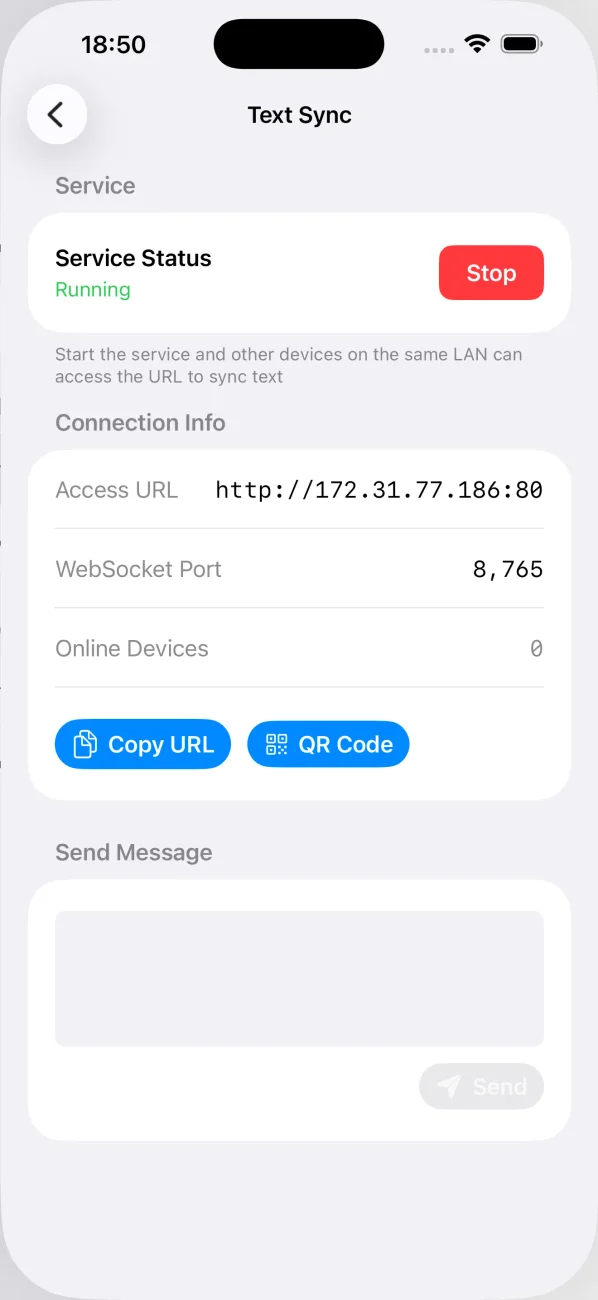
• Text Sync - Real-time text synchronization between your phone and computer over LAN
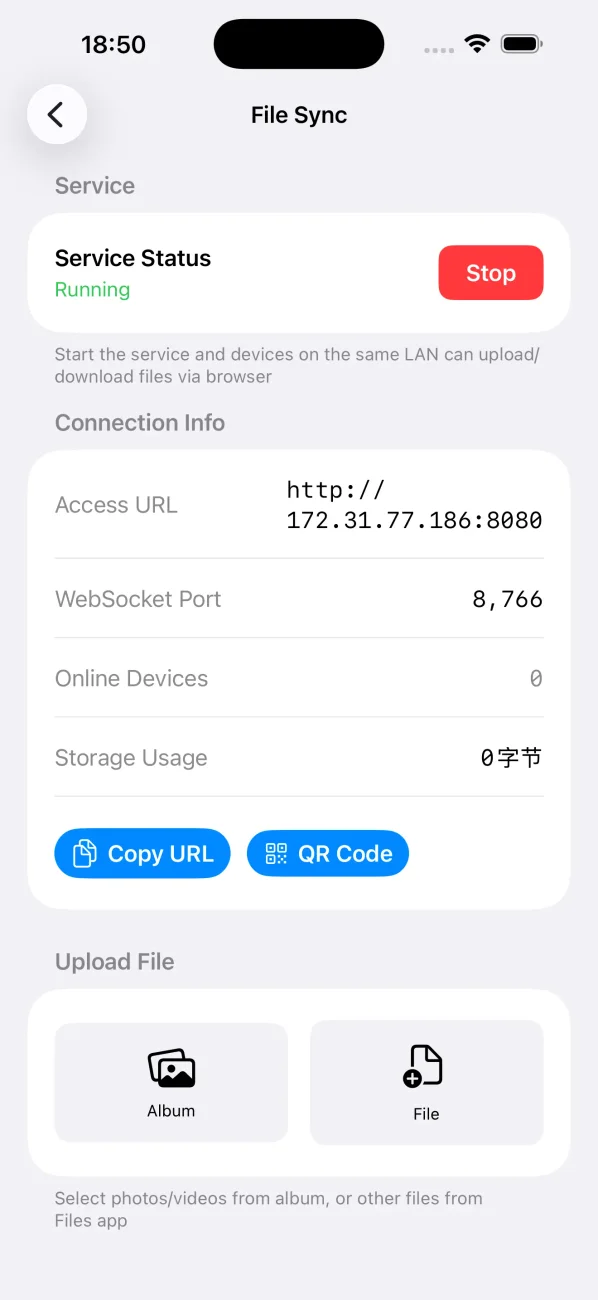
• File Transfer - Wirelessly transfer files and photos via browser on the same WiFi network
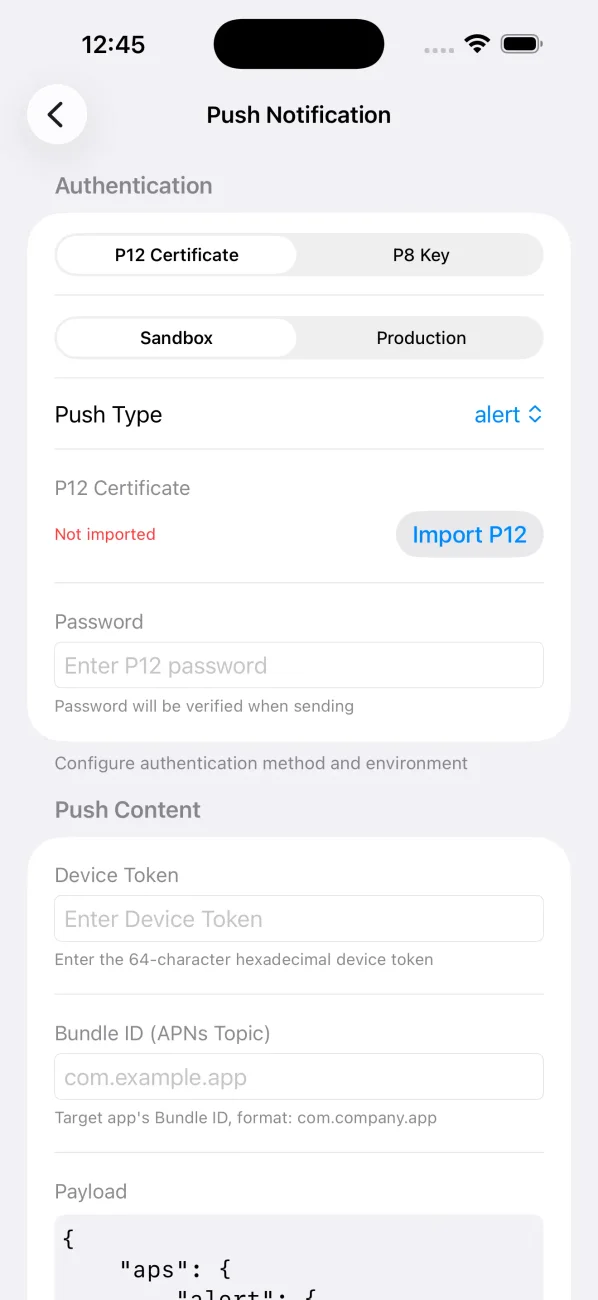
• APNs - Quickly test the push notification function, supporting both P12 and P8 certificate formats for easy debugging of push services.
【QR Code Tools】
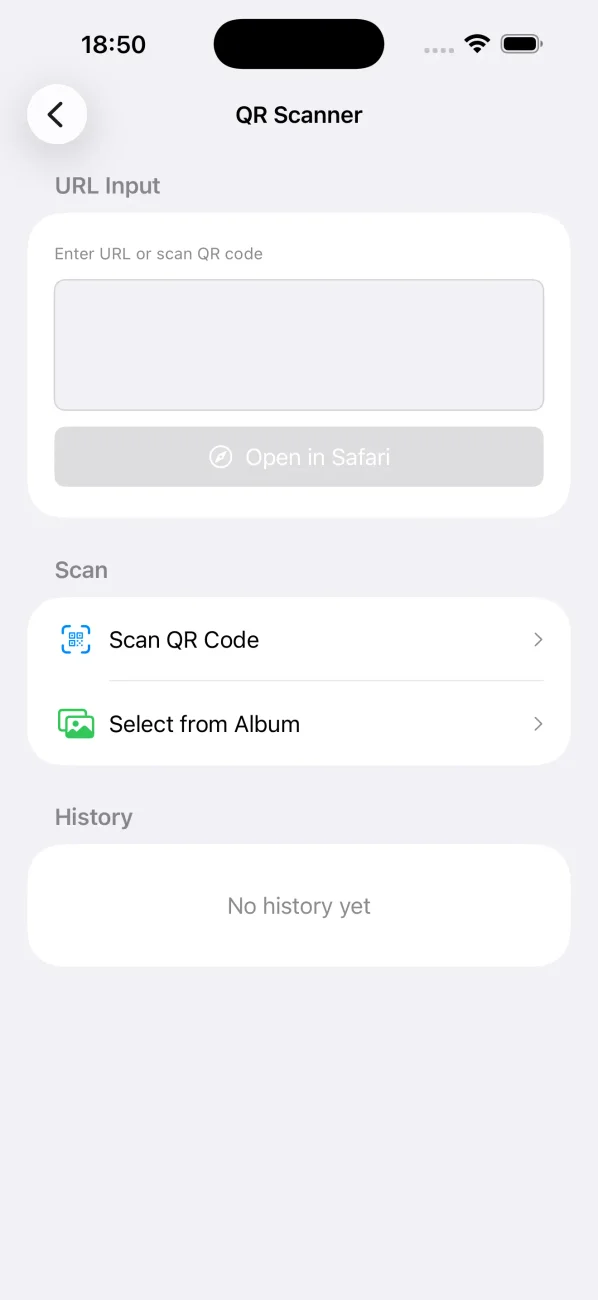
• QR Scanner - Scan with camera or recognize from photos, quickly open links or copy content
• QR Generator - Create QR codes from any text or URL for easy sharing
【Use Cases】
• Ad SDK Testing - Quick IDFA access for attribution verification
• Device Debugging - Sync test URLs and config parameters to your phone
• Bug Reporting - Copy device info for complete issue reports
• Cross-device Workflow - Fast file and text transfer between devices
• Sensor Debugging - Verify raw readings and permission flows on real hardware to narrow down sensor-related issues faster
• Bluetooth Debugging - Scan and connect to BLE peripherals to validate GATT services, characteristics, and data exchange
【Secure & Reliable】
• Local data storage to protect your privacy and sensitive information
Simple. Efficient. Essential for developers.
Yang baru
Versi 3.0.1 · 25/5/2026
Latest Update
- Added sensor debugging tool (live accelerometer, gyroscope, magnetometer, and more)
- Added Bluetooth debugging (BLE scan, GATT read/write and notifications, hex data display, and more)
- Added network debugging tool
- Optimized file synchronization function
- Added APNs debugging tool
Recent Updates
- Supported device information query
- Supported device IDFA retrieval
- Supported cross-device synchronization of text and files
- Supported QR code scanning, generation, opening and sharing
- Achieved 100% international support for the app
More new features are coming soon!
Privasi aplikasi
Yang dinyatakan Junjie Li di App Store tentang cara aplikasi ini menangani data.
-
Data yang digunakan untuk melacak Anda
Dapat digunakan untuk melacak Anda di aplikasi dan situs web milik perusahaan lain.
- Pengenal
-
Data yang tidak ditautkan dengan Anda
Dapat dikumpulkan, tetapi tidak ditautkan dengan identitas Anda.
- Pengenal
- Diagnostik
Praktik privasi dapat bervariasi, misalnya berdasarkan fitur yang Anda gunakan atau usia Anda.
Informasi
- Penjual
- Junjie Li
- Kategori
- Alat Pengembang
- Versi
- 3.0.1
- Diperbarui
- 25/5/2026
- Dirilis
- 6/2/2026
- Ukuran
- 31,6 MB
- Memerlukan
- iOS 16.0 atau yang lebih baru
- Batasan usia
- 4+
- Harga
- Gratis
- Bahasa
- Inggris, Jepang, Korea, Tionghoa Sederhana, Tionghoa Tradisional
- Hak cipta
- © 2026 AppsLee
Mungkin Anda juga suka
-
 GX Bluetooth ToolDebug dan analisis BLE
-
 LogCat Analyzer: Debug ToolkitAlat Pengembang
-
 Wireless DebugAlat Pengembang
-
 Pythonica: Code and DebugAlat Pengembang
-
 WebDebug - Web debugging toolWeb Inspector & Static Server
-
 DevMate - Connect & DebugAlat Pengembang
-
 Bluetooth Debugger & InspectorAlat Pengembang
-
 Debug AnywhereAlat Pengembang
-
 SSH Client - Secure ShellFishAlat Pengembang
-
 Bluetooth Controller BT/LEAlat Pengembang