
- Batasan usia4+
- KategoriKeuangan
- PengembangArbor Bank
- BahasaInggris
- Ukuran103,7 MB
Arbor Mobile mungkin sedang tidak tersedia di App Store
Halaman di toko tidak dapat dijangkau saat terakhir kami periksa. Tautan tetap mengarah ke halaman resmi App Store.
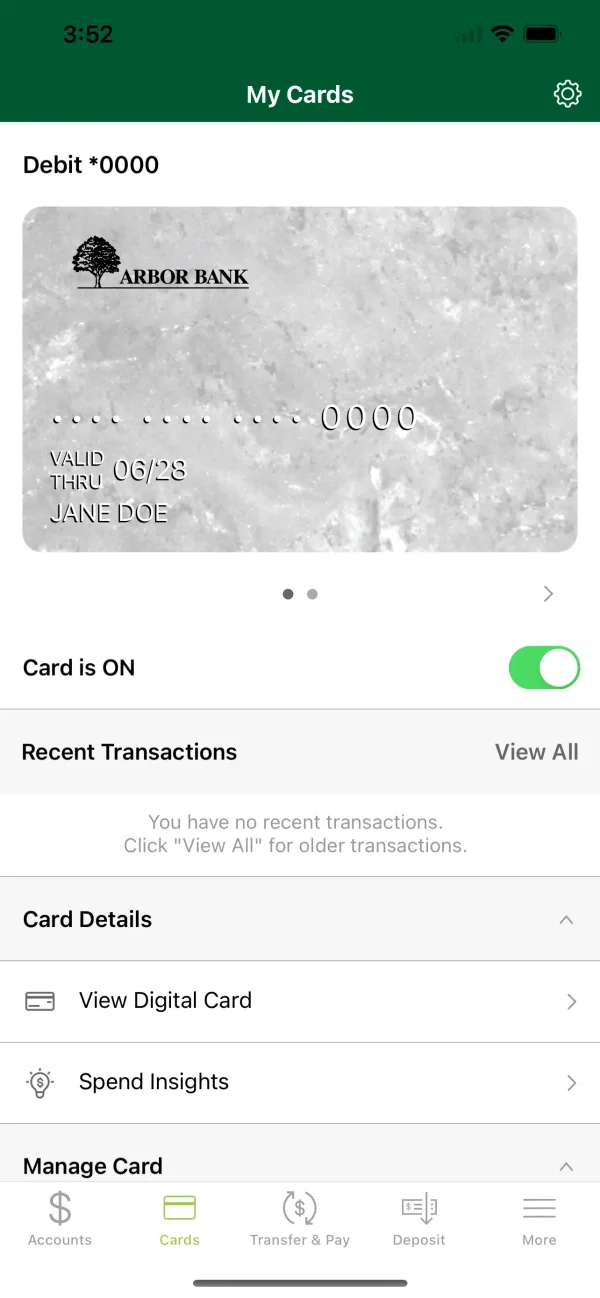
Tangkapan layar

Tentang
Pengembang belum menyediakan teks ini dalam bahasa Anda.
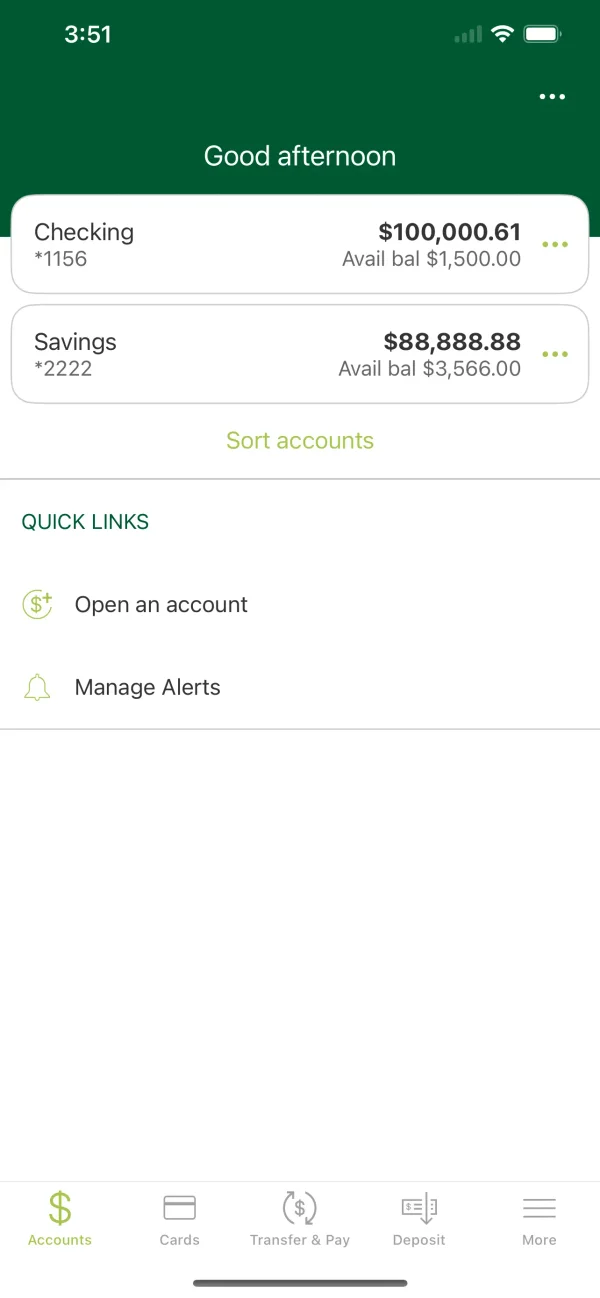
With Arbor Mobile, your Arbor Bank accounts are now as mobile as you are.
You can access your accounts on-the-go- easily and safely.
Getting started is easy:
• Go to arborbanking.com and log into Online Banking.
• Within Online Banking, go to the 'Services' tab and choose 'Arbor Mobile'.
• Complete the enrollment process.
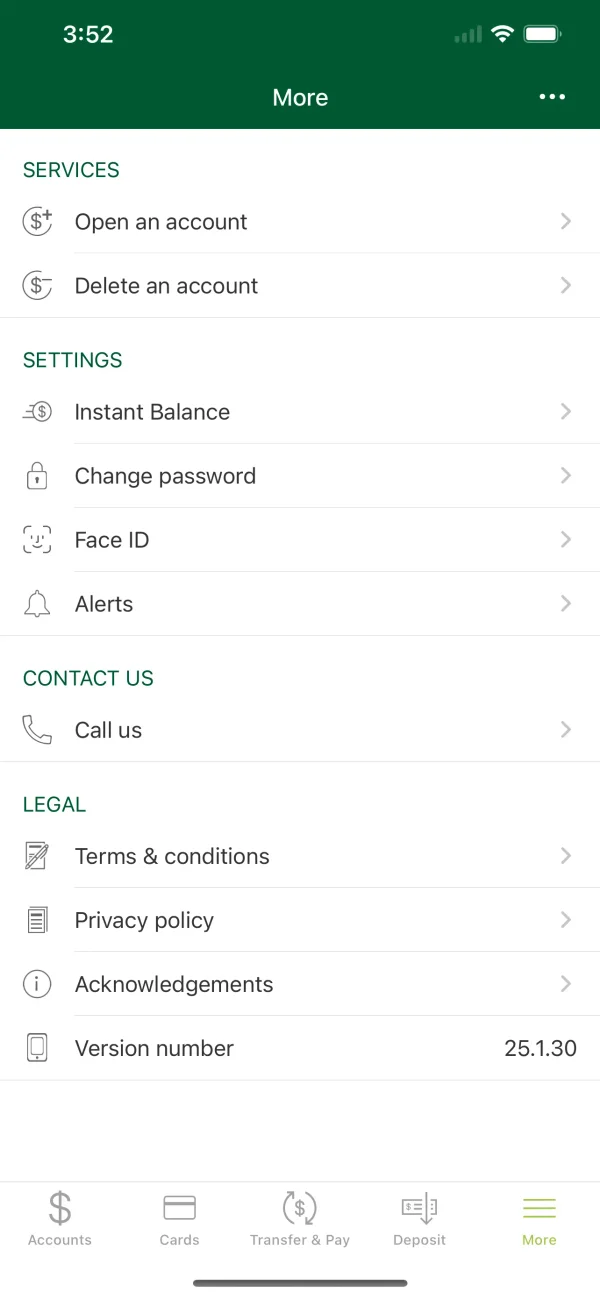
Once Arbor Mobile is downloaded to your mobile device you can securely:
• Get account balances
• View transaction history
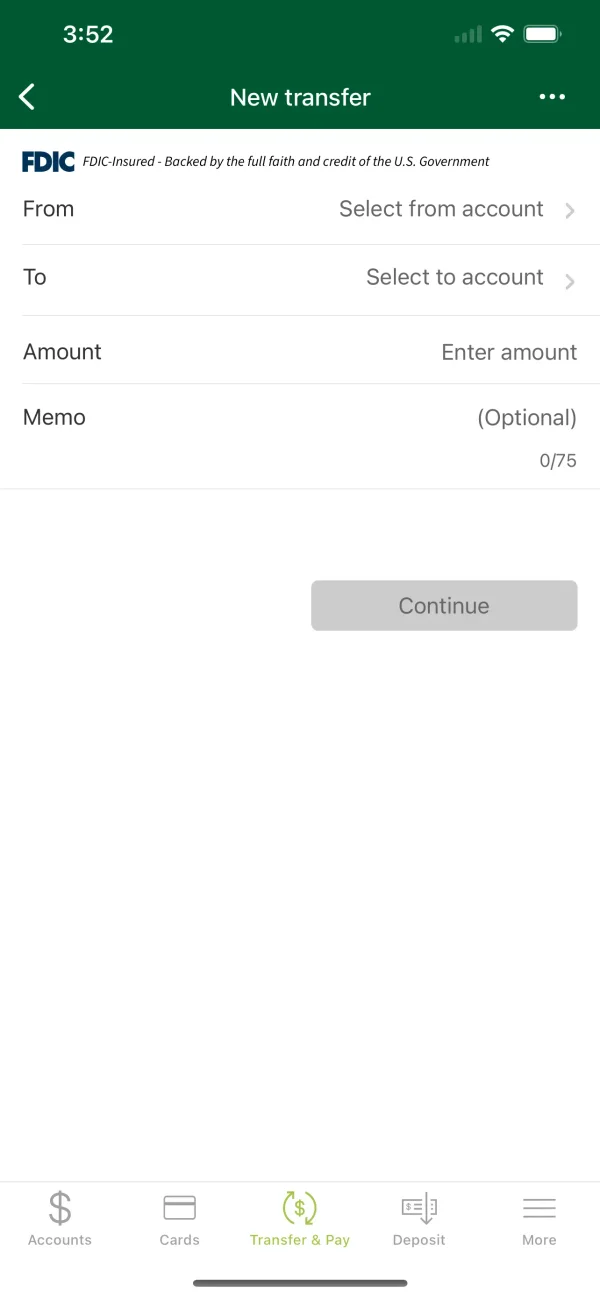
• Pay bills
• Transfer funds between accounts
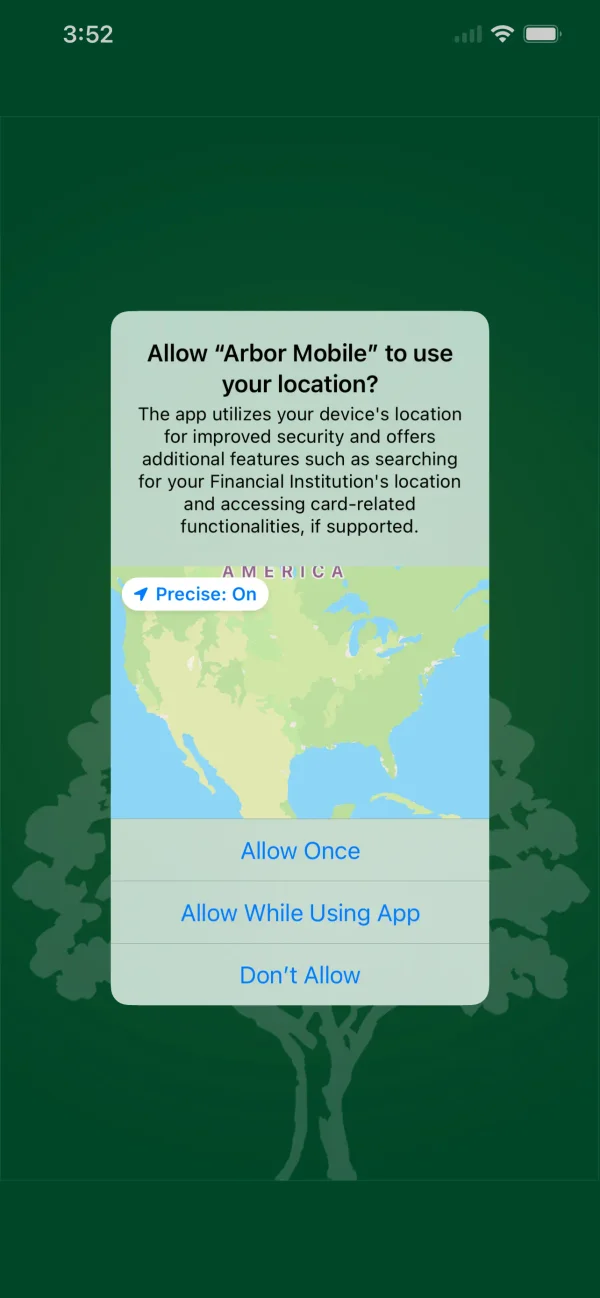
• Locate Arbor Bank branches and ATMs
Arbor Mobile is a free service to Arbor Bank customers, but message and data rates from your mobile service provider may apply.
Yang baru
Versi 26.1.30 · 4/8/2026
We are continually releasing new updates to further improve your mobile banking experience. This version includes user interface improvements, security updates and bug fixes. Please be sure to turn on automatic updates to make sure that your app is always up to date.
Privasi aplikasi
Yang dinyatakan Arbor Bank di App Store tentang cara aplikasi ini menangani data.
-
Data yang ditautkan dengan Anda
Dapat dikumpulkan dan ditautkan dengan identitas Anda.
- Pembelian
- Info keuangan
- Lokasi
- Info kontak
- Kontak
- Konten pengguna
- Pengenal
- Data penggunaan
- Diagnostik
Praktik privasi dapat bervariasi, misalnya berdasarkan fitur yang Anda gunakan atau usia Anda.
Informasi
- Penjual
- Arbor Bank
- Kategori
- Keuangan
- Versi
- 26.1.30
- Diperbarui
- 4/8/2026
- Dirilis
- 17/3/2015
- Ukuran
- 103,7 MB
- Memerlukan
- iOS 15.0 atau yang lebih baru
- Batasan usia
- 4+
- Bahasa
- Inggris
- Hak cipta
- © 2026 Fiserv, Inc. or its affiliates and licensors.