Associate Cloud Engineer Prep
ACE Practice Questions
Dirancang untuk iPhone, iPad, iPod touch
Gratis · Pembelian dalam aplikasi
- Batasan usia4+
- KategoriPendidikan
- PengembangCHOI SEONGMIN
- BahasaInggris+ 4 lainnya
- Ukuran497,4 MB
Tertaut ke halaman resmi App Store
Download.org tidak menyimpan file Associate Cloud Engineer Prep apa pun. Tombol ini membuka halaman aplikasi di App Store, tempat CHOI SEONGMIN menerbitkannya. Halaman terakhir diperiksa pada 24/11/2026.
Tangkapan layar



Tentang
Pengembang belum menyediakan teks ini dalam bahasa Anda.
Across the editions offered in English, there are 900 practice questions in total.
Associate Cloud Engineer, new edition: 400 questions and 160 terms.
New edition, updated November 13, 2026. Practice covers cloud setup, deployment, operations and access management. The New edition also includes exercises on AI agents and notebooks.
Keep studying across your phone, tablet and desktop.
Use your phone on the move and a tablet or desktop when you want more room to study. Sign in with the same StudyCert account to sync supported study records between the app and the web.
Previous edition (Old) — Prepare for Associate Cloud Engineer with 500 practice questions and 110 key terms.
Study coverage · 5 areas
• Setting up a cloud solution environment
• Planning and configuring a cloud solution
• Deploying and implementing a cloud solution
• Ensuring successful operation of a cloud solution
• Configuring access and security
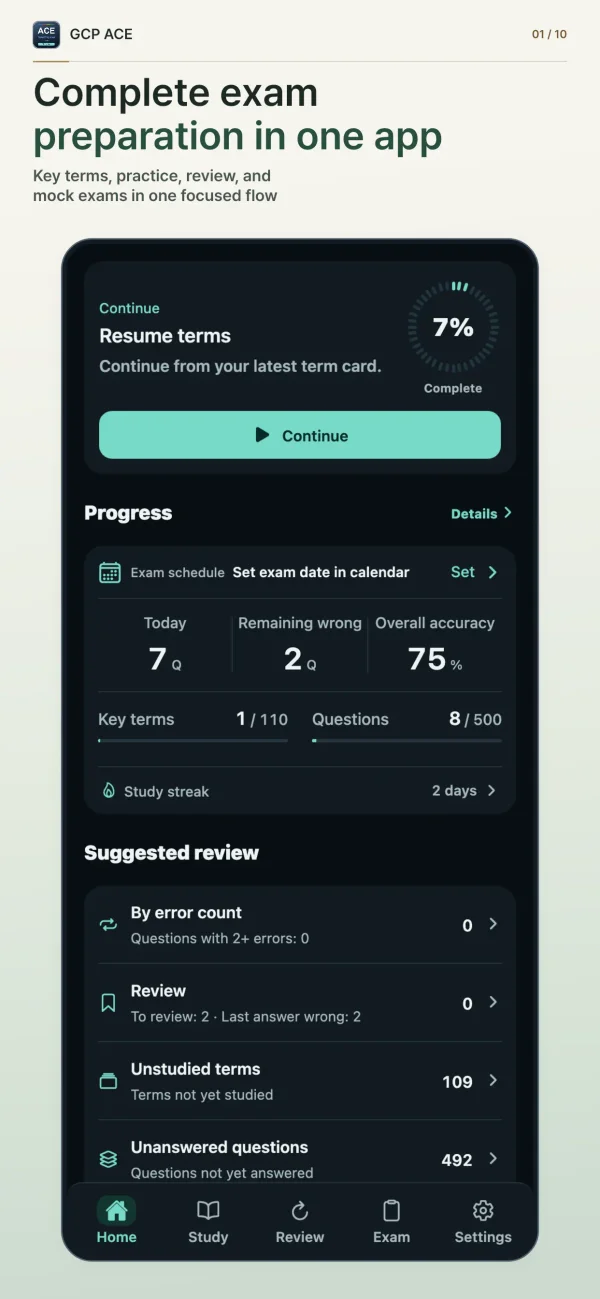
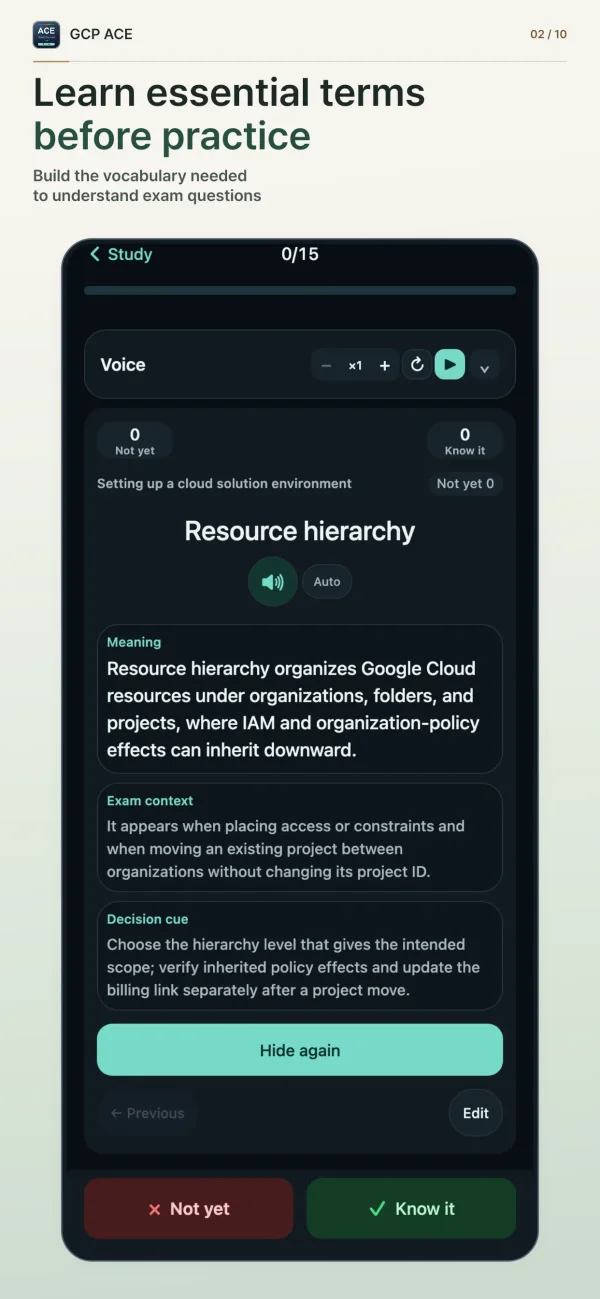
1. Build your foundation with key terms
Use flashcards to learn meanings, exam context and selection cues. Mark terms as known or not yet known, then revisit unstudied or unfamiliar cards. Edit card content to suit your learning and restore the original when needed.
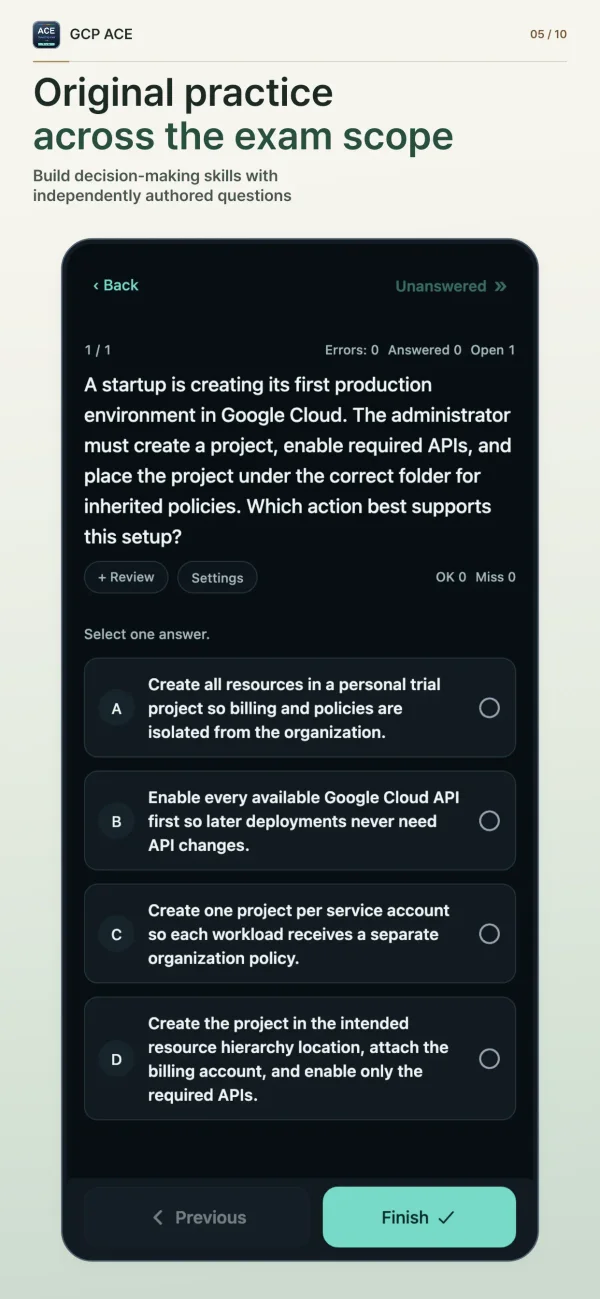
2. Practice and understand each answer
Study in 50-question sets, by domain or by difficulty. Work through single- and multiple-choice questions, then read the explanation for the answer and each option. Choose all, unfinished or wrong questions; shuffle questions and choices; use a study timer; and resume where you left off. From the results of domain study, continue with key terms and related questions in the next domain.
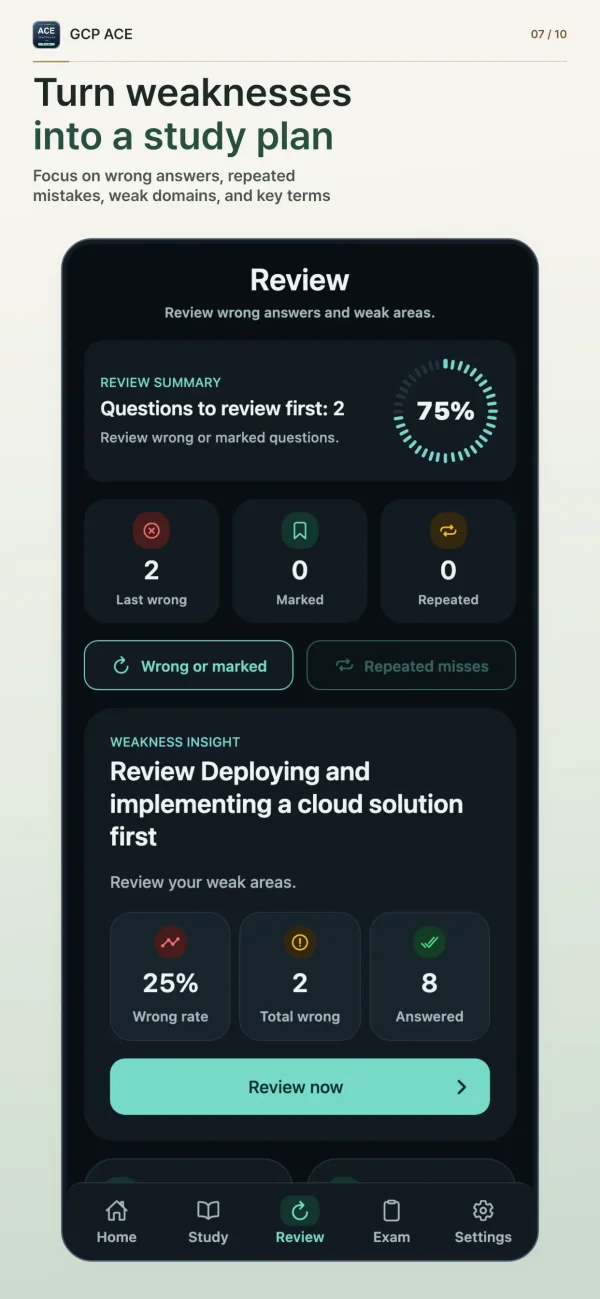
3. Review mistakes and uncertain concepts
Choose recent errors, review marks or repeated mistakes on the Review screen and practice them again. Check accuracy by domain alongside the terms you know or still need to learn. The glossary report shows term-learning status and accuracy on related questions together.
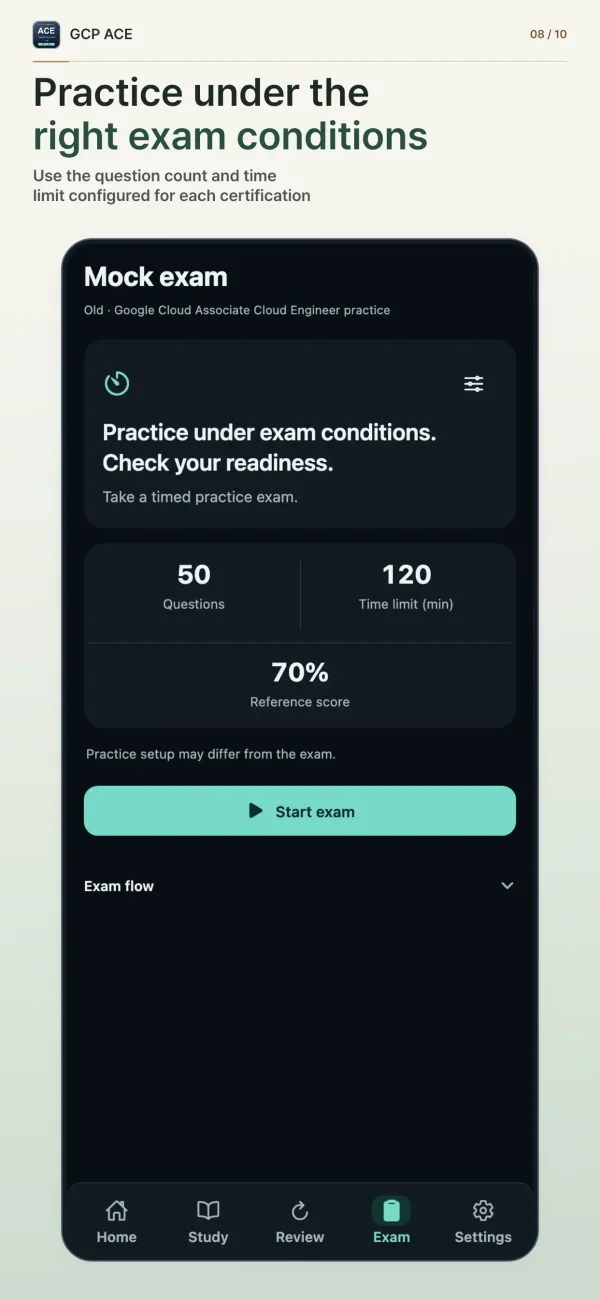
4. Check your preparation with a mock exam
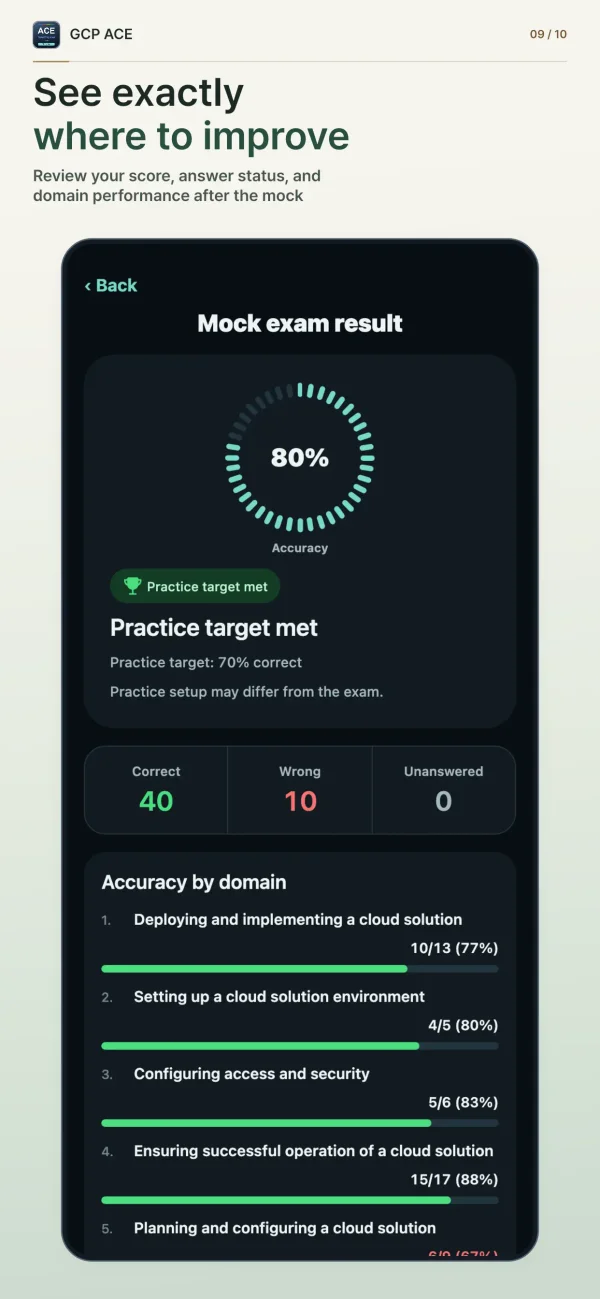
Practice time management with 50 questions in 120 minutes. Change answers before submission, resume a saved exam and receive grading when time expires. Afterwards, see correct, wrong and unanswered counts, your score and domain results, then revisit mistakes. This practice feature uses the included questions and does not determine an official exam score or pass result.
Tools that fit your study routine
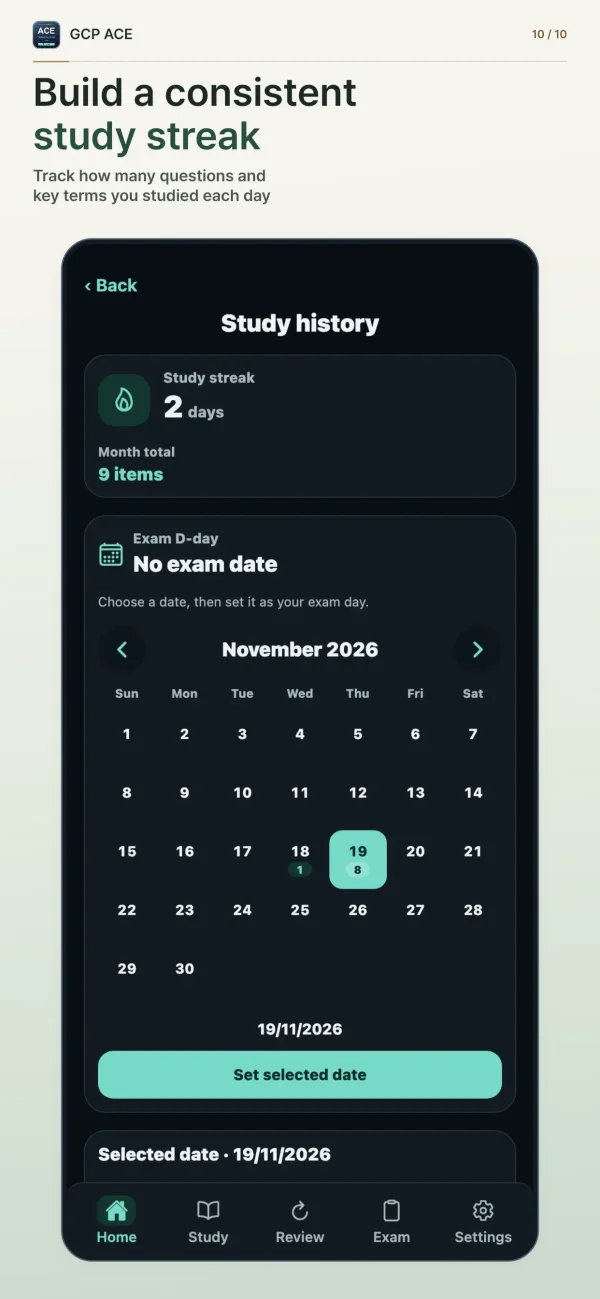
Optional audio study reads terms and meanings aloud. Choose whether to include exam context and selection cues, set repeats and pauses, and control playback with the mini player. In the mobile app, audio can continue in the background and with the screen locked. A study calendar, learning streaks, weekly goals, reminders for unmet goals and light, dark or system themes support your routine. Learning records are managed for each supported language.
Some features require paid access. Check the included features and price on the purchase screen. Purchase restoration is supported.
This is an independent study aid, not an official, affiliated or endorsed app of any exam administrator or certification body. Exam names and trademarks belong to their respective owners.
Yang baru
Versi 1.0.17 · 23/11/2026
The launch screen now shows “Associate: Cloud Engineer Prep” when English is selected as the app language.
Privasi aplikasi
Yang dinyatakan CHOI SEONGMIN di App Store tentang cara aplikasi ini menangani data.
-
Data yang tidak ditautkan dengan Anda
Dapat dikumpulkan, tetapi tidak ditautkan dengan identitas Anda.
- Pembelian
- Data penggunaan
Praktik privasi dapat bervariasi, misalnya berdasarkan fitur yang Anda gunakan atau usia Anda.
Informasi
- Penjual
- CHOI SEONGMIN
- Kategori
- Pendidikan
- Versi
- 1.0.17
- Diperbarui
- 23/11/2026
- Dirilis
- 1/7/2026
- Ukuran
- 497,4 MB
- Memerlukan
- iOS 15.1 atau yang lebih baru
- Batasan usia
- 4+
- Harga
- Gratis
- Pembelian dalam aplikasi
- Ya
- Bahasa
- Inggris, Jepang, Korea, Portugis, Spanyol
- Hak cipta
- © 2026 Choiseongmin Choi
Mungkin Anda juga suka
-
 ACE Cloud Engineer Exam PrepPendidikan
-
 Cloud Engineer Assoc PrepPendidikan
-
 DevOps Engineer Pro PrepPendidikan
-
 GCP Data Engineer Prep 2026Pendidikan
-
 ACE Readiness - Cloud EngineerPendidikan
-
 GCP-ACE Cloud Engineer ReviewPendidikan
-
 Study Review AIPendidikan
-
 GCP Associate Cloud EngineerPendidikan
-
 GG Professional Cloud DevOpsPendidikan
-
 GCP Knowledge TestPendidikan