
BlueWorx
SAP Mobile Asset Management
Dirancang untuk iPhone, iPad, iPod touch
Gratis
- Batasan usia4+
- KategoriBisnis
- PengembangZag Limited
- BahasaInggris
- Ukuran148,9 MB
Tertaut ke halaman resmi App Store
Download.org tidak menyimpan file BlueWorx apa pun. Tombol ini membuka halaman aplikasi di App Store, tempat Zag Limited menerbitkannya. Halaman terakhir diperiksa pada 18/11/2026.
Tangkapan layar

Tentang
Pengembang belum menyediakan teks ini dalam bahasa Anda.
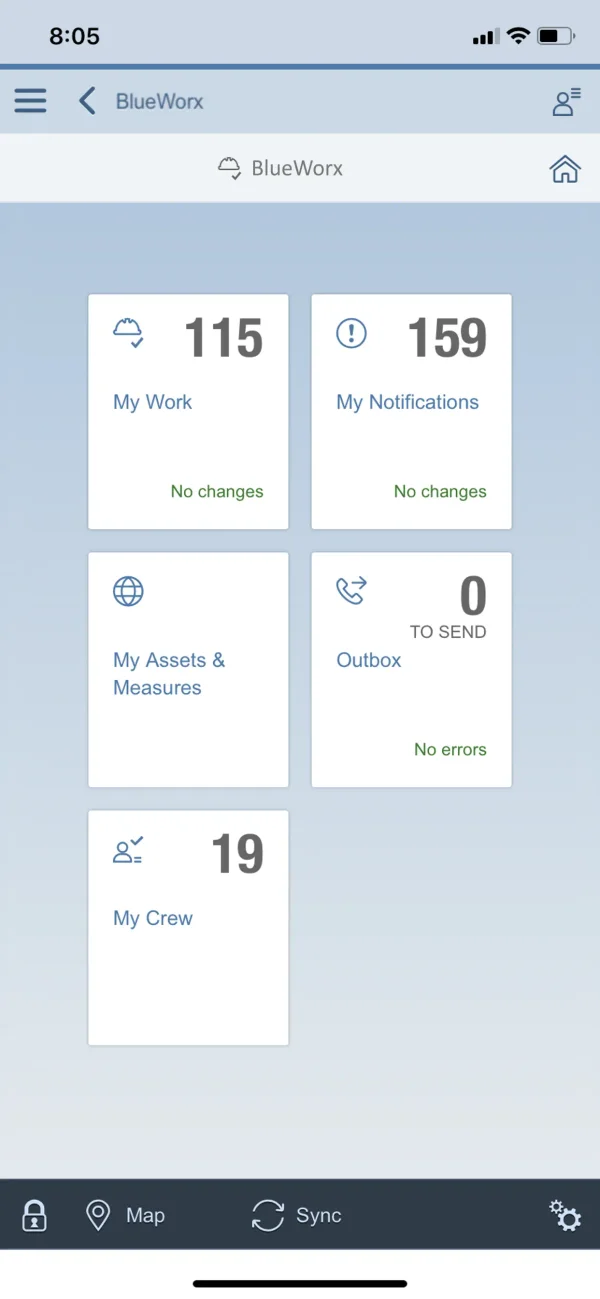
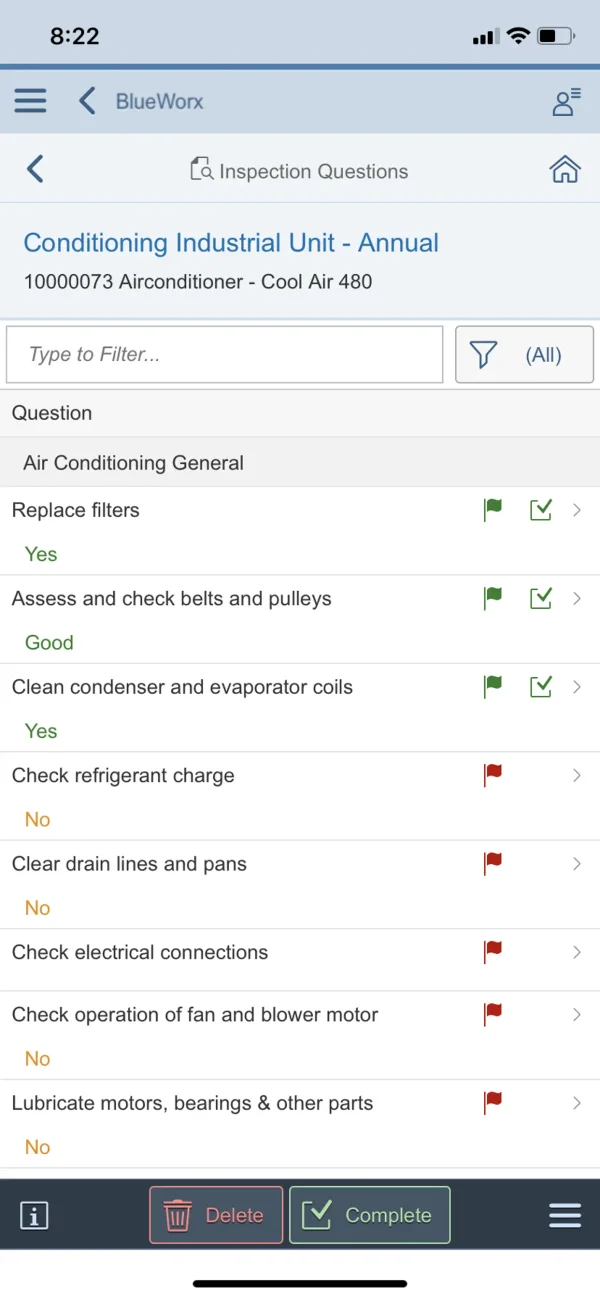
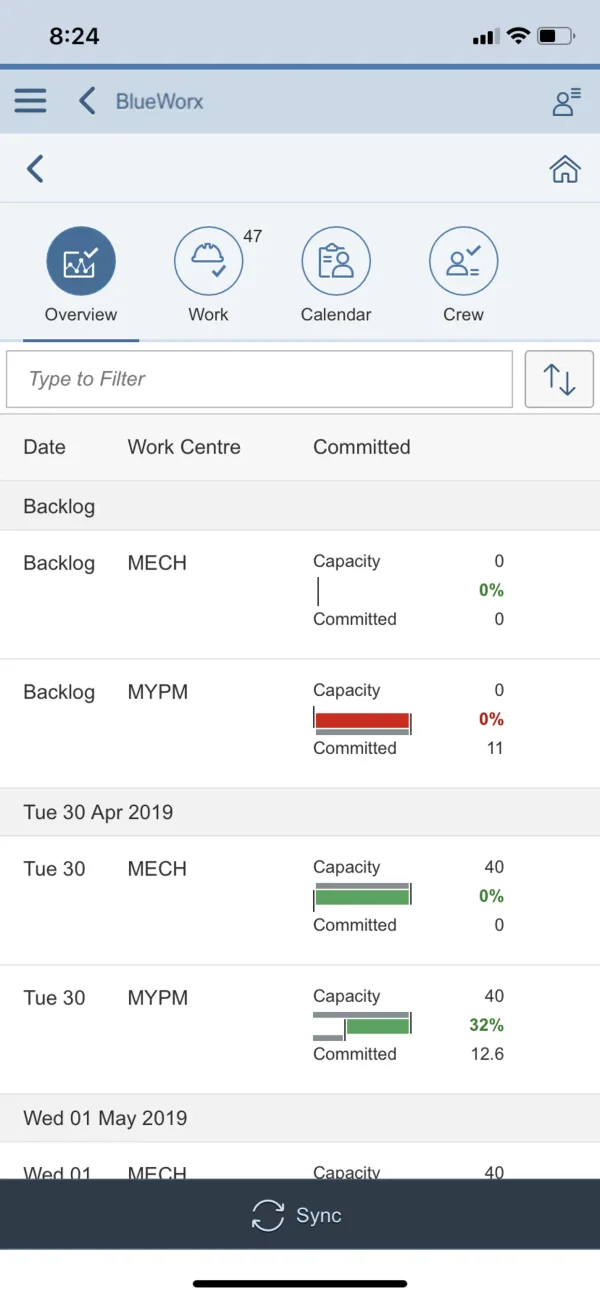
Maintenance and field workers need mobile solutions that help them to 'get the job done' easily and effectively. That's why we at Zag created BlueWorx, an innovative, user focused, comprehensive and affordable solution for mobilizing SAP Plant Maintenance. Delivering a great SAP Fiori user experience, BlueWorx performs equally well on your desktop browser as its does on your phone or tablet.
In our design of BlueWorx the end user is central to what we do. We listen to our customers and focus on those SAP Plant Maintenance functions they need the most. But we haven't stopped there, BlueWorx is full of innovative features that takes SAP mobile asset management to the next level.
BlueWorx core functionality includes:
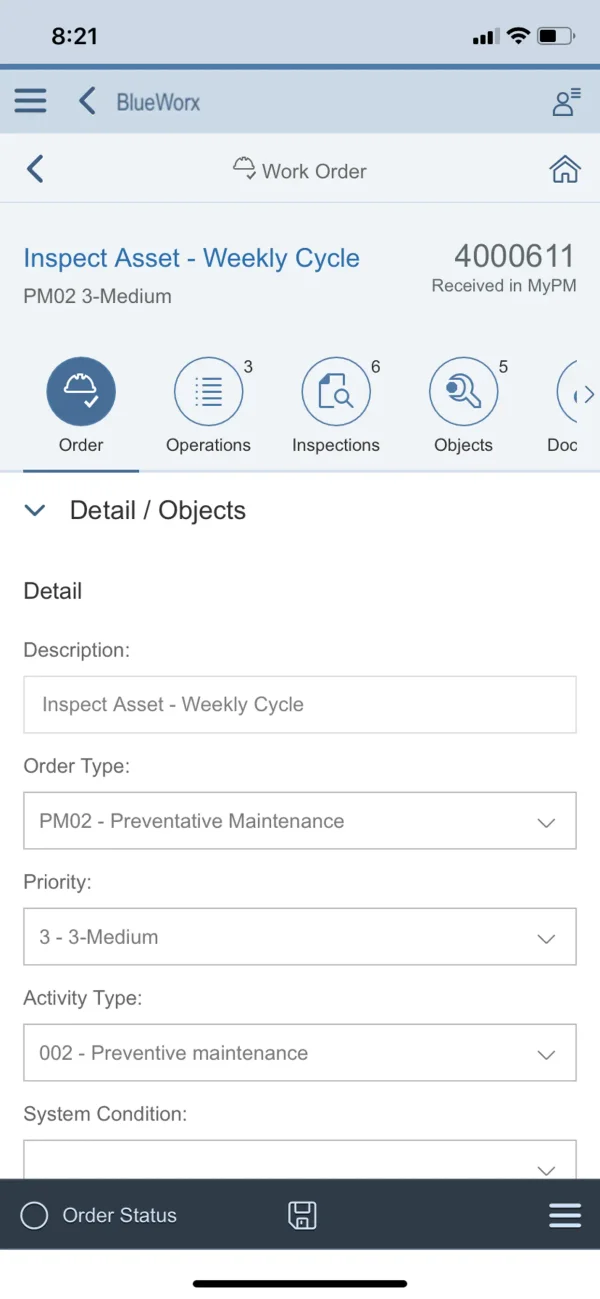
> Work and Service Orders
> Notifications
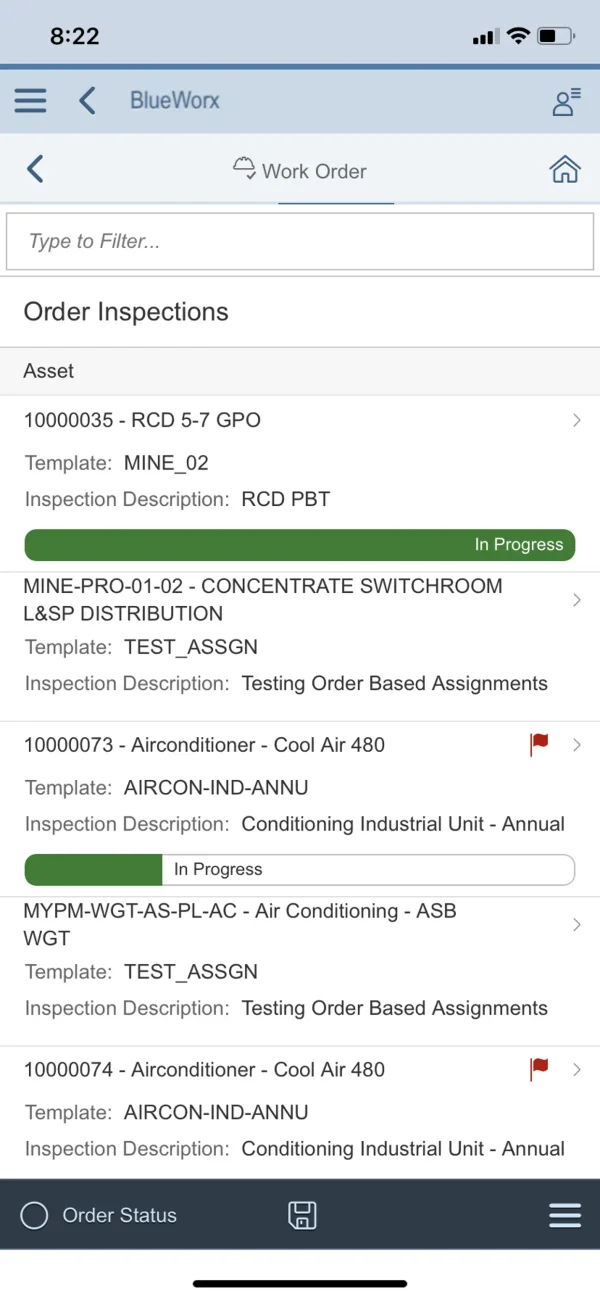
> Comprehensive Asset Inspections
> Functional Locations Details
> Equipment Details
> Material Balances, Issues, Reservations and Exchanges
> Measurement Points, Documents and Reading Lists
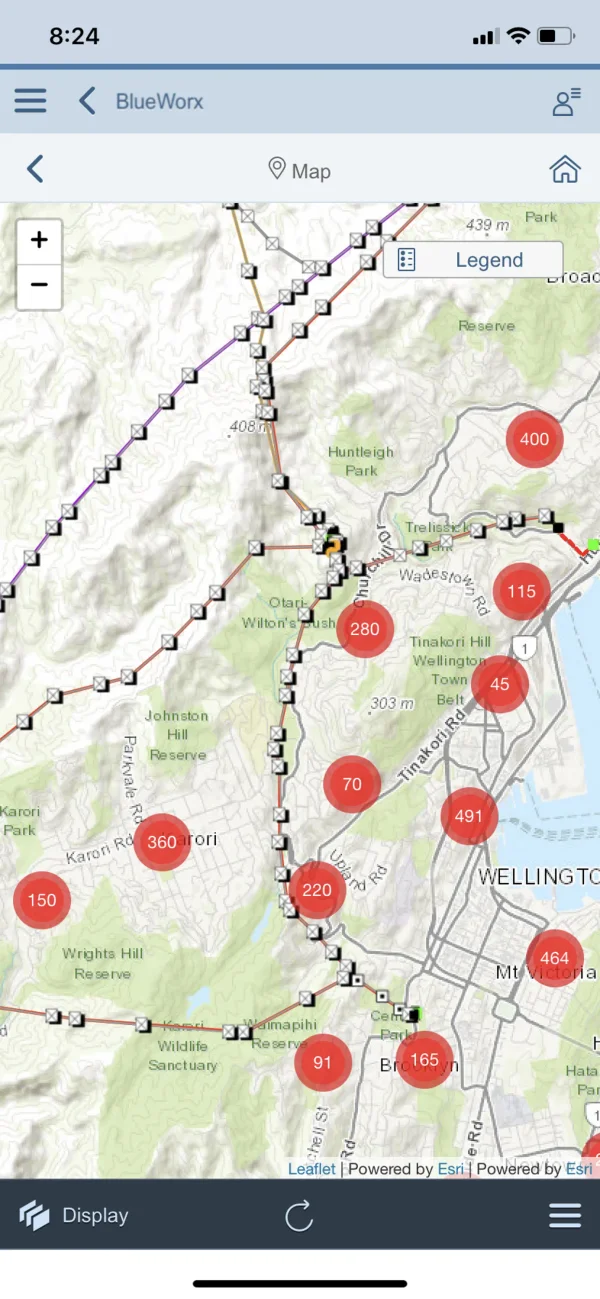
> GEO Spatial Map functionality
Please see the Developer Site below for extensive information on BlueWorx.
There are two logon modes for the application, 'Demo Logon' and 'Your System Logon':
> For demonstration purposes please use the 'Demo Logon' which connects to a Zag demonstration system. Please note that any changes that you make to data in the application and then sync with our system will be disregarded on processing.
> The 'Your System Logon' option is for use with your own SAP system and BlueWorx application registered through your Neptune Software Planet 8 Cockpit. It requires SAP, Neptune Software and BlueWorx commercial agreements, installation and configuration.
The BlueWorx application is not meant for usage with productive SAP systems. Customers should create their own version in order to avoid version conflicts between the version on App Store and SAP back-end when Zag chooses to update the version on App Store. Full directions for customers to create their own enterprise application version is available from Zag.
Yang baru
Versi 6.8.8 · 13/3/2023
Updated Icons and Splash Screen Image.
Added time zone support for suitably configured SAP back-end systems.
Privasi aplikasi
Yang dinyatakan Zag Limited di App Store tentang cara aplikasi ini menangani data.
-
Data tidak dikumpulkan
Pengembang tidak mengumpulkan data apa pun dari aplikasi ini.
Praktik privasi dapat bervariasi, misalnya berdasarkan fitur yang Anda gunakan atau usia Anda.
Informasi
- Penjual
- Zag Limited
- Kategori
- Bisnis
- Versi
- 6.8.8
- Diperbarui
- 13/3/2023
- Dirilis
- 1/5/2019
- Ukuran
- 148,9 MB
- Memerlukan
- iOS 11.0 atau yang lebih baru
- Batasan usia
- 4+
- Harga
- Gratis
- Bahasa
- Inggris
- Hak cipta
- © 2023 Zag Limited
Mungkin Anda juga suka
-
 SAP Maintenance AssistantBisnis
-
 PCS Field Data CollectorBisnis
-
 irth UtiliSphereBisnis
-
 SAP Service and Asset ManagerBisnis
-
 SAP Mobile Services ClientBisnis
-
 UtilisphereBisnis
-
 SAP Field Service ManagementBisnis
-
 Xcelerate for DriversBisnis
-
 X/S ConnectBisnis
-
 SAP Analytics CloudAkses analytics di mana pun.