
Bracket AI SSH Manager
SSH Client With AI Assistant
Dirancang untuk iPhone, iPad
Rp 99ribu · Pembelian dalam aplikasi
- Batasan usia4+
- KategoriAlat Pengembang
- PengembangViewTextmode
- BahasaInggris+ 21 lainnya
- Ukuran45,1 MB
Tertaut ke halaman resmi App Store
Download.org tidak menyimpan file Bracket AI SSH Manager apa pun. Tombol ini membuka halaman aplikasi di App Store, tempat ViewTextmode menerbitkannya. Halaman terakhir diperiksa pada 18/11/2026.
Tangkapan layar
Tentang
Pengembang belum menyediakan teks ini dalam bahasa Anda.
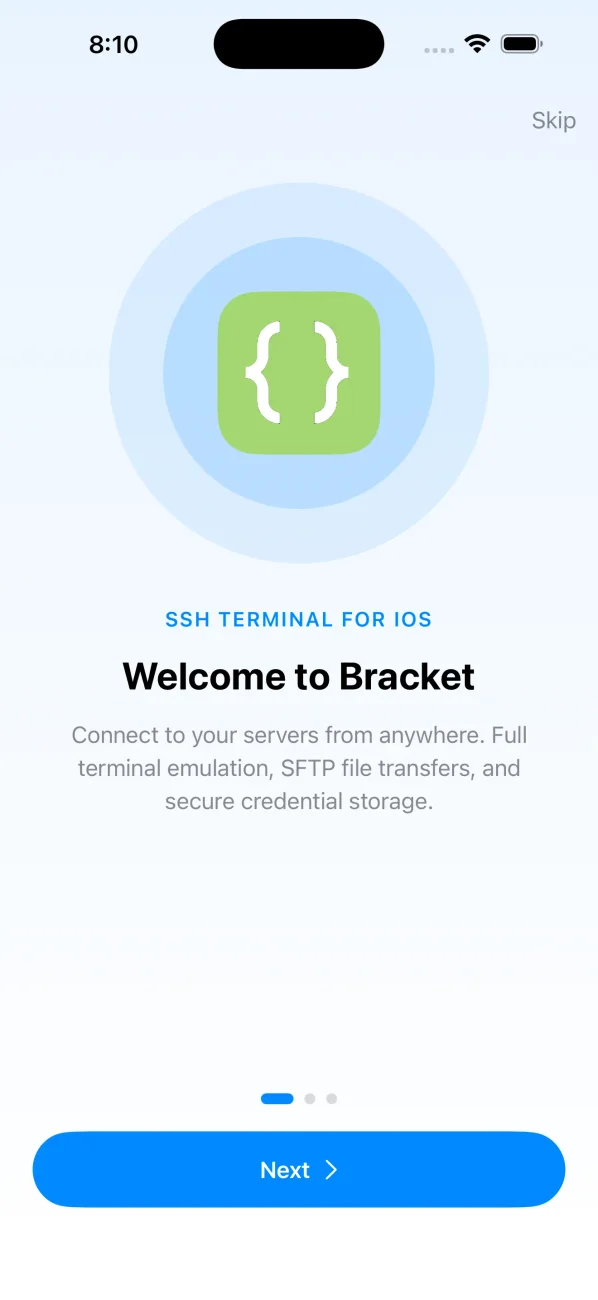
Bracket is a full-featured SSH terminal client built for iOS. Connect to your servers, manage files, and work remotely — all from your iPhone or iPad.
SECURE SHELL TERMINAL
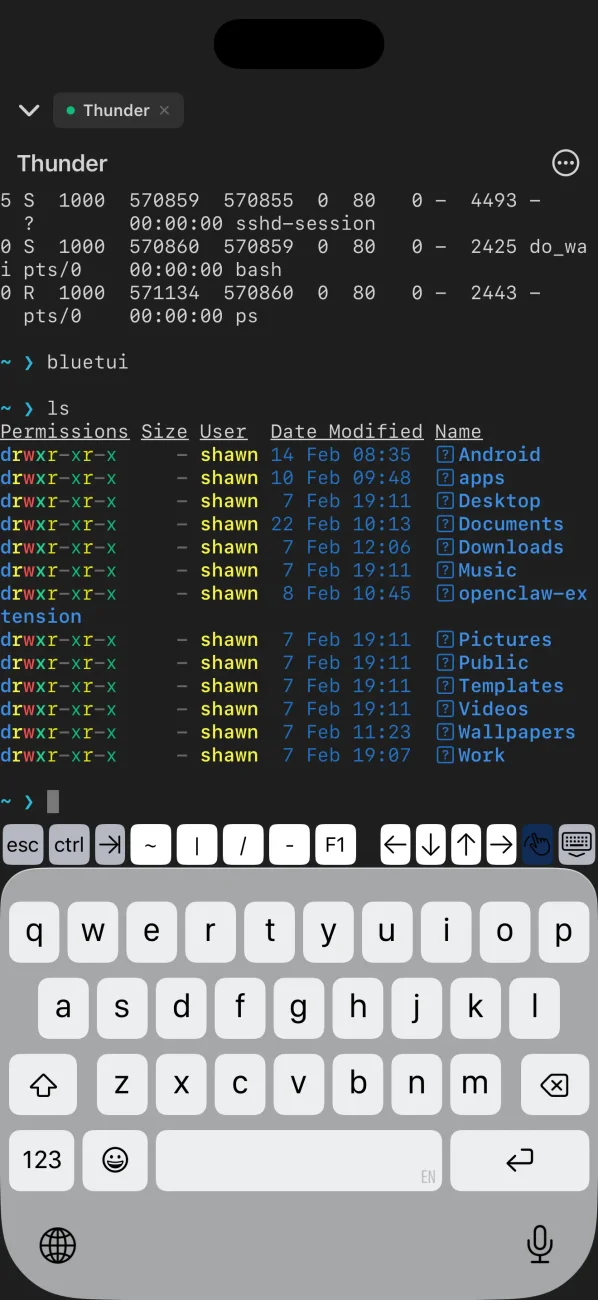
A complete terminal emulator with full color support, customizable themes, and multiple font options. Split your screen into panes and tabs on iPad for a true workstation experience.
CONNECT YOUR WAY
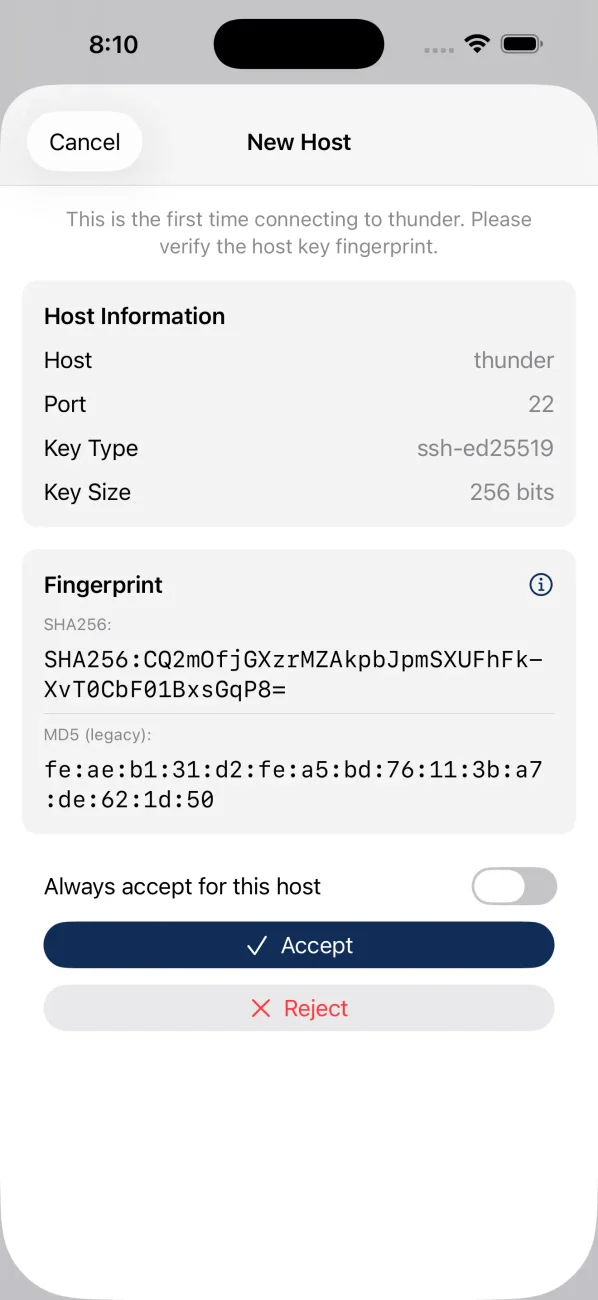
Authenticate with passwords, SSH keys, or both. Generate Ed25519 and RSA keys directly on your device, or import existing keys. Bracket stores all credentials securely in the iOS Keychain and supports Face ID / Touch ID app lock.
SFTP FILE MANAGER
Browse, upload, download, rename, and delete files on your remote servers. Create directories, sort by name or date, and share files using the system share sheet.
PORT FORWARDING
Set up local and remote port forwarding tunnels. Monitor bandwidth in real time and manage active tunnels with ease.
MOSH SUPPORT
Stay connected on unreliable mobile networks with Mosh (Mobile Shell). Seamlessly roam between Wi-Fi and cellular without dropping your session.
DESIGNED FOR MOBILE
Auto-reconnect keeps your sessions alive. Background keep-alive prevents server timeouts. Connection groups help you organize your servers. URL schemes (ssh://, sftp://) let you connect from other apps.
MULTIPLE SESSIONS & TMUX
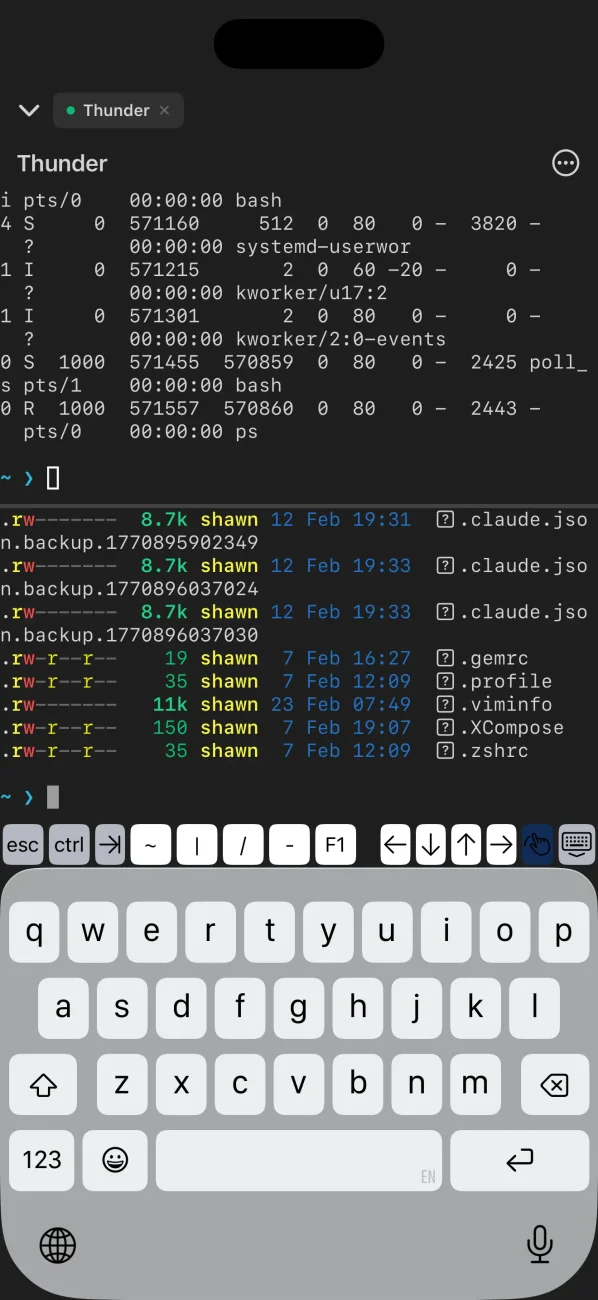
Support multiple settings with tab based terminal view. Can connect to a few servers at the same time. Support tmux sessions to ensure continuation of session in all connections.
PRIVACY FIRST
Bracket collects zero data. No analytics, no tracking, no telemetry. Your credentials never leave your device.
SUBSCRIPTIONS
Pro and Max are optional monthly auto-renewable subscriptions that unlock the AI assistant. Payment is charged to your Apple Account at confirmation of
purchase. Subscriptions renew automatically unless cancelled at least 24 hours before the end of the current period. Manage or cancel in your Apple
Account settings.
Terms of Use (EULA): https://www.apple.com/legal/internet-services/itunes/dev/stdeula/
Privacy Policy: https://bracket.intensecomp.com/privacy.html
Yang baru
Versi 2.0 · 10/10/2026
What's New in 2.0
• tmux in every tab: each tab gets its own tmux session. A new tab opens a session no other tab is showing, asks which one when several are free, and only creates a new session when all of them are open. Tab titles follow the session.
• Restore Windows: connecting again reopens the tabs you had, each on its tmux session. On by default; turn it off in Settings → Terminal.
• Manage tmux from the session menu: see, switch, create, rename and close sessions.
• Sessions survive a dropped connection: Bracket reconnects in place and brings back your panes and tmux sessions.
• Startup commands can be multi-line, and run on every connect or only for new sessions.
• Switch to Key Login: move a password server to SSH key login in a few taps. Your password stays as a fallback for your other devices, and each device can add its own key.
• If a server refuses your key, Bracket asks for the password instead of failing.
• Export a key report (CSV or JSON) of this device's keys and the connections that use them, for access reviews. Private keys and passwords are never included.
• Home and End keys in the keyboard bar.
• Settings shared with the Mac app now stay in sync.
• A simpler iPhone terminal menu, with Disconnect always in reach.
• ⌘D splits side by side and ⇧⌘D splits top and bottom, as in iTerm2 and Terminal.
• A cleaner start: Bracket's shell setup no longer flashes on screen.
• Fixed a blank screen after running clear, and the cursor sitting a line below the text in tmux.
Privasi aplikasi
Yang dinyatakan ViewTextmode di App Store tentang cara aplikasi ini menangani data.
-
Data tidak dikumpulkan
Pengembang tidak mengumpulkan data apa pun dari aplikasi ini.
Praktik privasi dapat bervariasi, misalnya berdasarkan fitur yang Anda gunakan atau usia Anda.
Informasi
- Penjual
- Shawn Chua
- Kategori
- Alat Pengembang
- Versi
- 2.0
- Diperbarui
- 10/10/2026
- Dirilis
- 5/3/2026
- Ukuran
- 45,1 MB
- Memerlukan
- iOS 18.0 atau yang lebih baru
- Batasan usia
- 4+
- Harga
- Rp 99ribu
- Pembelian dalam aplikasi
- Ya
- Bahasa
- Inggris, Cheska (Republik Cheska), Dansk (Denmark), Belanda, Suomi (Finlandia), Prancis, Jerman, Yunani, Italia, Jepang, Korea, Bokmål Norsk + 10 lainnya
- Hak cipta
- © Intensecomp
Mungkin Anda juga suka
-
 ReqeastAlat Pengembang
-
 PureCodeAlat Pengembang
-
 MobileClaw - Local LLM ChatAlat Pengembang
-
 Onepilot: SSH Shell TerminalAlat Pengembang
-
 DevGear - Developer utilitiesAlat Pengembang
-
 Ducky Model EditorAlat Pengembang
-
 pseudocoderAlat Pengembang
-
 Pievra: Jules & Stitch AIAlat Pengembang
-
 n8n ViewerAlat Pengembang
-
 NetScanner - HTTP CatcherAlat Pengembang