Building Blocks Master
Play with building blocks
Dirancang untuk iPhone, iPad, Mac
Rp 19ribu
- Batasan usia4+
- KategoriKeluarga
- Pengembanghideyuki kubo
- BahasaInggris+ 1 lainnya
- Ukuran1,1 GB
Tertaut ke halaman resmi App Store
Download.org tidak menyimpan file Building Blocks Master apa pun. Tombol ini membuka halaman aplikasi di App Store, tempat hideyuki kubo menerbitkannya. Halaman terakhir diperiksa pada 12/11/2026.
Tangkapan layar

Tentang
Pengembang belum menyediakan teks ini dalam bahasa Anda.
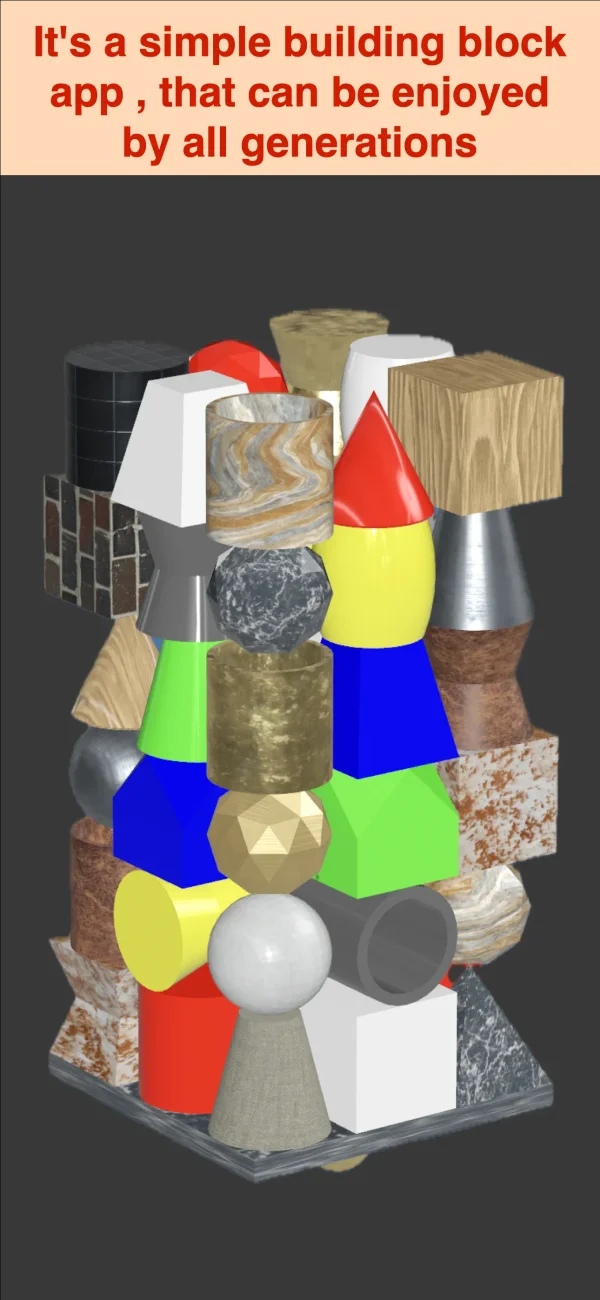
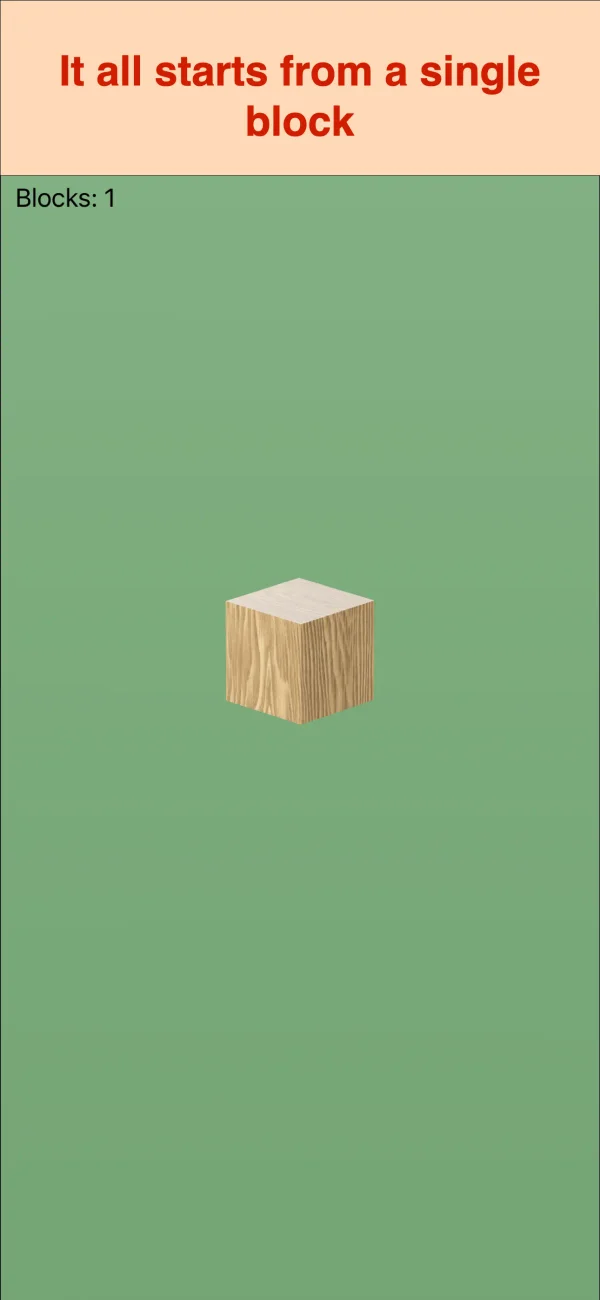
This is a building block app.
It can be played safely by people of all ages, from young children to seniors.
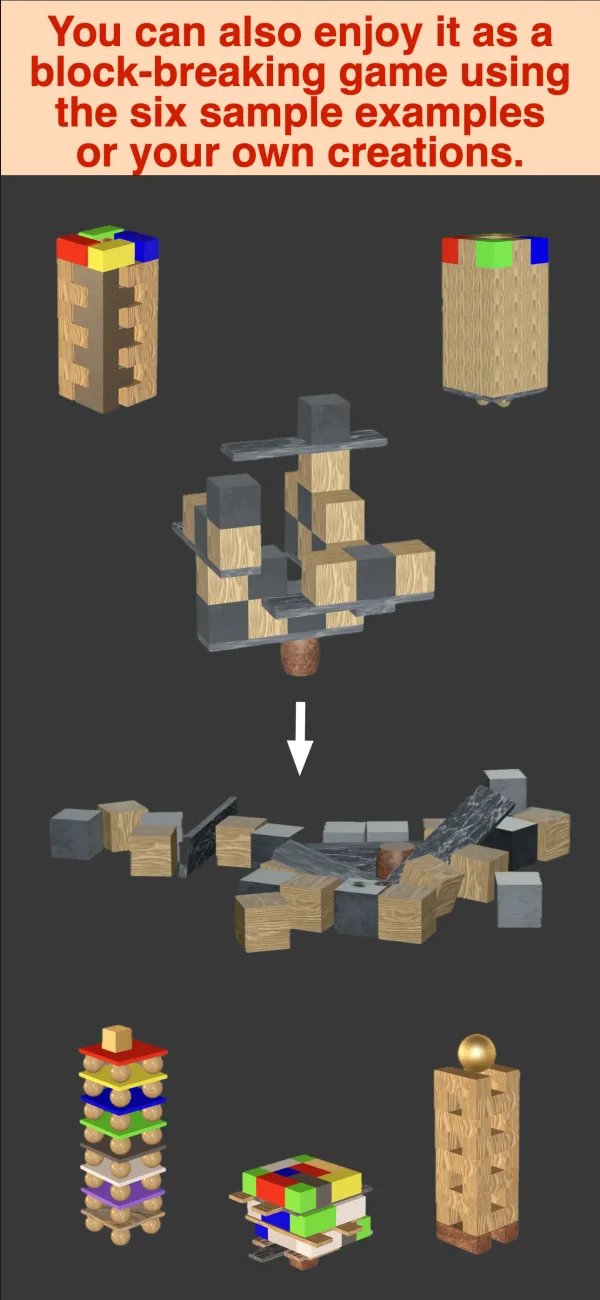
In particular, a sample is included by default so that it can be enjoyed as a block-breaking game. Of course, you can also enjoy using your own created building blocks as a block-breaking game.
Main features are as follows:
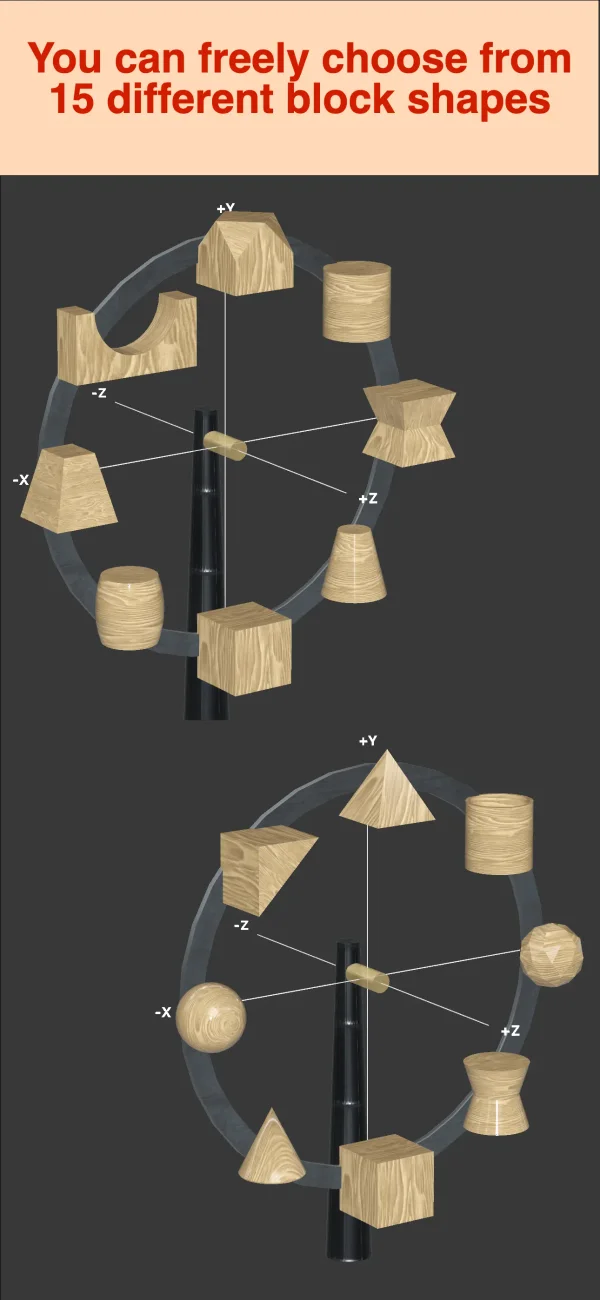
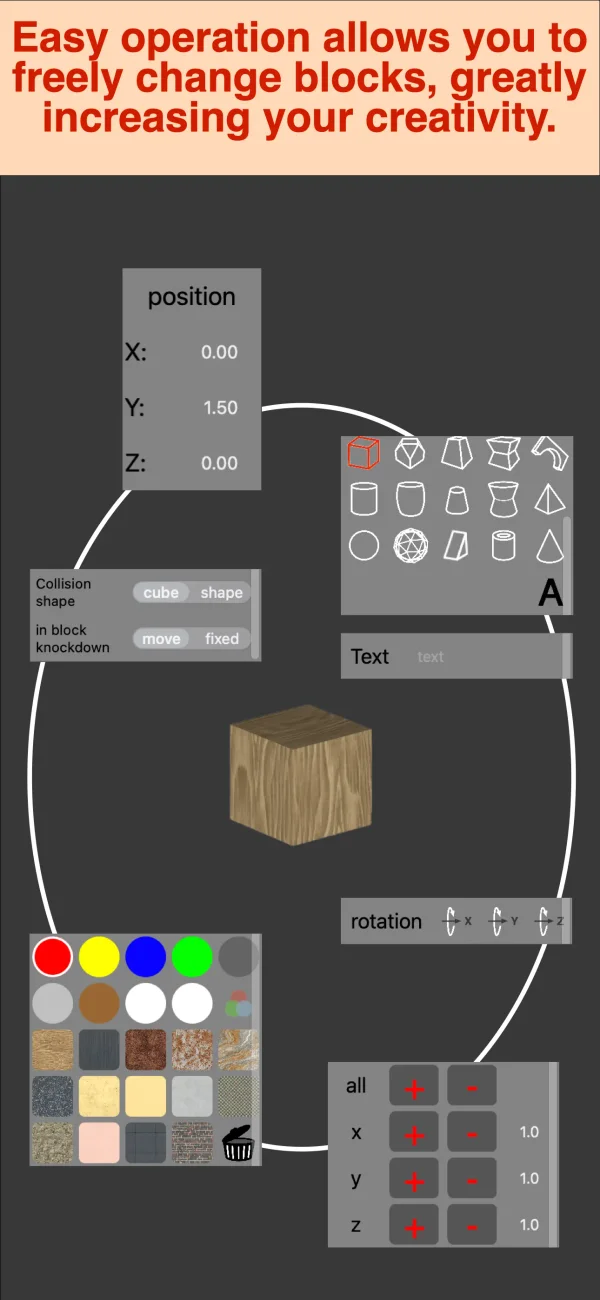
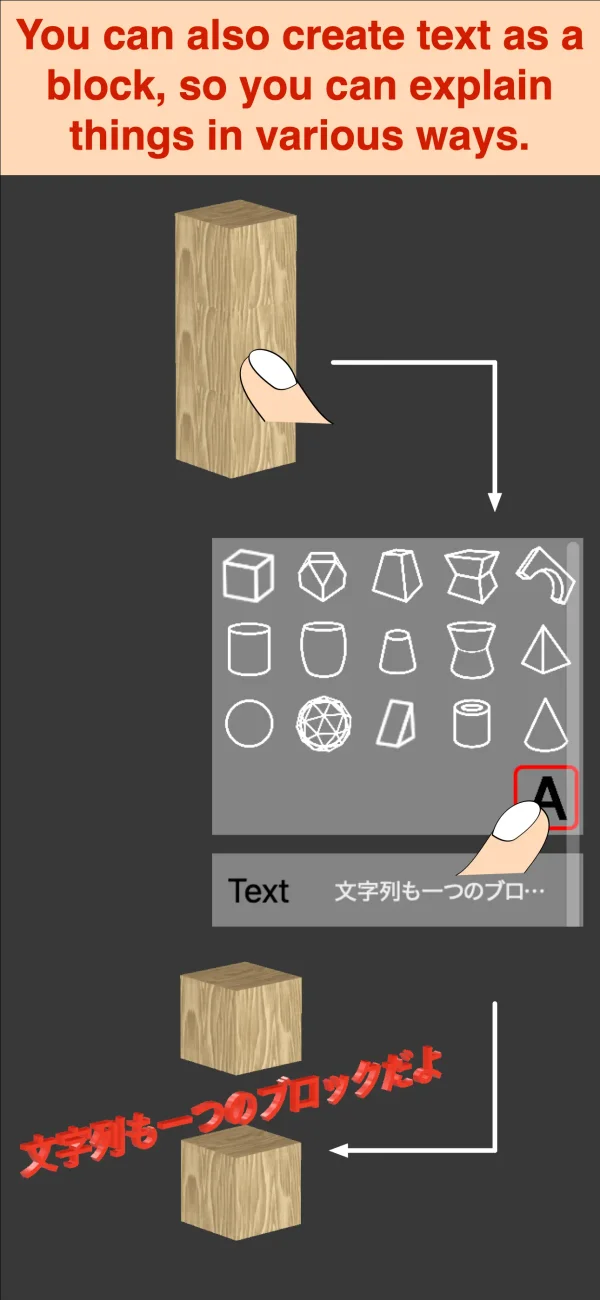
1. There are 14 different building block shapes.
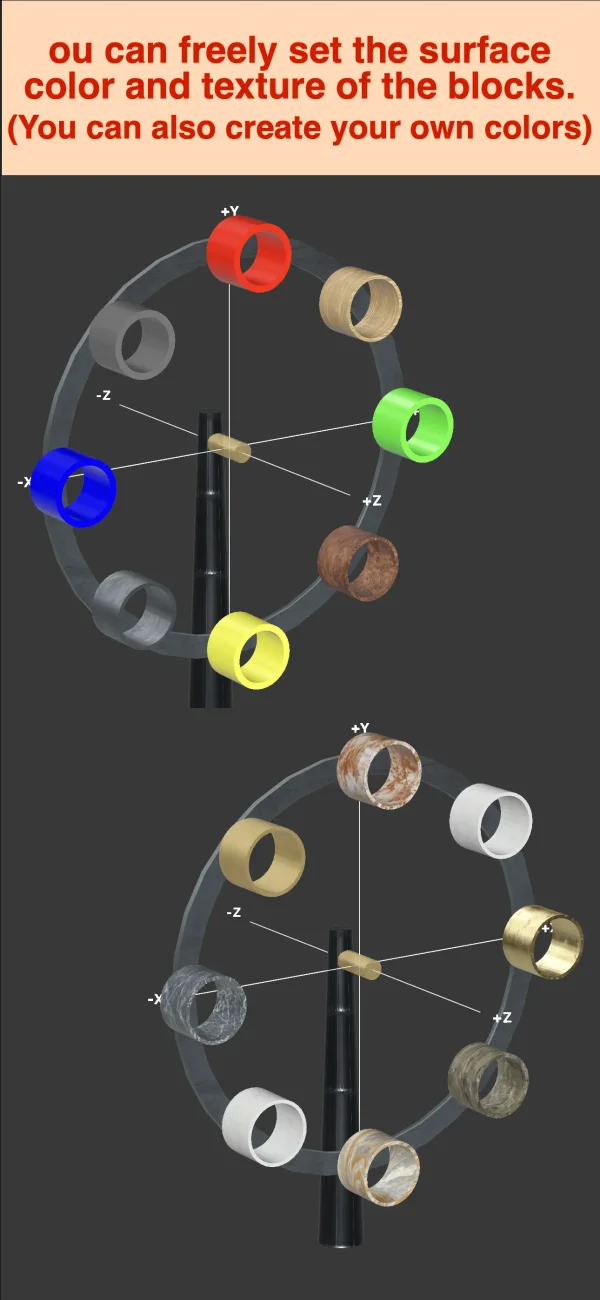
2. In addition to solid colors, you can choose from 14 different textures for the block surfaces.
3. An infinite number of solid colors can be set.
4. Blocks can be easily added up, down, left, right, and right.
5. Blocks can be added continuously with a long press tap gesture.
6. The shape and orientation of blocks can be changed later.
7. The size (length, width, and height) can be freely changed.
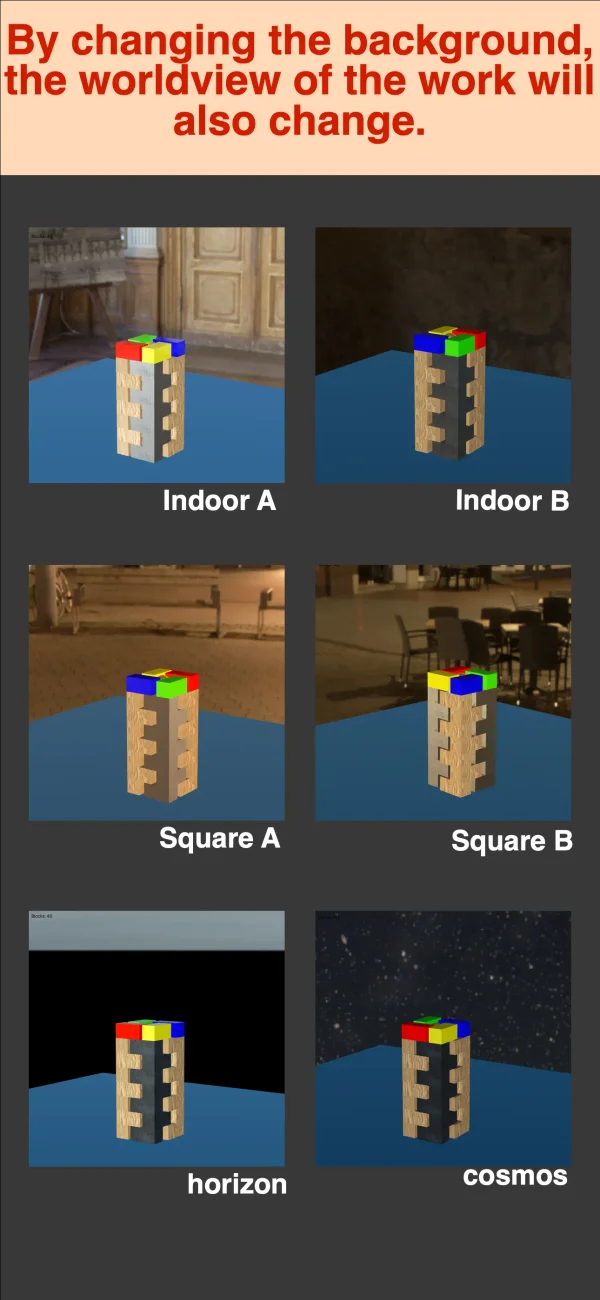
8. The surrounding (wall) colors can be selected from 10 options, including 6 realistic backgrounds and 4 solid colors, allowing you to enjoy a unique world view.
9. You can export your masterpiece as a PNG file via screenshot.
10. With the video creation mode, you can record and publish videos of your completed creations and the process of creating them.
11. Since gravity is not applied, you can set blocks while they are still in the air.
12. Since gravity can be applied later, you can have fun destroying your creations all at once and then recreating them.
13. With the block-breaking mode, you can enjoy it as a game.
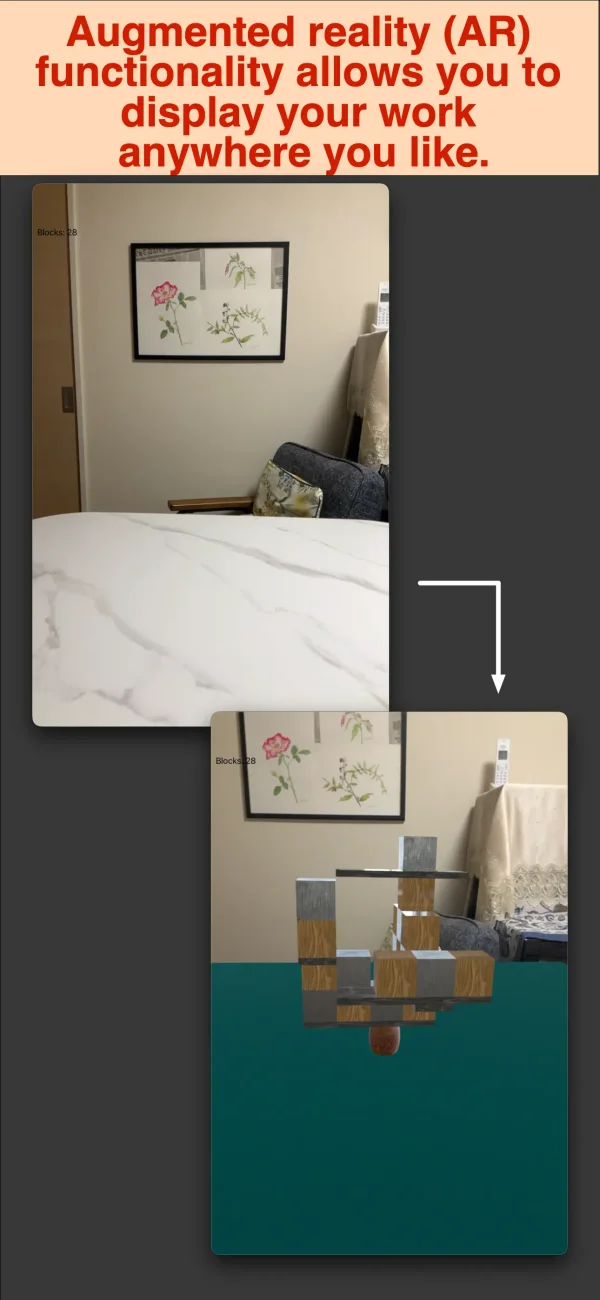
14. With the AR mode, you can create and display creations in real space.
This simple building block app fosters limitless creativity.
We hope that users of all ages will enjoy it.
Yang baru
Versi 4.0 · 24/7/2026
We have significantly improved the features and usability compared to previous versions.
The main improvements are as follows:
1 Blocks can now be added using a button.
2 Resolved issues that occurred when applying gravity.
3 Removed the gesture-based left and right menus on iPad; the menus are now permanently displayed at the top of the screen.
4 Added support for iPad multitasking, allowing for free adjustment of the app window size.
5 Fixed an issue where grid lines were not displayed in AR mode.
6 Enabled scaling (zooming in/out) of objects using pinch gestures in AR mode.
Various other changes have also been made.
Privasi aplikasi
Yang dinyatakan hideyuki kubo di App Store tentang cara aplikasi ini menangani data.
-
Data tidak dikumpulkan
Pengembang tidak mengumpulkan data apa pun dari aplikasi ini.
Praktik privasi dapat bervariasi, misalnya berdasarkan fitur yang Anda gunakan atau usia Anda.
Informasi
- Penjual
- hideyuki kubo
- Kategori
- Keluarga
- Versi
- 4.0
- Diperbarui
- 24/7/2026
- Dirilis
- 3/12/2019
- Ukuran
- 1,1 GB
- Memerlukan
- iOS 18.0 atau yang lebih baru
- Batasan usia
- 4+
- Harga
- Rp 19ribu
- Bahasa
- Inggris, Jepang
- Hak cipta
- © hideyuki.kubo