CastStream: Screen Mirroring
Mirror & Cast to TV, PC, Phone
Dirancang untuk iPhone, iPad
Gratis · Pembelian dalam aplikasi
- Batasan usia17+
- KategoriKegunaan
- PengembangHajra Arslan
- BahasaInggris+ 9 lainnya
- Ukuran90,5 MB
Tertaut ke halaman resmi App Store
Download.org tidak menyimpan file CastStream: Screen Mirroring apa pun. Tombol ini membuka halaman aplikasi di App Store, tempat Hajra Arslan menerbitkannya. Halaman terakhir diperiksa pada 24/11/2026.
Tangkapan layar


Tentang
Pengembang belum menyediakan teks ini dalam bahasa Anda.
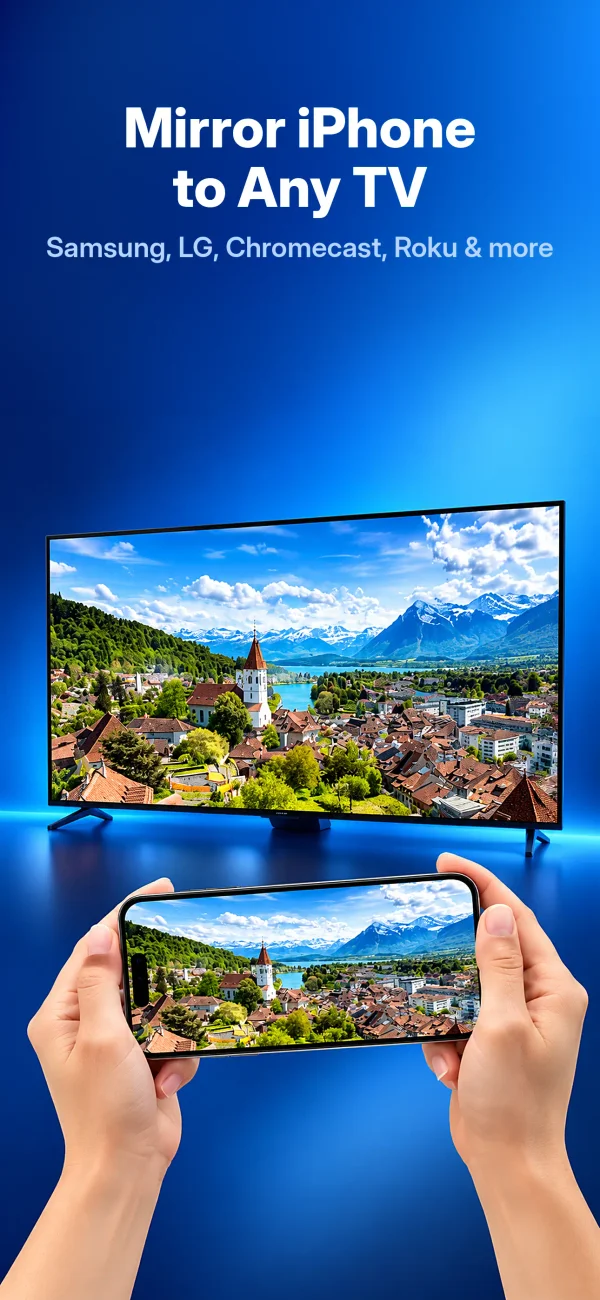
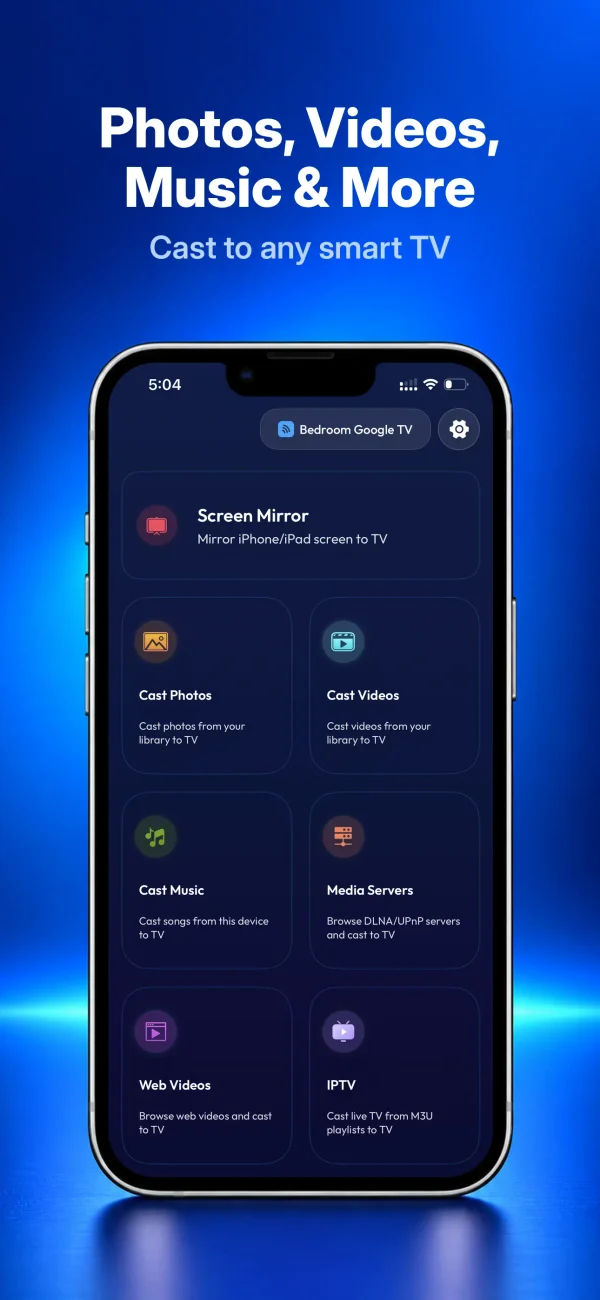
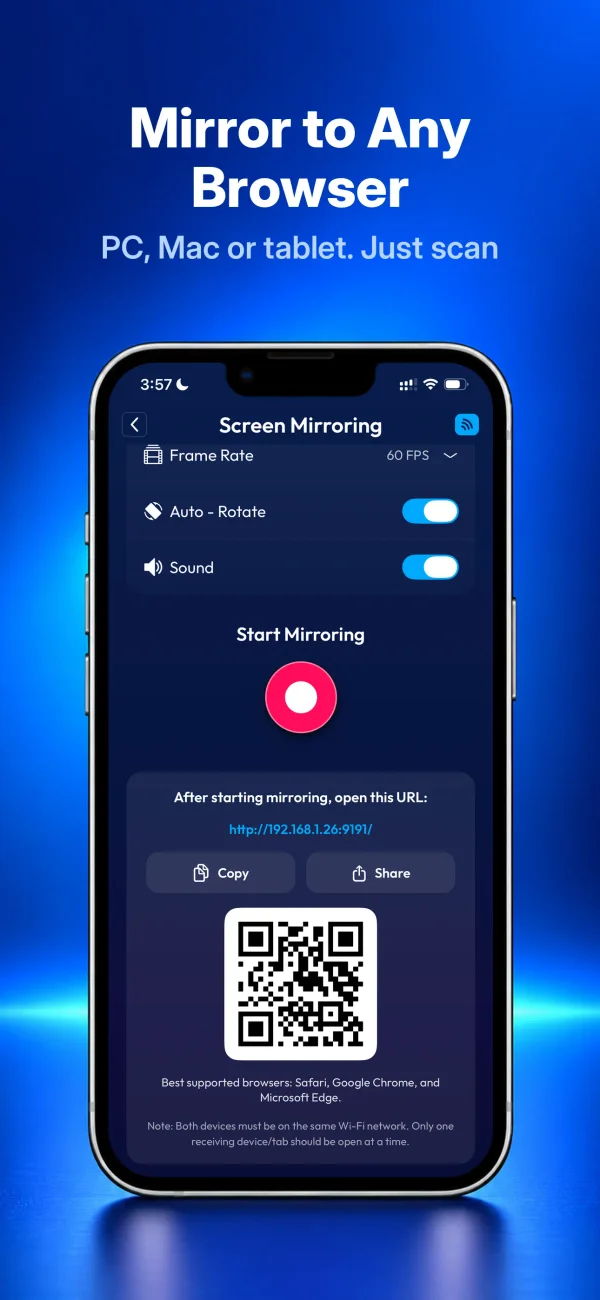
CastStream lets you mirror your iPhone or iPad screen and cast your photos, videos, music, and web videos to your Smart TV, Chromecast, Google TV, and Roku, including popular brands like Samsung, LG, Sony, TCL, Hisense, and more. You can also mirror your screen to a PC, tablet, or another phone directly in a browser without installing any app.
Whether you want to watch a movie, cast videos from websites, share photos, play music, stream from media servers like Kodi or Plex, use your own IPTV playlists, or mirror your screen to another device, CastStream gives you everything in one place.
Key Features
• Fast Screen Mirroring
Mirror your iPhone or iPad to Smart TV, Chromecast, Roku, PC, tablet, or phone with smooth performance and low latency.
• Works Without Traditional Wi-Fi
Mirror your screen to a PC, tablet, or another phone even while traveling or in places without a router by connecting devices through your iPhone's hotspot. Perfect for sharing movies, videos, presentations, or games on the go.
• Mirror to PC, Tablet, or Phone
Open a simple link or scan a QR code in your browser and start mirroring instantly without installing anything on the receiving device.
• Save Mobile Data While Sharing
Stream content on one device and share your screen with another nearby device instead of using mobile data separately on every device.
• Cast to Smart TV, Chromecast, and Roku
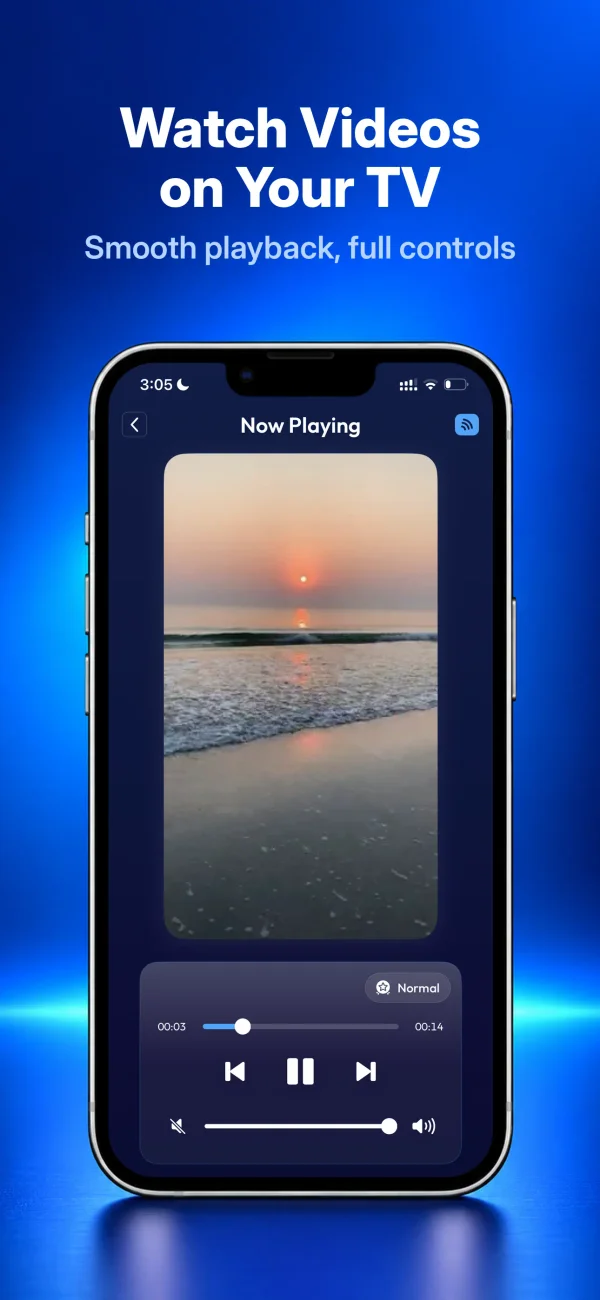
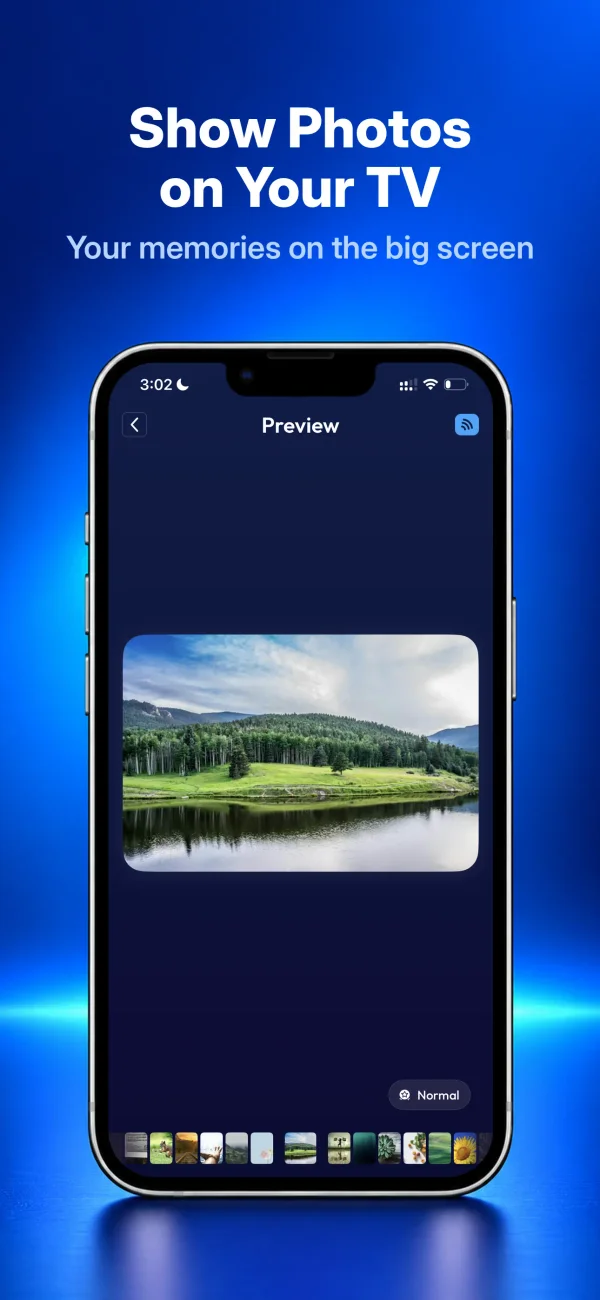
Stream videos, photos, music, and web videos directly.
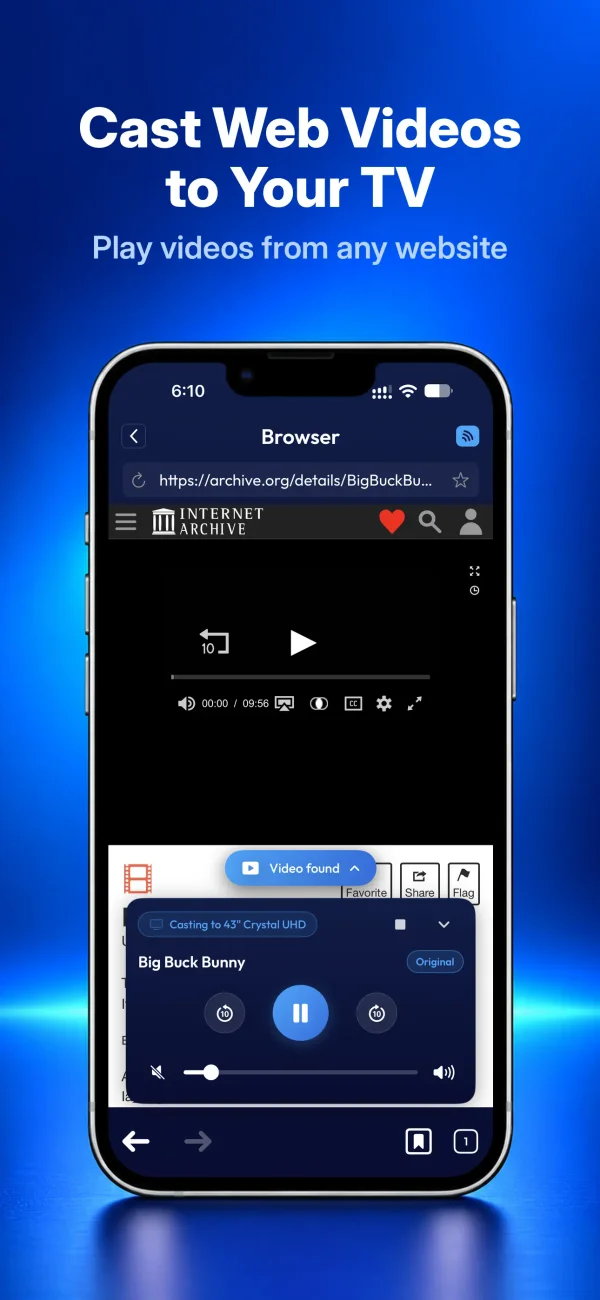
• Web Video Casting
Browse supported websites inside the app, detect playable video streams, and cast them easily.
• IPTV Casting
Import remote M3U or W3U playlists, browse channels, and play M3U8 streams.
• Playlist Management
Refresh playlists to update channels or remove them whenever you want.
• Media Server Support
Browse and play content from DLNA or UPnP media servers like Kodi or Plex.
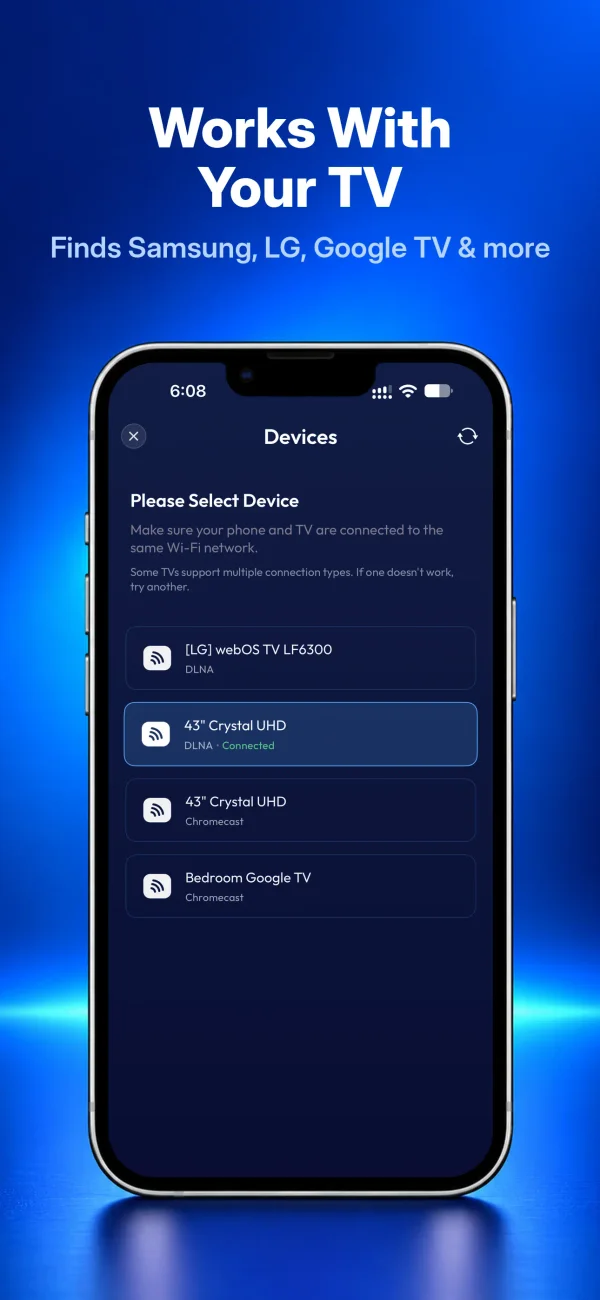
• Easy Device Detection
Automatically finds Smart TVs, Chromecast, Roku, and media servers on the same Wi-Fi network.
• High Quality Streaming
Enjoy stable playback with smooth performance.
• No Extra Hardware Required
No cables or additional devices needed.
How to Cast
Make sure your iPhone or iPad and your Smart TV, Chromecast, Roku, or receiving device such as a PC, tablet, or phone are connected to the same Wi-Fi network.
For browser mirroring to a PC, tablet, or phone, you can also connect devices using your iPhone's hotspot when Wi-Fi is not available.
Open CastStream, choose what you want to play such as local media, web videos, IPTV channels, or media server content, then select your device or start mirroring using the link or QR code.
For IPTV, paste a remote M3U or W3U playlist URL to load channels. Open the playlist and play any available M3U8 stream. You can refresh or delete playlists at any time.
Important Note
Some apps like Netflix and Amazon Prime Video may show a black screen during mirroring or casting due to DRM protection. This is a limitation from those platforms. The app works with most other apps and websites. Make sure you only stream content you have the rights to use.
Disclaimer
This app is not affiliated with Google, Roku, Samsung, LG, Sony, or any other trademarks mentioned. Web videos and IPTV channels come from the websites and playlists you choose, and you are responsible for what you access and stream.
Terms of Use & Privacy Policy
By using CastStream, you agree to the following:
Terms of Use: https://caststreamhub.com/terms-condition.html
Privacy Policy: https://caststreamhub.com/privacy-policy.html
Yang baru
Versi 1.29 · 24/11/2026
• Redesigned browser: videos are found automatically, choose your quality, and browse with tabs.
• New mini player: skip 10 seconds back or forward, control the TV volume, and see which TV you're casting to.
• Smoother, more reliable Chromecast screen mirroring, with a new Low latency option.
• A clear notice when your TV can't play an IPTV channel's format.
• Now available in Arabic and Latin American Spanish.
• Bug fixes and performance improvements.
Privasi aplikasi
Yang dinyatakan Hajra Arslan di App Store tentang cara aplikasi ini menangani data.
-
Data yang digunakan untuk melacak Anda
Dapat digunakan untuk melacak Anda di aplikasi dan situs web milik perusahaan lain.
- Pengenal
-
Data yang tidak ditautkan dengan Anda
Dapat dikumpulkan, tetapi tidak ditautkan dengan identitas Anda.
- Pengenal
- Diagnostik
Praktik privasi dapat bervariasi, misalnya berdasarkan fitur yang Anda gunakan atau usia Anda.
Informasi
- Penjual
- Hajra Arslan
- Kategori
- Kegunaan
- Versi
- 1.29
- Diperbarui
- 24/11/2026
- Dirilis
- 30/11/2015
- Ukuran
- 90,5 MB
- Memerlukan
- iOS 17.0 atau yang lebih baru
- Batasan usia
- 17+
- Harga
- Gratis
- Pembelian dalam aplikasi
- Ya
- Bahasa
- Inggris, Arab, Prancis, Jerman, Italia, Jepang, Korea, Portugis, Spanyol, Turki
- Hak cipta
- © ArvLogix
Mungkin Anda juga suka
-
 MirrorVO: Pencerminan LayarKe TV dan ke ponsel lain
-
 Mirro: Cermin Layar HP ke TVCast & bagikan tanpa kabel
-
 Screen Mirroring for MiracastChromecast・TV Cast・Air & Play
-
 Screen Mirroring TV・Smart CastKegunaan
-
 Screen Mirroring ™Screen Share Miracast +
-
 Relayo - Screen MirroringCermin Layar HP ke TV & Cast
-
 Screen Mirroring・AnyCast TVKegunaan
-
 TV Cast 4K: Cermin LayarScreen Mirroring & Cast ke TV
-
 Replica - Screen MirroringScreen Mirroring Smart View TV
-
 Chromecast Video Cast - CastXKegunaan