Chromatica Mark II
Premium mobile photography
Dirancang untuk iPhone, iPad
Rp 39ribu
- Batasan usia4+
- KategoriFoto & Video
- PengembangNatalya Petrenko
- BahasaInggris+ 7 lainnya
- Ukuran15,1 MB
Tertaut ke halaman resmi App Store
Download.org tidak menyimpan file Chromatica Mark II apa pun. Tombol ini membuka halaman aplikasi di App Store, tempat Natalya Petrenko menerbitkannya. Halaman terakhir diperiksa pada 12/11/2026.
Tangkapan layar

Tentang
Pengembang belum menyediakan teks ini dalam bahasa Anda.
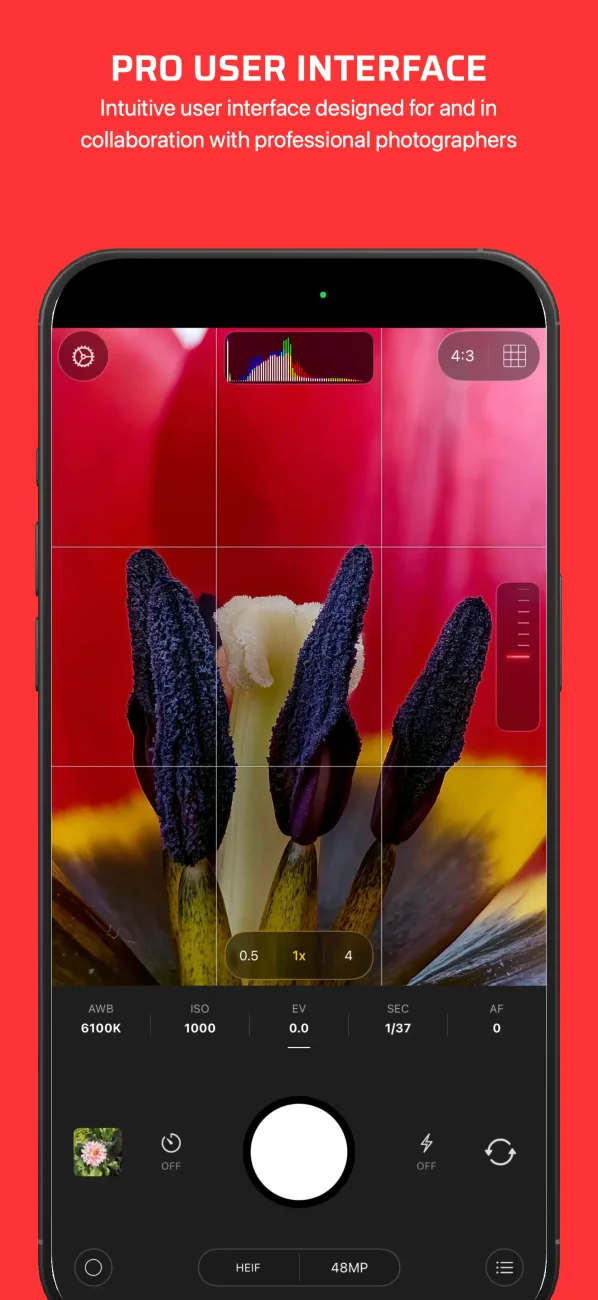
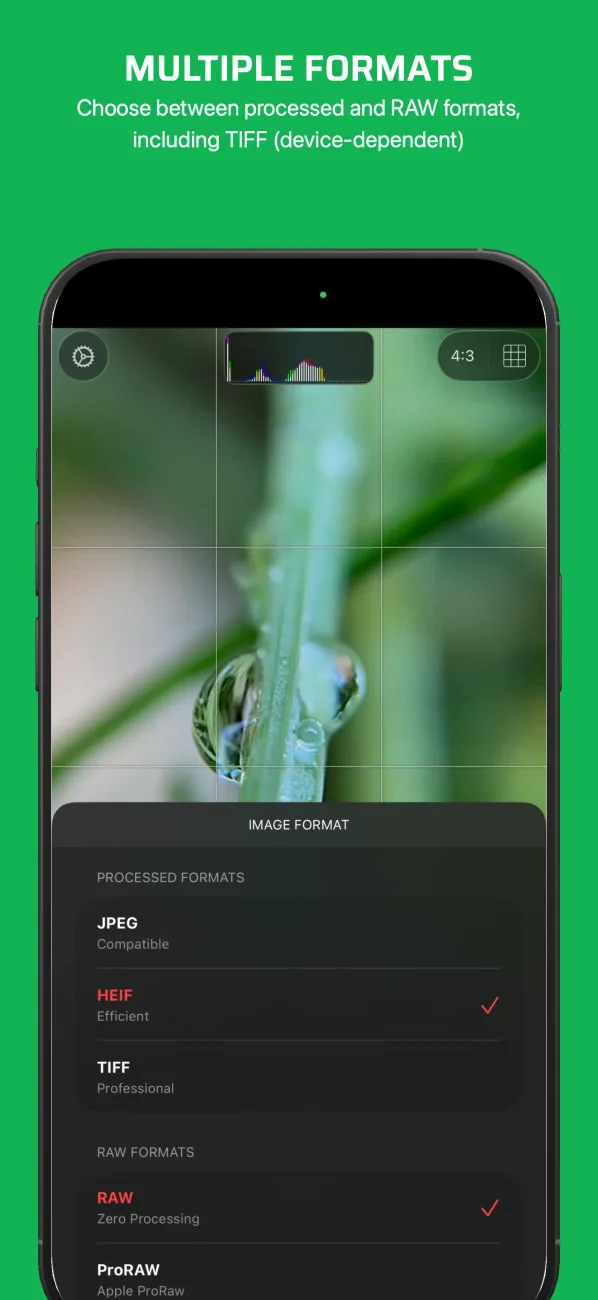
Chromatica Mark II is a powerful manual camera designed for photographers who want precision, control, and clarity—without compromise. Whether you’re capturing fleeting moments or crafting deliberate compositions, Chromatica Mark II puts professional-grade tools directly in your hands.
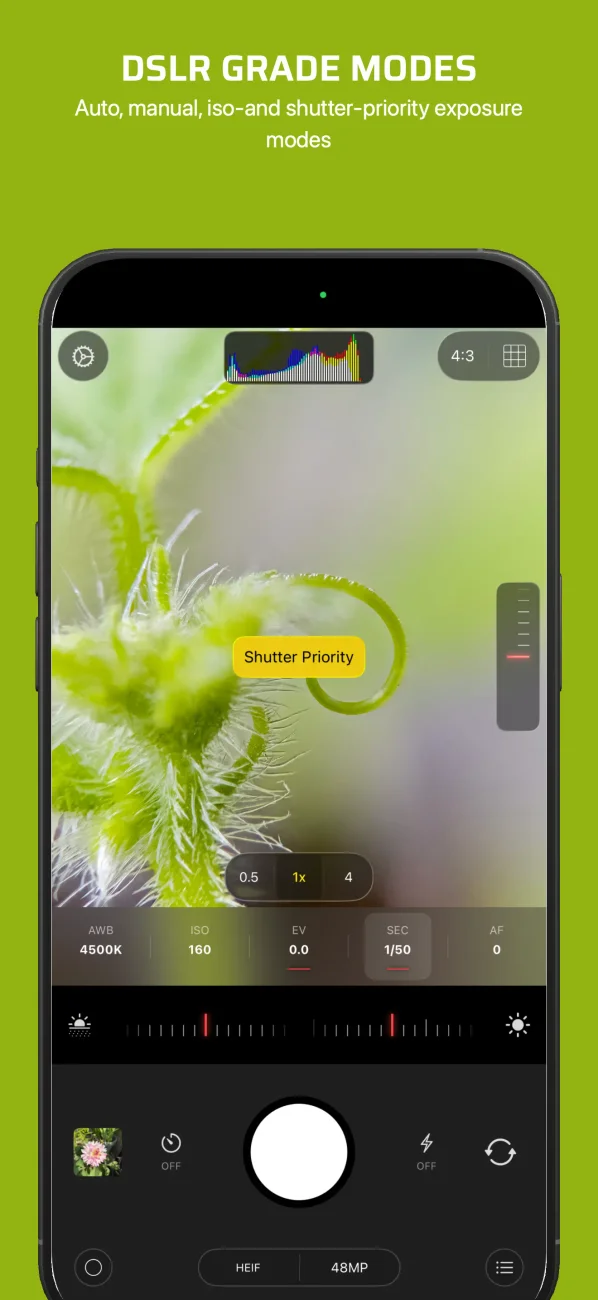
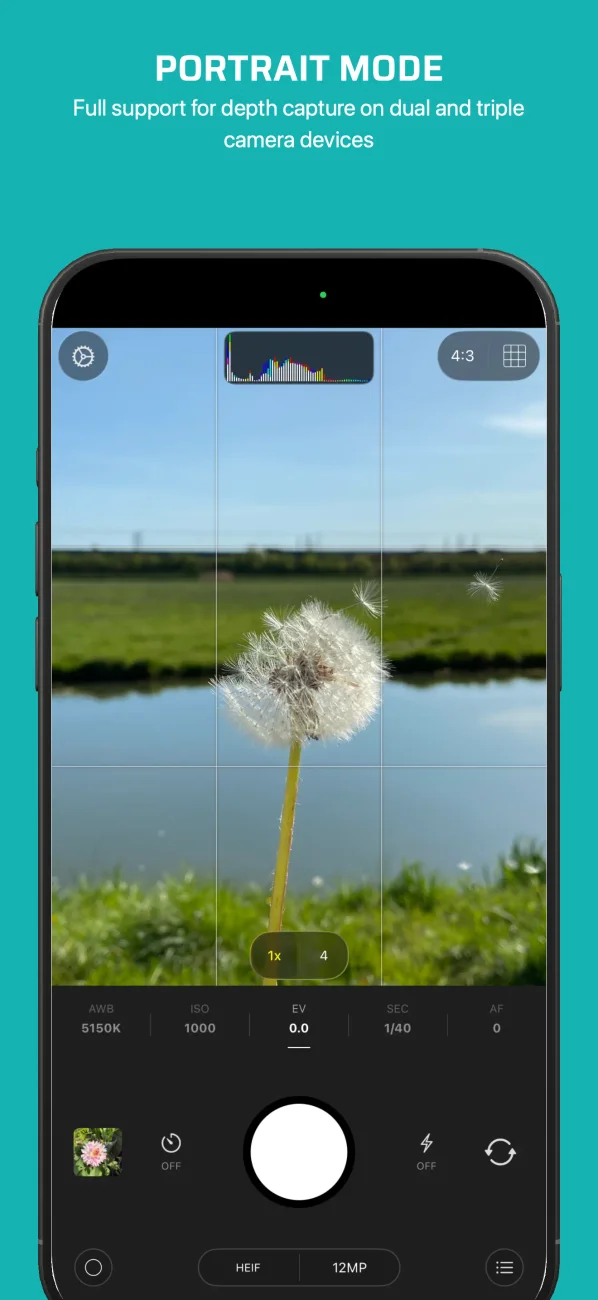
Take full control of your photography with an intuitive interface built for speed and focus. Adjust exposure, shutter speed, ISO, focus, and white balance with precision, and see your changes in real time. For those moments when you need a balance between control and convenience, Chromatica Mark II also offers semi-automatic modes, including ISO priority and shutter priority, so you can adapt instantly to changing light and motion.
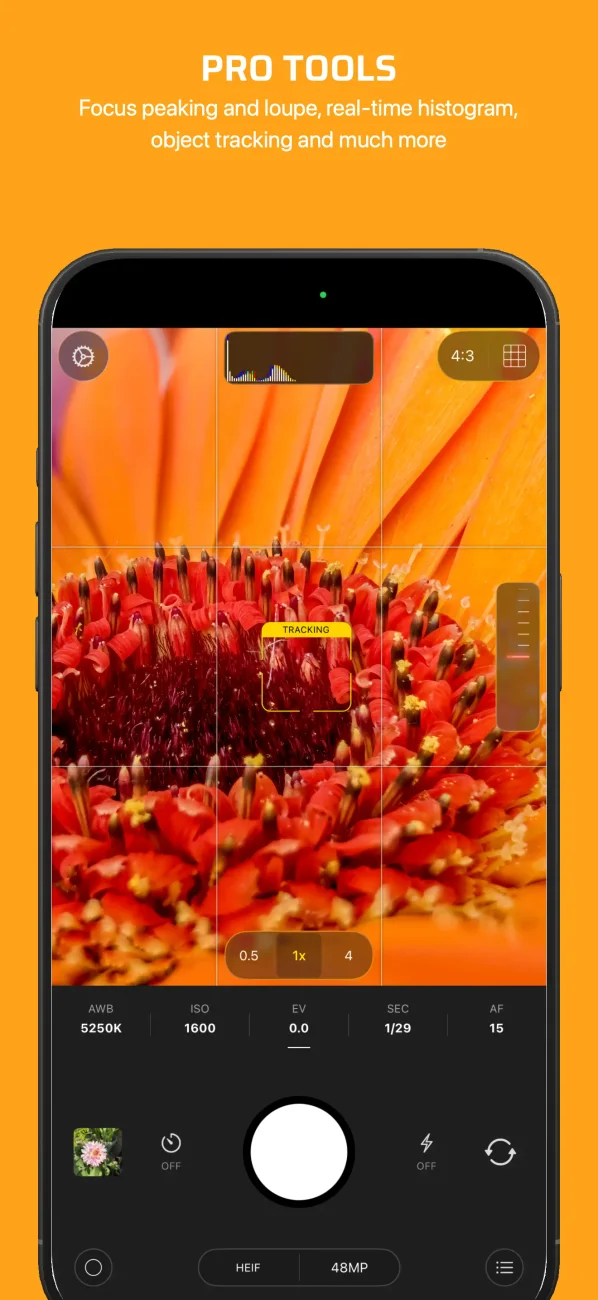
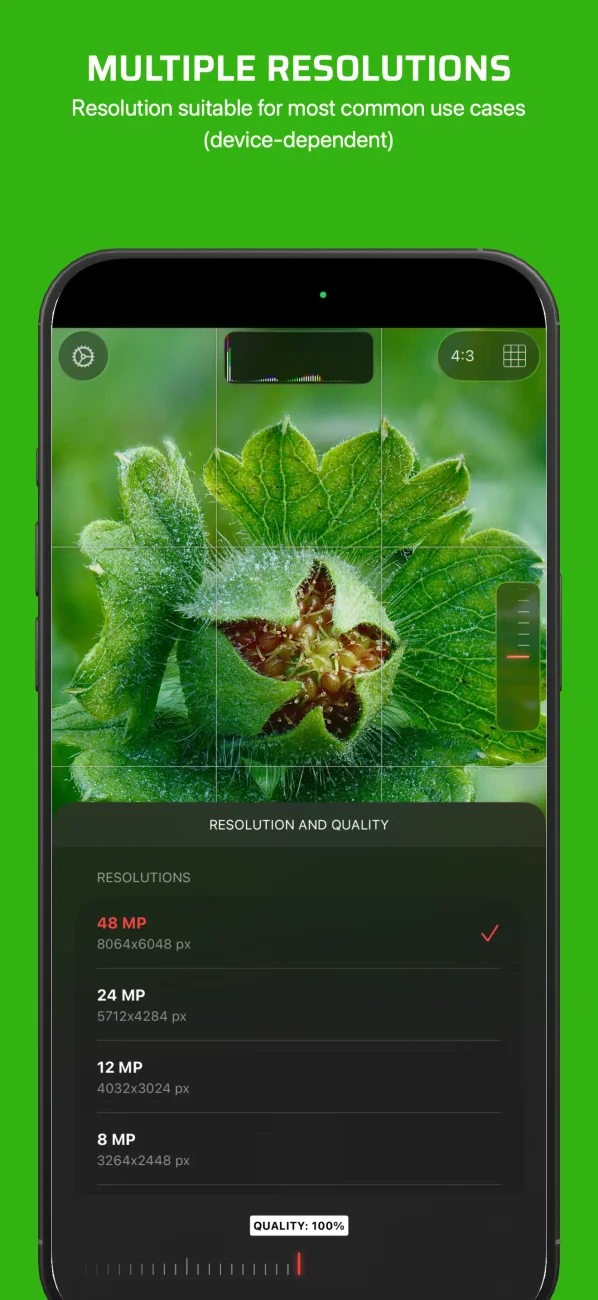
Stay locked onto your subject with intelligent object tracking, ensuring sharp results even in dynamic scenes. Choose from multiple resolutions to match your creative or practical needs, whether you’re shooting for social sharing or high-quality output.
Light your scene exactly the way you want. Use flash or torch with adjustable brightness levels to fine-tune illumination, giving you more flexibility in low-light environments. Analyze your shots with built-in luminance and color histograms, helping you achieve perfect exposure and color balance every time.
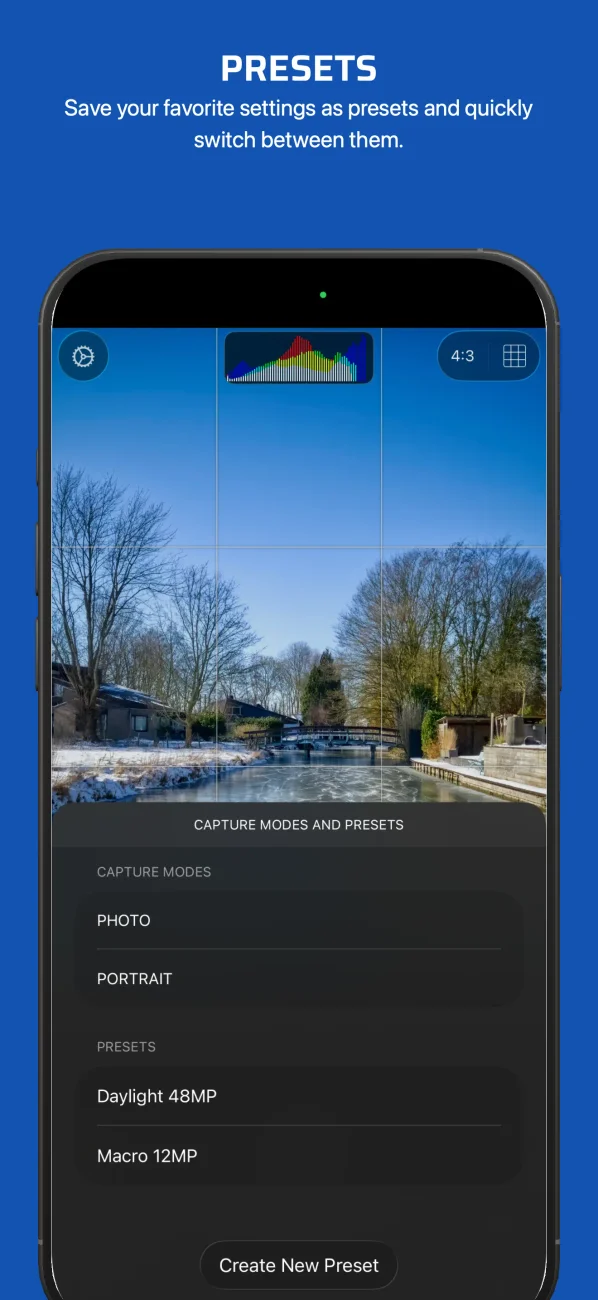
Create and save custom presets to streamline your workflow. Switch effortlessly between setups tailored for different scenarios—street, portrait, night, or experimental—so you’re always ready to capture the moment.
Chromatica Mark II is designed with professionals in mind, featuring a clean, distraction-free interface that keeps your focus where it belongs: on your shot. With support for lock screen and capture controls, you can access key features faster and never miss an opportunity.
Key Features:
• Full manual controls: exposure, ISO, shutter speed, focus, and white balance
• Semi-automatic modes: ISO priority and shutter priority
• Intelligent object tracking for moving subjects
• Multiple resolution options
• Adjustable flash and torch brightness
• Custom presets for faster shooting workflows
• Real-time luminance and color histograms
• Focus peaking and loupe for precise manual focus adjustements
• Lock screen and capture control support
• Portrait mode capture on supported devices
• Clean, professional, and intuitive UI
Chromatica Mark II isn’t just a camera—it’s a tool for photographers who demand more. Capture with intention. Create without limits.
Yang baru
Versi 2026.3.0 · 25/9/2026
We’ve added support for 18 MP front-camera shots on compatible devices, introduced a clever new selector to help you choose between quality and AI processing, and sorted out a few bugs. Keep an eye out for the next update – aperture control on iPhone 18 Pro!
Privasi aplikasi
Yang dinyatakan Natalya Petrenko di App Store tentang cara aplikasi ini menangani data.
-
Data tidak dikumpulkan
Pengembang tidak mengumpulkan data apa pun dari aplikasi ini.
Praktik privasi dapat bervariasi, misalnya berdasarkan fitur yang Anda gunakan atau usia Anda.
Informasi
- Penjual
- Natalya Petrenko
- Kategori
- Foto & Video
- Versi
- 2026.3.0
- Diperbarui
- 25/9/2026
- Dirilis
- 26/6/2018
- Ukuran
- 15,1 MB
- Memerlukan
- iOS 17.6 atau yang lebih baru
- Batasan usia
- 4+
- Harga
- Rp 39ribu
- Bahasa
- Inggris, Belanda, Prancis, Italia, Jepang, Korea, Portugis, Spanyol
- Hak cipta
- © Basic Pixels
Mungkin Anda juga suka
-
 Halcyon CameraFoto & Video
-
 Bisukan Video & Ekstrak AudioHapus Suara & Simpan Musik
-
 HOOKCAM - Fishing CameraFoto & Video
-
 UnSee - Photo PrivacyFoto & Video
-
 MP4 Video Player: FramelensFoto & Video
-
 Collage Maker Photo Editor ProFoto & Video
-
 JPG Optimizer PROFoto & Video
-
 ACamViewfinderFoto & Video
-
 Photomo: Photo Cleaner & ReplyFoto & Video
-
 MUVIC - Video & Vlog MakerFoto & Video