Clarofi
Budgeting made clear
Dirancang untuk iPhone, iPad
Gratis · Pembelian dalam aplikasi
- Batasan usia4+
- KategoriKeuangan
- PengembangAdrian Cullen
- BahasaInggris
- Ukuran9,1 MB
Tertaut ke halaman resmi App Store
Download.org tidak menyimpan file Clarofi apa pun. Tombol ini membuka halaman aplikasi di App Store, tempat Adrian Cullen menerbitkannya. Halaman terakhir diperiksa pada 13/11/2026.
Tangkapan layar

Tentang
Pengembang belum menyediakan teks ini dalam bahasa Anda.
Clarofi — clarity for your money
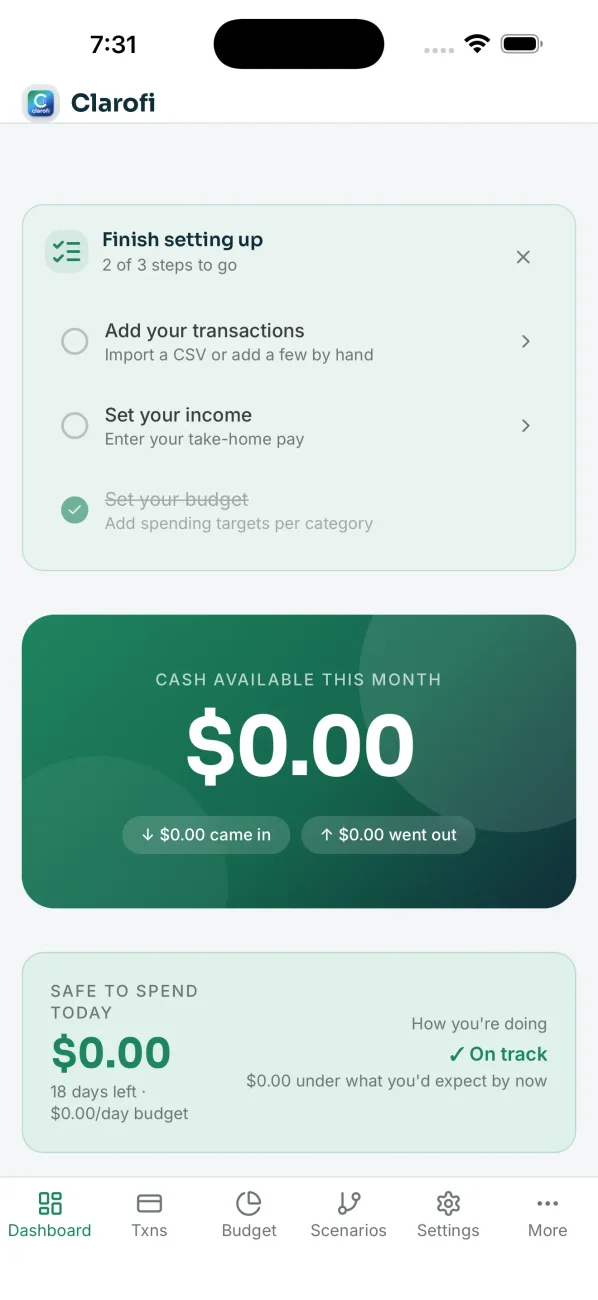
Clarofi brings your spending, bills, budgets and goals into one calm, clear view, so you always know where you stand. It answers the question that matters most every day: how much can I safely spend?
KNOW WHAT’S SAFE TO SPEND
Your dashboard shows a daily safe-to-spend figure based on your budget and what you’ve already spent this month, with simple traffic-light signals so you can see at a glance if you’re on track.
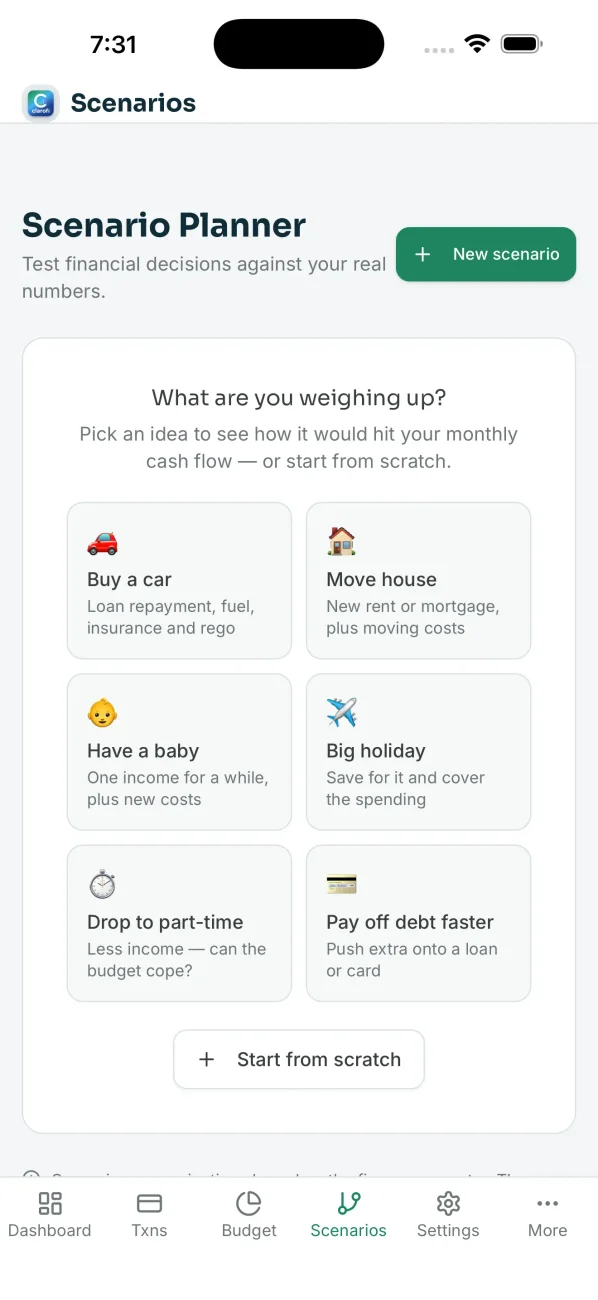
PLAN AHEAD WITH SCENARIOS
Thinking about a new car, a pay rise or a move? The Scenario Planner shows how a change would affect your money over the year ahead, before you commit.
TRANSACTIONS THAT SORT THEMSELVES
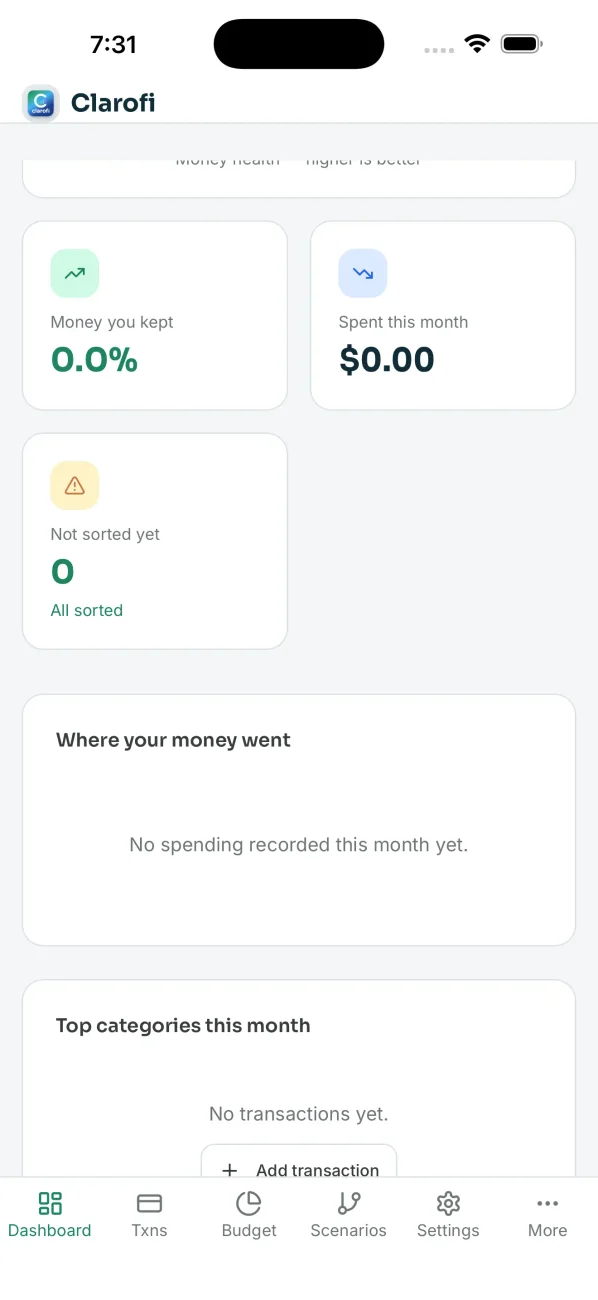
Import your bank statements and Clarofi categorises them automatically using on-device AI that learns from your corrections. Fix a category once and it remembers next time.
BUDGETS THAT FIT YOUR LIFE
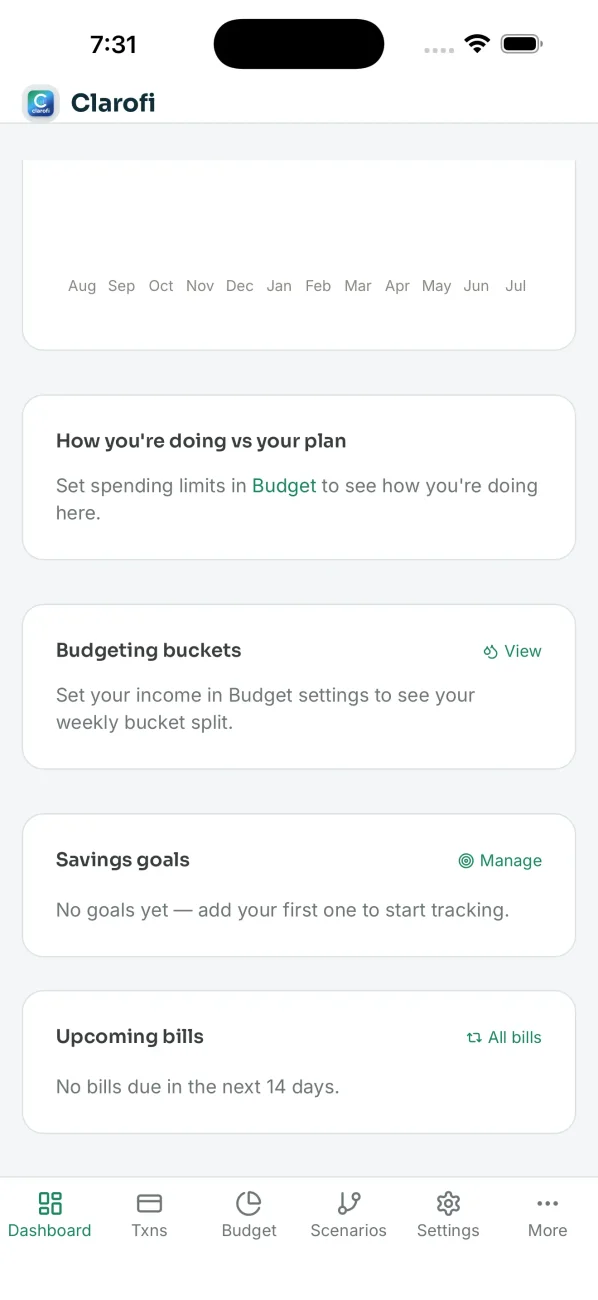
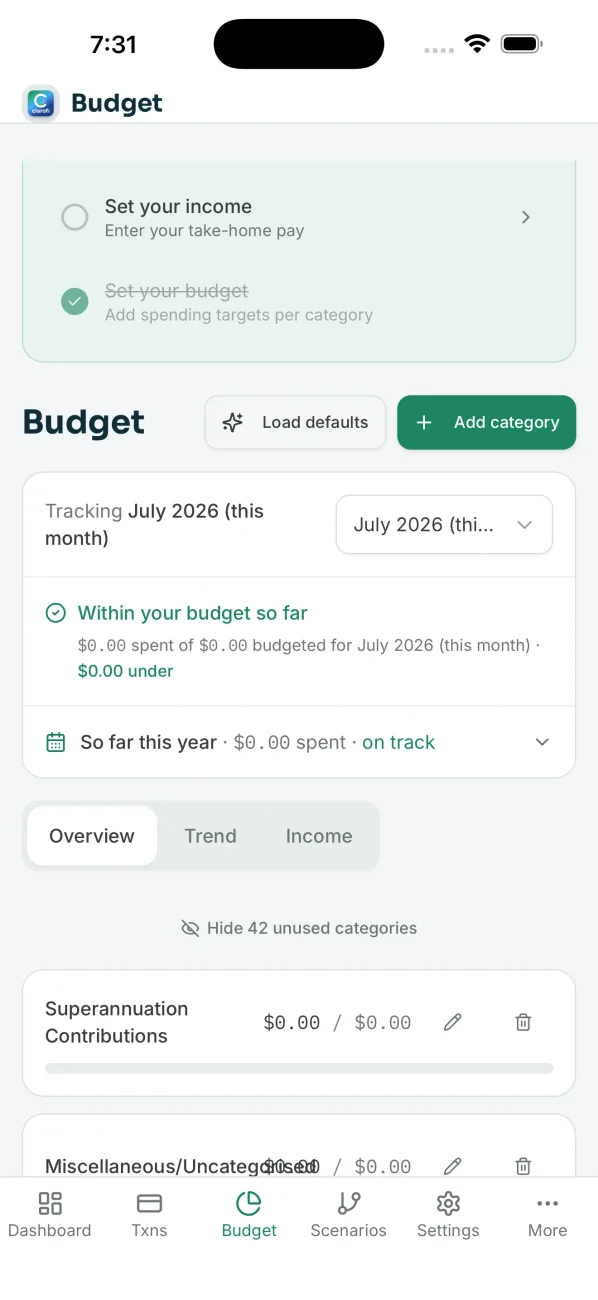
Budget by category and see your progress in real time. Split your pay into bills, spending, savings and growth, and see exactly what to move on payday.
STAY AHEAD OF BILLS
Clarofi spots your regular bills automatically, shows what’s coming up and reminds you before they’re due.
THE BIGGER PICTURE
• Savings goals with progress tracking
• Net worth: what you own minus what you owe
• Forecasts of the months ahead
• Handy money calculators
TAX TIME MADE EASY
Mark deductible expenses as you go, scan receipts, and export a tidy tax-time pack for your accountant.
ASK CLAROFI AND SIRI
Ask questions about your own money in plain English, or say “Hey Siri, what’s safe to spend in Clarofi?” Answers come from your iPhone.
PRIVATE BY DESIGN
Your financial data stays on your iPhone and syncs only through your own private iCloud. Clarofi’s AI runs on your device. Lock the app with Face ID. We never sell or share your data.
WORKS WHERE YOU ARE
Your currency, your date format and your tax year, wherever you live.
PLANS
Clarofi Basic: budgets, buckets and payday split, statement import with on-device AI sorting, bills, goals, net worth, scenarios, iCloud sync and calculators.
Clarofi Plus: everything in Basic, plus receipt and payslip scanning, the tax-time pack, forecasts, reports and smart rules.
Subscriptions renew automatically each month. Payment is charged to your Apple Account at confirmation of purchase. Your subscription renews unless auto-renew is turned off at least 24 hours before the end of the current period. Manage or cancel anytime in your App Store account settings.
Privacy Policy: https://clarofi-budget-path.base44.app/privacy
Terms of Use (EULA): https://clarofi-budget-path.base44.app/terms
Yang baru
Versi 2.0 · 17/10/2026
Clarofi 2.0 is a complete rebuild, made native for iPhone. It’s faster, smoother and works offline.
• Safe-to-spend dashboard, so you know what you can spend today
• Scenario Planner: see your year ahead before you commit
• Smarter automatic categories, including insurance types
• Works in your currency and tax year, wherever you are
• Ask Siri “What’s safe to spend in Clarofi?”
• Face ID lock. Your data stays on your iPhone and in your own iCloud. We never sell or share it.
Privasi aplikasi
Yang dinyatakan Adrian Cullen di App Store tentang cara aplikasi ini menangani data.
-
Data yang ditautkan dengan Anda
Dapat dikumpulkan dan ditautkan dengan identitas Anda.
- Info keuangan
- Info kontak
- Konten pengguna
- Pengenal
Praktik privasi dapat bervariasi, misalnya berdasarkan fitur yang Anda gunakan atau usia Anda.
Informasi
- Penjual
- Adrian Cullen
- Kategori
- Keuangan
- Versi
- 2.0
- Diperbarui
- 17/10/2026
- Dirilis
- 15/7/2026
- Ukuran
- 9,1 MB
- Memerlukan
- iOS 17.0 atau yang lebih baru
- Batasan usia
- 4+
- Harga
- Gratis
- Pembelian dalam aplikasi
- Ya
- Bahasa
- Inggris
- Hak cipta
- © 2026 Adrian Cullen