
Cloud Network Engineer Prep
PenTest+・SecurityX
Dirancang untuk iPhone, iPad, iPod touch
Gratis · Pembelian dalam aplikasi
- Batasan usia9+
- KategoriPendidikan
- PengembangCHOI SEONGMIN
- BahasaInggris
- Ukuran153,5 MB
Tertaut ke halaman resmi App Store
Download.org tidak menyimpan file Cloud Network Engineer Prep apa pun. Tombol ini membuka halaman aplikasi di App Store, tempat CHOI SEONGMIN menerbitkannya. Halaman terakhir diperiksa pada 23/11/2026.
Tangkapan layar



Tentang
Pengembang belum menyediakan teks ini dalam bahasa Anda.
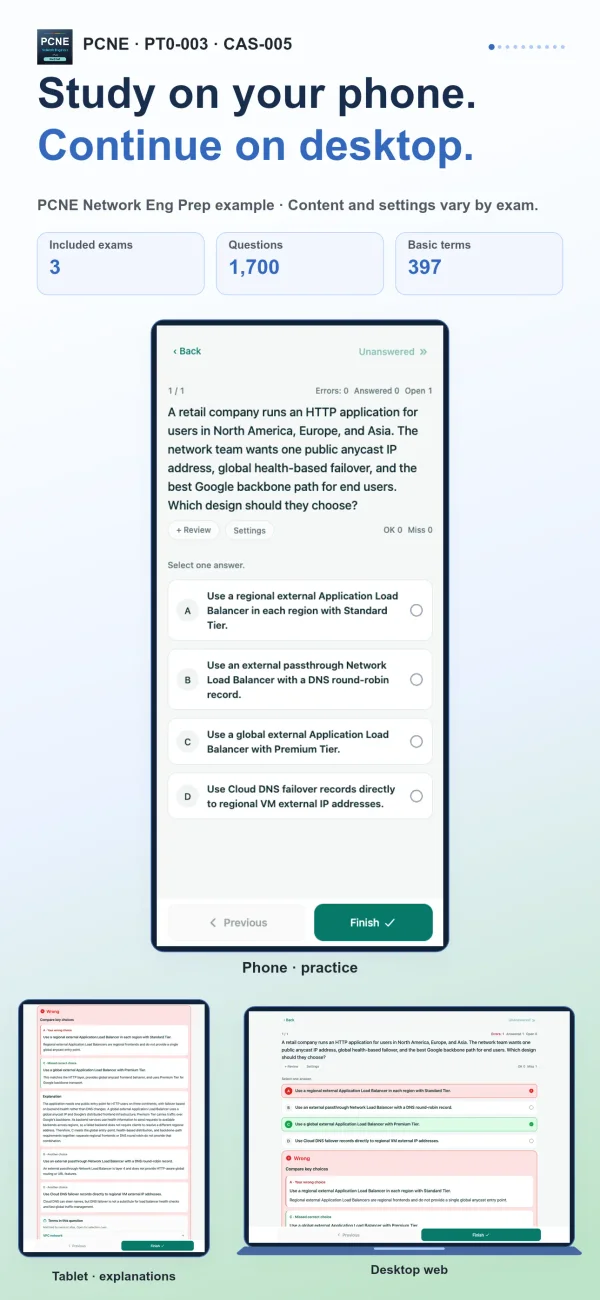
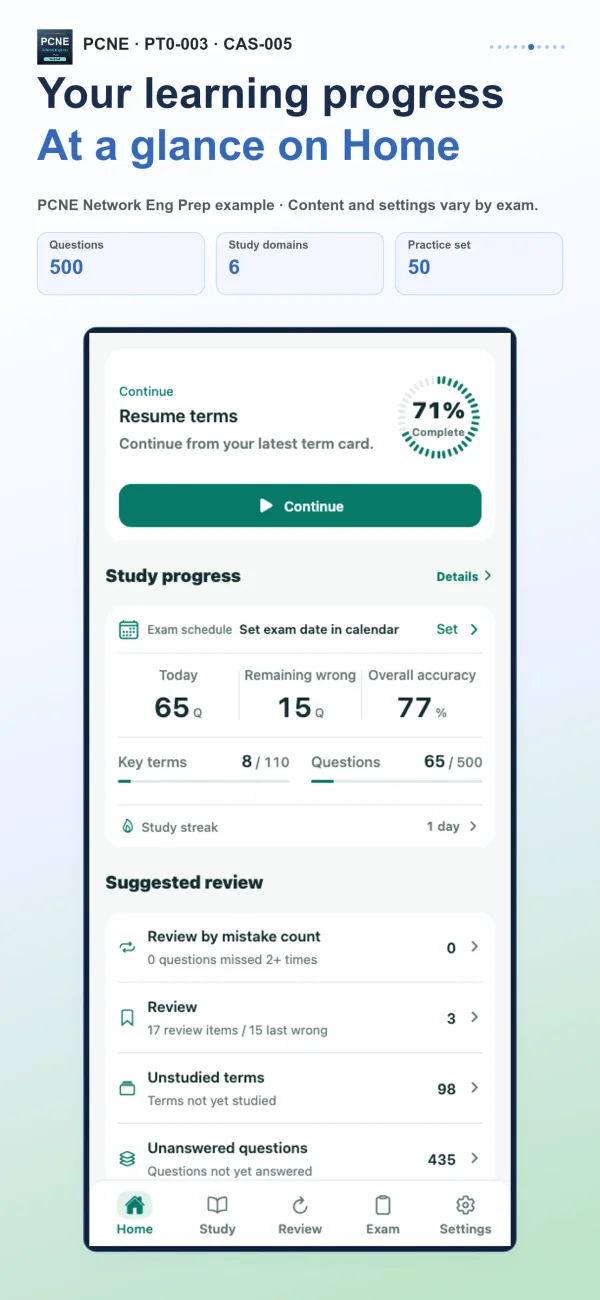
Study on your phone. Continue on desktop.
Use your phone on the move and a tablet or desktop when you want more room to study. Connect the same StudyCert account to continue your learning in the app and on the desktop web.
Continuing study on the web applies to the existing Google Cloud Professional Cloud Network Engineer practice track. Added exams are studied in the iOS app. Access and progress remain separate for each exam.
Includes 1700 practice questions across 3 exams. The total combines the study-language counts stated for each exam below.
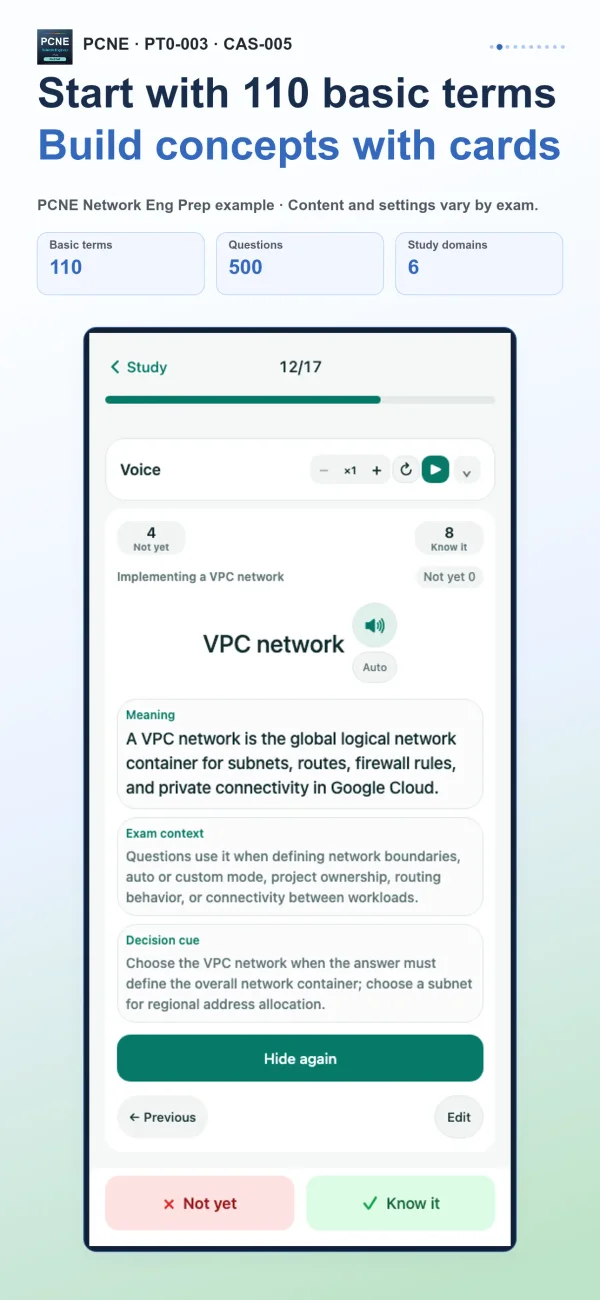
1. Prepare for Google Cloud Professional Cloud Network Engineer practice with 500 practice questions and 110 key terms.
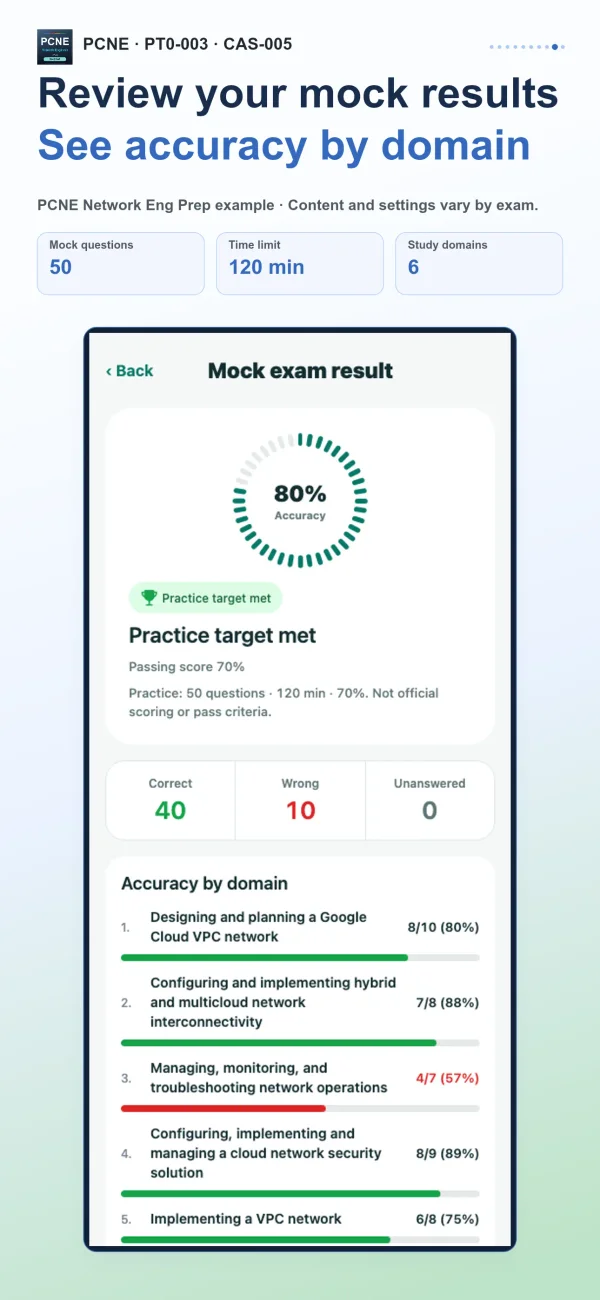
Study coverage · 6 areas: Designing and planning a Google Cloud VPC network · Implementing a VPC network · Configuring managed network services · Configuring and implementing hybrid and multicloud network interconnectivity · Managing, monitoring, and troubleshooting network operations · Configuring, implementing and managing a cloud network security solution
Study languages: English, Japanese, Korean. Counts use English materials.
2. Prepare for CompTIA PenTest+ with 500 practice questions and 160 key terms.
Study coverage · 5 areas: Engagement Management · Reconnaissance and Enumeration · Vulnerability Discovery and Analysis · Attacks and Exploits · Post-exploitation and Lateral Movement
Study languages: English, Japanese. Counts use English materials.
3. Prepare for CompTIA SecurityX with 700 practice questions and 127 key terms.
Study coverage · 4 areas: Governance, Risk, and Compliance · Security Architecture · Security Engineering · Security Operations
Study languages: English. Counts use English materials.
1. Learn the basic terms
Use flashcards for meanings, exam context and selection criteria. Mark known and unfamiliar terms for focused review.
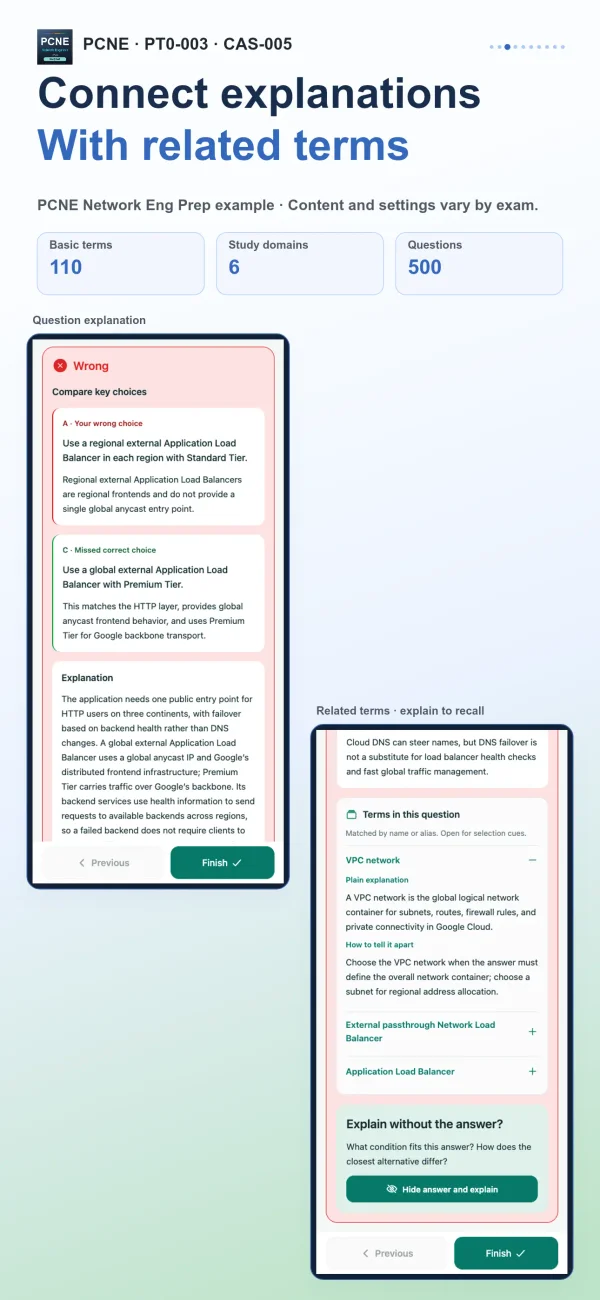
2. Practice and read the explanations
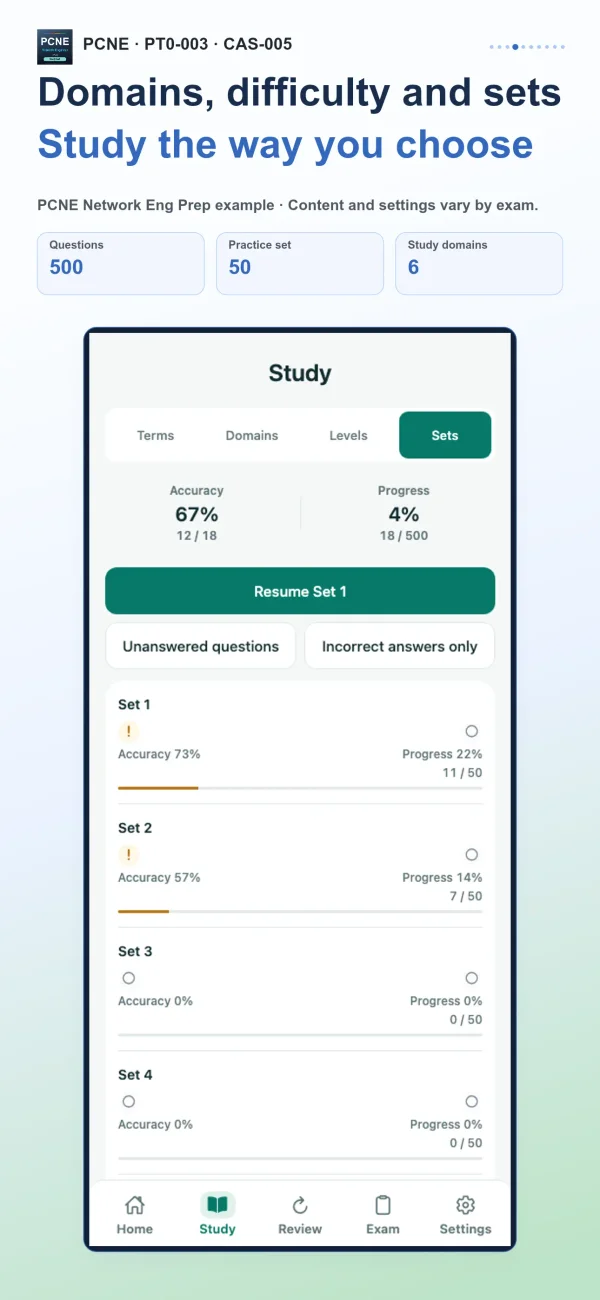
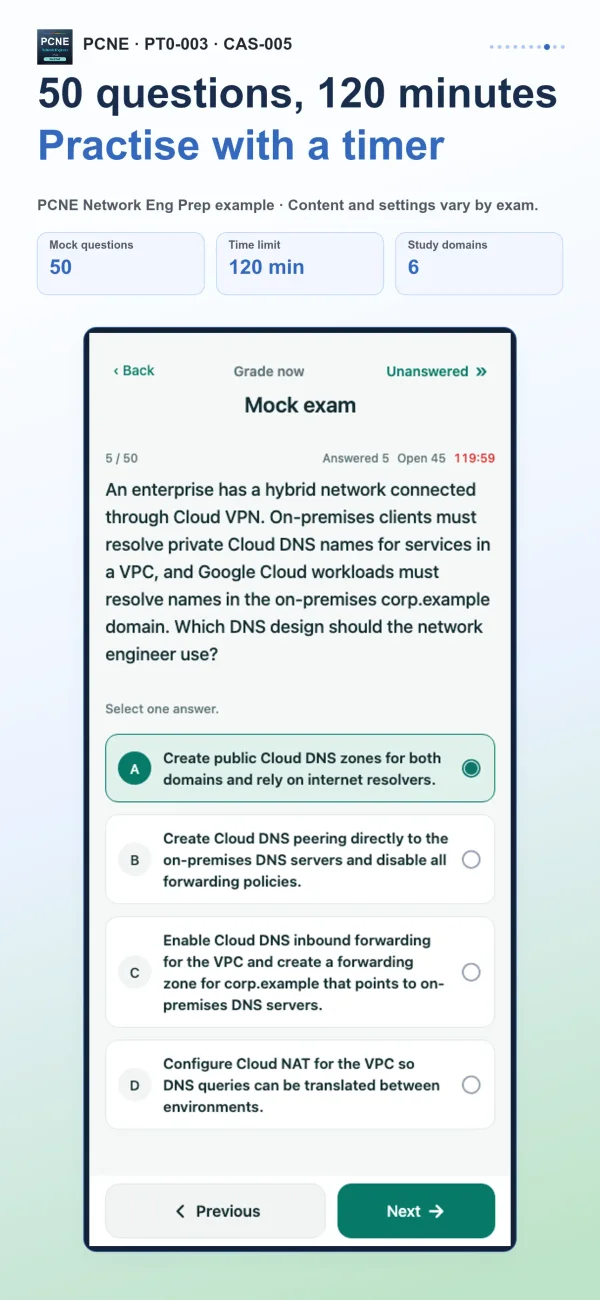
Study by exam-specific set, domain or difficulty. Read answer and option explanations; use unfinished and wrong-answer filters, shuffle, a timer and session resume.
Practice in sets of 50 questions for each exam.
3. Review mistakes
Revisit bookmarks, recent errors and repeated mistakes. Use glossary reports, weak-area analysis and study history to plan revision.
4. Check readiness with a timed mock
Use each exam’s settings below, then review results, domain scores and mistakes.
Mock questions / time limit (minutes), by exam: 1: 50 / 120; 2: 90 / 165; 3: 90 / 165
Tools that fit your study routine
Audio study and autoplay are optional. Listen to terms and meanings and adjust repeats and pauses. Continue your routine with a study calendar, weekly goals, reminders and themes.
Content, features, languages and paid access are specific to each exam. Check the included content and price before purchasing.
This is an independent study aid, not an official, affiliated or endorsed app of any exam administrator or certification body. Exam names and trademarks belong to their respective owners.
Yang baru
Versi 1.0.15 · 16/11/2026
Simplified the exam selection screen.
Privasi aplikasi
Yang dinyatakan CHOI SEONGMIN di App Store tentang cara aplikasi ini menangani data.
-
Data yang tidak ditautkan dengan Anda
Dapat dikumpulkan, tetapi tidak ditautkan dengan identitas Anda.
- Pembelian
- Data penggunaan
Praktik privasi dapat bervariasi, misalnya berdasarkan fitur yang Anda gunakan atau usia Anda.
Informasi
- Penjual
- CHOI SEONGMIN
- Kategori
- Pendidikan
- Versi
- 1.0.15
- Diperbarui
- 16/11/2026
- Dirilis
- 1/7/2026
- Ukuran
- 153,5 MB
- Memerlukan
- iOS 15.1 atau yang lebih baru
- Batasan usia
- 9+
- Harga
- Gratis
- Pembelian dalam aplikasi
- Ya
- Bahasa
- Inggris
- Hak cipta
- © 2026 Choiseongmin Choi
Mungkin Anda juga suka
-
 CodeCraft AcademyPendidikan
-
 GCP Network Engineer Prep 2026Pendidikan
-
 CCNA Network Exam Prep 2026Pendidikan
-
 Cisco Exam Pack CCNA CCNP CCIEPendidikan
-
 Computer Networking BasicsPendidikan
-
 CCNP Exam ReadyPendidikan
-
 CCNA Self-StudyPendidikan
-
 GCP Associate Cloud EngineerPendidikan
-
 사회조사분석사 2급 필기 - 사조사 자격증 대비Pendidikan
-
 Learn Turkish: Speak & ReadPendidikan