
CNC Code
Codici G e M e non solo
Dirancang untuk iPhone, iPad, iPod touch
Gratis · Pembelian dalam aplikasi
- Batasan usia12+
- KategoriPendidikan
- PengembangANTONIO BENEDETTO
- BahasaInggris
- Ukuran133,7 MB
Tertaut ke halaman resmi App Store
Download.org tidak menyimpan file CNC Code apa pun. Tombol ini membuka halaman aplikasi di App Store, tempat ANTONIO BENEDETTO menerbitkannya. Halaman terakhir diperiksa pada 23/11/2026.
Tangkapan layar


Tentang
Pengembang belum menyediakan teks ini dalam bahasa Anda.
CNC CODE – The 3D CNC simulator always in your pocket!
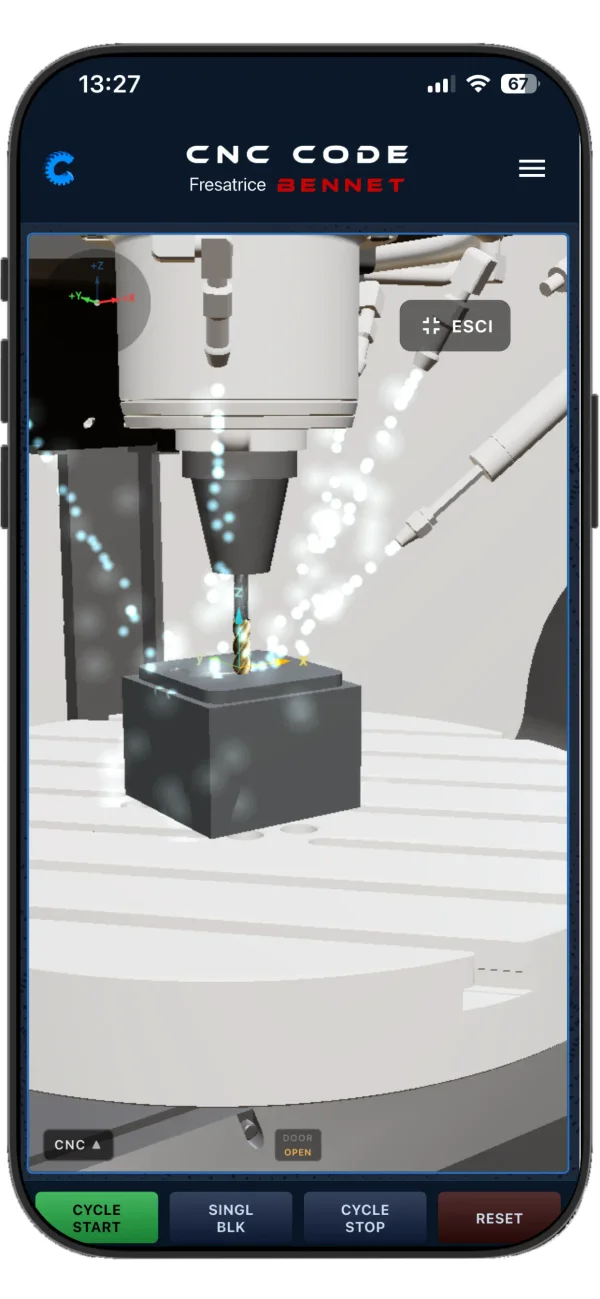
NOW IN 3D! CNC mill and lathe in 3D, with a real operator panel. Write your G-code, press CYCLE START and watch the machine work: tools, chips, coolant and material removal in real time.
Already chosen by more than 10,000 users worldwide. Every CNC operator should have CNC CODE on their phone, right at the machine.
3D CNC MILL SIMULATOR
• Machining centre with automatic tool change
• Milling and drilling with the material coming off before your eyes
• Rotary table and 4- and 5-axis machining
3D CNC LATHE SIMULATOR
• Turning, drilling, threading, grooves, slots and live tooling
• Two channels, tailstock and sub-spindle
• Tool management, offset table and zero setting
• Operator panel with MDI, JOG, SINGLE BLOCK and RESET
MORE THAN A SIMULATOR
• G-code editor with syntax highlighting
• CAD/CAM for mill and lathe, with post-processor
• Simulated ABP-800 3D printer, with Marlin G-code
• Graphics quality that adapts itself to your device, so 3D runs well on simpler phones too
MORE THAN 65 CONTROLS INCLUDED
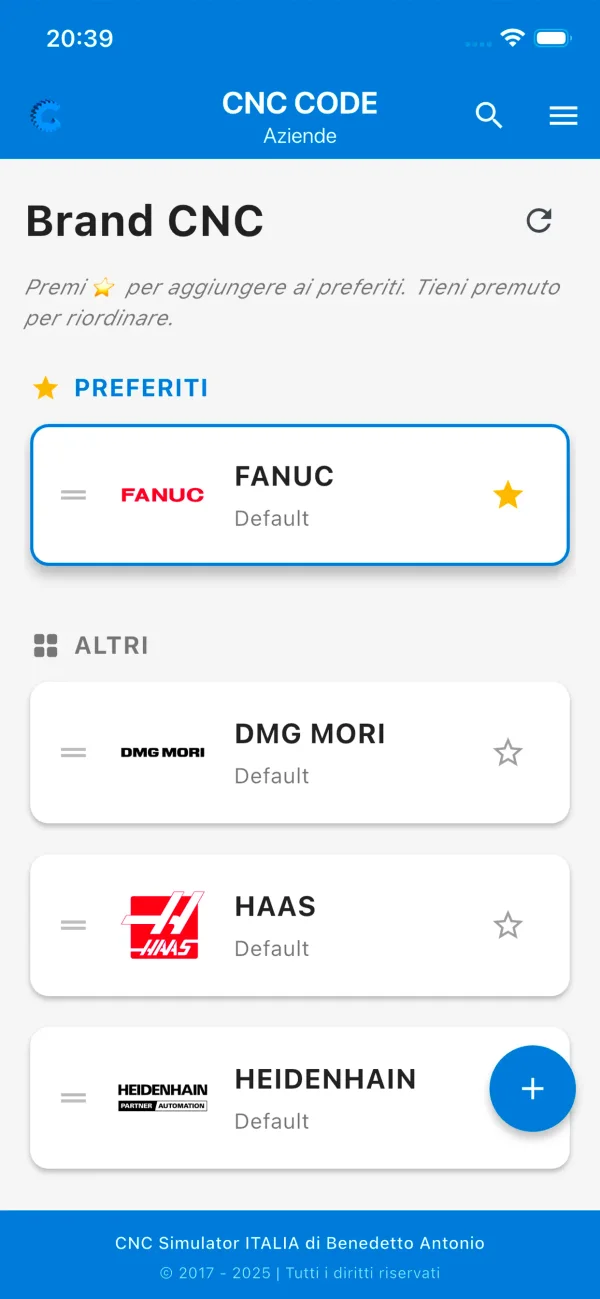
FANUC, SINUMERIK, OKUMA, HEIDENHAIN, HAAS, MAZAK, MITSUBISHI, DMG MORI and BENNET: your program runs on the engine of the control you picked, with that control's cycles and alarms. For companies there is the Custom Control: send us the G/M code documentation of your machine and we build it inside CNC CODE, on quotation.
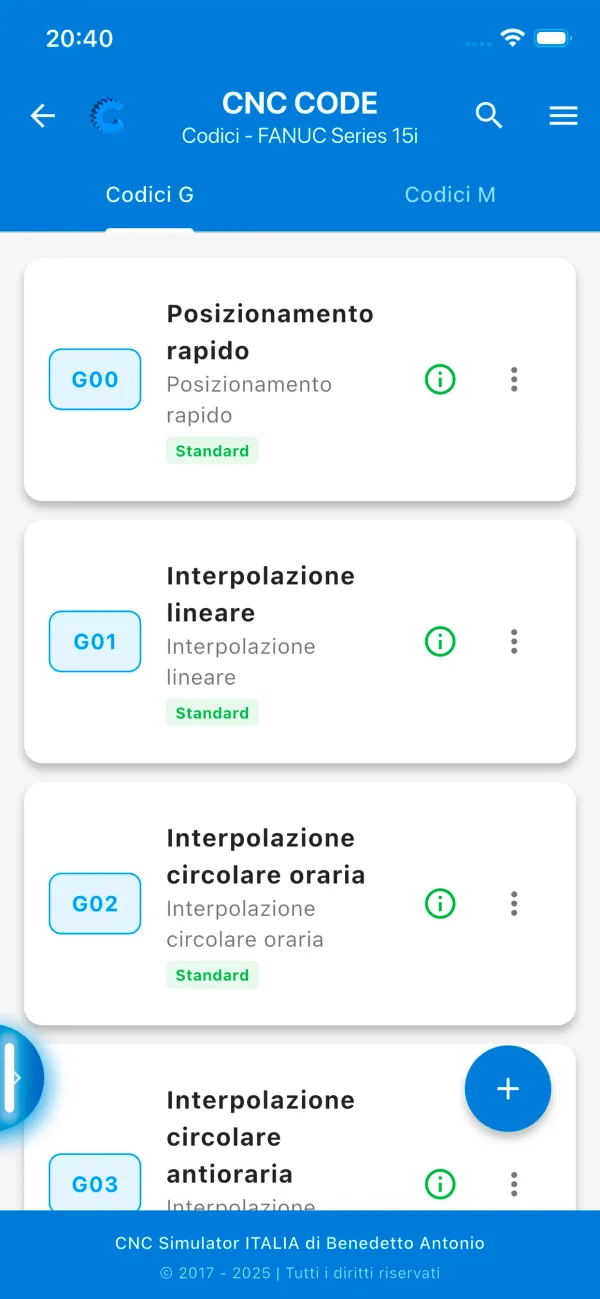
MULTI-BRAND G/M CODE DATABASE
Pick the brand and the control model and get every code: G for movements, M for auxiliary functions. Thousands of codes checked against the official manuals, each with definition, syntax, examples and technical notes. Instant search by number, name or keyword. Translated into several languages and editable, if your control works differently.
PROFESSIONAL TOOLS
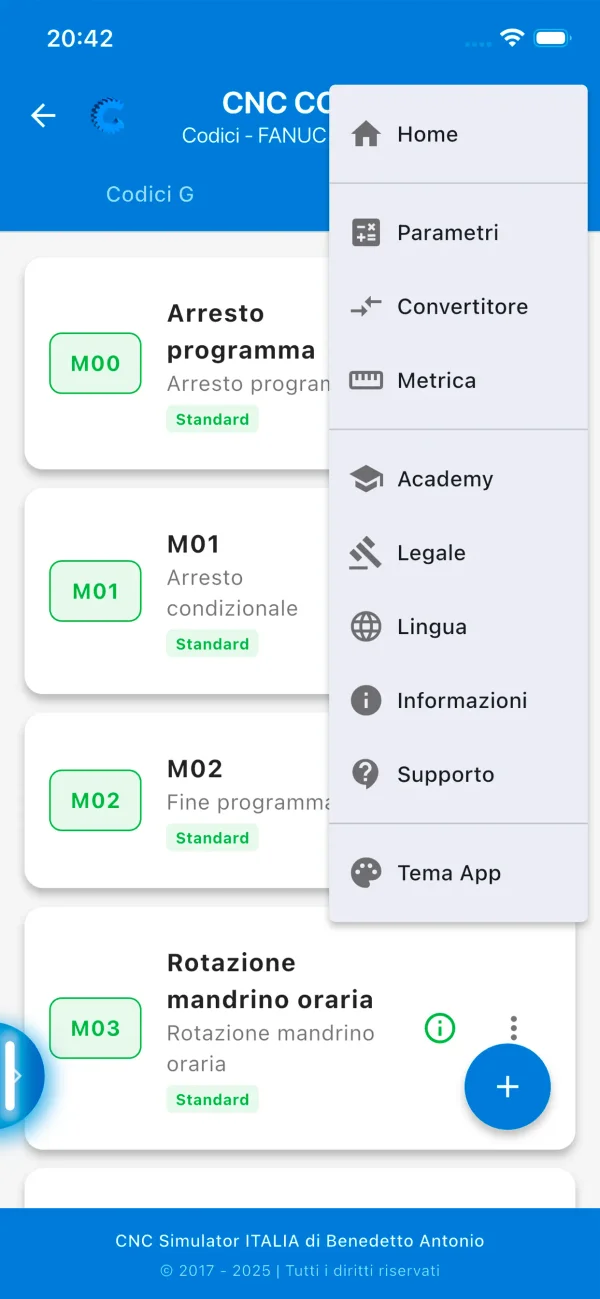
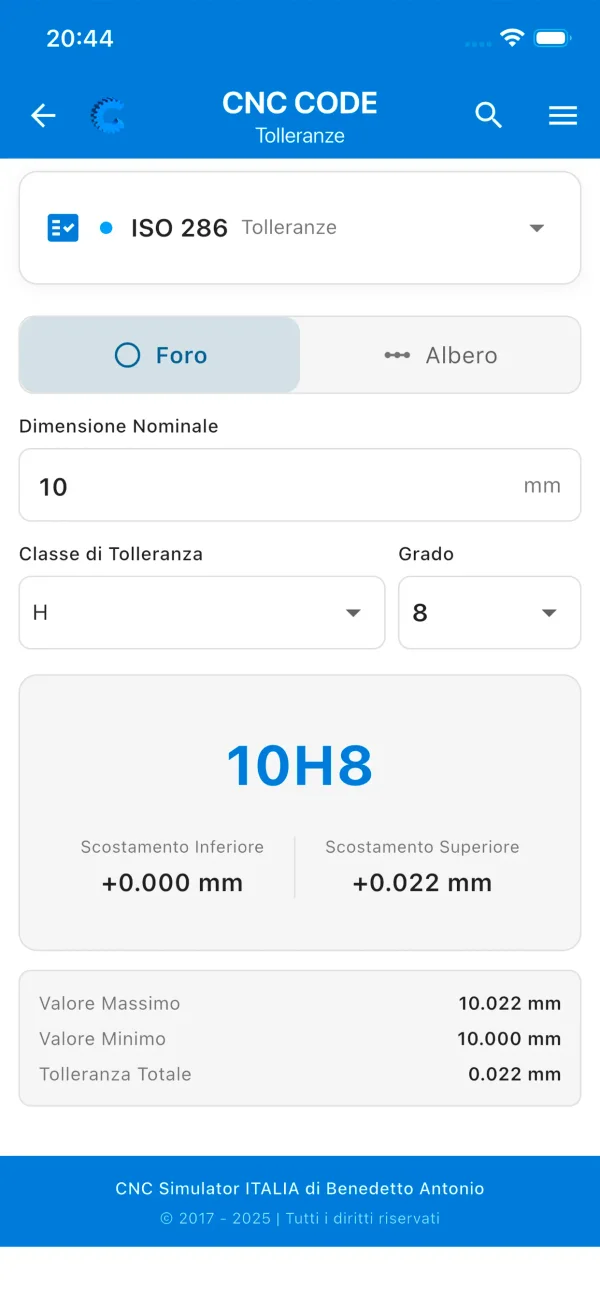
• ISO 286 tolerance tables
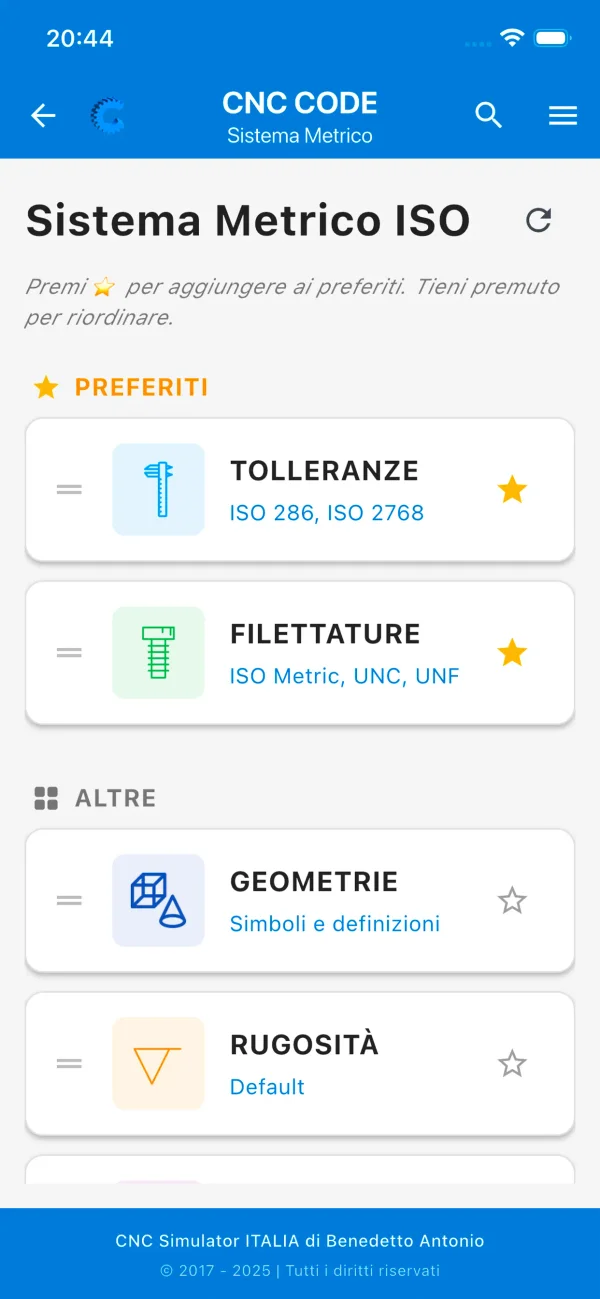
• Complete metric thread tables
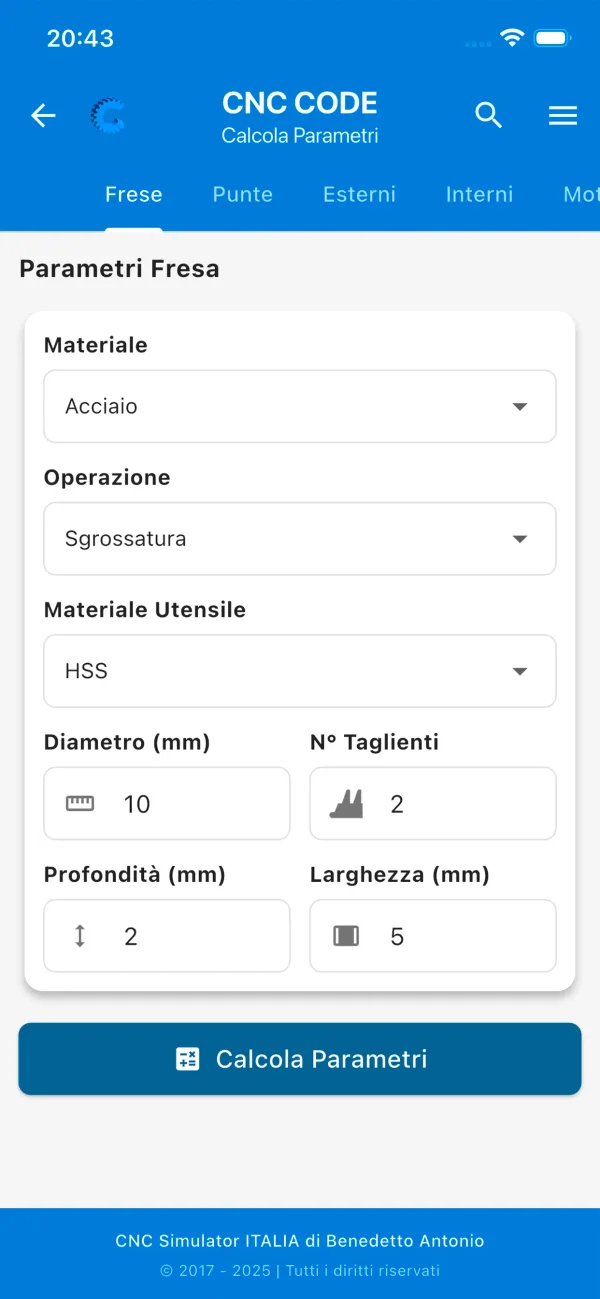
• Cutting parameters and feed calculation
FOR STUDENTS AND PROFESSIONALS
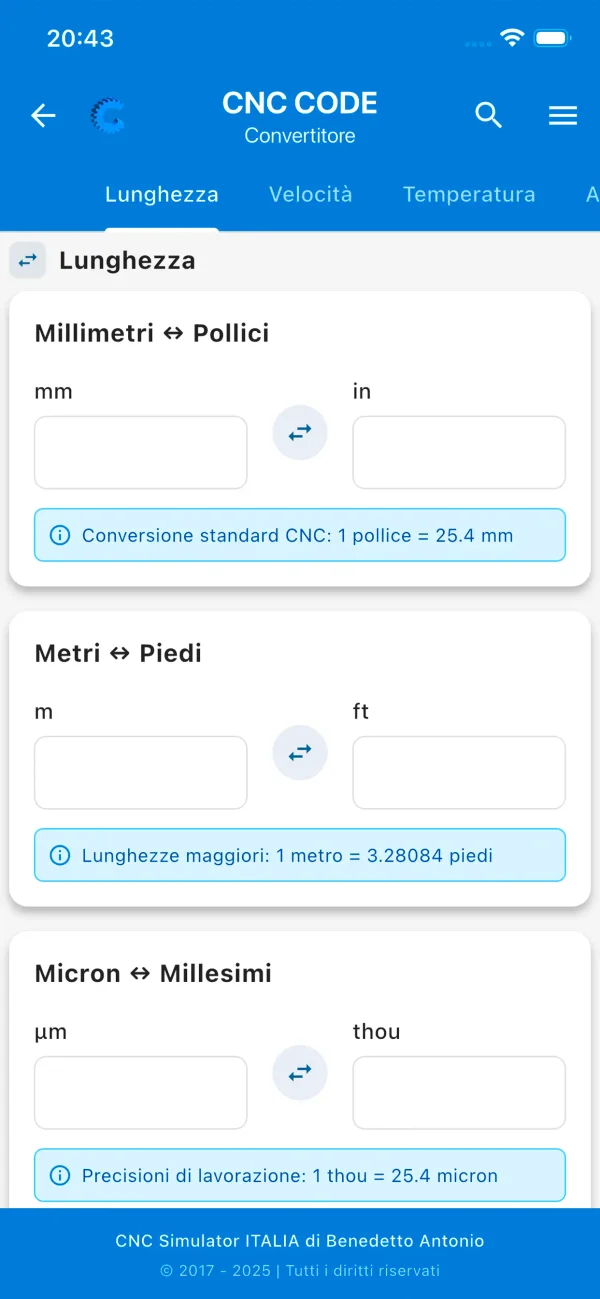
A teaching tool for schools and a quick reference on the shop floor. Optimised for smartphone and tablet. App in 10 languages.
10-DAY FREE TRIAL
Then you unlock everything: on the phone with a one-time purchase, no subscription; on tablets with a yearly subscription. Updates included. For a whole class there is the school multi-licence: ask for a quote.
IMPORTANT NOTICE
Codes are provided as a general reference: always check the manual of your machine tool and test in simulation before running. CNC CODE is not a replacement for training or official documentation.
Terms of service: https://cncsimulator.it/termini
Privacy: https://cncsimulator.it/privacy
Yang baru
Versi 26.11.18 · 20/11/2026
What's new and fixed:
- 3D view: a new "home view" button at the top centre brings the camera back to where it started, without pressing RESET.
- The cutting trace now takes the colour of the tool family (drilling in green, turning tools in blue, milling cutters in purple), with a colour legend in the app language.
- Tutorial videos: subtitles now start in the language of the app.
- Lathe and mill open straight away: on first launch they no longer ask you to sign in.
- Lathe 3D: bolt hole circle with the C axis, markers lit only on the hole being machined, and after facing the hole is no longer capped.
- New alarm when a fixed drill enters the part from the side; the boring bar for internal grooves is now set like an internal tool.
- New example of the canned cycles (G71, G70, G75, G76, G83); threading no longer puts material back where there is none, for instance inside an undercut groove.
- With the program finished, CYCLE START runs it again from the top; the G83 peck drilling cycle returns to its starting level.
- Lathe wizard: "Edit" opens the sketcher with the drawing also when the profile comes from a photo, a DXF file or hand typed dimensions.
- Lathe CAD: ruler in diameter, sheet redrawn after confirming, stock that takes facing into account, blind hole at the depth drawn, and the shoulder at the edge of a groove stays in the profile.
- Examples: the card shows the program description, not the separator lines.
- The drawing photo is analysed without freezing the app, also on slower phones.
- Fixes: leaving the app and coming back no longer leaves the 3D view frozen on Android, and signing in no longer closes the wrong screen.
Privasi aplikasi
Yang dinyatakan ANTONIO BENEDETTO di App Store tentang cara aplikasi ini menangani data.
-
Data tidak dikumpulkan
Pengembang tidak mengumpulkan data apa pun dari aplikasi ini.
Praktik privasi dapat bervariasi, misalnya berdasarkan fitur yang Anda gunakan atau usia Anda.
Informasi
- Penjual
- CNC Simulator ITALIA di Benedetto Antonio
- Kategori
- Pendidikan
- Versi
- 26.11.18
- Diperbarui
- 20/11/2026
- Dirilis
- 22/10/2025
- Ukuran
- 133,7 MB
- Memerlukan
- iOS 15.5 atau yang lebih baru
- Batasan usia
- 12+
- Harga
- Gratis
- Pembelian dalam aplikasi
- Ya
- Bahasa
- Inggris
- Hak cipta
- © 2026 CNC Simulator ITALIA di Benedetto Antonio
Mungkin Anda juga suka
-
 CNC Lathe Simulator LitePendidikan
-
 G-Code Guru: CNC Machinist KitPendidikan
-
 CNC Lathe Calculator & ProgramReferensi
-
 WoziGrow: Visual FlashcardsPendidikan
-
 CNC Lathe SimulatorPendidikan
-
 Times Tables. Math Meets MusicPendidikan
-
 AI Stable Genius RecorderReferensi
-
 CNC VMC SimulatorPendidikan
-
 Smarty ToothPendidikan
-
 WidgetFormPendidikan