CommandDeck: Remote for Mac
Remote for your Mac
Dirancang untuk iPhone, iPad
Gratis · Pembelian dalam aplikasi
- Batasan usia4+
- KategoriKegunaan
- PengembangRassul Kainazarov
- BahasaInggris
- Ukuran12,1 MB
Tertaut ke halaman resmi App Store
Download.org tidak menyimpan file CommandDeck: Remote for Mac apa pun. Tombol ini membuka halaman aplikasi di App Store, tempat Rassul Kainazarov menerbitkannya. Halaman terakhir diperiksa pada 14/11/2026.
Tangkapan layar

Tentang
Pengembang belum menyediakan teks ini dalam bahasa Anda.
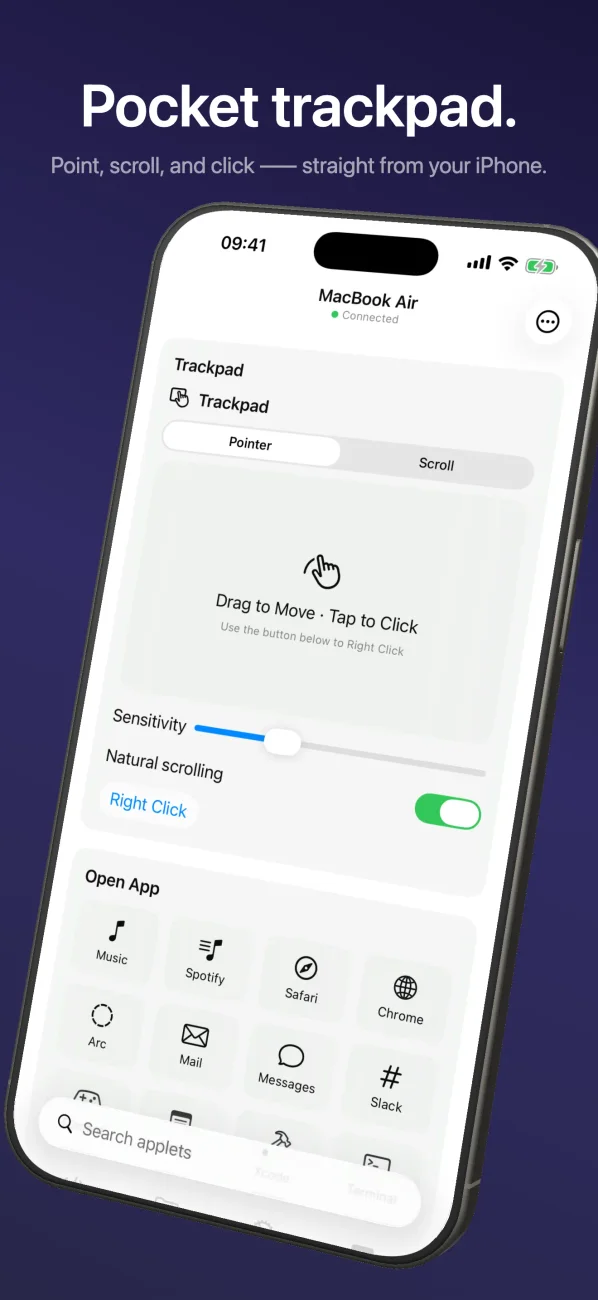
CommandDeck turns your iPhone into a remote control for your Mac. Adjust the volume, play or pause media, skip tracks, launch apps, and keep your Mac awake — straight from your phone, over your own local network.
Your iPhone and Mac talk to each other directly on your Wi-Fi. Commands do not travel through our servers. Pairing is a one-time 6-digit PIN shown on your Mac.
WHAT YOU CAN DO FOR FREE
• Pair your iPhone with your Mac
• Try basic volume and media controls
• Confirm that CommandDeck works on your own network before upgrading
COMMANDDECK PRO
Pro unlocks the full Mac remote:
• Volume — set or mute your Mac's output from your phone
• Media — play, pause, skip, seek, shuffle, and repeat in the apps you already use
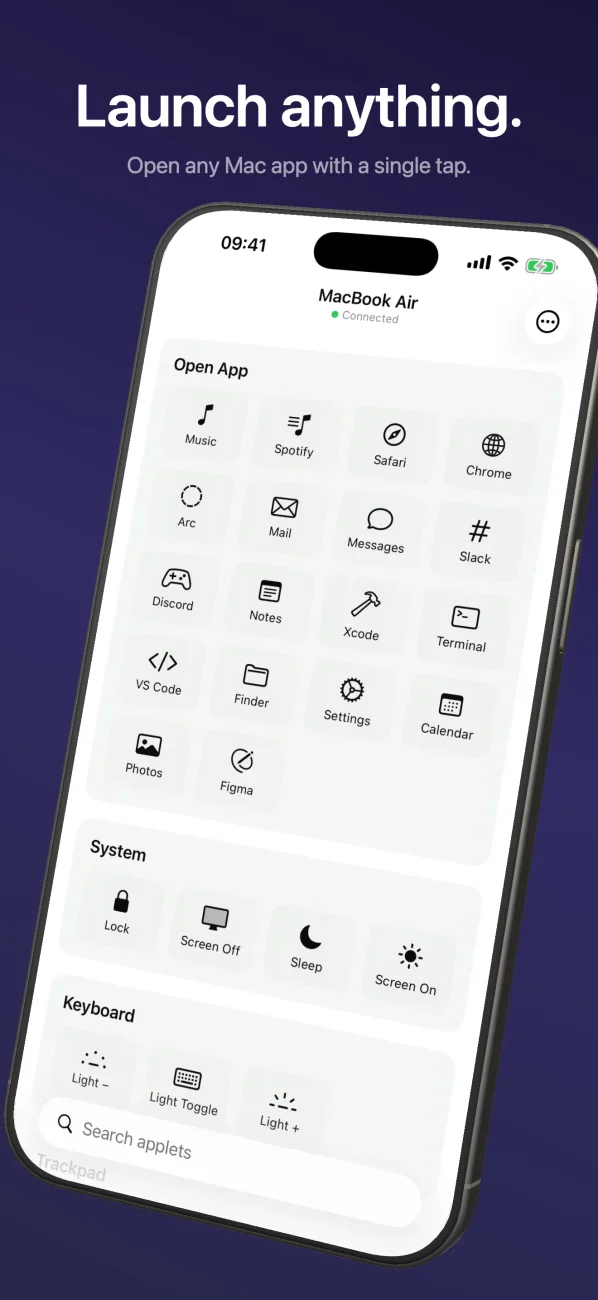
• Apps — launch your Mac apps with a tap
• Keep awake — stop your Mac from sleeping while it works
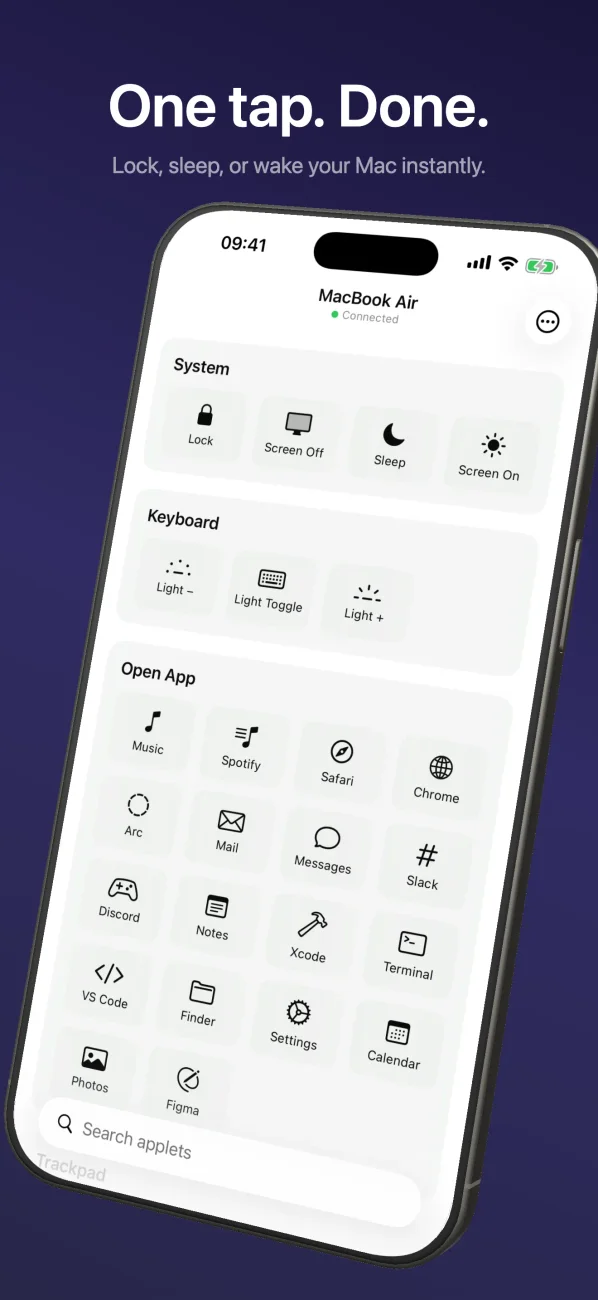
• Lock screen, display sleep/wake, Shortcuts, and more system controls
• Widgets and extras — run Mac actions from your iPhone faster
• More controls — add new ones anytime with community packages
COMMUNITY PACKAGES
Controls are modular. Beyond the built-ins, you can install community packages to add new buttons, toggles, and sliders — no app update required. Browse and add them right from the app.
PRICING
Start with basic controls for free. CommandDeck Pro includes a 7-day free trial, then $29.99/year or $2.99/month. A one-time $79.99 lifetime unlock is also available. No ads, no account sign-up.
PRIVATE BY DESIGN
Everything runs on your local network. Your Mac and iPhone connect directly; control commands stay on your Wi-Fi and are not routed through us. No account required, nothing to sign up for.
REQUIREMENTS
• An iPhone and a Mac on the same local network
• The free CommandDeck Mac app (menu-bar app — a quick free download)
• That's the entire install — every control, including lock screen, sleep, media keys, Shortcuts, and scripts, works right away, no separate helper app needed
CommandDeck has no ads and no AI — it just controls your Mac.
Download CommandDeck for Mac: https://commanddeck.meoa.space/download
Terms of Use: https://commanddeck.meoa.space/terms
Yang baru
Versi 1.0.4 · 18/7/2026
Fixed widget actions that could fail to run after tapping. Widget action selection and Mac connection reliability have also been improved.
Privasi aplikasi
Yang dinyatakan Rassul Kainazarov di App Store tentang cara aplikasi ini menangani data.
-
Data tidak dikumpulkan
Pengembang tidak mengumpulkan data apa pun dari aplikasi ini.
Praktik privasi dapat bervariasi, misalnya berdasarkan fitur yang Anda gunakan atau usia Anda.
Informasi
- Penjual
- Rassul Kainazarov
- Kategori
- Kegunaan
- Versi
- 1.0.4
- Diperbarui
- 18/7/2026
- Dirilis
- 24/6/2026
- Ukuran
- 12,1 MB
- Memerlukan
- iOS 26.5 atau yang lebih baru
- Batasan usia
- 4+
- Harga
- Gratis
- Pembelian dalam aplikasi
- Ya
- Bahasa
- Inggris
- Hak cipta
- © 2026 Meoa Inc.
Mungkin Anda juga suka
-
 TelinkGoogleOTAKegunaan
-
 HelvetiKitKegunaan
-
 Pulse for MacKegunaan
-
 CloudDeck - Remote ClientKegunaan
-
 TouchLink: Trackpad & KeyboardKegunaan
-
 AstroTool: Night Sky PlannerKegunaan
-
 Remotype: Remote for Mac & PCKegunaan
-
 Coast: Macros & TrackpadKegunaan
-
 Mak Commander-Input ControllerKegunaan
-
 G Remote ControllerKegunaan