
Control My Mac: Remote
Mouse, Trackpad & Keyboard
Dirancang untuk iPhone, iPad
Gratis · Pembelian dalam aplikasi
- Batasan usia4+
- KategoriProduktivitas
- PengembangSebastian Skoic
- BahasaInggris+ 24 lainnya
- Ukuran12,6 MB
Tertaut ke halaman resmi App Store
Download.org tidak menyimpan file Control My Mac: Remote apa pun. Tombol ini membuka halaman aplikasi di App Store, tempat Sebastian Skoic menerbitkannya. Halaman terakhir diperiksa pada 24/11/2026.
Tangkapan layar
Tentang
Pengembang belum menyediakan teks ini dalam bahasa Anda.
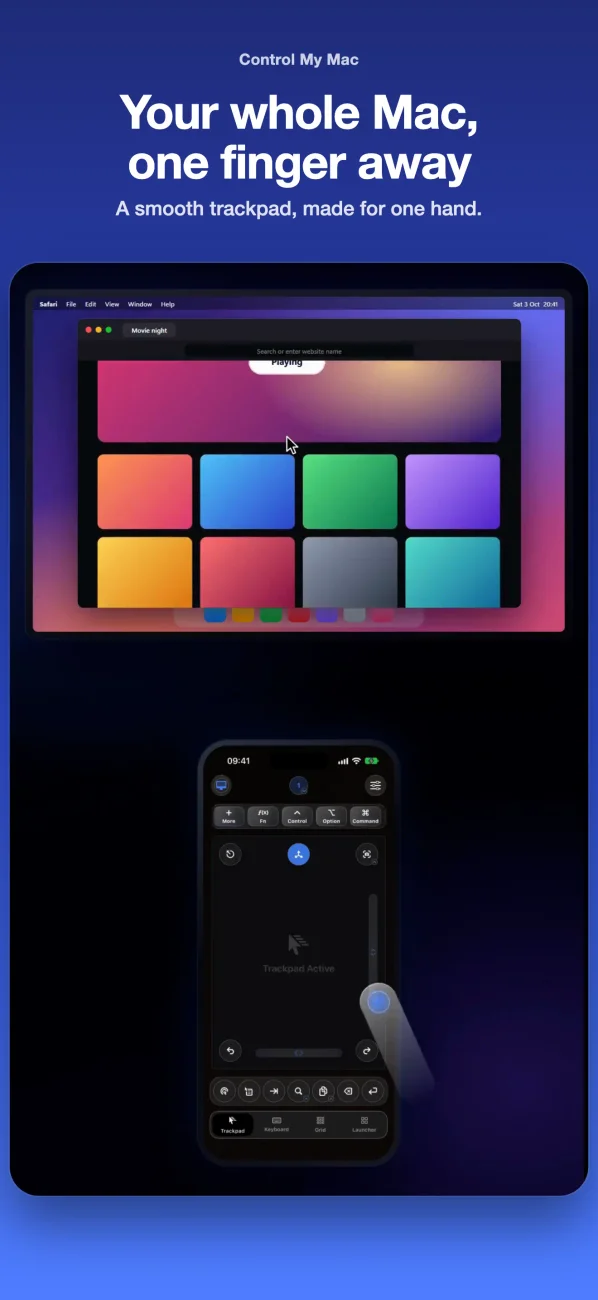
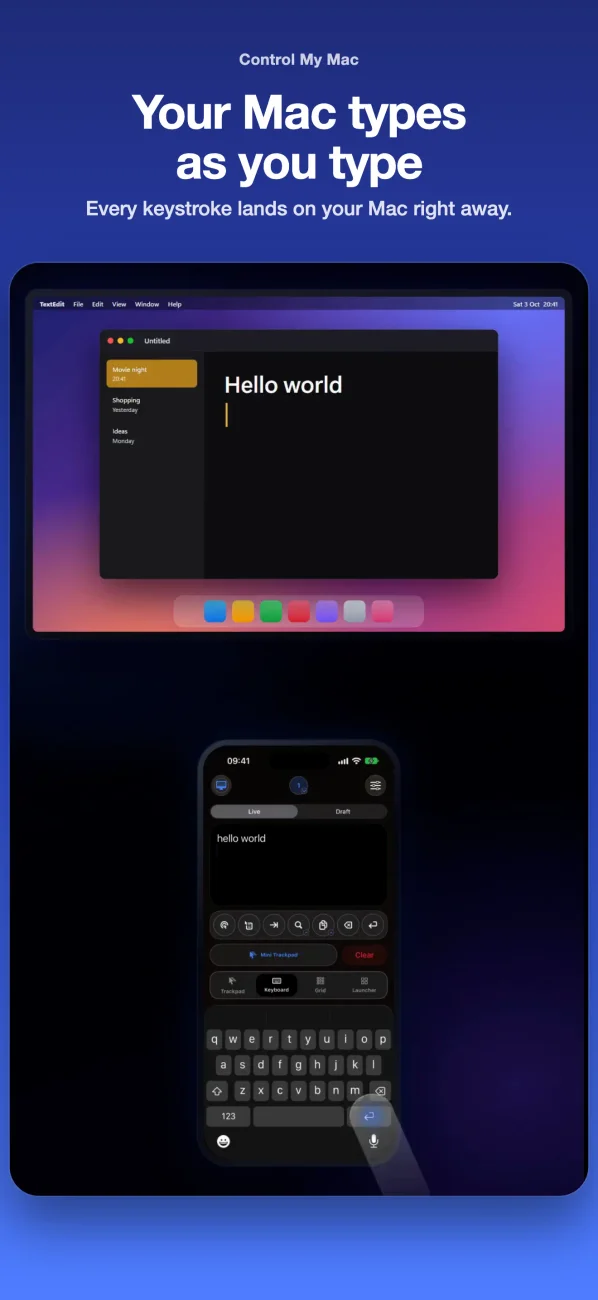
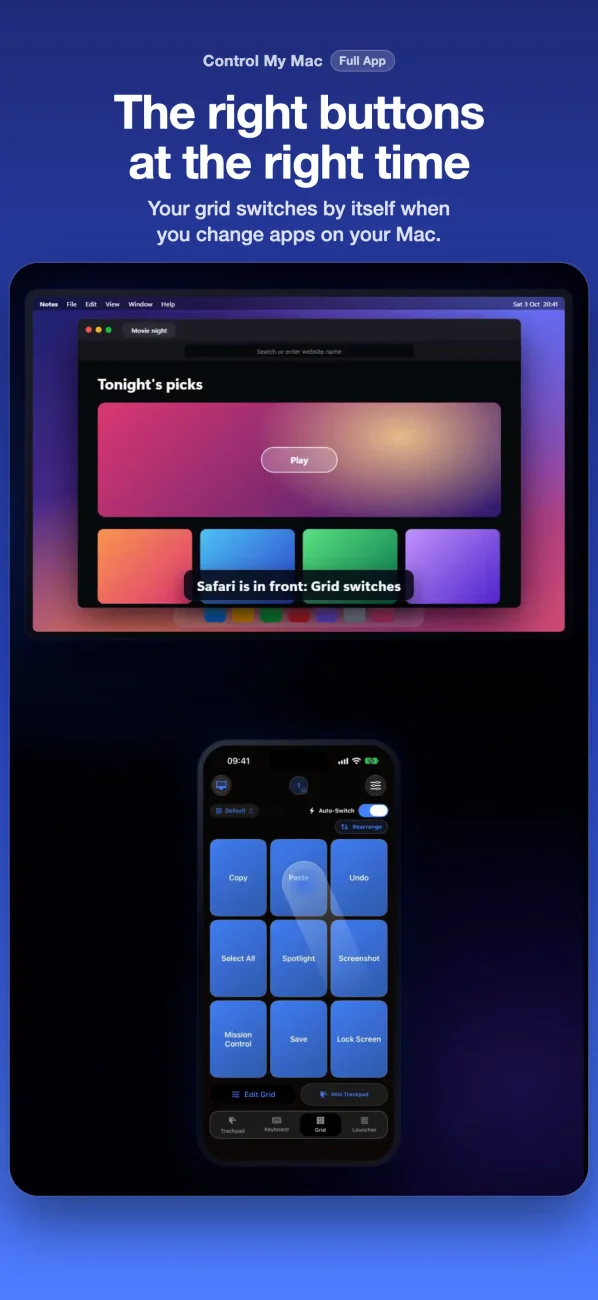
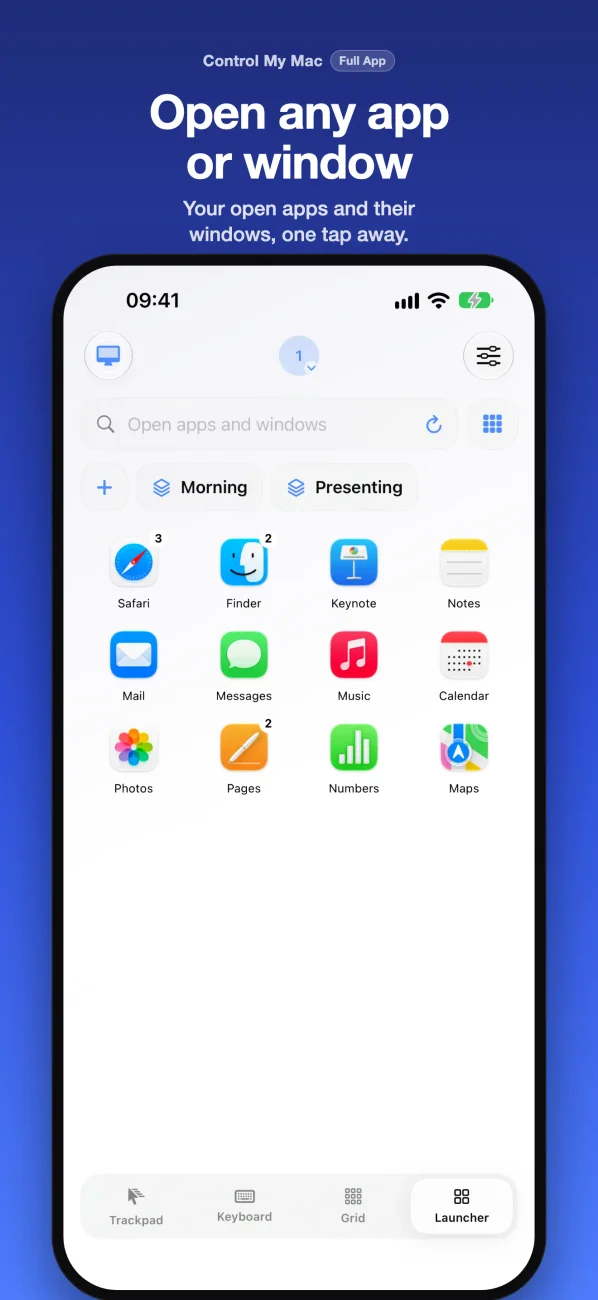
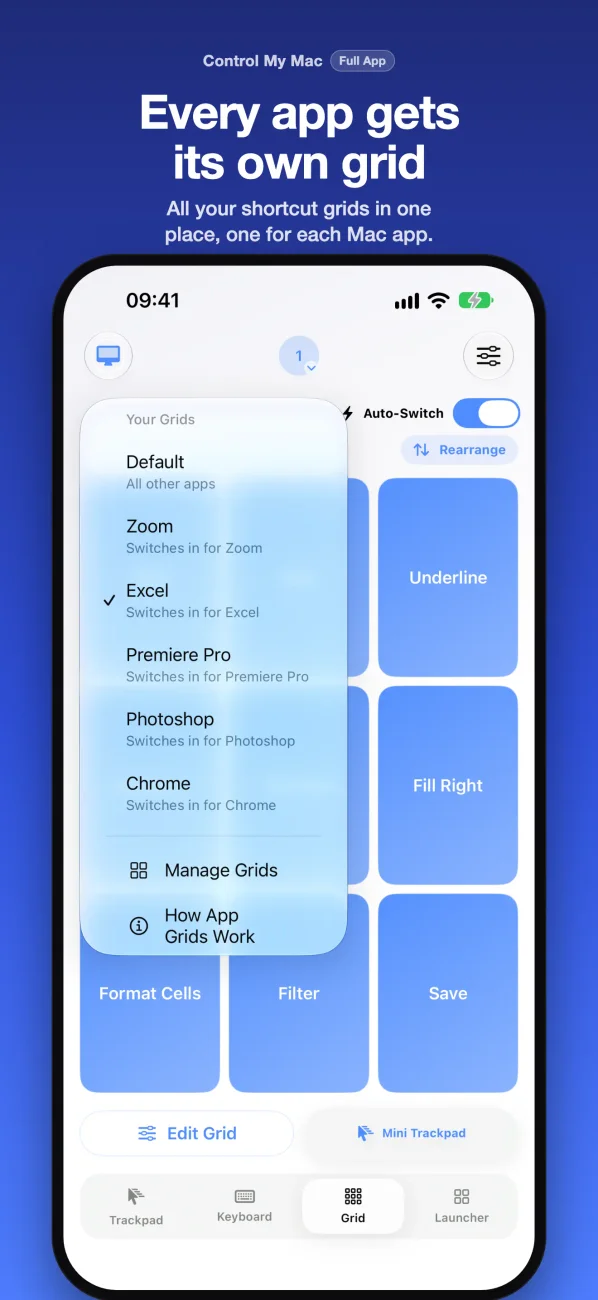
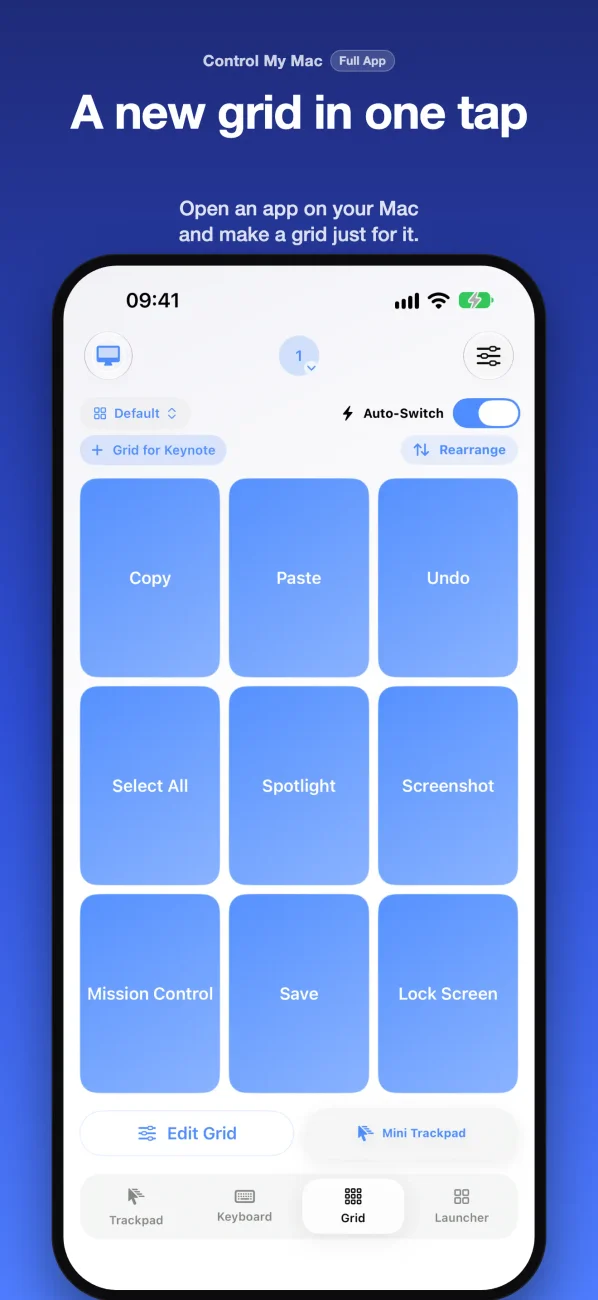
Control My Mac puts your Mac's shortcuts on your iPhone or iPad: a Grid of big one-tap buttons for every Mac app, which switches in by itself when that app comes forward. It is also a wireless trackpad, keyboard and app Launcher you can use with one finger from anywhere in the room.
Install the free Mac companion app from controlmymac.com, scan its QR code, and you are connected. No account, no sign-up.
WHAT YOU CAN DO
• Grid: your own shortcut buttons, with a separate grid for each Mac app. Teach it a key combination straight from your Mac
• Trackpad: move, click, right-click and scroll with one finger
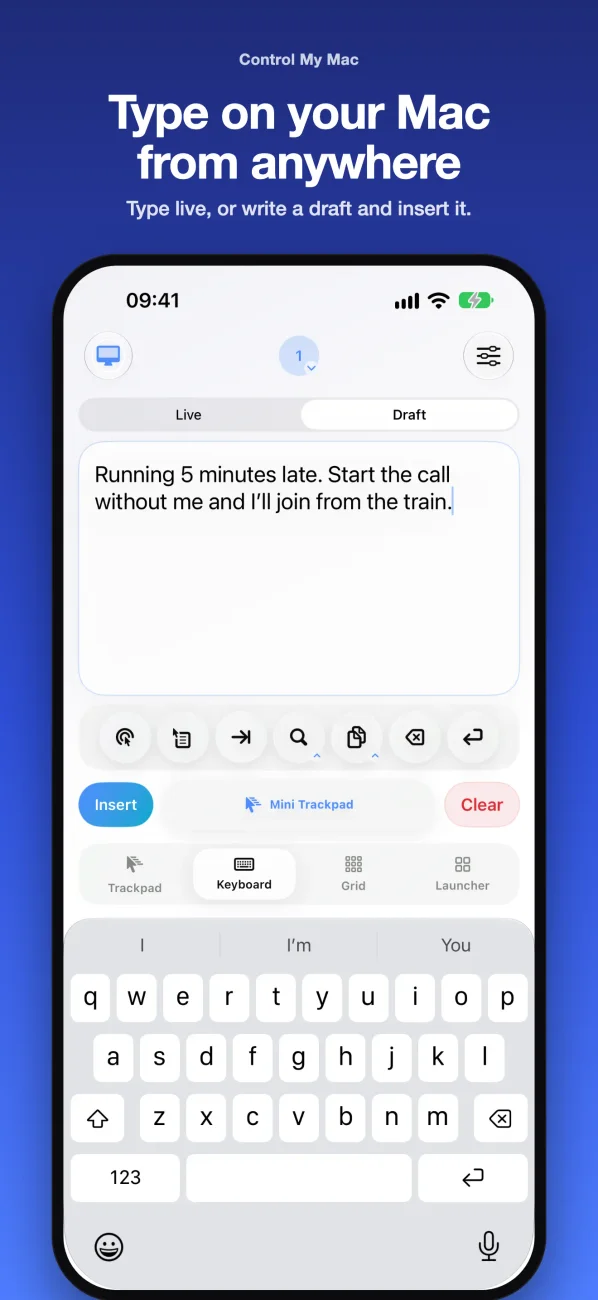
• Keyboard: type live, or write a draft and insert it in one go
• Launcher: your Mac's open apps as a grid. Bring any app or window forward, or open a saved set
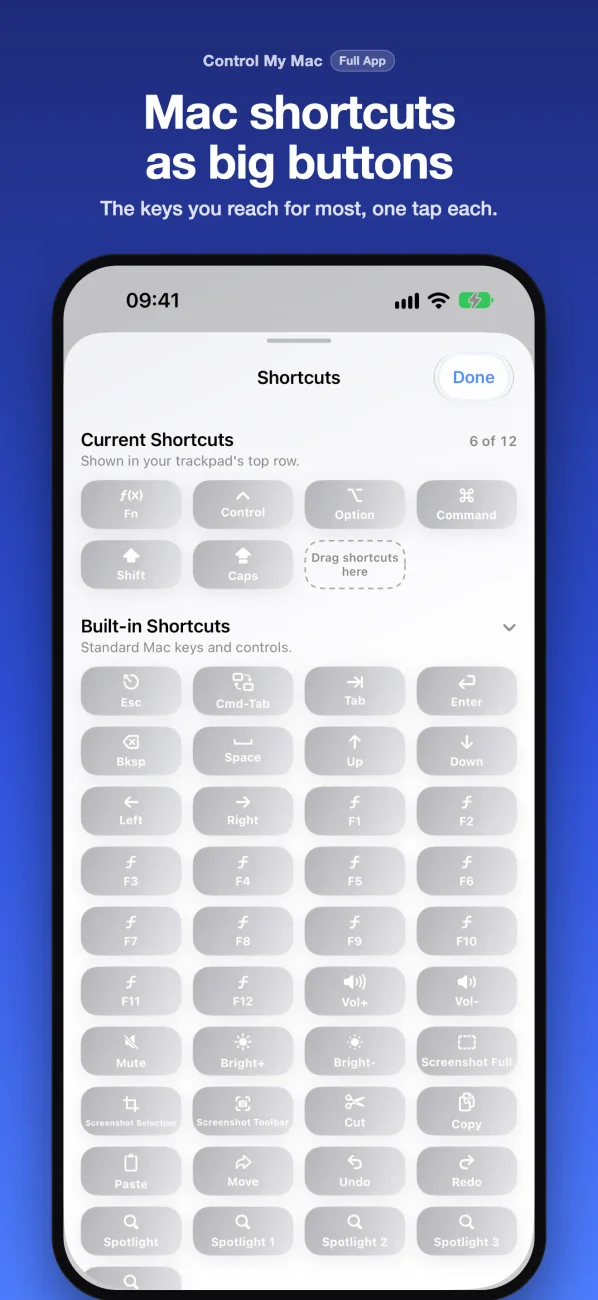
• Mac keyboard shortcuts, gestures, presets and quick controls
• iPad: a larger trackpad, roomier keyboard, bigger Grid and a layout you can rearrange
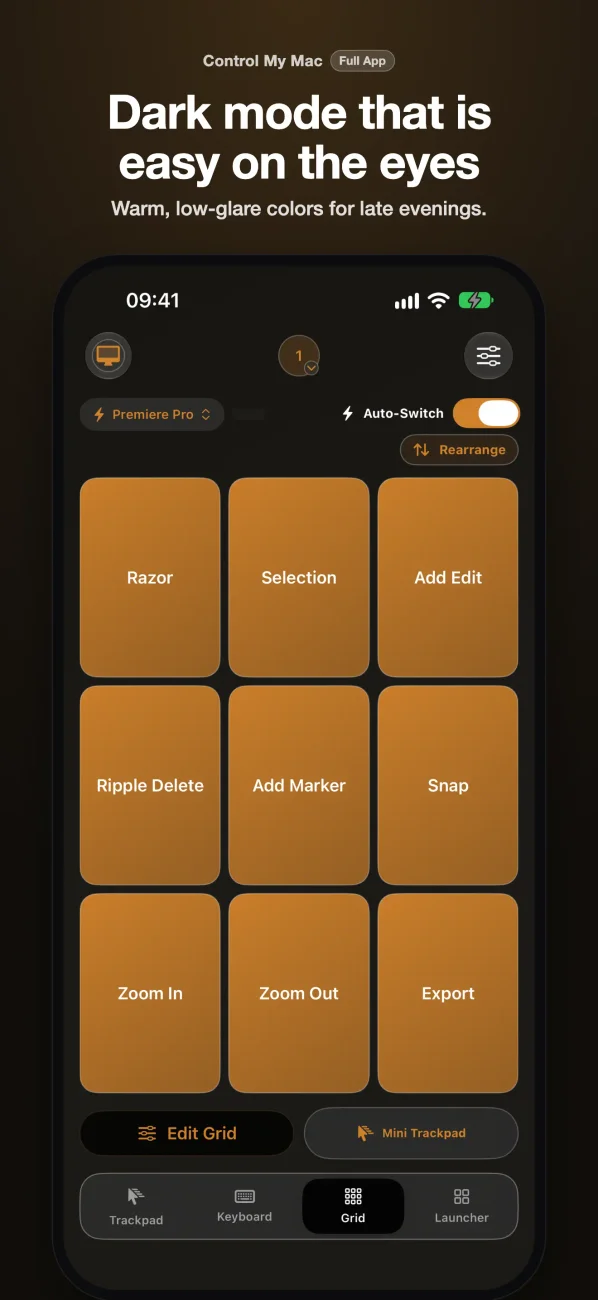
• Light, Dark and any accent color, plus Help Mode, where every button explains itself
Scrolling, the full Grid, the Launcher, Mac shortcuts, gestures and presets are part of Full App (details below).
MADE FOR ONE HAND
Every control sits within reach of a single finger, whether you use one hand by choice or by necessity. Run a Mac connected to your TV from the sofa, use it as a presentation clicker, or keep it next to you at the desk.
PRIVATE BY DESIGN
No account. No servers. Your iPhone or iPad connects straight to your Mac over Bluetooth or your local network, encrypted device-to-device, and nothing you type or do leaves your two devices. The Mac app needs macOS Accessibility permission so it can move your cursor and type for you. The camera only scans the pairing code, and Local Network is only used to find your Mac.
ESSENTIALS STAYS AVAILABLE. FULL APP IS OPTIONAL.
Try Full App free for 7 days to use every module before deciding. When the trial ends:
• Essentials Plan, free: trackpad movement, click, right click, Live and Draft Keyboard basics, one Grid button, Launcher preview, dark mode, accent colors and Help Mode
• Full App, a monthly or yearly subscription or a one-time lifetime purchase: scrolling, the full Grid with app grids and Auto-Switch, Launcher and window switching without upgrade prompts, Mac keyboard shortcuts, full gestures, presets and quick controls
Prices vary by country. Subscriptions are charged to your Apple Account and renew automatically unless cancelled at least 24 hours before the end of the current period. Manage or cancel anytime in your Apple Account settings. The lifetime option is a one-off purchase with no renewal.
WHAT YOU NEED
• iPhone or iPad with iOS or iPadOS 18 or later
• The free Mac companion app on macOS 14 or later, from controlmymac.com
• Both devices within Bluetooth range, or on the same Wi-Fi network
Terms of Use (EULA): https://www.apple.com/legal/internet-services/itunes/dev/stdeula/
Privacy Policy: https://www.controlmymac.com/privacy
Yang baru
Versi 1.2.18 · 23/11/2026
• iPhone Duo: unfold it to use two tools side by side, like Grid and Trackpad. Choose what goes on each side.
• Smoother, more natural animations when you switch tools, connect and pick a plan.
Privasi aplikasi
Yang dinyatakan Sebastian Skoic di App Store tentang cara aplikasi ini menangani data.
-
Data tidak dikumpulkan
Pengembang tidak mengumpulkan data apa pun dari aplikasi ini.
Praktik privasi dapat bervariasi, misalnya berdasarkan fitur yang Anda gunakan atau usia Anda.
Informasi
- Penjual
- Sebastian Skoic
- Kategori
- Produktivitas
- Versi
- 1.2.18
- Diperbarui
- 23/11/2026
- Dirilis
- 30/6/2026
- Ukuran
- 12,6 MB
- Memerlukan
- iOS 18.0 atau yang lebih baru
- Batasan usia
- 4+
- Harga
- Gratis
- Pembelian dalam aplikasi
- Ya
- Bahasa
- Inggris, Cheska (Republik Cheska), Dansk (Denmark), Belanda, Suomi (Finlandia), Prancis, Jerman, Yunani, Magyar (Hungaria), Italia, Jepang, Korea + 13 lainnya
- Hak cipta
- © 2026 Sebastian Škoić
Mungkin Anda juga suka
-
 Recapio - Audio Video to TextProduktivitas
-
 Sawti: Arabic Voice to TextProduktivitas
-
 PDF ToolBoxProduktivitas
-
 VideoReviewerProduktivitas
-
 Translate Voice Camera OCRProduktivitas
-
 MCBackup Pro - Contacts BackupProduktivitas
-
 Video Transcriber - TranscriptProduktivitas
-
 Scan Dokumen: Foto to PDFScan Foto & Edit Dokumen
-
 Remote Keyboard & MouseFor PC, Mac & LG TV
-
 Tetikus & Keyboard Jarak JauhKontrol dari Ponsel ke PC