
DeviceShelf
Network scanner & security
Dirancang untuk iPhone, iPad, iPod touch
Gratis · Pembelian dalam aplikasi
- Batasan usia4+
- KategoriKegunaan
- PengembangChristof Müller
- BahasaInggris+ 6 lainnya
- Ukuran27,3 MB
Tertaut ke halaman resmi App Store
Download.org tidak menyimpan file DeviceShelf apa pun. Tombol ini membuka halaman aplikasi di App Store, tempat Christof Müller menerbitkannya. Halaman terakhir diperiksa pada 22/11/2026.
Tangkapan layar

Tentang
Pengembang belum menyediakan teks ini dalam bahasa Anda.
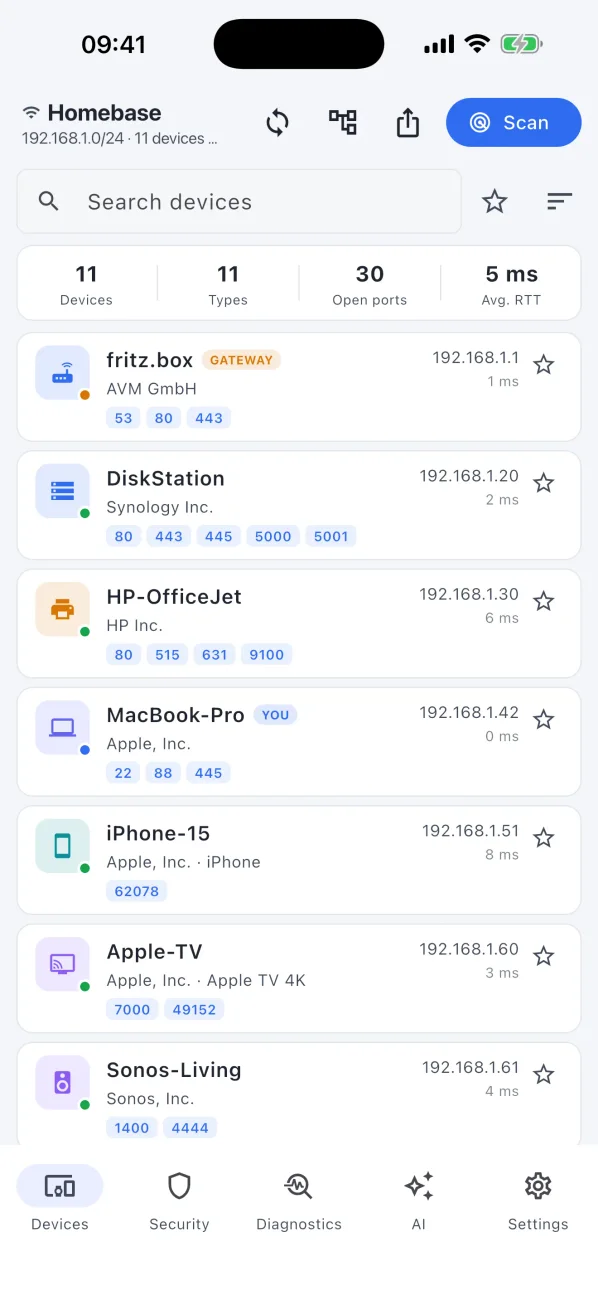
DeviceShelf shows you every device on your network — what it is, what it exposes, and whether it's a risk. No account, no telemetry, no hidden cloud. Your network data stays on your device.
WHAT YOU GET
• See every device: name, vendor, type, IP and open ports, discovered over Bonjour and port probing.
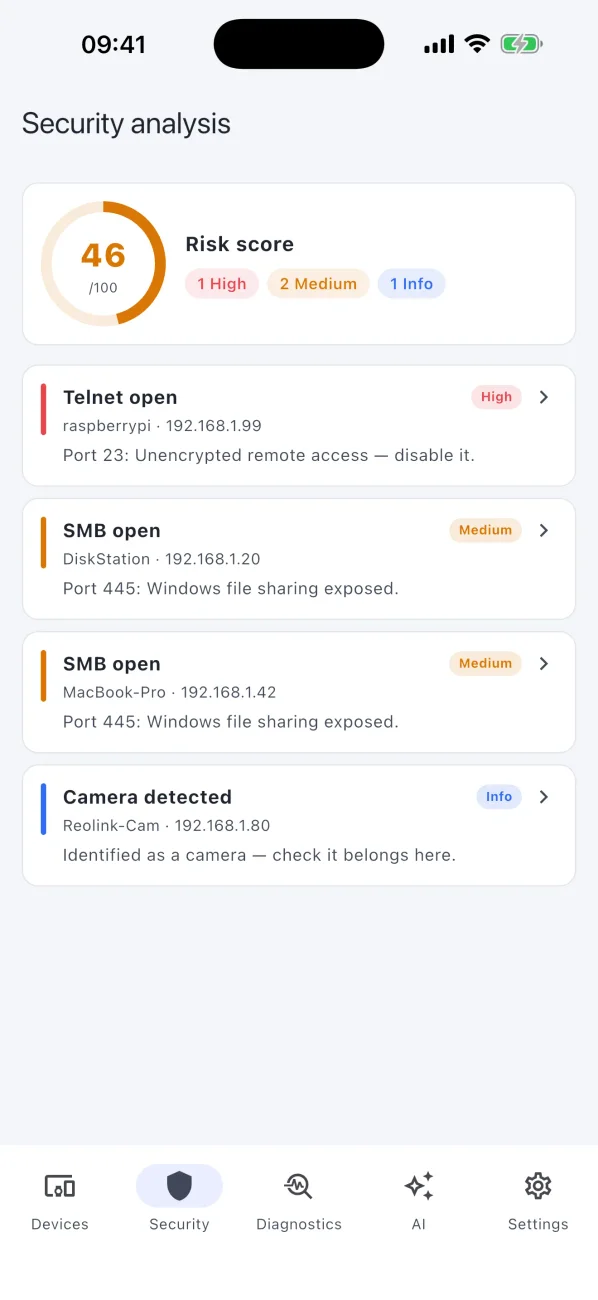
• Security at a glance: a risk score with plain-language findings — open Telnet, exposed SMB, weak defaults, aging TLS certificates, known CVEs.
• Diagnostics that answer real questions: ping, speed test, DNS lookup, and your public IP and ISP.
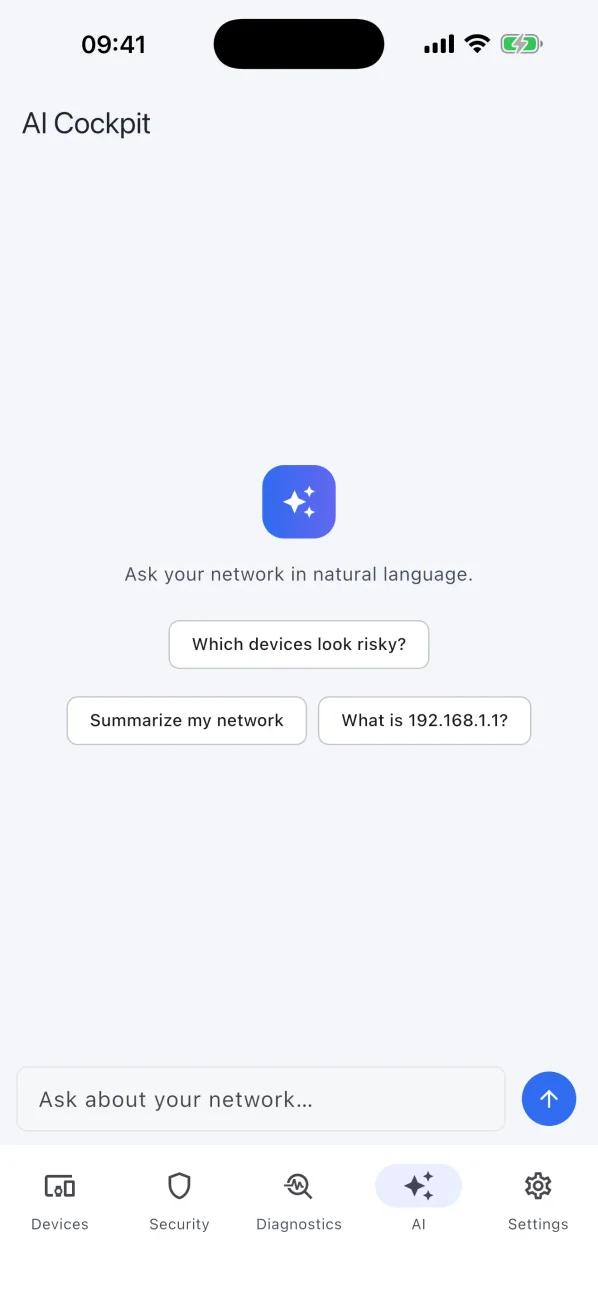
• Ask the built-in assistant about your network in plain language. Bring your own AI key — nothing is sent unless you turn it on.
• Watch devices come and go, with per-device uptime.
PAIR WITH YOUR COMPUTER OR SERVER
iOS limits how deeply an app can scan a network. Connect to DeviceShelf on your Mac or PC, or to a 24/7 DeviceShelf server, and this app pulls the full inventory — every device's vendor, name and MAC — plus its security report and timeline. One license covers desktop, server and mobile.
PRIVATE BY DESIGN
No sign-up. No tracking. Nothing leaves your device unless you enable an optional feature. License checks work offline.
OPTIONAL AI, CLEAR CONSENT
If you configure a cloud AI provider, DeviceShelf asks before sending anything. The consent screen shows the provider, endpoint, and exact data categories first: your question or selected network/device signals such as IP addresses, pseudonymised MAC addresses, host/device names, vendors, open ports, service banners, certificate names, OS hints and security findings. Local providers such as Ollama do not need cloud consent.
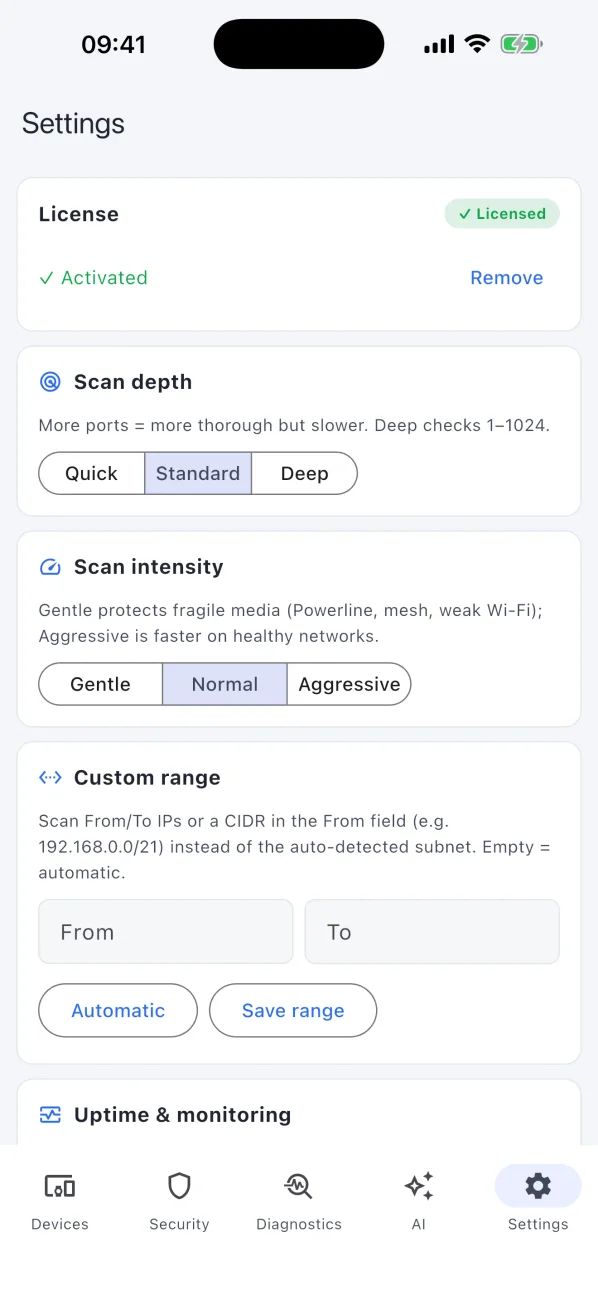
Try it free for 14 days. One-time purchase, no subscription.
Yang baru
Versi 1.5.54 · 18/11/2026
• The free trial now runs 14 days.
• A phone that keeps reappearing as new because of its private Wi-Fi address now shows how to stop it.
• A vulnerability that NVD lists only for another Linux distribution is shown one step lower, with the reason.
Privasi aplikasi
Yang dinyatakan Christof Müller di App Store tentang cara aplikasi ini menangani data.
-
Data tidak dikumpulkan
Pengembang tidak mengumpulkan data apa pun dari aplikasi ini.
Praktik privasi dapat bervariasi, misalnya berdasarkan fitur yang Anda gunakan atau usia Anda.
Informasi
- Penjual
- Christof Müller
- Kategori
- Kegunaan
- Versi
- 1.5.54
- Diperbarui
- 18/11/2026
- Dirilis
- 21/7/2026
- Ukuran
- 27,3 MB
- Memerlukan
- iOS 15.0 atau yang lebih baru
- Batasan usia
- 4+
- Harga
- Gratis
- Pembelian dalam aplikasi
- Ya
- Bahasa
- Inggris, Arab, Prancis, Jerman, Italia, Tionghoa Sederhana, Spanyol
- Hak cipta
- © 2026 Christof Müller
Mungkin Anda juga suka
-
 Sill – Mac StreamingKegunaan
-
 Penganalisis JaringanPemindai Jaringan, Pemindai IP
-
 Quiche BrowserKegunaan
-
 Noir - Dark Mode for SafariKegunaan
-
 IP Scanner - Pemindai JaringanNetwork Scanner WiFi/LAN
-
 ntfyKegunaan
-
 RustDesk Remote DesktopKegunaan
-
 Penganalisa Jaringan WiFiTemukan Perangkat Bluetooth
-
 Network Analyzer: WiFi ScanKegunaan
-
 Comet - AI Browser & AssistantBrowser and AI assistant