- Batasan usia4+
- KategoriProduktivitas
- PengembangAlexander Kremenskoy
- BahasaInggris
- Ukuran474,6 MB
Tertaut ke halaman resmi App Store
Download.org tidak menyimpan file Dictantor apa pun. Tombol ini membuka halaman aplikasi di App Store, tempat Alexander Kremenskoy menerbitkannya. Halaman terakhir diperiksa pada 12/11/2026.
Tangkapan layar

Tentang
Pengembang belum menyediakan teks ini dalam bahasa Anda.
Dictantor is a private voice notes app for capturing ideas, conversations, and meetings as searchable text. Record on iPhone or Apple Watch, transcribe directly on your iPhone, organize notes into folders, search what was said, and export audio or text.
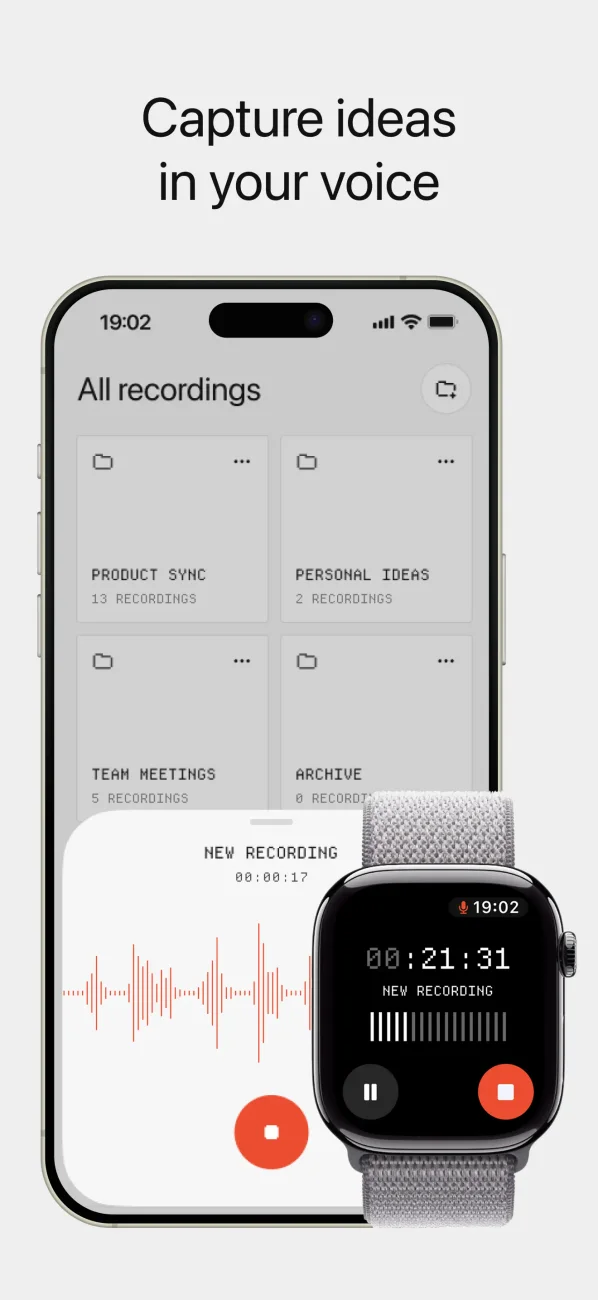
RECORD ON IPHONE OR APPLE WATCH
Capture thoughts, meetings, 1:1s, interviews, lectures, brainstorms, study notes, personal reflections, and musical ideas.
Start a recording from the Dictantor Apple Watch app or directly from your watch face. Recordings transfer to your paired iPhone, where they can be transcribed, organized, searched, played back, and exported.
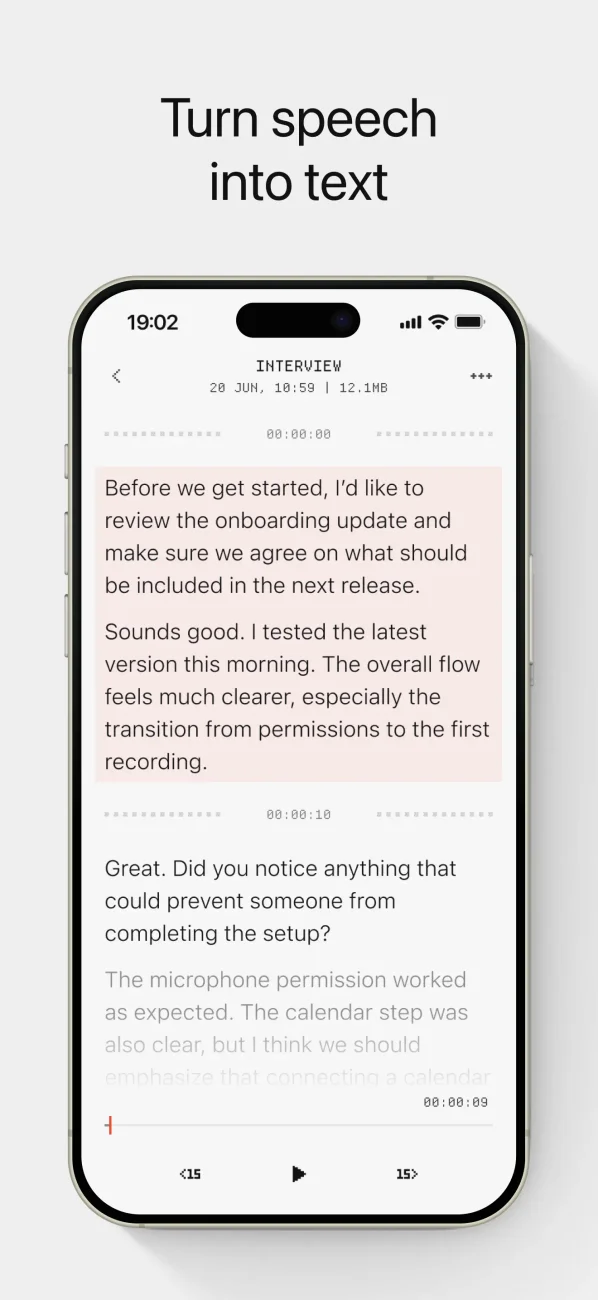
TRANSCRIBE ON YOUR IPHONE
Create transcripts directly on your iPhone in supported languages. Transcription is processed on device—Dictantor does not send your audio to an external transcription service.
ORGANIZE YOUR VOICE NOTES
Create folders for different projects, clients, meetings, or ideas. Pin important folders for quick access and move recordings whenever your organization changes.
Deleting a folder does not delete the recordings inside it, they return to All Recordings.
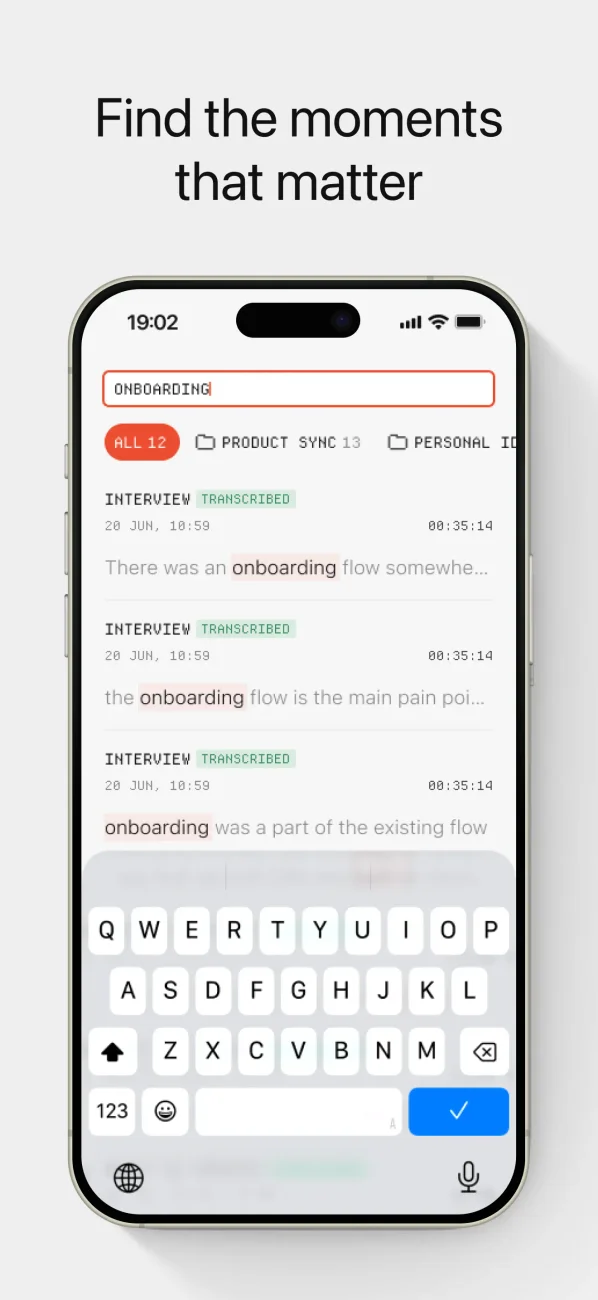
SEARCH YOUR ENTIRE LIBRARY
Search across all your recordings and transcripts, no matter which folder you start from. Filter results by folder and open a recording directly at the matching passage.
LISTEN AND FOLLOW ALONG
Play recordings, move through the timeline, skip forward or back, and tap a transcript section to return to the corresponding moment in the audio.
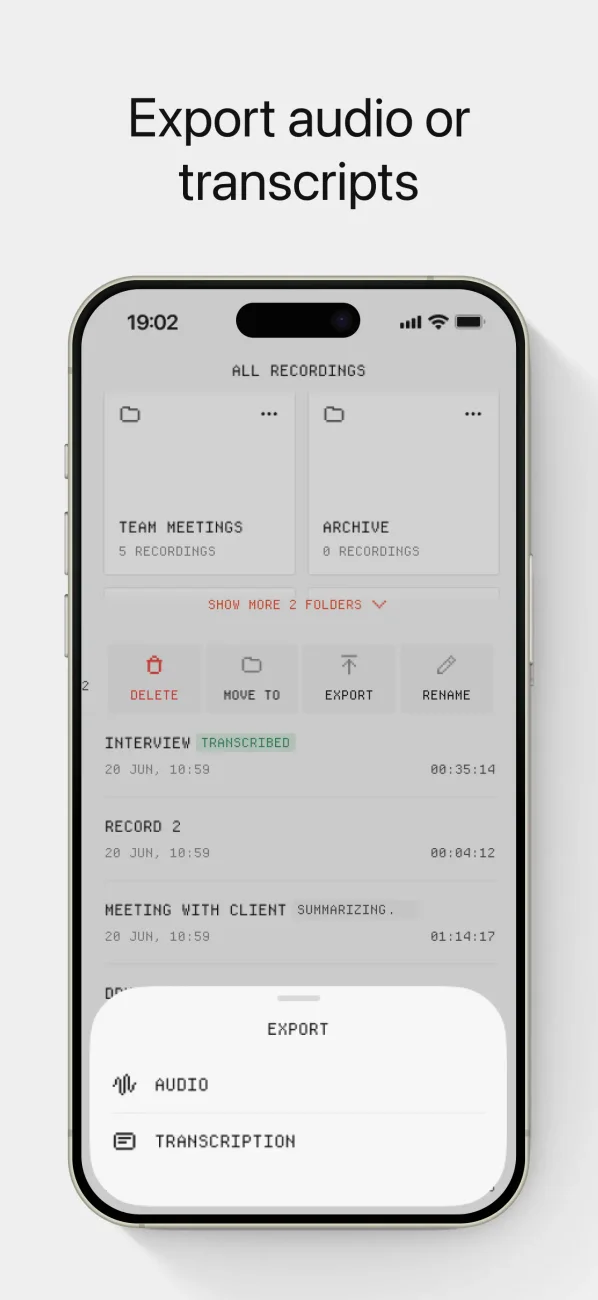
EXPORT AUDIO OR TEXT
Export audio or transcript files using the iOS share sheet. Export options appear whenever the corresponding content is available.
CONTINUE ON YOUR MAC
If you also use Dictantor for Mac, recordings, transcripts, folders, and organization can sync through your personal iCloud account, letting you continue on either device.
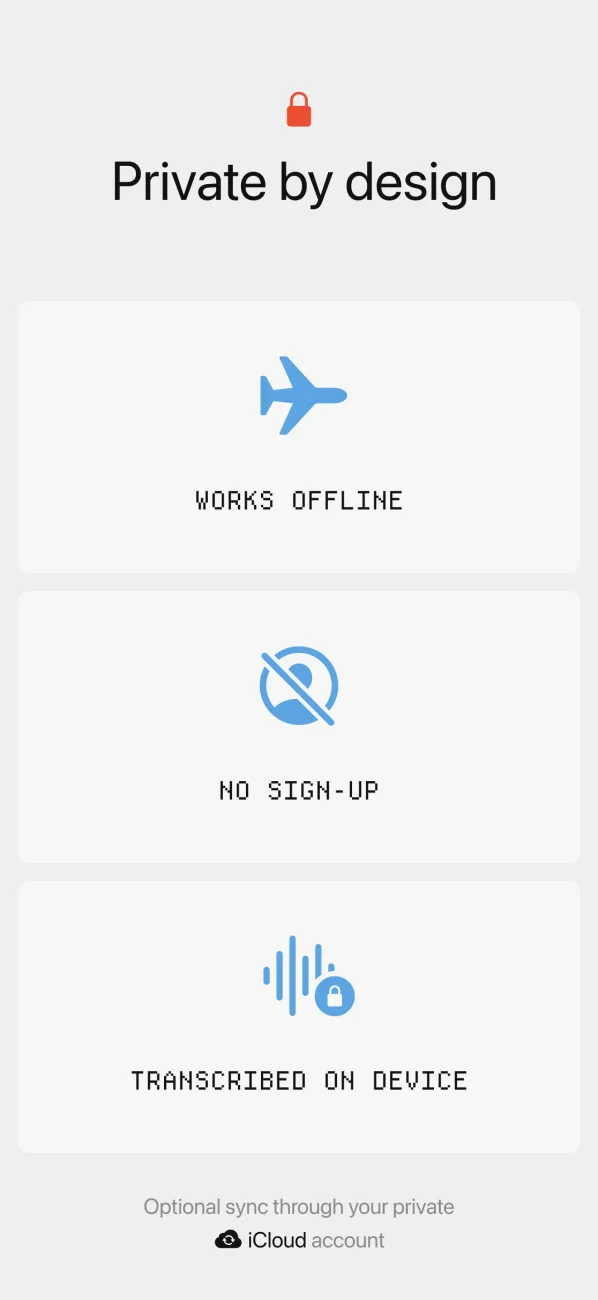
PRIVATE BY DESIGN
- No Dictantor account required
- No subscription required
- Transcription is processed on device
- Audio is not sent to third-party transcription services
- iCloud synchronization is optional
- Core recording, transcription, playback, search, organization, and export features work offline
OPTIONAL ON-DEVICE INSIGHTS
On compatible devices, when Apple Intelligence is available and enabled, Dictantor can generate a summary, key takeaways, and action items from supported transcripts.
When Insights is unavailable, recording, transcription, playback, search, organization, and export remain available.
Use Dictantor to capture a quick thought, record a conversation, save a meeting, or keep a spoken note you can return to later.
Transcription, synchronization, and Insights availability may vary depending on the device, system settings, iCloud availability, transcript language, speech clarity, and audio quality. Dictantor for Apple Watch requires a paired iPhone with Dictantor installed.
Yang baru
Versi 1.4 · 23/9/2026
- Added folders for organizing voice notes
- Added folder pinning and recording movement
- Search now works across the entire library with folder filters
- Folder structure now syncs between iPhone and Mac through iCloud
- Fixed bugs and improved interface performance
Privasi aplikasi
Yang dinyatakan Alexander Kremenskoy di App Store tentang cara aplikasi ini menangani data.
-
Data tidak dikumpulkan
Pengembang tidak mengumpulkan data apa pun dari aplikasi ini.
Praktik privasi dapat bervariasi, misalnya berdasarkan fitur yang Anda gunakan atau usia Anda.
Informasi
- Penjual
- Alexander Kremenskoy
- Kategori
- Produktivitas
- Versi
- 1.4
- Diperbarui
- 23/9/2026
- Dirilis
- 30/7/2026
- Ukuran
- 474,6 MB
- Memerlukan
- iOS 26.0 atau yang lebih baru
- Batasan usia
- 4+
- Harga
- Gratis
- Bahasa
- Inggris
- Hak cipta
- © 2026 Alexander Kremenskoy
Mungkin Anda juga suka
-
 Monologue: Smart DictationProduktivitas
-
 Bluedot AI Note TakerProduktivitas
-
 Buzz - chat with your hiveProduktivitas
-
 Acti: Agentic KeyboardProduktivitas
-
 Google AI Edge EloquentProduktivitas
-
 Willow Dictation & AI KeyboardProduktivitas
-
 OpenClawProduktivitas
-
 Raindrop.ioProduktivitas
-
 Claude Duet by AnthropicProduktivitas
-
 Wispr FlowProduktivitas