Docusign - Upload & Sign Docs
Sign PDFs & Contracts
Dirancang untuk iPhone, iPad
Gratis · Pembelian dalam aplikasi
- Batasan usia4+
- KategoriProduktivitas
- PengembangDocusign
- BahasaInggris+ 12 lainnya
- Ukuran94,3 MB
Tertaut ke halaman resmi App Store
Download.org tidak menyimpan file Docusign - Upload & Sign Docs apa pun. Tombol ini membuka halaman aplikasi di App Store, tempat Docusign menerbitkannya. Halaman terakhir diperiksa pada 27/11/2026.
Tangkapan layar


Tentang
Pengembang belum menyediakan teks ini dalam bahasa Anda.
Docusign eSignature is the world’s #1 way for businesses and individuals to securely send and sign agreements from practically anywhere, at any time, from almost any device. The Docusign app is easy to use, includes unlimited free signing for all parties, and is trusted by millions of people worldwide.
HOW DOCUSIGN WORKS | e-Sign PDFs, forms, and contracts on the go.
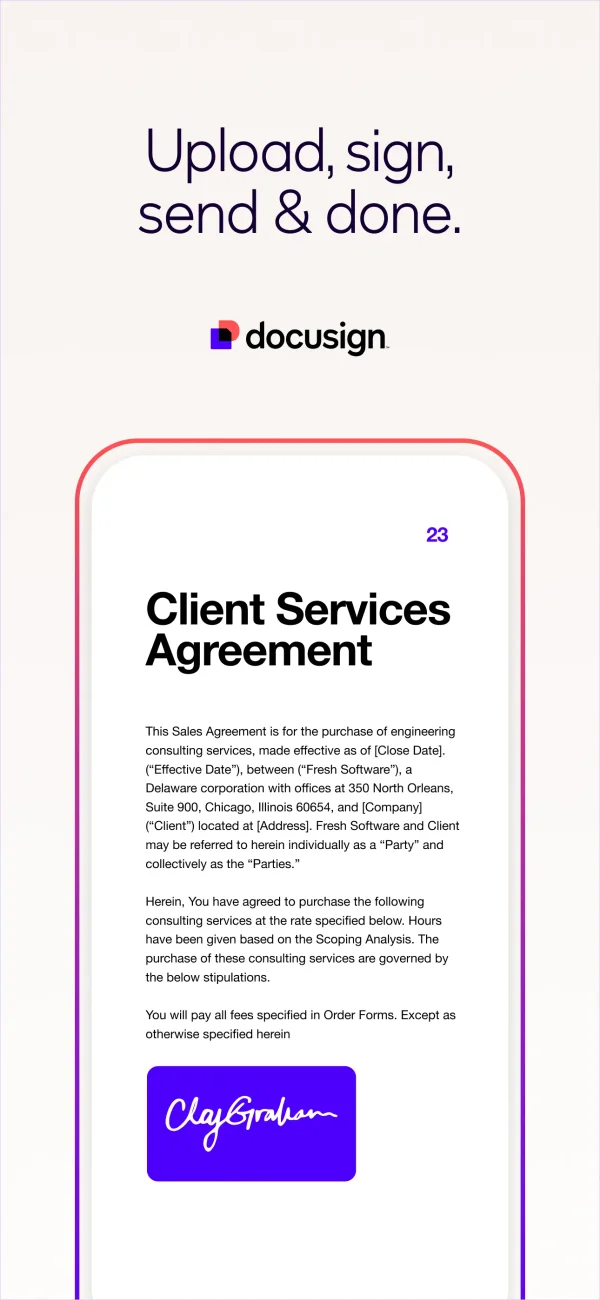
• Step 1: Create your customized digital signature directly on your device.
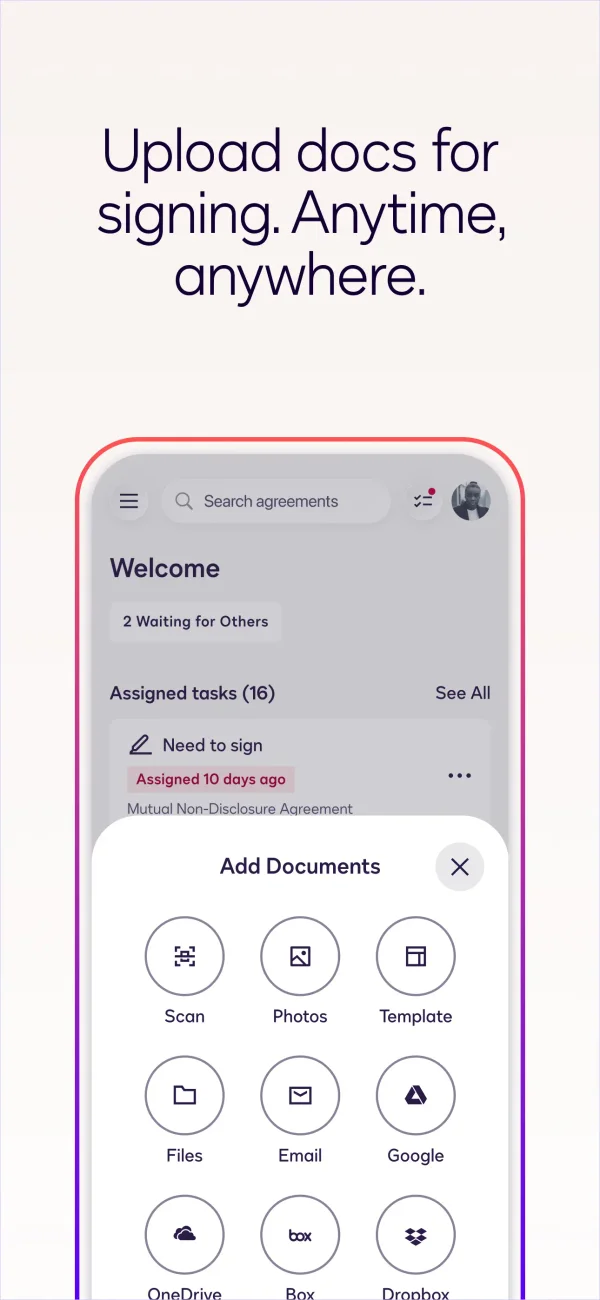
• Step 2: Upload documents easily via email, Google Drive, DropBox, Box, Evernote, Salesforce, or photo scanning.
• Step 3: E-sign your documents for free with no monthly limit.
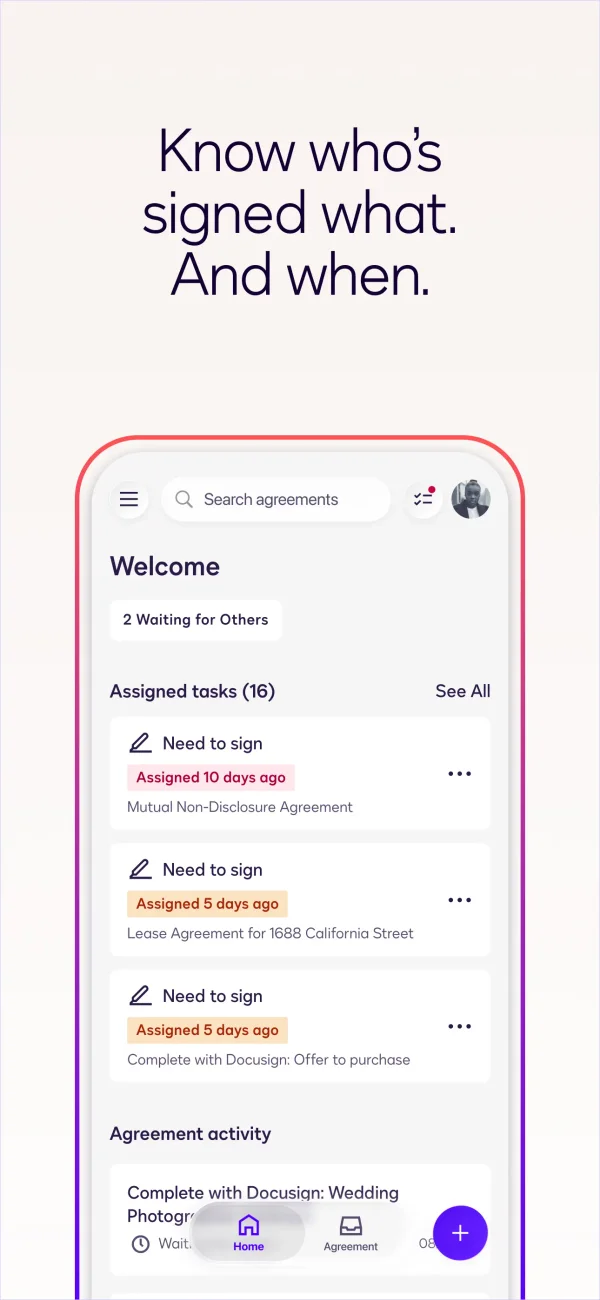
STREAMLINED, SIMPLIFIED MANAGEMENT | Send and monitor agreements straight from your device.
• Step 1: Import files to prepare and send them out for signature.
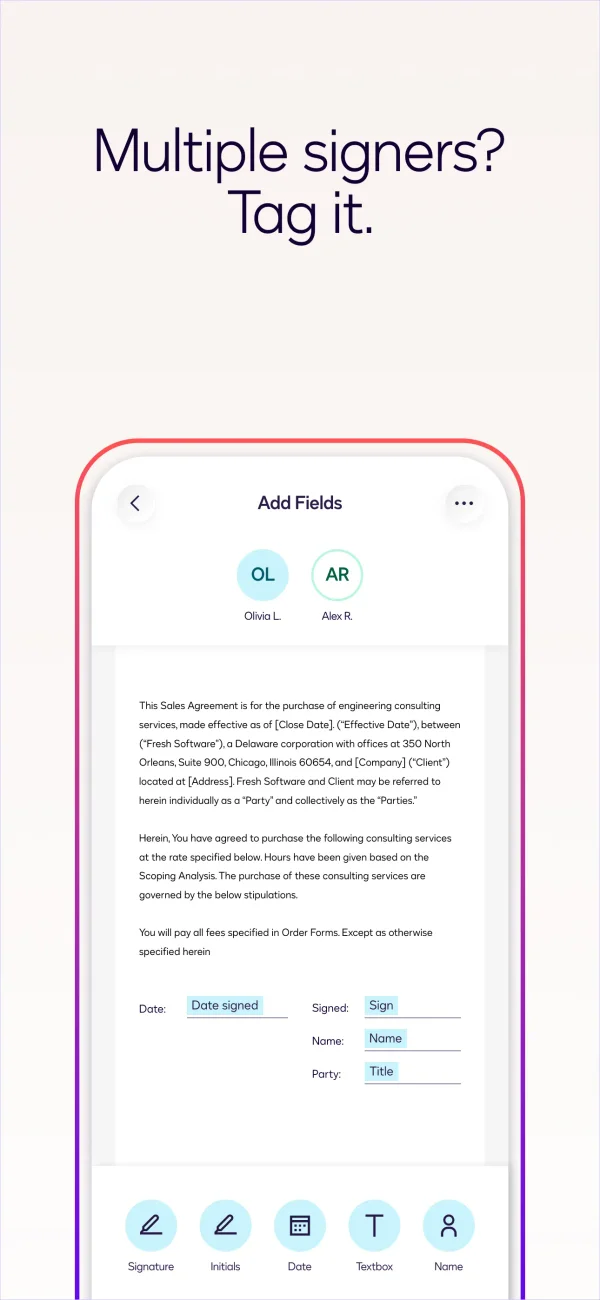
• Step 2: Prepare your document with “Sign Here” tags that show precisely where to sign, initial, or add additional information and invite others to sign.
• You can set the signing order and workflow for multiple signers.
• Docusign supports both in-person and remote signing.
• Responsive signing functionality automatically adapts documents for mobile to the size and orientation of the signer’s device.
• Step 3: Remind signers to sign with a single tap or void a document that has already been sent for signature.
• Step 4: Receive real-time push notifications when a document has been signed.
E-SIGNATURE THROUGH DOCUSIGN IS LEGAL AND SECURE.
Docusign’s complies with the eSign Act, which means:
• Agreements are legally binding.
• There is a complete audit trail to track who signed when and where.
• Documents are encrypted; this is safer and more secure than paper.
• Docusign is ISO 27001 SSAE16 compliant.
Docusign’s free eSignature app supports multiple document types and formats, including:
• PDF
• Word
• Excel
• Images (JPEG, PNG, TIFF)
• Text-Based Files
Common documents to digitally sign with Docusign:
• Non-disclosure agreements (NDAs)
• Sales contracts and proposals
• Health care documents
• Financial agreements
• Waivers
• Permission slips
• Lease agreements
PREMIUM PLANS
In addition to the free signing experience, Docusign offers advanced features through subscription plans:
Business Pro Plan
• Send documents out for signature.
• Add logic and advanced fields to your most critical documents.
• Automate your agreement process with bulk send, powerforms, comments and personalized branding.
Standard Plan
• Send documents out for signature.
• Access to advanced fields including Docusign’s most popular.
• Manage signing on-the-go. Remind, void, in-person signing, and reusable templates.
Real Estate Plan
• Send documents out for signature.
• Powerful real estate features including zipForm Plus integration and web branding.
• Managing signing on-the-go. Remind, void, in-person signing, and reusable templates.
Personal Plan
• Limited document sending. Send up to 5 documents monthly.
• Access to essential fields. Request signature, date, and name.
• Reusable templates so you can standardize your documents.
Email your questions or feedback to: mobilefeedback@docusign.com
Find out more about Docusign and electronic signatures: https://www.docusign.com/products/electronic-signature/how-docusign-works
Subscription Plan Information:
• Payment is charged to iTunes Account at the time a user confirms purchase.
• Subscriptions automatically renew unless auto-renew is turned off at least 24 hours before the end of the current period. Account will be charged for renewal within 24-hours prior to the end of the current period, and identify the cost of the renewal.
• Subscriptions may be managed by the user and auto-renewal may be turned off by going to the user's account settings after purchase.
• Cancellation of the current subscription is not allowed during the active subscription period.
Privacy Policy:
https://www.docusign.com/privacy/
Agreements and Terms:
https://www.docusign.com/legal/agreements/
Yang baru
Versi 3.49.0 · 21/10/2026
This release includes regular bug fixes to improve your experience.
Privasi aplikasi
Yang dinyatakan Docusign di App Store tentang cara aplikasi ini menangani data.
-
Data yang ditautkan dengan Anda
Dapat dikumpulkan dan ditautkan dengan identitas Anda.
- Pembelian
- Lokasi
- Info kontak
- Kontak
- Konten pengguna
- Pengenal
- Data penggunaan
- Diagnostik
Praktik privasi dapat bervariasi, misalnya berdasarkan fitur yang Anda gunakan atau usia Anda.
Informasi
- Penjual
- Docusign
- Kategori
- Produktivitas
- Versi
- 3.49.0
- Diperbarui
- 21/10/2026
- Dirilis
- 1/11/2011
- Ukuran
- 94,3 MB
- Memerlukan
- iOS 17.0 atau yang lebih baru
- Batasan usia
- 4+
- Harga
- Gratis
- Pembelian dalam aplikasi
- Ya
- Bahasa
- Inggris, Belanda, Prancis, Jerman, Italia, Jepang, Korea, Polski (Polandia), Portugis, Rusia, Tionghoa Sederhana, Spanyol + 1 lainnya
- Hak cipta
- © Docusign Inc.
Mungkin Anda juga suka
-
 Fill and eSign Doc: SigneasyScan dan e Sign aplikasi PDF
-
 Fill and Sign Documents: eSignProduktivitas
-
 SignNow: e-Signature appProduktivitas
-
 Zillow Rental ManagerProduktivitas
-
 PDF Converter - Word to PDFProduktivitas
-
 Form Filler: fill & sign formsProduktivitas
-
 Google AdminApl Admin Google Workspace
-
 Lead ConnectorProduktivitas
-
 Box: The power of Content + AIProduktivitas
-
 Forma: Editor PDF bertenaga AIEdit, Tanda Tangani, dan Isi