DroidRemote
Remote Control & Mirroring
Dirancang untuk iPhone, iPad
Gratis · Pembelian dalam aplikasi
- Batasan usia4+
- KategoriKegunaan
- Pengembang正 刘
- BahasaInggris+ 1 lainnya
- Ukuran35,5 MB
Tertaut ke halaman resmi App Store
Download.org tidak menyimpan file DroidRemote apa pun. Tombol ini membuka halaman aplikasi di App Store, tempat 正 刘 menerbitkannya. Halaman terakhir diperiksa pada 18/11/2026.
Tangkapan layar

Tentang
Pengembang belum menyediakan teks ini dalam bahasa Anda.
DroidRemote brings screen mirroring, remote control, file transfers, app management, a terminal, and live logs to your iPhone or iPad. Connect to a phone, tablet, TV, or streaming box with ADB access and work with its screen, files, and tools in one place.
MIRROR & CONTROL
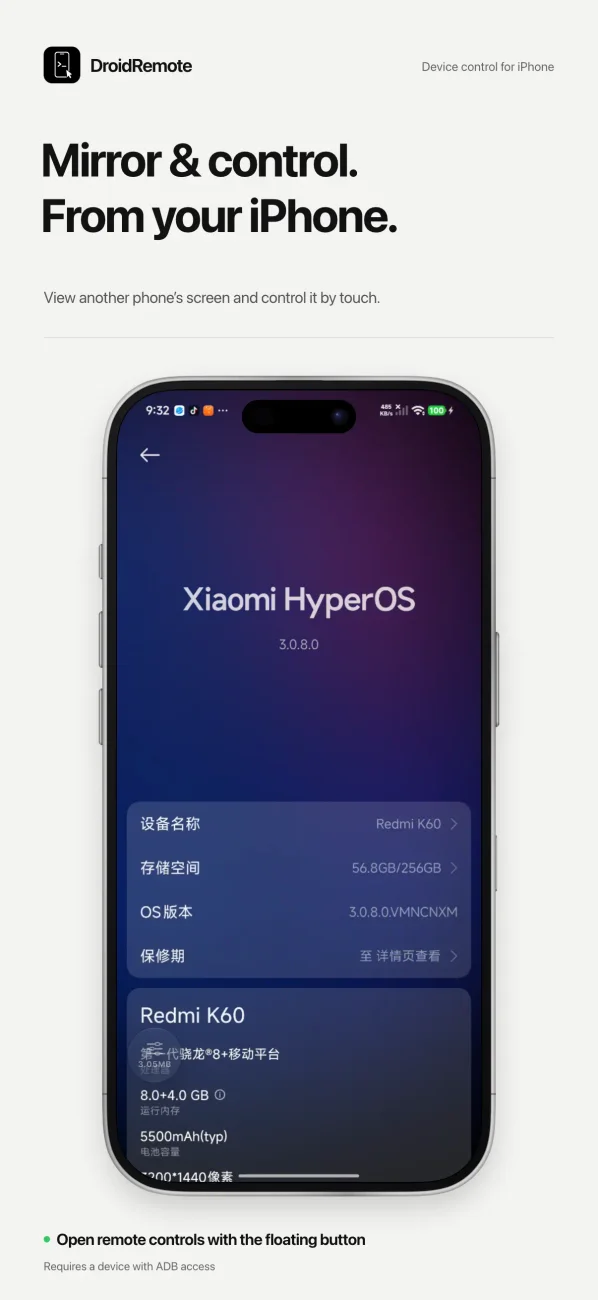
View another phone's screen and control it by touch. Open remote controls with the floating button to use Back, Home, and recent apps. Adjust mirroring settings to suit your connection. Audio streaming and Picture in Picture are available on supported devices.
YOUR TV REMOTE
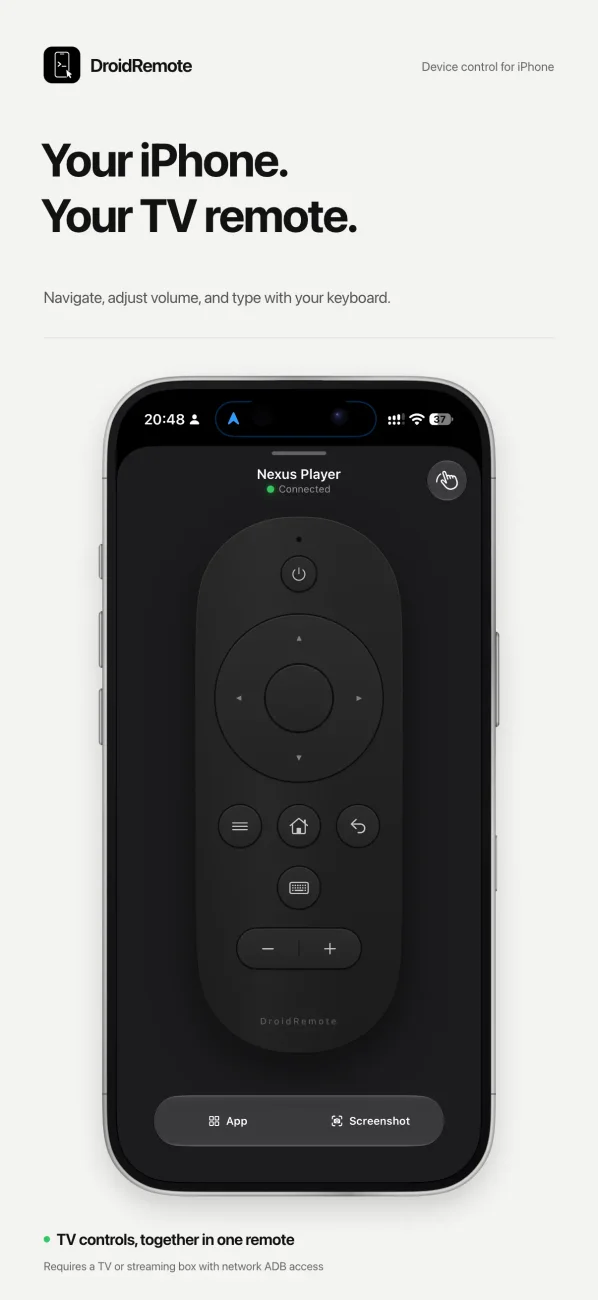
Use your iPhone or iPad to control a compatible TV or streaming box. Navigate with directional buttons, adjust volume, and enter text with your keyboard.
BROWSE & TRANSFER FILES
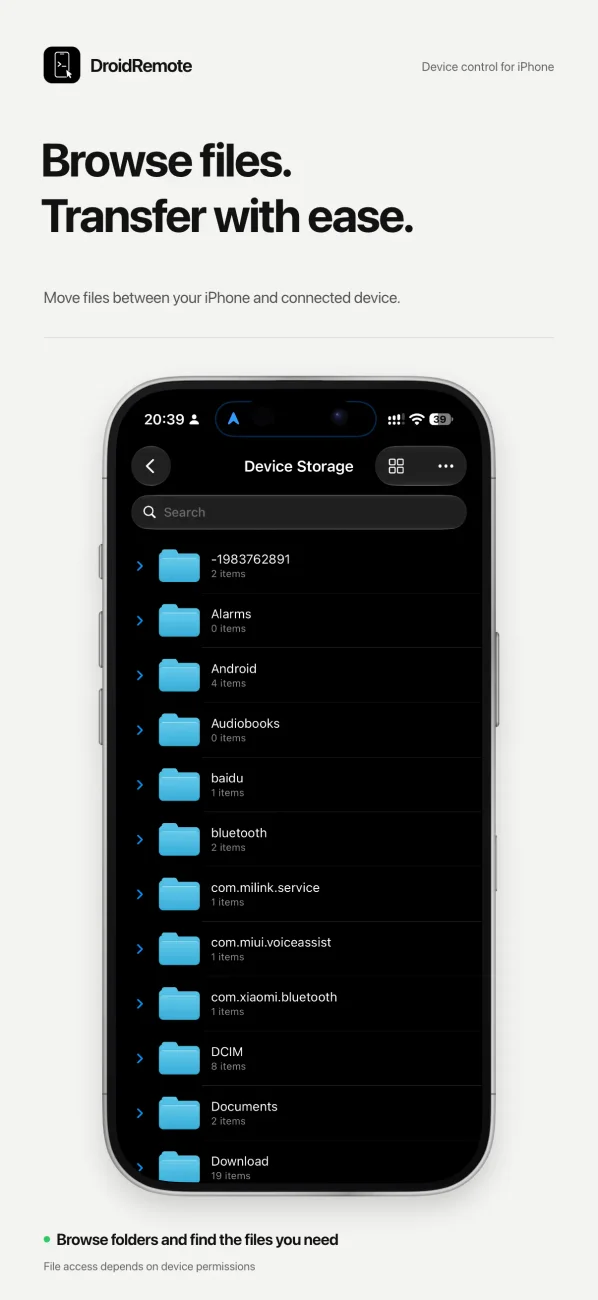
Browse folders on the connected device and upload or download files between devices. File access depends on the connected device's permissions.
MANAGE DEVICE APPS
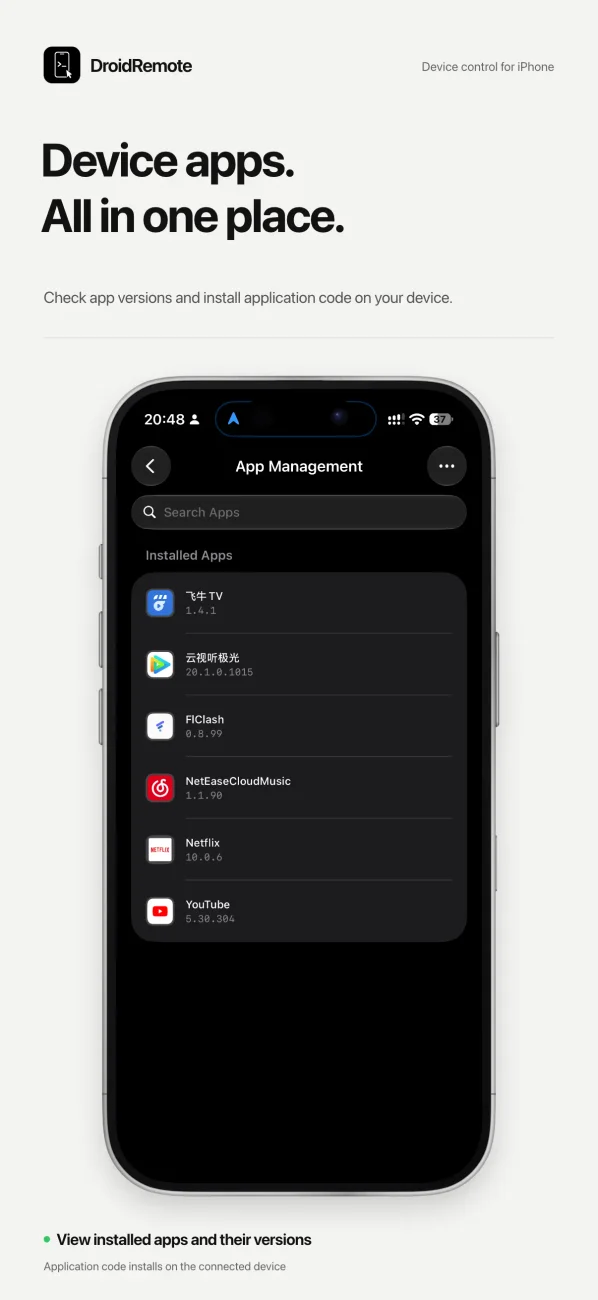
View installed apps and their versions. Send application code to the connected device for installation. Installation takes place on that device.
OPEN A DEVICE TERMINAL
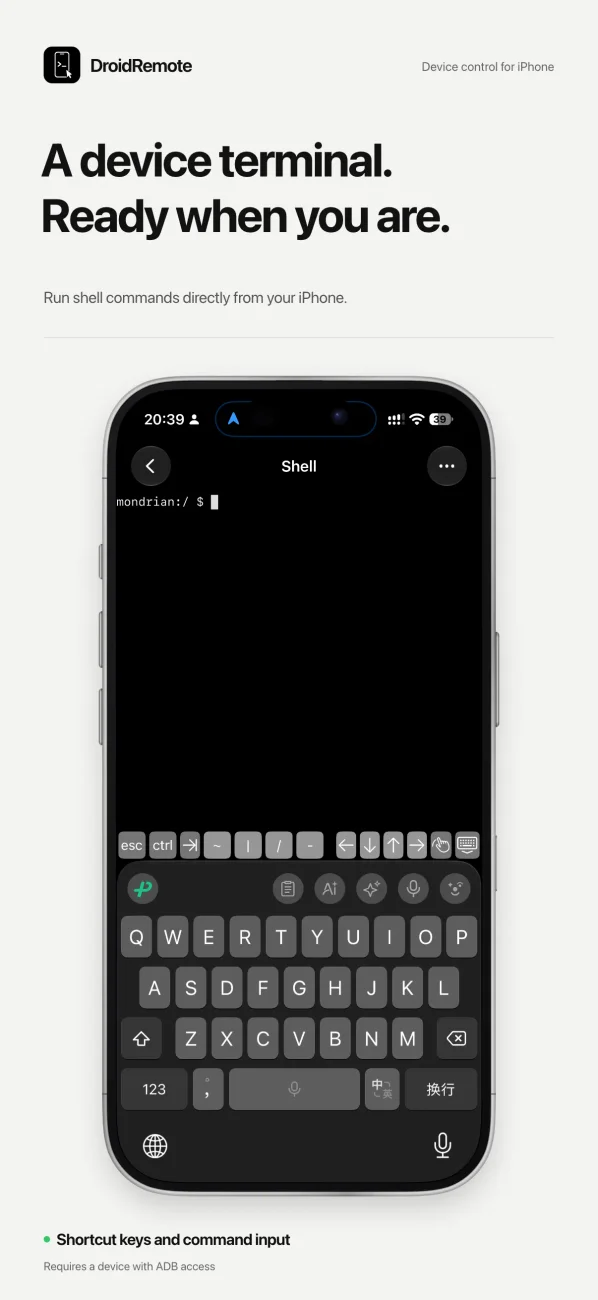
Run Shell commands on the connected device from your iPhone or iPad. Shortcut keys help with command input and navigation.
VIEW LIVE LOGS
Stream device logs in real time. Filter by level, package name, or Tag, pause the stream to inspect entries, and search by keyword to find the logs you need.
CONNECT YOUR DEVICES
Discover devices on your local network, pair with a wireless debugging code or QR code on supported devices, or enter an ADB address and port. Tailscale integration supports connections to devices on your tailnet after configuration.
BEFORE YOU CONNECT
A separate device with ADB access is required. Enable and authorize wireless debugging or network ADB on the device you want to control. For local connections, both devices must be on the same network. Features depend on the connected device's capabilities and permissions. Only connect to devices you own or are authorized to manage.
EULA: https://www.apple.com/legal/internet-services/itunes/dev/stdeula/
Yang baru
Versi 1.1 · 11/11/2026
• Multi-display switching while mirroring
• Screen recording with one tap
• Performance and stability improvements
Privasi aplikasi
Yang dinyatakan 正 刘 di App Store tentang cara aplikasi ini menangani data.
-
Data tidak dikumpulkan
Pengembang tidak mengumpulkan data apa pun dari aplikasi ini.
Praktik privasi dapat bervariasi, misalnya berdasarkan fitur yang Anda gunakan atau usia Anda.
Informasi
- Penjual
- 正 刘
- Kategori
- Kegunaan
- Versi
- 1.1
- Diperbarui
- 11/11/2026
- Dirilis
- 16/10/2026
- Ukuran
- 35,5 MB
- Memerlukan
- iOS 17.6 atau yang lebih baru
- Batasan usia
- 4+
- Harga
- Gratis
- Pembelian dalam aplikasi
- Ya
- Bahasa
- Inggris, Tionghoa Sederhana
- Hak cipta
- © 2026 Liu Zheng