Dwelln
Home maintenance on a schedule
Dirancang untuk iPhone, iPod touch
Pembelian dalam aplikasi
- Batasan usia4+
- KategoriProduktivitas
- PengembangAcadia AI LLC
- BahasaInggris
- Ukuran38,9 MB
Dwelln mungkin sedang tidak tersedia di App Store
Halaman di toko tidak dapat dijangkau saat terakhir kami periksa. Tautan tetap mengarah ke halaman resmi App Store.
Tangkapan layar



Tentang
Pengembang belum menyediakan teks ini dalam bahasa Anda.
Dwelln keeps your home from falling behind. Pick your region, tell it what your home has, and Dwelln builds your maintenance schedule for you: furnace, water heater, gutters, smoke detectors, lawn, and the seasonal work that is easy to forget.
USE DWELLN FROM YOUR ASSISTANT
Dwelln works with Claude, ChatGPT, Gemini, Muse and any assistant that connects to an MCP server. Ask what is due at your home, add a task with its date, mark work done, or add a note or a photo to a task, from the assistant you already use. Claude: find Dwelln in the Claude directory. ChatGPT and Muse: coming soon.
Free for your first home, no card needed.
WHAT IS DUE, AT A GLANCE
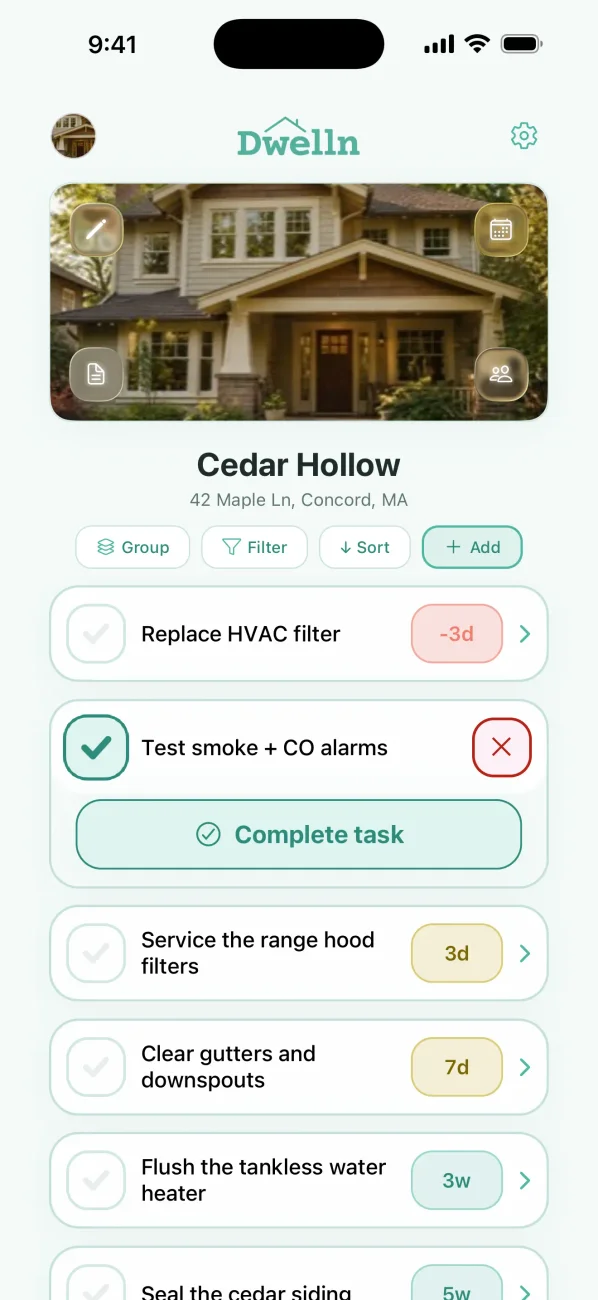
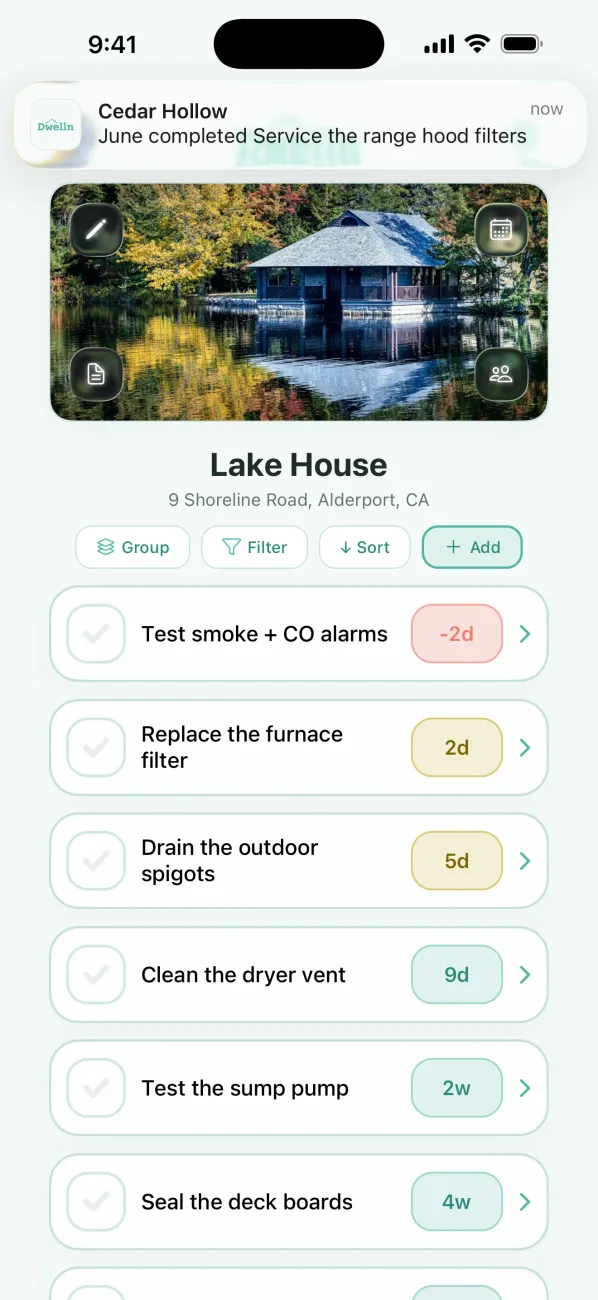
Your home's tasks sit under its photo, each with a day counter. Coming up, due soon, and overdue are easy to tell apart. Group the list by due date or task type, filter it by tag, and sort it the way you think.
ONE TAP WHEN IT IS DONE
Tick a task's check box and the next date sets itself from the task's own cadence. Change your mind and undo it. Every completion is kept in the task's history, so you can see when the filter was last changed or the gutters last cleared.
REMINDERS THAT EARN THEIR PLACE
Dwelln reminds you before work is due (1, 3, 7 or 14 days ahead, you choose), on the day, and while it is overdue: daily for the first three days, then once a week. Only the tasks that need you get a reminder, never the whole list.
YOUR OWN TASKS, YOUR OWN TIMING
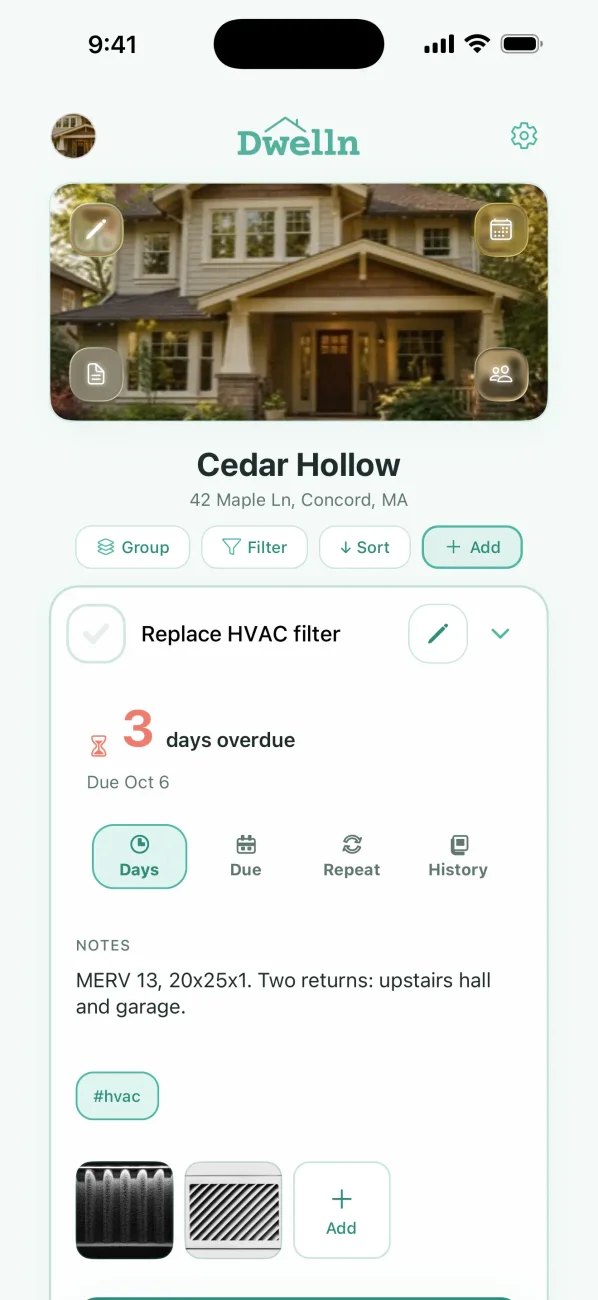
Add anything the schedule missed. Pick a date on a wheel, set how often it repeats, add notes, tags and photos, and it joins the list straight away. Keep property notes for the whole home in one place.
YOUR CALENDAR, KEPT IN STEP
Connect Google Calendar and every task with a due date appears in a Dwelln calendar, two-way: move an event there and the task moves with it. On iPhone, add Apple Calendar as a read-only subscription that picks up your changes as it refreshes, with no access to your personal calendars.
MORE THAN ONE PLACE TO LOOK AFTER
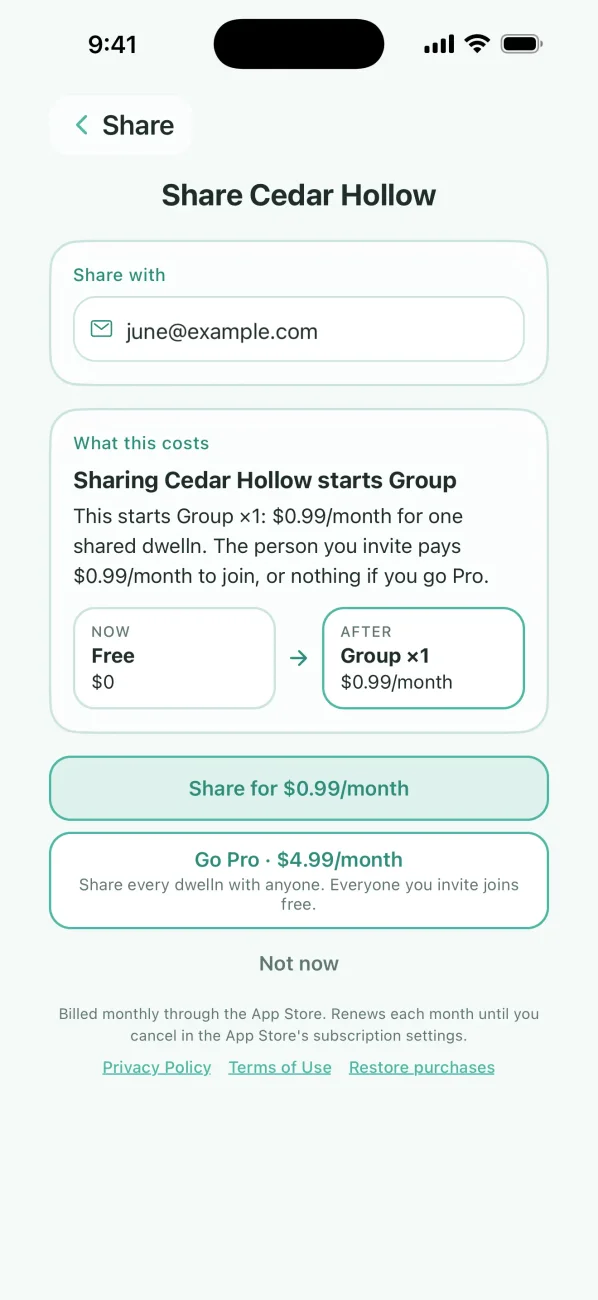
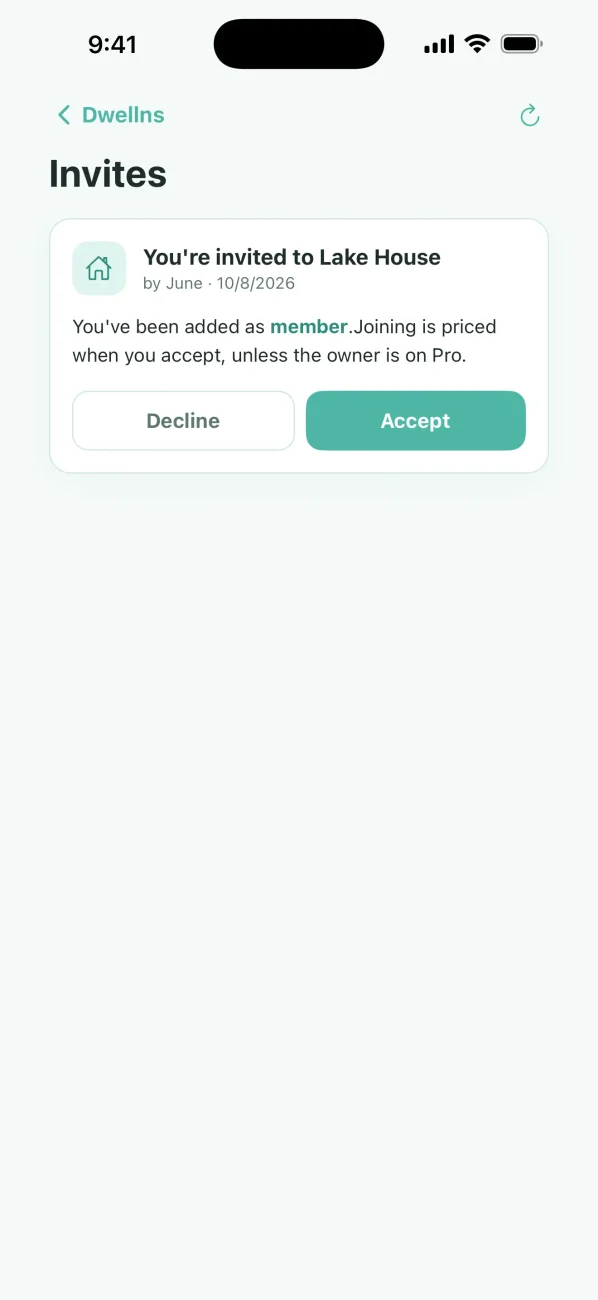
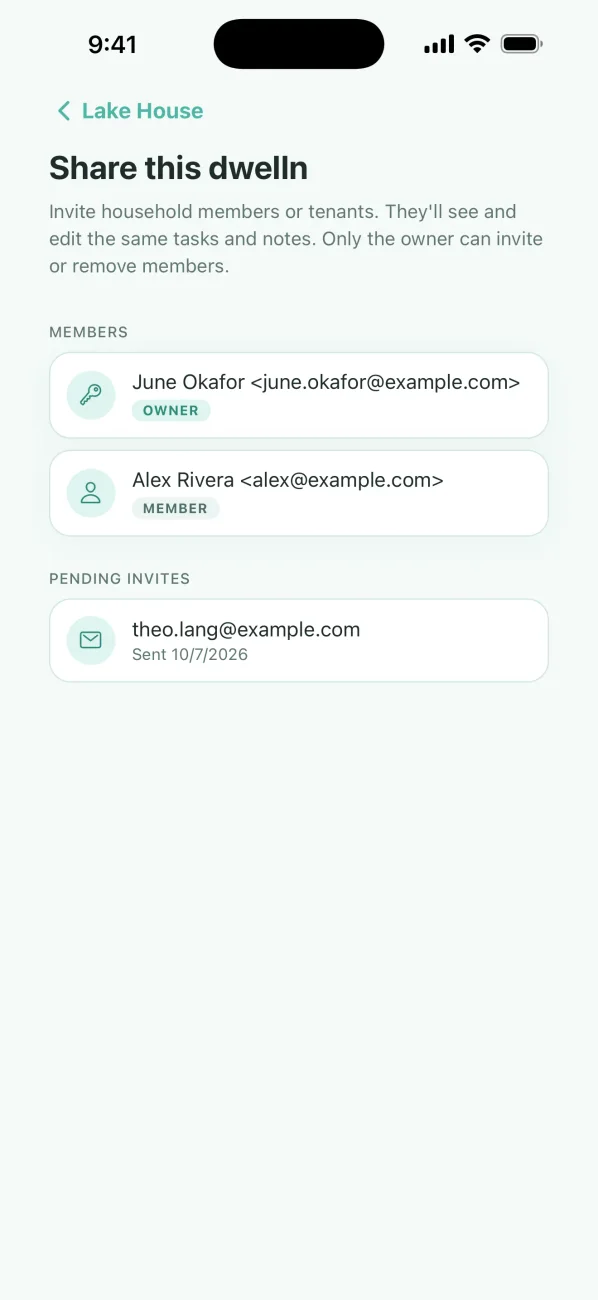
Share a home with the people who live there so everyone sees the same list, and a change one of you makes shows up on the others' lists within seconds. Move to Pro to look after more than one home and switch between them in a tap.
FREE, GROUP AND PRO
Free: one home, the full maintenance schedule, Google Calendar sync and the Apple Calendar subscription.
Group: one shared home; each member has their own monthly subscription.
Pro: every home you look after, in one monthly subscription, and everyone you invite joins free.
Group and Pro are auto-renewing monthly subscriptions billed through your Apple ID. They renew until cancelled in your Apple ID settings.
Privacy Policy: https://dwelln.app/privacy
Terms of Use: https://dwelln.app/terms
Yang baru
Versi 3.0.5 · 15/10/2026
Claude connector: one-tap add from Claude's directory; clearer assistant setup; fixes a crash when opening an assistant link.
Privasi aplikasi
Yang dinyatakan Acadia AI LLC di App Store tentang cara aplikasi ini menangani data.
-
Data yang ditautkan dengan Anda
Dapat dikumpulkan dan ditautkan dengan identitas Anda.
- Pembelian
- Lokasi
- Info kontak
- Konten pengguna
- Pengenal
- Diagnostik
Praktik privasi dapat bervariasi, misalnya berdasarkan fitur yang Anda gunakan atau usia Anda.
Informasi
- Penjual
- Acadia AI LLC
- Kategori
- Produktivitas
- Versi
- 3.0.5
- Diperbarui
- 15/10/2026
- Dirilis
- 7/10/2026
- Ukuran
- 38,9 MB
- Memerlukan
- iOS 15.1 atau yang lebih baru
- Batasan usia
- 4+
- Pembelian dalam aplikasi
- Ya
- Bahasa
- Inggris
- Hak cipta
- © 2026 Acadia AI LLC