EasyEditText
Edit .txt files
Dirancang untuk iPhone, iPad
Gratis · Pembelian dalam aplikasi
- Batasan usia4+
- KategoriProduktivitas
- PengembangSahand Nayebaziz
- BahasaInggris
- Ukuran4,9 MB
Tertaut ke halaman resmi App Store
Download.org tidak menyimpan file EasyEditText apa pun. Tombol ini membuka halaman aplikasi di App Store, tempat Sahand Nayebaziz menerbitkannya. Halaman terakhir diperiksa pada 12/11/2026.
Tangkapan layar
Tentang
Pengembang belum menyediakan teks ini dalam bahasa Anda.
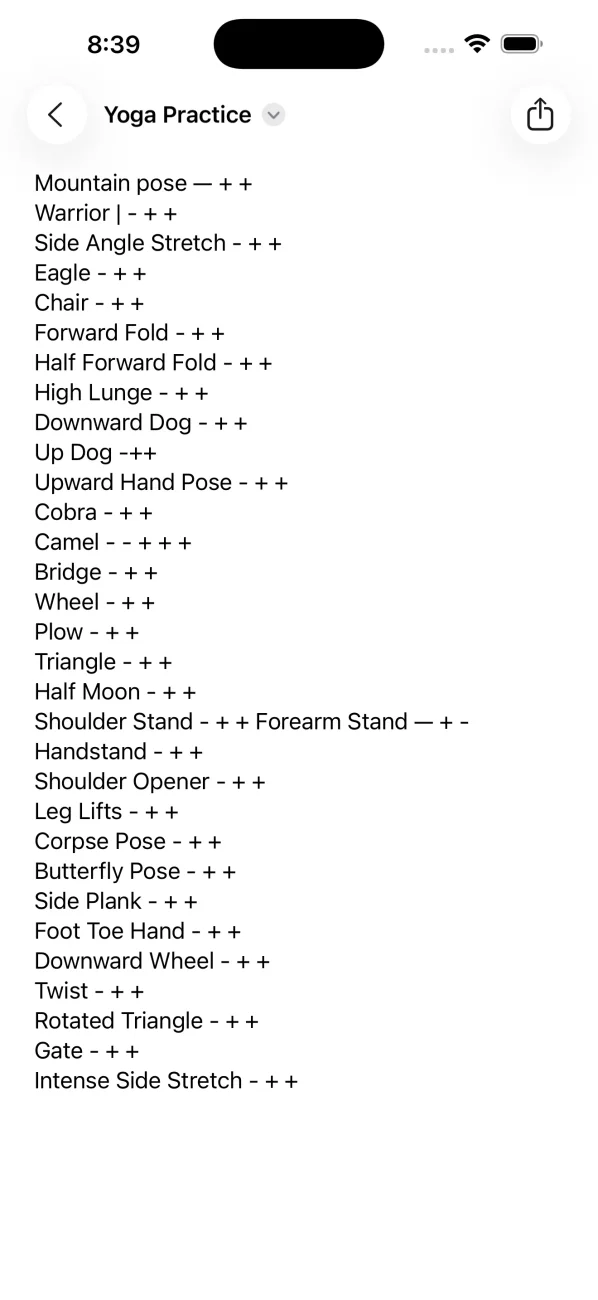
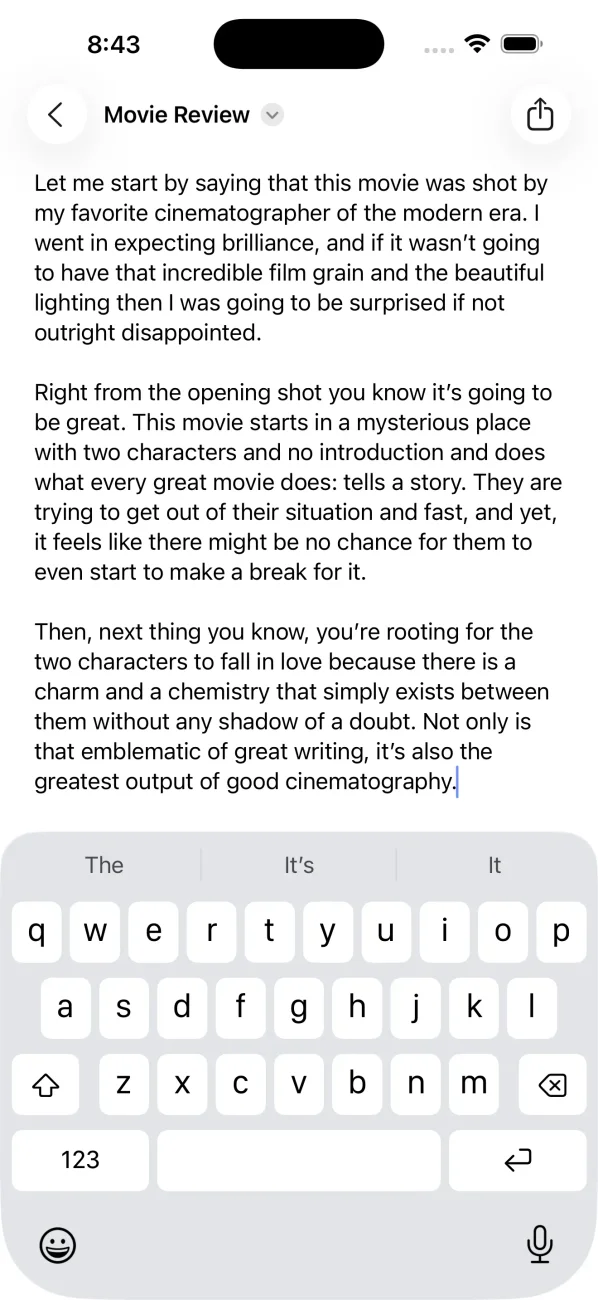
Easily create and edit plain text files anywhere with the most comfortable plain text editor on iOS.
EasyEditText works natively with the Files app, so it works with your files stored in iCloud Drive, Dropbox, Box, and more.
EasyEditText was made to bring the .txt functionality of TextEdit to iOS!
This app will forever stay free and the plainest-plain-text editor around.
EasyEditText feels at home on iOS with...
- Native iOS UI
- iPadOS Trackpad support
- iCloud Drive Files access
- Dark Mode
- Accessible UI
- Support for all sizes and orientations of iOS/iPadOS devices
- Share sheet to share text easily
- Printing from the share sheet
Yang baru
Versi 3.0.0 · 28/10/2026
iPhone Duo support
Privasi aplikasi
Yang dinyatakan Sahand Nayebaziz di App Store tentang cara aplikasi ini menangani data.
-
Data tidak dikumpulkan
Pengembang tidak mengumpulkan data apa pun dari aplikasi ini.
Praktik privasi dapat bervariasi, misalnya berdasarkan fitur yang Anda gunakan atau usia Anda.
Informasi
- Penjual
- Sahand Nayebaziz
- Kategori
- Produktivitas
- Versi
- 3.0.0
- Diperbarui
- 28/10/2026
- Dirilis
- 23/1/2018
- Ukuran
- 4,9 MB
- Memerlukan
- iOS 17.0 atau yang lebih baru
- Batasan usia
- 4+
- Harga
- Gratis
- Pembelian dalam aplikasi
- Ya
- Bahasa
- Inggris
- Hak cipta
- © Sahand Nayebaziz
Mungkin Anda juga suka
-
 TextEdit - Editor TeksMenulis dokumen dengan AI
-
 txt Editor – Text EditorProduktivitas
-
 EZText - Text EditorProduktivitas
-
 Lightweight Text EditorProduktivitas
-
 iEditor – Text Code EditorProduktivitas
-
 QuickEditor - Text & CodeMarkdown, regex & Diff
-
 myTextViewer: Code & Log FileProduktivitas
-
 Typepad EditorProduktivitas
-
 Notepad ++Produktivitas
-
 DraftsProduktivitas