
- Batasan usia4+
- KategoriFoto & Video
- Pengembangphi & co.
- BahasaInggris+ 1 lainnya
- Ukuran1,5 MB
Tertaut ke halaman resmi App Store
Download.org tidak menyimpan file Efecto Camera apa pun. Tombol ini membuka halaman aplikasi di App Store, tempat phi & co. menerbitkannya. Halaman terakhir diperiksa pada 12/11/2026.
Tangkapan layar


Tentang
Pengembang belum menyediakan teks ini dalam bahasa Anda.
Shoot video with character.
Efecto Camera brings the look of classic film, vintage videotape, and expressive graphic effects into your viewfinder. Preview your chosen filter live, shape it to suit the scene, and start recording when the look feels right.
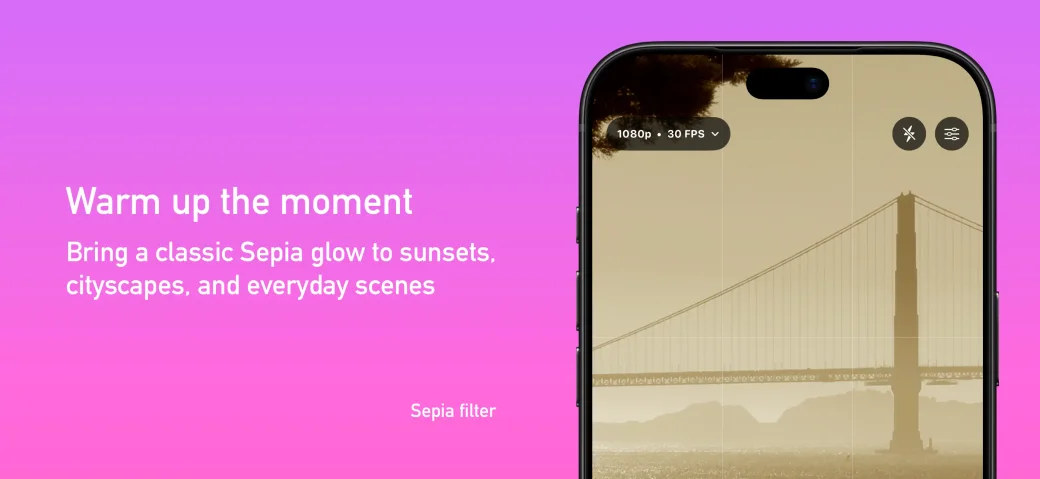
Give a city walk the texture of Super 8, capture a sunset with warm Sepia tones, or turn familiar surroundings into a moving comic. Whether you’re filming a trip, a short creative project, or an everyday moment, there’s plenty to explore.
EXPLORE THE LOOKS
• Film character — Try Super 8, Noir, Mono, and Sepia, or add dust, scratches, and flicker with Found Film
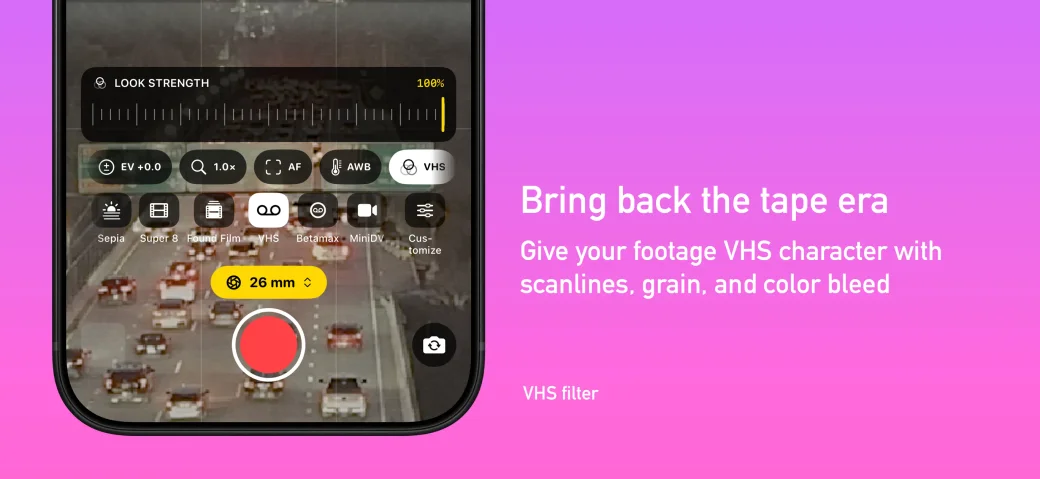
• Tape and television — Bring back the character of VHS, Betamax, MiniDV, CRT, and Night CCTV, with their distinctive colors and video artifacts
• Creative color and graphics — Explore Comic, Ink, Glitch, Aerochrome, Blueish, X-Ray, and 8 Bit for a different take on the scene
MAKE THE LOOK YOURS
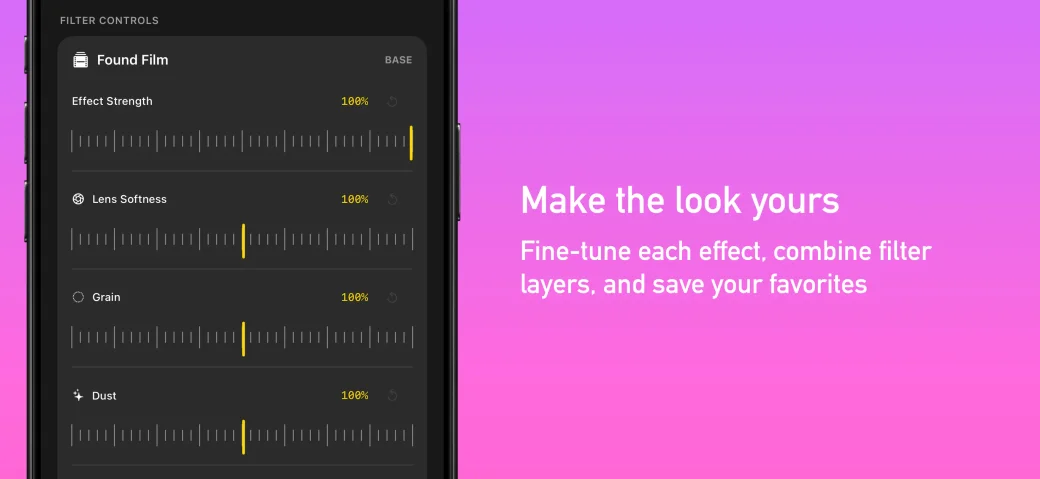
Start with a filter, then adjust its strength and individual settings. Depending on the effect, you can fine-tune grain, detail, glow, color bleed, scanlines, and more:
• Combine up to three different filters
• Reorder layers to explore different results
• Save your combinations and settings in My Filters, ready for your next recording.
TAKE CONTROL OF THE SHOT
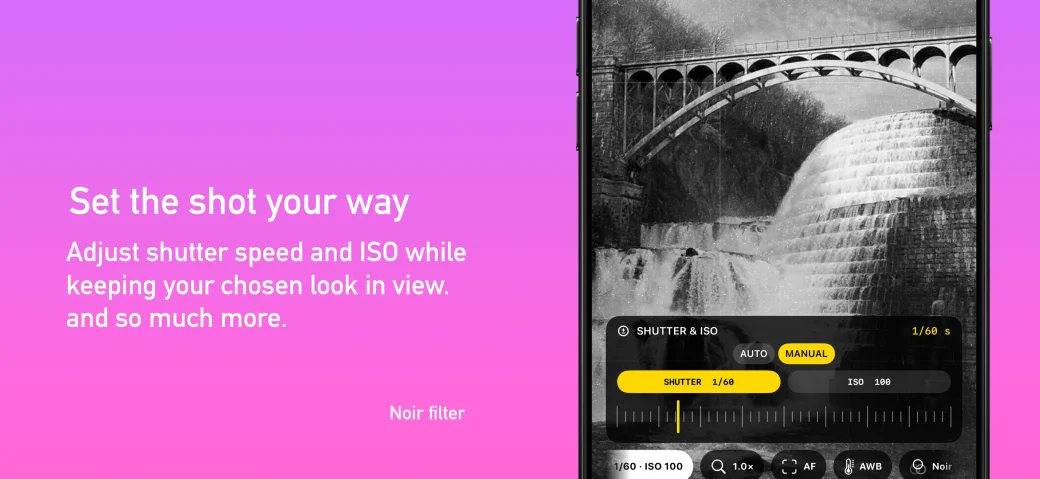
Stay in Auto for quick, spontaneous filming, or switch to manual controls when you want to shape the image more precisely:
• Adjust shutter speed and ISO
• Control focus and white balance
• Choose a lens, tap to focus, and pinch to zoom
• Use a grid and center marker to help frame the scene
• Record in 1080p or 4K at supported frame rates, including 24, 30, and 60 fps
KEEP THE ORIGINAL, TOO
Efecto Camera preserves an unfiltered source recording while showing your chosen look in the live preview. After filming, compare synchronized Original and Filtered playback, then save the original, the filtered version, or both to Photos.
Pick a look, make it your own, and see where it takes you.
Please keep in mind that recording formats, lenses, and camera controls depend on the device that you use.
Privasi aplikasi
Yang dinyatakan phi & co. di App Store tentang cara aplikasi ini menangani data.
-
Data tidak dikumpulkan
Pengembang tidak mengumpulkan data apa pun dari aplikasi ini.
Praktik privasi dapat bervariasi, misalnya berdasarkan fitur yang Anda gunakan atau usia Anda.
Informasi
- Penjual
- phi & co. Development LLC
- Kategori
- Foto & Video
- Versi
- 1.0
- Diperbarui
- 13/10/2026
- Dirilis
- 13/10/2026
- Ukuran
- 1,5 MB
- Memerlukan
- iOS 18.0 atau yang lebih baru
- Batasan usia
- 4+
- Harga
- Gratis
- Bahasa
- Inggris, Jerman
- Hak cipta
- © 2026 phi & co. Development LLC
Mungkin Anda juga suka
-
 LunaLux: Film Photo EditorFoto & Video
-
 Waist Level CameraFoto & Video
-
 Jeju Filter: Landscape CameraFoto & Video
-
 RetroLab: CCD Film CameraFoto & Video
-
 ERA: VHS & Retro Video CameraFoto & Video
-
 Film Camera - Vintage PhotoFoto & Video
-
 Edit Foto AI & Filter: PristaEfek Anime, Retro & Tren Jadul
-
 Rayon: Pro Film & RAW CameraFoto & Video
-
 TimeLens - Time Travel CameraFoto & Video
-
 Cam Light PaintingFoto & Video