Flash Cards & Dictionary
Beautifully designed flashcard
Dirancang untuk iPhone, iPad, iPod touch
Gratis · Pembelian dalam aplikasi
- Batasan usia4+
- KategoriPendidikan
- PengembangKengo Kosakai
- BahasaInggris+ 3 lainnya
- Ukuran199,5 MB
Tertaut ke halaman resmi App Store
Download.org tidak menyimpan file Flash Cards & Dictionary apa pun. Tombol ini membuka halaman aplikasi di App Store, tempat Kengo Kosakai menerbitkannya. Halaman terakhir diperiksa pada 24/11/2026.
Tangkapan layar



Tentang
Pengembang belum menyediakan teks ini dalam bahasa Anda.
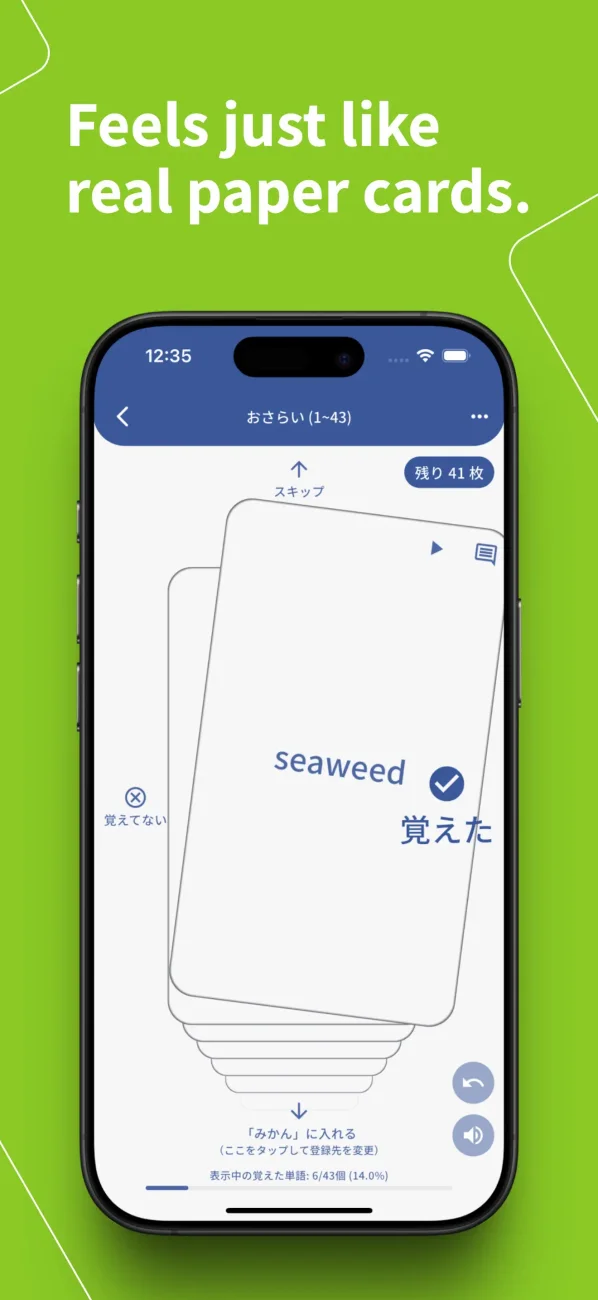
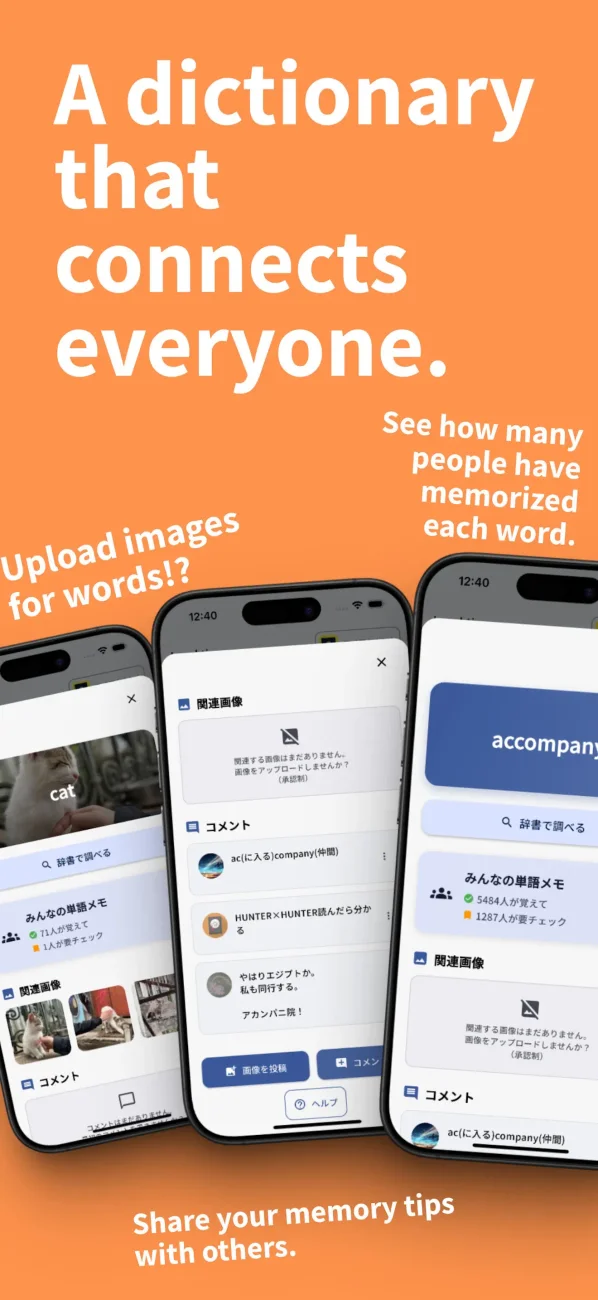
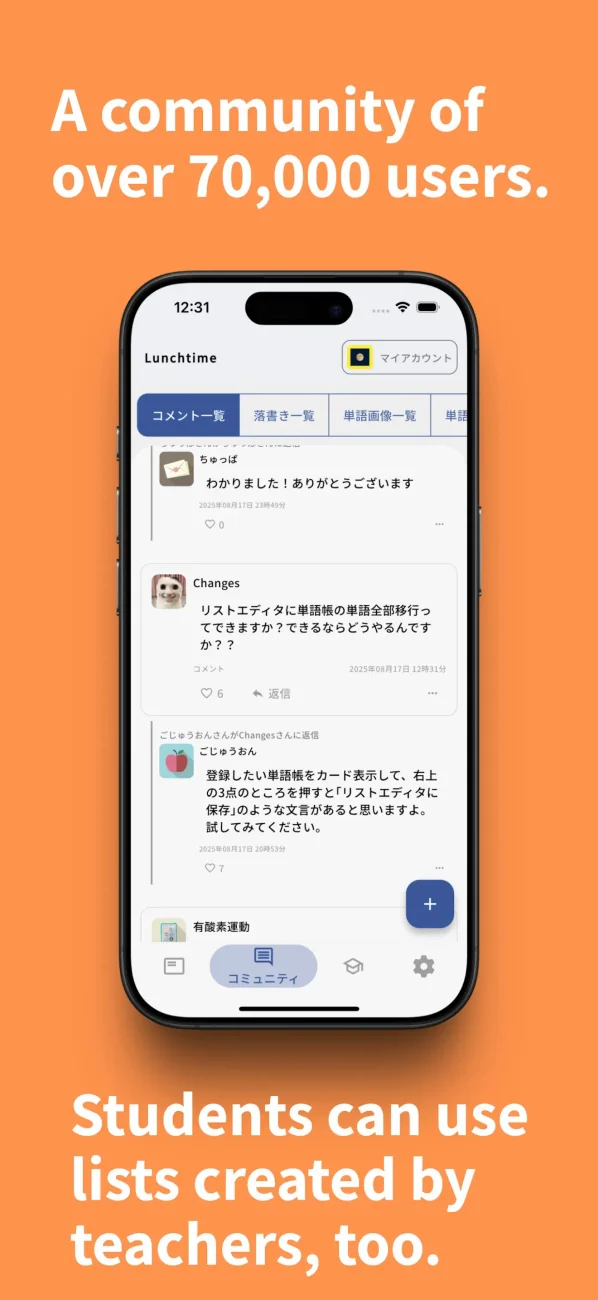
This app lets you create flashcards directly from PrintGenerator, a study tool used by more than 70,000 students, teachers, and cram school users in Japan.
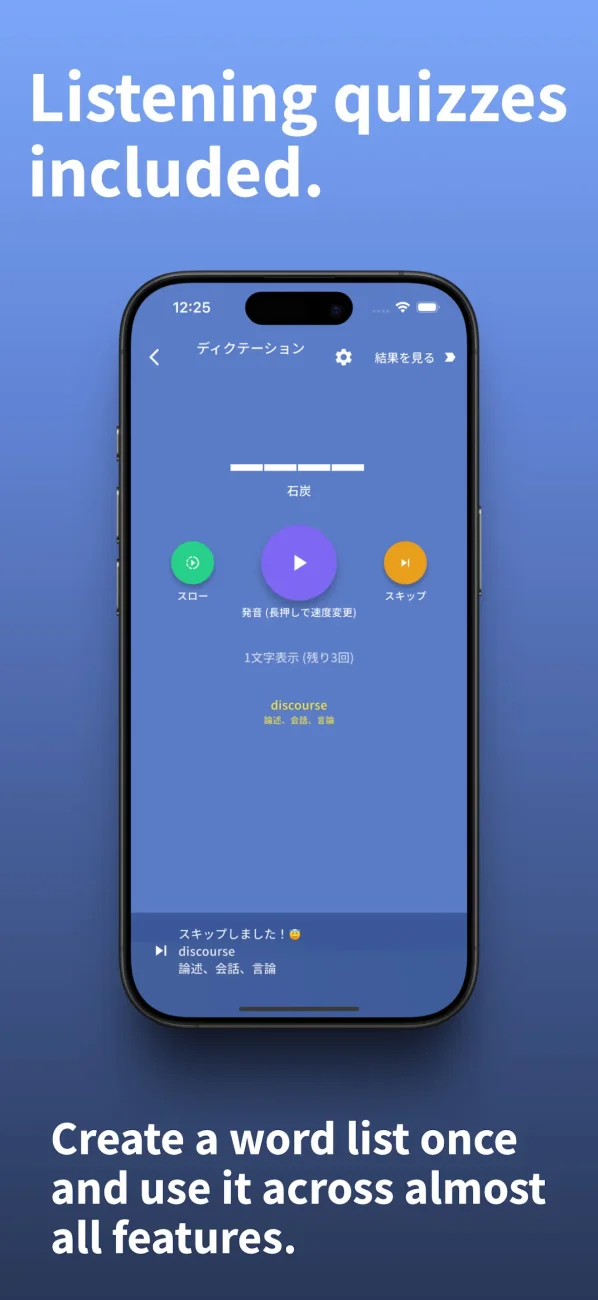
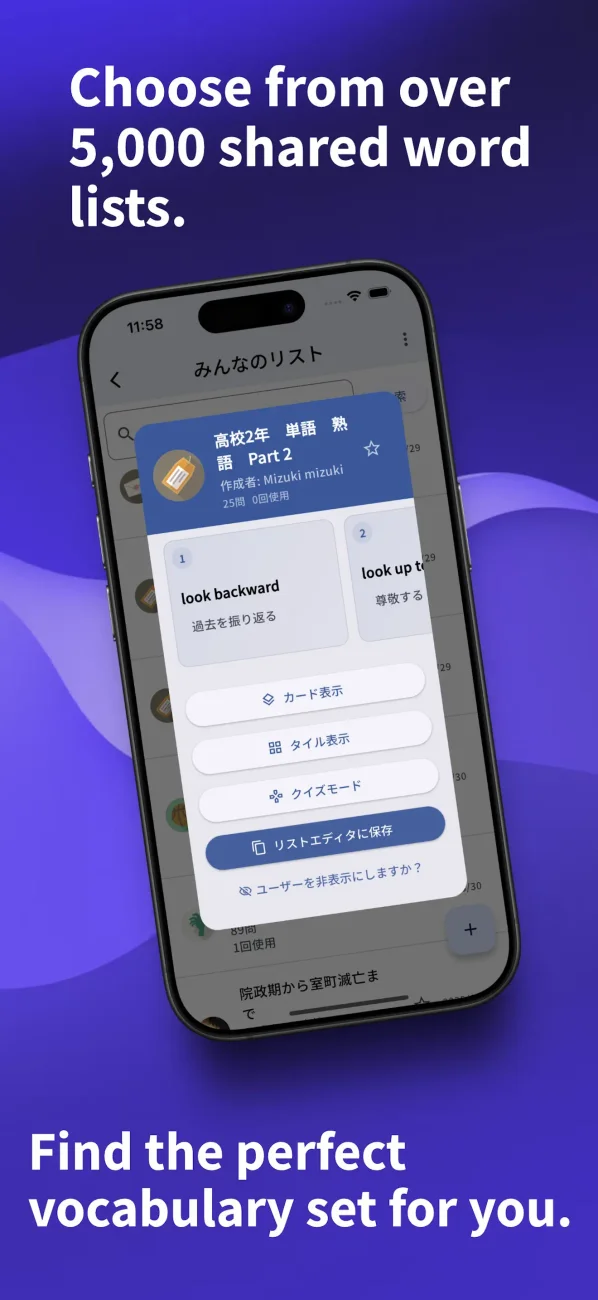
You can merge multiple wordbooks to create custom lists, play 4–10 choice quizzes, and even practise listening quizzes.
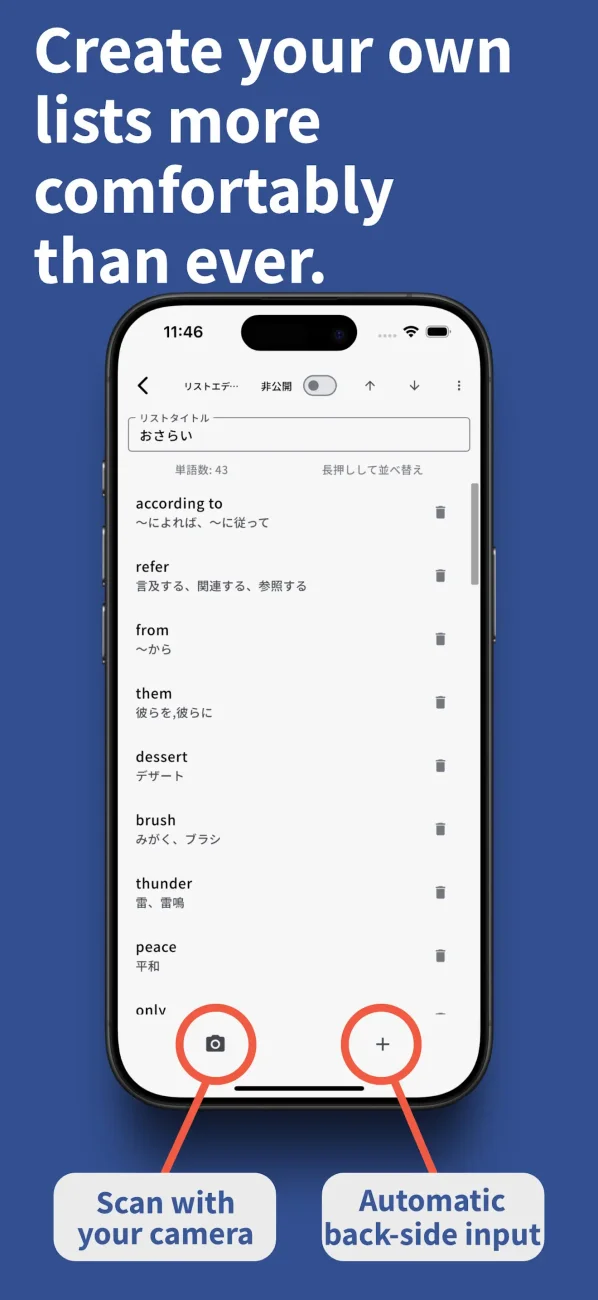
You can also import flashcards from photos of your own wordbooks, and quickly generate word lists using the automatic back-side input feature.
With seamless integration between flashcards and the built-in dictionary, you’ll experience a smooth and efficient study flow like never before.
Features
• Clear your lists quickly with the 4-choice quiz mode
• Look up words in the built-in dictionary and add them directly to your list
• Create flashcards instantly by simply selecting the page range of a commercial wordbook
• Generate mini-tests instantly by selecting the range you want
Free Features
• Nearly all basic features are available for free with no time limits
Premium Features
• Increase the number of My Lists from 2 to 5
• No limit on the number of questions when generating mini-tests
• No ads
• Access to a massive example-sentence dictionary
• AI-powered English writing correction
• Increased number of image-to-card scans
How to Cancel
You can cancel your subscription via:
Settings > iTunes & App Store > Apple ID > View Apple ID > Subscriptions
Restore Purchase
If you have an active subscription, you can restore it via “Restore Purchase.”
Copyright & Book Handling
https://www.printgenerator.net/about
Terms of Use
https://www.printgenerator.net/eula_app_apple
Privacy Policy
https://www.printgenerator.net/privacy_policy_app
Yang baru
Versi 5.0.45 · 23/11/2026
Redesigned the Premium plan screen to be simpler and easier to read. Public list search is now lighter and more responsive while typing.
Privasi aplikasi
Yang dinyatakan Kengo Kosakai di App Store tentang cara aplikasi ini menangani data.
-
Data yang digunakan untuk melacak Anda
Dapat digunakan untuk melacak Anda di aplikasi dan situs web milik perusahaan lain.
- Pengenal
-
Data yang tidak ditautkan dengan Anda
Dapat dikumpulkan, tetapi tidak ditautkan dengan identitas Anda.
- Pengenal
Praktik privasi dapat bervariasi, misalnya berdasarkan fitur yang Anda gunakan atau usia Anda.
Informasi
- Penjual
- Kengo Kosakai
- Kategori
- Pendidikan
- Versi
- 5.0.45
- Diperbarui
- 23/11/2026
- Dirilis
- 13/7/2022
- Ukuran
- 199,5 MB
- Memerlukan
- iOS 15.0 atau yang lebih baru
- Batasan usia
- 4+
- Harga
- Gratis
- Pembelian dalam aplikasi
- Ya
- Bahasa
- Inggris, Prancis, Jepang, Korea
- Hak cipta
- © 小テストジェネレーター