
FlashCardFlipper: Study Cards
Memorize Text, Audio, Images
Dirancang untuk iPhone, iPad
Gratis
- Batasan usia4+
- KategoriPendidikan
- PengembangDAVID WILLIAM SMITH
- BahasaInggris
- Ukuran33,3 MB
Tertaut ke halaman resmi App Store
Download.org tidak menyimpan file FlashCardFlipper: Study Cards apa pun. Tombol ini membuka halaman aplikasi di App Store, tempat DAVID WILLIAM SMITH menerbitkannya. Halaman terakhir diperiksa pada 12/11/2026.
Tangkapan layar
Tentang
Pengembang belum menyediakan teks ini dalam bahasa Anda.
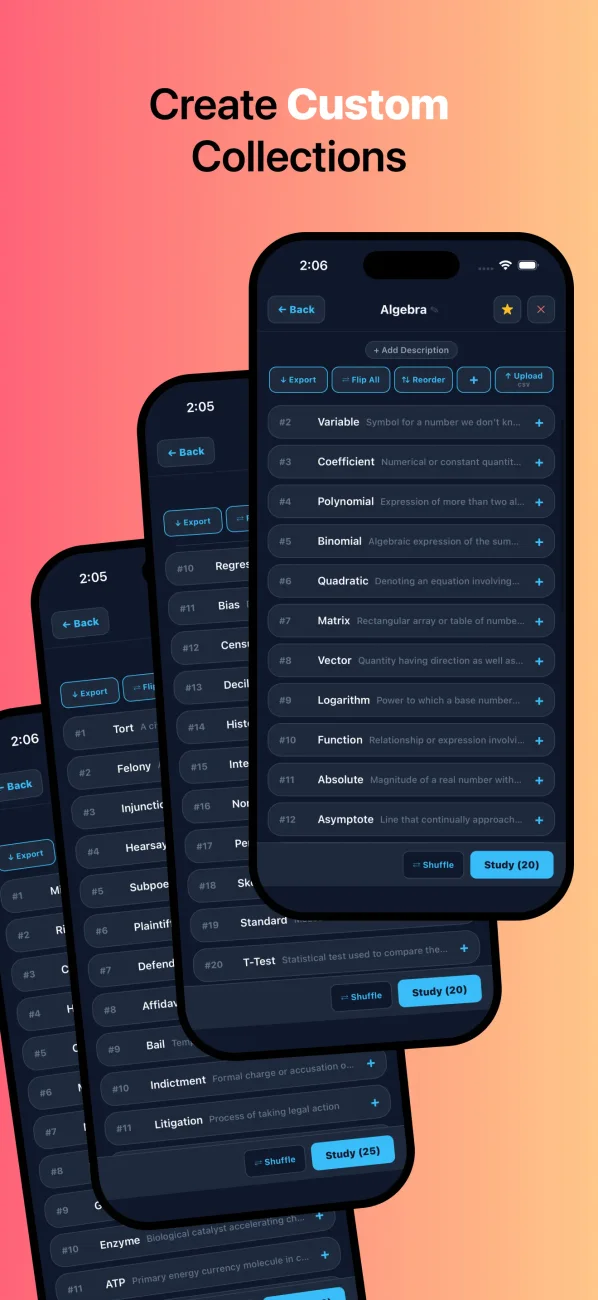
FlashCardFlipper is a powerful, customizable flashcard study app designed to help you master vocabulary, languages, exam prep, terminology, coursework, multimedia, and more! Users can create custom collections, record spoken pronunciation, attach audio and image files, and study seamlessly using an interactive card-flipping experience.
KEY FEATURES & CAPABILITIES:
AUDIO RECORDING & DIRECT AUDIO IMPORT
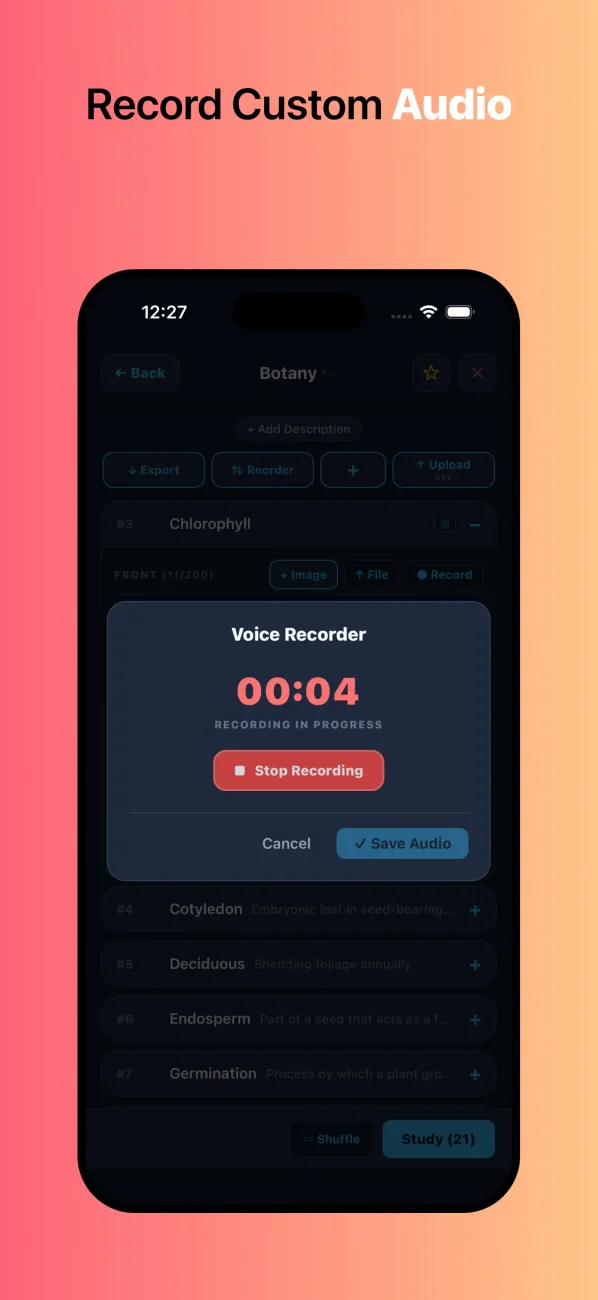
• Built-In Voice Recorder: Record custom voice notes directly onto the front or back of any flashcard with live timing, preview playback, and re-recording controls.
• Import Audio Files: Attach external audio tracks (.mp3, .m4a, and more) from your device to either the question or answer side.
• Auto-Play Audio: Listen to front and back pronunciations automatically as you flip through cards during study sessions, or tap the audio button anytime to listen on demand.
IMAGE & MEDIA ATTACHMENTS
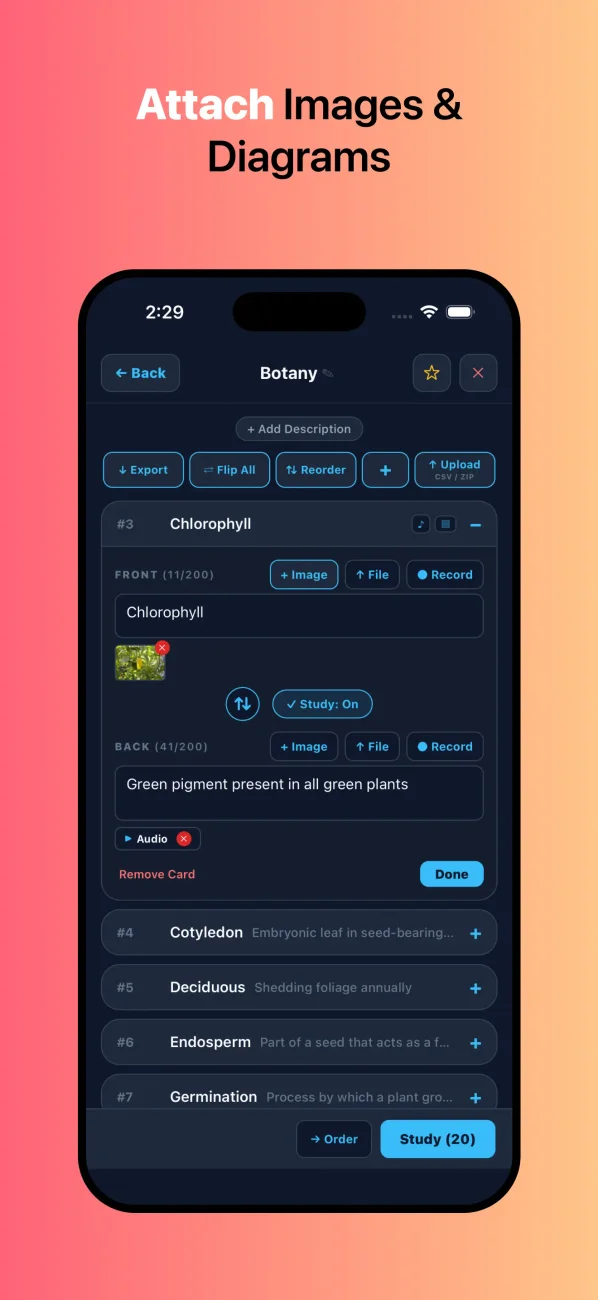
• Add visual aids, diagrams, and photos directly from your photo library to the front and back of any card.
• Visual indicators in your deck overview highlight at a glance which cards contain audio recordings or image attachments.
INTERACTIVE 3D STUDY MODE
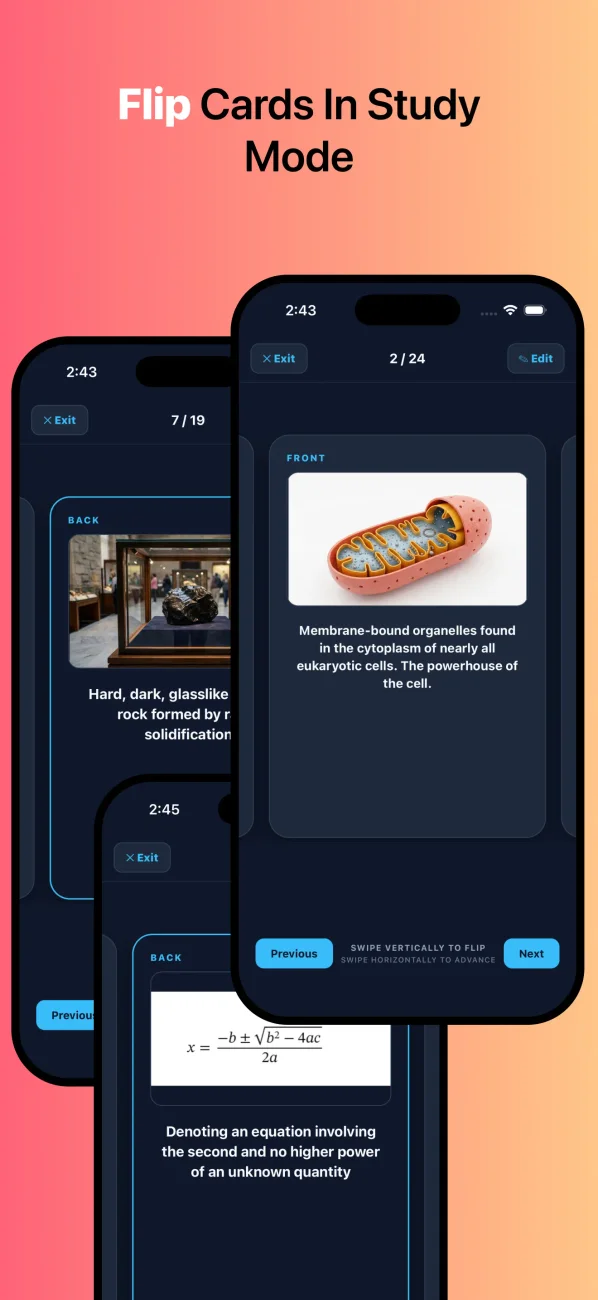
• Gesture-Driven Study: Swipe vertically to flip cards and swipe horizontally to advance through your deck.
• Study Shuffle or Ordered: Practice in randomized shuffle order or structured sequence, with custom defaults saved in your settings.
• Selective Card Study: Toggle individual cards on or off to focus exclusively on active material without deleting mastered content.
• In-Study Editing: Edit text, change photos, re-record audio, or remove cards directly from the active study session without losing your place.
DECK MANAGEMENT & ORGANIZATION
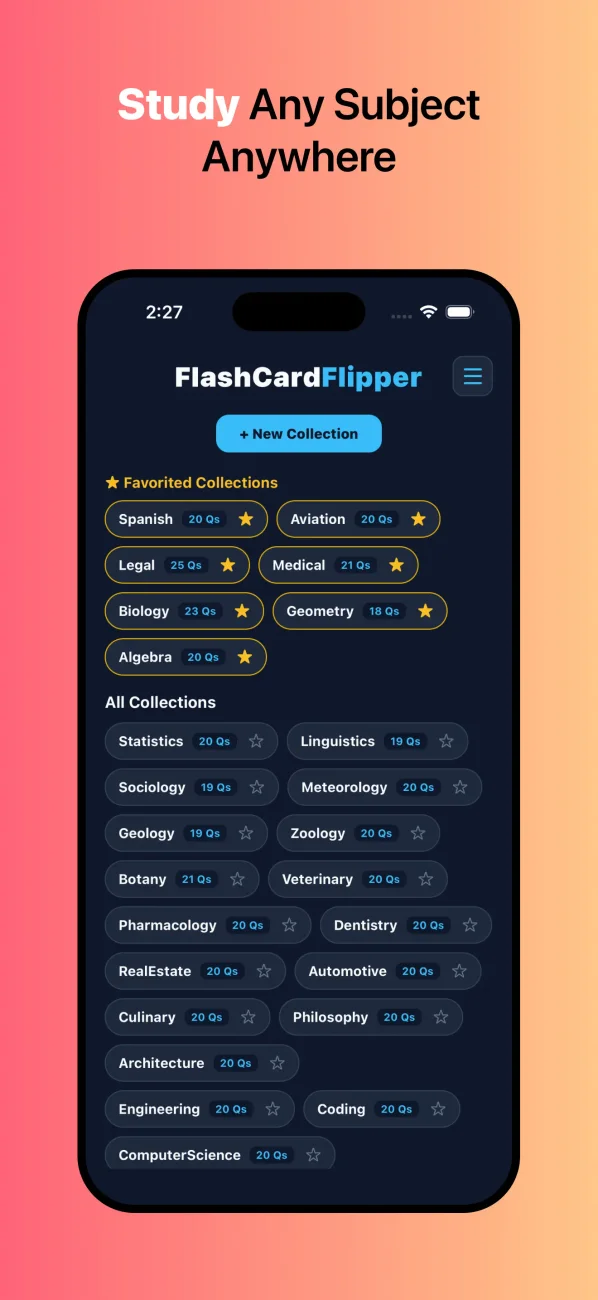
• Favorites System: Star important decks to pin them to the top of your home screen for instant access.
• Detailed Collection Summaries: View card counters and add rich descriptions to keep your study materials organized.
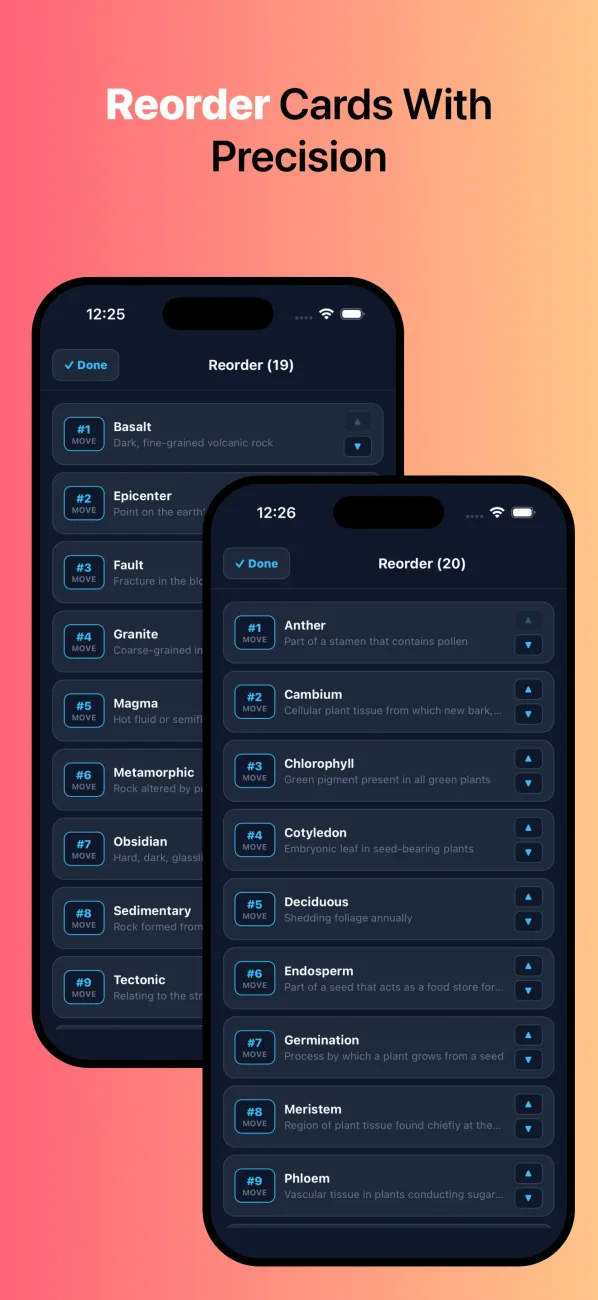
• Reorder & Custom Positioning: Move cards up or down step-by-step, or jump a card directly to a specific position number.
• Instant "Flip All": Reverse front and back sides across an entire deck with one tap, ideal for bidirectional language learning (e.g., Spanish-to-English and English-to-Spanish).
• Single Card Side Swap: Quickly swap the front and back content (including media and audio) of individual cards with a single button.
CSV DATA IMPORT & EXPORT
• Single Deck CSV Export: Share or download individual collections as standard CSV spreadsheets.
• Bulk CSV / ZIP Deck Import: Import existing lists and flashcards directly from spreadsheets with automatic header detection (Question/Front, Answer/Back) or raw 2-column formats.
• Full Library Backup & Restore: Export all your text collections in a single CSV / ZIP backup file and restore multiple decks in seconds.
CUSTOMIZABLE SETTINGS & PRIVACY
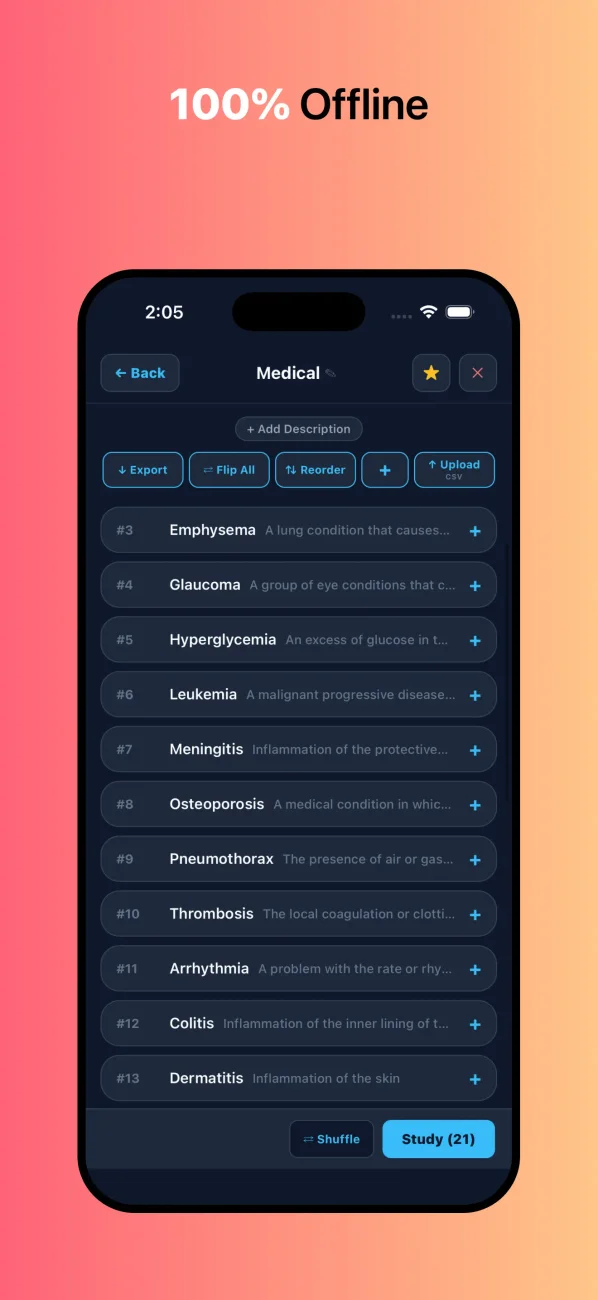
• 100% Offline & Private: All flashcards, recordings, images, and collections remain strictly stored on your local device. Zero tracking, zero remote servers, and zero cloud profiling. Your study materials stay entirely yours.
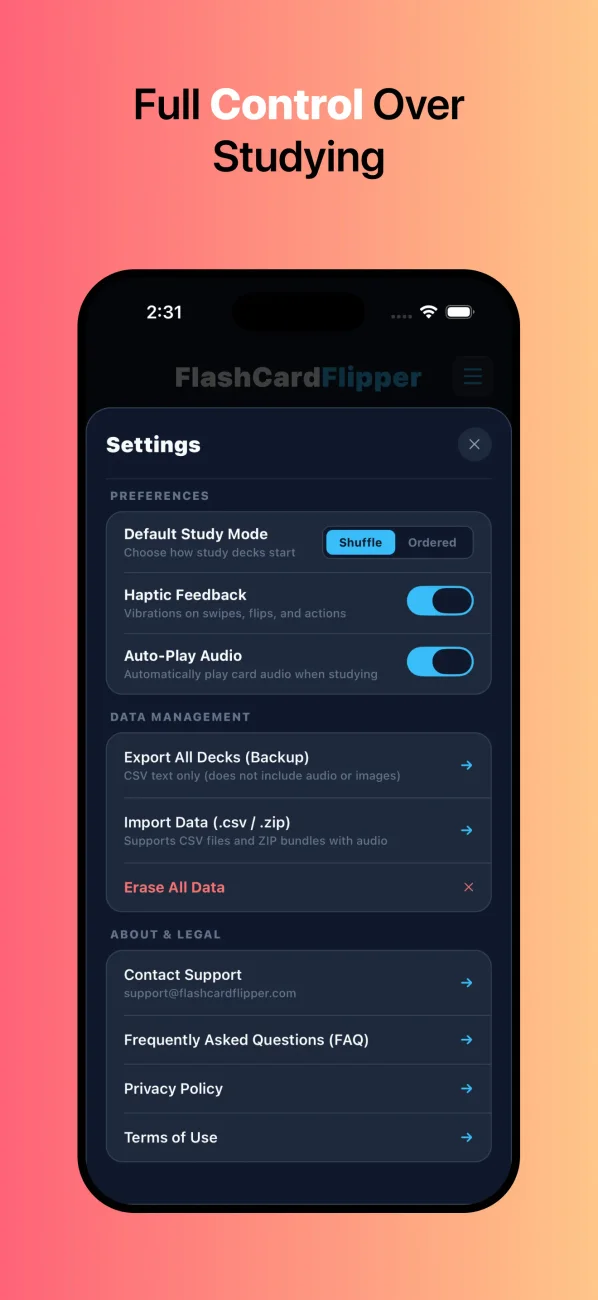
• Configure study mode defaults (Shuffle vs. Ordered).
• Toggle haptic vibrations and audio auto-play preferences.
• Full data control with one-tap library reset tools.
• Direct support access, FAQ guide, and clear privacy links.
Master any subject with text, sound, and imagery. FlashCardFlipper gives you a complete toolkit for effective learning!
Yang baru
Versi 1.0.1 · 14/9/2026
Enhanced File Imports: Expanded the 'import data' feature to seamlessly support bulk audio and image data via ZIP files alongside traditional CSV uploads.
Improved User Experience: Introduced a new loading popup for enhanced feedback and clarity during data processing, paired with optimized navigation and transition flows.
Visual Refresh: Updated the app icon and added a video preview.
Privasi aplikasi
Yang dinyatakan DAVID WILLIAM SMITH di App Store tentang cara aplikasi ini menangani data.
-
Data tidak dikumpulkan
Pengembang tidak mengumpulkan data apa pun dari aplikasi ini.
Praktik privasi dapat bervariasi, misalnya berdasarkan fitur yang Anda gunakan atau usia Anda.
Informasi
- Penjual
- DAVID WILLIAM SMITH
- Kategori
- Pendidikan
- Versi
- 1.0.1
- Diperbarui
- 14/9/2026
- Dirilis
- 9/9/2026
- Ukuran
- 33,3 MB
- Memerlukan
- iOS 16.4 atau yang lebih baru
- Batasan usia
- 4+
- Harga
- Gratis
- Bahasa
- Inggris
- Hak cipta
- © 2026 David Smith
Mungkin Anda juga suka
-
 Flashcards Made Easy. Learn!Pendidikan
-
 CardfoqPendidikan
-
 Flashcards - Swipe & LearnPendidikan
-
 OnScene: EMT-BasicPendidikan
-
 Card Flipper: Learn VocabularyPendidikan
-
 Flashcard Memory: Kids TTSPendidikan
-
 Flashcards: Learn AnythingPendidikan
-
 JustFlip: FlashcardsPendidikan
-
 Consistent CursivePendidikan
-
 CardFlip: Flashcard MakerPendidikan