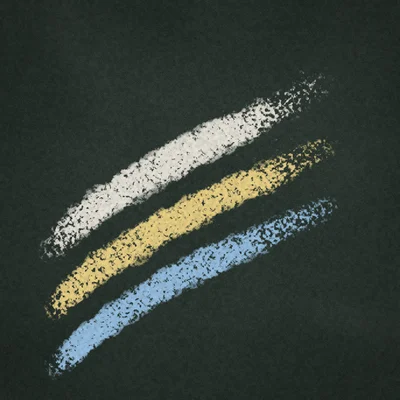
Flying Chalk
Chalkboard drawing with Pencil
Dirancang untuk iPhone, iPad, Mac
Gratis
- Batasan usia4+
- KategoriKegunaan
- PengembangWeiyanda (Shanghai) Information Technology Co., Ltd.
- BahasaInggris+ 8 lainnya
- Ukuran5,4 MB
Tertaut ke halaman resmi App Store
Download.org tidak menyimpan file Flying Chalk apa pun. Tombol ini membuka halaman aplikasi di App Store, tempat Weiyanda (Shanghai) Information Technology Co., Ltd. menerbitkannya. Halaman terakhir diperiksa pada 14/11/2026.
Tangkapan layar

Tentang
Pengembang belum menyediakan teks ini dalam bahasa Anda.
Chalk that behaves like chalk.
Every stroke is stamped grain by grain — not traced with a smooth line. Flick your wrist and the stroke feathers and breaks up, the way a real stick skips across a board. Slow down and it packs in, dense and powdery. Press harder and it bites. Lay the Pencil over on its side and you get a broad, soft side-stroke — the same move a teacher uses to shade in a hillside.
Built for iPad, in landscape, with Apple Pencil.
FOR THE CLASSROOM
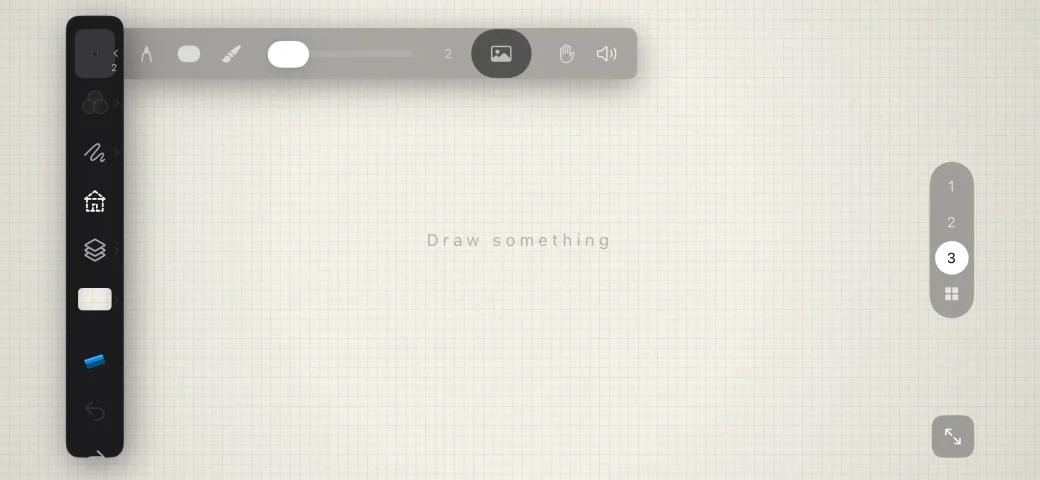
Pick the surface the lesson needs: a classic chalkboard, a green board, a whiteboard, kraft and sketch paper, ruled and grid pages, a character practice grid for handwriting, Xuan paper, a music staff. Change the board and your drawing stays exactly where it was.
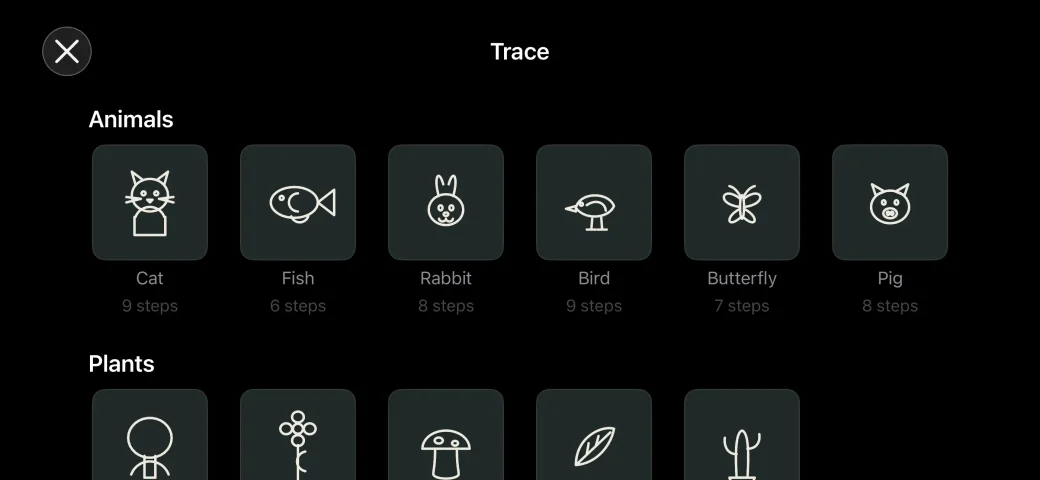
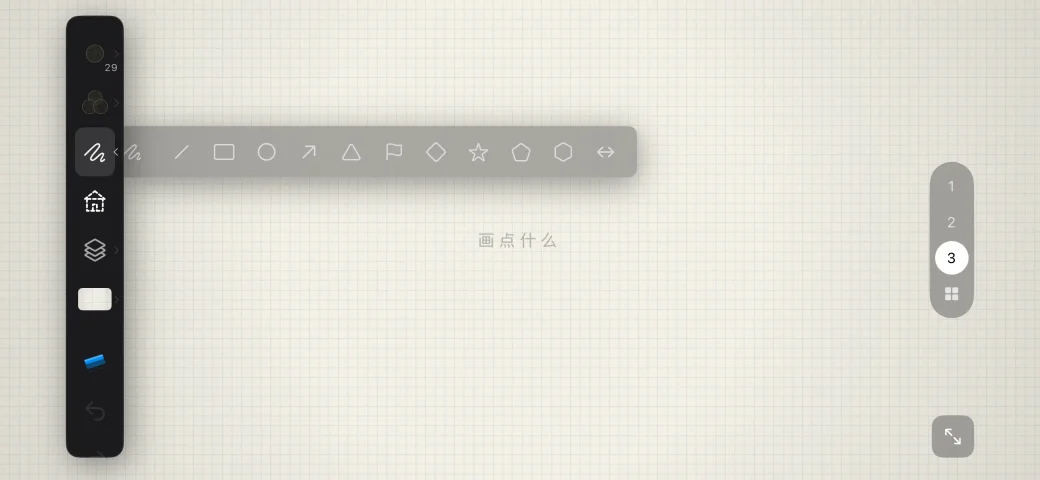
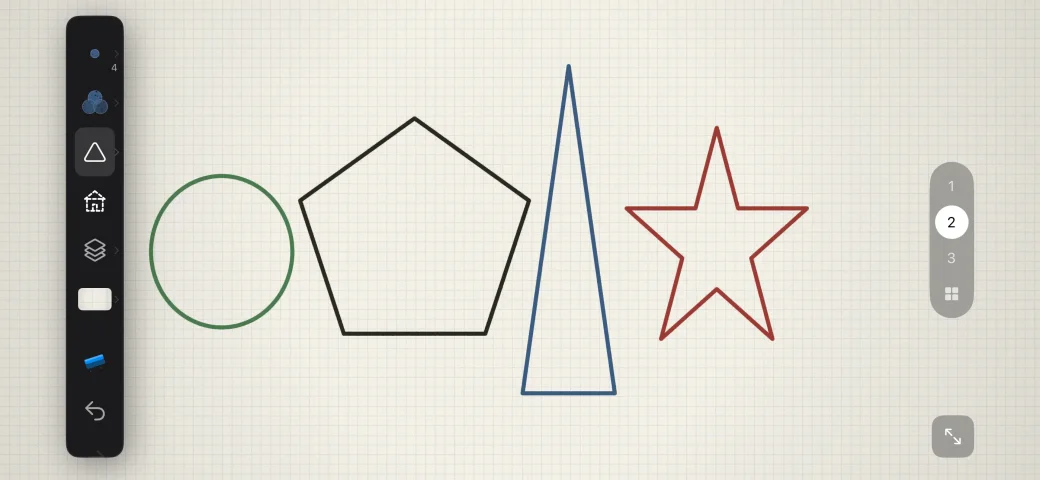
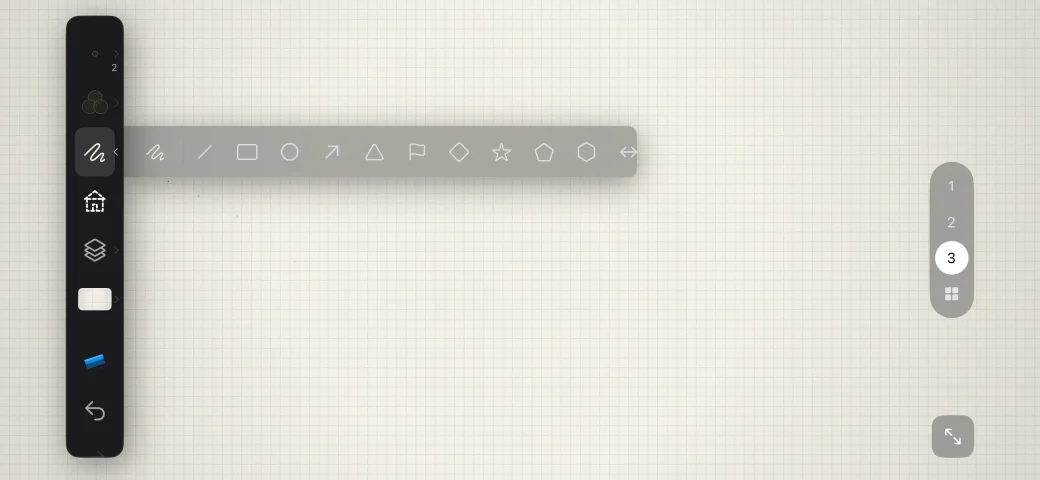
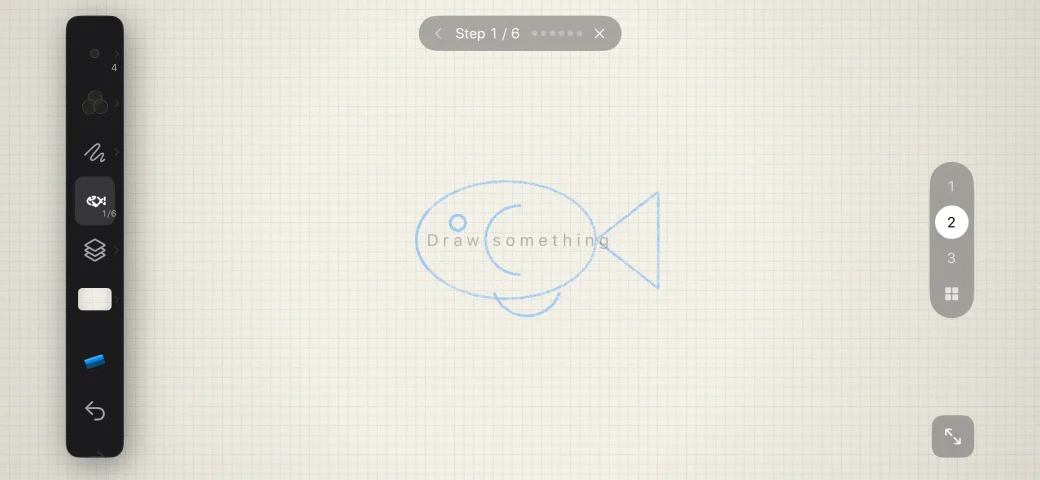
Trace guides break a simple drawing into steps, so a class can follow along stroke by stroke — the point is the stroke order, not the finished shape. Shapes give you clean lines, arrows and polygons when you need a diagram instead of a doodle. Layers let you build a diagram up and peel it back.
FOR KIDS
It is just a board and a stick. Tap, draw, wipe it off. The trace guides turn into a quiet game: follow the guide line, finish the cat.
THE THINGS PEOPLE COMPLAIN ABOUT
- A tip that goes thin when you want it thin, and stays thin.
- Pinch to zoom deep into the board and keep drawing at full grain.
- Palm rejection. Rest your hand on the glass; only the Pencil writes.
- The toolbar fades out the moment you put the Pencil down and comes back when you lift it. On a projector or a shared screen, what is on the board is all anyone sees.
- Mix your own colors. They are still there tomorrow.
KEEP AND SHARE
Save a drawing to your works library and come back to it later, filed by date. Turn any board into a share poster, with a QR code if you want one, and send it to a class group or a parent.
Chalk sound is there if you like it. Turn it off if you do not.
The interface language is switchable inside the app. Everything happens on your iPad.
Yang baru
Versi 4.0.18 · 23/10/2026
New timers, adjustable eraser and board size. Improved page scrolling, zoom feedback, and iCloud sync.
Privasi aplikasi
Yang dinyatakan Weiyanda (Shanghai) Information Technology Co., Ltd. di App Store tentang cara aplikasi ini menangani data.
-
Data tidak dikumpulkan
Pengembang tidak mengumpulkan data apa pun dari aplikasi ini.
Praktik privasi dapat bervariasi, misalnya berdasarkan fitur yang Anda gunakan atau usia Anda.
Informasi
- Penjual
- Weiyanda (Shanghai) Information Technology Co., Ltd.
- Kategori
- Kegunaan
- Versi
- 4.0.18
- Diperbarui
- 23/10/2026
- Dirilis
- 26/7/2026
- Ukuran
- 5,4 MB
- Memerlukan
- iOS 16.0 atau yang lebih baru
- Batasan usia
- 4+
- Harga
- Gratis
- Bahasa
- Inggris, Prancis, Jerman, Jepang, Korea, Portugis, Tionghoa Sederhana, Spanyol, Tionghoa Tradisional
- Hak cipta
- © 2026 Chaojun Dou